Week 9 - Attachment Feature Creation (Ribs & Screw Boss) - Challenge 1
Objective:- Creation of Attachment Feature (Ribs & Screw Boss)
- To Creation of Door Handle by using given CLASS A (close surface component).
- Cretion of close Solid body by using close surface component.
- Creation of Attachment Features (Ribs & Screw Boss)
Procedure For Creation Of Solid Component:-
- Creation of Tooling Axis.
- Creation of Class B Surface.
- Creation of Class C Surface.
- Creation of Close Surface by joining of Class A,Class C & Class B.
- Creation of Close Solid Component using Close surface component.
- Creation of Rib with given Design Rules.
- Creation of Screw Boss with given Design Rules.
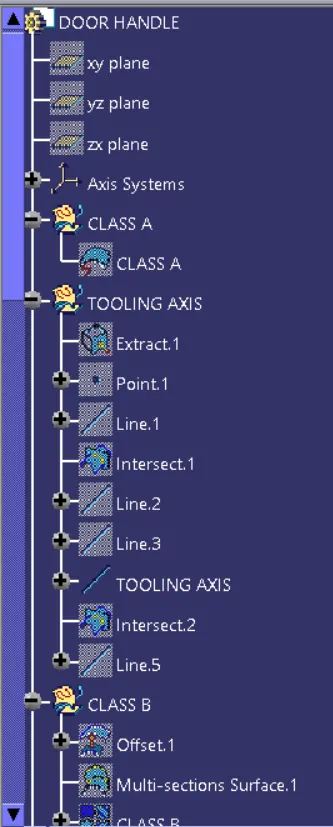
Creation of Tooling Axis:-
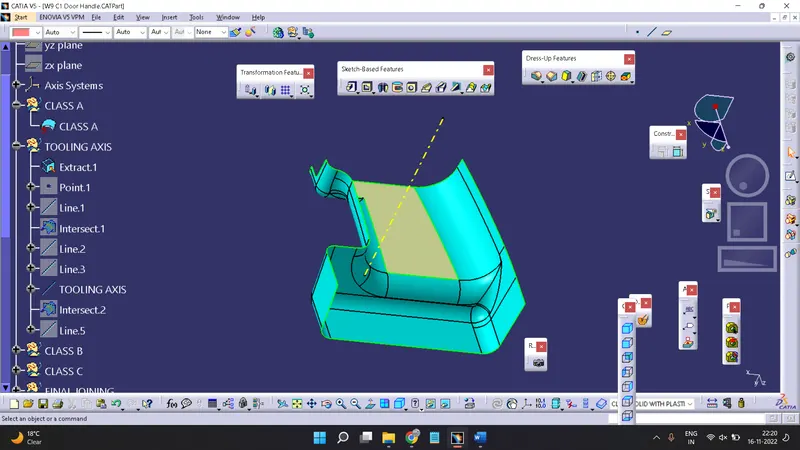
A tooling axis is the direction of a component where the component is easily ejected from core and cavity.A tooling axis is a most important for removing material with very finished surface. Before start working in any component it is needed to create a tooling axis firstly.The Tooling Direction is basically the direction that the mold pulls a part. The mold is built in two separate pieces, basically.You have a Cavity side and you have the Core side.The Core pulls apart from the Cavity and that's the Dye line or the Tooling Direction.Check for gaps between surfaces for that click on join
Creation Of Class B Surface:-
For creation of class B, First of all need to offset a class A with given distance.
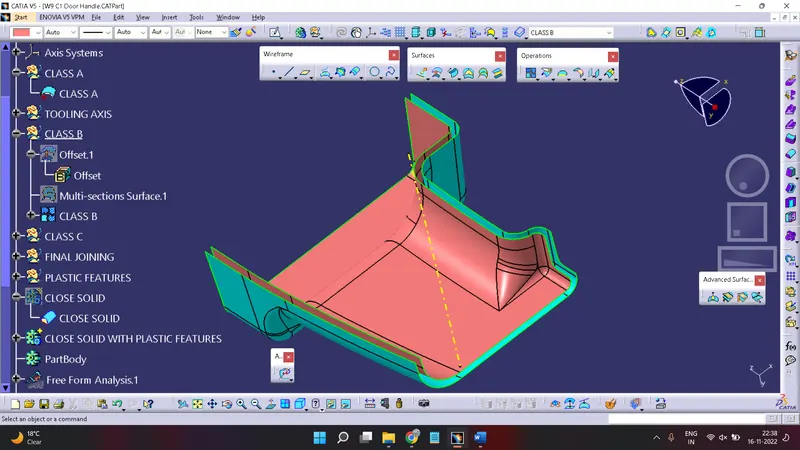
At offset some sub-elements of class A erroneous. So need to fill all remaing element by using different-different tools in Generative Shape Design.
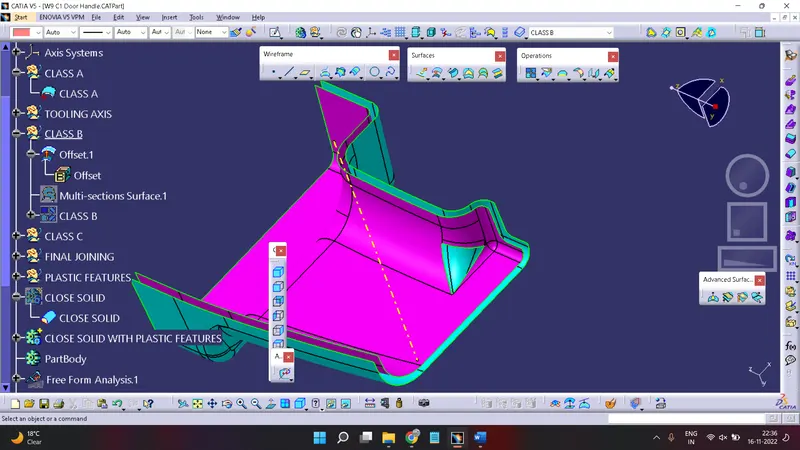
Need to fill this, Here fill this by using Multi-Section, Join offset & Multi-Section & Class B surface will done.
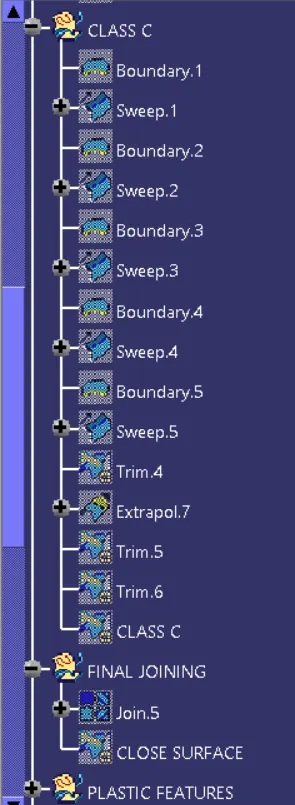
Creation Of Class C Surface:-
For creation of class C use tool Boundary & Sweep, Take boundary at diff-diff length and use a sweep
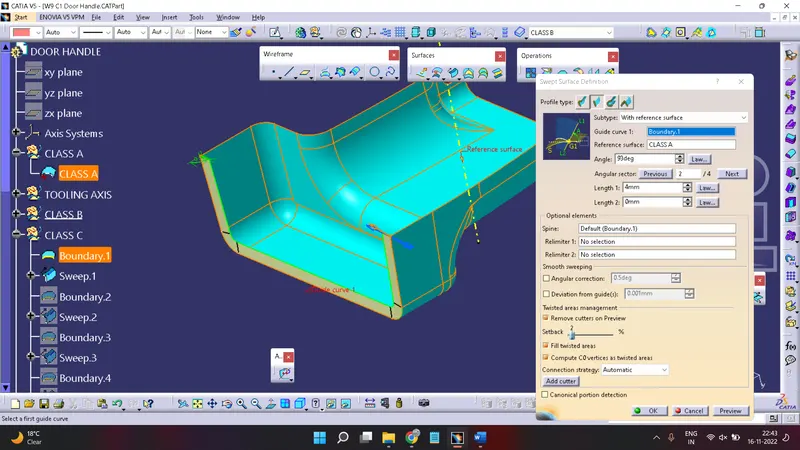
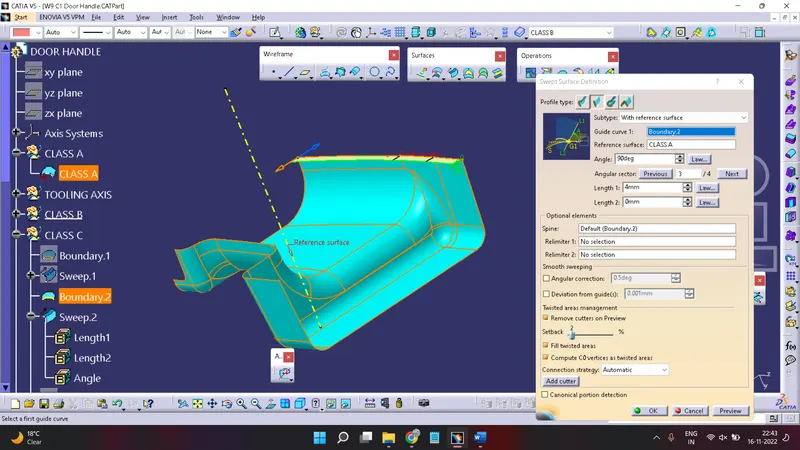
And trim the remaining part a intersection of 2 class C at different boundary &and will get a complete class C
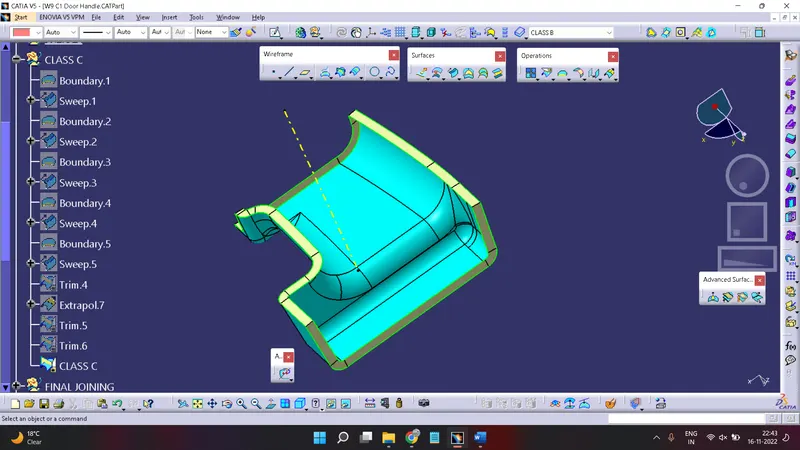
Creation of Close Surface by joining of Class A, Class C & Class B:-
First of all need to join Class A with Class C
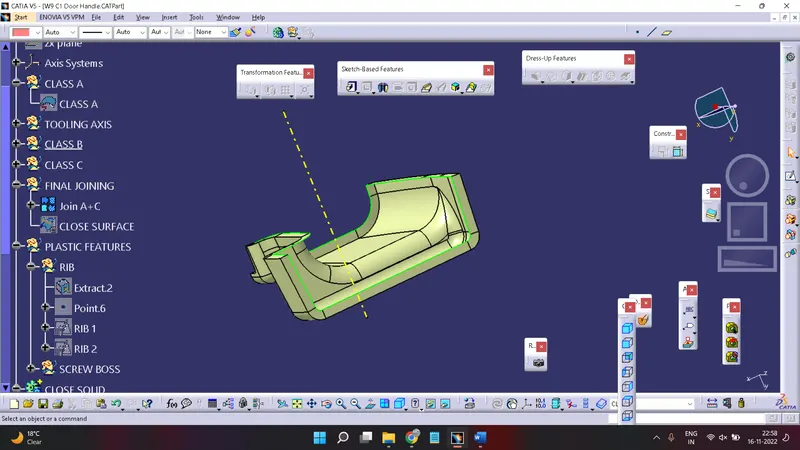
Now trim Class A+C with Class B
& will get a close surface component
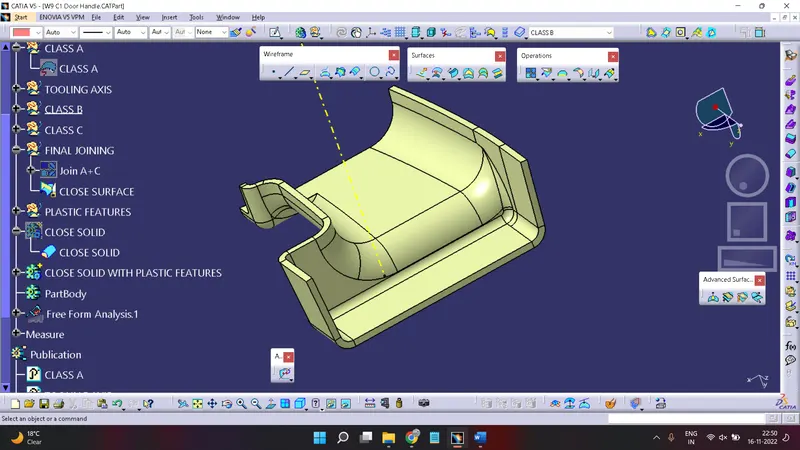
Creation Of Close Solid Component:-
Goto Start>Mechanical Design >Part Design
Here Use Surface Creation Toolbar >Close Surface for create a Solid Component
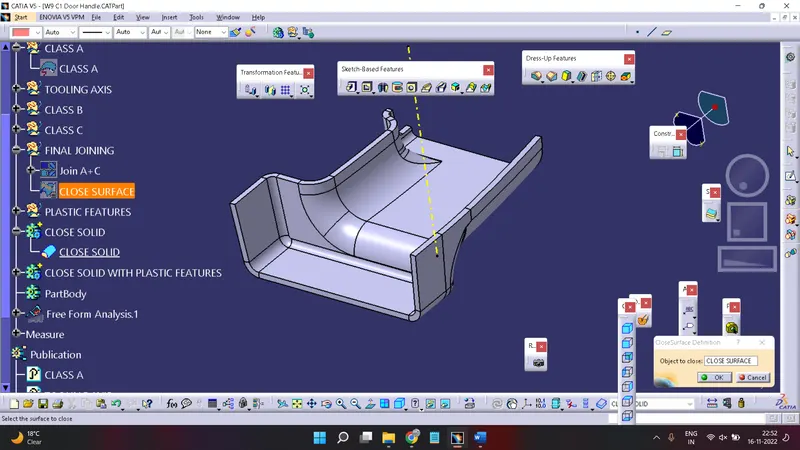
Creation of Plastic Features (Ribs & Screw Bosses)
First of all, Extract the element where we need to create a Rib and create a point.
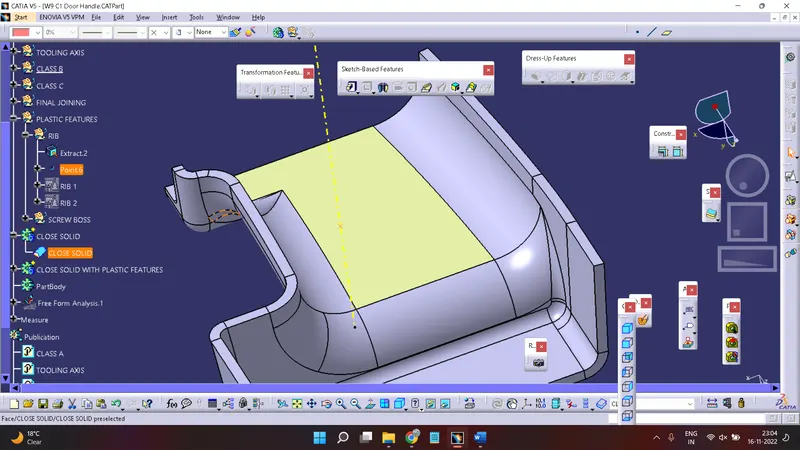
Now take a Position Sketch, Select a reference as a Extract element and origin as a point & create a sketch for Rib 1
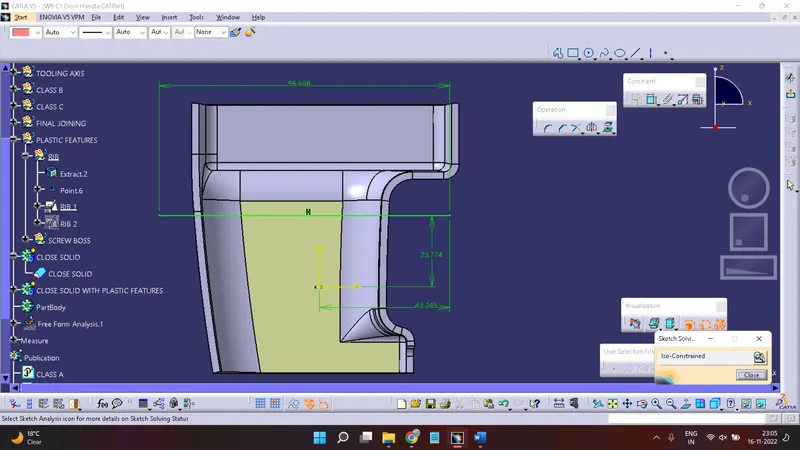
Same as create a sketch for Rib 2
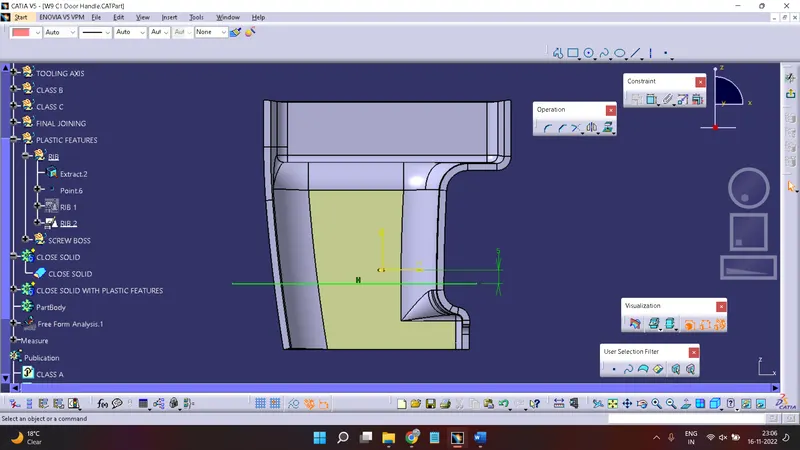
Now go to Part Design
Use a Pad for creating a rib
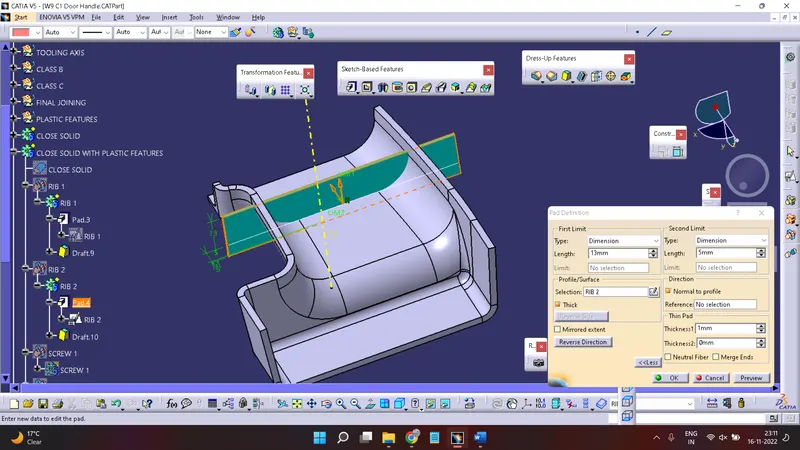
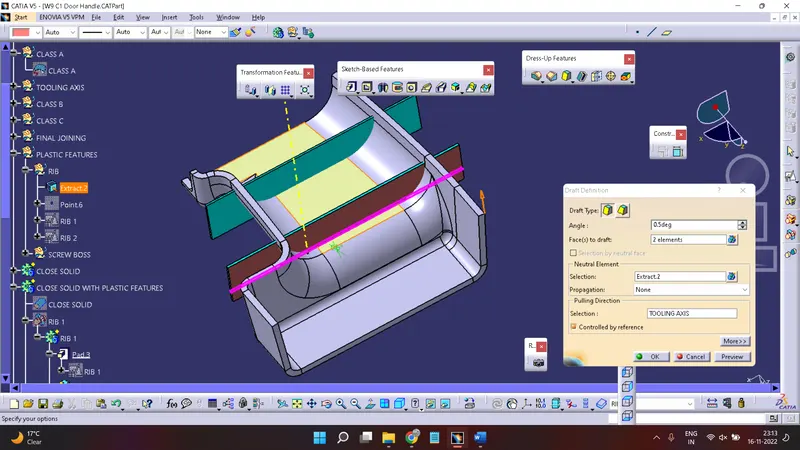
Provide a Draft with given Design Rules
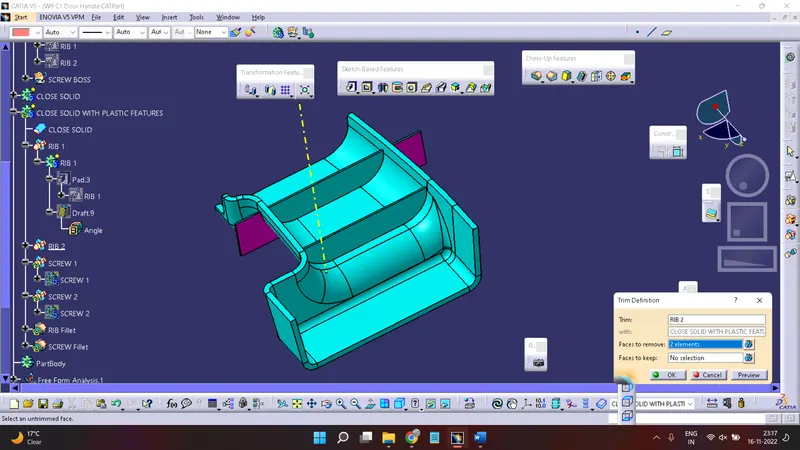
Use a Boolean Operation (Union Trim) & select on condition of Face to Keep/Face to remove.
Now need to create a screw boss, For creation of screw boss need a base where we need to create it. So Extract the element from component and create a point on it.
Now go to position sketch and select this extract and take origin as a point
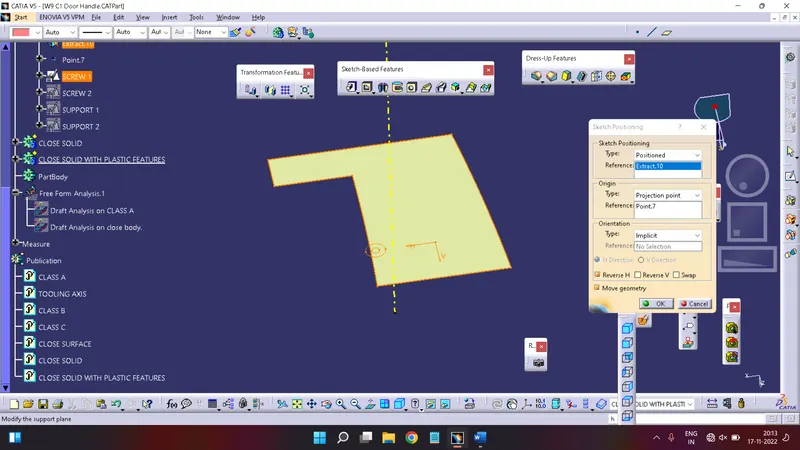
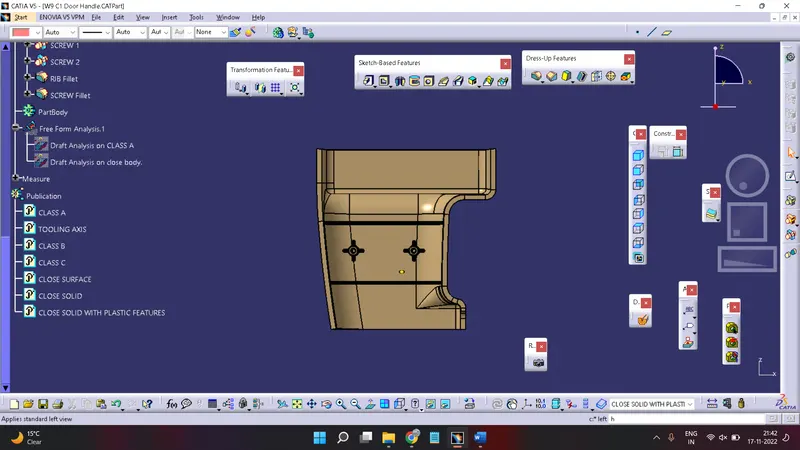
Create a screw boss inner diameter & outer diameter by using a circle, need to create a 2 screw boss so create a sketch in 2 different-different position sketch.
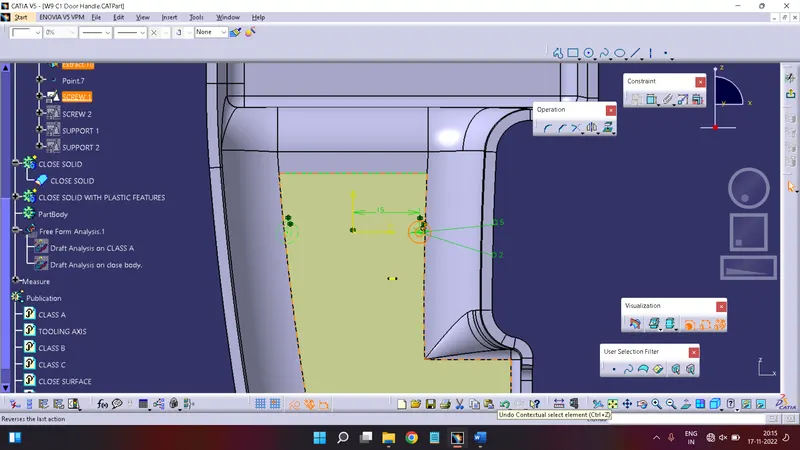
Now create a sketch for create a solid support for both screw boss
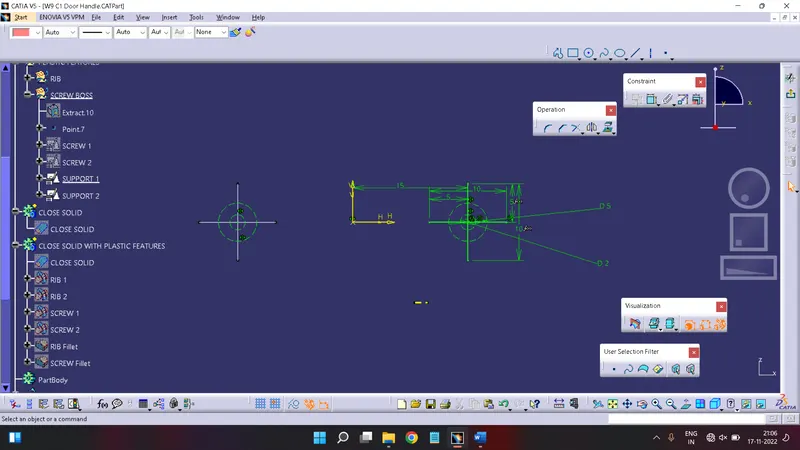
Now use a pad and create a solid element
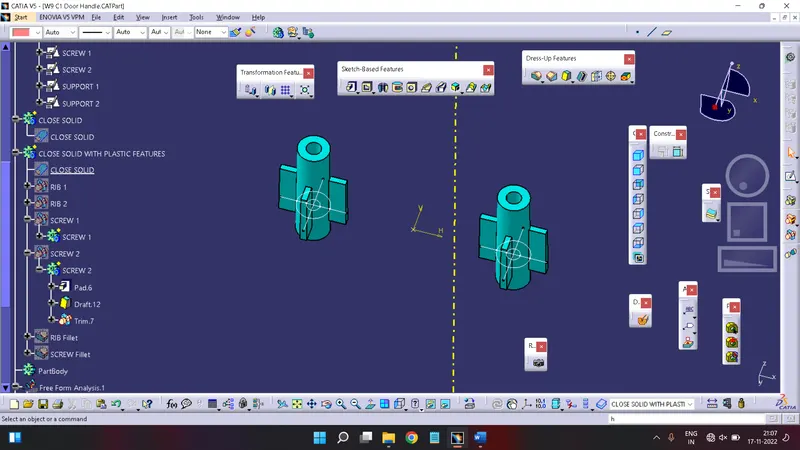
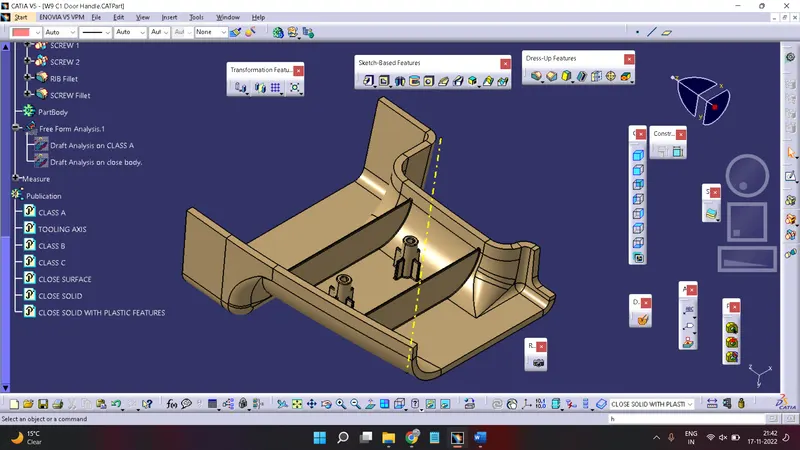
Add the Both Ribs & Both screw boss in a solid component of Door Handle
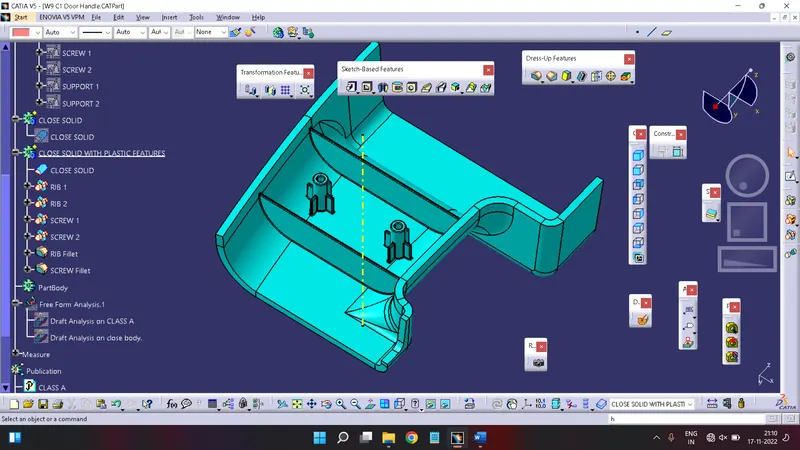
After Joining ribs & screw boss with solid component do fillet with 0.25mm radius.
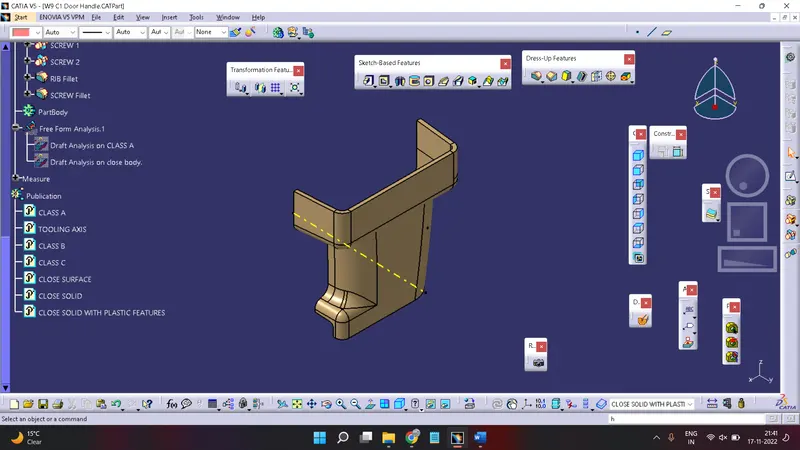
AND the will get the Final Product
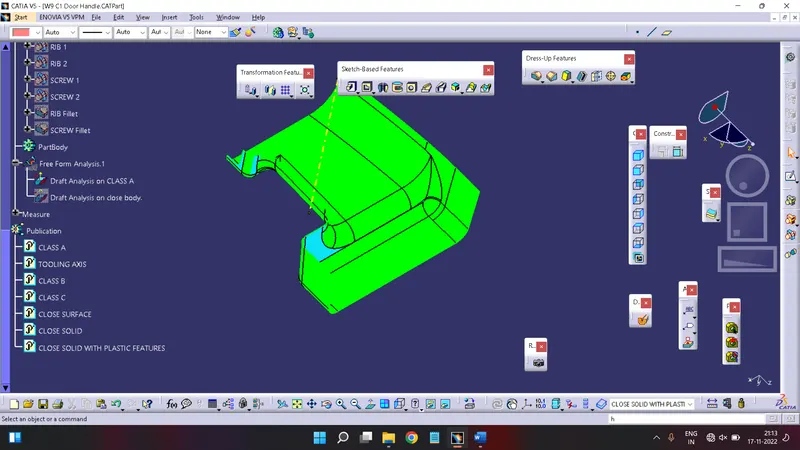
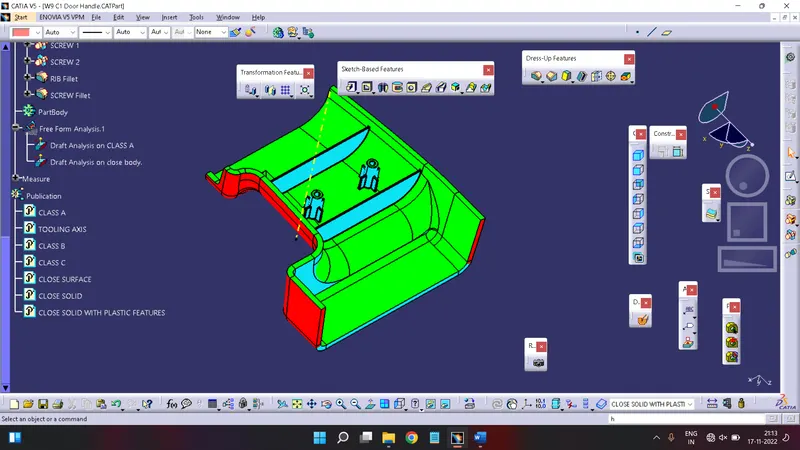
DRAFT ANALYSIS:-
A draft analysis is helps to detect a angle of a component. it will be easily removed. In catia a draft analysis is performed based on colour rain identify zones Using a draft and by using a draft analysis we can verify taper angle.
Examine angle change with a face as well as look at what time line and injection surface in parts
A draft analysis help to give a proper draft angle
Draft angle describe the amount of taper of mould which perpendicular to the party line
Minimum draft angle is required 3 degree
Draft Analysis on Class A:-
Draft Analysis on Door Handle:-
Creation Of Publication:-
Goto tools> Publication
Select Component which need to Publish then OK.
Feature Tree:-
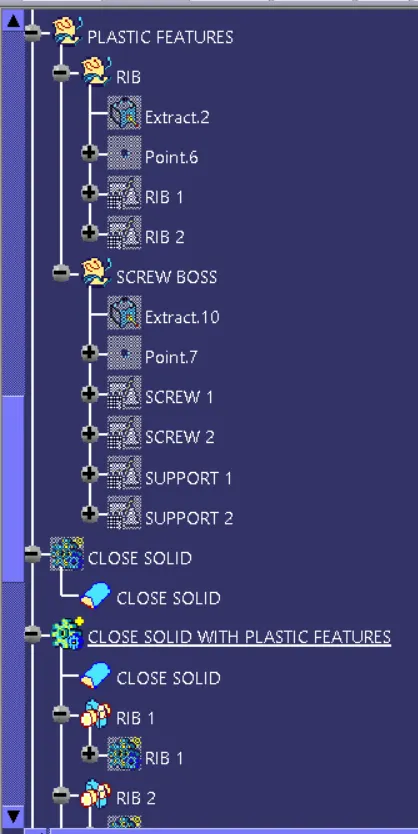
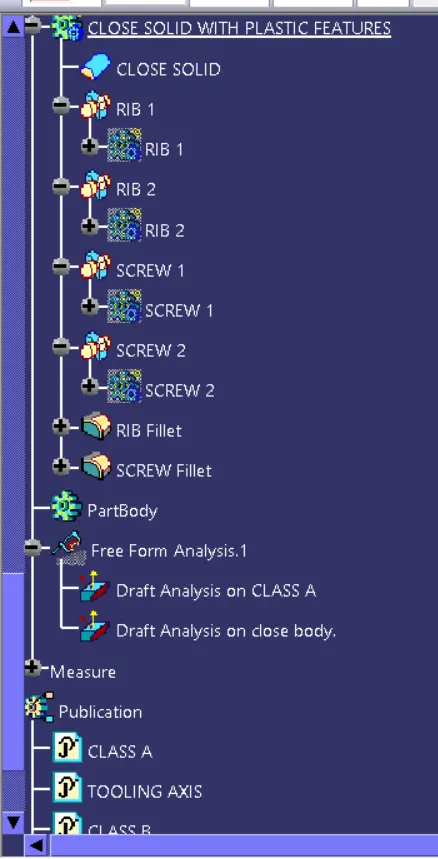
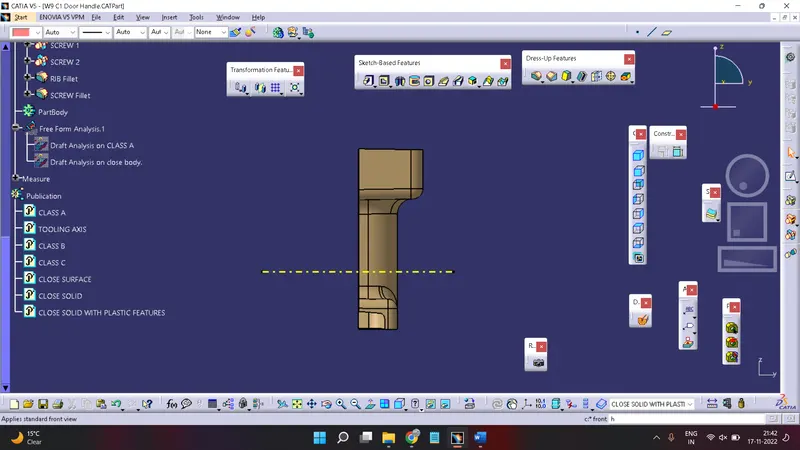
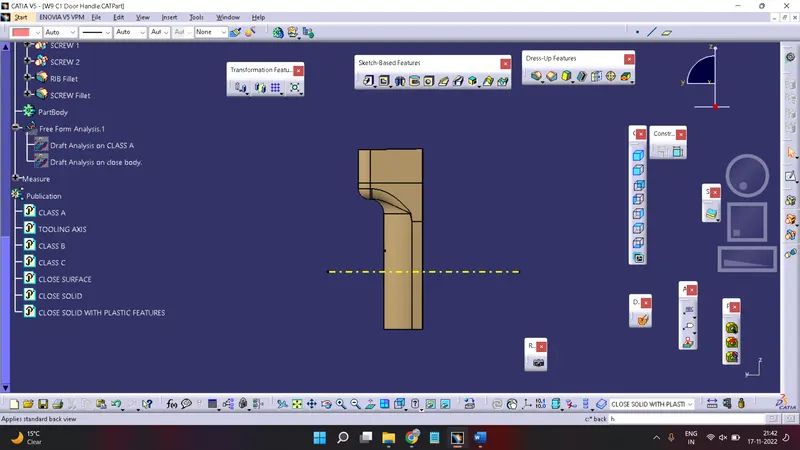
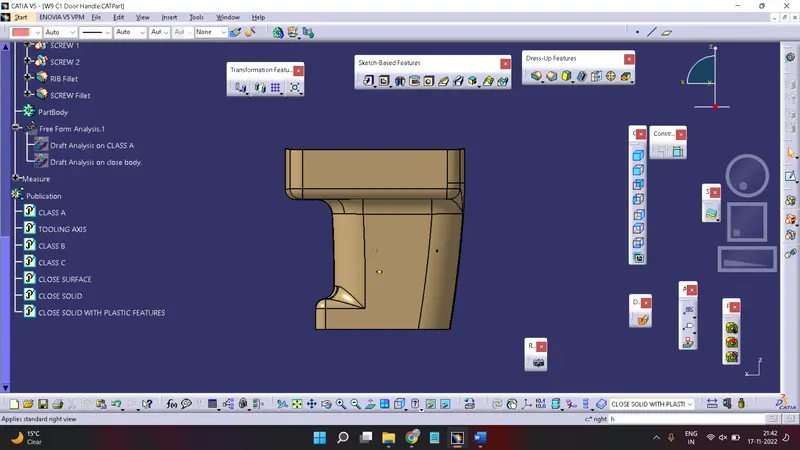
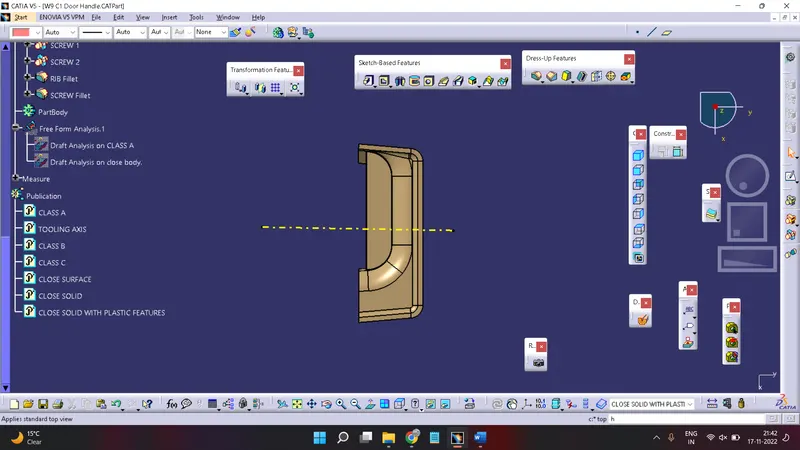
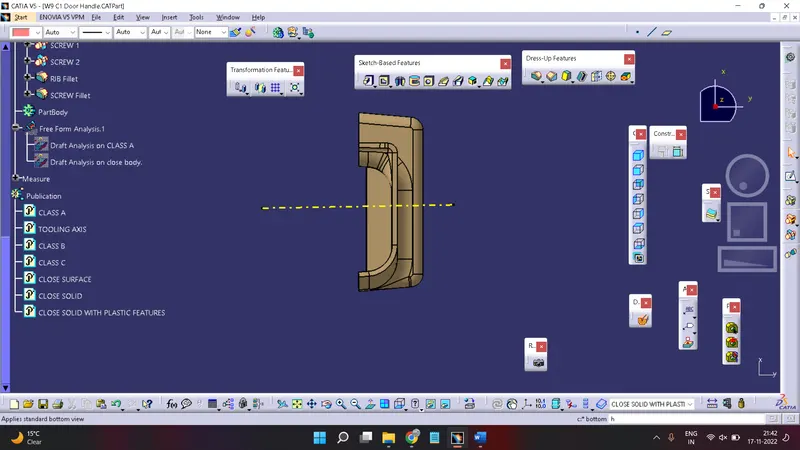
Different Views Of DOOR HANDLE with PLASTIC FEATURES:-