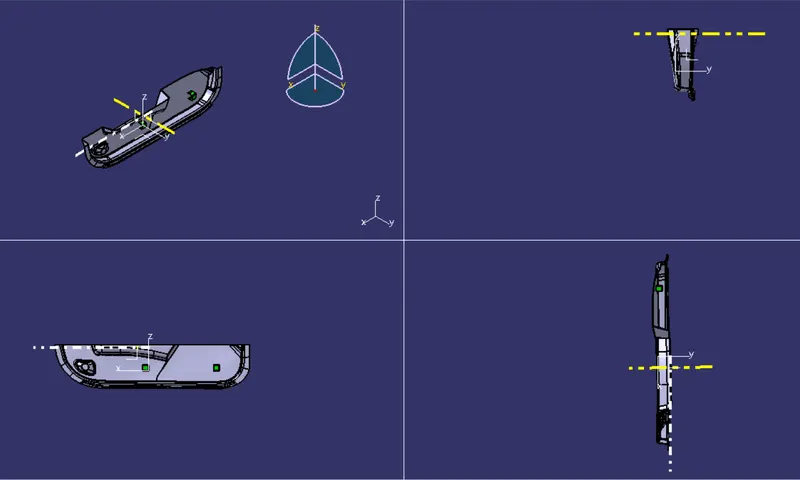
Week 9 - Attachment Feature Creation - Challenge 2
Design of Dog House for the Door Trim
AIM:
- To Create the solid component from the given Class-A surface of Door Trim.
- To Create the tooling axis for the given Class-A Surface meeting the requirements of the draft angle.
- To perform the Draft analysis on the model.
- To create a dog house attachement to the door trim component.
Procedure:
1. TOOLING AXIS CREATING:
The Tooling Direction is basically the direction that the mold pulls a part. The mold is built in two separate pieces, basically. You have a Cavity side and you have the Core side. The Core pulls apart from the Cavity and that's the Dye line or the Tooling Direction.
By analysing the component the most easily ejectable direction is somewhere close to the Z direction, so we have made a sketch on the XY plane of Axis System to create a bisecting line considering the 2 faces which might be difficult to be tooled.
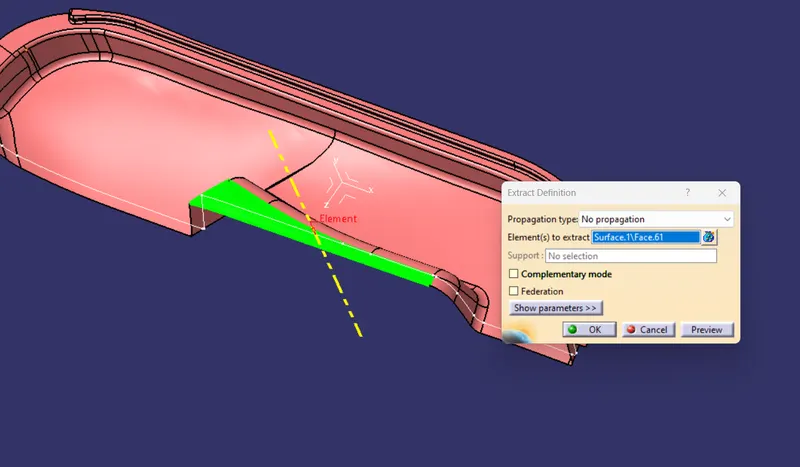
First the a surface is extracted anf a point and axis system is created.
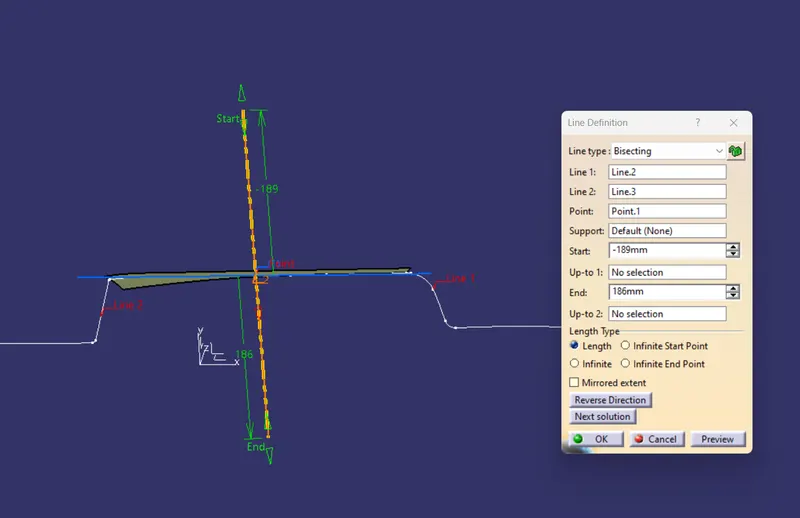
Next a intection boundary along the xy plane of the axis system is created. Accordinly the two outer lines and created and a common bisecting line is created as a Tooling axis.
Since the Tooling axis is created next is to publish it and create class B surface.
- Class B cration:
First thing we have to do is to extract the base surface using extract tool  and multiple extract one by one carefully.
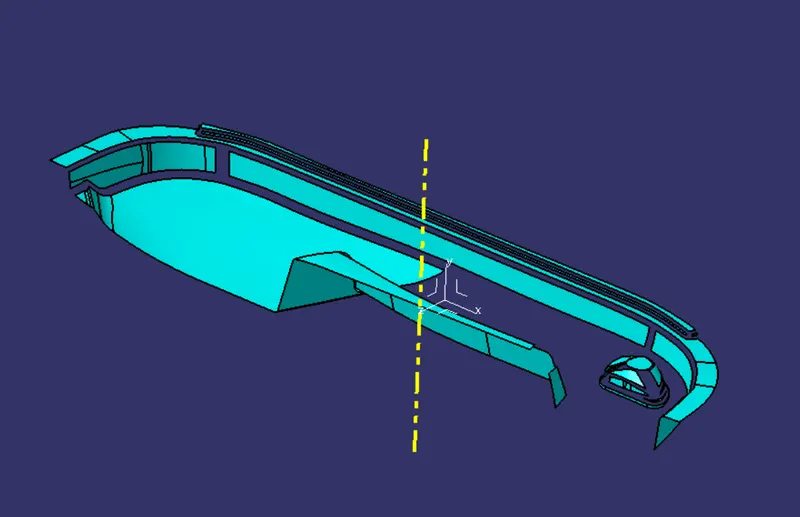
Untrim the surface and extrapolate the walll surface. Trim the wall surfaces as required.
Similarly follow the procedure for all the surfaces and trim them all together.
Offset the trimmed surface by 2.5mm thickness towards outside.
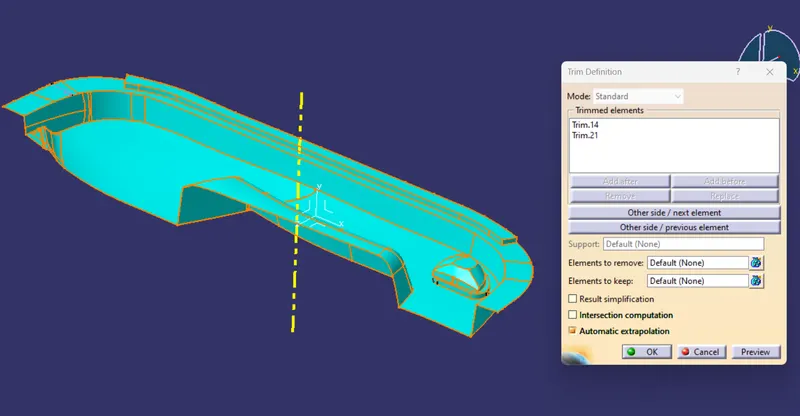
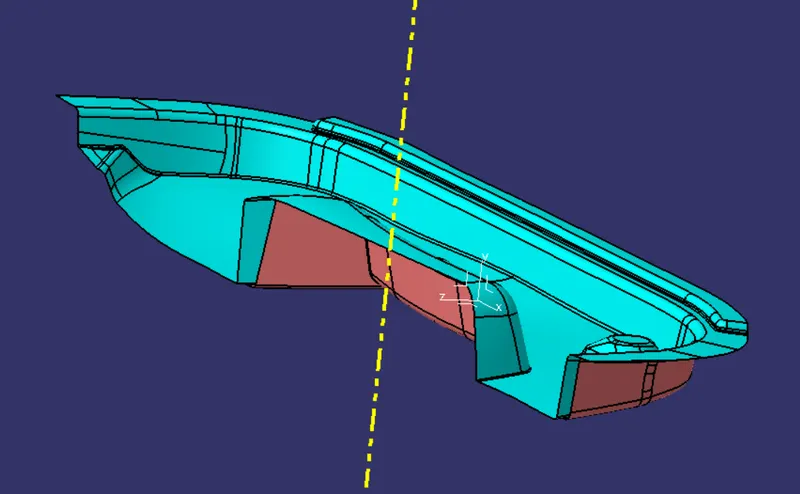
Apply the edges fillet to the edges and check for the fiilet dimension by measuring on the class A surface.
Publish the Class B surface.
- Class C creation:
Create the boundary of the class A first.
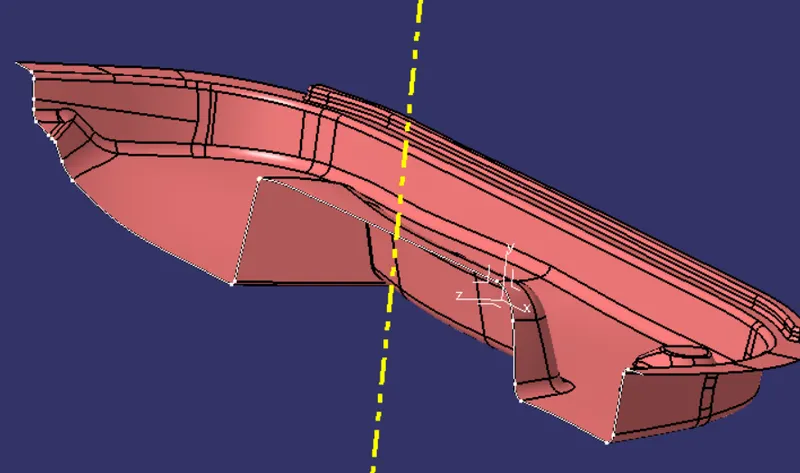
Now select sweep option and and sweep the boundary along the tool axis as draft direction and at an angle 3 degrees.
One by one follow the procedure for all the egdes.
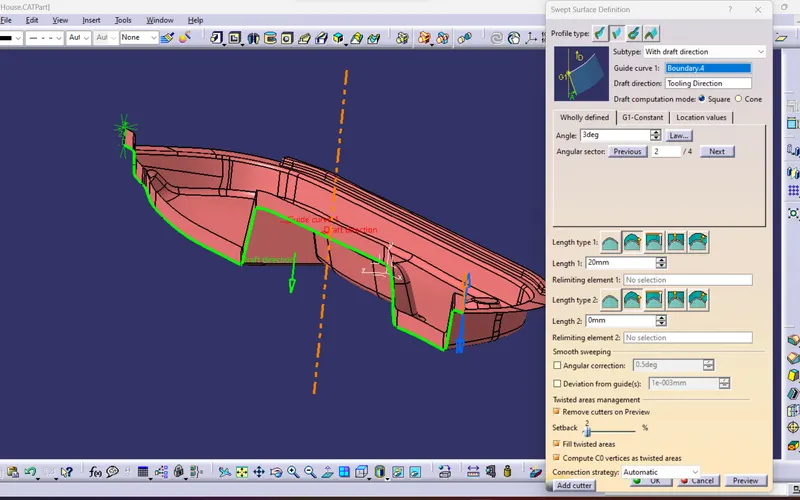
Once all sweep operation is done, Join all of them and the class C surface is created.
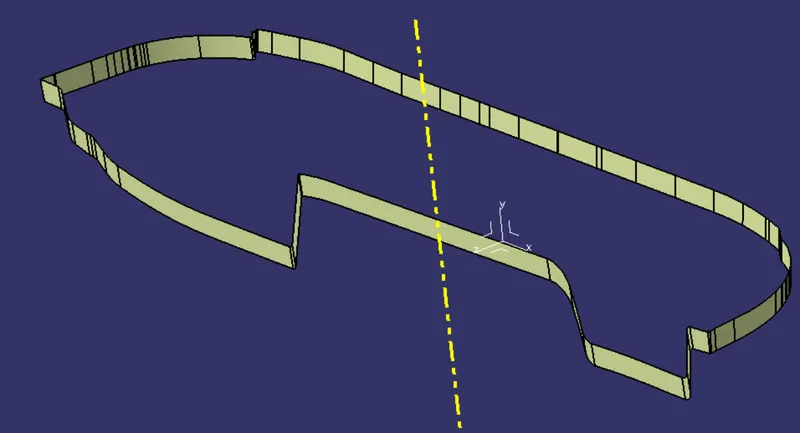
- Creating Solid Body:
Join the class surface with class A first. Extrapolate the surfaces as required to carry trim operation.
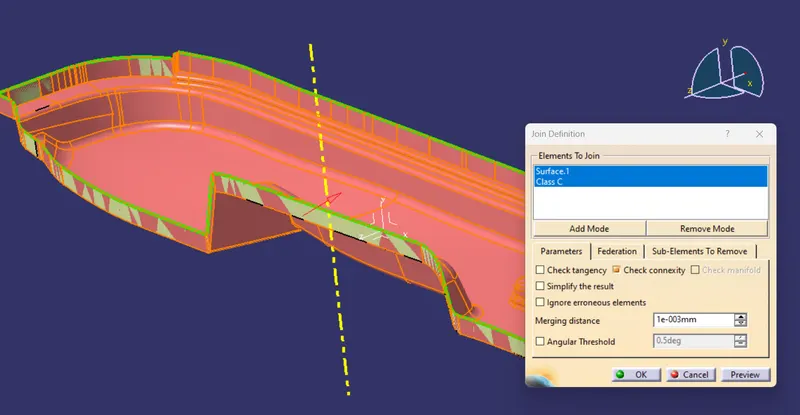
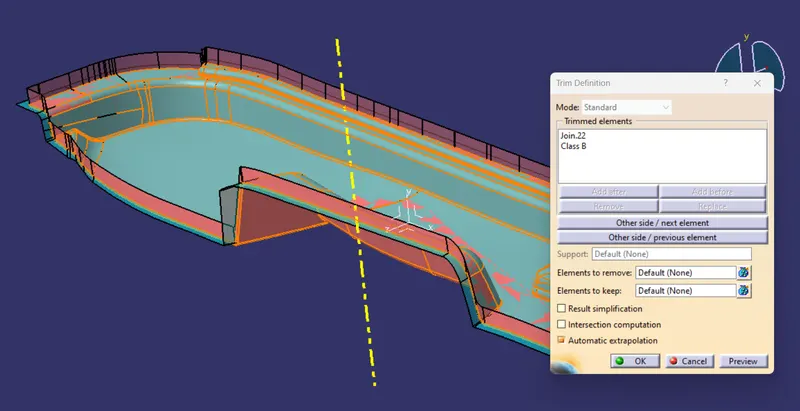
Now trim the joined suraface with the class B surface.
Now open part body workbench and check for the boundary if open before creation of solid body. If there is no open edges, click close surafce option and click the body to be converted to solid.
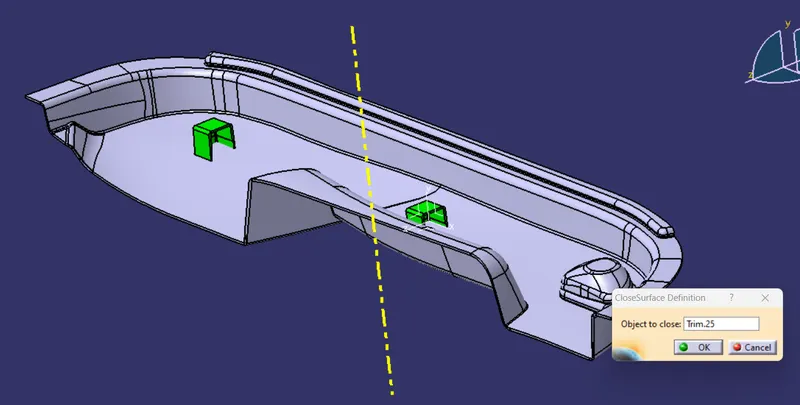
Creation of Dog House:
Extract the surface from the class where the doge house has to be created.
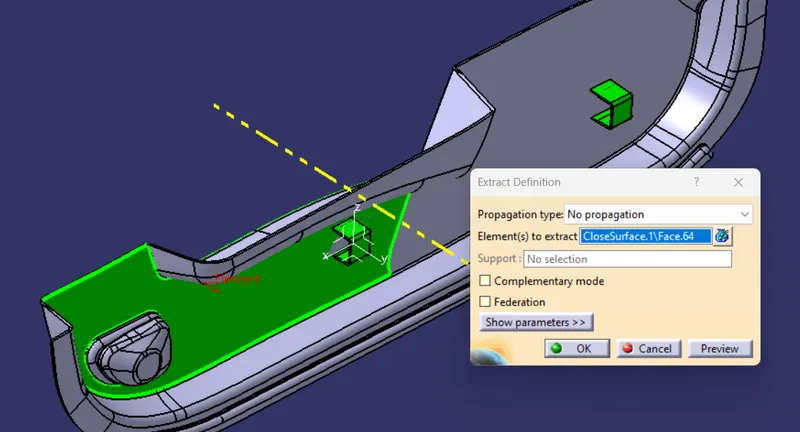
Draw a rectangular sketch of 25mm x 25mm dimension and sweep it along the tooling direction with 0.5 degree draft angle.
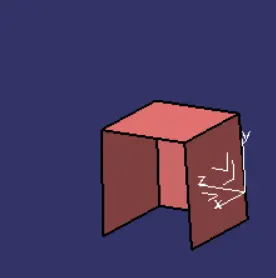
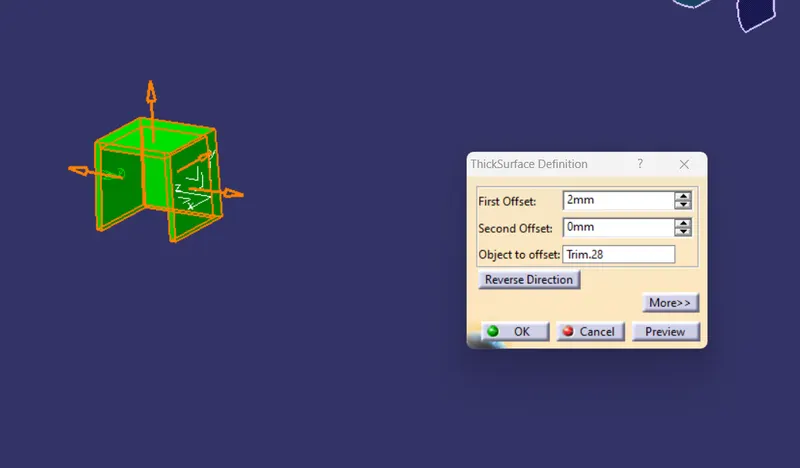
Change the workbench to part design and thicken the surface of about 2mm thickness.
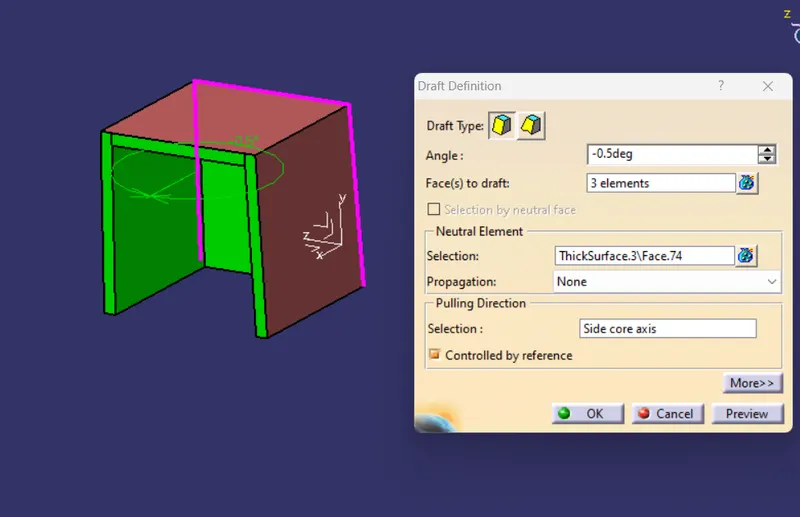
Give the draft to the inside surface for about 0.5.
Apply fillet to the outer and inside egdes.
Outer = 3mm
Inside = 3-2 = 1mm
Create class b and c surface accordingly as shown in the design rules and then split with the main dog house component.
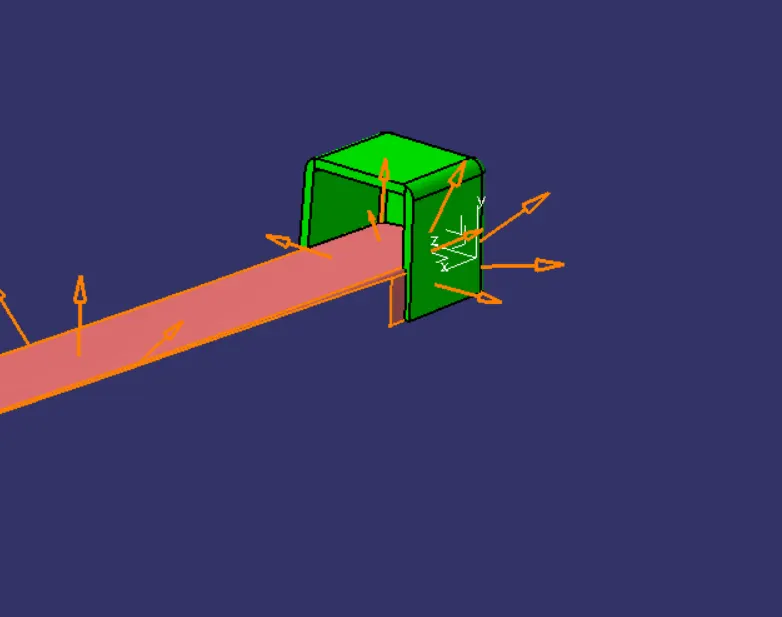
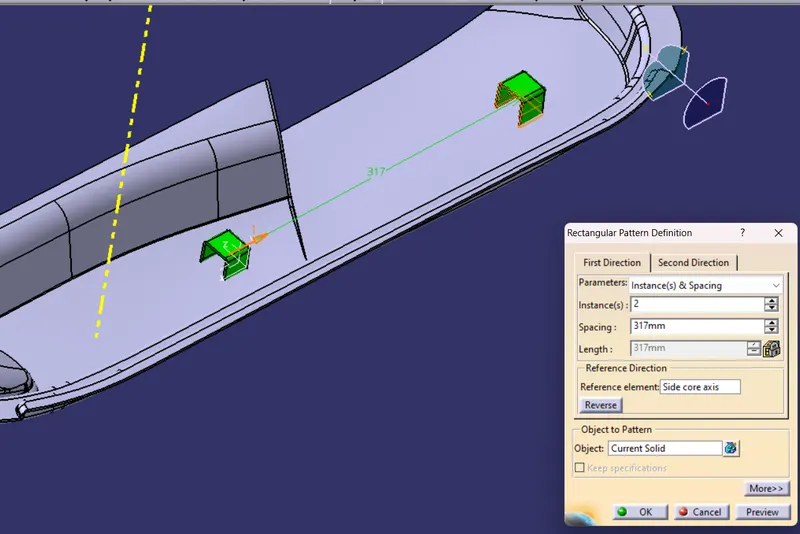
Using pattern feature duplicate the dog house to other place at appropriate location as required.
Steps for Draft Analysis:
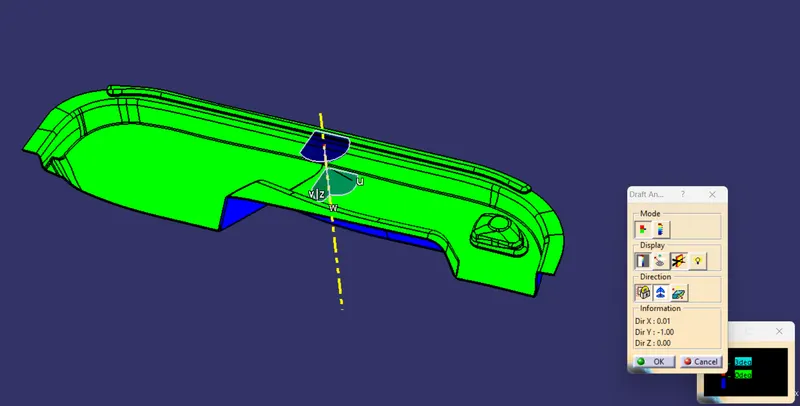
Change the view mode to the custom view and select view paramater as Material mode, then the draft analysis is enalbles.
Click the draft analysis option  , move the compass with the red dot to align with the tool axis.
Now lock the compass and click anywhere on the part, the color will be changed.
The green color shows that the surface satisfies the draft angle and other color if the angle is not satisfied. This can be corrected by altering the angle and measuring at points to get succesfully draft to get satisfied.
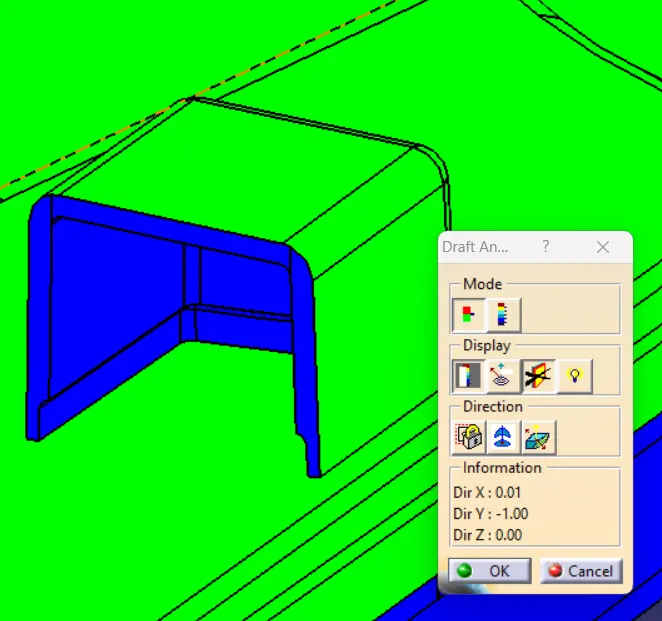
A seperate draft analysis has been done for the dog house component as shown below.
 .
.
Different View: