Week 9 - Attachment Feature Creation - Challenge 2
AIM:
Create the boss and Dog House for the Centre console coin holder and add thickness and generate the draft analysis on a solid surface of the final component.
OBJECTIVE:
- CREATING SCREW BOSS
- CREATING DOG HOUSE
- Perform a draft analysis
CREATING SCREW BOSS:
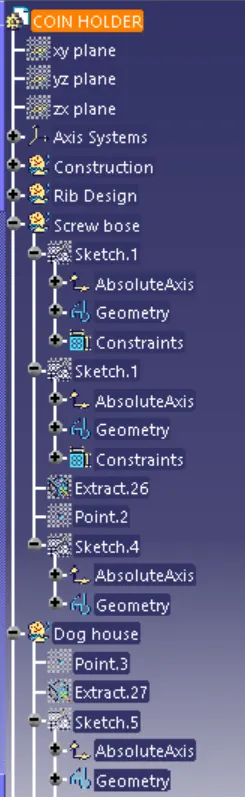
To create the screw boss, draw the sketch on the extracted base surface.
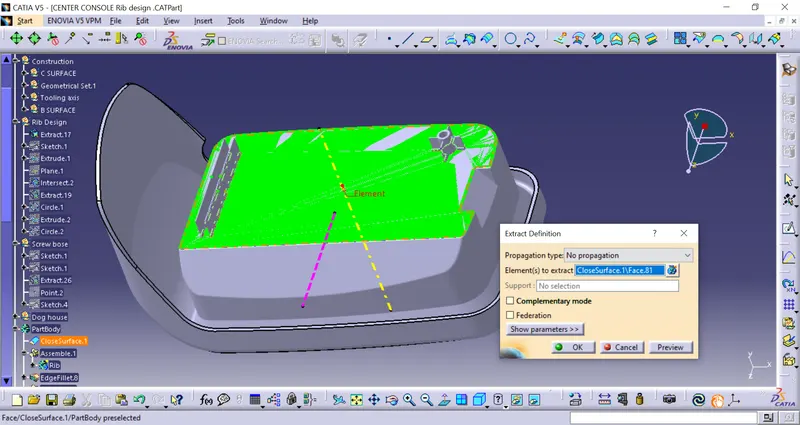
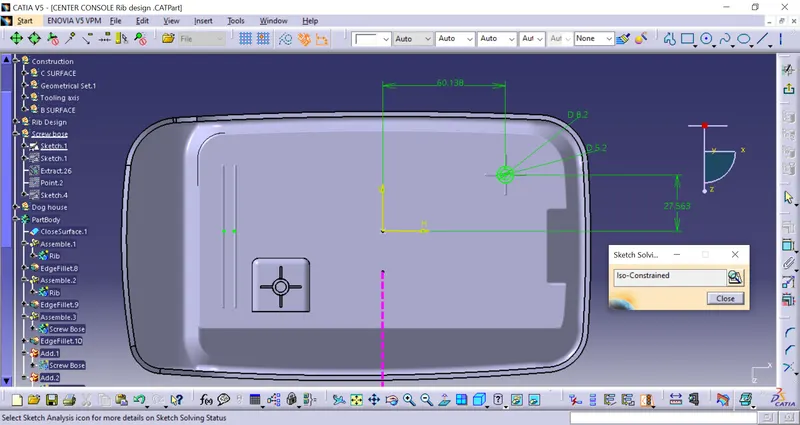
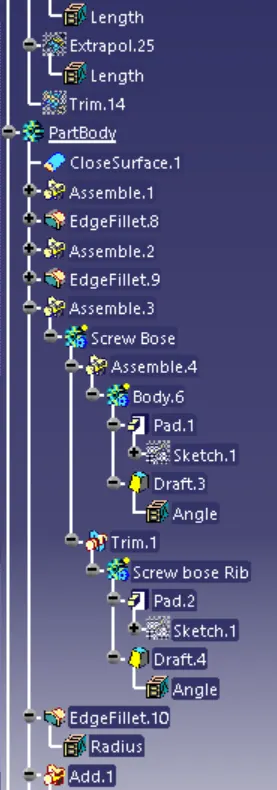
Make it pad by the height ratio of 3:1.
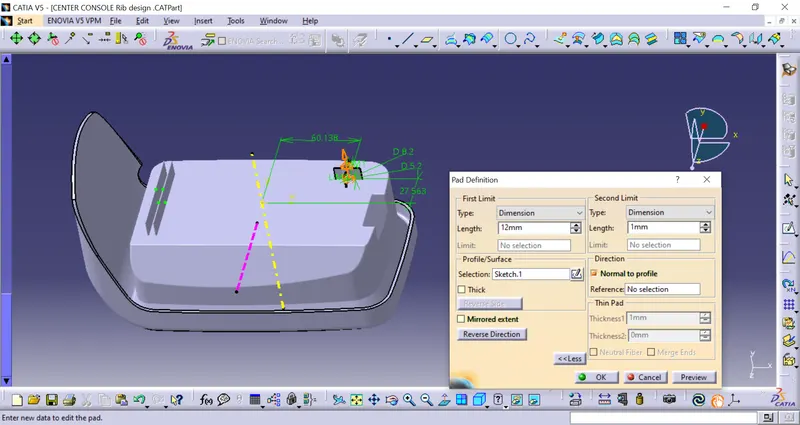
Draft the inner and outer walls by 0.5degrees.
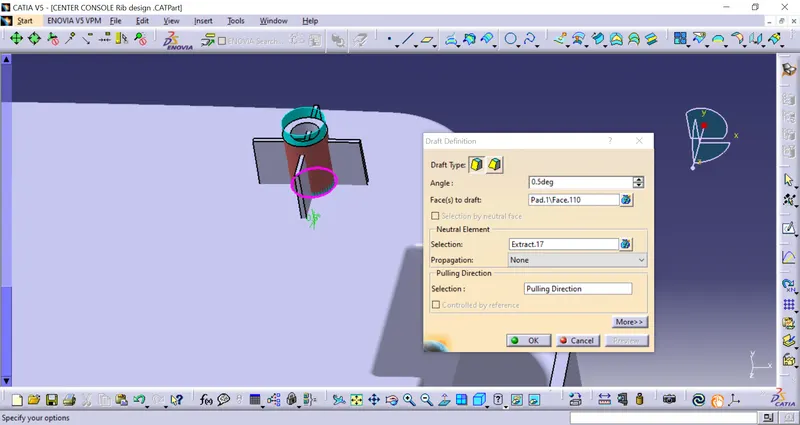
To stiffen the screw boss add the ribs on 4 sides by drawing the sketch on the extracted base surface and pad it to a height not more than the rib height.
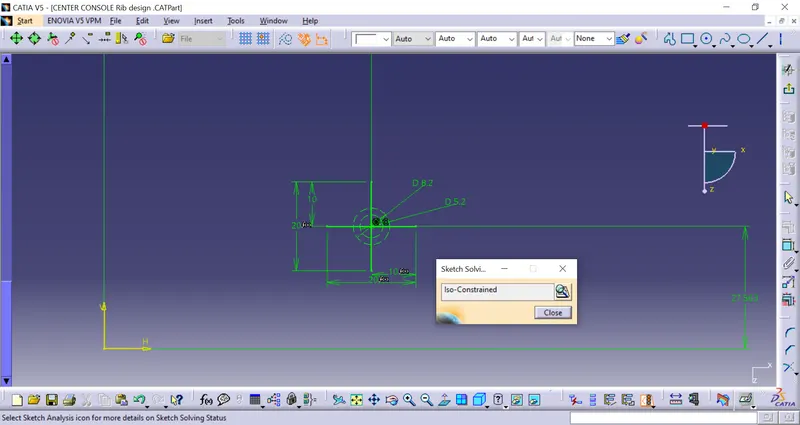
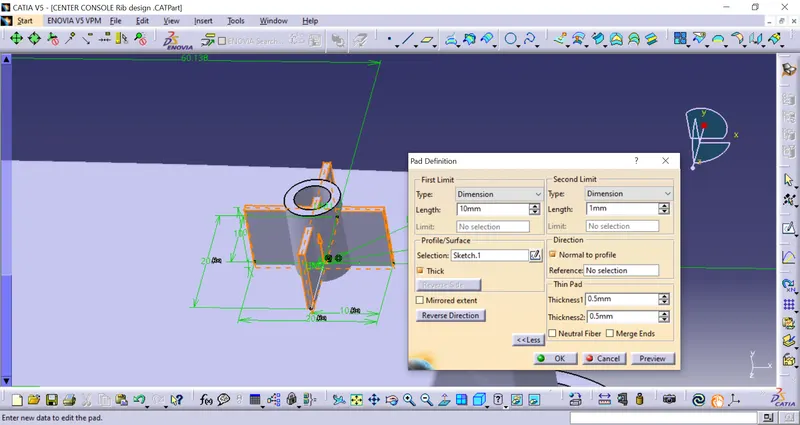
draft the walls of the ribs of 0.5 degrees.
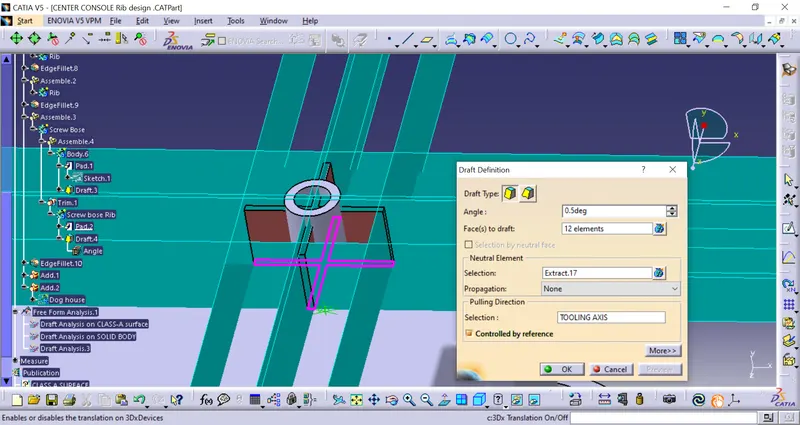
give the edge fillet to all corners of the screw boss minimum of 0.25mm
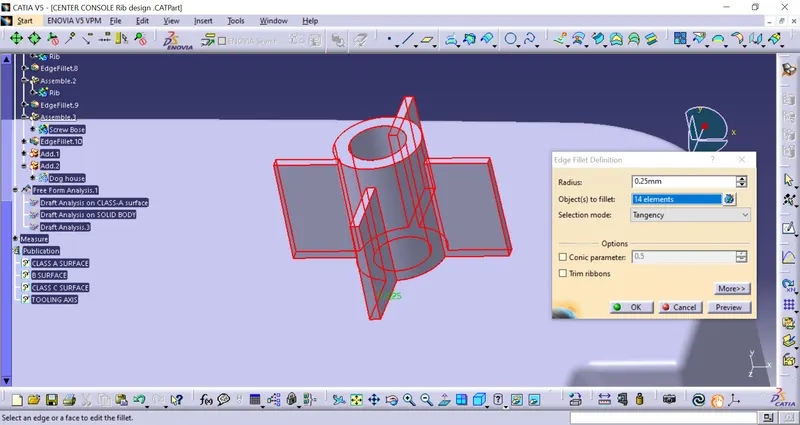
now add the screw boss and ribs to the main component and unitrim the ribs which are inside the screw boss.
CREATING DOG HOUSE:
create a sketch on the extracted base surface where the dimensions should be more than the screw base.
as for the Dog house, one of the sides should be opened, making one side a construction line.
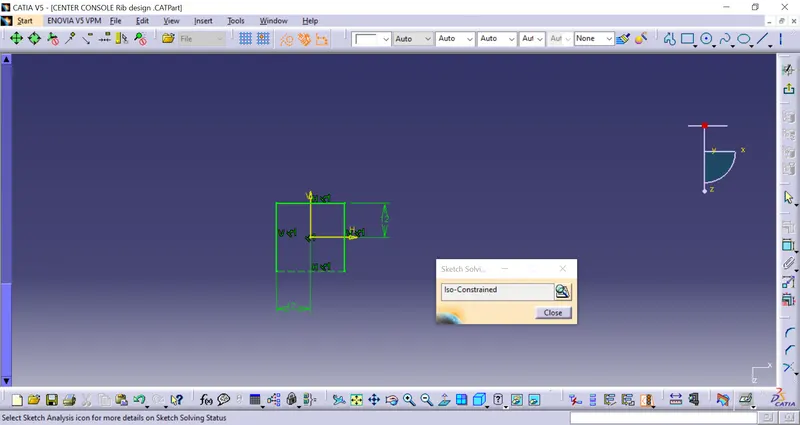
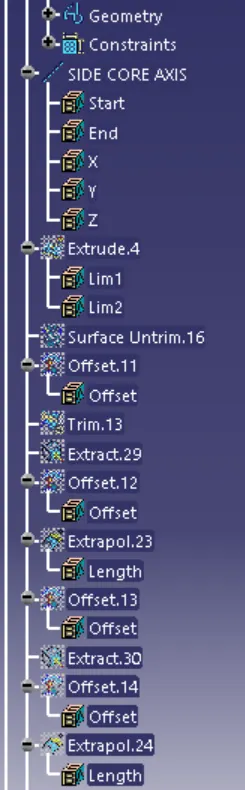
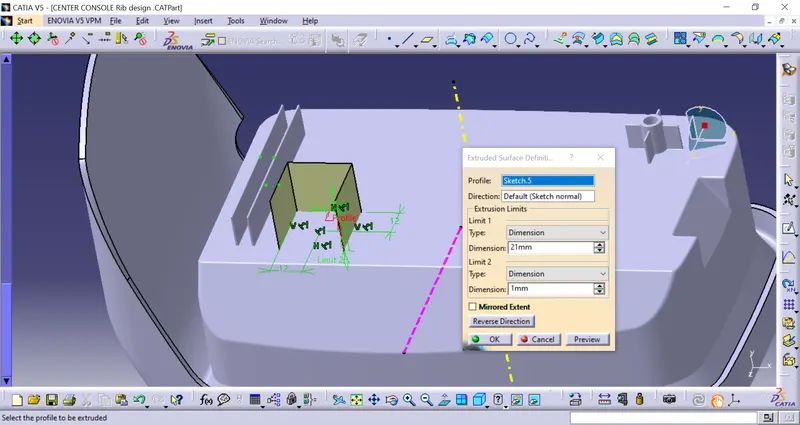
Extrude the line by 21mm.
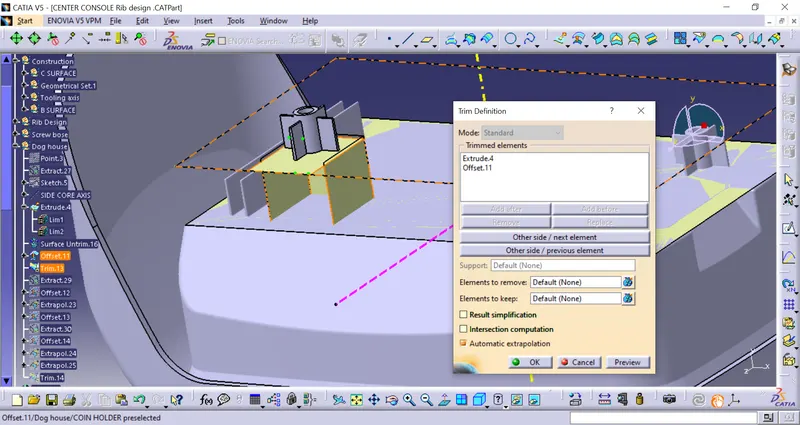
offset the extruded surface by 20mm and trim the offset surface with dog house and define the part body as well as go to the part workbench to thicken the surface.
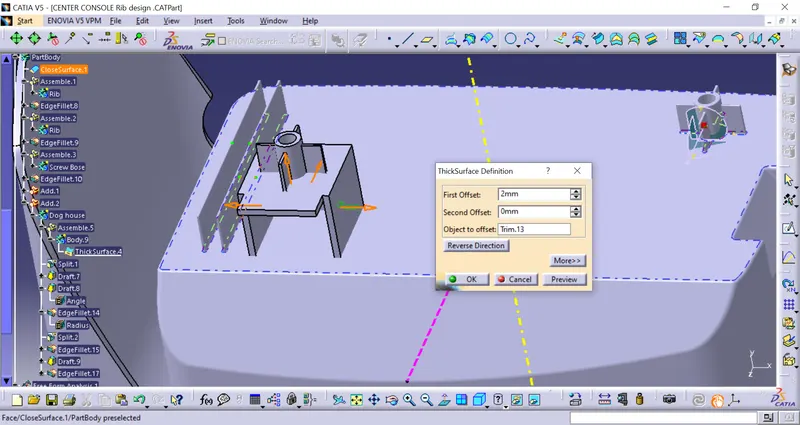
now drafting the outer surface by 0.5Degree
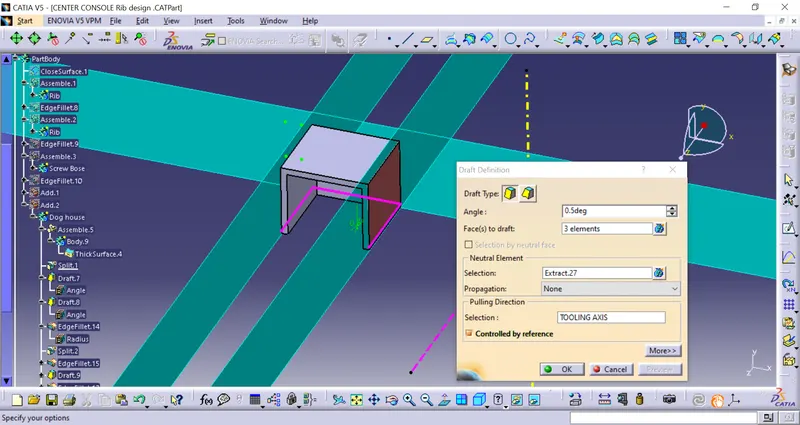
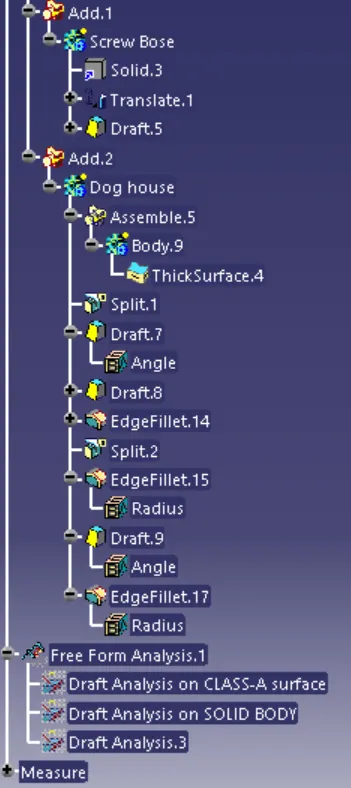
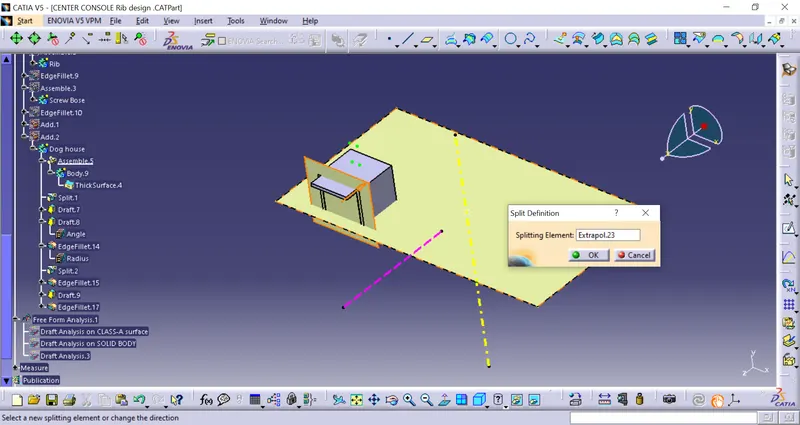
Now extrude the surface and offset by 24mm reverse direction to split the excess surface on the solid body.
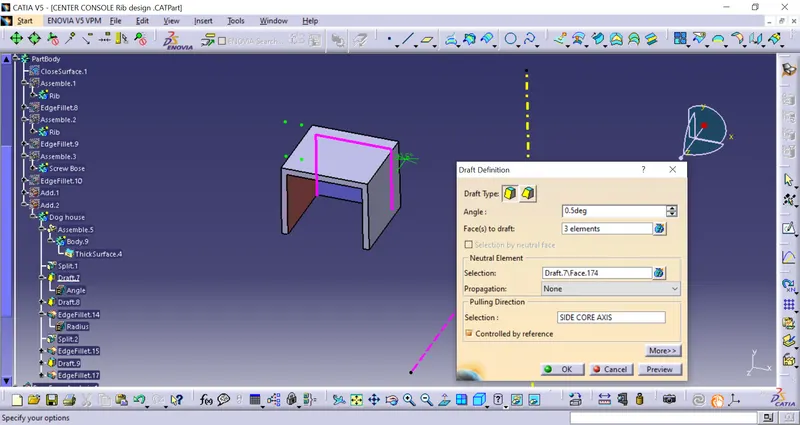
now draft the inner side of the walls by 0.5degree
and offset the inner surface by 1mm outer ward and trim the outer surfaces.
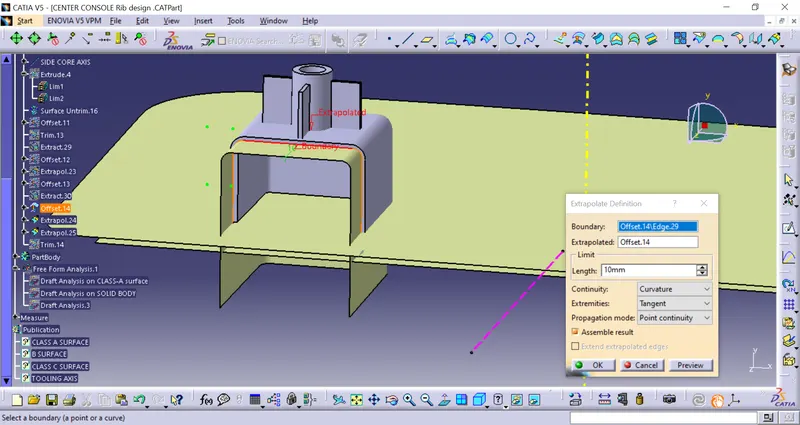
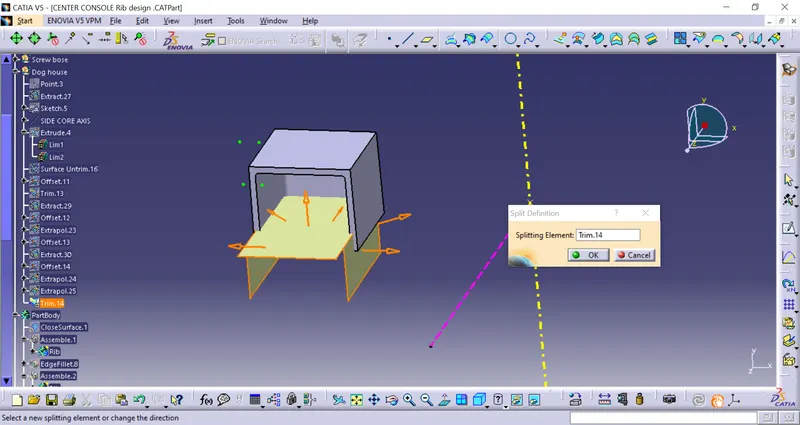
Now split the trimmed surface with Dog house solid body.
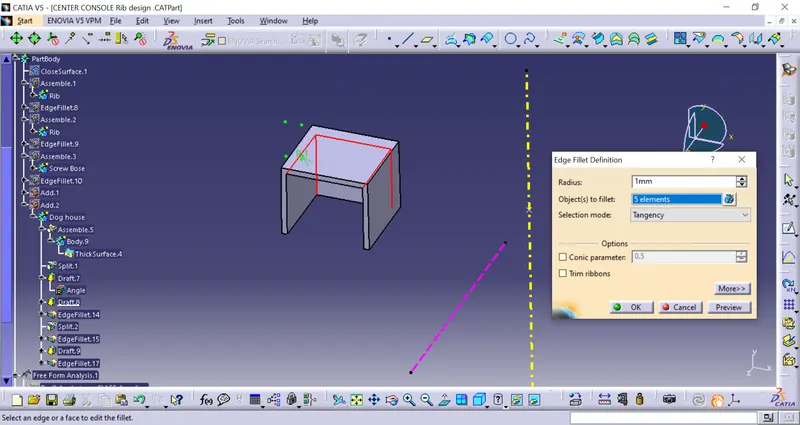
given the radius value of 1mm in inside the dog house.
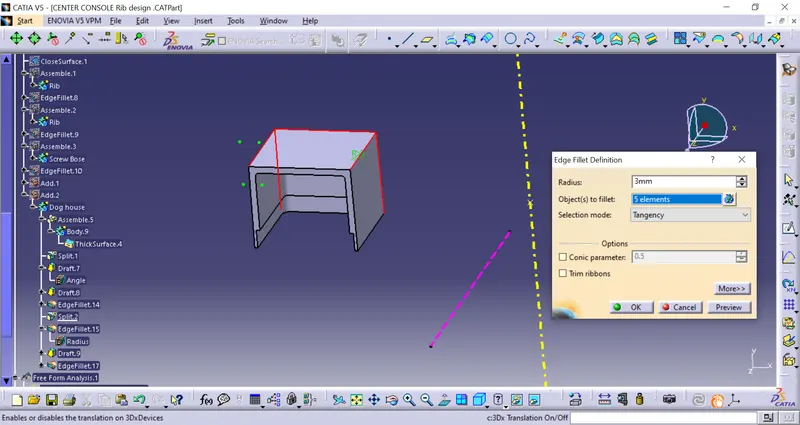
now given 0.5Degree in the split surface
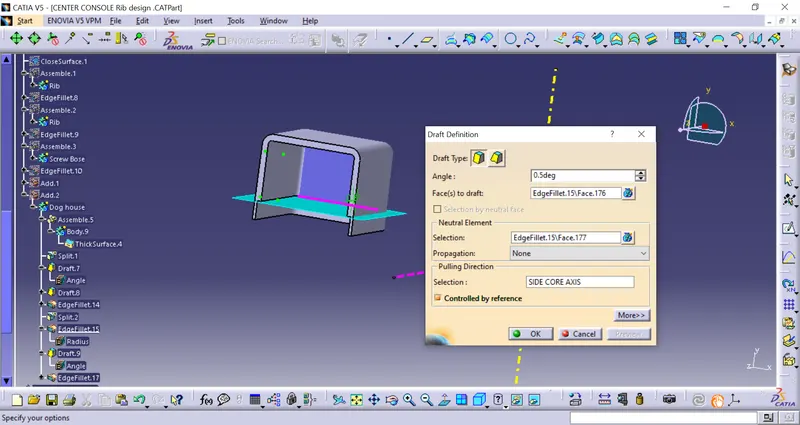
finally dog house designed.
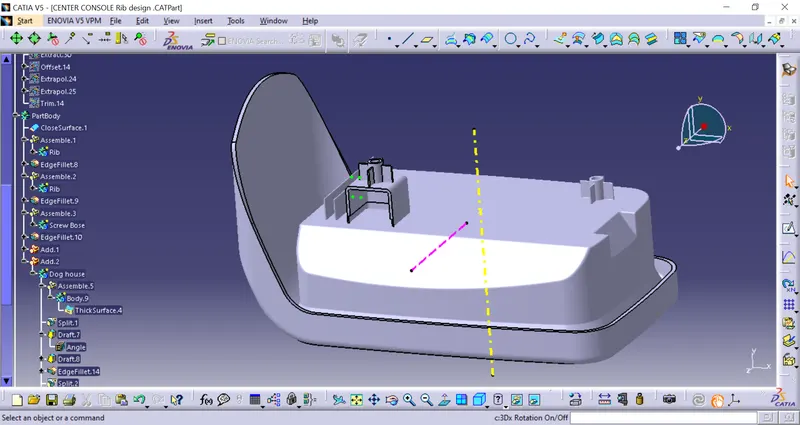
Drafting Analysis of the screw boss and Dog house:
- After creating the solid body we will perform the draft analysis of the whole part body.
- First, change the parameter to material mode and then go to perform draft analysis Go to Insert > analysis > feature draft analysis.
- Click on the compass icon & align with the tooling axis.
Analysis mode on main tooling axis
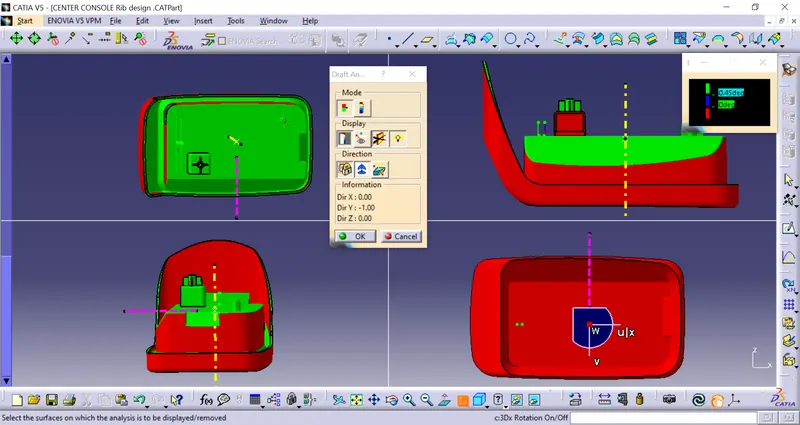
Analysis mode on Side Core Axis
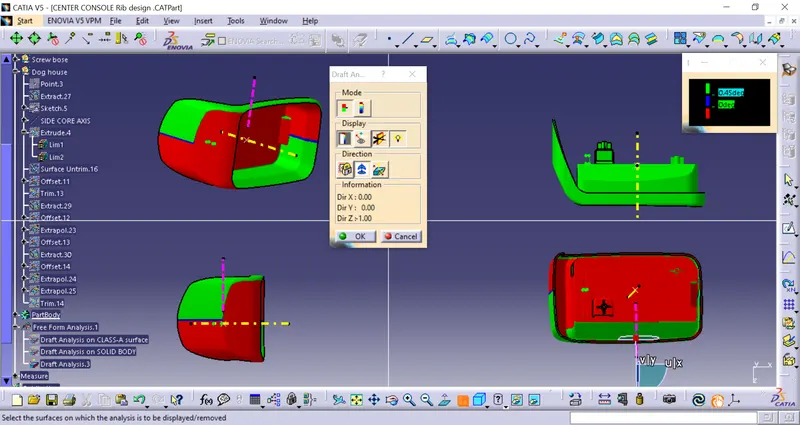
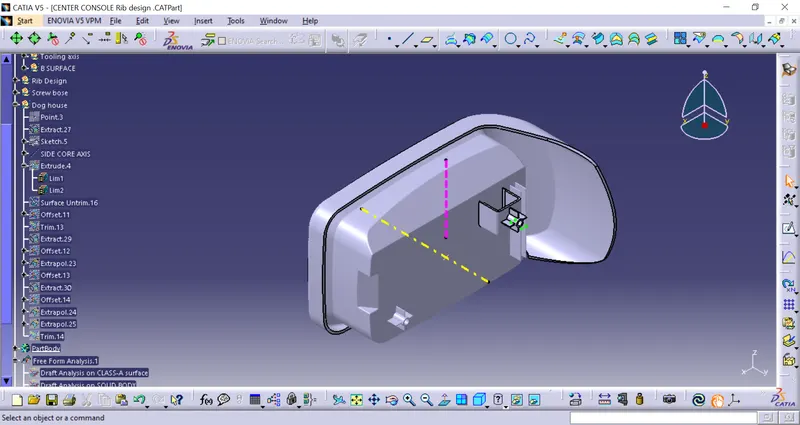
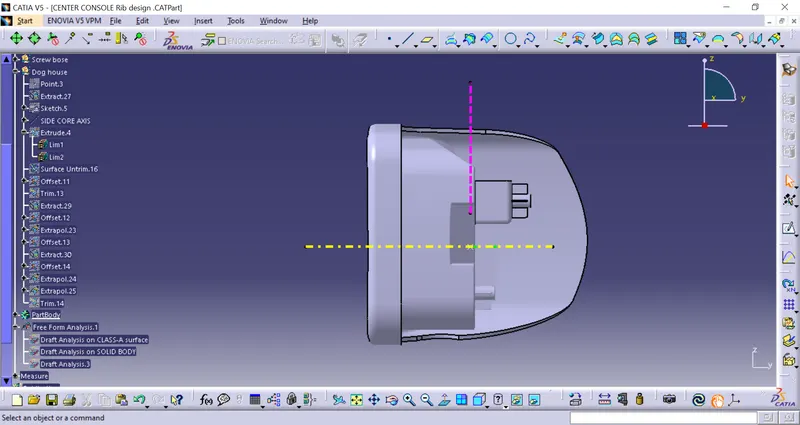
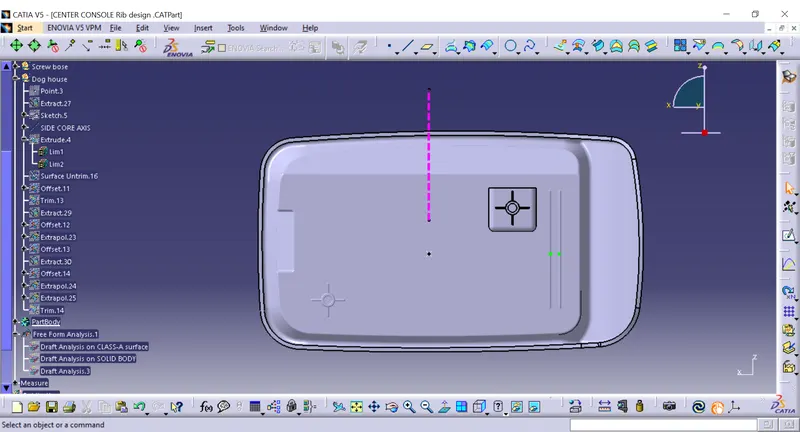
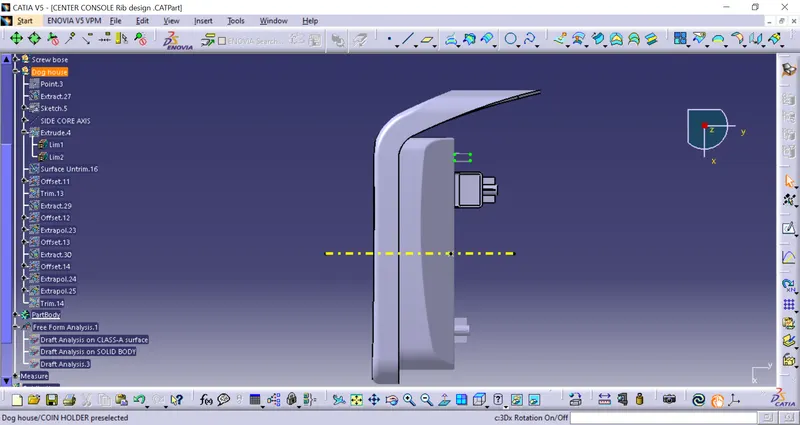
various orientations of Centre console coin holder (Isometric, Front, Side, and Top View)
Isometric view
Front view:
Side view:
Top view:
Tree structure: