Week 9 - Attachment Feature Creation - Challenge 2
Aim :
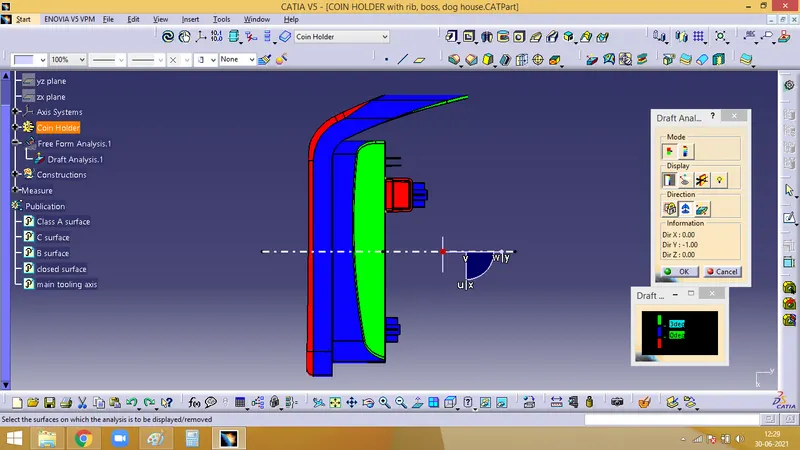
Create the boss and Dog House for the Centre console coin holder considering the design rules
Detailed Report :
A. Screw Boss
B. Dog House
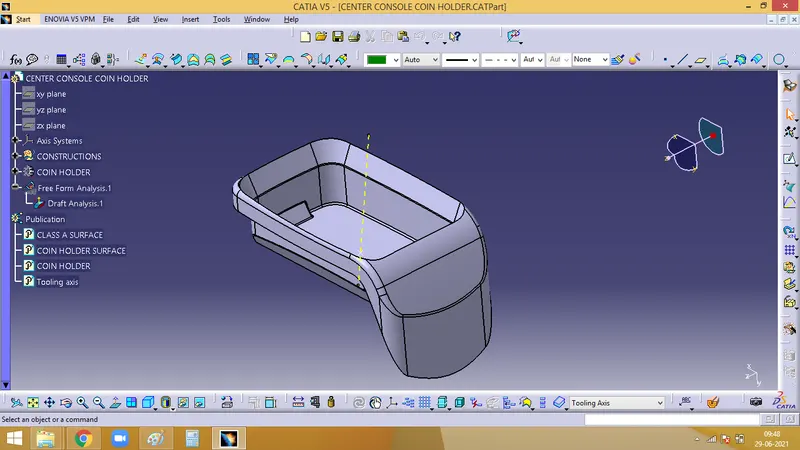
1. Creating tooling axis
Tooling axis is the direction along which the core and cavity opens and closes. Draft angle is required for every face for smooth ejection of teh component from the core section. For this only, draft analysis is done for which primarily a tooling axis is required. In case of comlex designs more than one tooling axis might be needed for side core.
As the base is flat and it at zero degree, a normal line can be created, which asts as a tooling axis
2. Performing Draft analysis
Initially the material mode has to be set and open the feature draft analysis dialog box. Pick on the compass symbol and place it in line with the tooling axis.
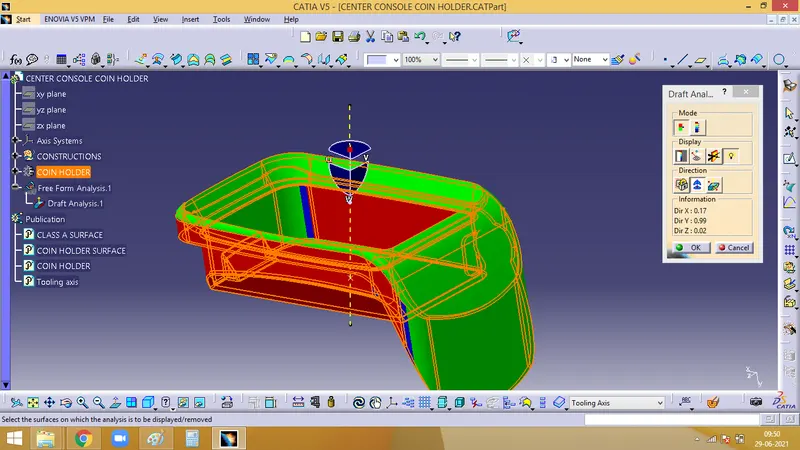
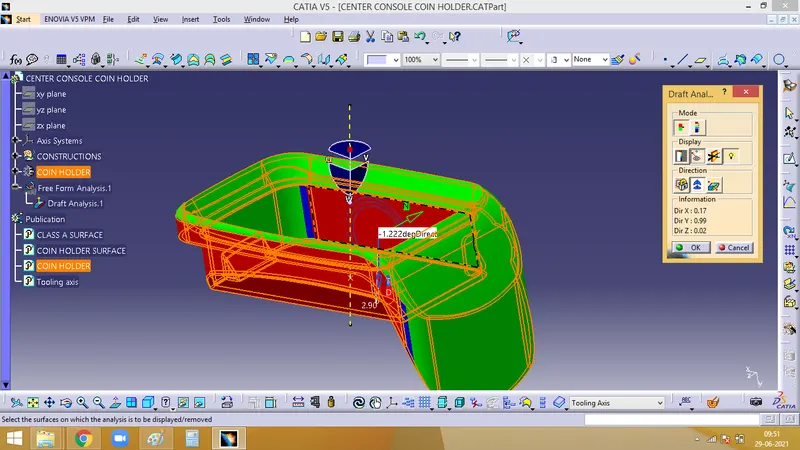
Now we have to check for the draft. Click on the surface and check for the colour from the draft analysis 2 dialog box. The minimum draft needed is 3, which is checked here. If any surface is red, then it has a draft angle less than 3.
With the help of Analysis under the running point icon, we can check the draft angle of each face
A. Screw Boss
- Extract the base and create a sketch for the boss. Here it is done for screw size M6. So inner wall is 5.2mm and the outer wall has to be 0.4 times the thickness
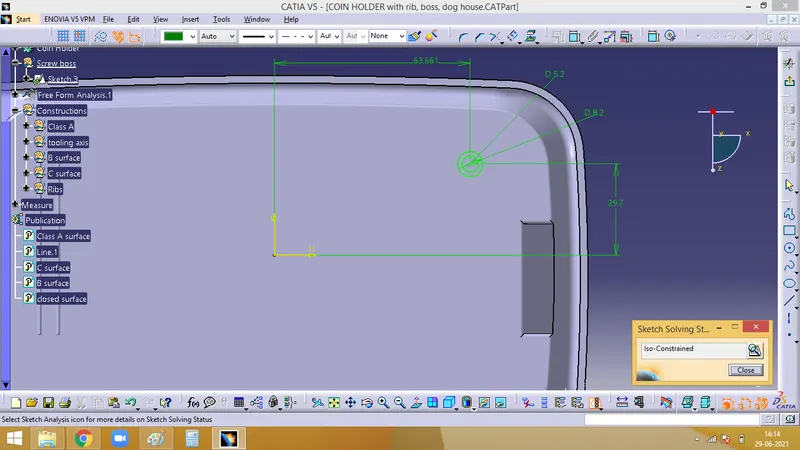
Pad this sketch to an optimum height and add it to the main component using boolean operation. And then fillet it to a radius of 0.25mm.
Then Draft has to be given to the boss and the draft value has to be 0.5 deg. The result will be as below image
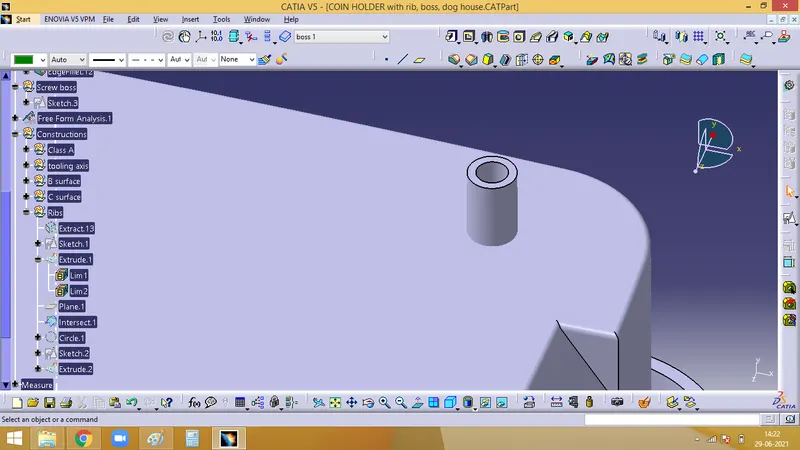
- In order to give support and strength to be boss, ribs are given around it. For which, draw a sketh for the ribs
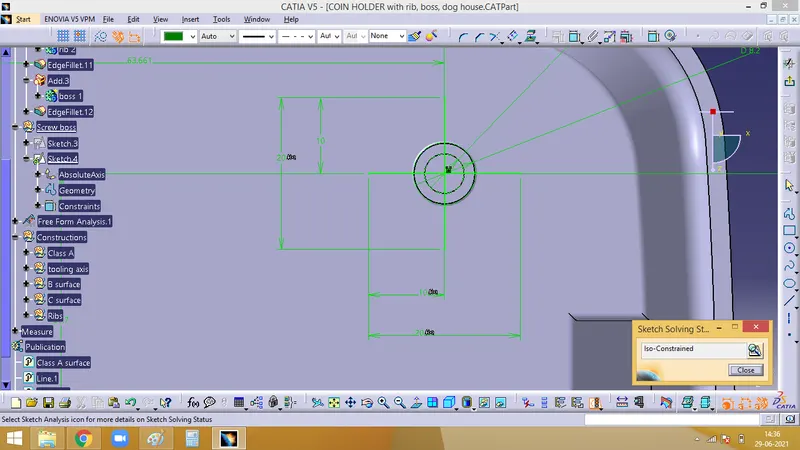
- Now, this skectsh can be thicken using the pad command and its height has to be lesser than the height of the boss, and it has to be drafter to as angle of 0.5 deg along the tooling axis.
- Then unitrim the ribs with the boss created
- Fillet it with 0.25mm
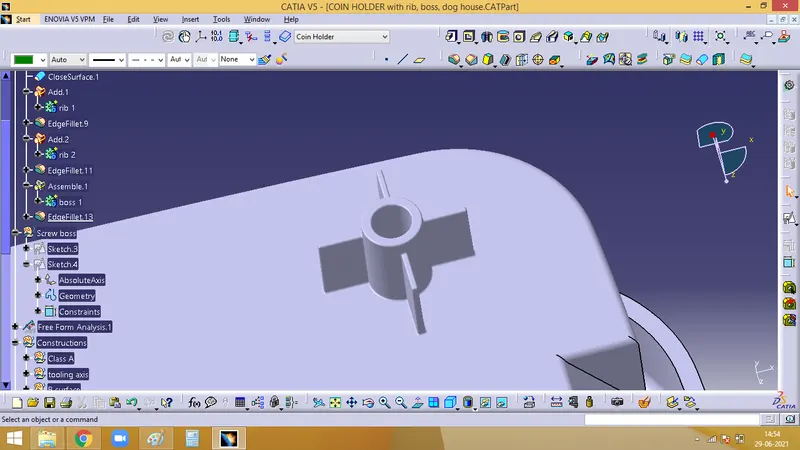
- This fillet can be translated to other positions and repeat the same operations of draft, fillet and then add it to the main body
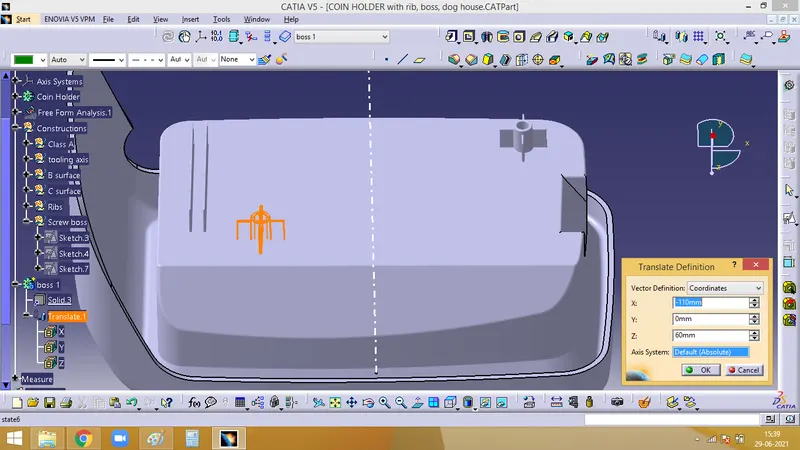
B. Dog House
- Primary function of a dog house is to avoid sink marks
- Now that, we need to design a dog house and position the dog house above it
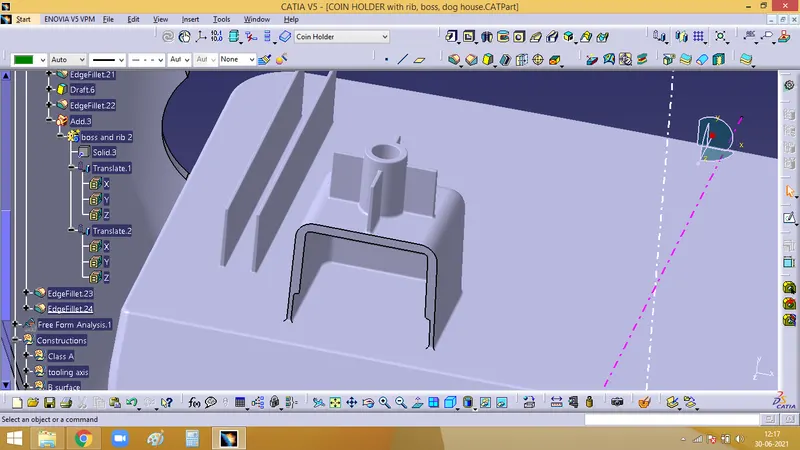
- For a dog house, first extract the base and draw a sketch as the below image
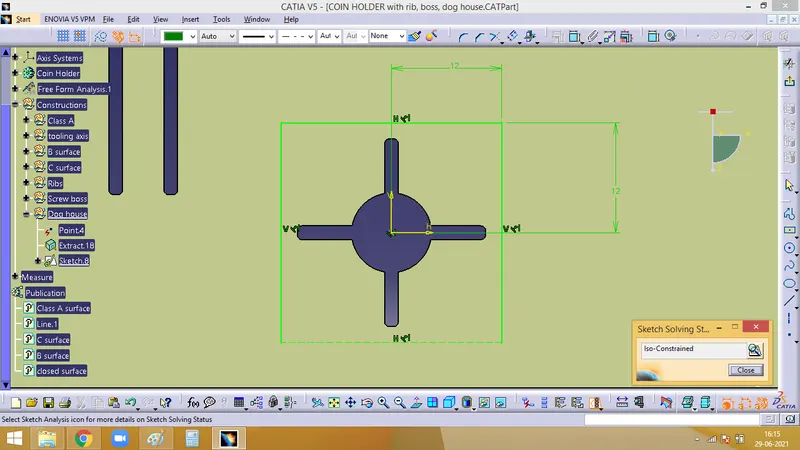
- Sweep it along the tooling direction with an angle of 1.5 deg, after that close the top face of it with an offset of the untrimmed exract created. Give fillets to the edges and under the part body provide thickness to it and a draft angle
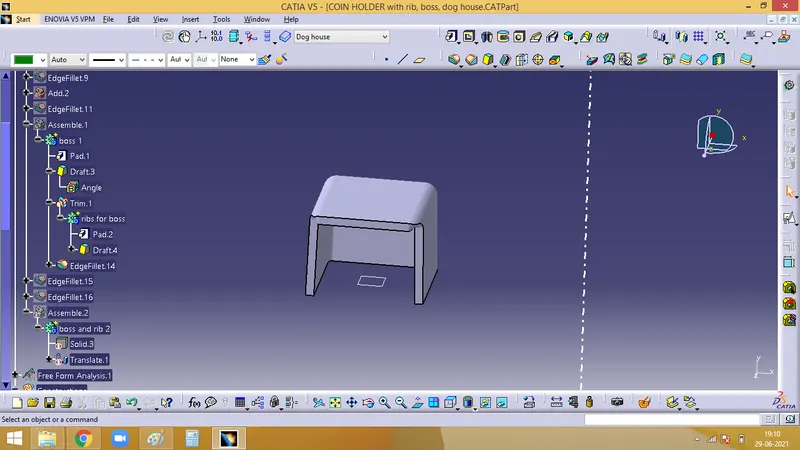
- For this dog house, a side core has to be provided, for which a side core axis is created alond the Z direction. In the below image, pink line represents the side core axis
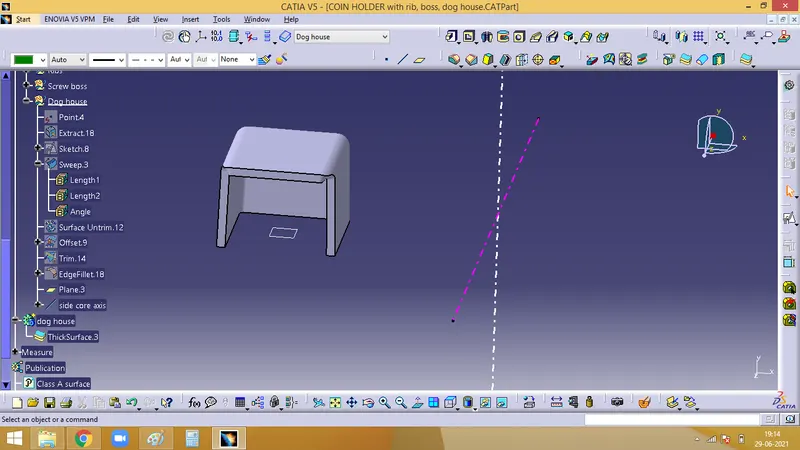
- Draft for the dog house has to be given according to this side core axis
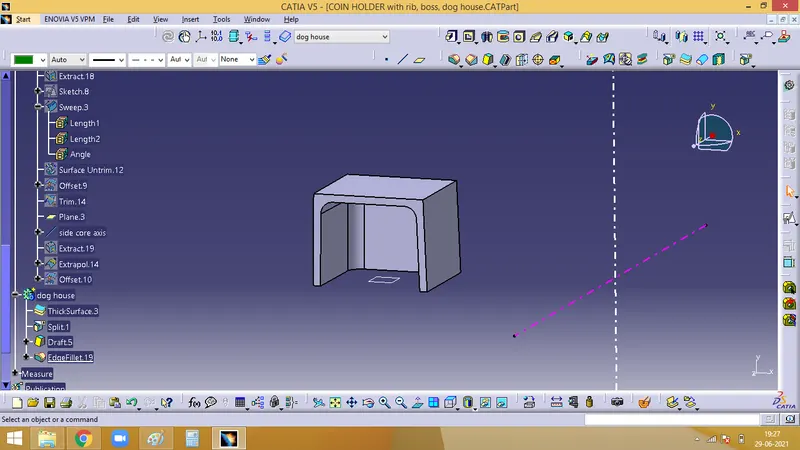
- The thickness has to be 40% of the base thickness of the component. So the inner face of the dog house is offsetted to 1mm (according to the current body), and trimmed as per the below image
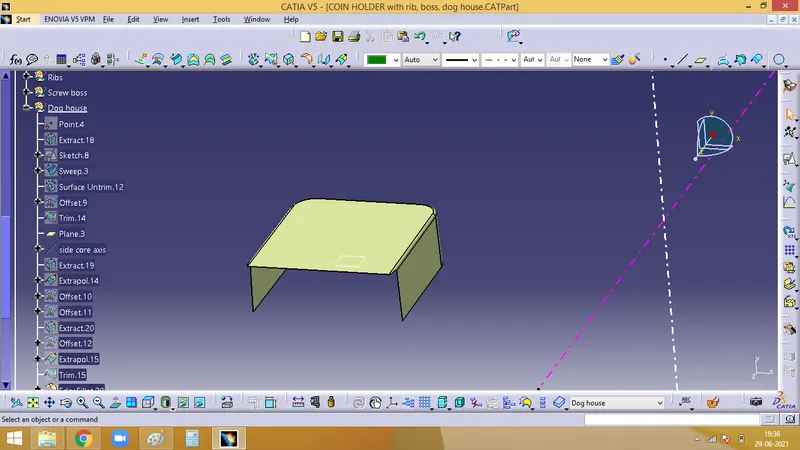
- Now, this is splitted with the solid body and the final output as below image
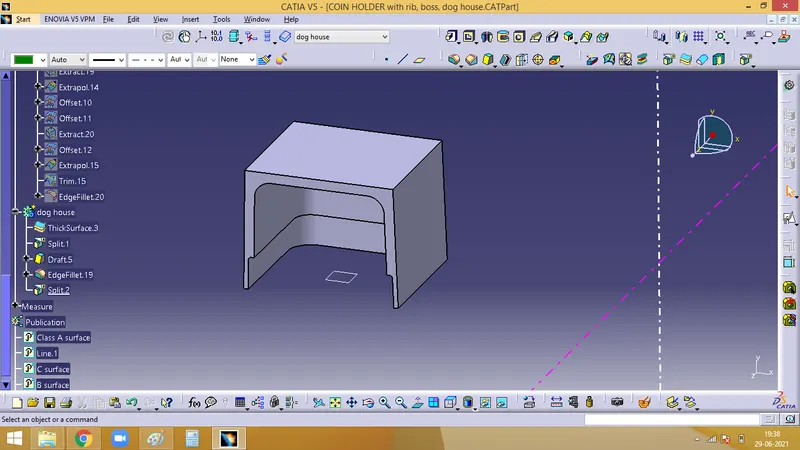
- While measuring the thickness we get the below image, 0.2 variation is there sue to the draft. Still the 30% variation is maintained, so its fine
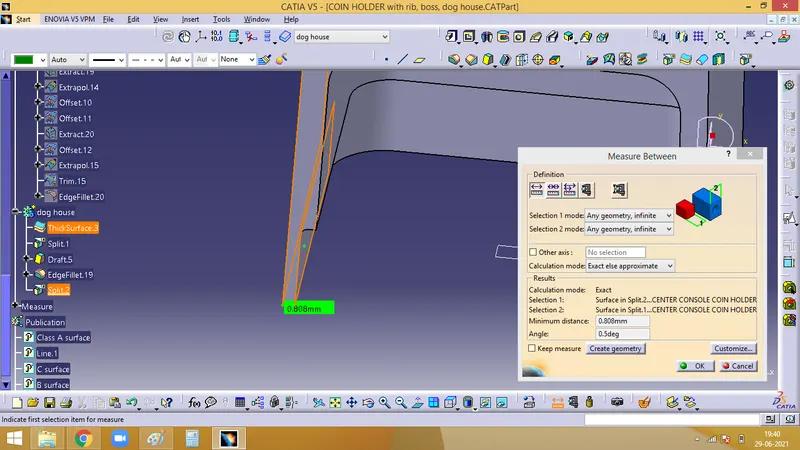
- Now, to give the fillet, the inner face is given the min vakue of 1mm and on the outer side its 1mm plus the thickness of the part
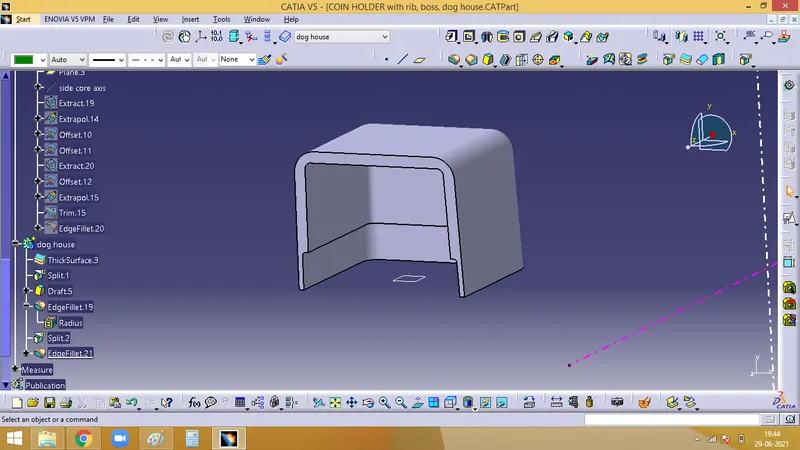
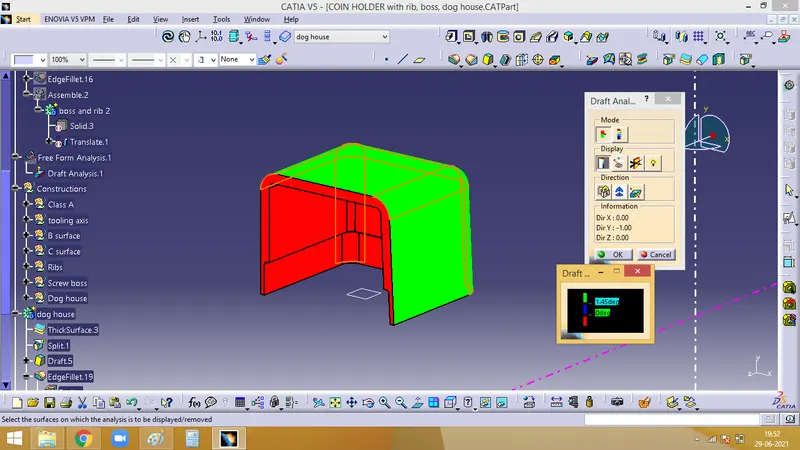
- Draft analysis for this dog house is done
First the draft analysis according to the main tooling axis, where we get the result as
- Now, draft analysis along the side core axis
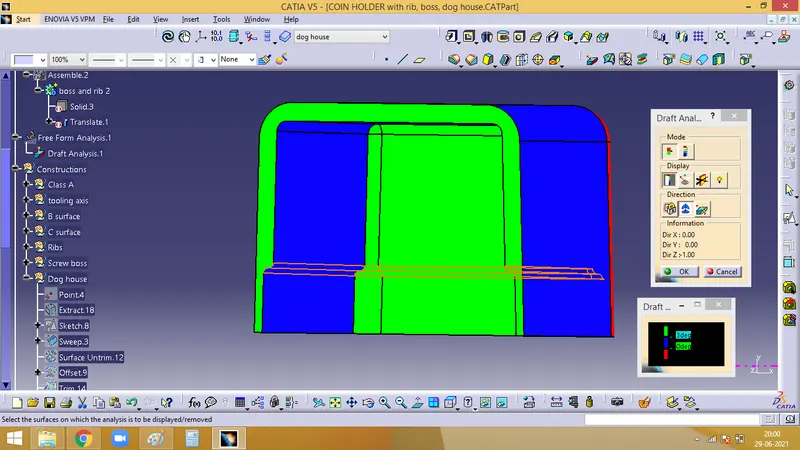
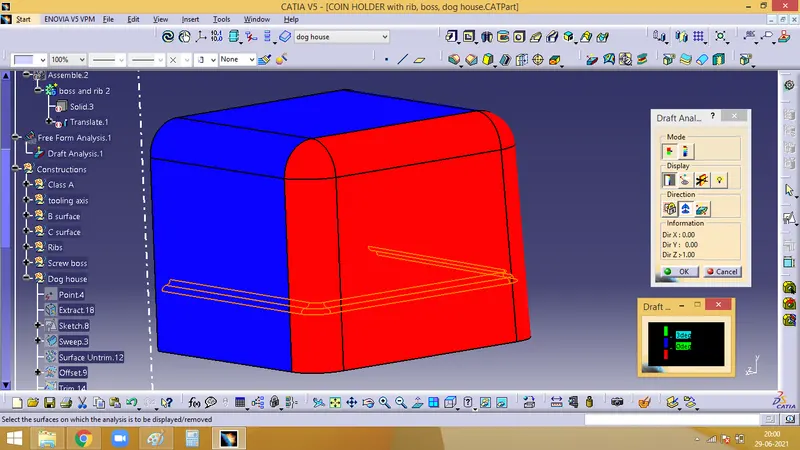
- Now, the dog house is done.
- Translate the boss created on top of the dog house as in the below image
- Finally add the boss to the dog house body using boolean operation
- Then add this dog house to the main body.
3. Draft Analysis of final component
Draft analysis is done along the main tooling axis
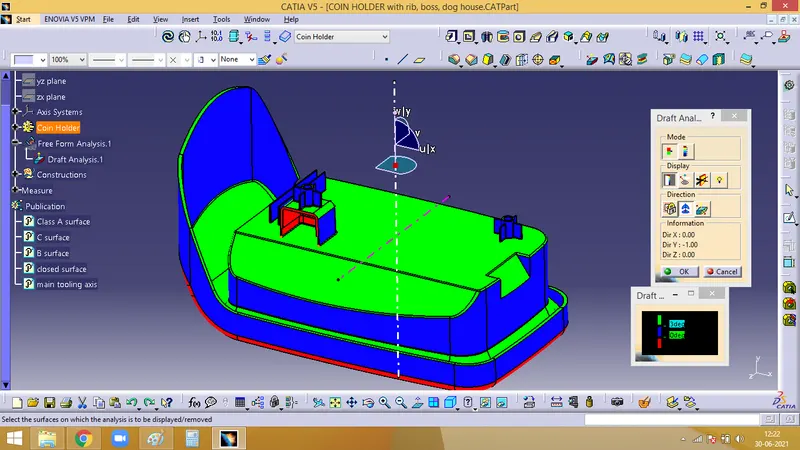
Front view
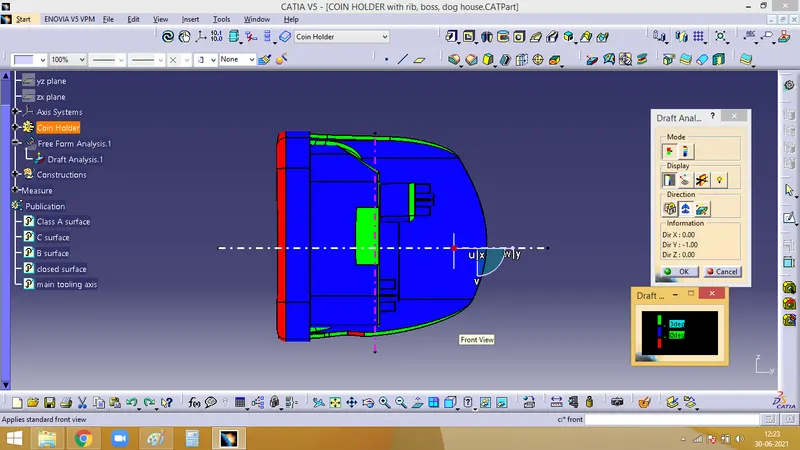
Right view
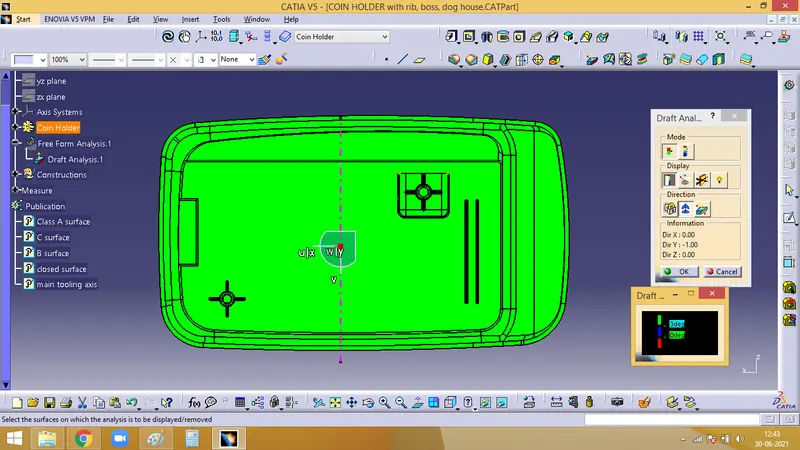
Top view