Week 8 - Challenge 5 - Core & Cavity Design
Aim :
Create the Core and cavity blocks for the switch bezel designed
Detailed Report :
1. Draft Analysis of the sitch bezel part created
Initially a tooling axis is created.
Tooling axis is the direction along which the core and cavity opens and closes. Draft angle is required for every face for smooth ejection of teh component from the core section. For this only, draft analysis is done for which primarily a tooling axis is required.
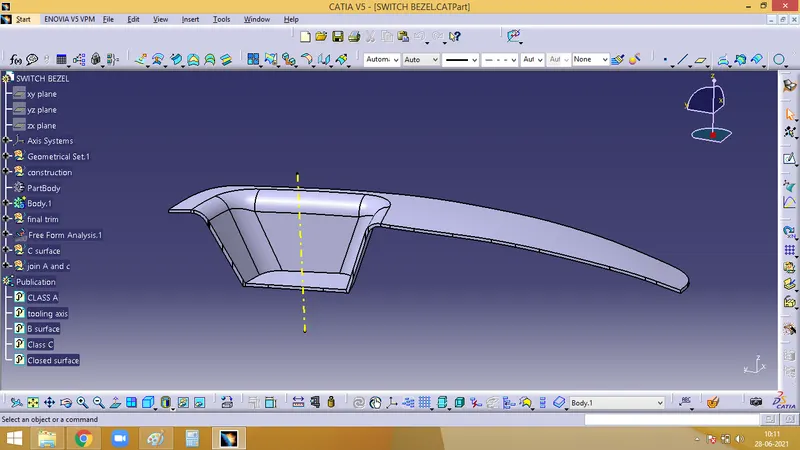
Draft analysis
Initially the material mode has to be set and open the feature draft analysis dialog box. Pick on the compass symbol and place it in line with the tooling axis.
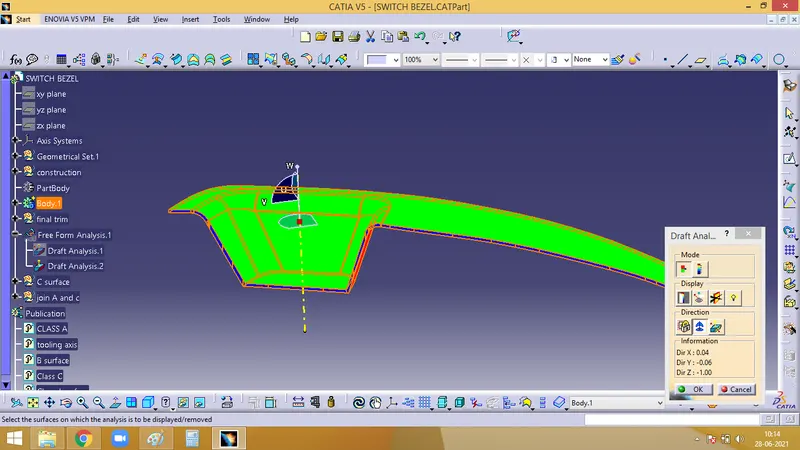
Now we have to check for the draft. Click on the surface and check for the colour from the draft analysis 2 dialog box. The minimum draft needed is 3, which is checked here. If any surface is red, then it has a draft angle less than 3.
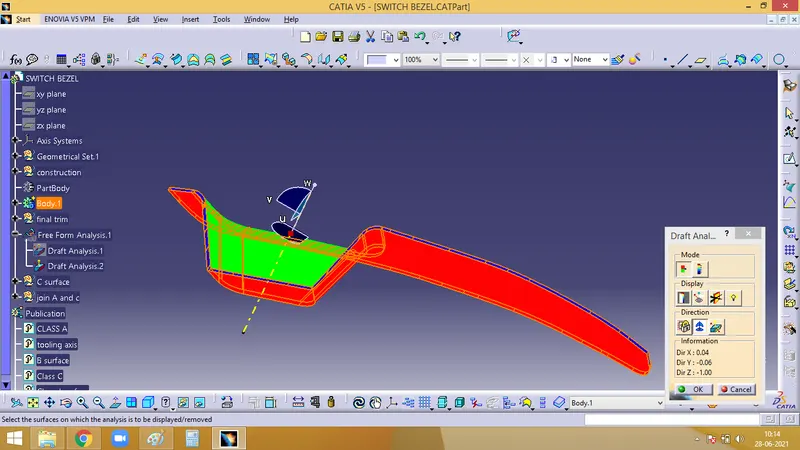
With the help of Analysis under the running point icon, we can check the draft angle of each face.
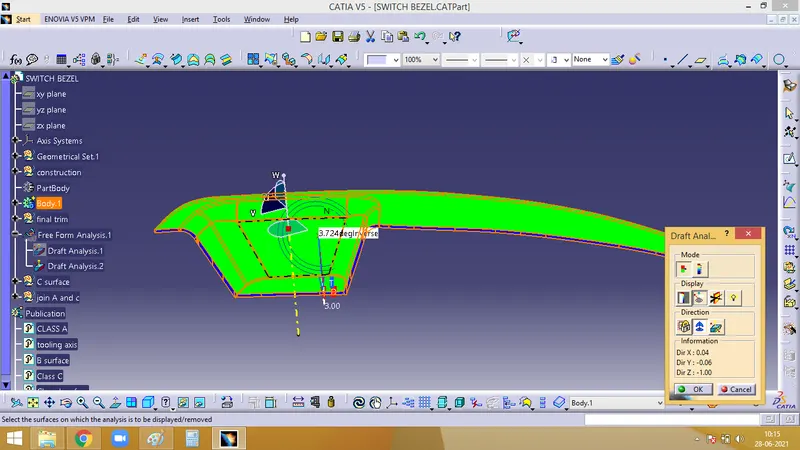
2. Core Design
Core is the protruded part of the core cavity design. It forms the cavity of the final part.
For this, extrude the class A surface, Then trim it with C surface created
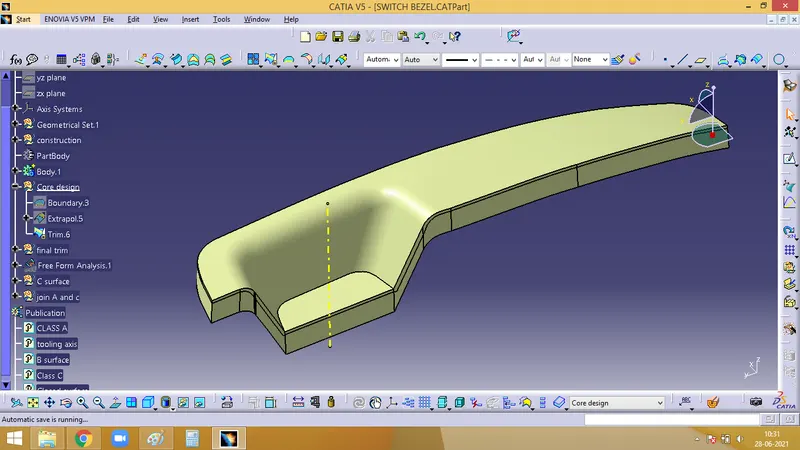
Now, trim this with the B surface
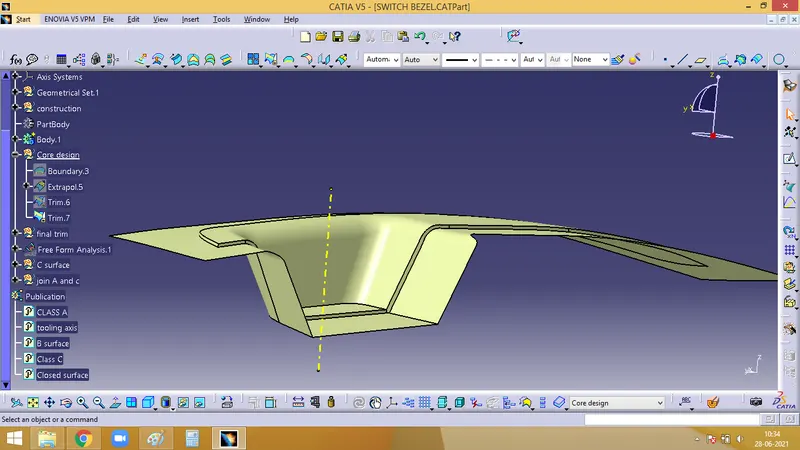
These are the faces which will be cleared with the core. This is the splitting face between the core and the cavity. Make sure that there is no body beyond this parting surface
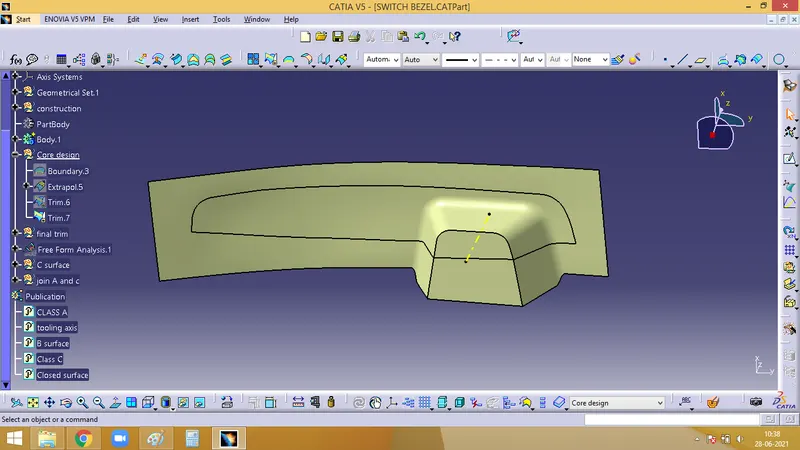
3. Core design
Cut this parting surface into a rectangular shape.
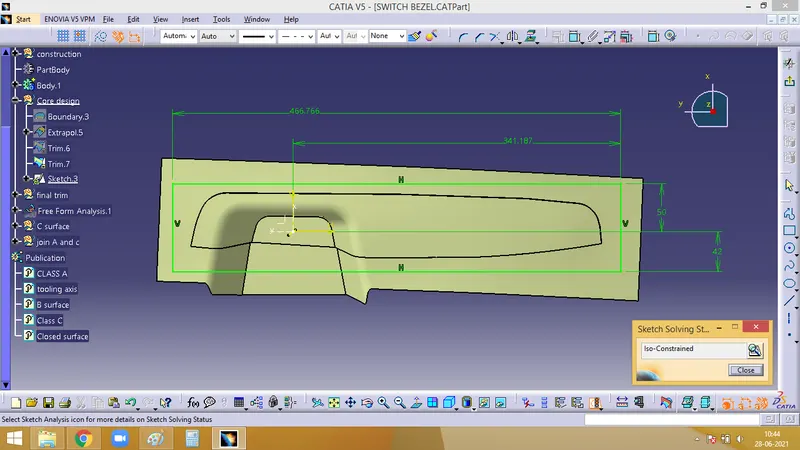
Extrude it along the tooling axis and trim the extrude along with the parting surface
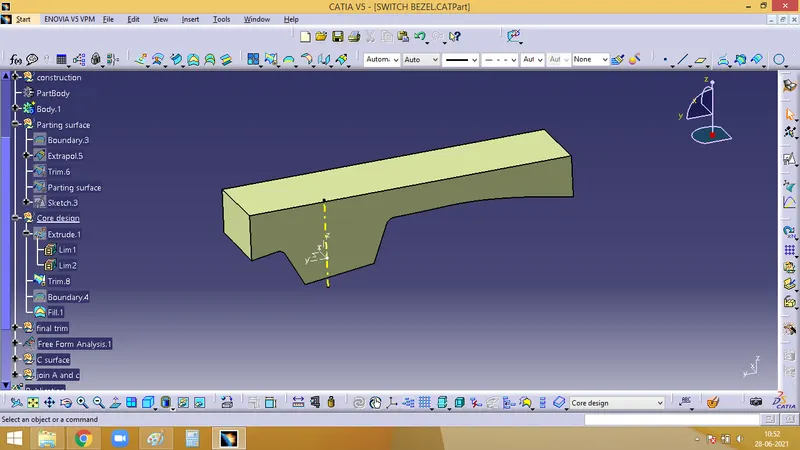
Now, we must convert into a solid under Part design and the core block is formed
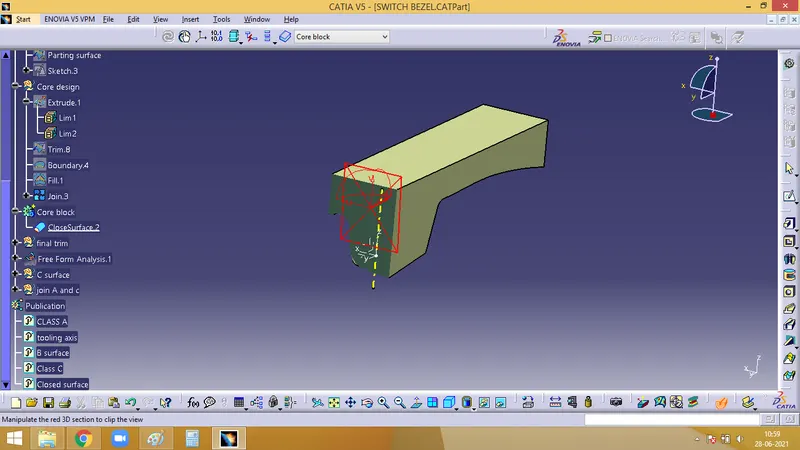
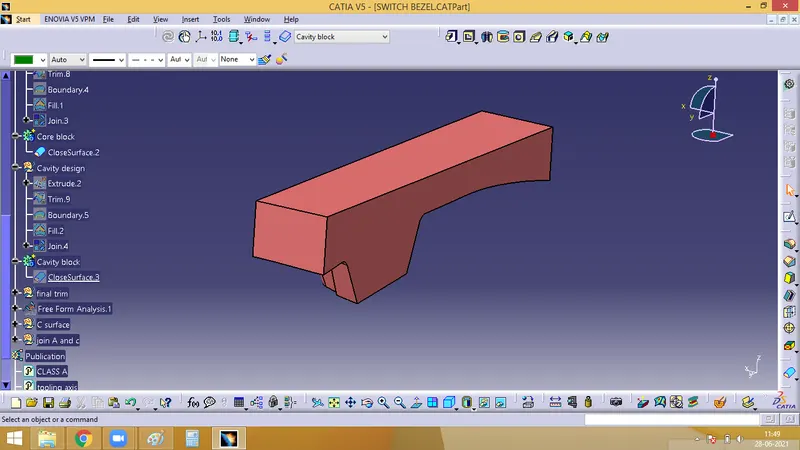
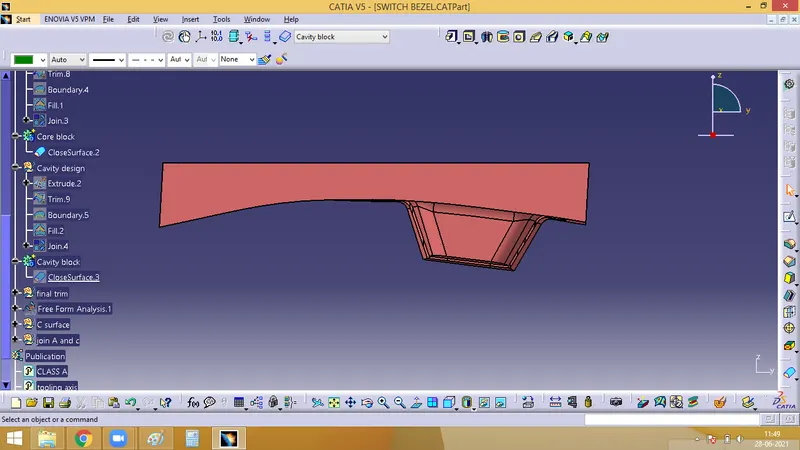
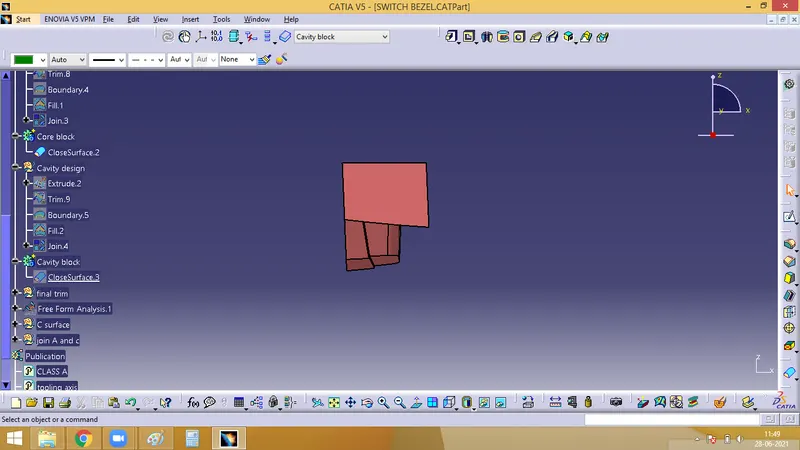
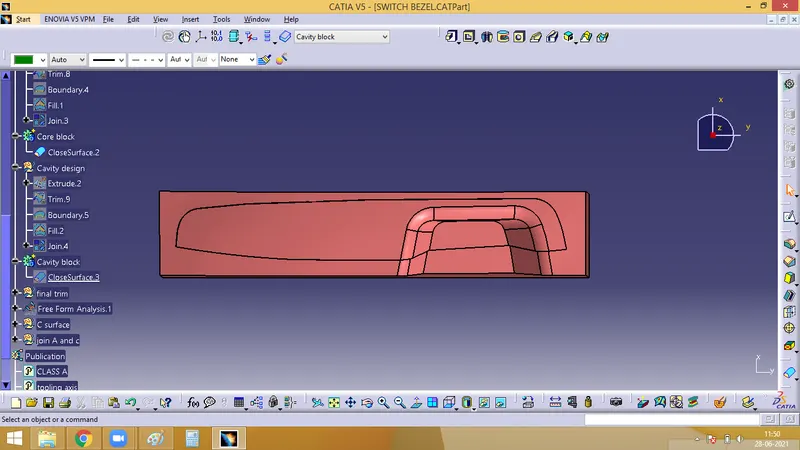
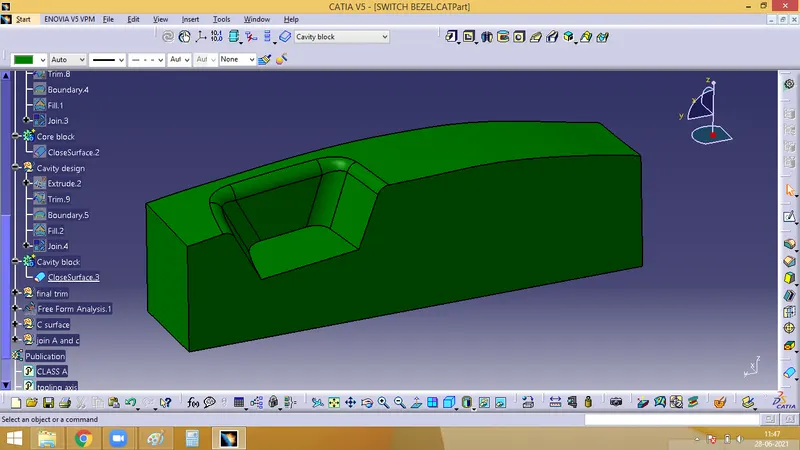
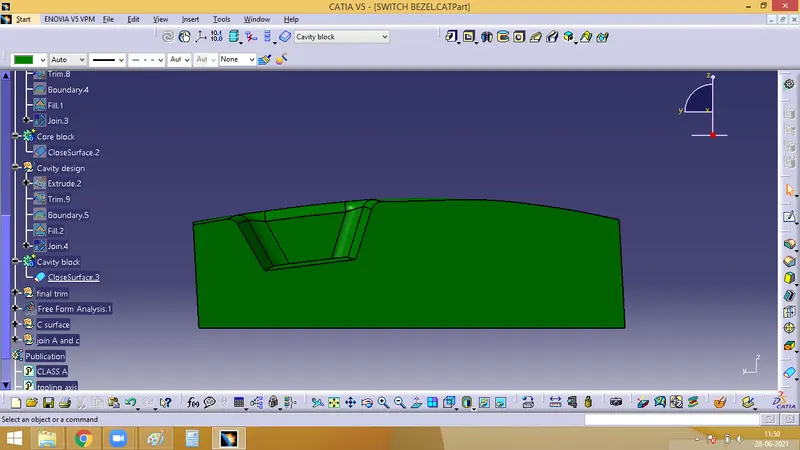
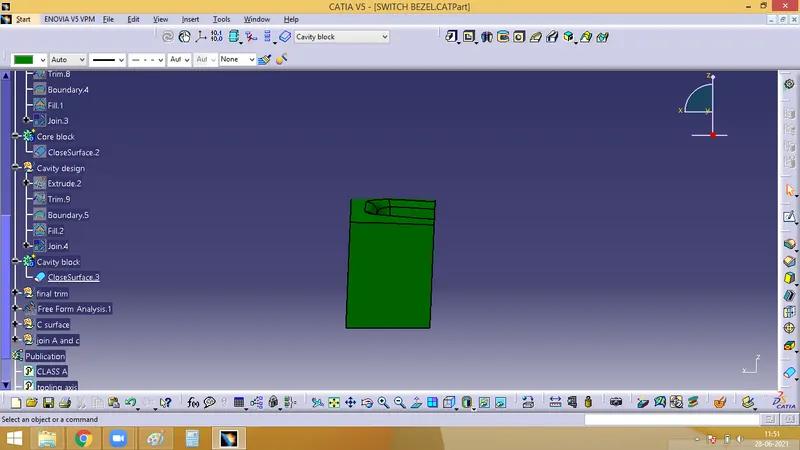
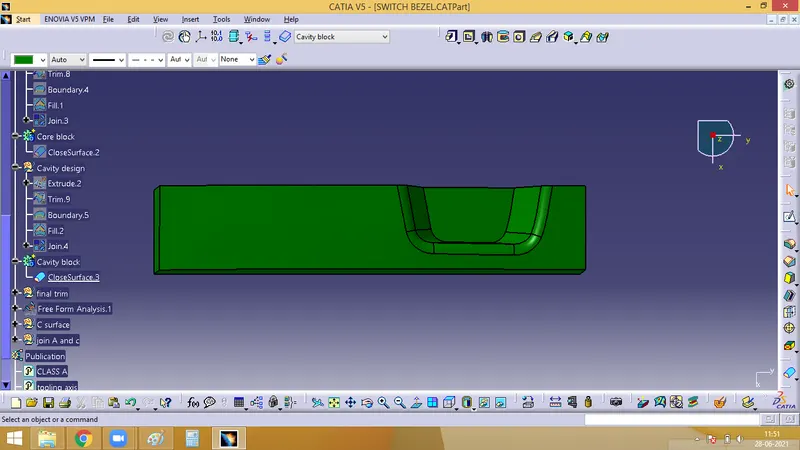
4. Cavity design
Extrude the rectangular sketch
Trim it with the B surface. Cavity surface is formed
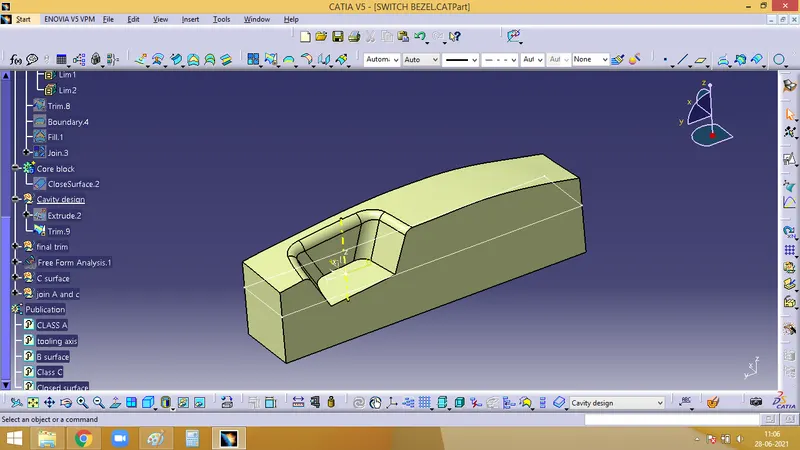
Now, enter the part workbench and convert it into a solid
5. Core and cavity block
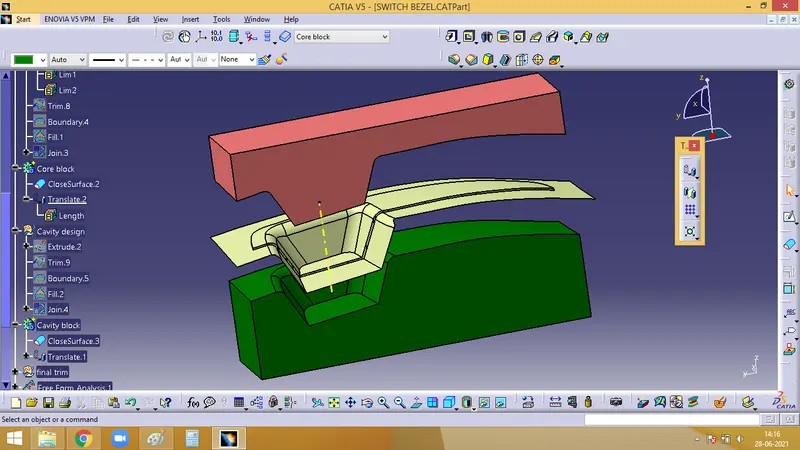
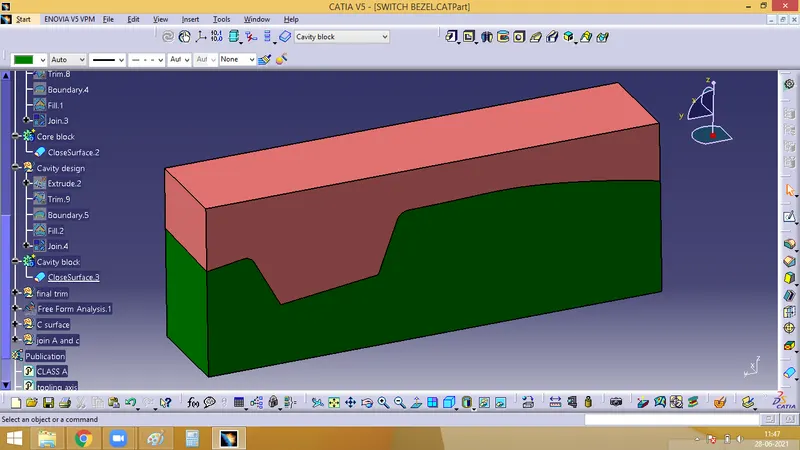
Now, that the core and cavity block is created, where, according to the below image pink colour is the core block and the grenn colour is the cavity block
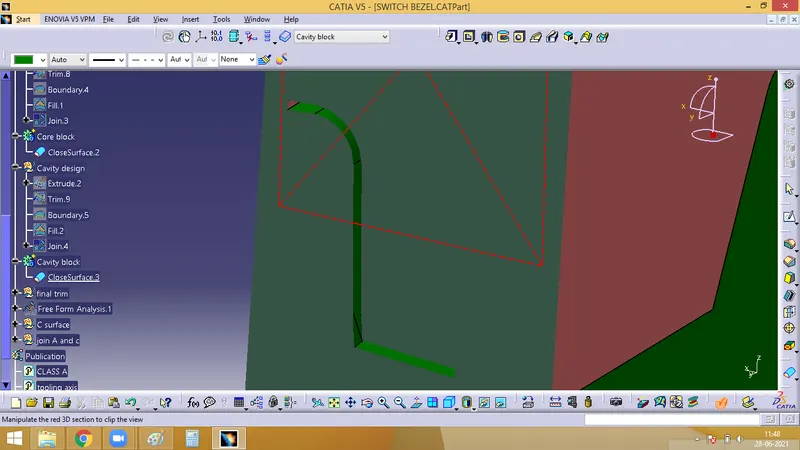
Cut section, it shows the cavity between the core abd cavity blocks, along which the molten plastic material will get filled
The movement of the core and cavity block would be along the tooling axis, this way as in below image, where, pink is the core, green is the cavity and the nude colour is the parting surface