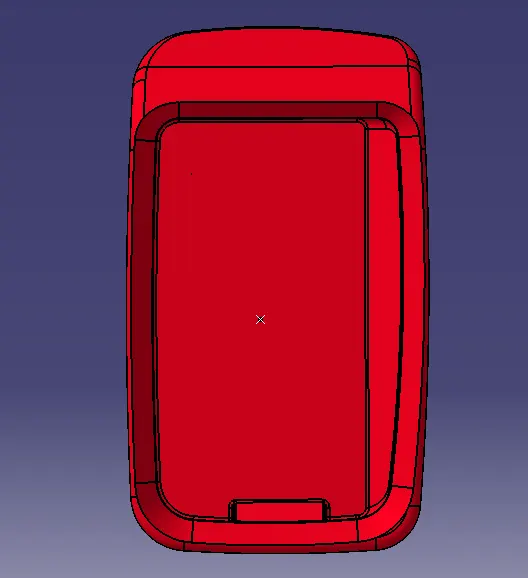
Week 9 - Attachment Feature Creation - Challenge 1
Aim :- To create RIBS on the surface of the given Coin Holder component following the design rules for rib creation.
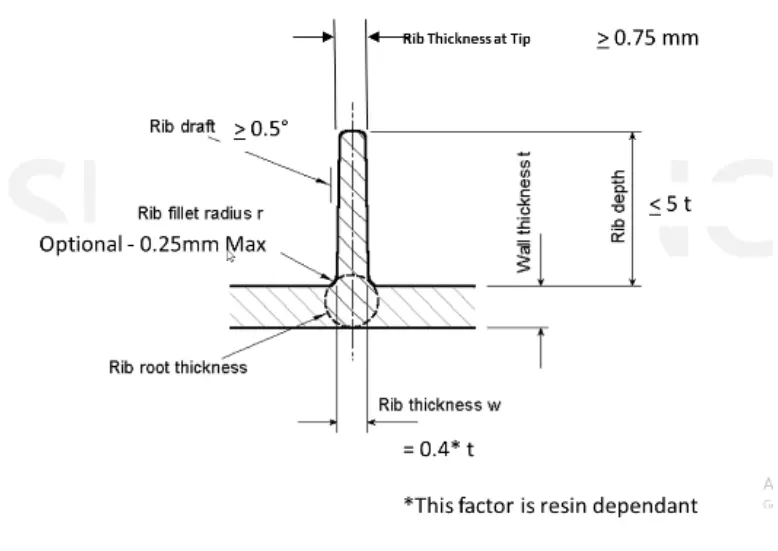
Design Rules for Rib creation :-
Procedure :-
- The given component is a coin holder, ribs are created on the base surface of the component.
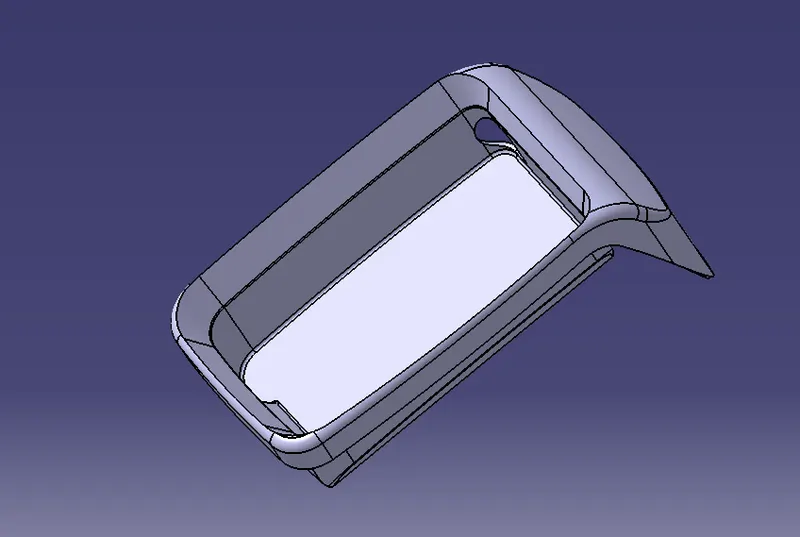
- Insert a geometrical set for the operation for the rib creation. extract the base surface of the component and create a positioned sketch on the surface.
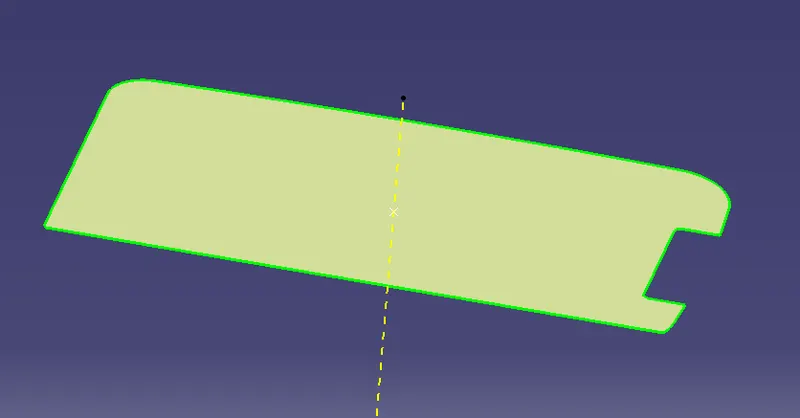
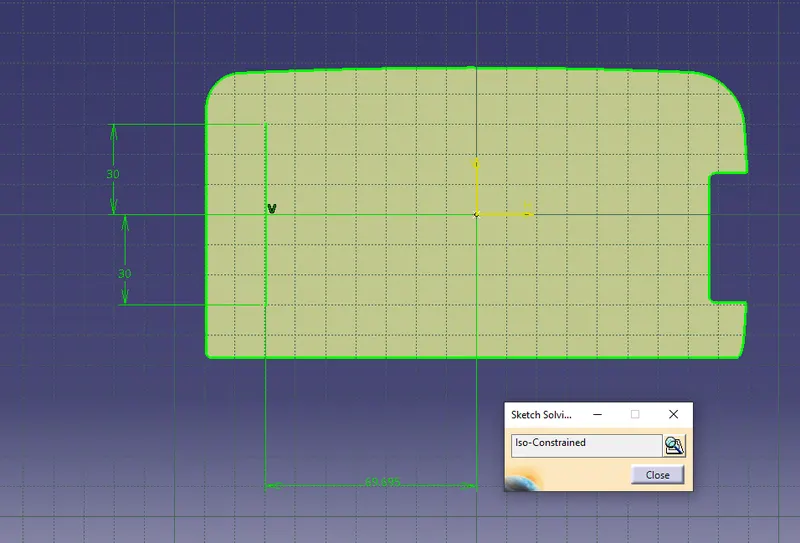
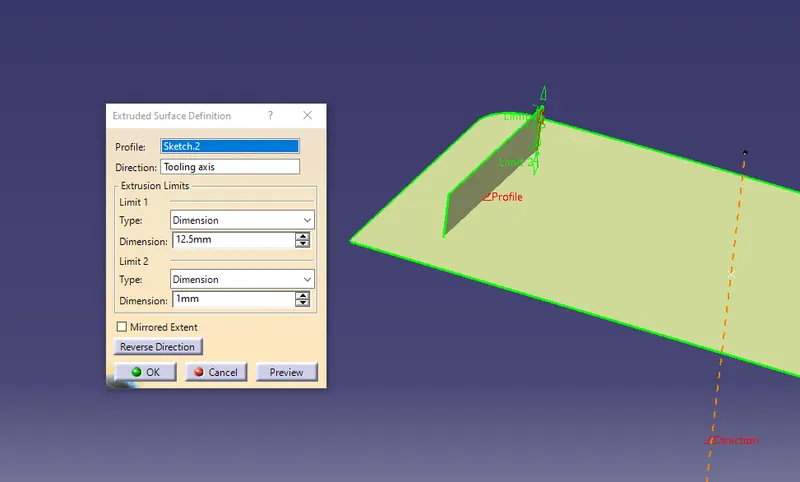
- Draw a line with measurement and from the axis and make sure it is iso-constrained.exit the sketch. and select extrude option to create the rib profile. the height of the rib should be less than or equal to the 5 times thickness of component. 2.5*5 = 12.5.
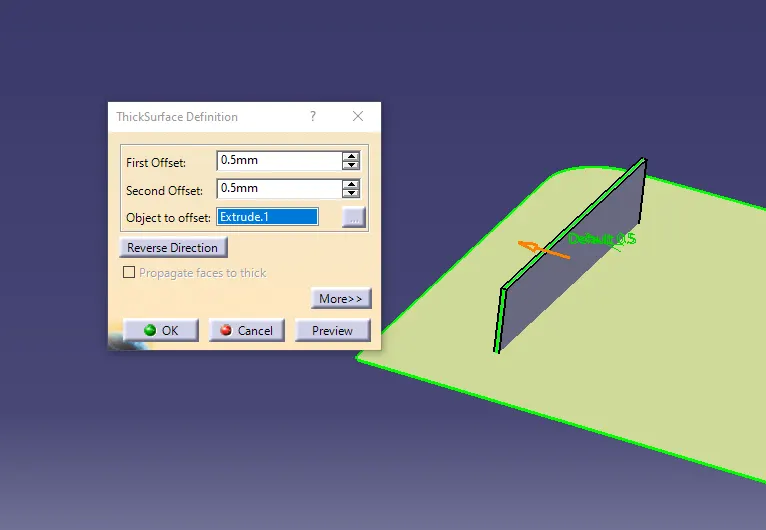
- After extruding the line. add thickness to the profile. Goto part design and select thickness option and define it in the part body. the ideal thickness of the rib should be 0.4* thickness of the component. 0.4*2.5 =1 mm . 0.5mm in both the limits.
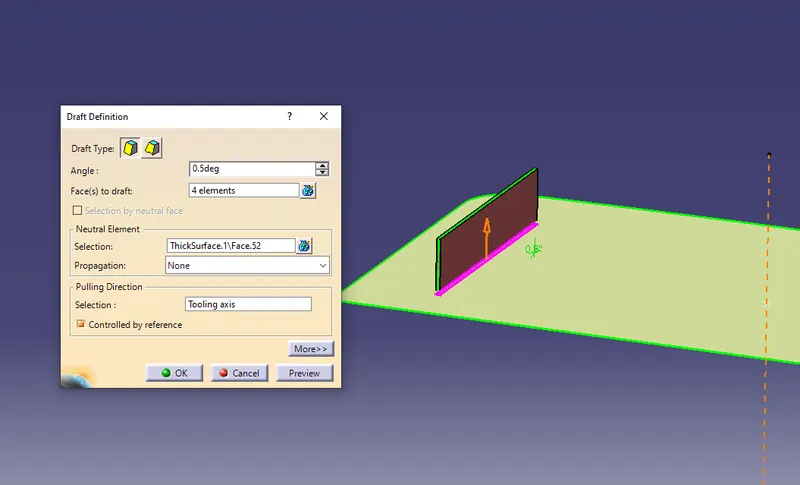
- Now get back to the generative shape design. and draft the rib by selecting the side profiles and draft angle should be greter than or equal to 0.5 degree. select the neutral surface accordingly. the rib thickness at top should be greater than or equal to 0.75mm.
- After drafting the rib. add edge fillets to the edges of the rib. the ideal Rib fillet radius must be 0.25mm.
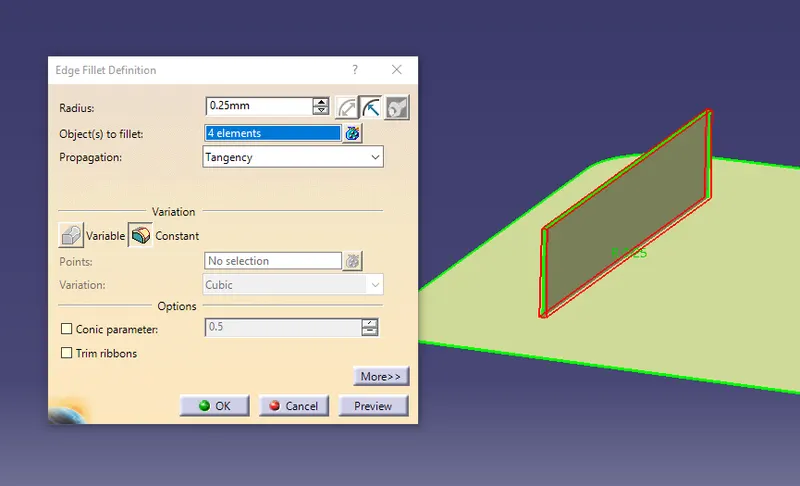
- Use the boolean operation to ADD the part body for Rib to the main part body. similarly following the design rules for the Rib create another rib with the standard rib spacing which is 3:1 ratio height/width. which is 2 times the thickness of the component.
- To create another Rib follow the same pocedure and select the same positioned sketch or create another by choice. / copy and paste the part body and translate the rib to 6mm (0.5mm thickness was on both limits) in x- direction.
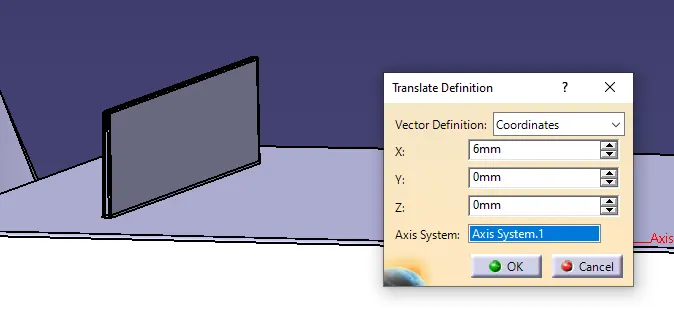
- Now the translated rib already has draft angle. hence add fillets with the 0.25mm radius. make sure the operations are defined in geometrical sets and the solids created are in part bodies. by using Boolean operation add the translated rib part body to the main part body.
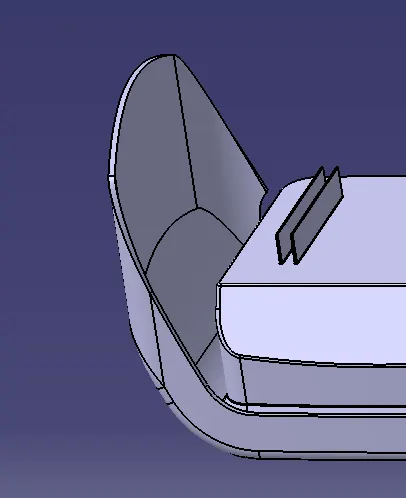
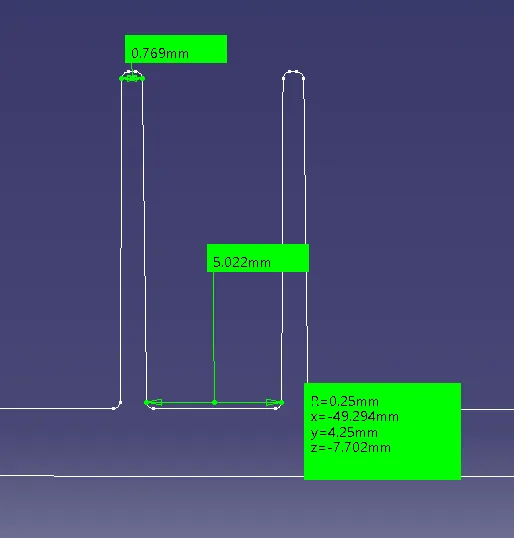
- Now to inspect the measurements of the ribs section. create a plane in the X-plane from the projection point and intersect the plane with the component( solid body ) to get the intersection lines. use measuring item to know the values and keep the measure.
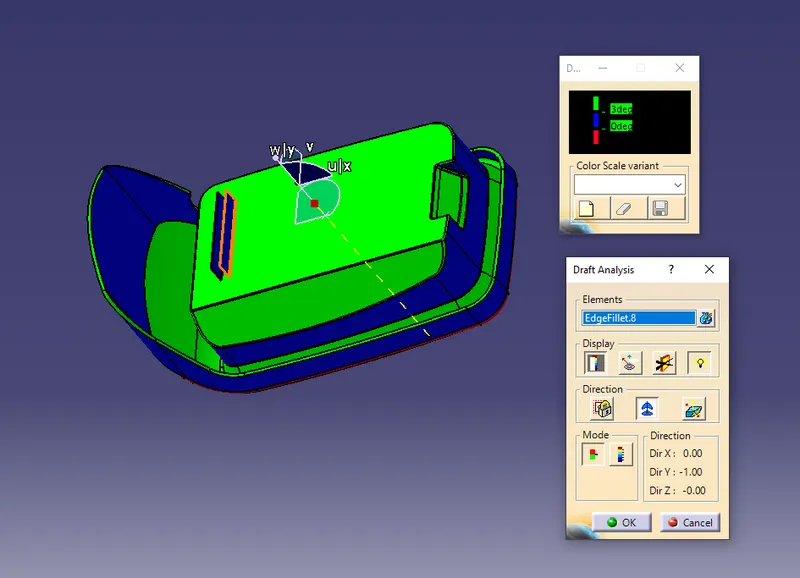
- Now perform the draft analysis for the whole component with the ribs added. Goto- Insert- Analysis-Feature draft analysis. place the compass on the tooling axis and select the component. check for the colour variations.
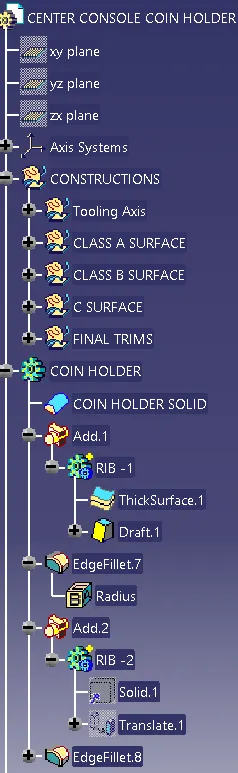
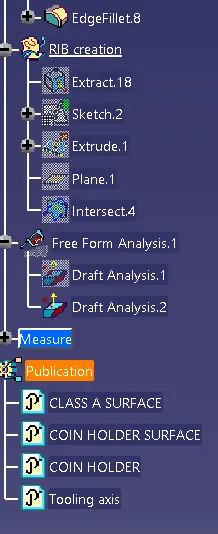
Model Tree :-
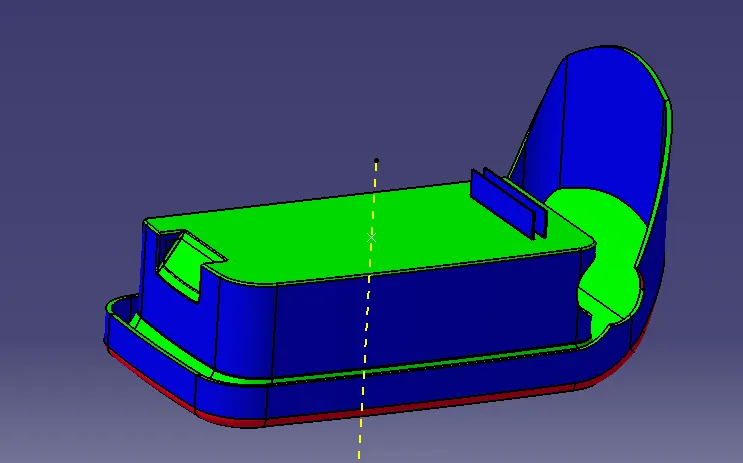
Result :-
Isometric view -
Front view -
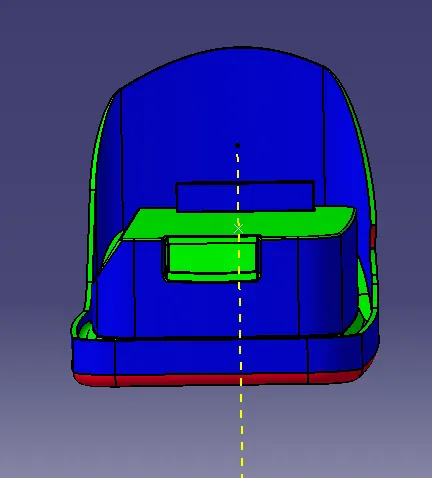
Top view -
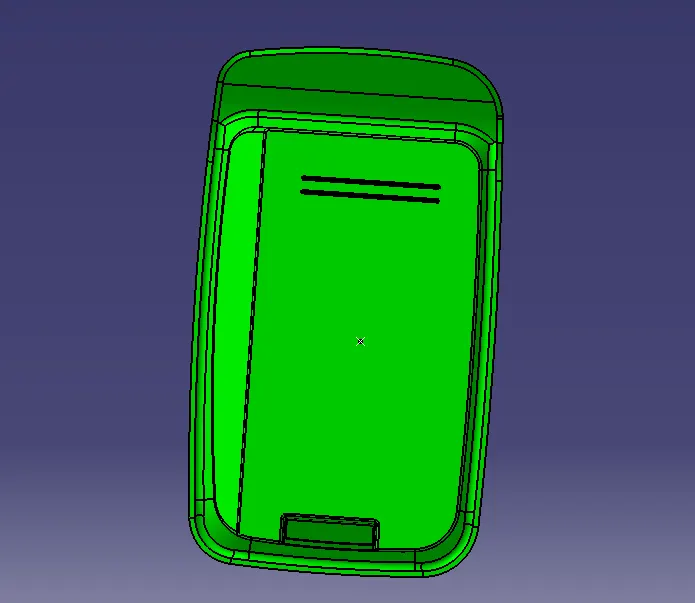
Side view -
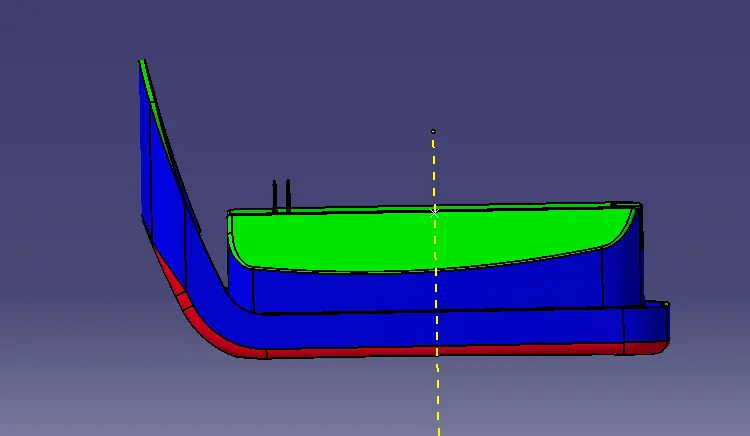
Bottom view -