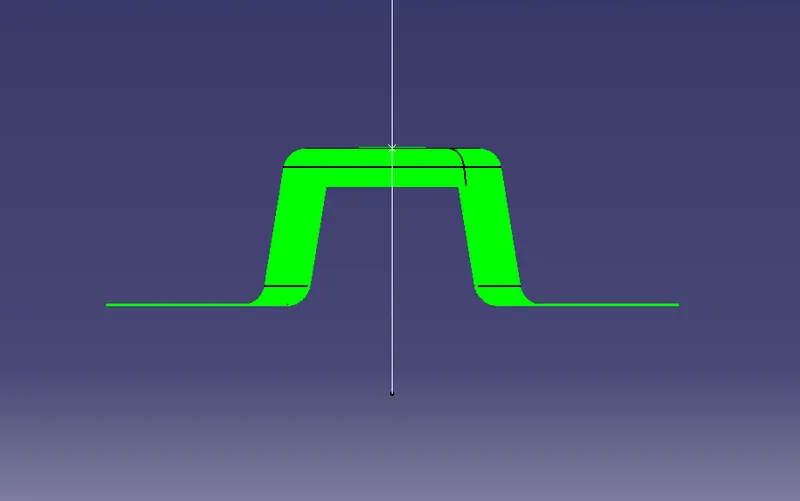
Week 8 - Challenge 1 - Draft Analysis on a Fan Cover
Aim :- to perform drafting analysis on the given Fan component.
Given component :-
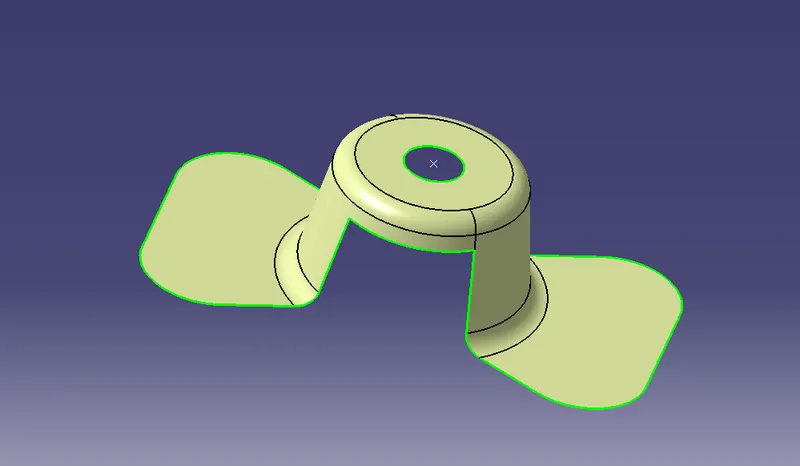
Procedure:-
- open the given CATPART and check for the gaps and boundaries of the component by using boundary option and selecting the whole component. any unwanted gaps in the model will be highlighted easily.
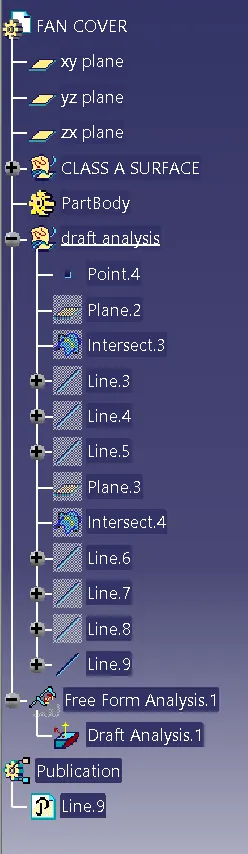
- the tooling axis needs to be created ( the direction of the nould input ) , perform all the operation in the separate geometrical set an name it accordingly
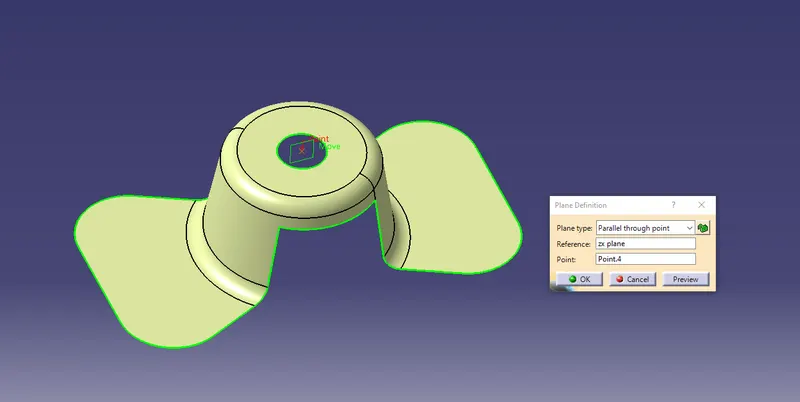
- firstly, create a point in the desired location .. between thw hole in the component.
- create a plane usig plane option using the point as reference and desired view- ZX plane
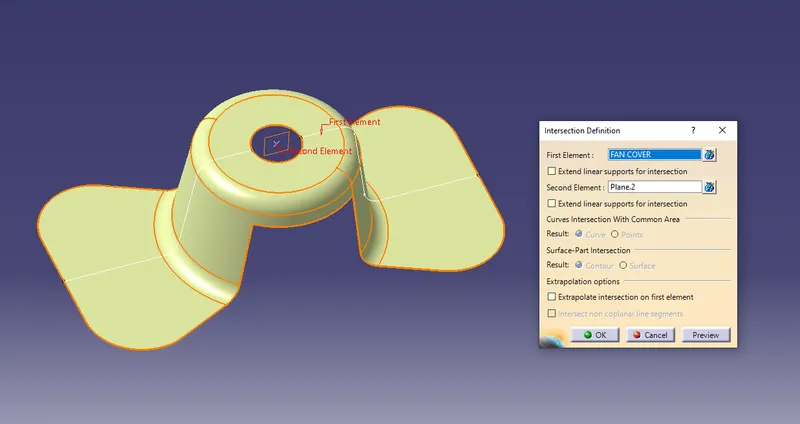
- now using the intersection option select the component and the zx-plane to create a intersecting lines on the component. make sure to keep all sub-elements.
- now with the reference on the intersecting lines create another lines using point-point option and extend them accordingly
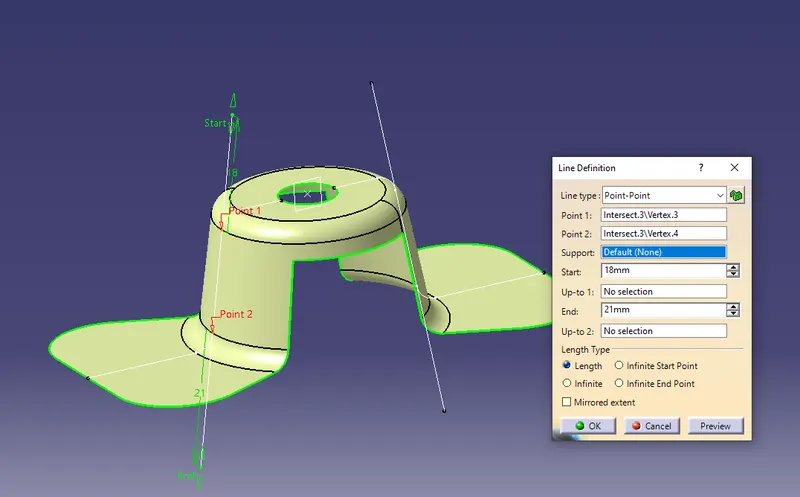
- now create a bisecting- line with reference of the two newly created lines and point .
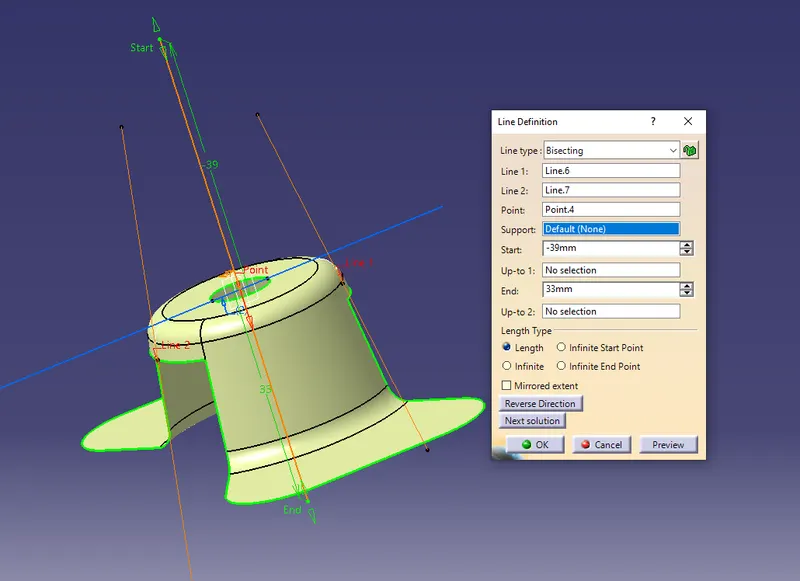
- similarly follow the same procedure in creating another bisecting line from YZ-plane,
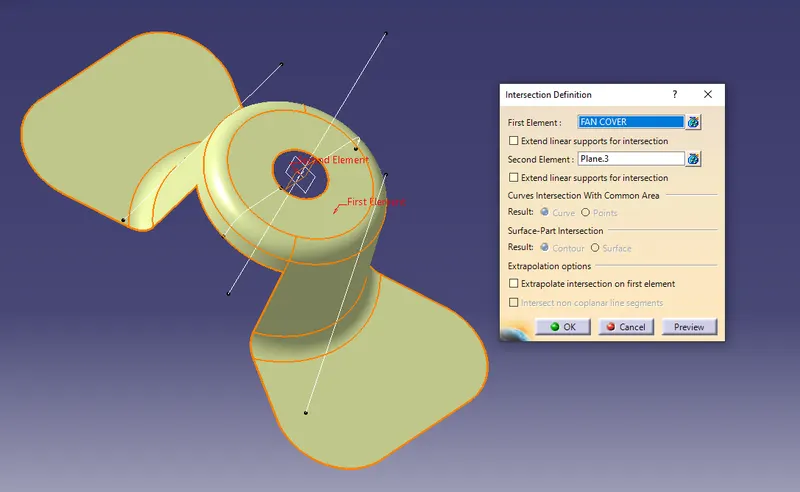
- now, after creating two bisecting lines from two different views... namely YZ and ZX -planes as they are equal and parallel intersecting. they both are selected as reference to create final line for tooling axis. they can be selected from the tree structure.
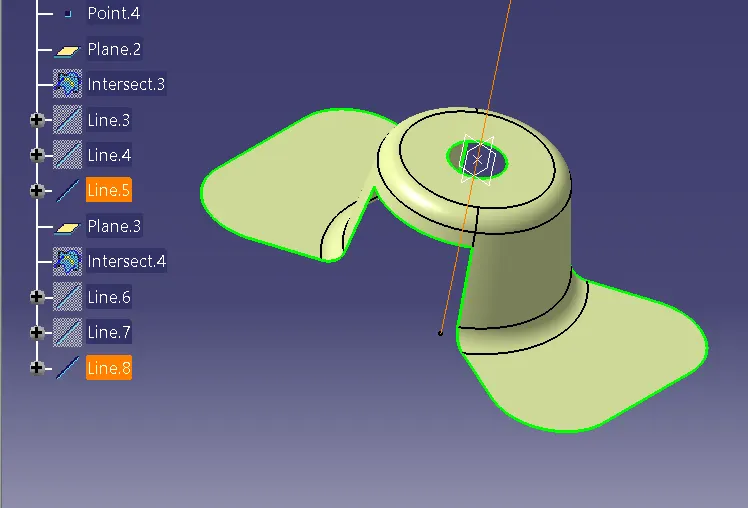
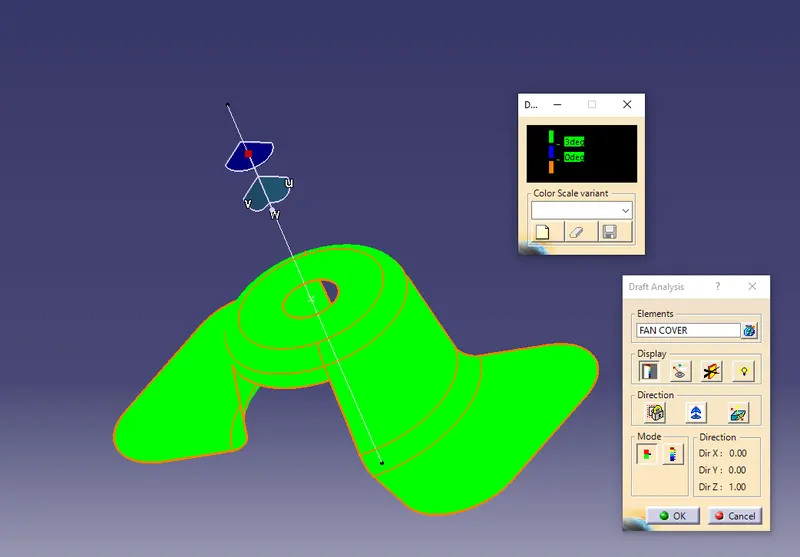
- hence the required tooling axis is created. now for the draft analysis Go-to Insert- Analysis- Feature Draft analysis
- set the value to 3 degrees and drag the compass and place it onto the tooling axis and click on the component for selecting.
- now visually inspect the model colour based on
- GREEN >3 degrees draft angle.
- BLUE 0-3 degrees draft angle.
- RED <0 degrees draft angle.
- the compass can be adjusted to get the required drafting axis by viewing the colour pattern .
- also publish the tooling axis and required geometry to make them easily visible in the tree structure
Draft Analysis -
Tree Structure :-
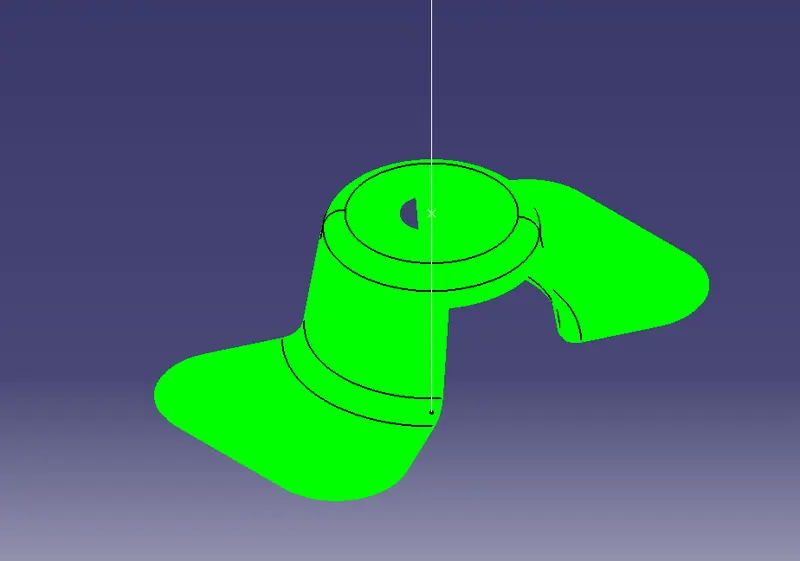
RESULT :-
Isometric view -
Front View -
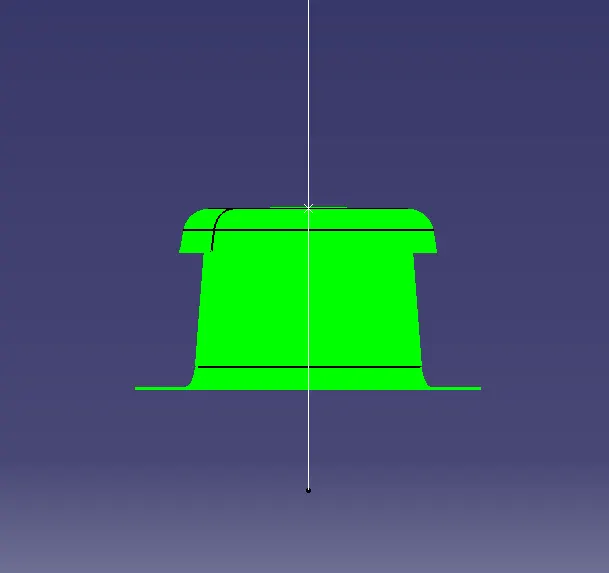
Side View -