Week 9 - Attachment Feature Creation - Challenge 1
Objective - Objective of this challenge is to Creation of RIB of Coin Holder and add thickness to it using CATIA Software.
Tooling axis - The tooling axis is defined as the direction in which the mold opens or core and cavity opens and closes. The selection of the correct tooling axis is important to ensure the component is taken out perfectly and also the cost of the component should be less.
I will start by inserting a geometrical set and naming it as a tooling direction. Creating the tooling axis I will analyze the model and see from which direction i can see the whole model so here the direction i have chosen for the tooling axis is along the y direction because along the y- direction the whole model is visible properly.
For creating the tooling axis first i will extract the base from the class A surface. And will create a point on the center of that base. Then i will insert an axis system on that point. since i have chosen the y direction as my tooling axis i have to make sure that the tool should clear in both x and 2-direction, so for x-direction, i will not create an intersection because there are no surfaces that would cause a problem during ejection. But for z-direction, i will create an intersect. Thus the tooling axis is created.
Now I will start designing the rib
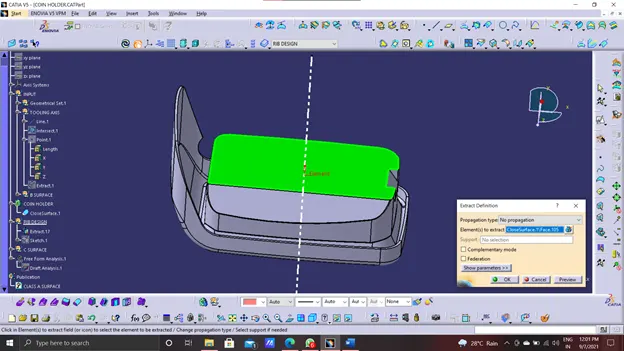
- Extract the base as shown.
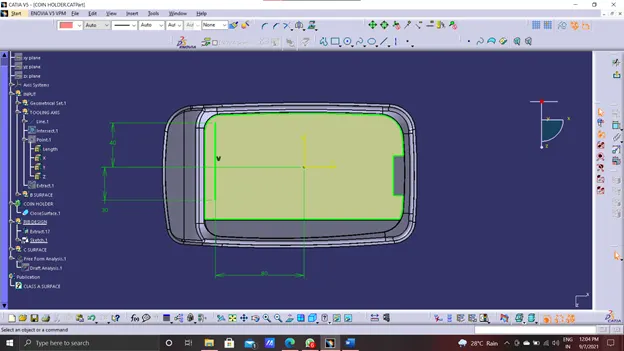
- draw the sketch on the base for rib.
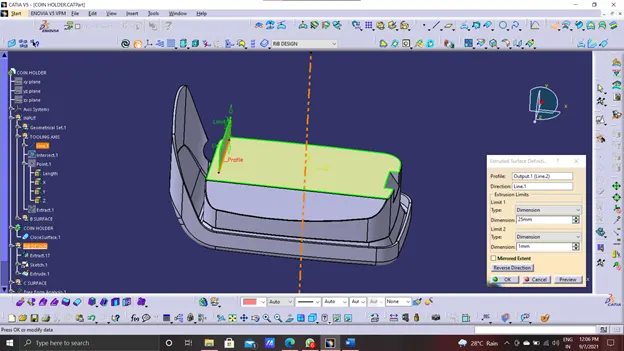
- Now extrude the sketch wich should be greater or equal to 5 times of wall thickness.
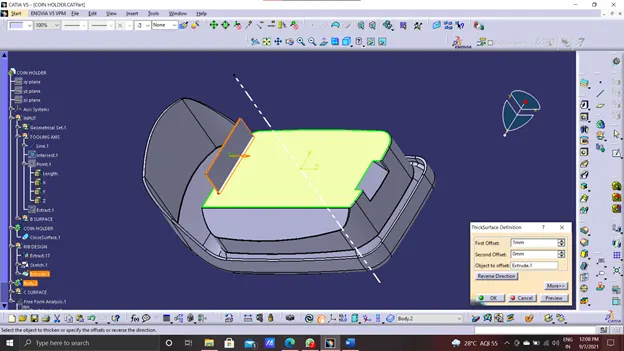
- Now thicken the extruded part wich should be nominal to 40 percent of wall thickness.
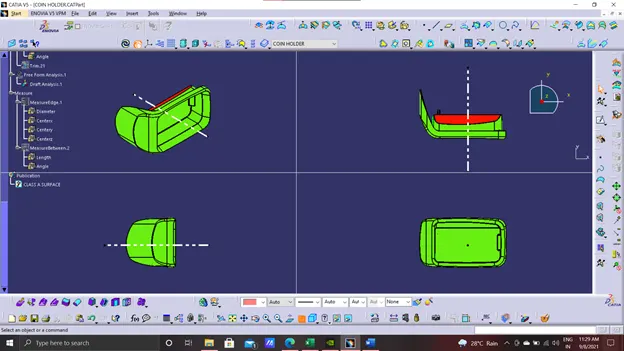
- Now draft it at 0.5 degree which is minimum.
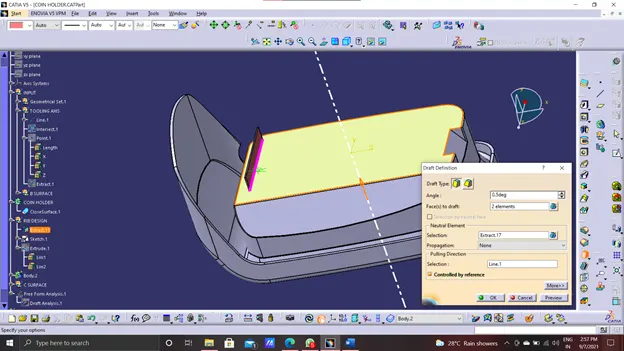
Now edge fillet it at 0.2mm.
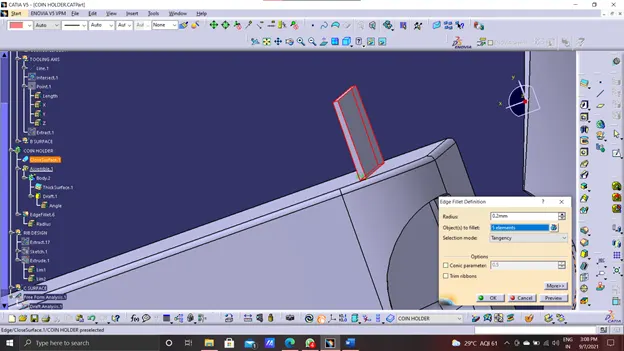
Now create the plane with reference to tooling axis.
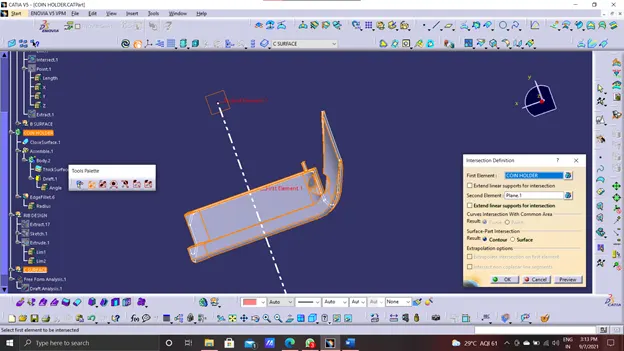
Checking the rib root thickness.
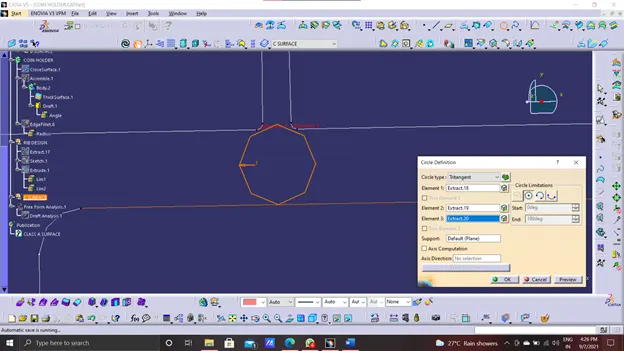
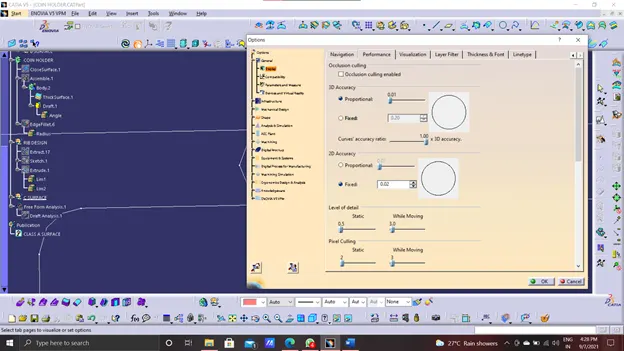
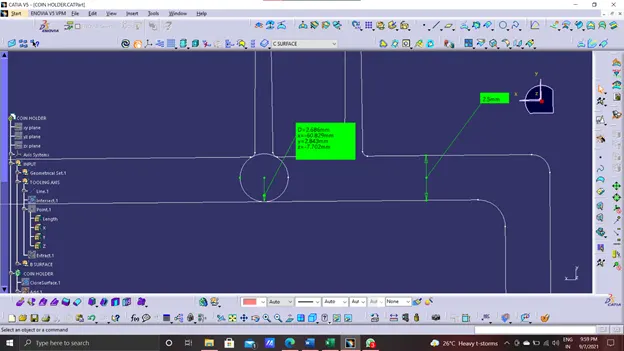
Now creating second rib.
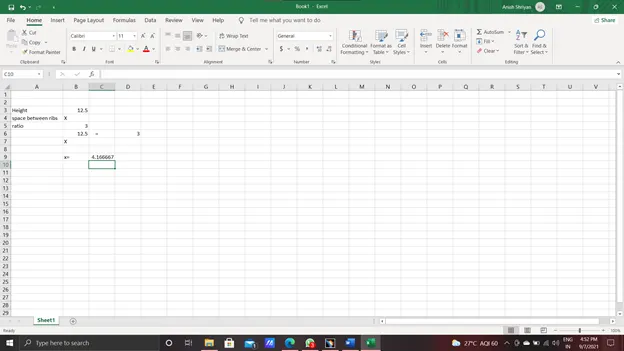
Edit the sketch drawn previously and take offset.
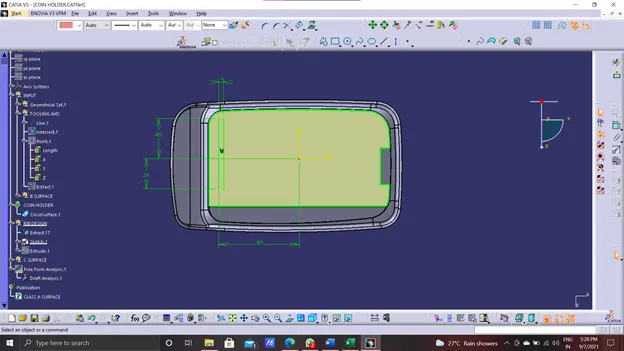
Repeat the same procedures.
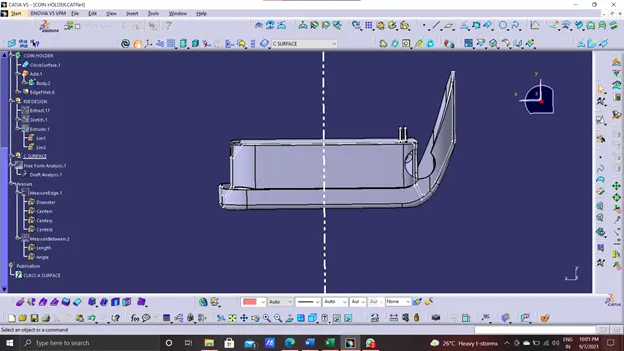
Draft analysis
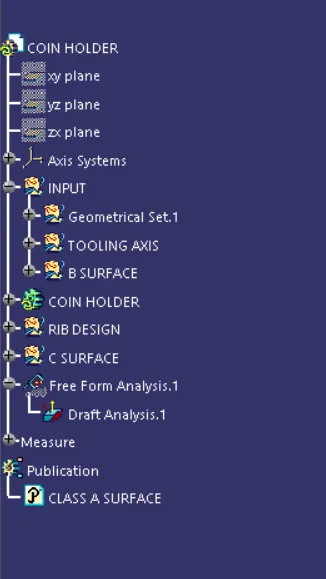
Geometrical sets.
CONCLUSION - This concludes the creation of ribs for the Centre console coin holder and also the draft analysis on the component.