Week - 8 - Morphing
Model 1
Aim :- Practice all the Morphing techniques that were shown in the video
Procedure :-
Step 1 :- Import the model
file -open -select iges file -open
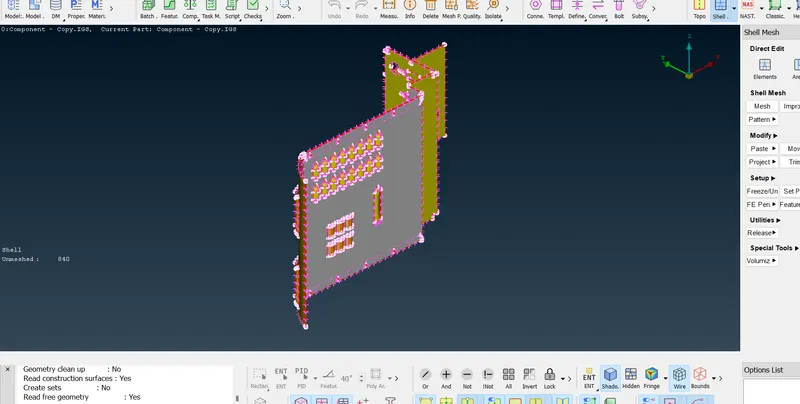
Step 2 :- Topo the model
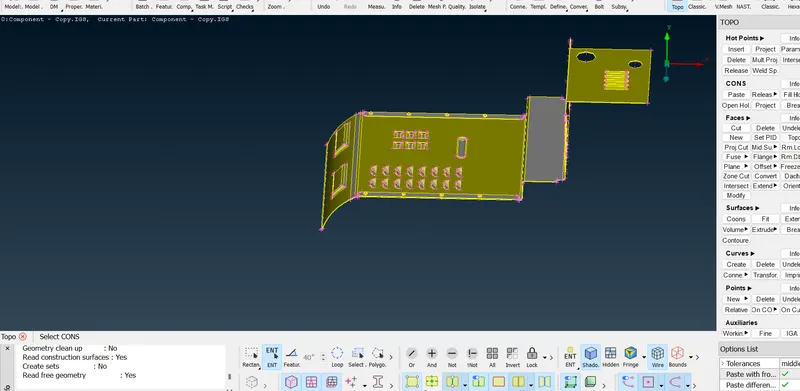
Step 3:- create ortho box
classic morph -new -ortho
Part 1 :
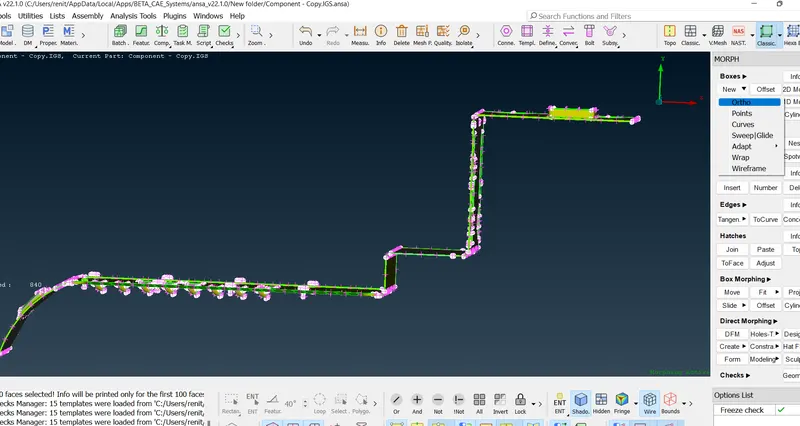
Part 2:-
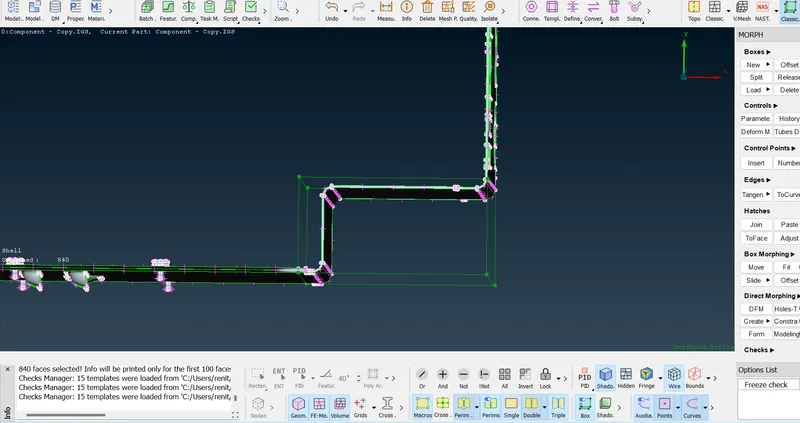
Part 3:-
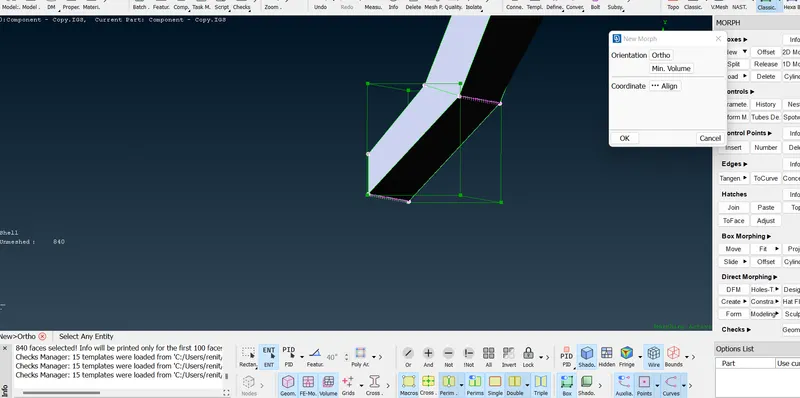
Part 4 :-
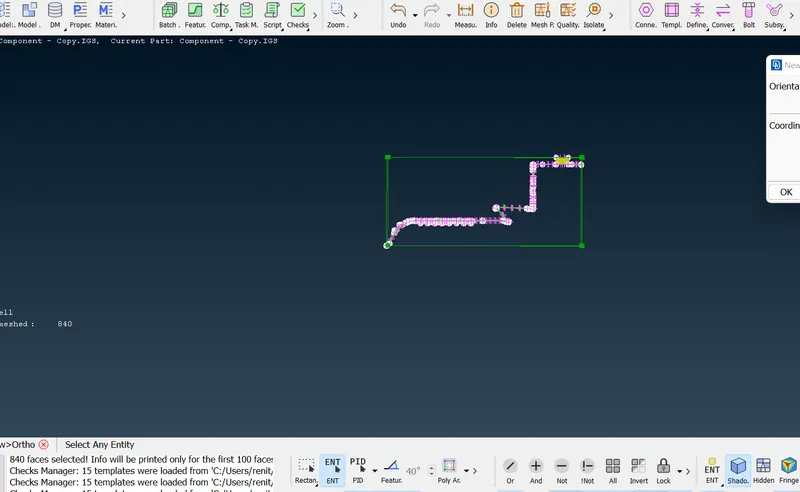
Step 4 :- created box
Select the points need to deviate.
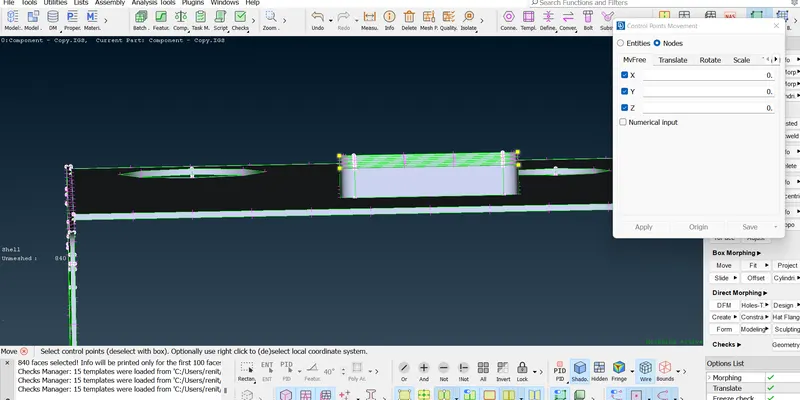
Step 5 :- Move the surface to the target .
Part 1 :-
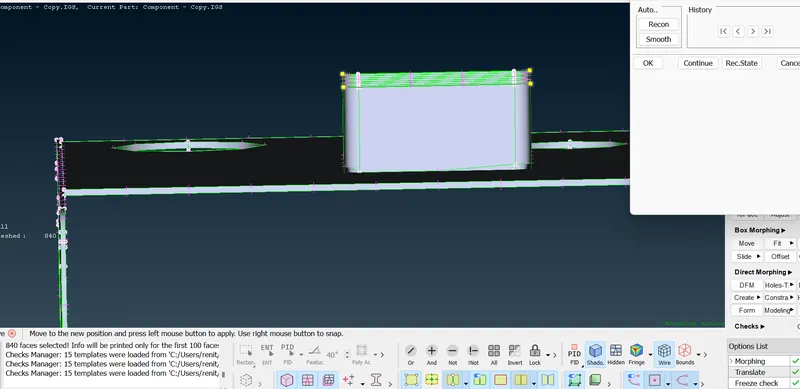
Part 2 :-
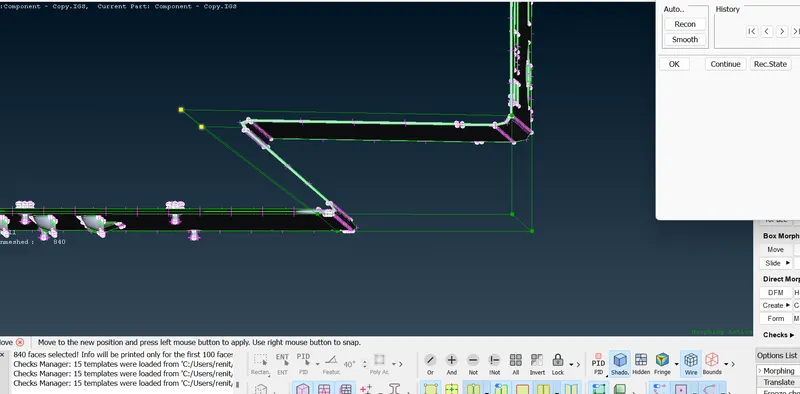
Morphed ;
Part 1 :-
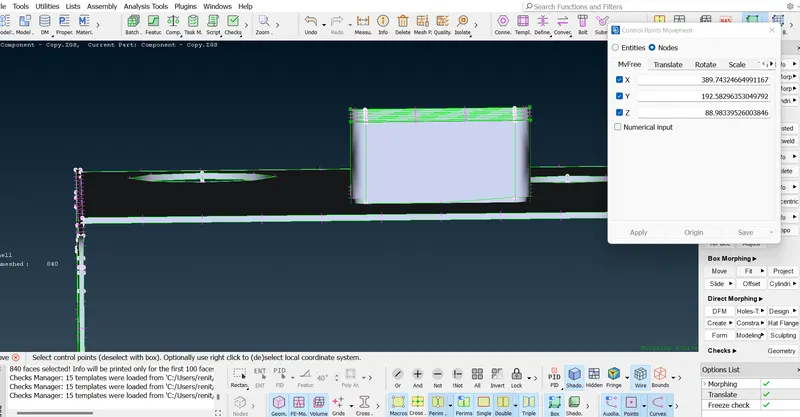
Part 2 :-
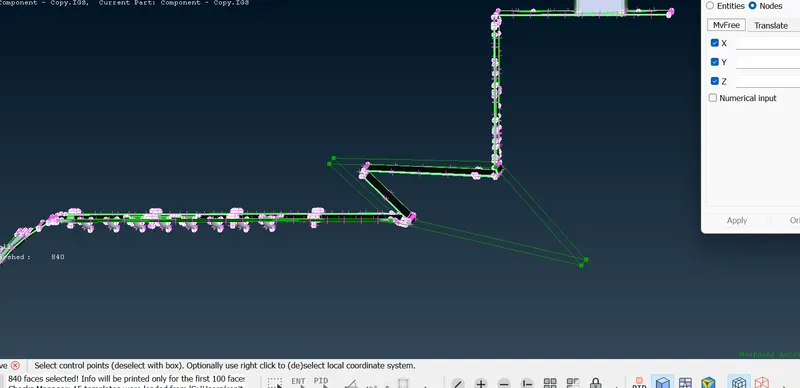
Part 3 :-
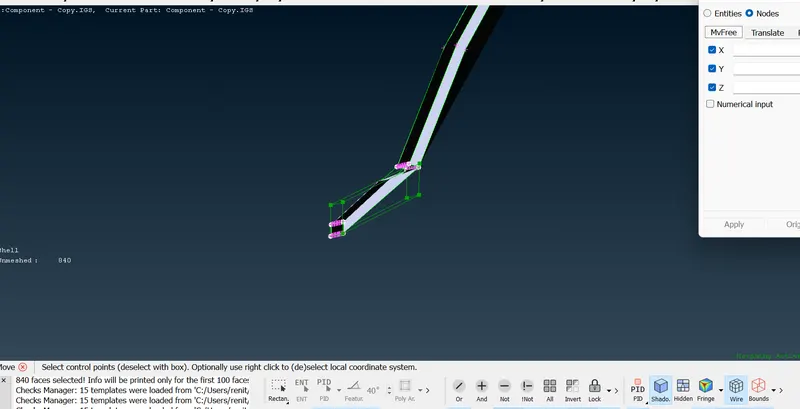
Part 4 :-
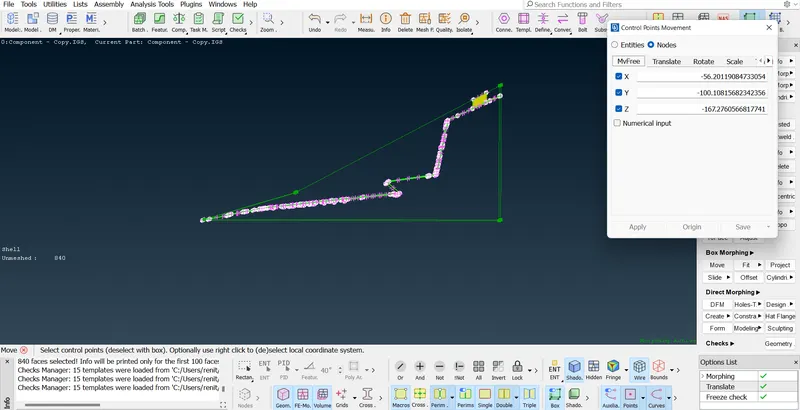
Final Model :-
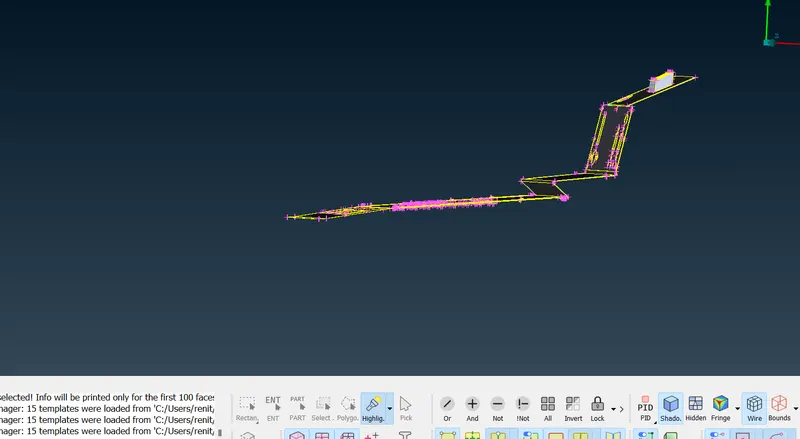
Result :- Performed morphing for the given Model.
Model 2
Aim :- Perform morphing for the Model-2 and Increase the Height of the Dog houses and Ribs.
Procedure :-
Step 1 :- Import the model
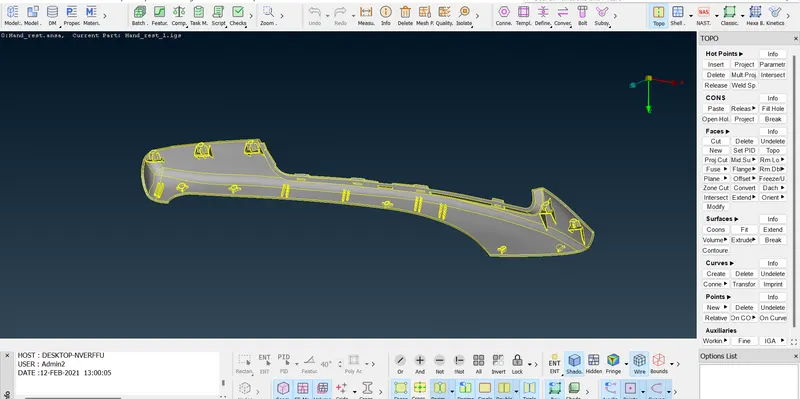
Step 2 :- Creating a morph box
Classic morph - boxes -new - select the surface -ortho
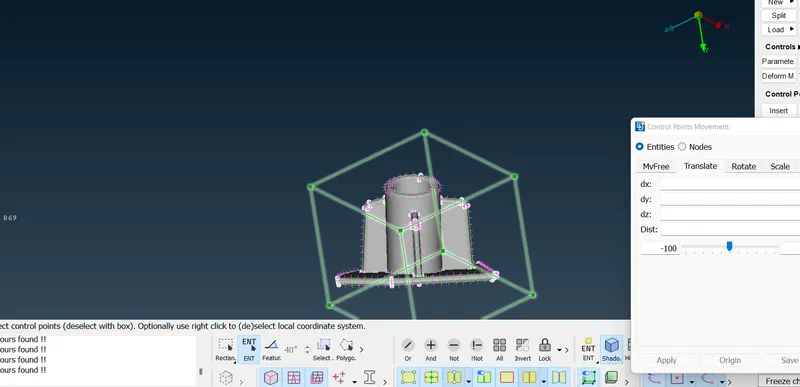
Step 3 :- Move the surface
classic morph -box morphing - move-nodes -translate - select the nodes
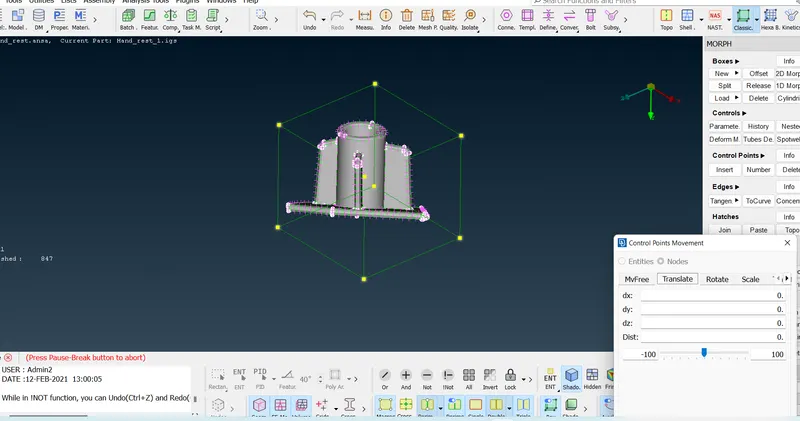
select two nodes to give the direction and assigning distance.
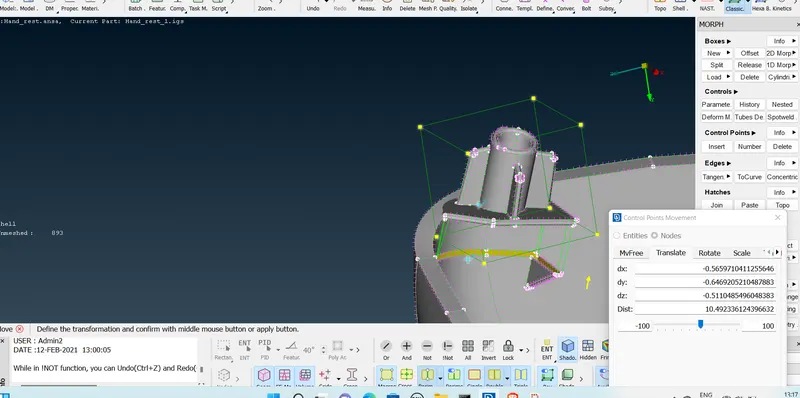
Morphed.
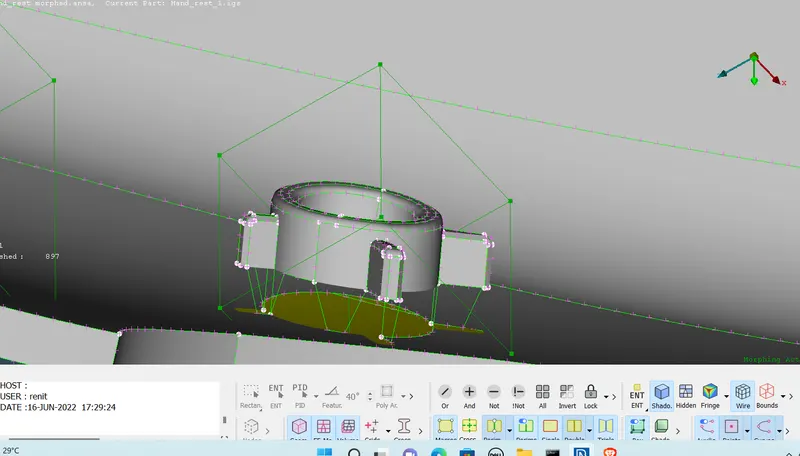
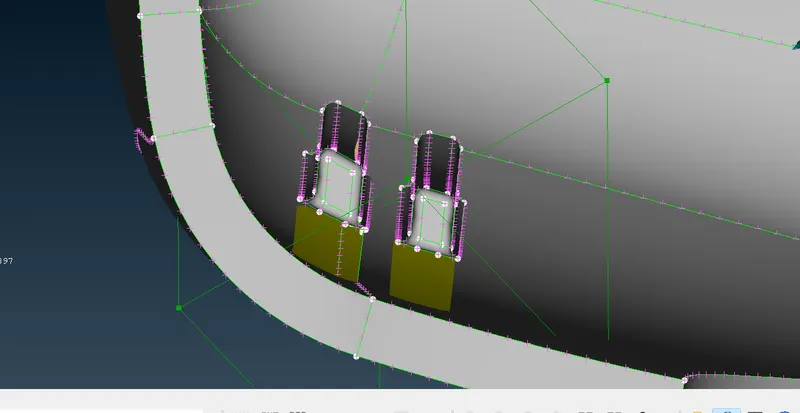
Final Model :-
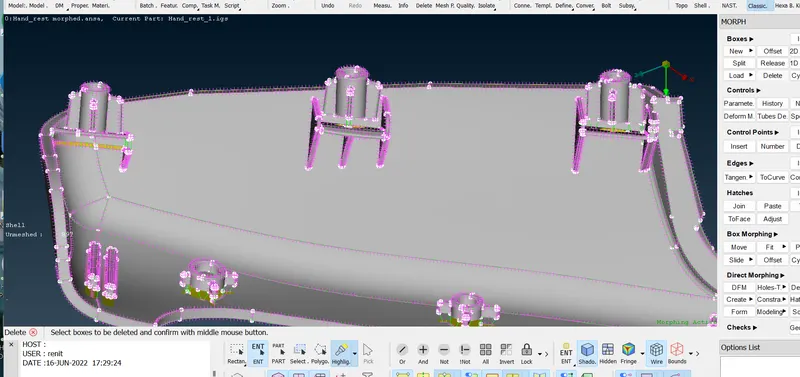
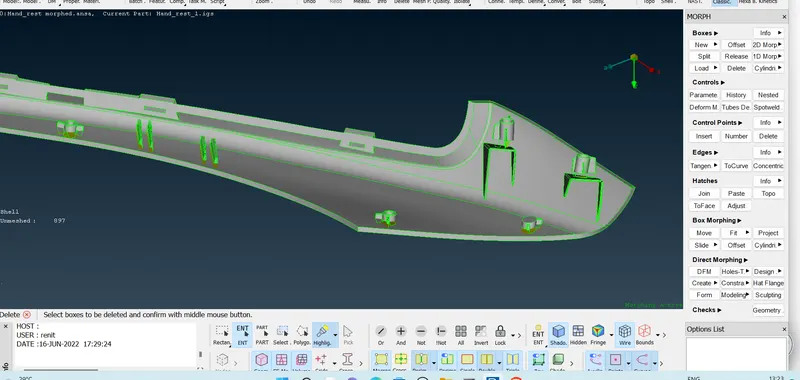
Result :- Performed morphing for the given Model-2 and Increase the Height of the Dog houses and Ribs.
Learning Outcomes :-
*learned about morphing.
*Learned about the tools used for morphing.
*Got a knowledge to move the surface without changing mesh .
*Learned about application and uses of morphing .
Thanks
Renith Balachandran M