Week 8-3D Tetra Meshing Challenge
Model 1
Aim :- Create a Teramesh for Housing component with the following quality criteria.
TetraMesh Generation Method: 2D to 3D Conversion
Elements sizes: Min- 2 Units, Target- 5 Units, Max- 7 Units
Tet collapse: 0.15
Procedure :-
Step 1 :- import the model.
Import solver desk -import geometry - selelct the STEP file - import .
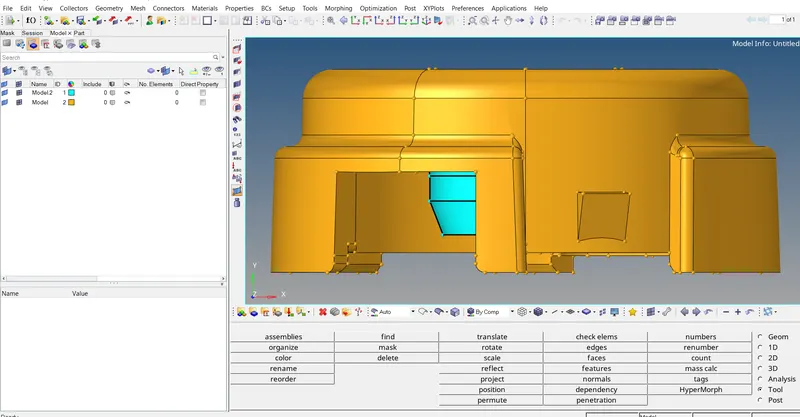
Step 2 : Delelt the solid part.
Delete - solid - selelct the solid - displayed - delete entity.
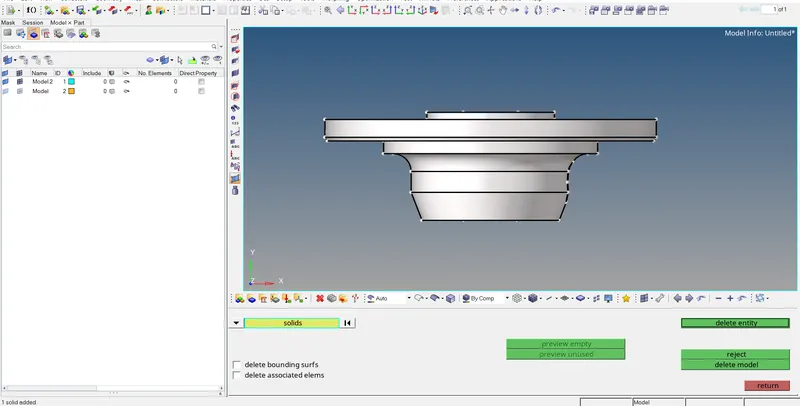
Step 3 :- geometrical clean up .
Toggle :- geometry - quick edit - toggle edge - select the line want to toggle.
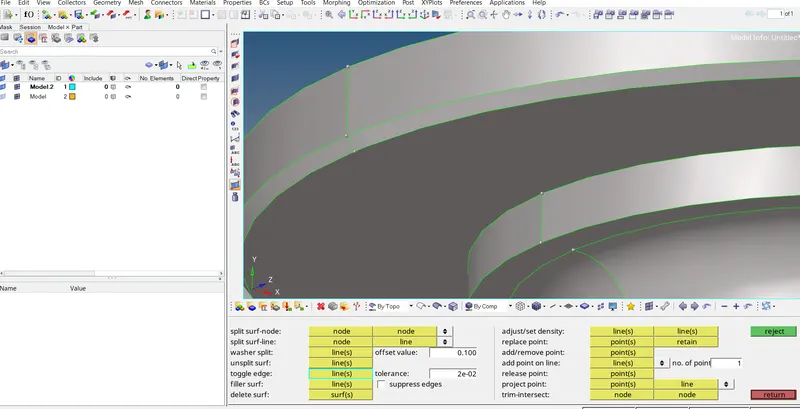
after removing free edges and geometrical clean up.
Step 4 :- Creating meshing .
2D -Auto mesh -surfcae - selelct surface- element size = 5 -mesh type tetra - mesh
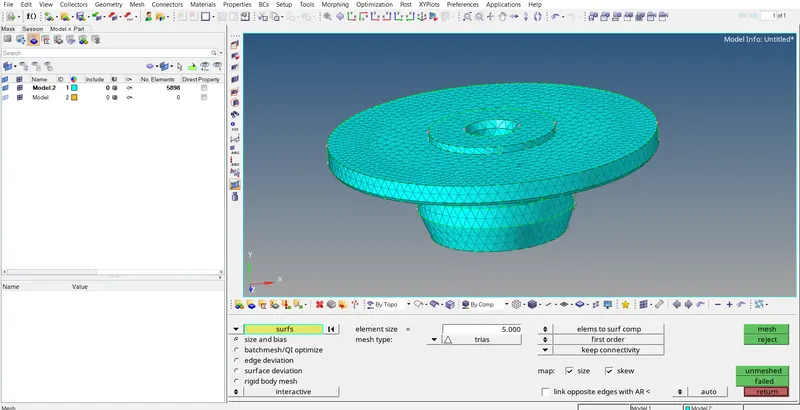
Step 5 :- checking quality criteria.
Minimum Element lenght :- tool - check elements - 2D-minimum element - 2
Maximum Element length :- Tool check elements- 2D -maximum length -7
then shows maximum element lenght failure.
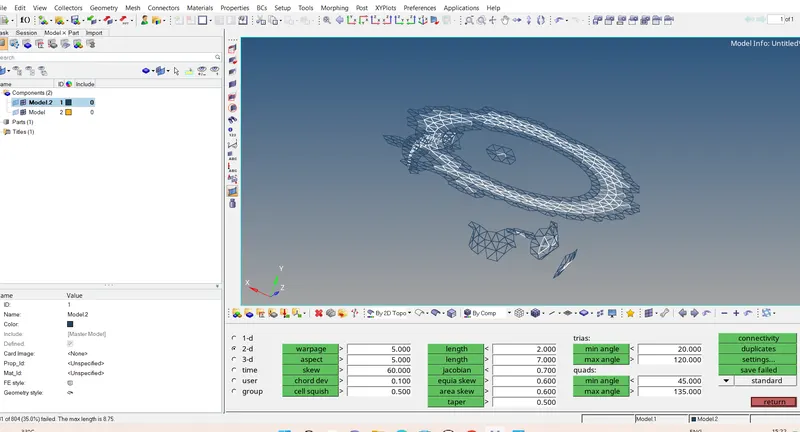
to remove failure .
- Maximum lenth - save failed -Mask - elements - retrive - mask - reverse all - unmask adjacent .
- 2D -auto mesh- elements- displayed - element size 5 - trias - mesh .
- Unmask all - tool -check elements -2D - check maximum elements .
Minimum length passes.
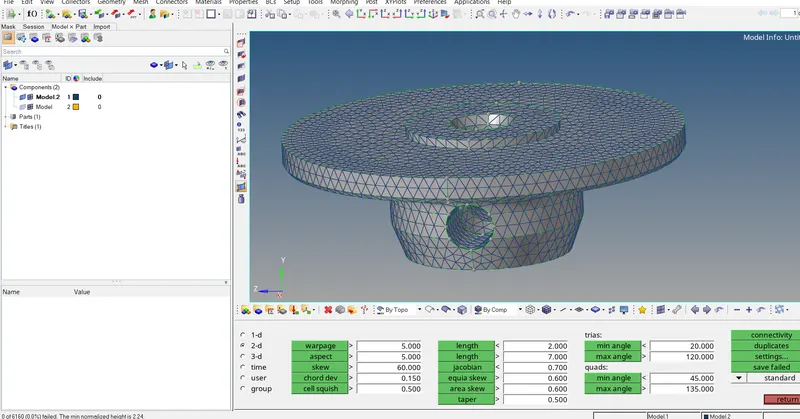
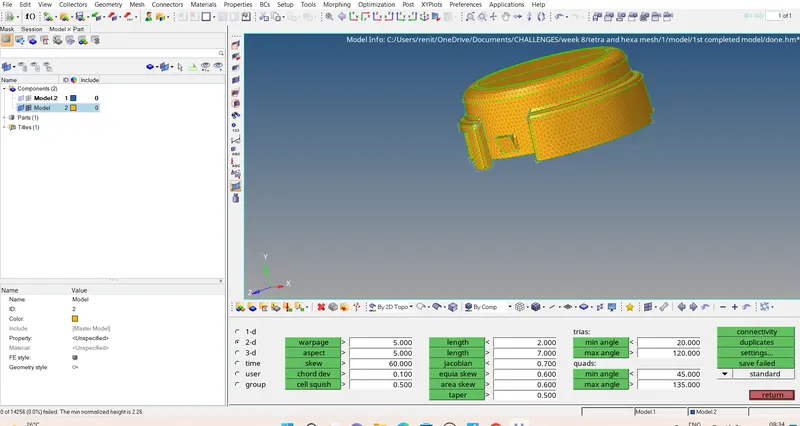
Maximum length cleared
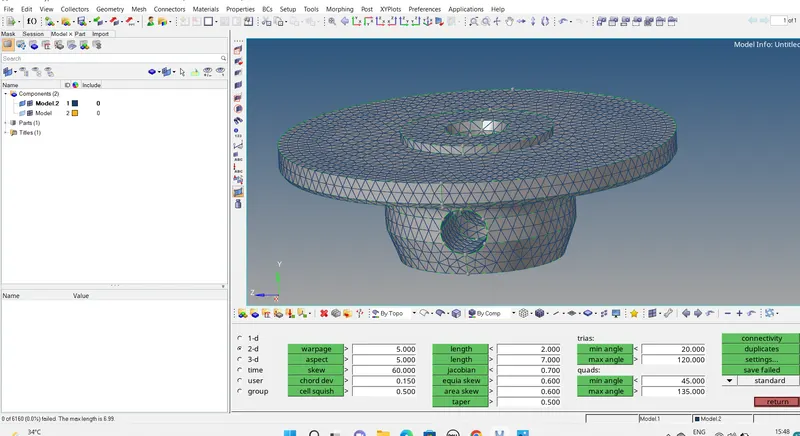
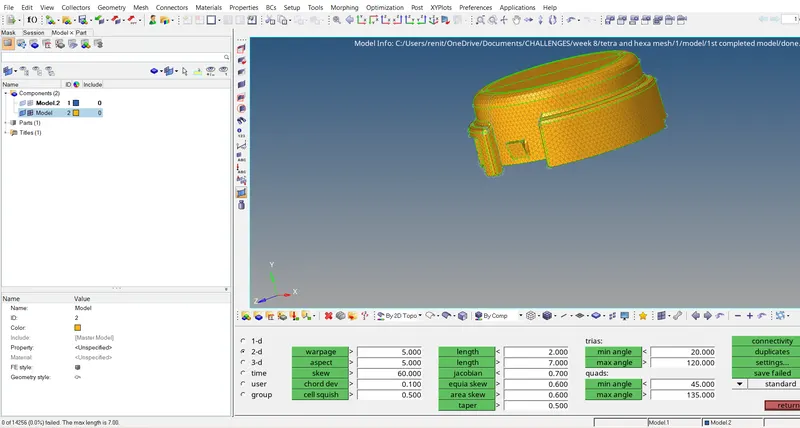
After 2D Quality criteria cleared we can do tetra mesh .
Step 6 :- creating tetra mesh.
3D - Tetra mesh - element -displayed - mesh to current component - mesh
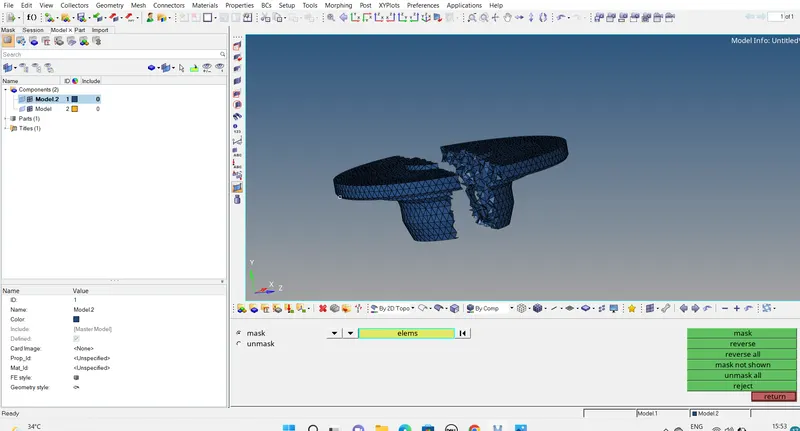
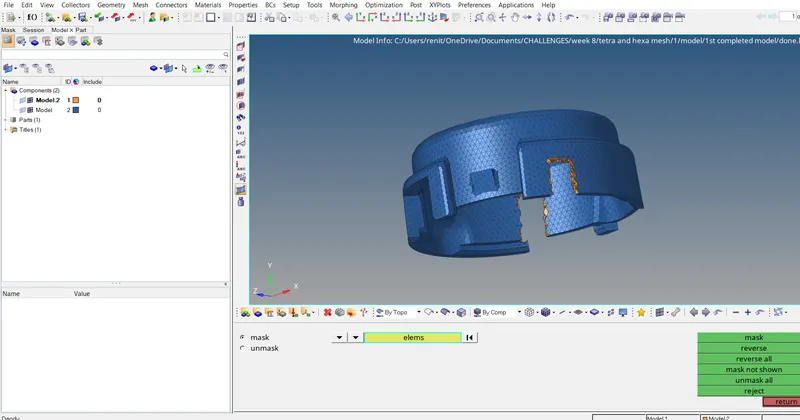
Step 7 :- checking tet collapse.
Tool - check elements - 3D - tet collapse =0.15 - it shows tet collapse failure.
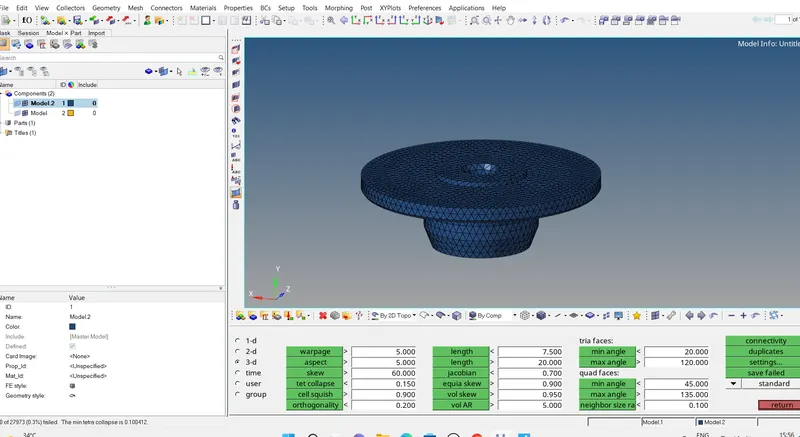
Tet collapse - save failed - mask - elements - retrive - mask - reverse all.
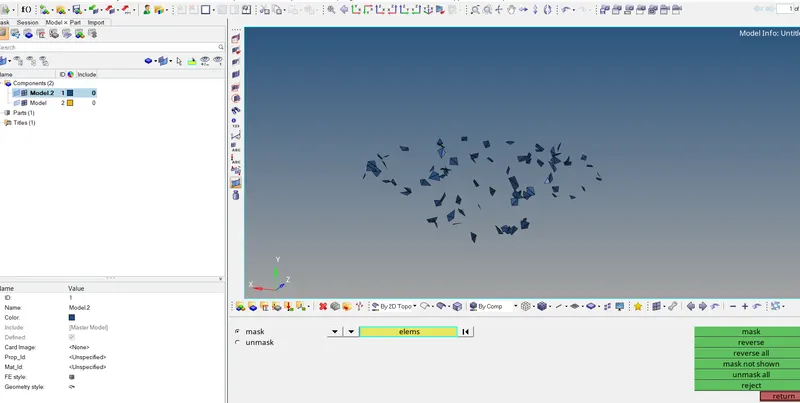
Unmask adjacent - 3D - tetra mesh - tetra remesh - element - displayed - remeshable - remesh .
and remove all tet collpase failure.
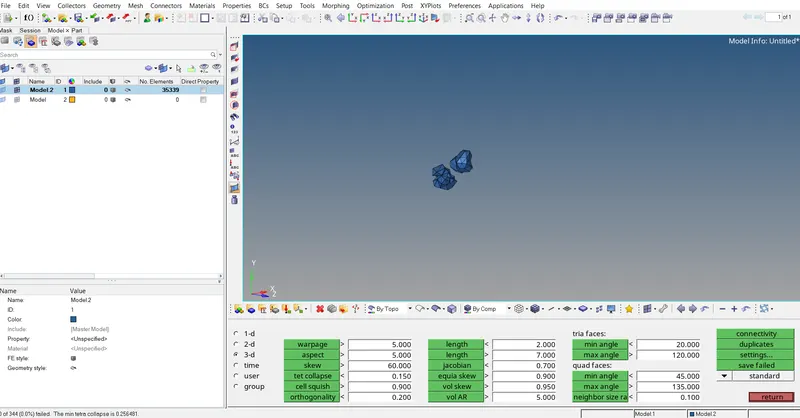
Final Model :-
Cleared all tet collpase of two components .
 \
\
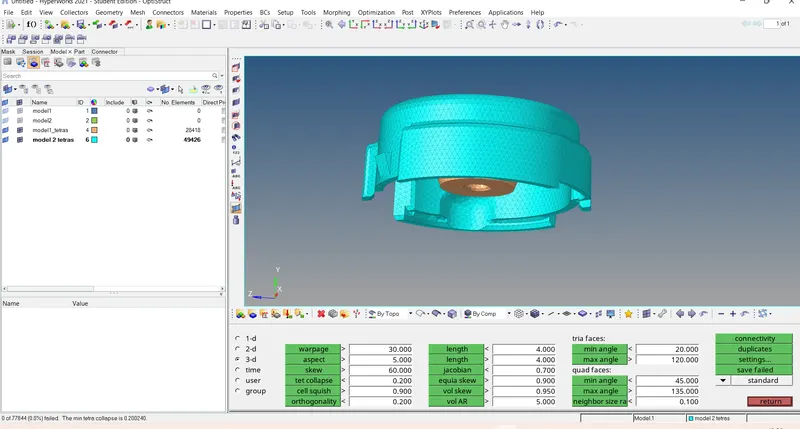
Result :-Generated a Teramesh from 2D to 3D Conversion for Housing component with the given quality criteria.
Model -2
Aim :- For the given model, Create a 3D Tetramesh with the following quality criteria.
TetraMesh Generation Method: Quick Tetra Mesh/ Volume Tetra Mesh
Target Element size: 3 Units.
Tet Collapse: 0.15
Procedure :-
Step 1 : import model
Import solver desk -import geometry - selelct the IGES file - import .
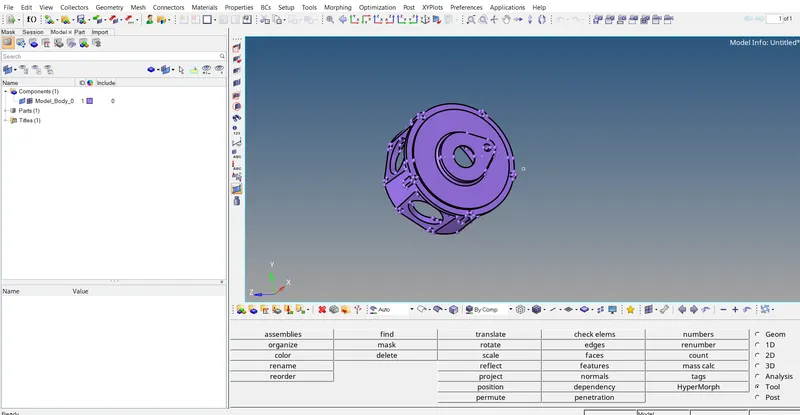
Step 2 :- Generating quick tetra mesh.
view - browser - hypermesh - utility - geo/mesh - quick tetra mesh .
volume comlist - component - select the component - proceed.
mesh size =3 - mesh type =trias only- mesh.
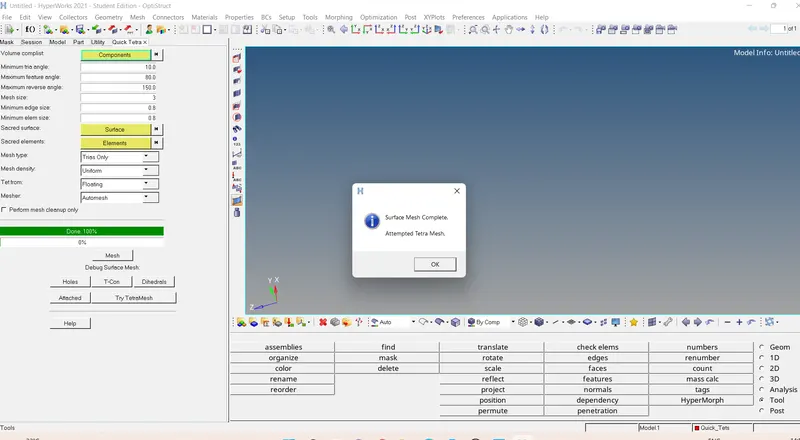
Quick tera mesh
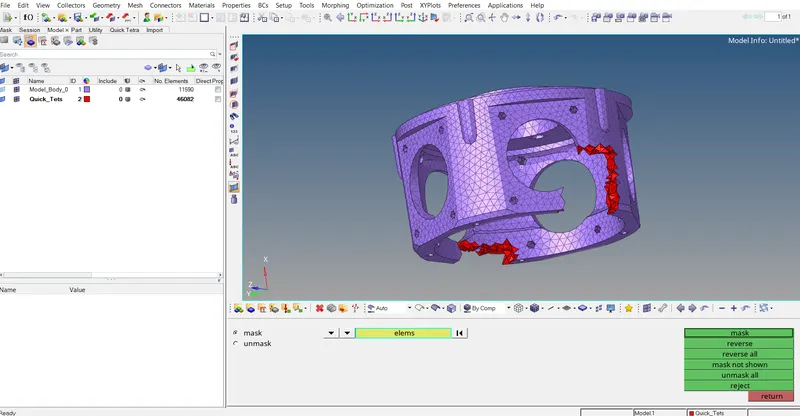
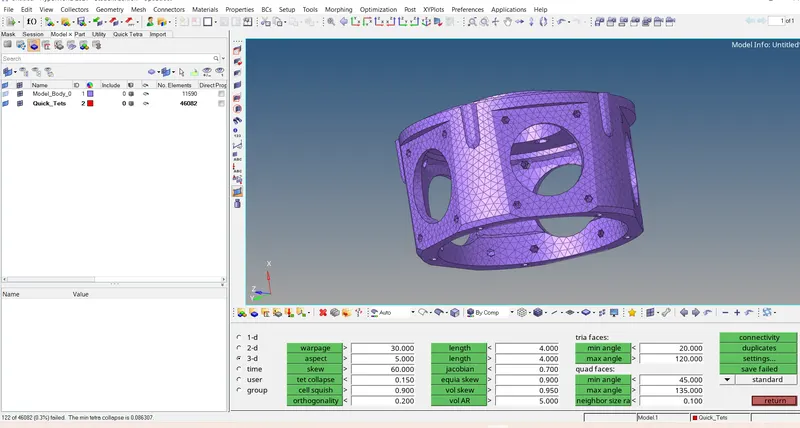
Step 3 :- checking tet collapse .
tool - check elements - 3D- Tet collapse=0.15 .
Step 4 :-Cleaning tet collapse failure.
3d - tet collpase - save failed .
mask - elements - retrive - mask - reverse all - adjacent .
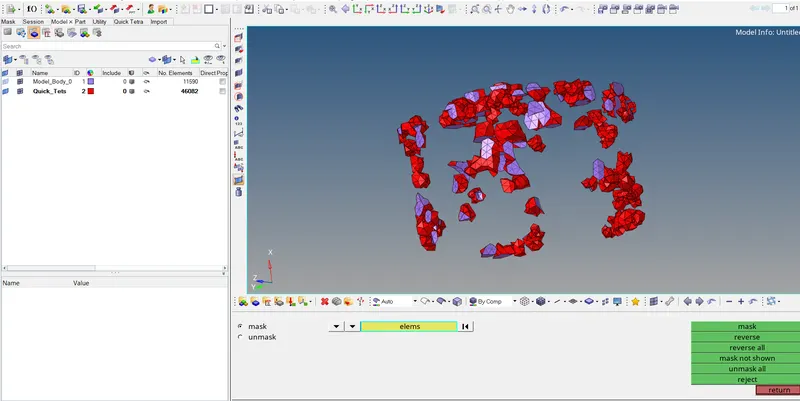
3D - Tetra mesh - tetramesh parameters - maximum tetra size =3- tetra remesh - element - displayed - remeshable - remesh .
and continue step 4 inorder to remove all tet collapse failure.
Passes tet collapse .
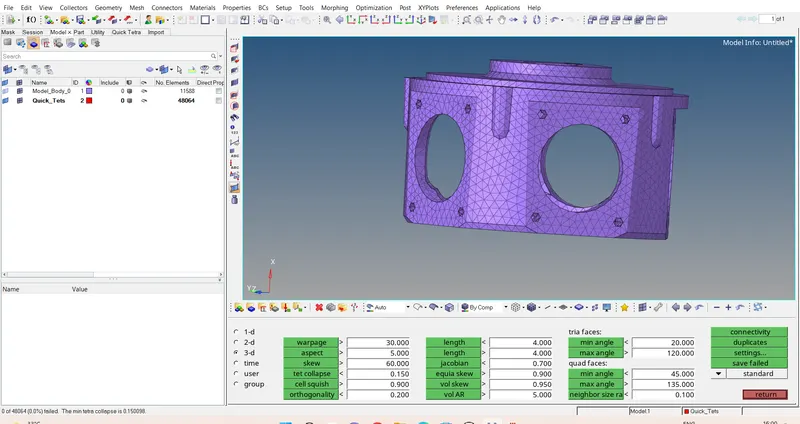
Final Model :-
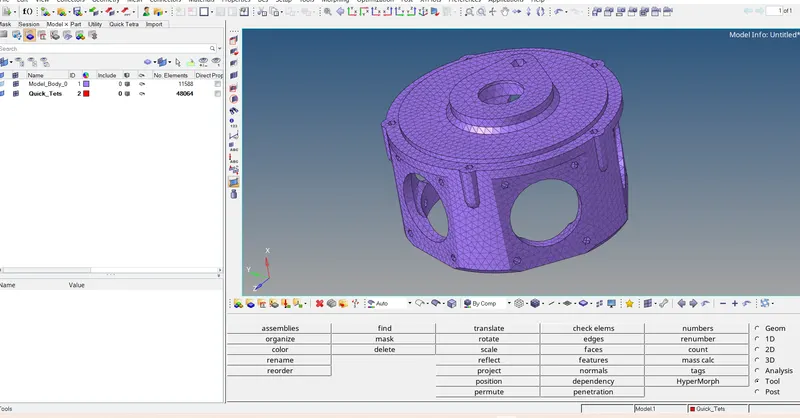
Result :- For the given model, Create a 3D Quick tetramesh with element size 3 and tet collapse 0.15.
Model 3
Aim :- For the given assembly model, Create a 3D Tetramesh with the following quality criteria.
TetraMesh Generation Method: Quick Tetra Mesh/ Volume Tetra Mesh
Target Element size: 4 Units.
Tet Collapse: 0.15
Procedure :-
Step 1 :- import the model
Import solver desk -import geometry - selelct the IGES file - import .
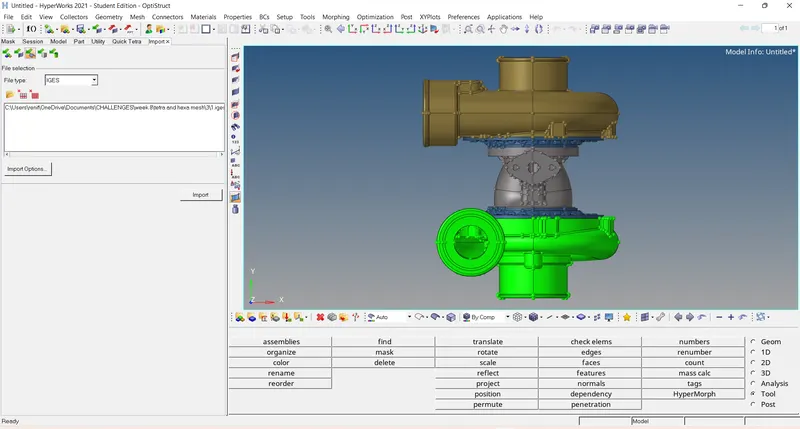
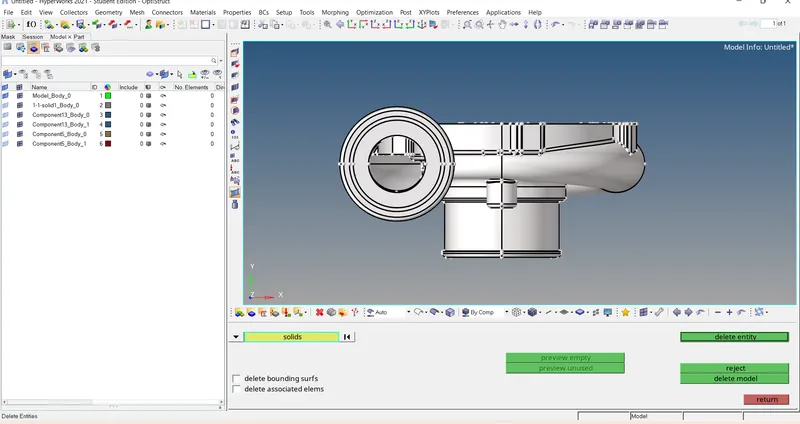
Step 2 :- Deleting solid part.
Delete - solid - select the solid - delete - entity.
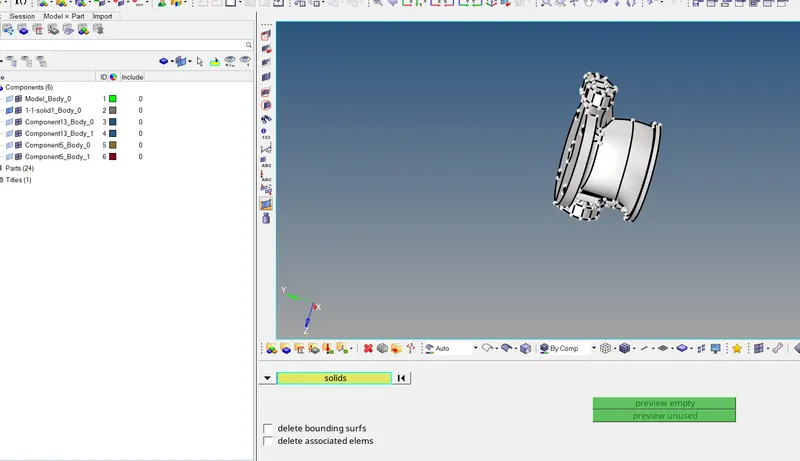
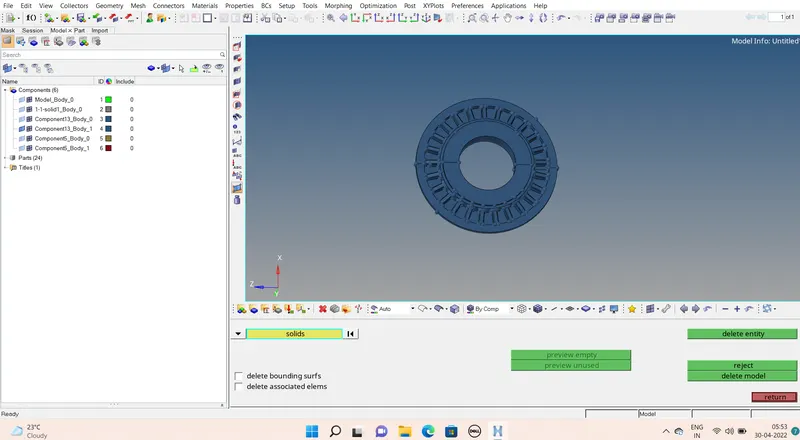
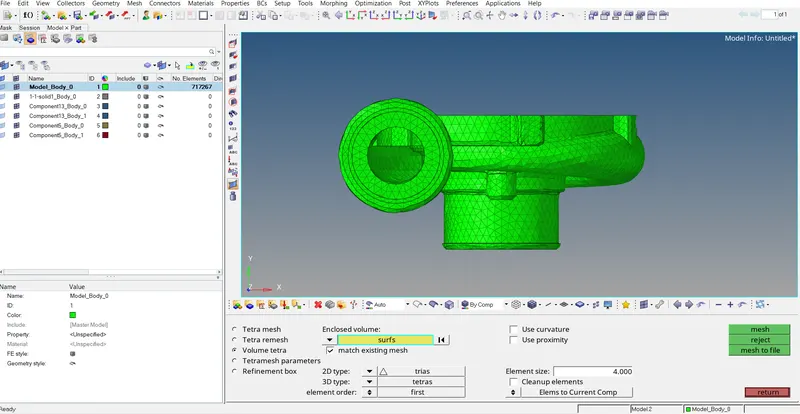
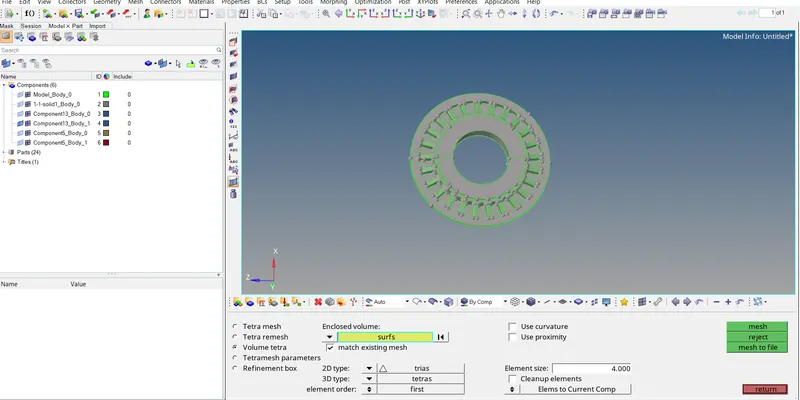
Step 3 :- generating volumetric tetra mesh .
- 3D - tetra mesh -volume tetra - enclosed volume - surface - displayed - element size 4
- tetramesh parameters - maximum tetra size =4.
- component make as current .
- 2D type - Trias - 3D type - tetras - element order - 1st order.
- unchecking the use curvature - and use proximity if not nodes will increase the we cant save because its crosses 1lakh nodes.
Step 4 :- checking tet collapse.
tool - check elements - 3D -tet collapse - 0.15
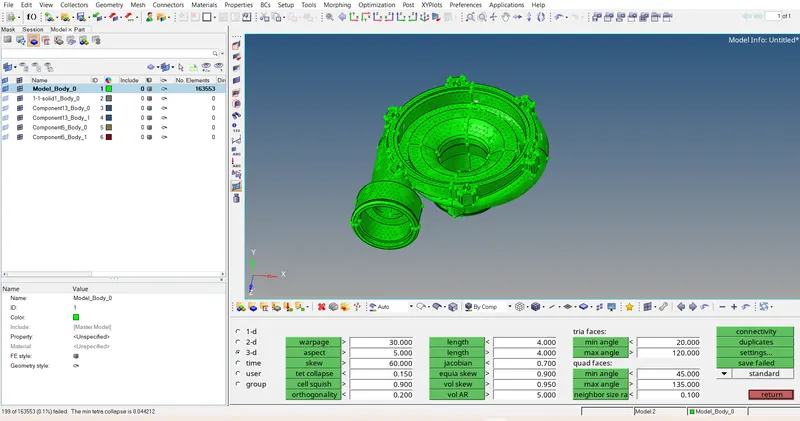
Step 5 :- clearing the tet collapse.
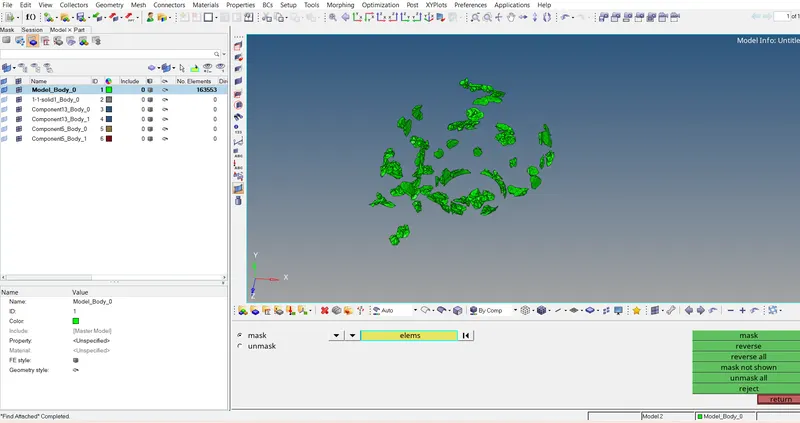
3D- tet collapse - save failed .
mask - element - retrive - mask - reverse all - adjacent.
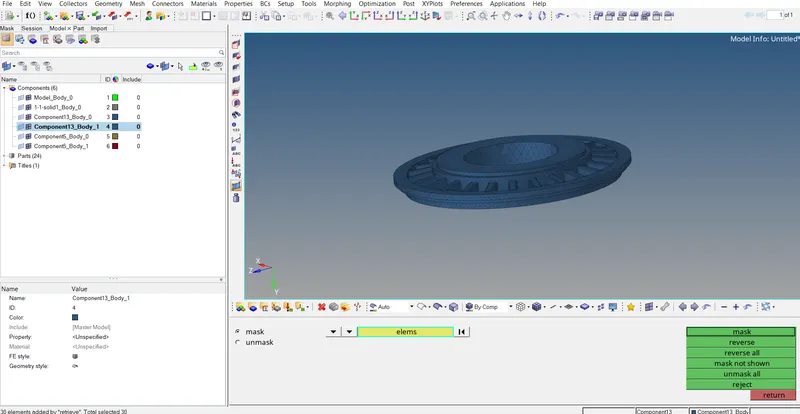
3D - tetra mesh - tetramesh parameters -maimum tetra size =4 - tet collapse - 0.15-
tetra remesh - element - displayed - remeshable - remesh .
continue step 5 to clear the tet collapse failure .
Final model :-
volumetric mesh of component of model body 0
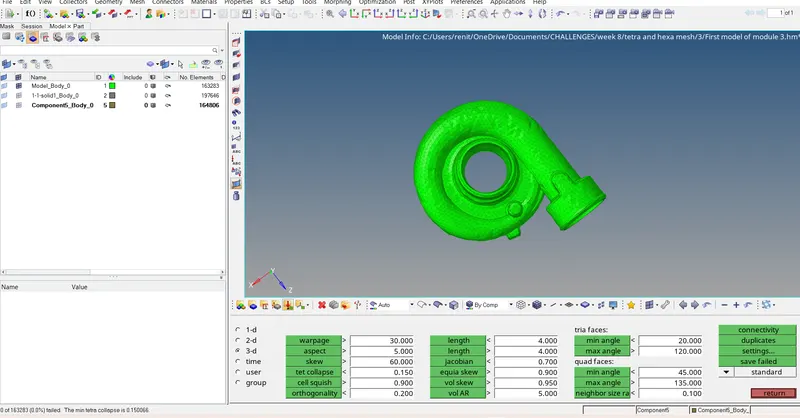
volumetric mesh of component of 1-1 solid 1 body 0
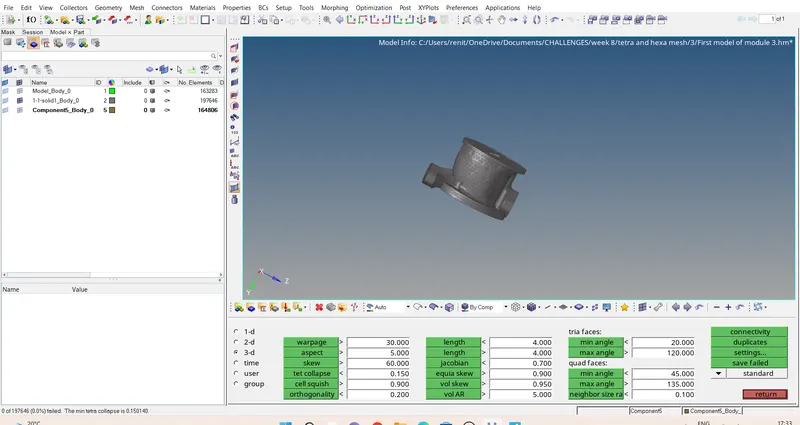
volumetric mesh of component of component 5 body 0
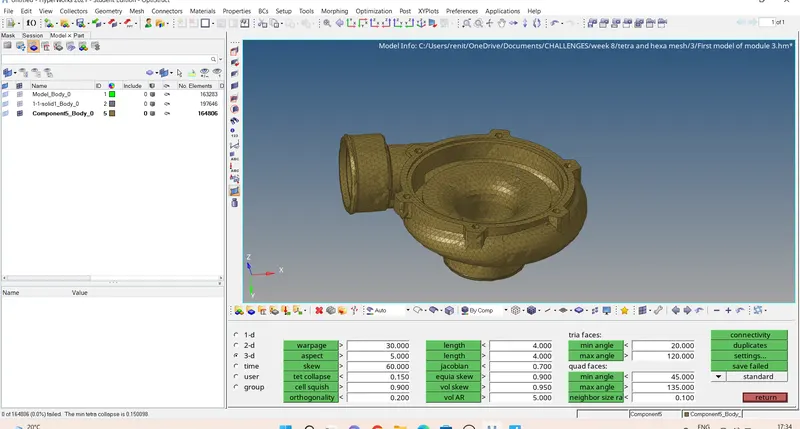
volumetric mesh of component of component 3 body 0
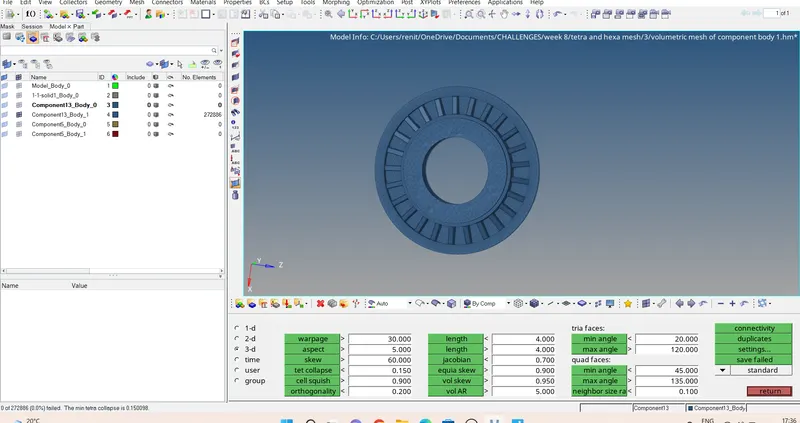
volumetric mesh of component of component 3 body 1
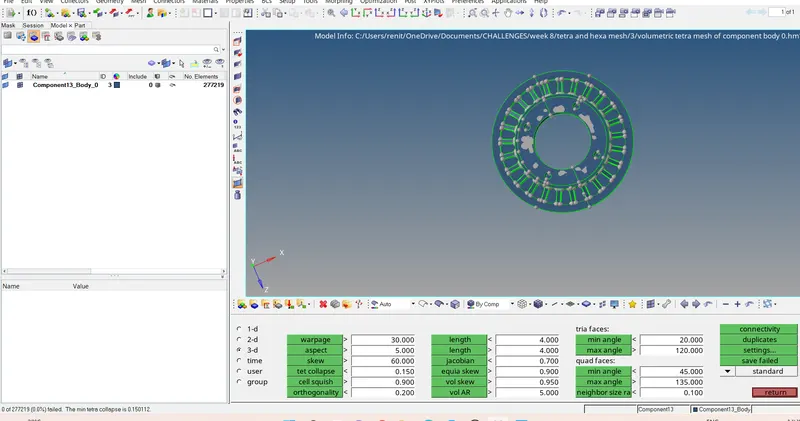
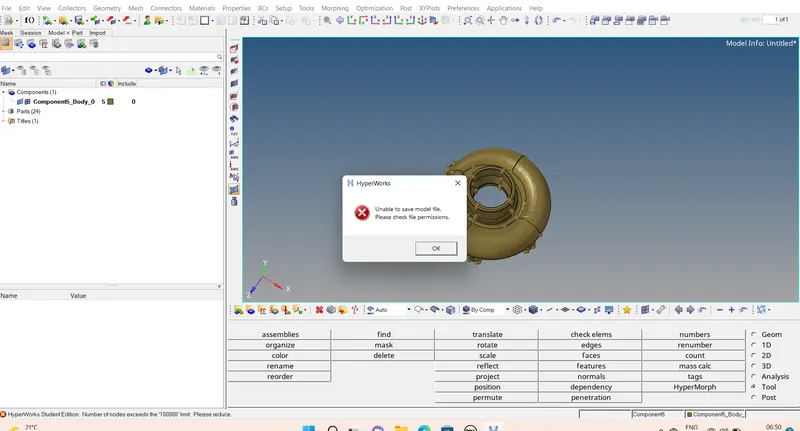
SHOWING THE ERROS WHILE SAVING
*******************************************
In the 3rd model components are 5 hence we can,t save the file together because after tetra meshing the nodes is greater than lakh ,we are using student edition .saved the tetrameshed componets in 3 HM File .
- In 1st Hm files has 3 components .
- 2nd hm files has component 1( component_3_ body_0) ,while doing volumetric tetra meshing ,i was turn on the use curvature and use proximity ,hence nodes were increase .so cant save more components.
- 3rd hm files have 1 component (component_3_body_1)
************************************
Result :- Given component generated volumetric tetramesh with element size 4 and tet collapse 0.15.
Learning outcomes :-
- learned about tetramesh.
- learned about ther different ways to to dong tetra mesh .
- learned about to how to clear tet colase and how to clear the quality criteria.