Week - 8 - Morphing
The aim of this challenge is to change the shape of the given model as per the videos, here there is no need to do the geometry cleanup, mid surfsce extraction, and meshing.
Step 1. Import the model (File > open > serlect the file > open)
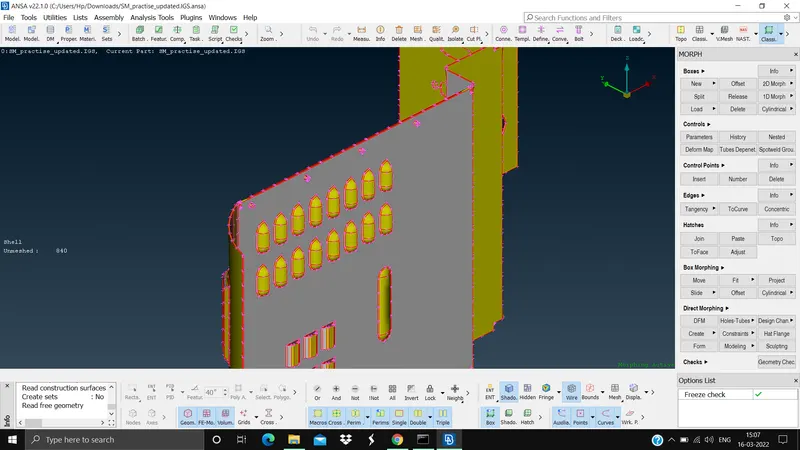
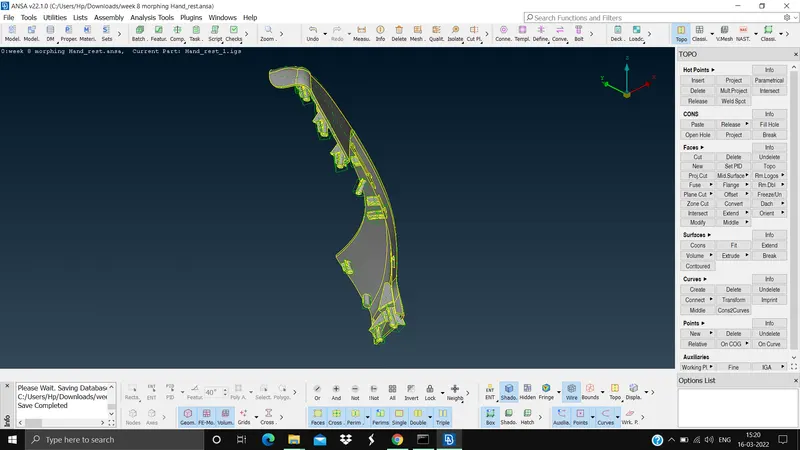
Step 2. We need to do the cons resolution (Mesh module > perimeters > length > select the model > give the length as 1 > ok)
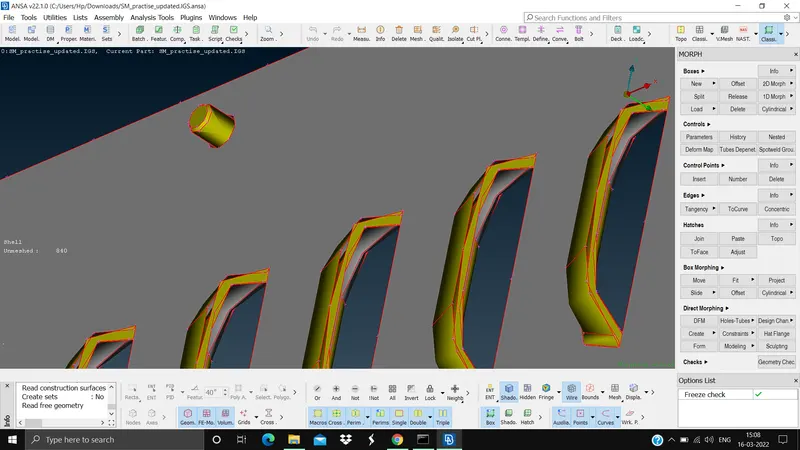
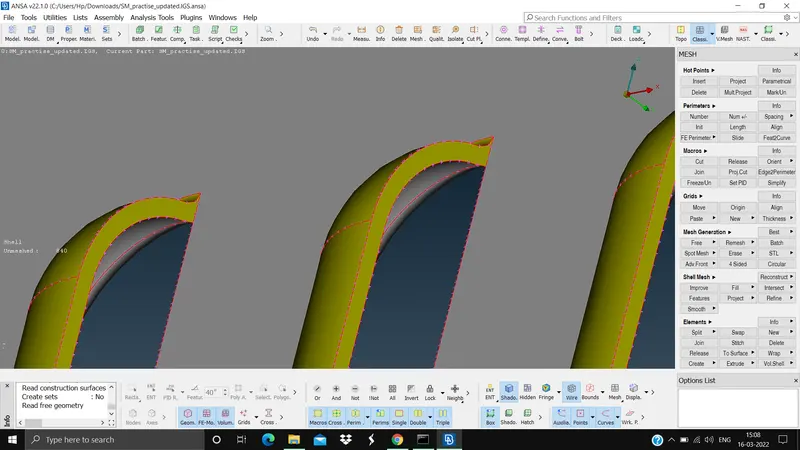
Step 3. We need to do the topo for the iges file since there will be no connectivity in the model (Topo module > Faces > topo > select the model > ok)
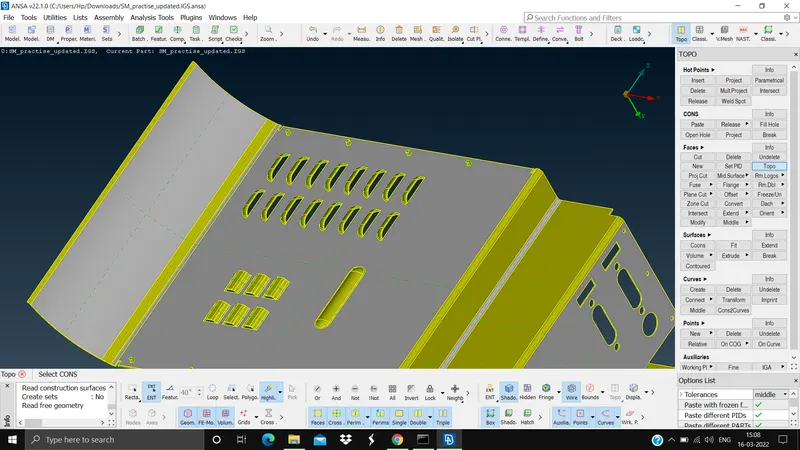
Step 4. Do the orient (Topo module > faces > orient)
NO NEED TO DO THE GEOMETRY CLEANUP
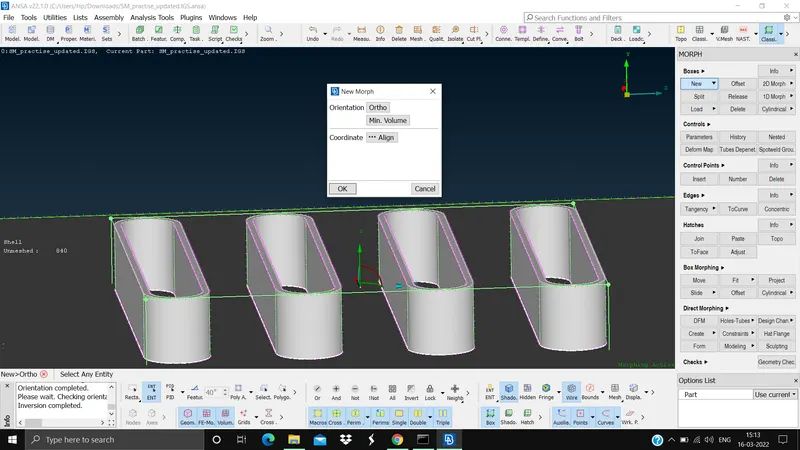
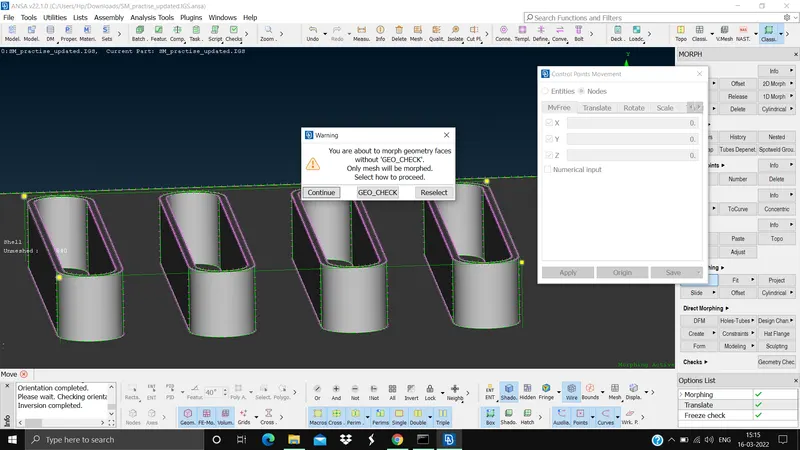
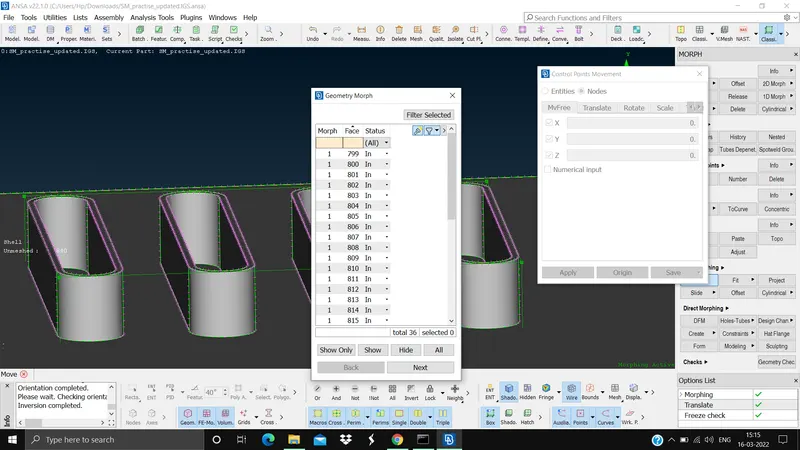
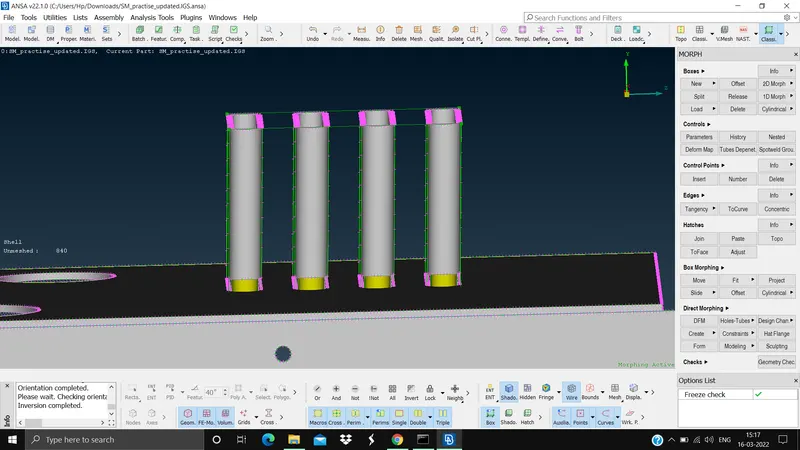
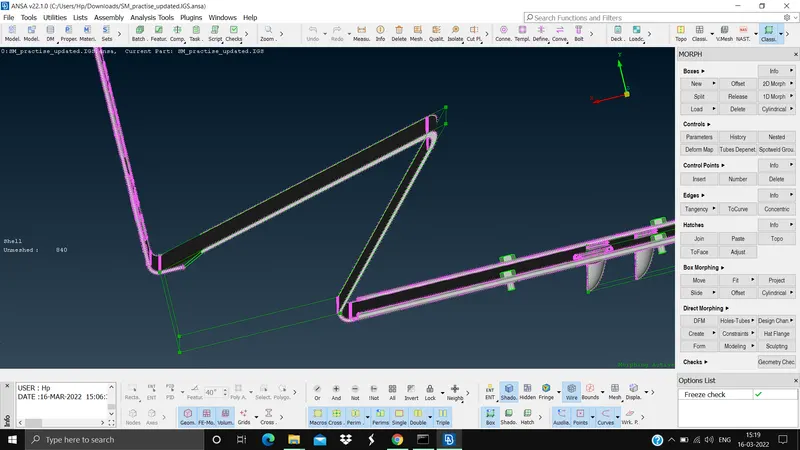
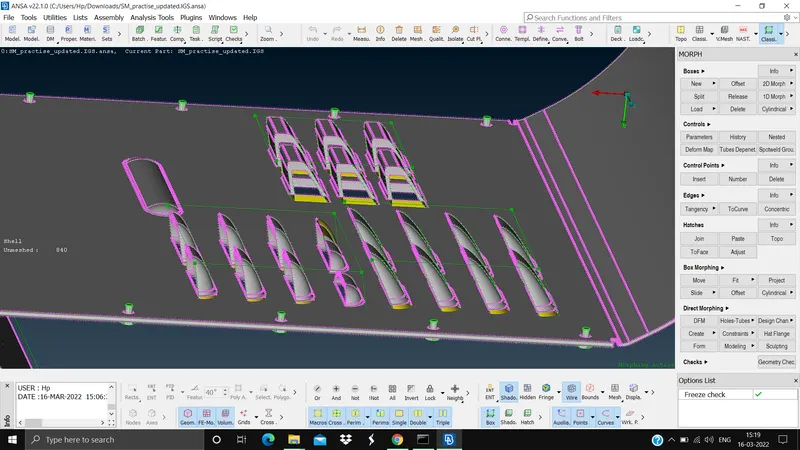
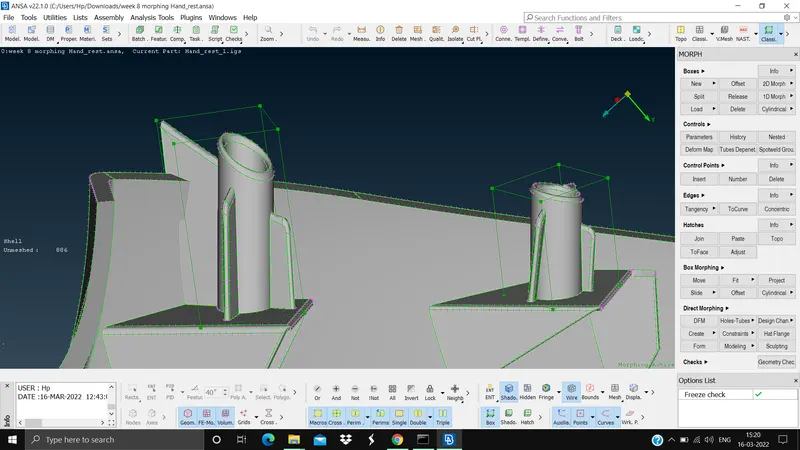
Step 5. Do the morphing for the model (Morph module > boxes > New > Ortho > select the parts that need to morph > ok > Box morphing > Move > select the nodes to move > mid mouse click > GEO-CHECK > Next > Finish > stretch the selected parts > do desired height > ok)
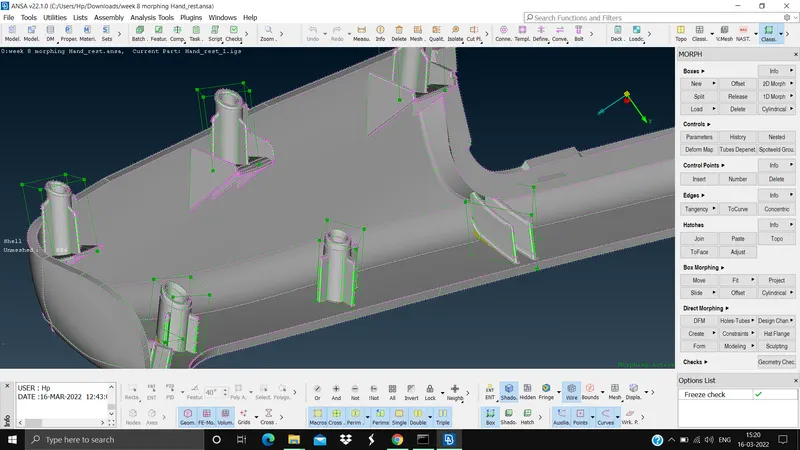
What is morphing?
Morphing is a technique where we change the chape of the model slightly to our requirement like filling small holes, changing the shape of the model to a very small extent, without the need to send it back to the cad software. It is mainly used in R&D purpose.
Applications of morphing
1. Aviation: Here the parts of the aircrafts based on the application will undergo different structural changes to meet the requirement. Ex: Aircraft wings
2. Automobile: Here the morphing is mainly used to change the shape of the car mainly to change the car from Sedan to SUV or MPV or hatch back, etc to meet different needs. Etc.
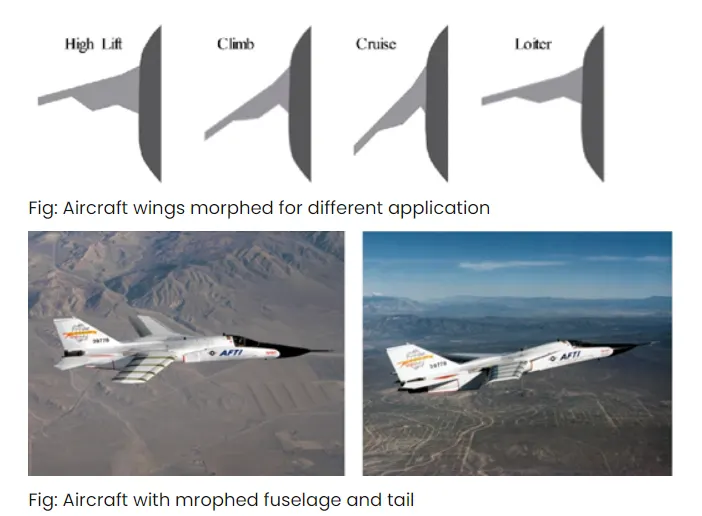
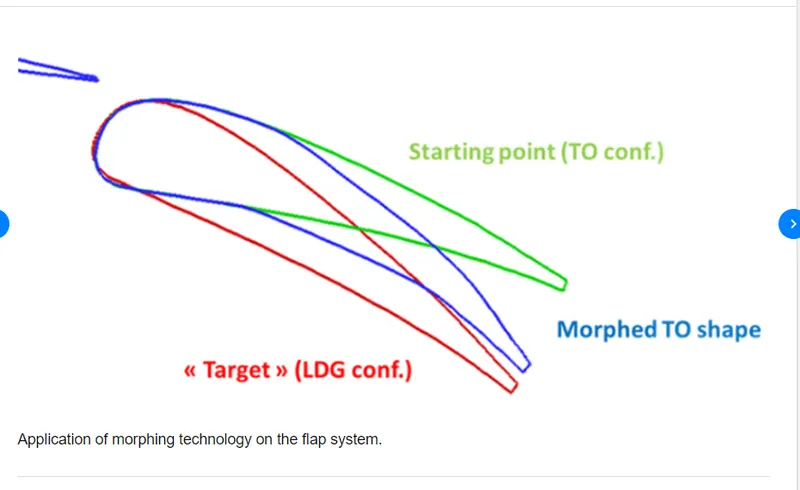
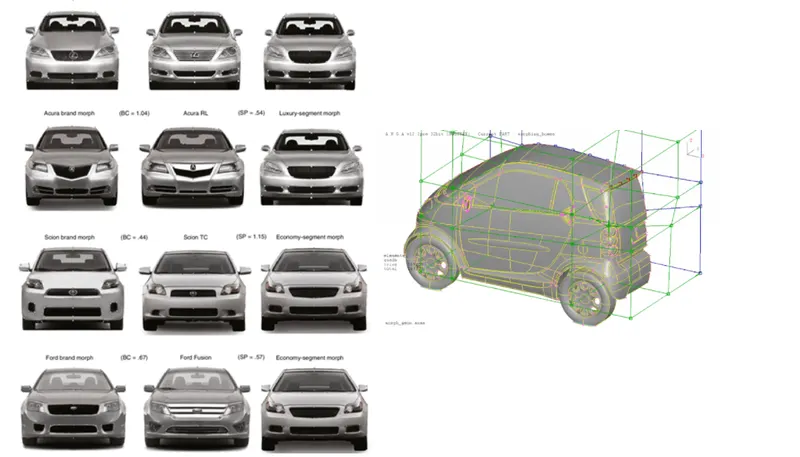
Learninig outcomes and conclusion
1. Definition of morphing
2. Method of morphing
3. Application of morphing.
Thus we have learnt the the morphing and different application of morphing.