Week 8-3D Tetra Meshing Challenge
The objective of this challenge is to do the tetra meshing of the components given.
1. Import the given models (File > import > geometry > select file type > import)
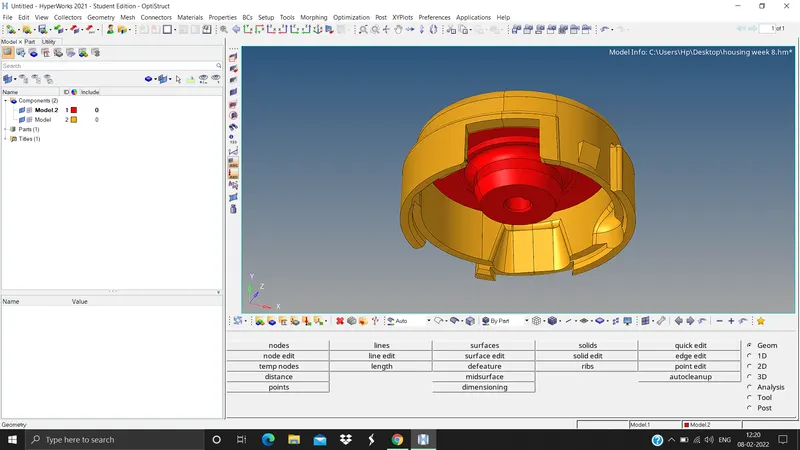
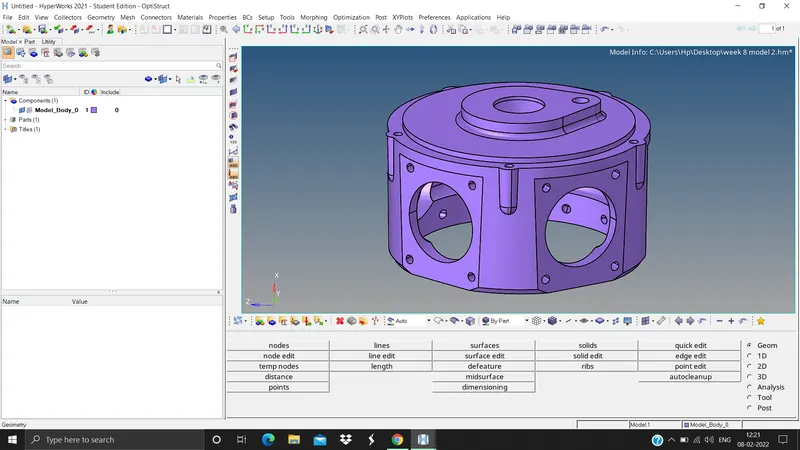
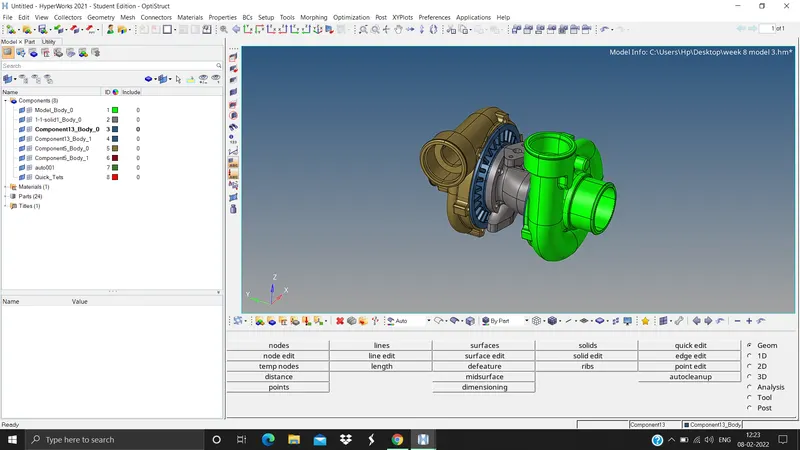
2. Do the geometry cleanup by toggling the unnecessary edges (F11 > toggle edge > select the edges)
3. Delete the solids whereever necessary (F2 > solids > displayed > delete entity)
4. For housing model we need to mesh 2d tria elements first and the convert 2D elements to 3D tetra elements (2D panel > automesh > surfs > displayed > elem type tria > elem size 5 units > mesh), after 2D meshing we need to do tetra meshing using 2D elements (3D panel > tetra mesh > select elements > simple pyramid > select the components > mesh).
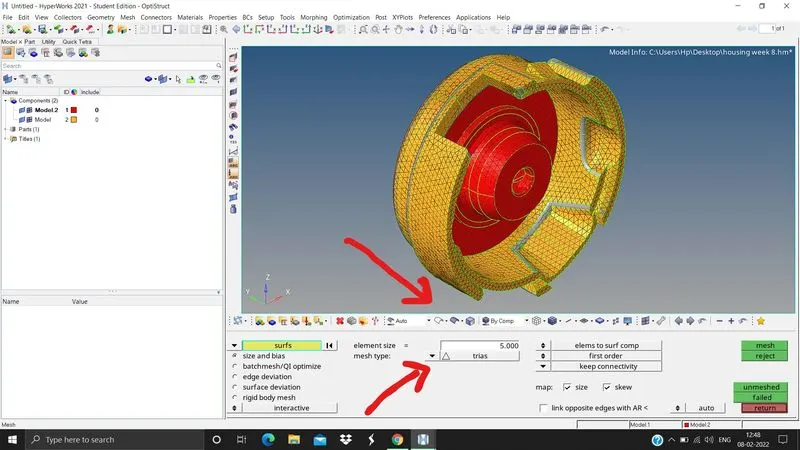
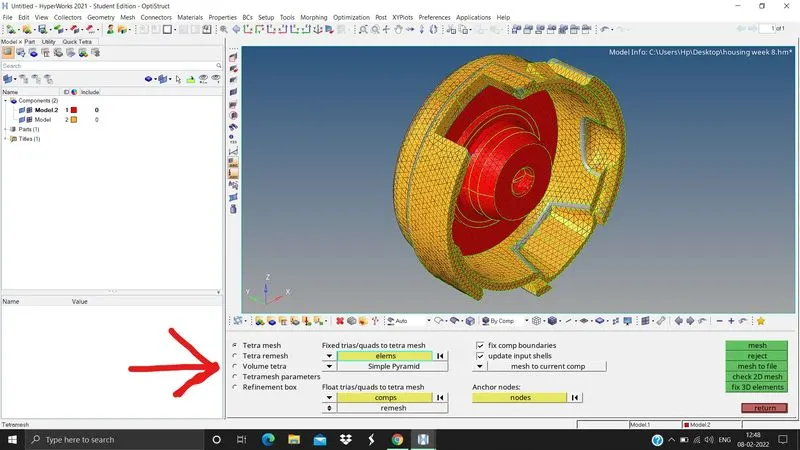
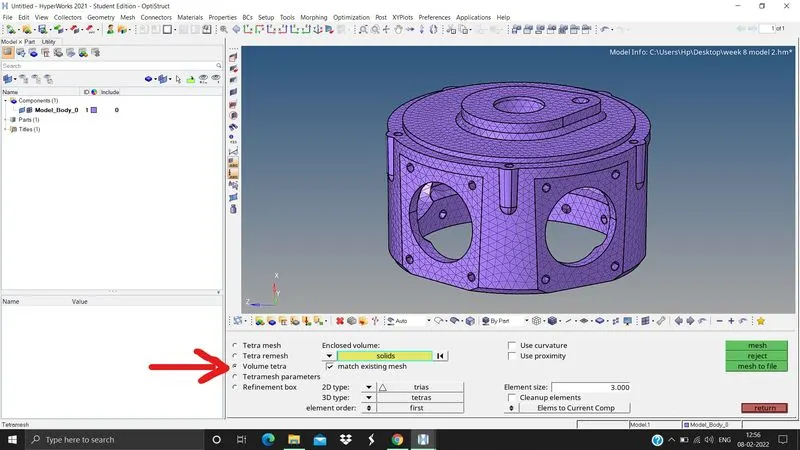
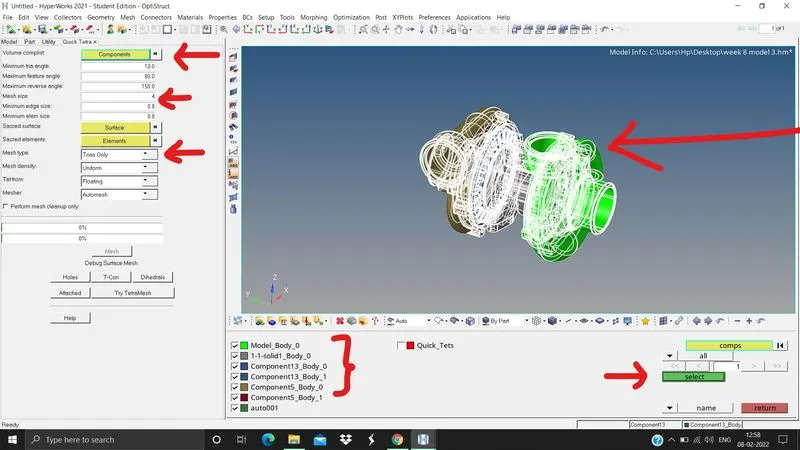
5. For model 2 and model 3 we need to do volume meshing or quick tetra meshing with element size of 3 and 4 units.
a. Volume tetra mesh (3D panel > tetra mesh > volume tetra > select solids > 2D type trias > 3D type tetras > elements order first > element size 3 or 4 > mesh). Some times volume tetra mesh dont work so
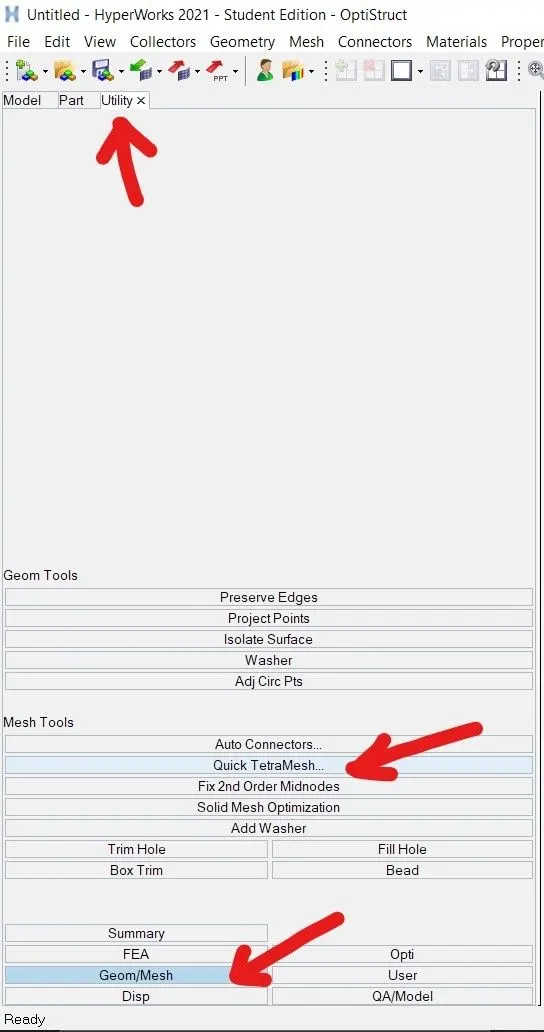
b. Quick tetra mesh (View > browsers > hypermesh > utility, under utility > Geom/Mesh > Quick tetra mesh > select the components > give the elements size > mesh type trias only > mesh density uniform > mesh).