Week 3 - 2D meshing for sheet metal
The aim of this challenge is to Take the mid surface for all the components, after checking the geometrical errors and mesh the mid surface with the given element Quality criteria.
DO THE BELOW STEPS FOR ALL THE COMPONENTS
Step 1. Import the model (File > open > select the file > open)
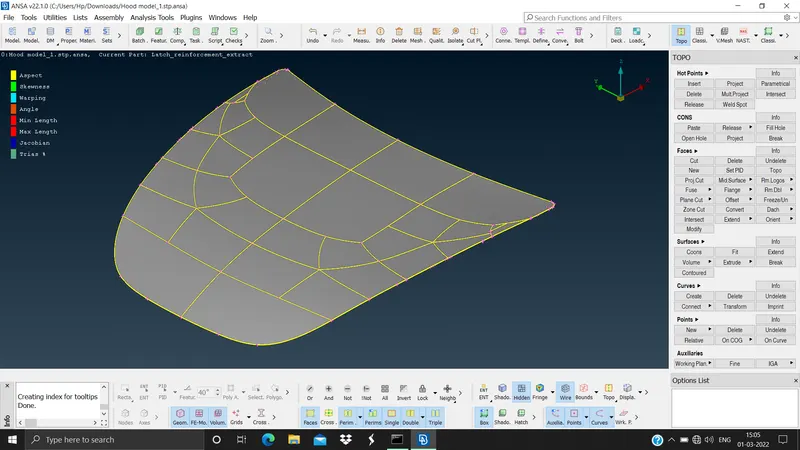
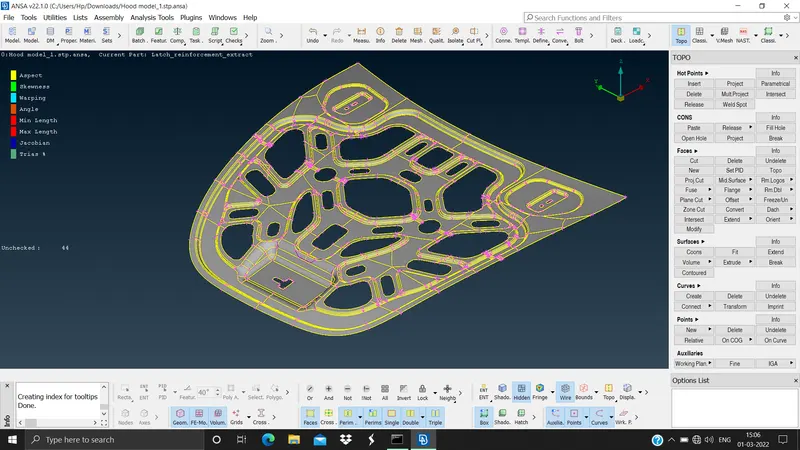
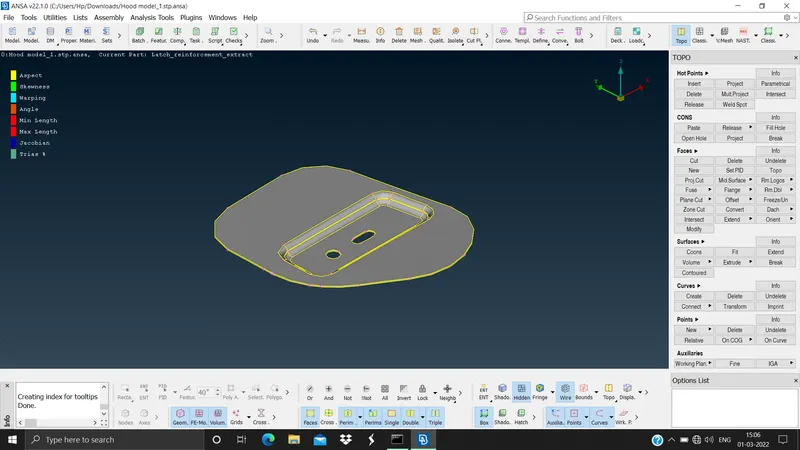
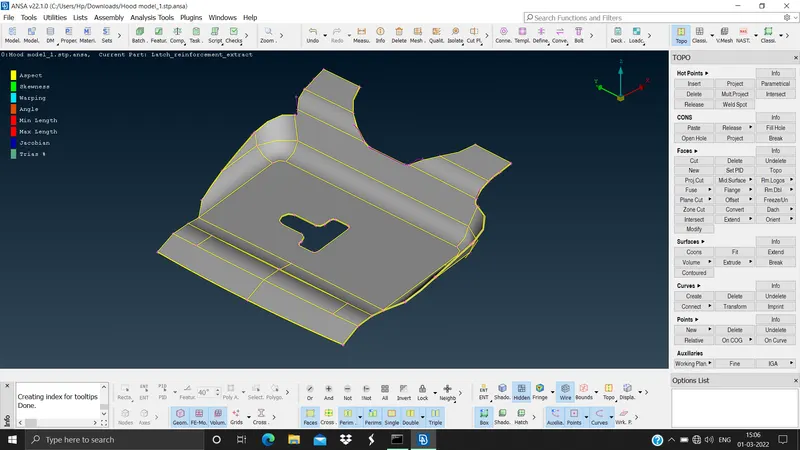
Step 2. Set the length of the model according to the target element size. (Mesh module > perimeters > length > select the model > mid mouse click > set the value 1 > ok). This is done to smooth the edges so that wer can see the features correctly. The is done for cons resolution.
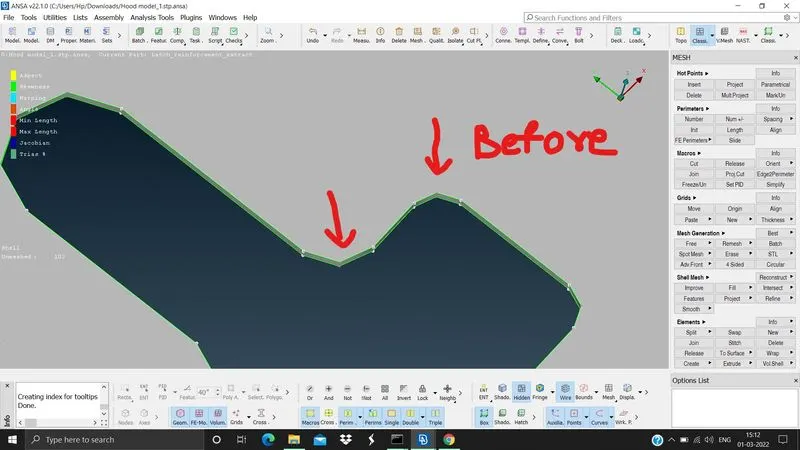
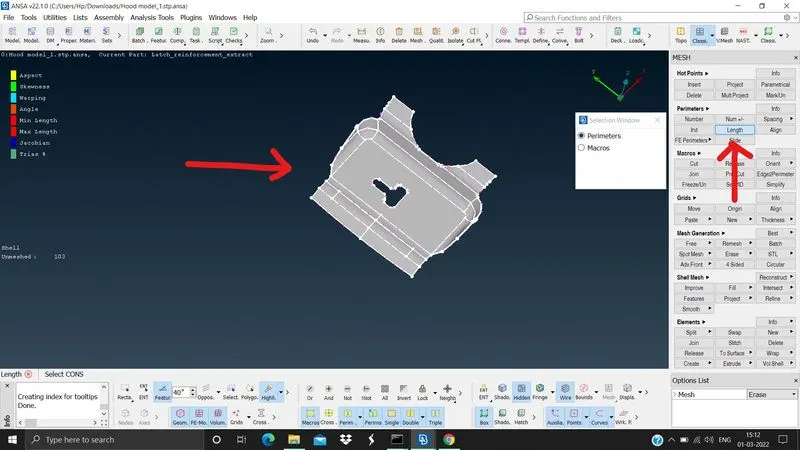
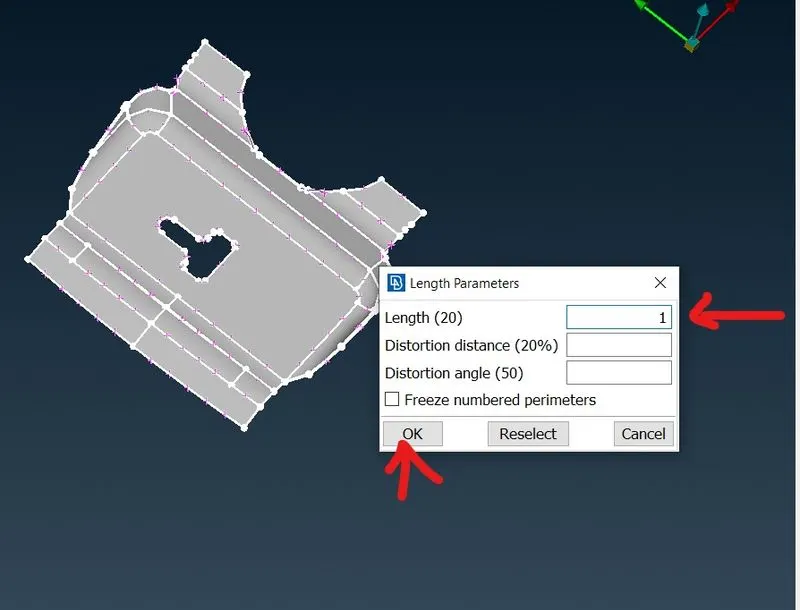
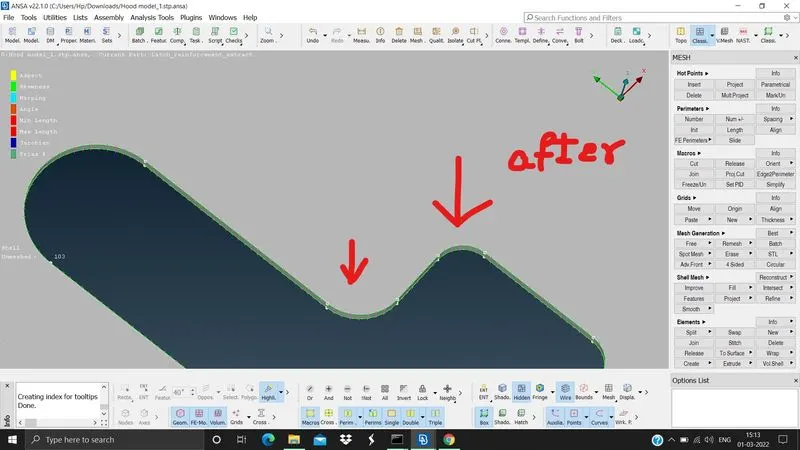
Step 3. Check the geometry for any errors and do the topology cleanup to avoid element failures.
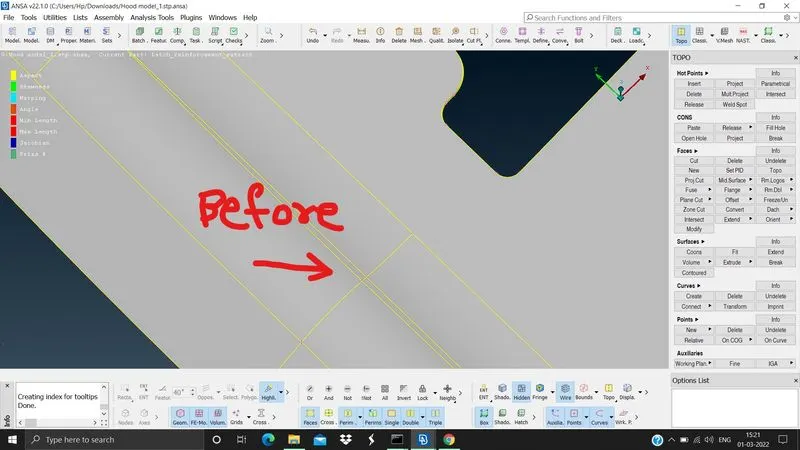
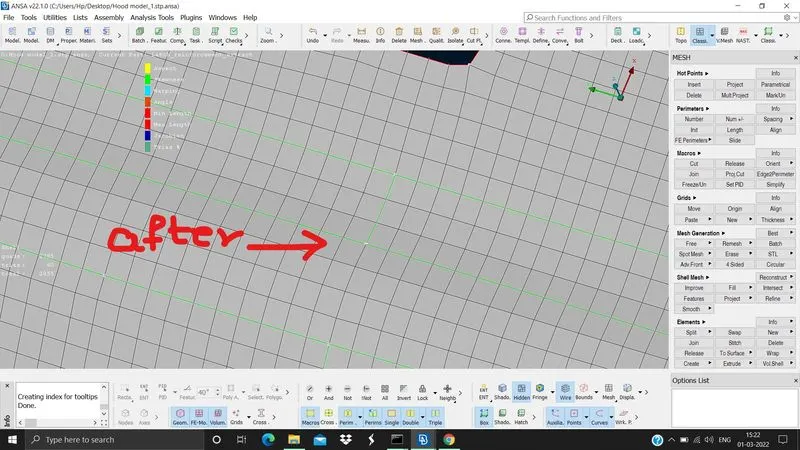
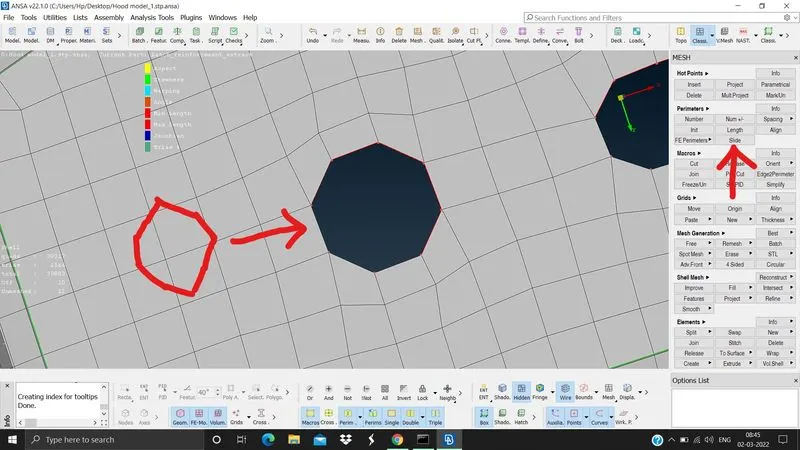
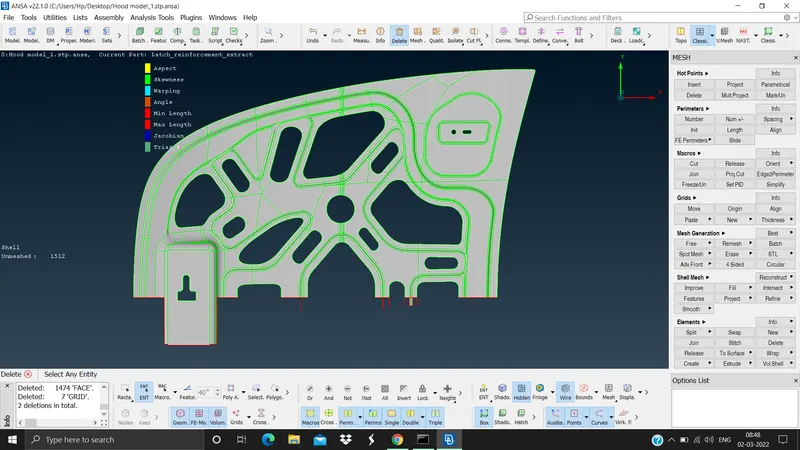
we need to use the slide command to adjust small holes in the model, in this case it is in the inner hood and hinges (mesh module > perimeters > slide). We need to delete the symmetric parts so that we can mirror it to reduce the time, this applies to inner hood model (utilities tab > delete > select the faces > mid mouse button)
Step 4. Extract the mid surface of the model by skin or offset method (Topo module > Faces > offset > select the model > give the distance to offset)
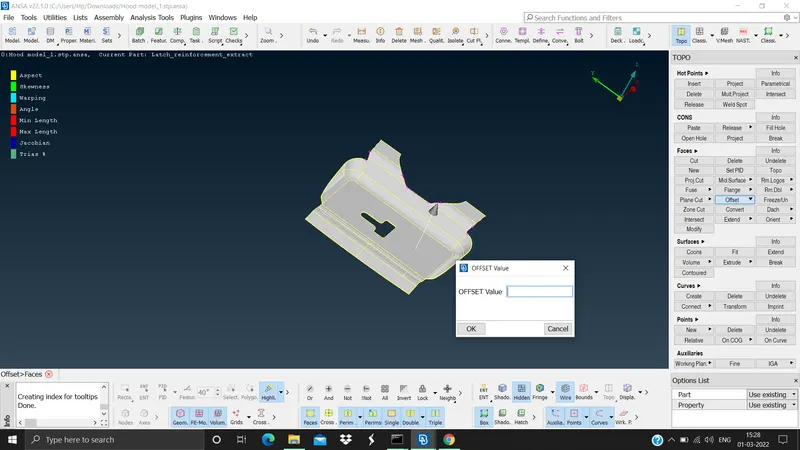
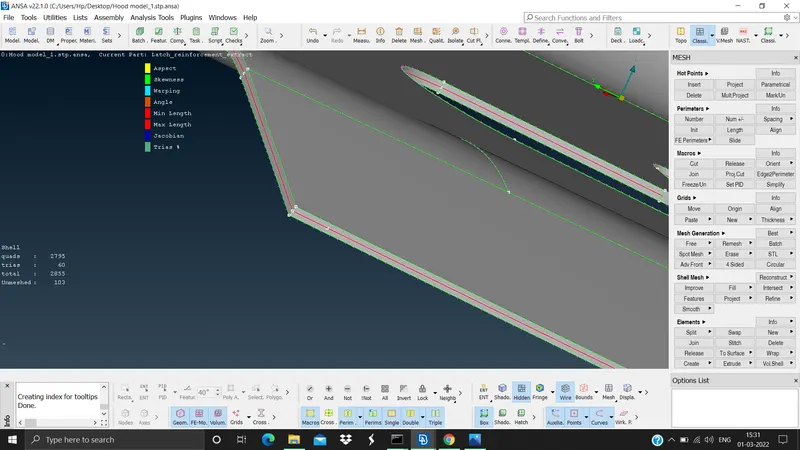
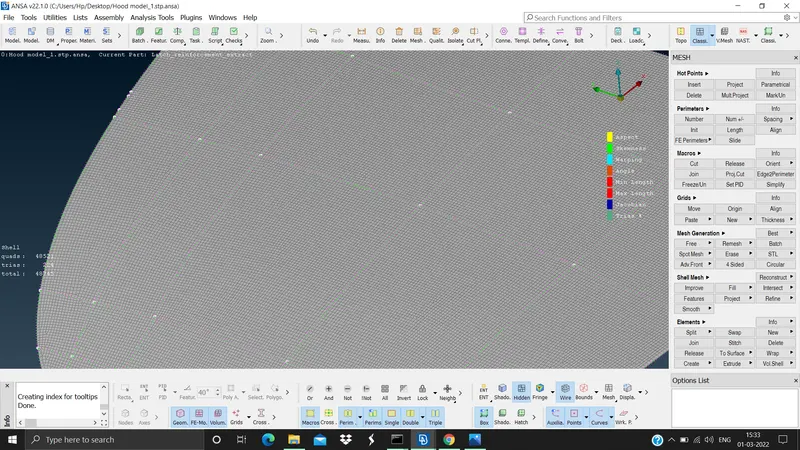
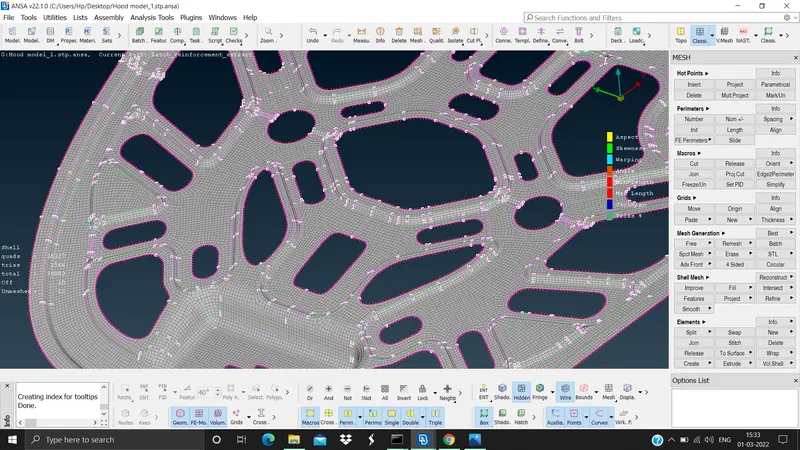
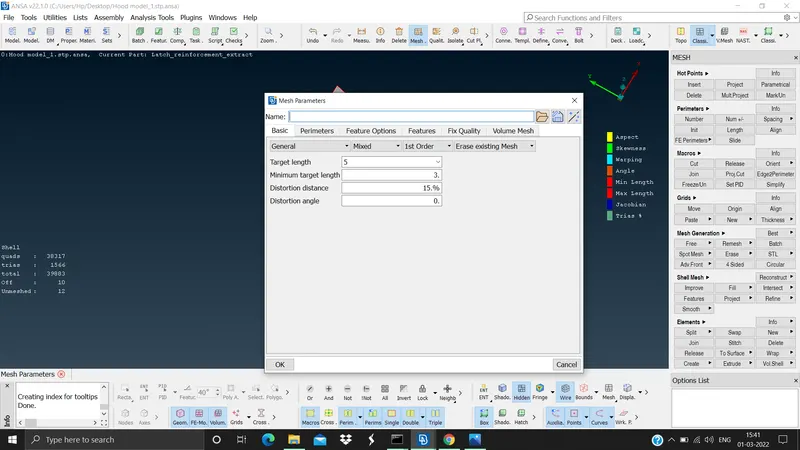
Step 5. Mesh the extracted surface with reference to the quality criteria, and check for the element failures (Mesh module > mesh generation > best > select the surface), to modify the elements use the reconstruct and smooth commands (Mesh module > shell mesh > Reconstruct and smooth). To assign the quality criteria (Utilities tab > Mesh parameters and quality criteria)
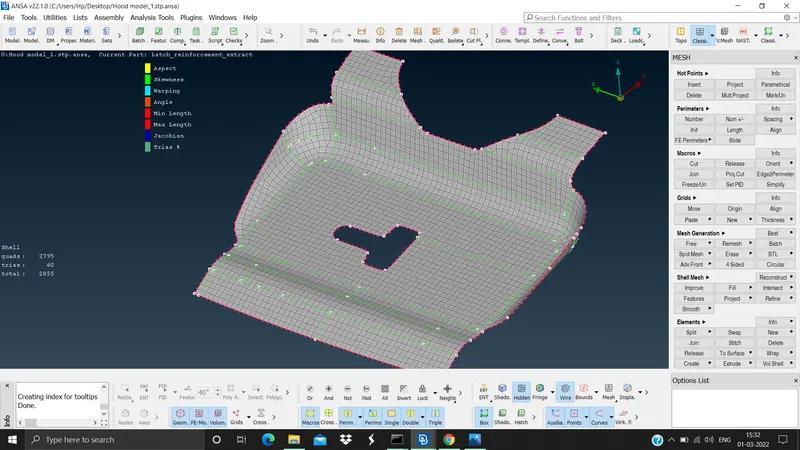
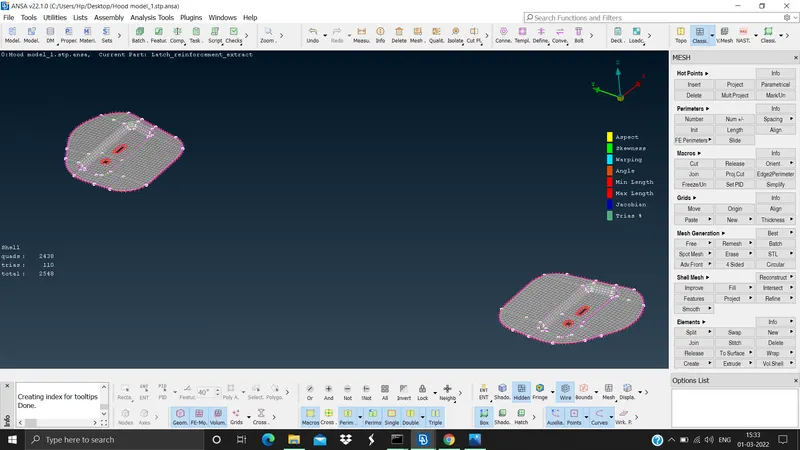
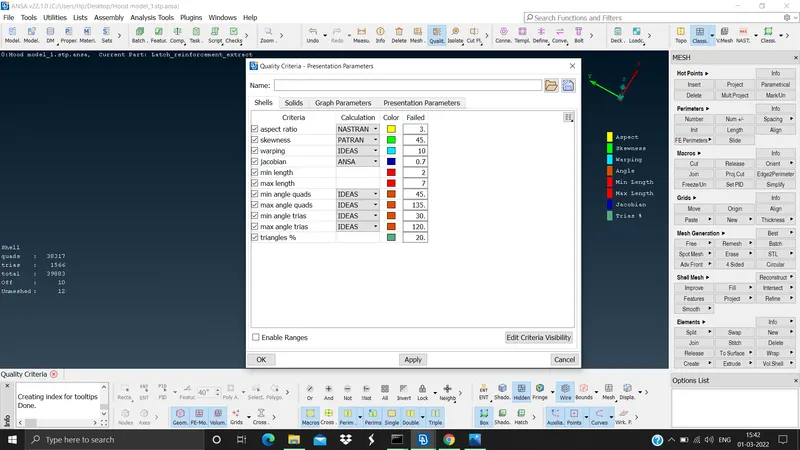
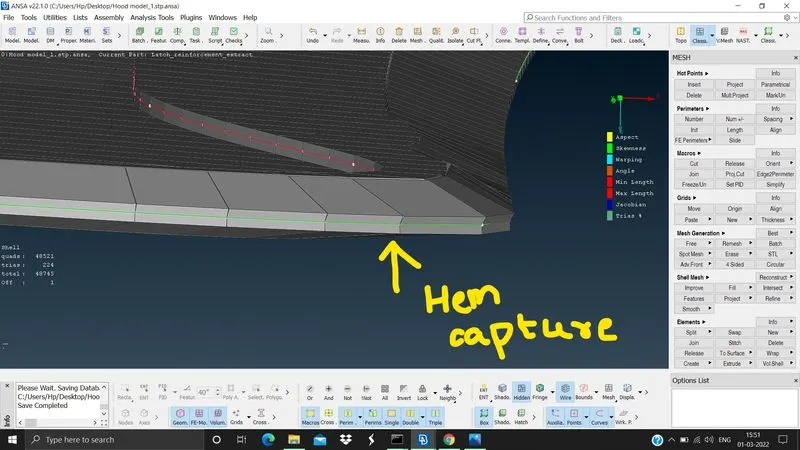
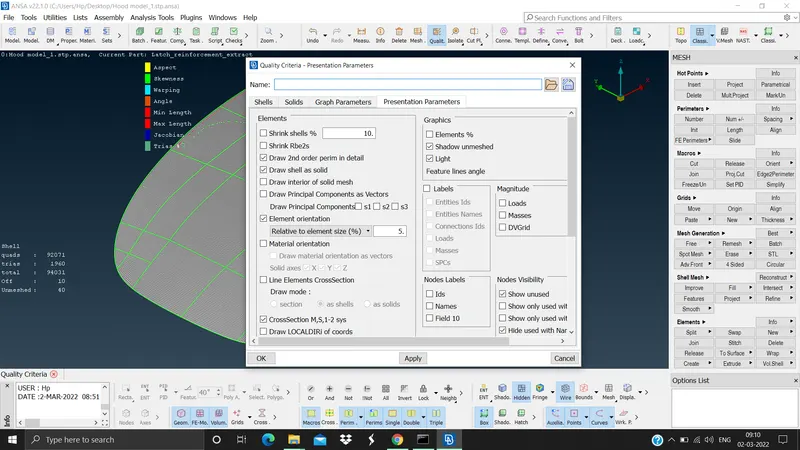
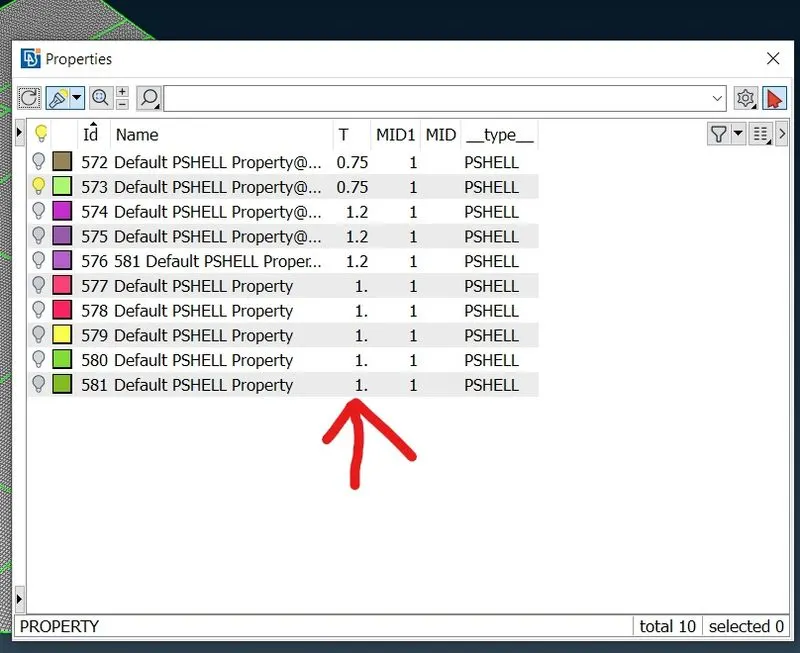
Step 6. Give thickness to the meshed surface. The thickness will be already be in PID during the mid surface. To activate the thickness we need to check DRAW SHELL AS SOLID (Utility tab > quality criteria presentation parameters)
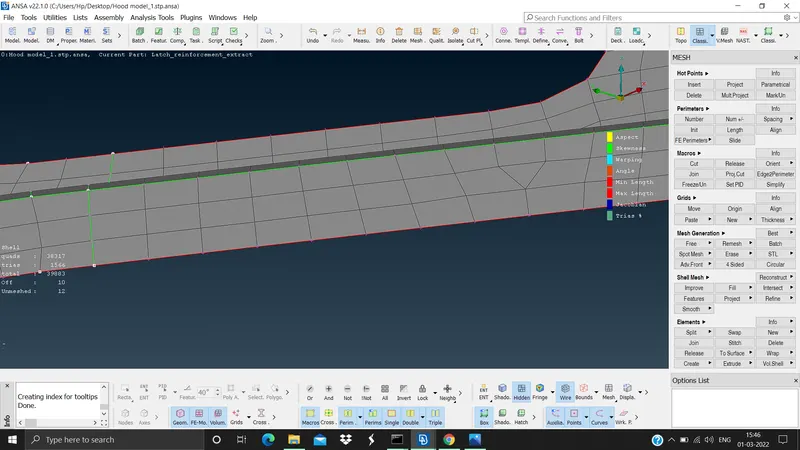
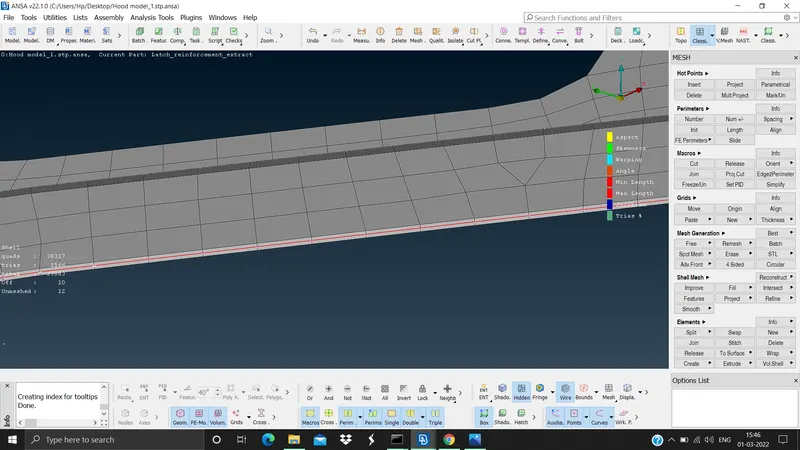
The outcome and conclusion of this challenge is that we learnt how to do topology cleanup, how to extract mid surface by skin and offset method, how to assign quality and thickness to the model, how to mesh, and how to do element optimise etc using ansa.