Week 8 - Challenge 6 - Core & Cavity Design
Objective:
To create the Core and cavity blocks for the switch bezel designed in the earlier challenge.
Methodology:
- Let us first Designate different colour to different surfaces for ease of visualisation.
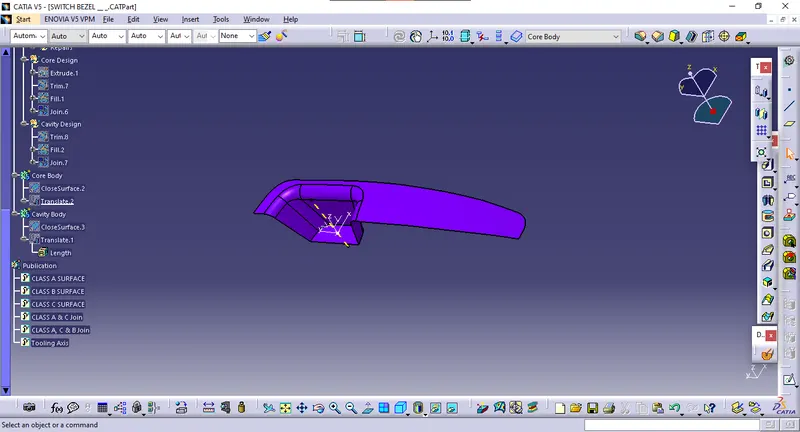
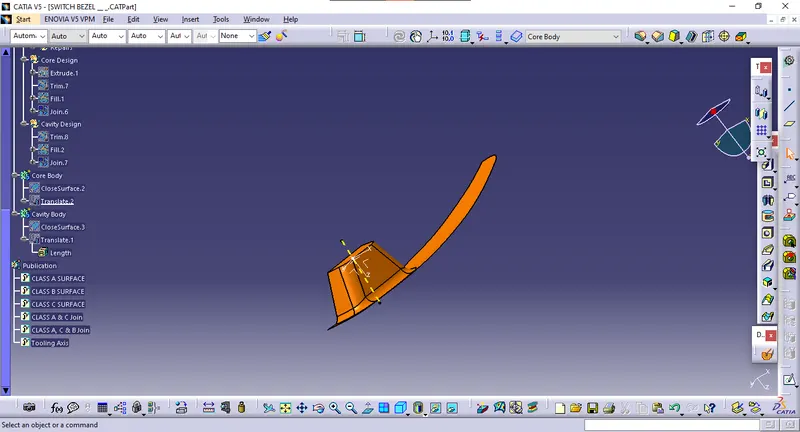
- By extrapolating the class A, B and unhiding the class C surface we trim the two surface and we get the faces cleared by core side of the component.
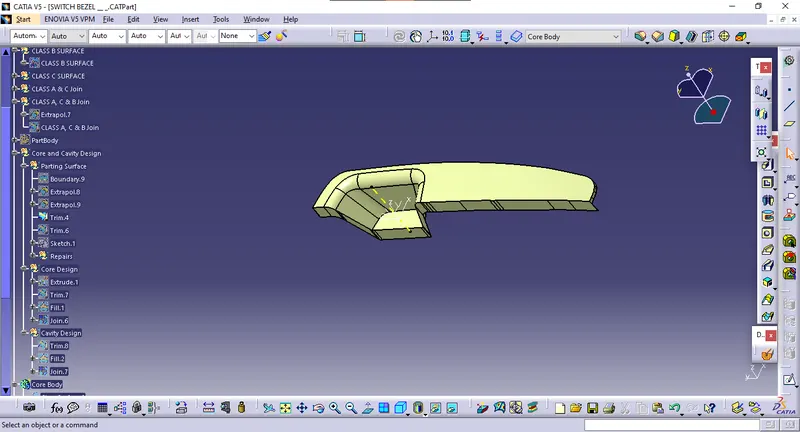
Parting Surface:
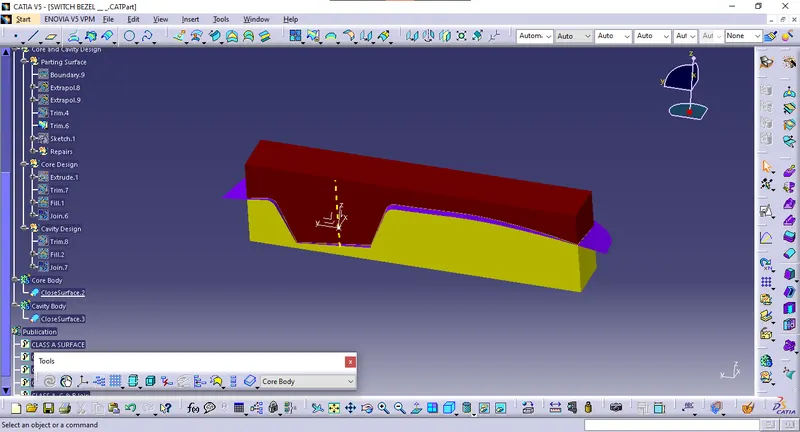
Parting Surface is achieved by extrapolating the class B surface and trimming it with previously trimmed class A & C surface.
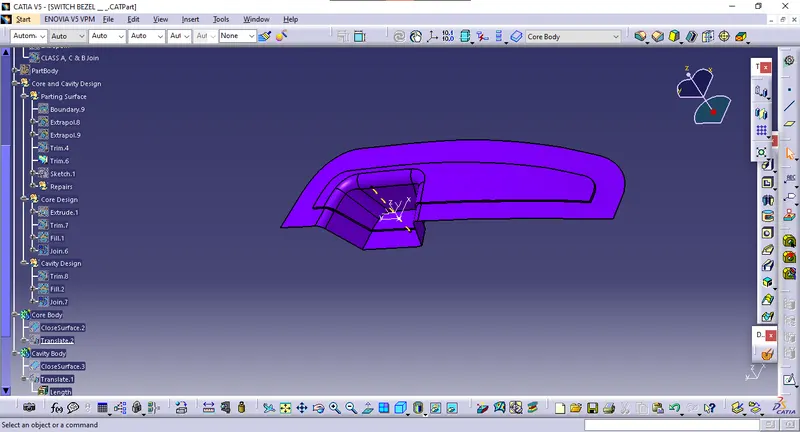
Core Design:
The core design is achieved by triming the surfaces and extrapolating the A surface .
We draw A sketch and exrtrude the sketch and we use the trim option on parting design and the sketch
we get a design like shown in the below image.
We use the fill command to fill the surface on the top
then we join the trim and fill to make a single surface
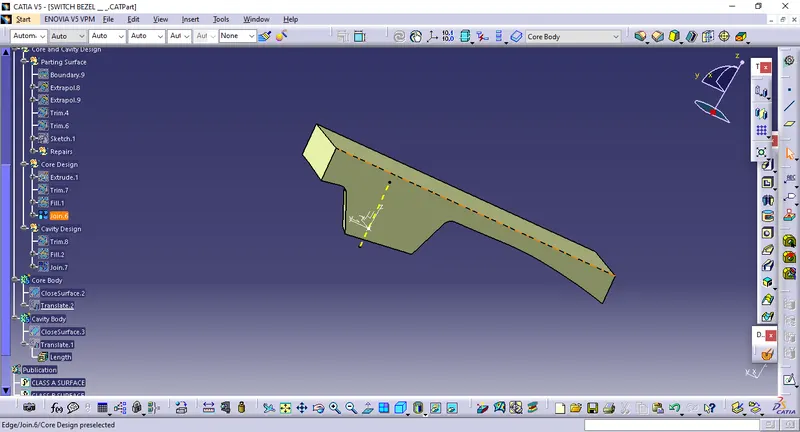
Solid Core Body:
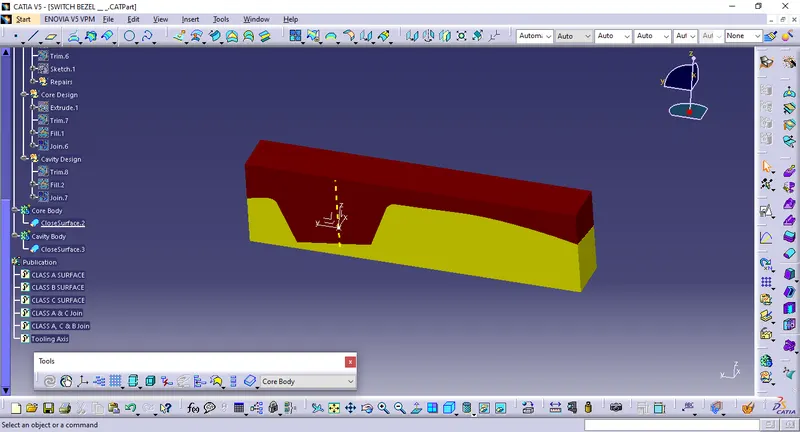
In part workbench convert Core surface to Solid Core body by Close Surface command
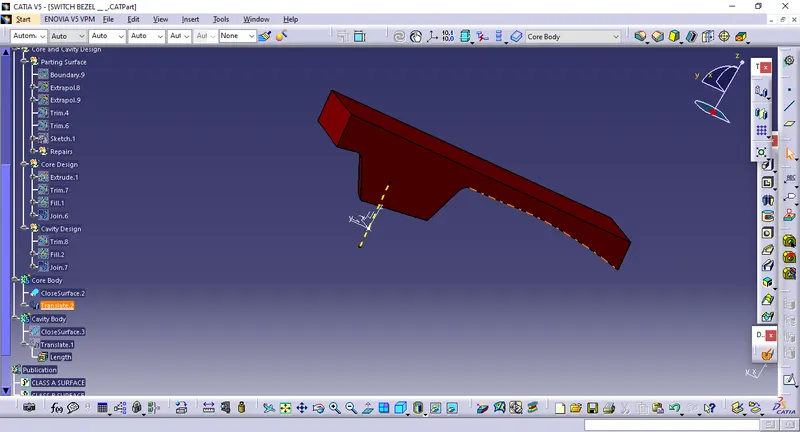
Cavity Design:
The cavity design is been achieved by using the same sketch and extrude is been done by tooling axis direction. The extrude surface and B surface is trimmed in opposite direction and cavity is been achieved
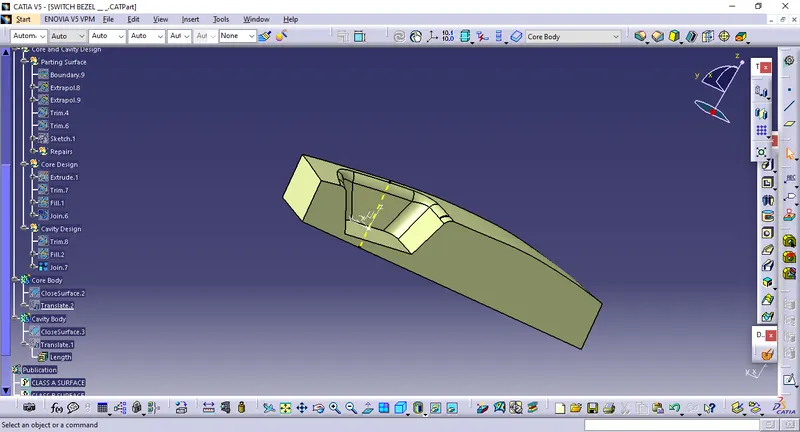
Solid Model of cavity:
In part workbench convert cavity surface to Solid Cavity body by Close Surface command
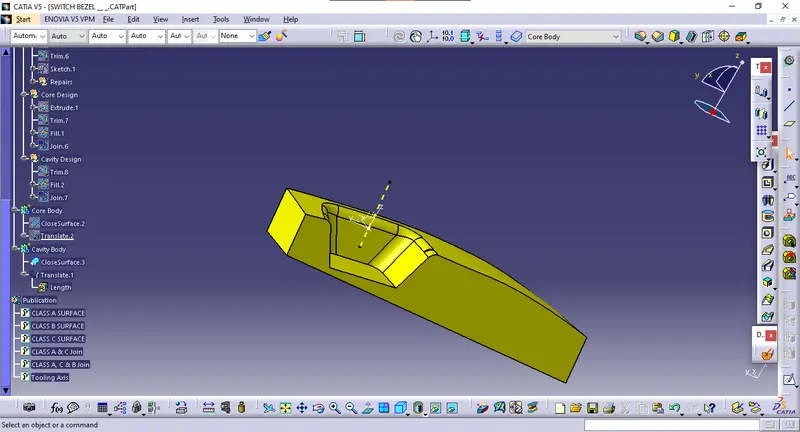
Draft Analysis of Core and Cavity:
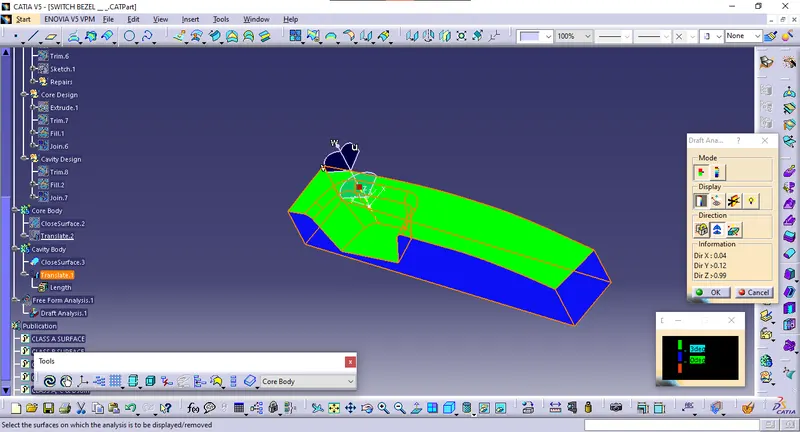
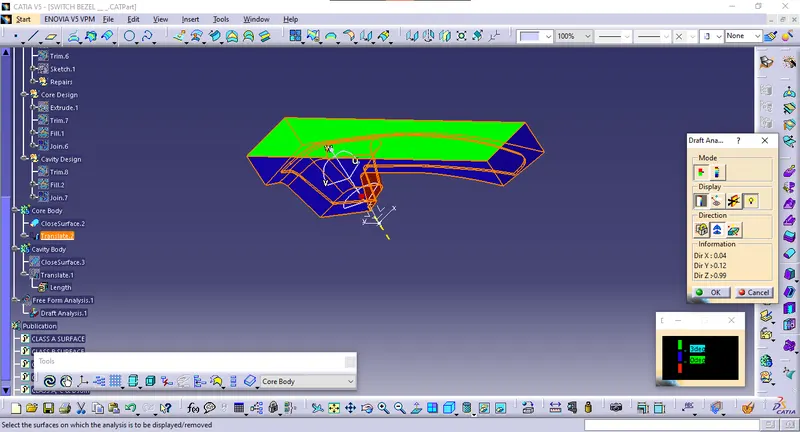
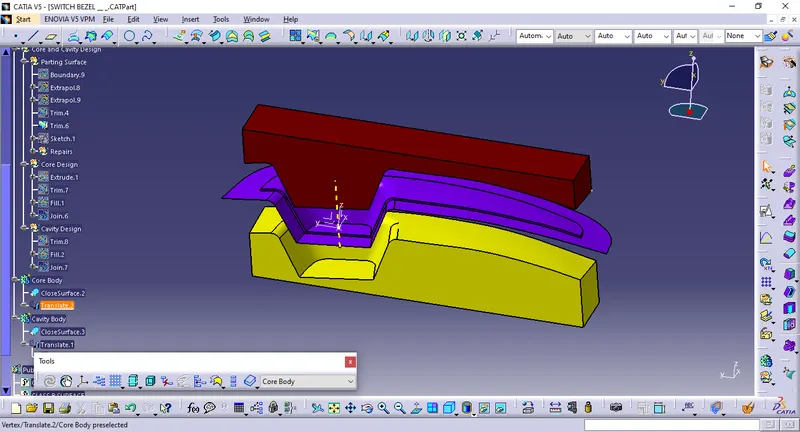
Core and cavity: