Week 8 - Challenge 5 - Core & Cavity Design
Core cavity design for switch bezel
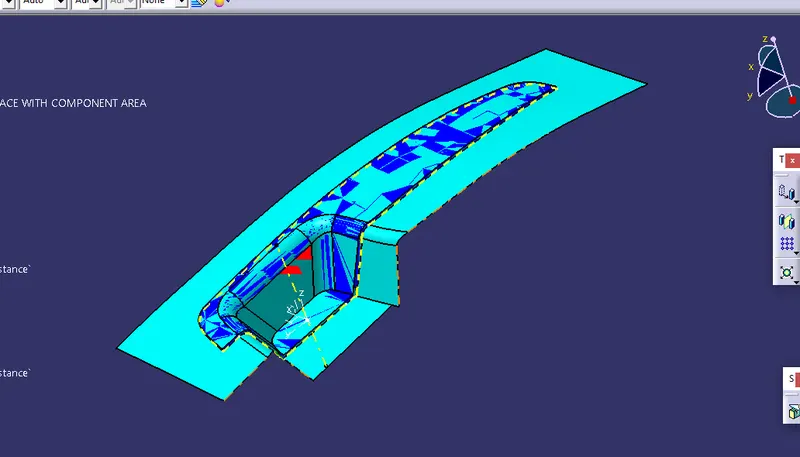
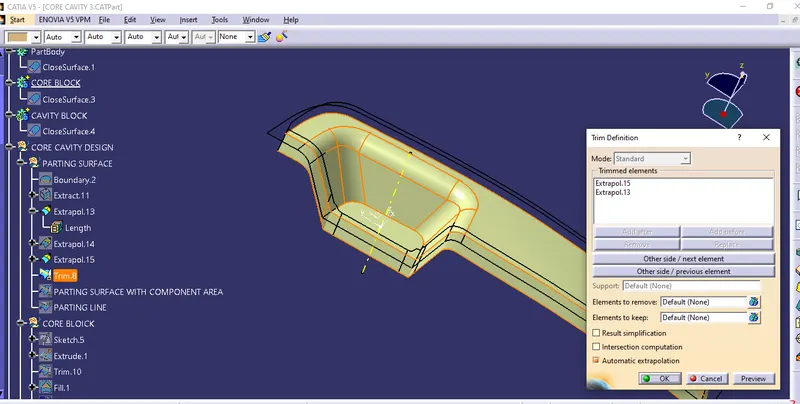
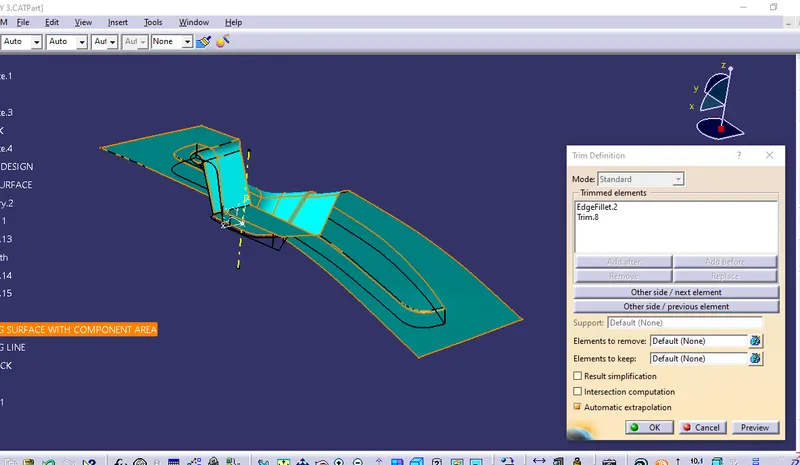
Extrapolite the given switch bezel and then trim it with C surface unhide the B surface and trim it with trim 1 by this trim we got our parting surface with component area
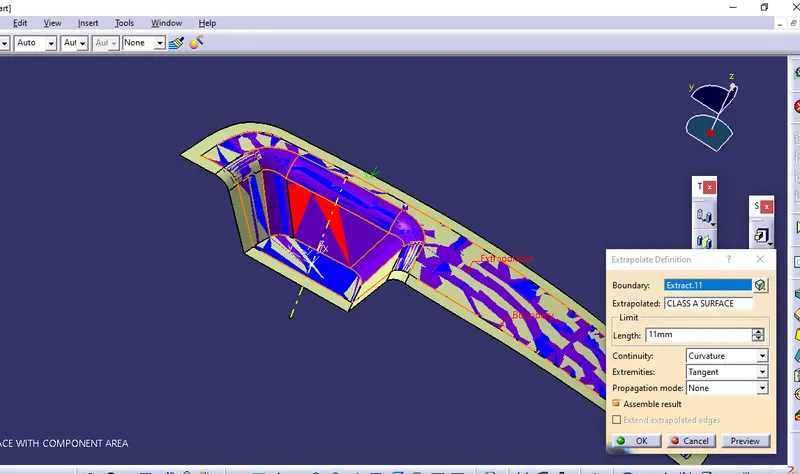
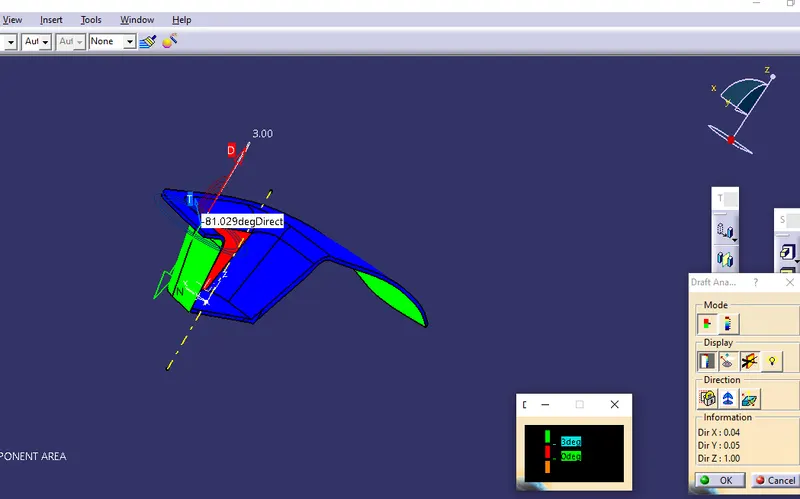
Unhide the draft analysis then check the color by using normal view then decide which portion of the part comes in cavity side and which part comes in core side.
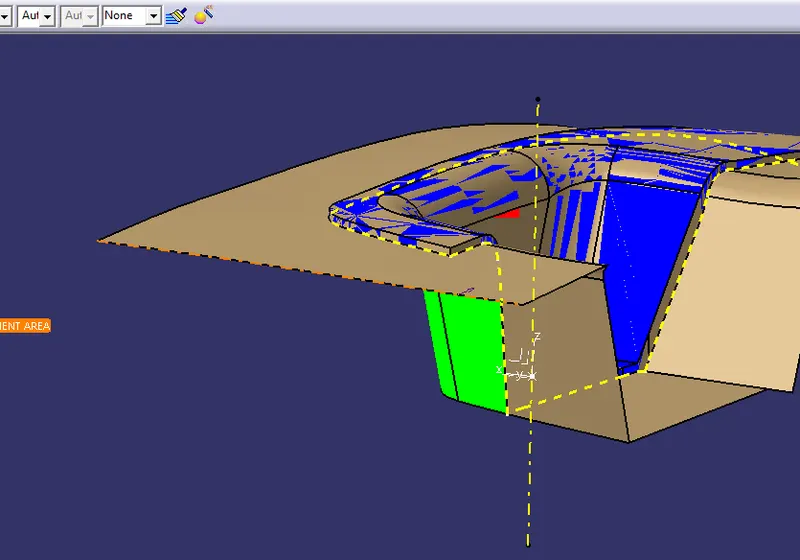
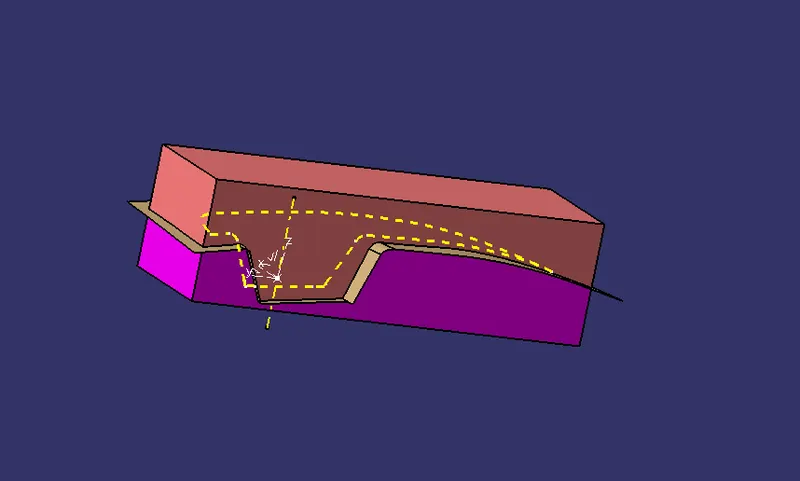
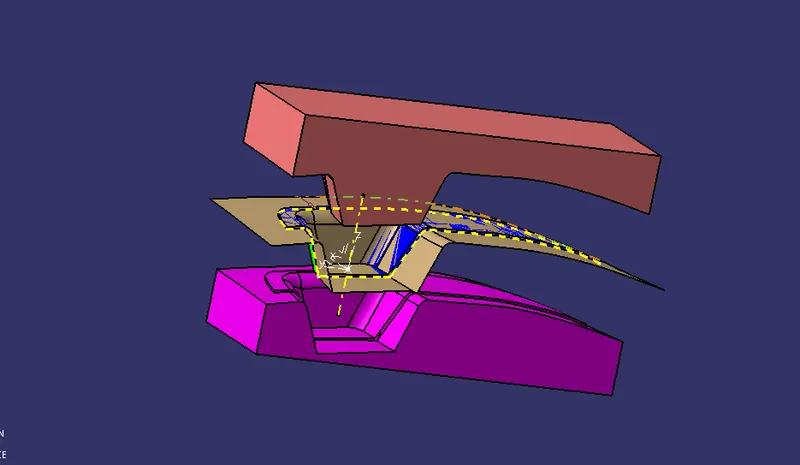
Create another geometric set as core design then draw a sketch over the parting surface, then extrude it with refer to tooling axis.
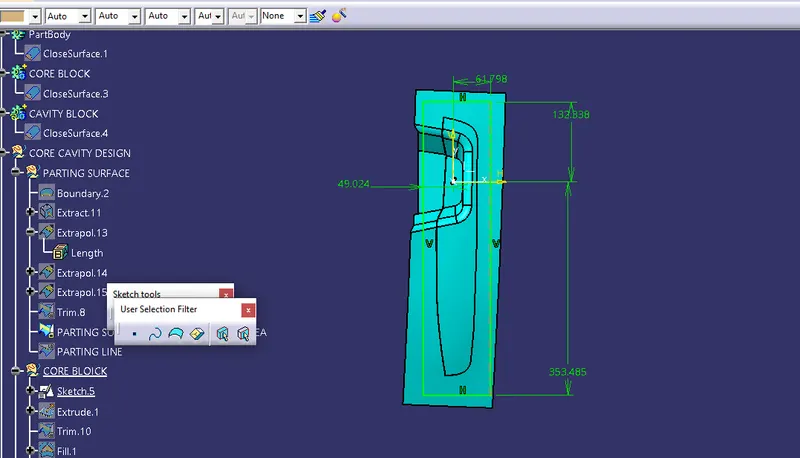
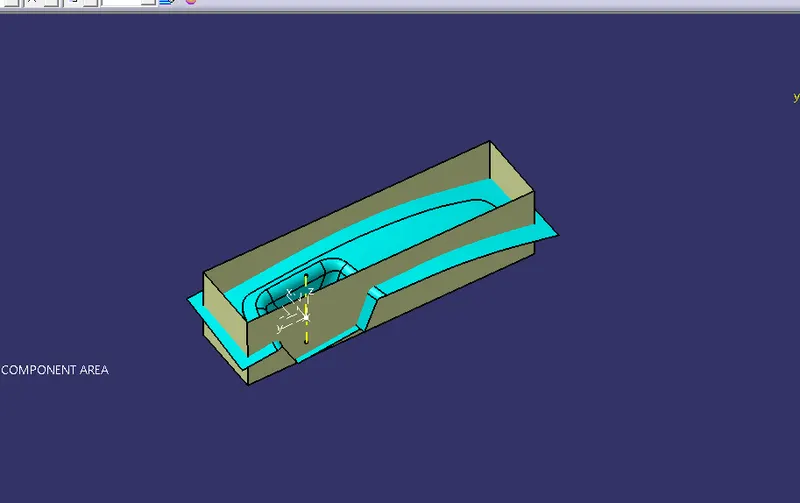
Trim this extude with B surface except tue core portion all the other surface should trim. Fill the top portion by using fill command, join the fill with the trim. Close the join by using close surface in part design work bench.
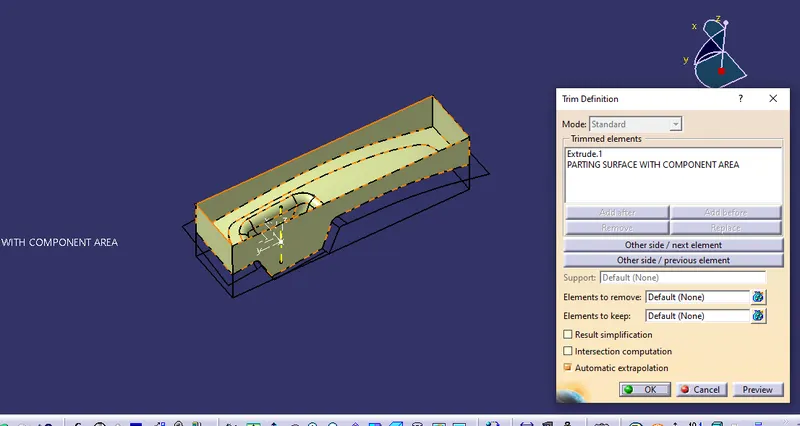
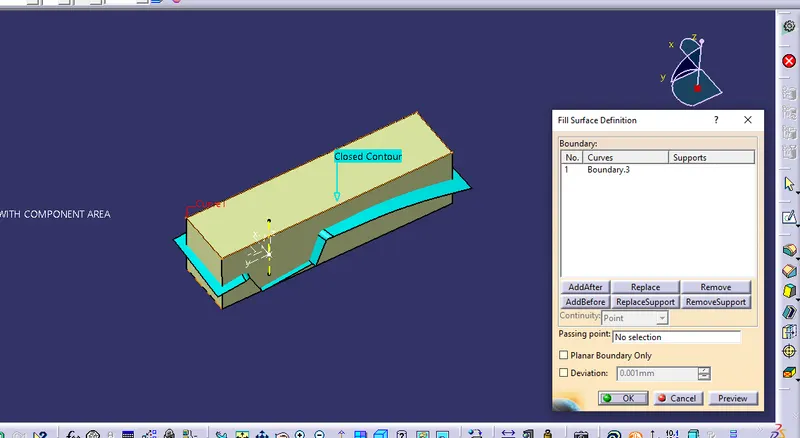
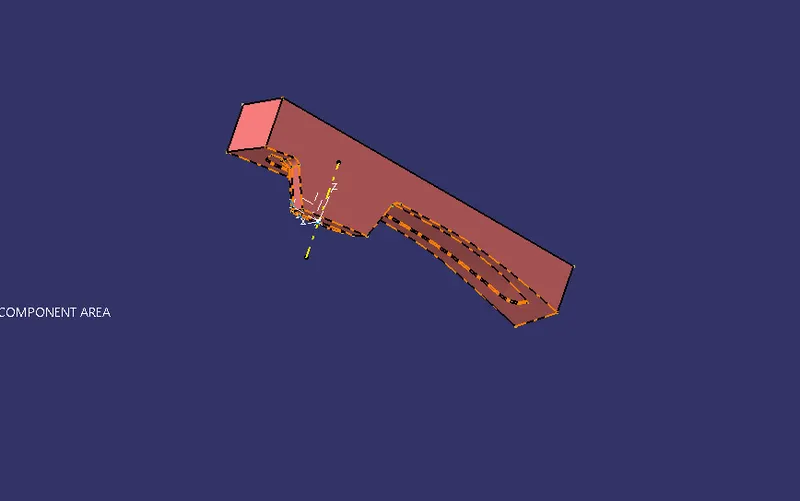
Similarly create a geometric set for cavity side then draw a sketch and extrude it with the reference of tooling axis. Fill the bottom side of cavity. Trim this extrude with B surface keep the cavity side and trim other side then join the fill with this trim. Close the join by using close surface in part design workbench.
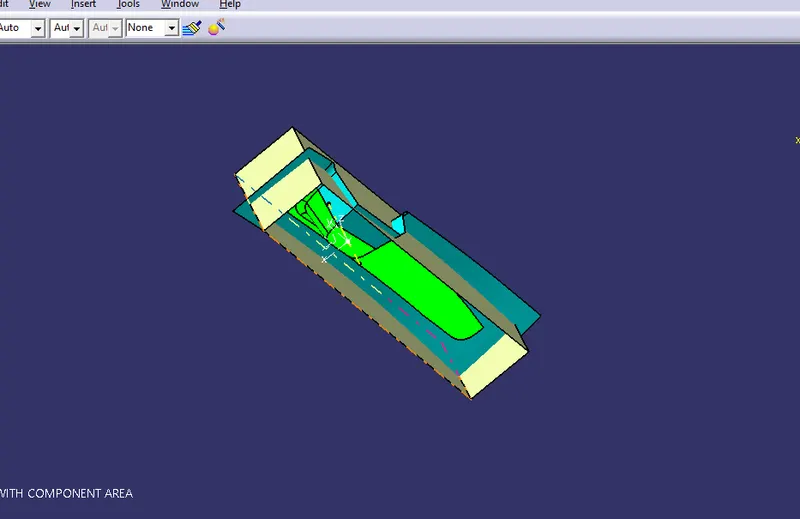
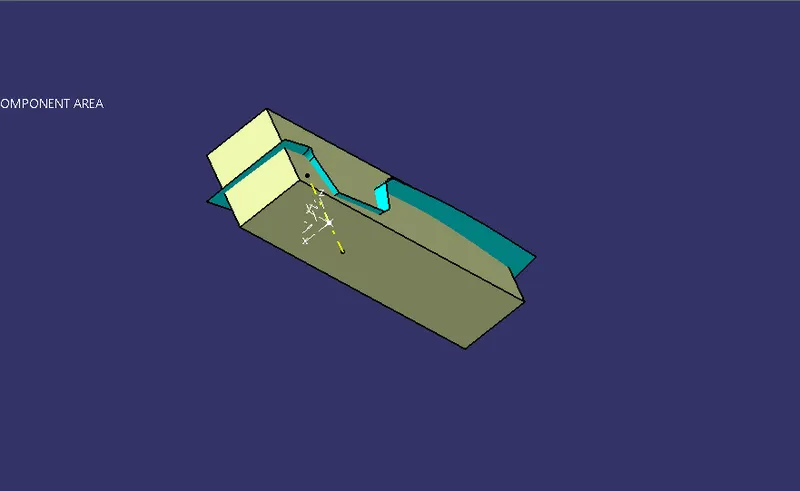
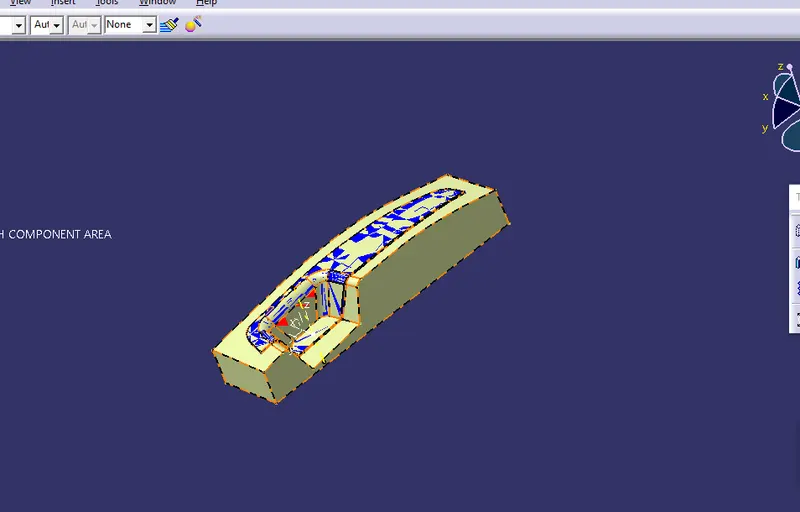
Create parting line by using intersection split it wirh parting surface.