Week 8-Challenge
Objective:
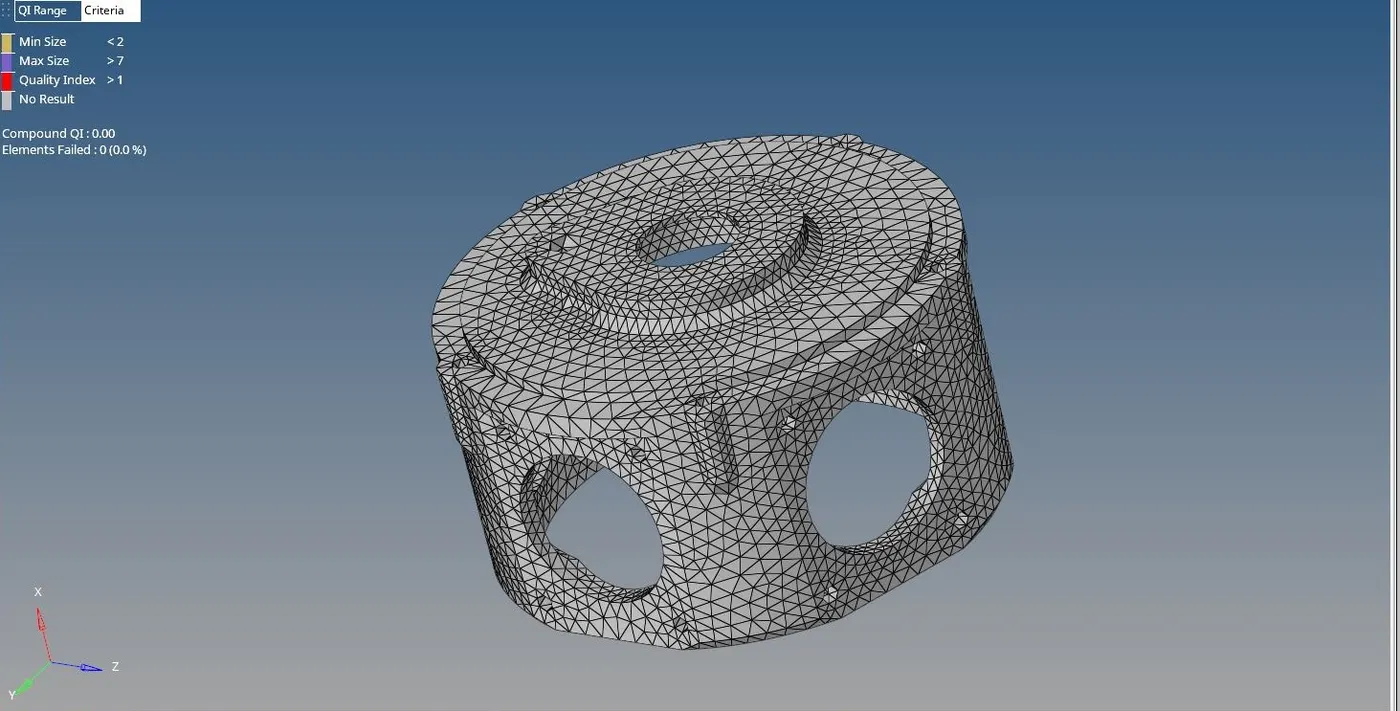
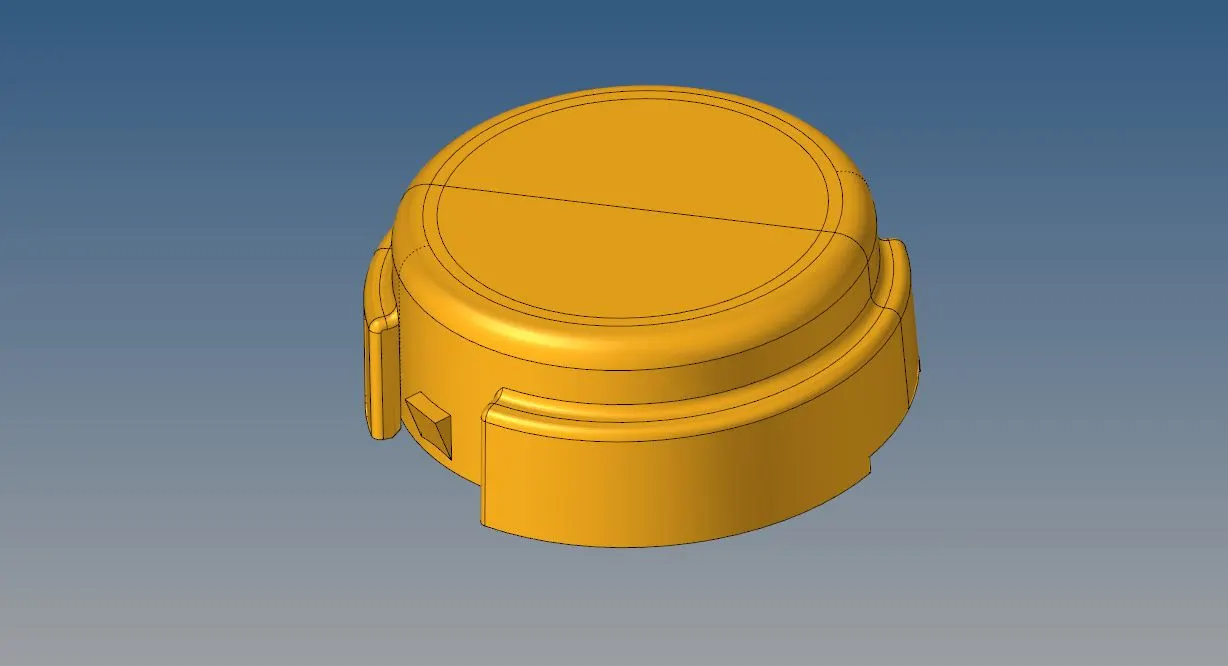
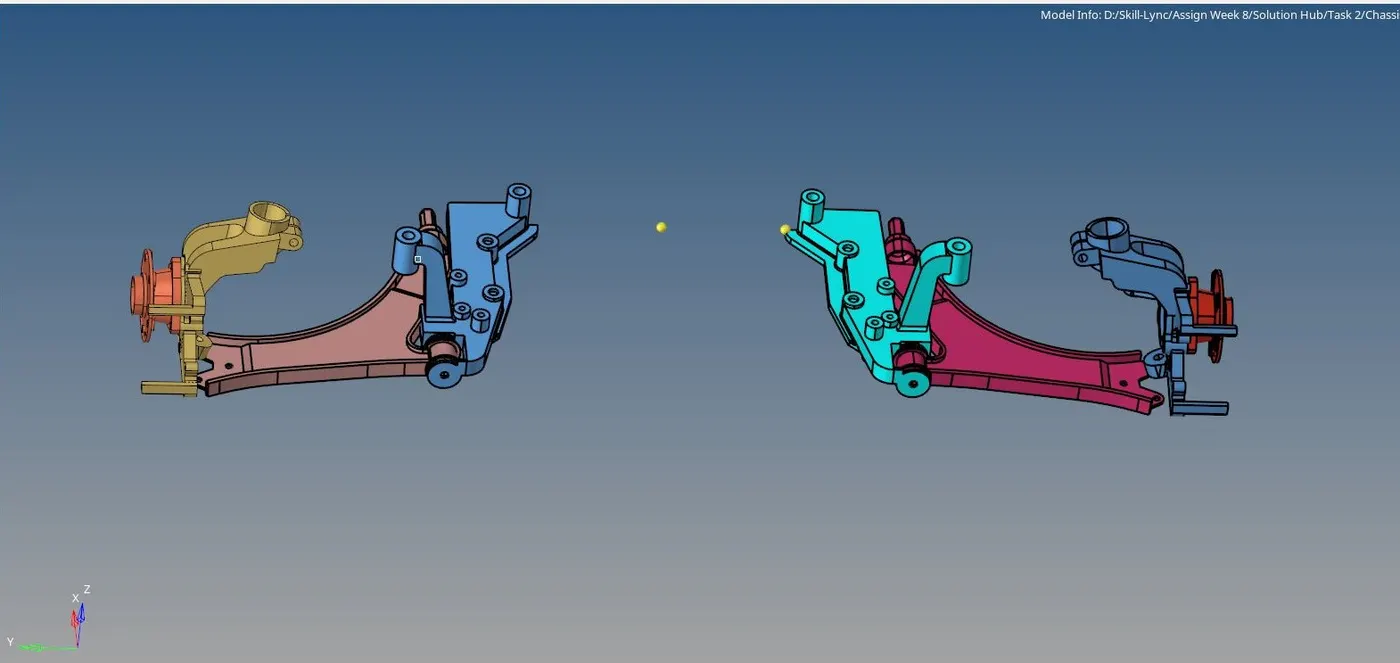
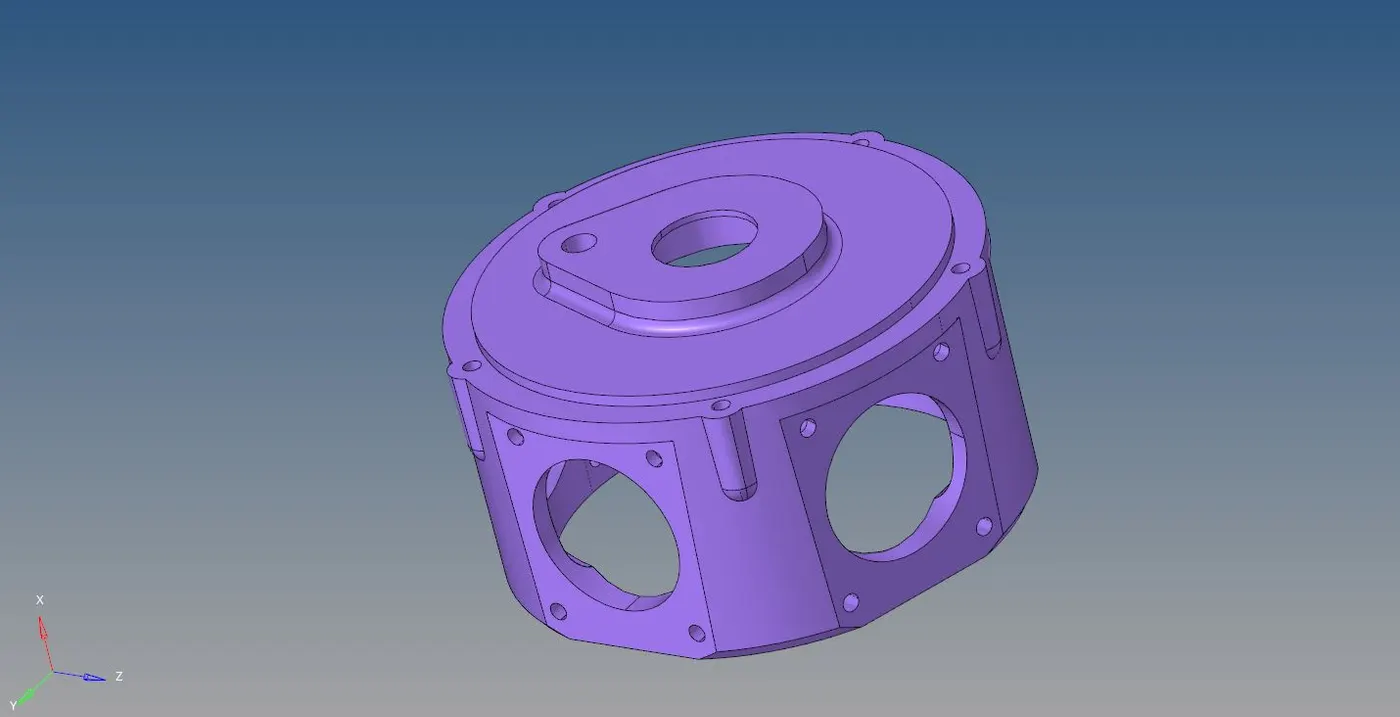
To perform 3D Tetra/Tria Mesh on the Housing, chassis assembly, crank housing and the Hub with a suitable technique.
Cad Model Images:
Procedure:
Methods to perform 3D tetra/Tria mesh are-
1) Conversion of 2D tria elements into 3D tetra:
- In this method, after importing the geometry the solid is deleted and the surface mesh with only trai element is performed with the given element size and before converting them into 3D tetra element for quality check the minimum and the maximum element size is checked.
- Once all the elements clear the criteria, in 3D panel the option tetra mesh is selected by choosing the option as elements under the dropdown column of ‘Fixed trias /quads to tetra mesh’

2) 3D Tria /Tetra Mesh using the quick tetra mesh from Utility panel:
- Once the geometry is imported and after deleting the solid the option utility is selected which is located near to the model panel.
- In the utility, the option quick tetra mesh is selected and the respective component and surface has been selected by keeping the mesh type as the only tria with the given mesh size.
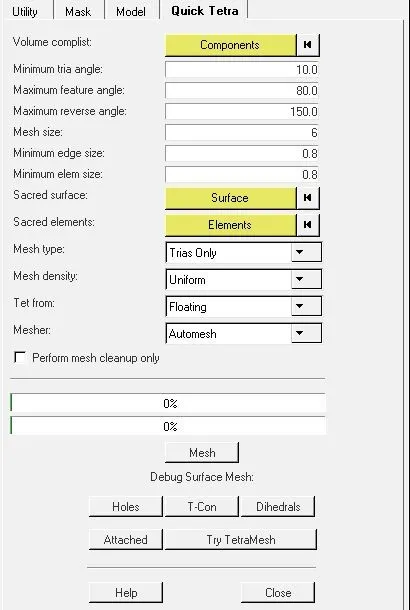
3) Volume 3D Tria/Tetra Mesh:
- In this method, the geometry with the volume is meshed by directly selecting the options volume tetra to mesh into the 3D tetra mesh panel by selecting the enclose volume as solid.
- The mesh is performed by adding the given element size. The option use curvature and use proximity is to capture the cornering feature and the proximity option is to refine and smoothen the mesh in small feature capturing areas.
- One needs to be aware of these options is, when you check these options, the number of elements will increase can face the maximum number of element count issue.

Tet-collapse quality parameter-
There are two methods available to remove elements failed for tet-collapse parameter -
The tet-collapse generates when the height of the 3D tetra element is less than the target element length.
1) Manual Method: After identifying the number of failed in tet-collapse, one can remove by translating the node which leads to increasing the height of the element.
2) Remeshing the Tet-collapse: In this method, one can remove the tet-collapse by choosing the option tetra re-mesh from the 3D tetra-mesh panel after setting up the tetra-mesh parameters.

Final Result:
The elements which are failed for the tet collapse is 0.
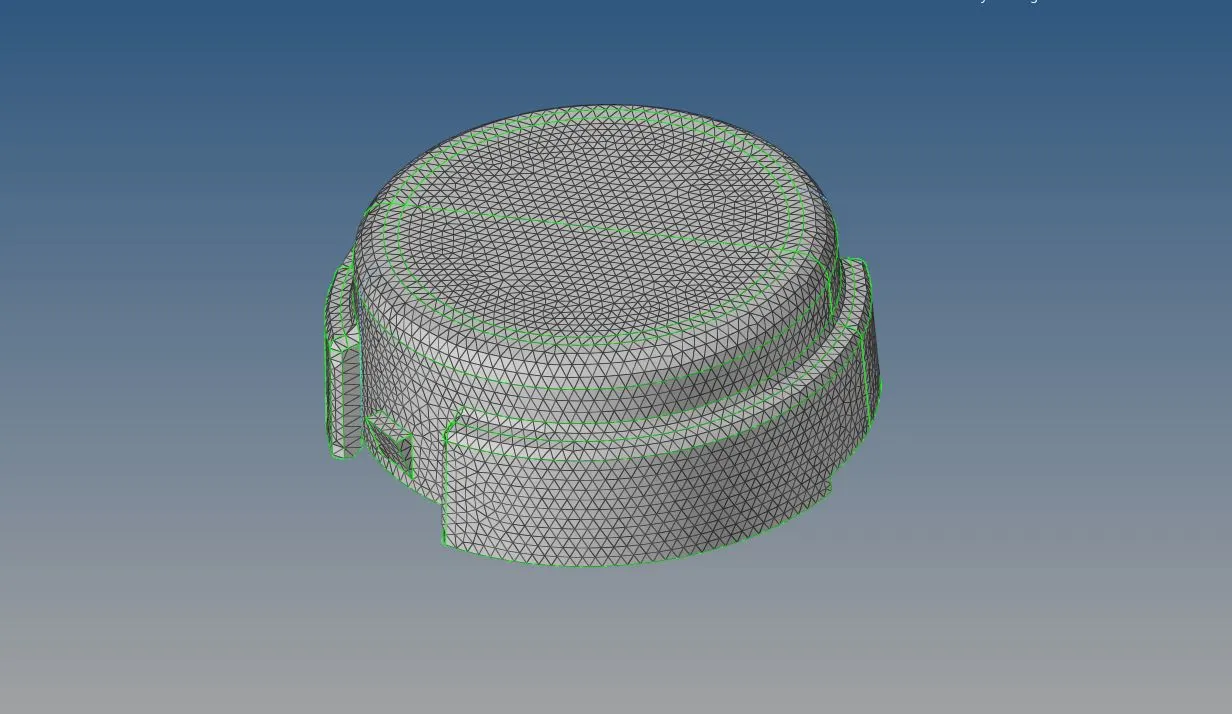
The entire LHS assembly is symmetrical about X-axis hence the element of RHS assembly is reflected. The elements failed for tet collapse are 32 (The ideal value of the tet-collapse element is below 50)
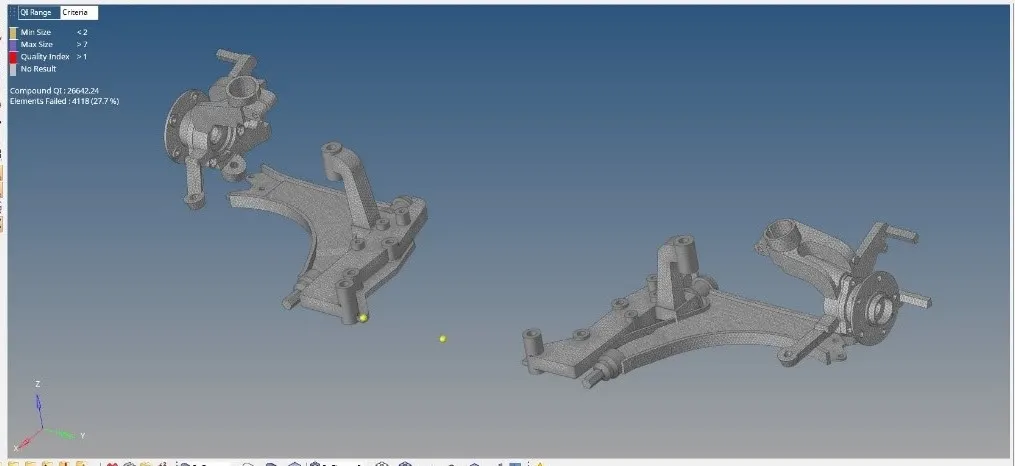
Elements failed for tet-collapse for crank hosing is 0.