Project 2
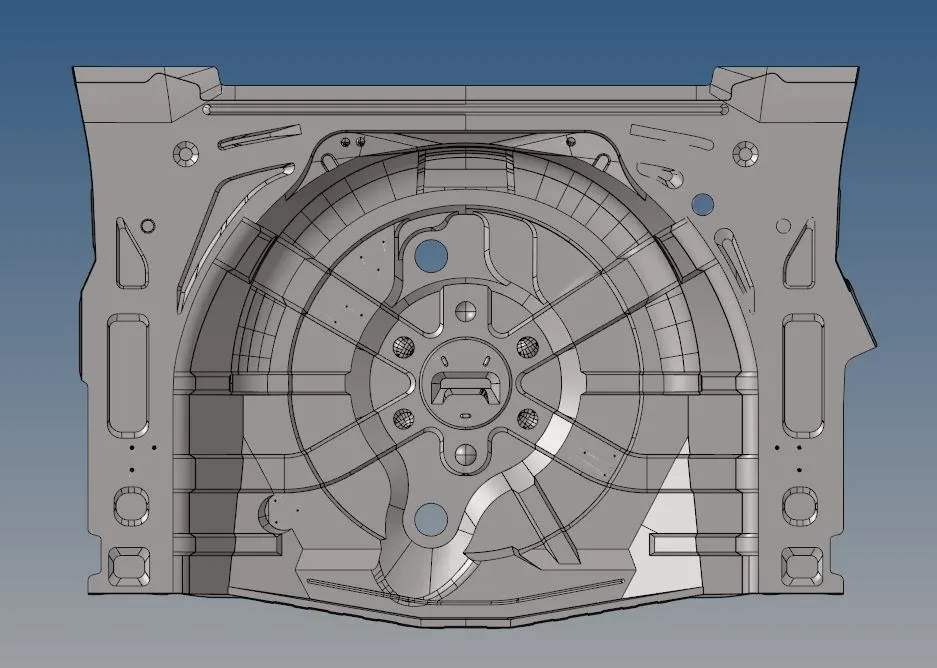
Objective: To perform a quality 2D mesh on the given floor panel by extracting the mid-surface and assign given thickness to the elements.
Cad Model:
Procedure:
1) Extraction of the Mid-surface:
- Since the thickness of the component is constant (0.75mm) hence the auto mid surface method has been used.

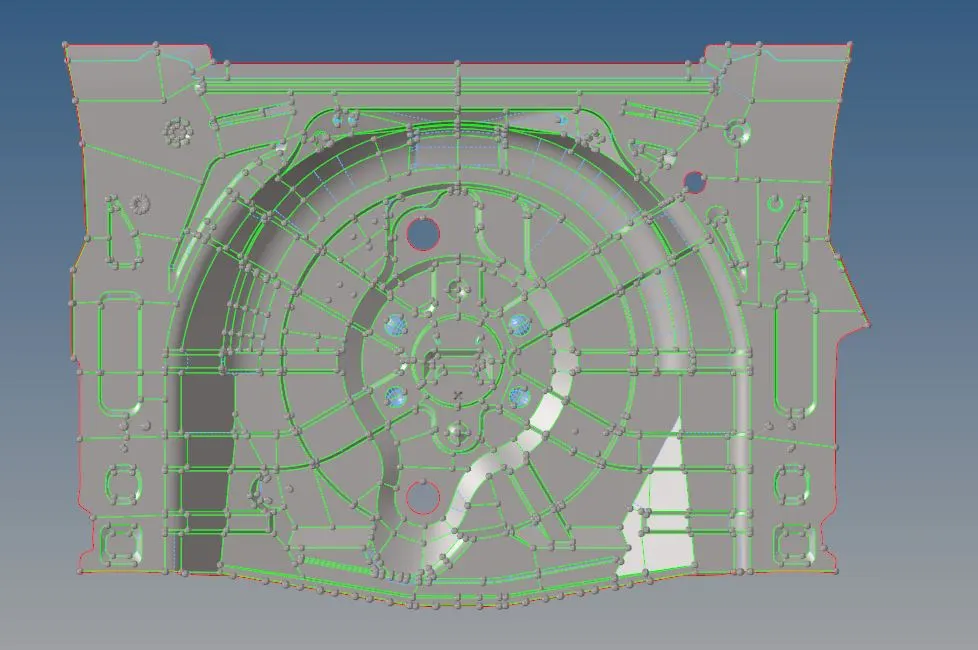
- Geometry clean has been performed in the necessary areas
- The following image represents the ready to mesh mid-surface of the component.
2) Meshing:
- To perform a quality mesh, first, the given quality parameters have been set in the parameter file and in the quick quality parameter file
- The mid-surface geometry is divided in such a way that the surface will be close to the rectangular shape so that after the mesh minimum number of tria elements will generate.
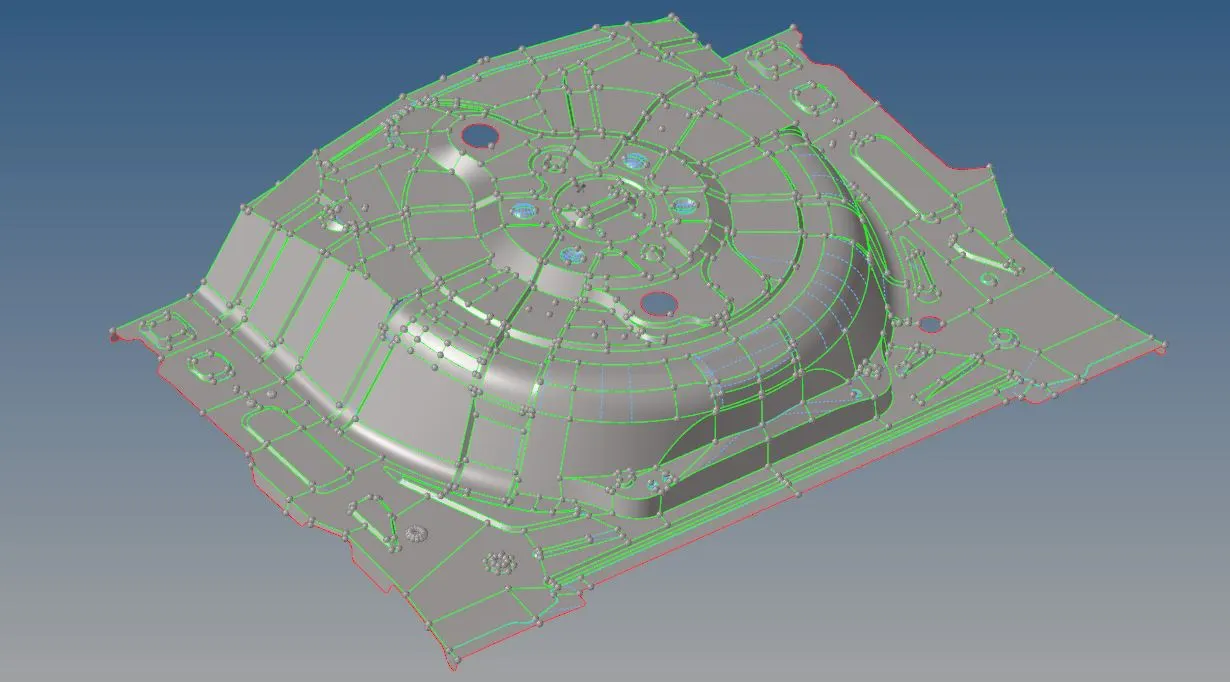
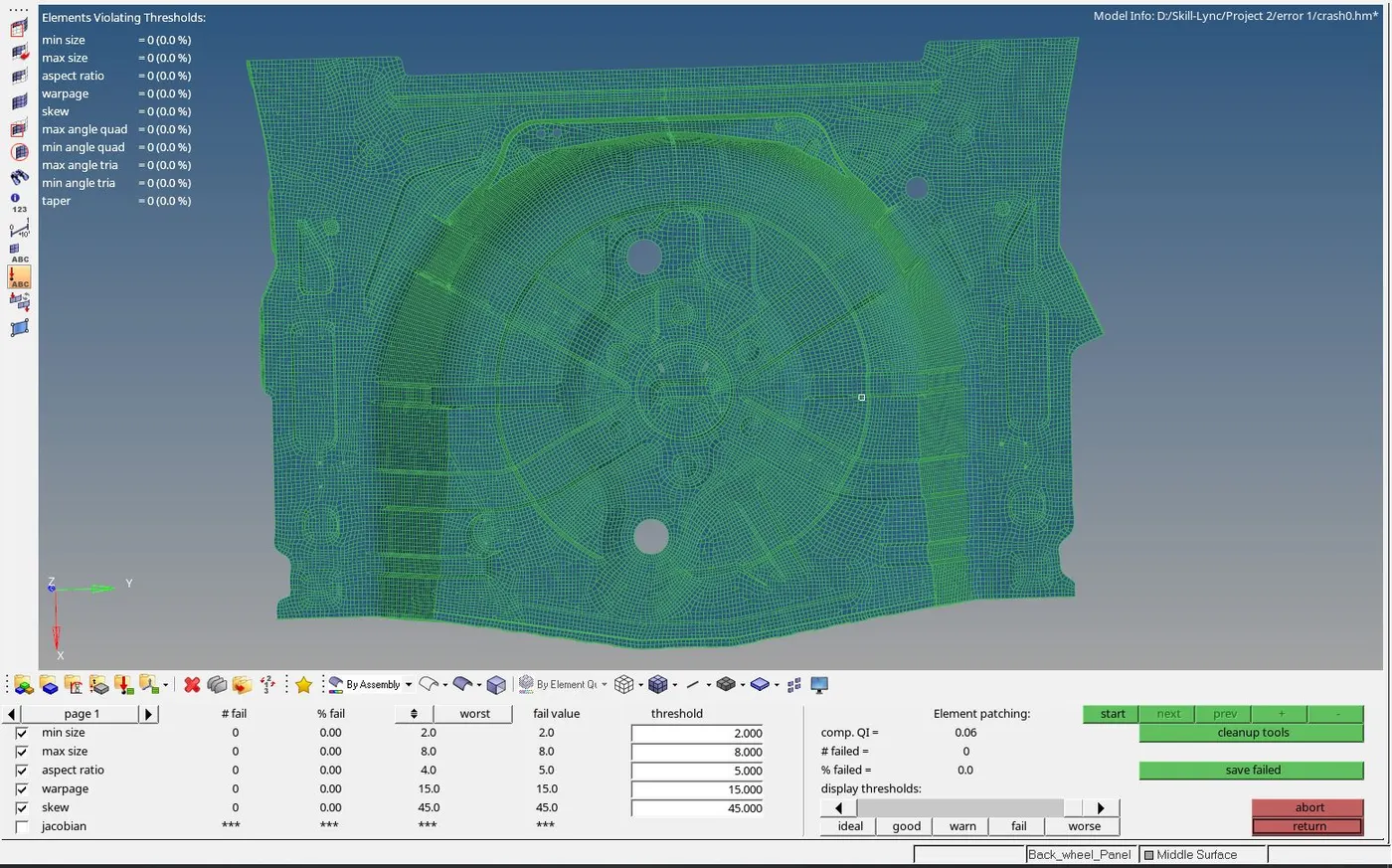
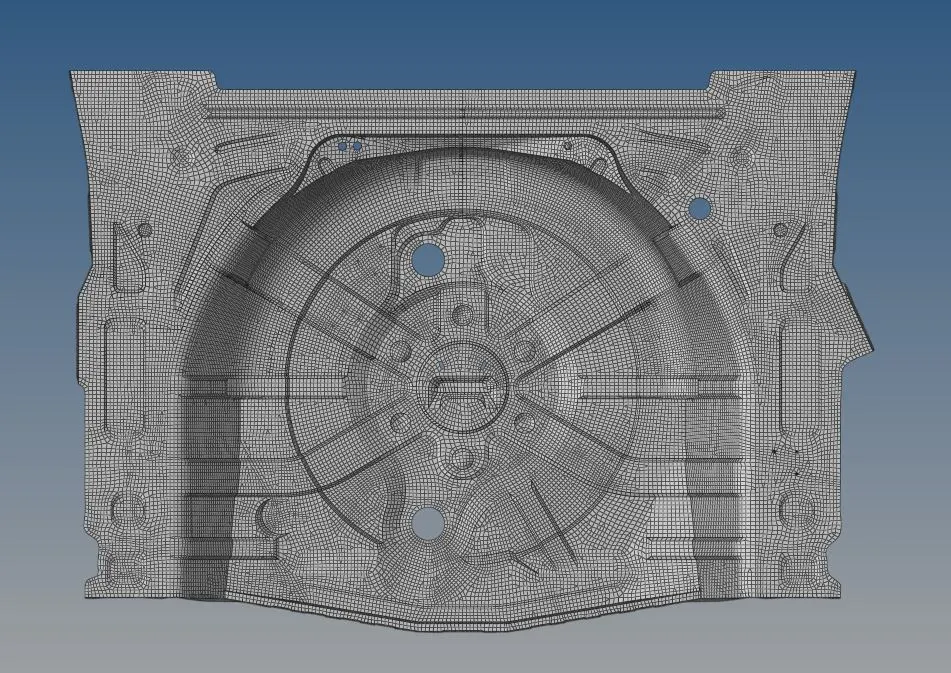
- After the mesh, the quality has been checked and elements with the quality error are cleared by using the translate command with respect to the type of error.
- The following picture represents the meshed component with respect to the quality
3) Assigning a Thickness to the elements:
- The property has been created and 0.75mm thickness is assigned for the entire floor panel.