Week 12 - Project-1
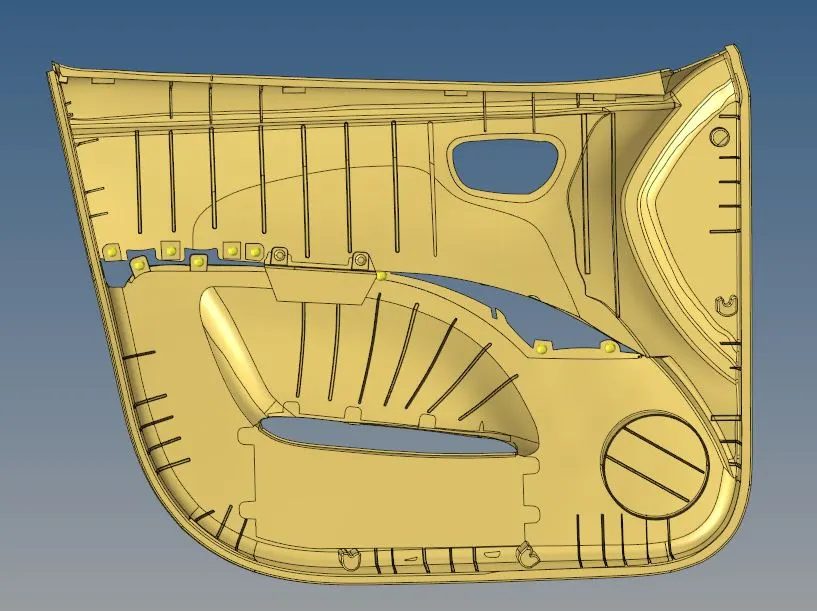
Objective: To perform a quality 2D mesh on the given plastic/fibre car door panel by extracting the manual mid-surface and assign given thickness to the elements.
Cad Model:
Procedure:
1) Extraction of the Mid-surface:
- Since the thickness of the component is not constant hence the manual mid surface method has been used.
- To remove the unnecessary fillets, a defeature command is used from the surface panel by assigning the minimum and the maximum radius for the detection.

- After removing the unnecessary surface fillets, to capture the accurate mid-surface of the ribs, respective surface errors have been cleared by using the tools from the surface edit panel & spline etc.
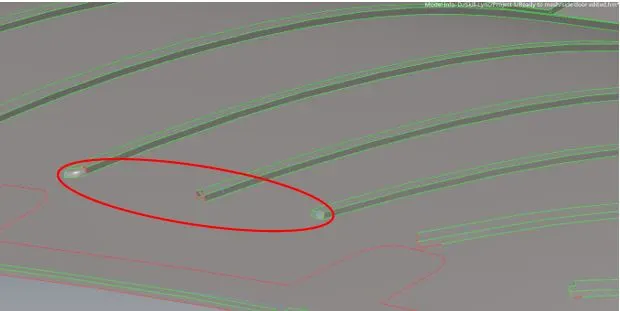
- After removing all the surface error from the parent geometry, the procedure of creating the manual mid surface has been started by using the option surface offset.
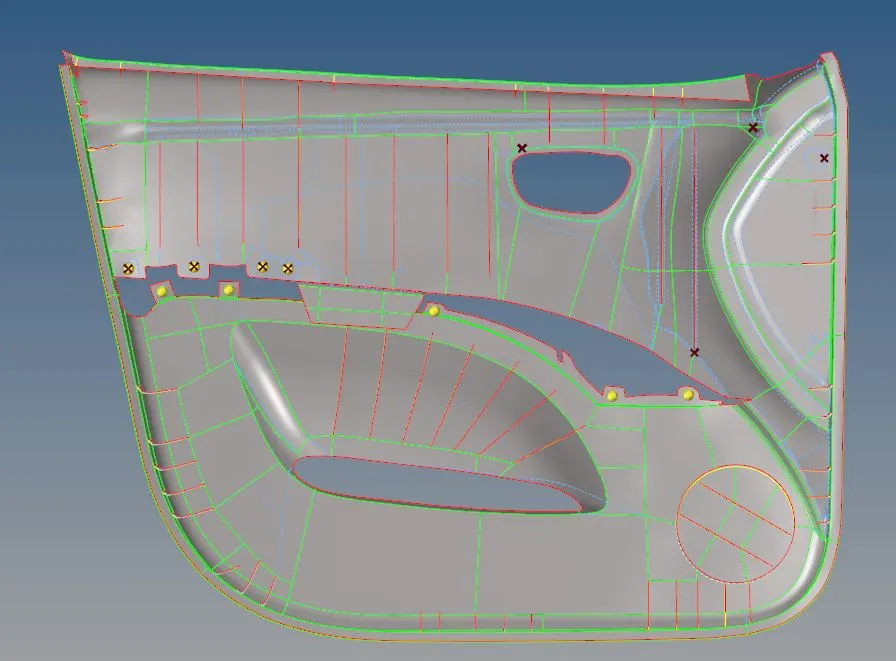
- The following image represents the ready to mesh mid-surface of the component.
2) Meshing
- To perform a quality mesh, first the given quality parameters has been set in the parameter file and in the quick quality parameter file
- The mid-surface geometry is divided in such a way that the surface will be close to the rectangular shape so that after the mesh minimum number of tria elements will generate.
- After the mesh the quality has been checked and elements with the quality error are cleared by using the translate command with respect to the type of error.
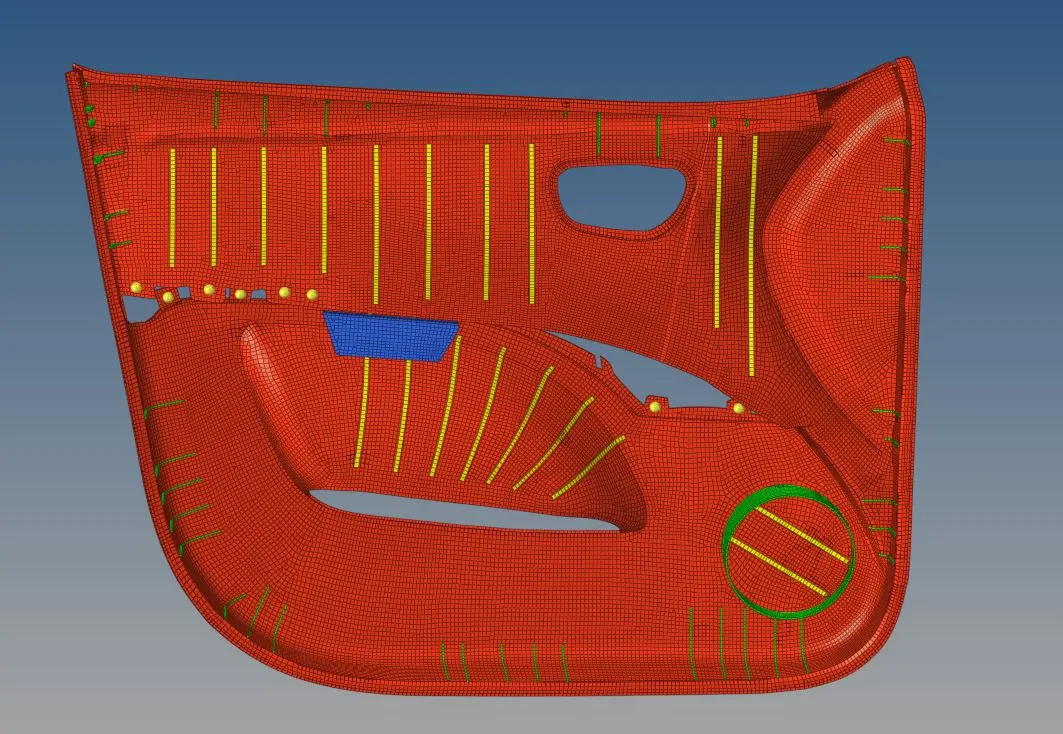
- The following picture represents the meshed component with respect to the quality.
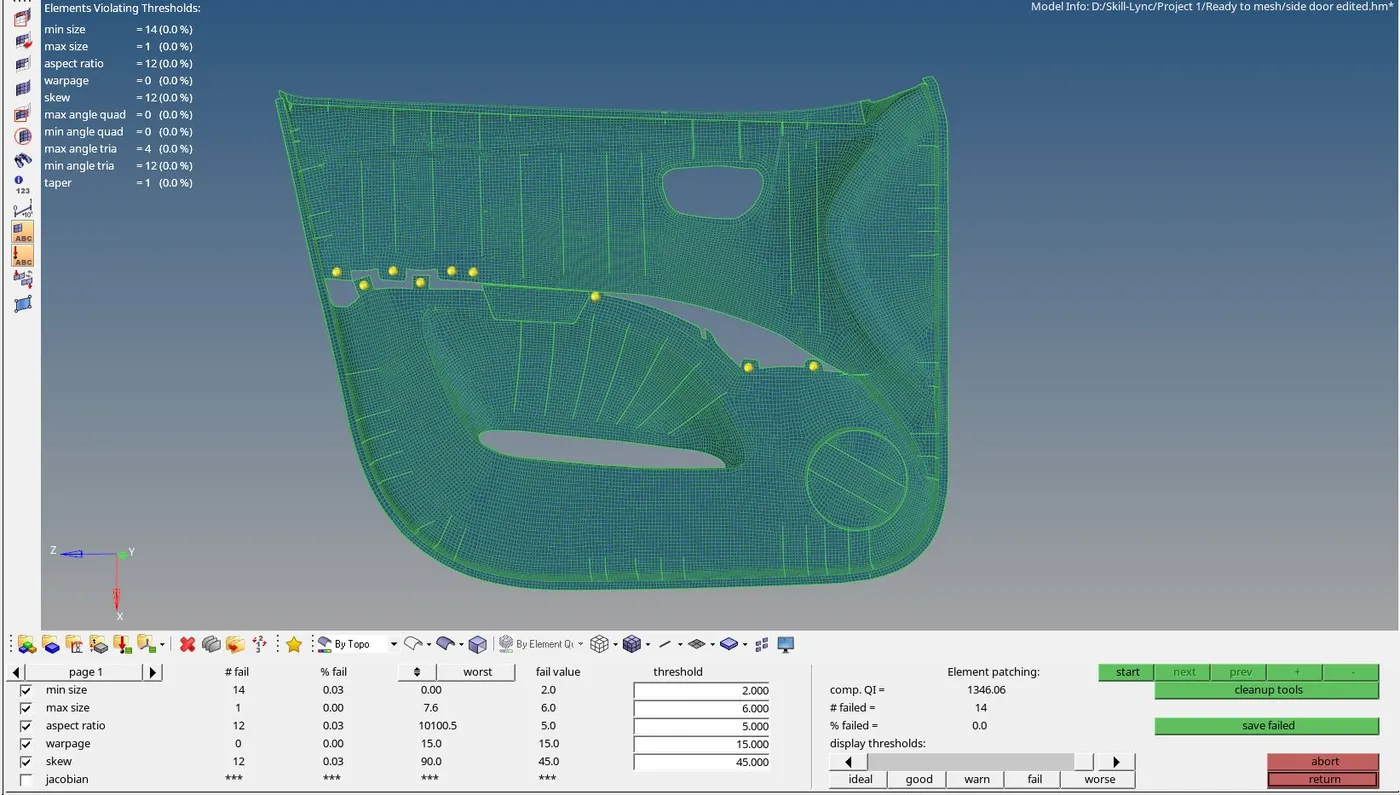
3) Assigning a Thickness to the elements:
- The property has been created and assign for the different created components with respect to the thickness obtained from the parent component.
- The following table represents the assigned value of thickness for the components.
|
colour |
Thickness value (mm) |
|
Blue |
1 |
|
Orange |
3 |
|
Yellow |
5 |
|
Green |
2 |
Solution: