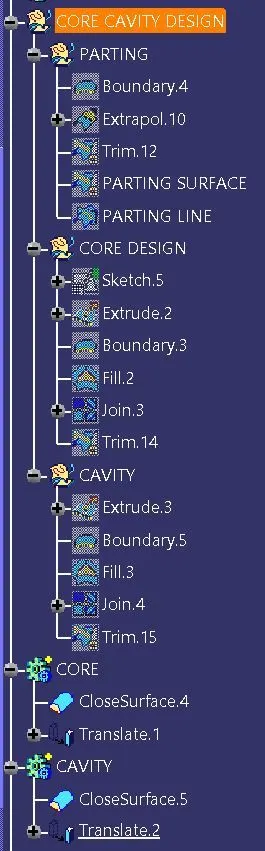
Week 8 - Challenge 5 - Core & Cavity Design
AIM: To create Core, Cavity and Parting line for surface design Switch bezel.
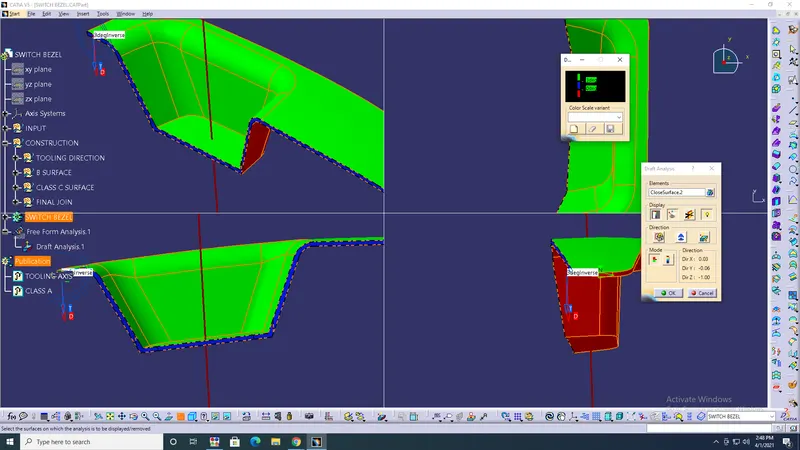
COMMAND: Draft analysis> Boundary> Extrapolate> Trim> join> Fill> Closed surface> Translate.
- The Parting Line is the line of separation on the plastic part where two halve of mold meets. Actually, the parting line indicates the parting 'plane' that passes through the part.
- Drafts are defined on molded parts to make them easier to remove from molds. The Draft Definition dialog box is displayed and an arrow appears on a plane, indicating the default pulling direction. The constant angle draft option is activated.
PROCEDURE:
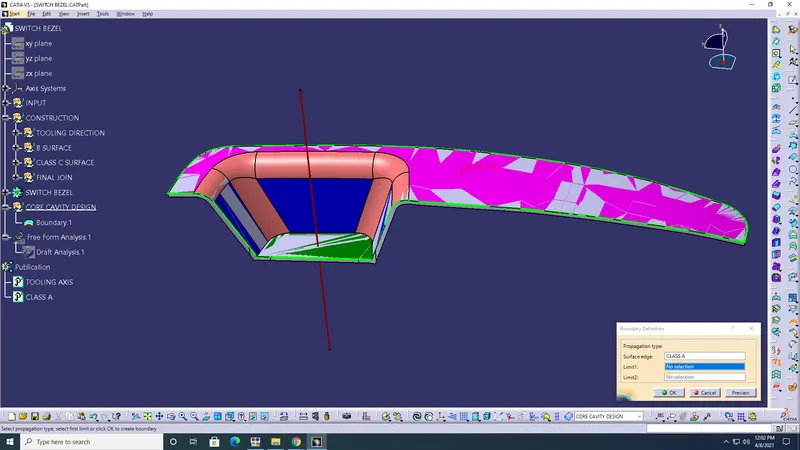
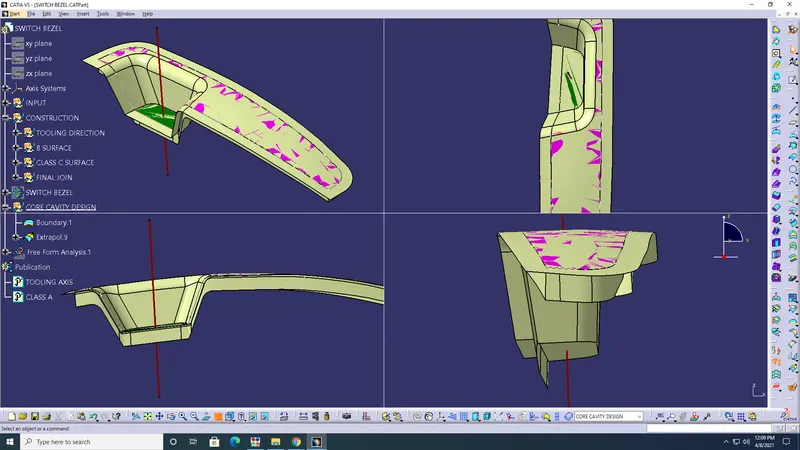
- The Boundary of class A> Extrapolate> Trim> Parting surface> Parting line> ok.
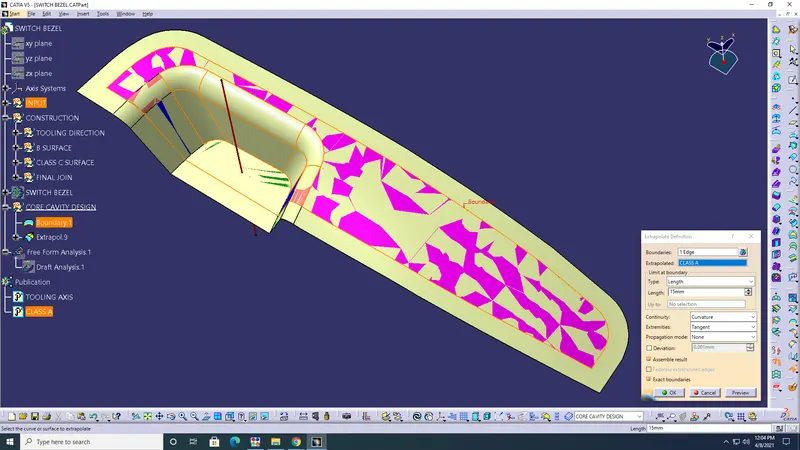
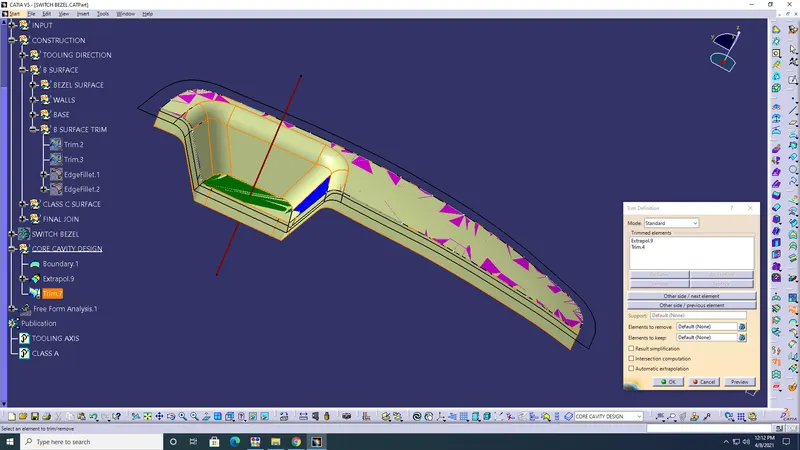
- Core> Sketch> Extrude> Boundary> Fill> Trim> Parting surface> Closed surface> ok.
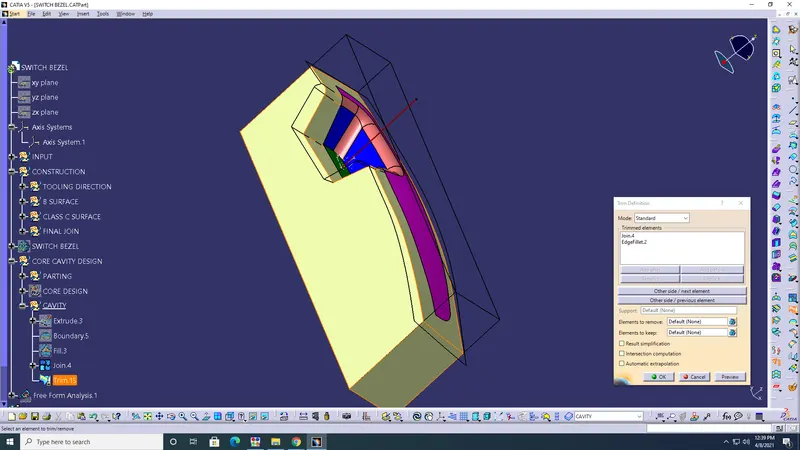
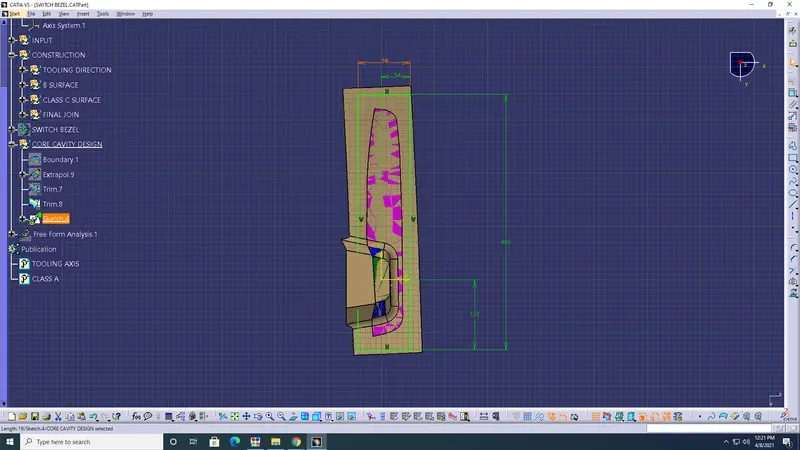
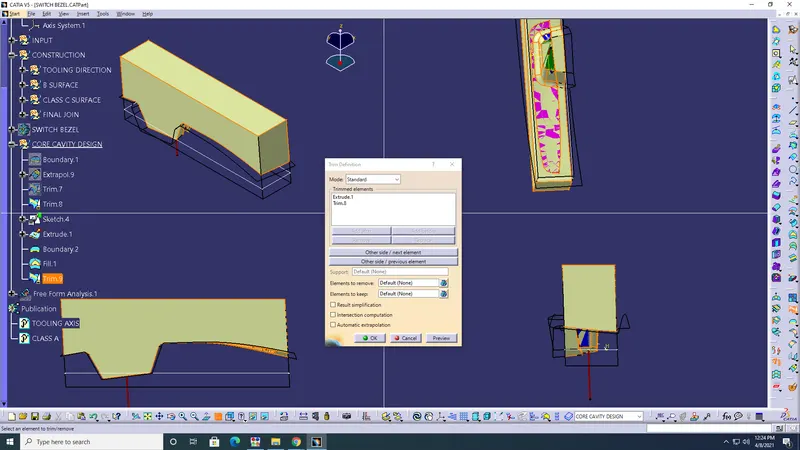
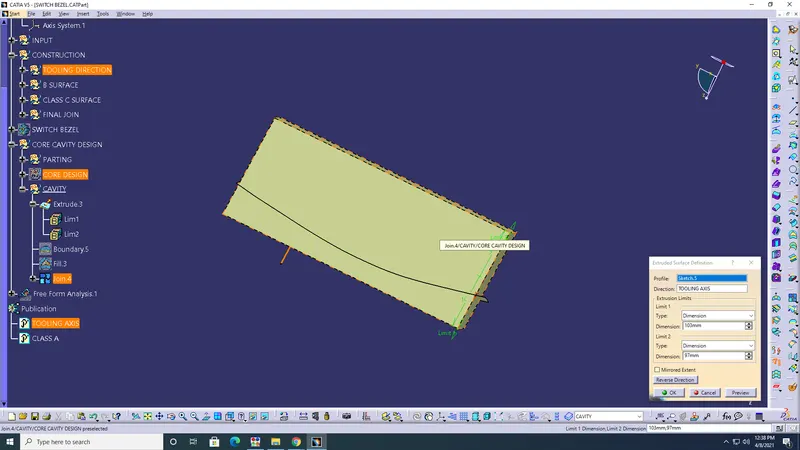
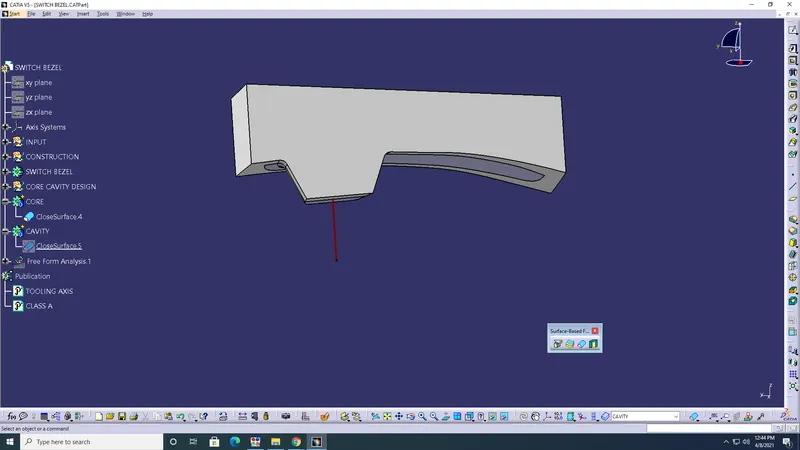
- Cavity> Extrude> Boundary> Fill> Trim> Parting surface> Closed surface> ok.
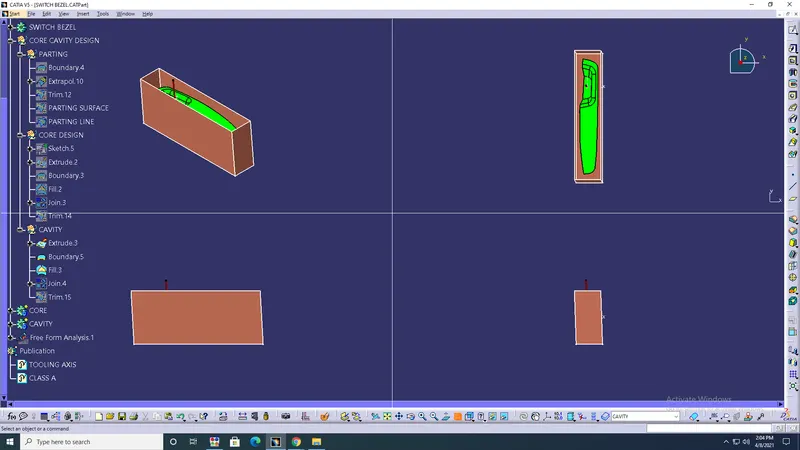
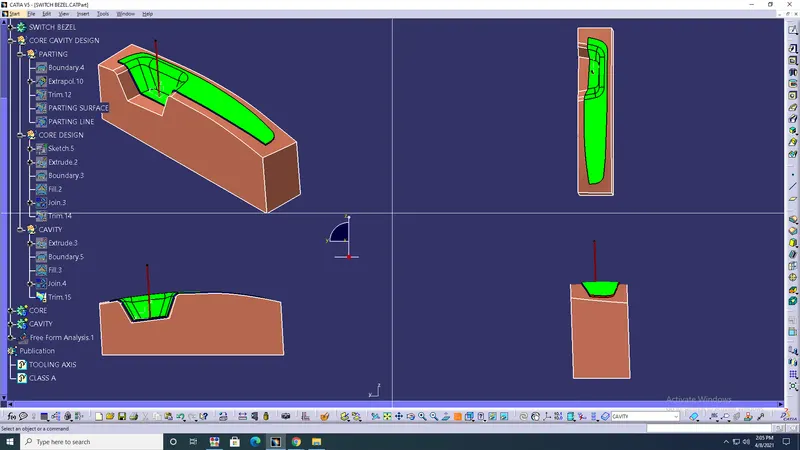
- Closed surface body> Translate> Parting line> ok.
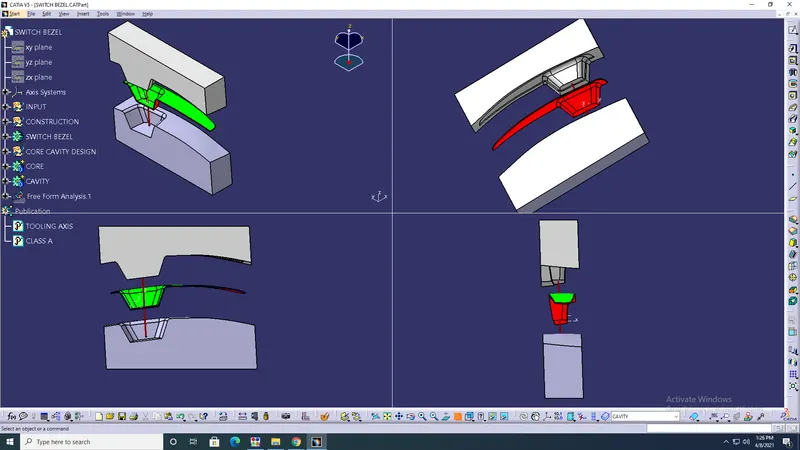
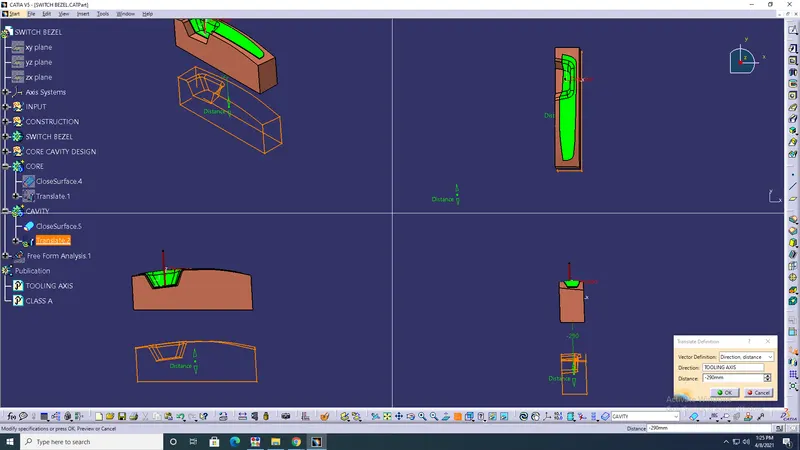
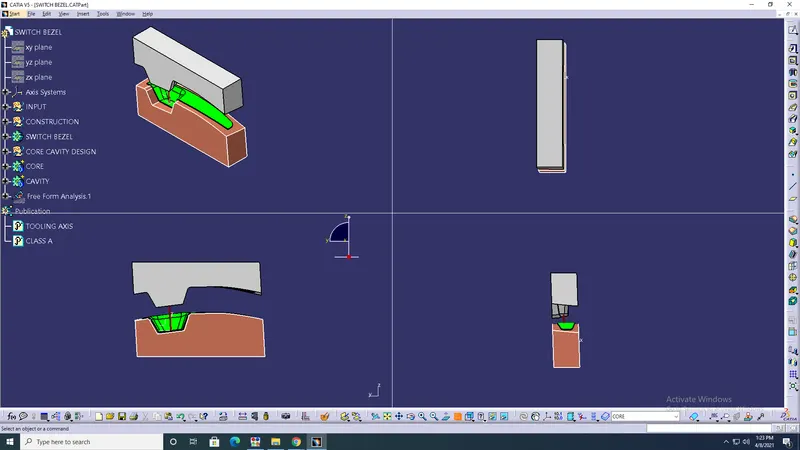
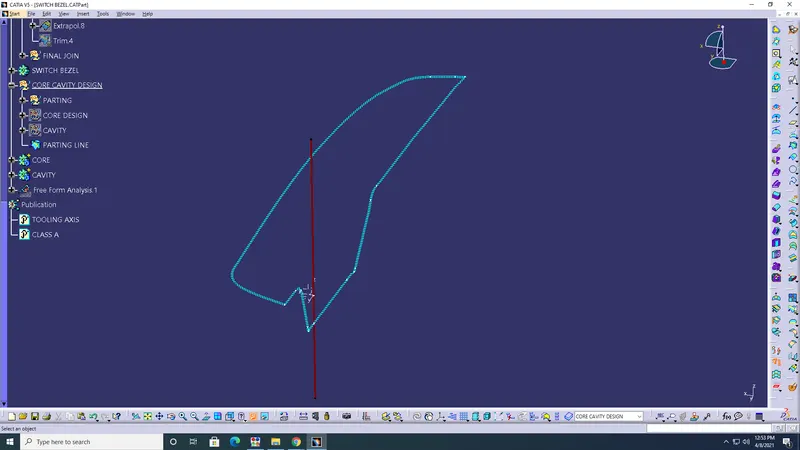
RESULT: Therefore, the Parting surface and Parting line are created. Also, Core design and Cavity design is done.