Week 8 - Challenge 4 - Bumper
Design of BUMPER with the help of CATIA V5
*Objective:
* To design BUMPER with respect to the class a surface.
*Create class b surface and class c surface and the tooling Axis
*Convert those class A surfaces in a close body and make it into the solid body provide the thickness of 2.5 mm
*Performing draft analysis to verify the creation of tooling axis and class C surface.
THE GIVEN CLASS A SURFACE....
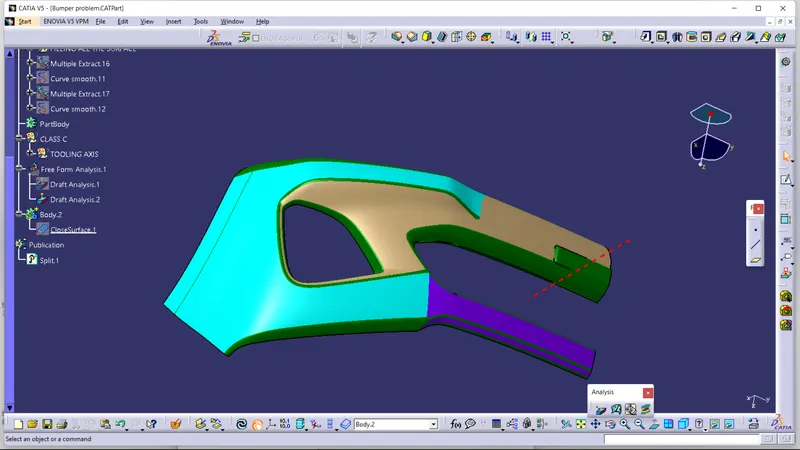
*Here we are using the software catia v5 generative safe design
.Design methodology with images
*How to create tooling axis….
-Create a point at the base OR any flat surface from where we can se max no. of surfaces from the class A surface.
-Extend the line at that point which is perpendicular to the plane or surface
Chane the colour of that line and make it as construction geometry
-Rename it as tooling axis.
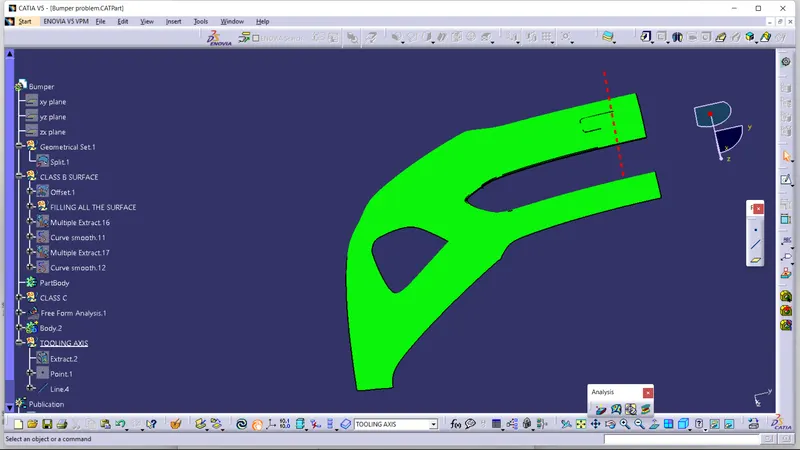
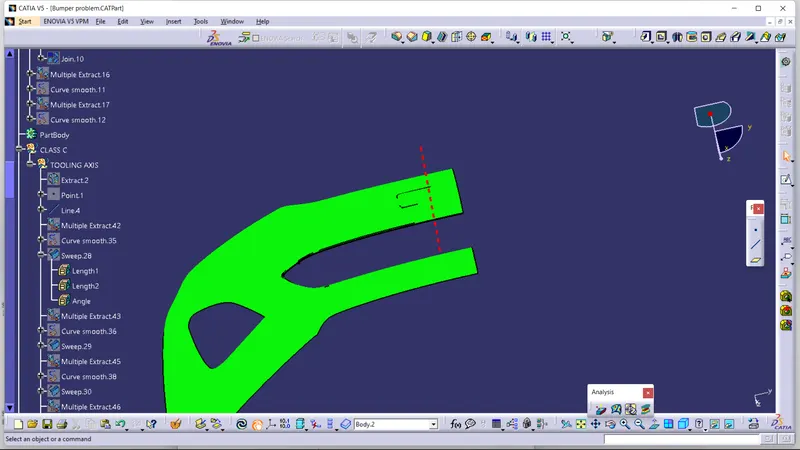
HOW TO CREAT B SURAFCE OF THE BUMPER..
Select the whole class A surface and take an offset mode by 2.5mm at inside.
Now you can see some gaps are present in the offset surface….
You can fill those gaps by using multisection option, belnd option or by extracting the classA Surface.
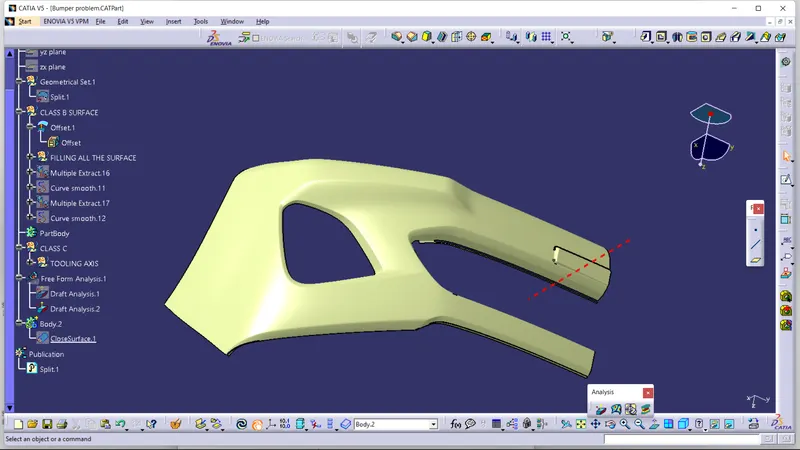
TOOLING AXIS......
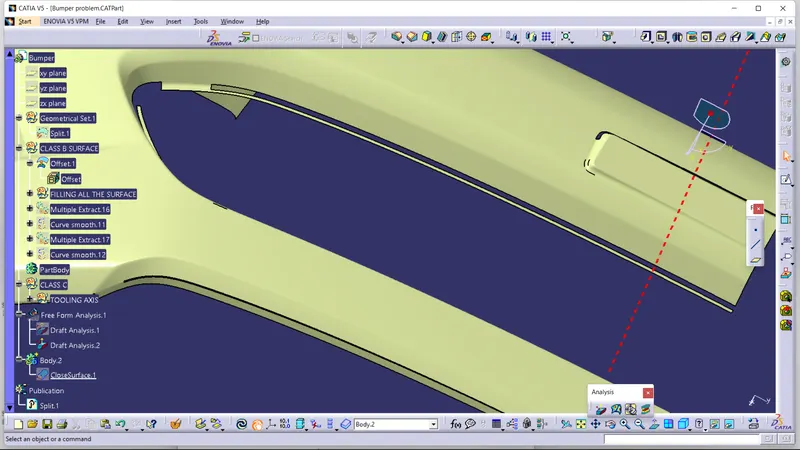
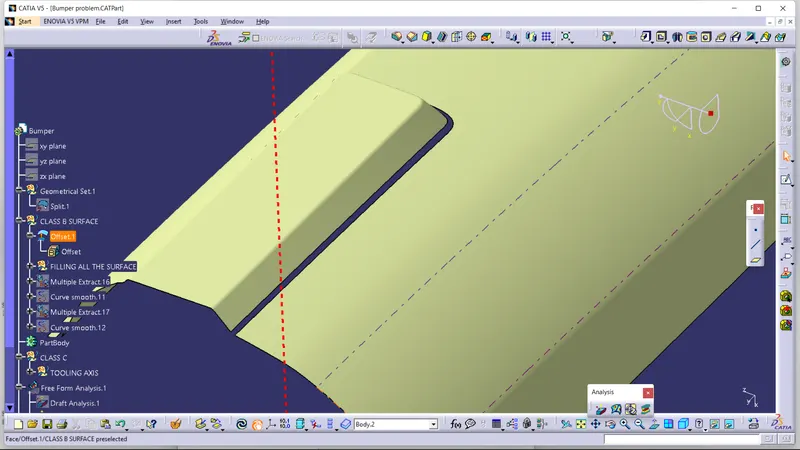
SOME GAPS ARE AUTOMATIC CREATED BY TAKING THE OFFSET OF CLASS A SURFACE WE HAVE TO FILL THAT GAPS.....
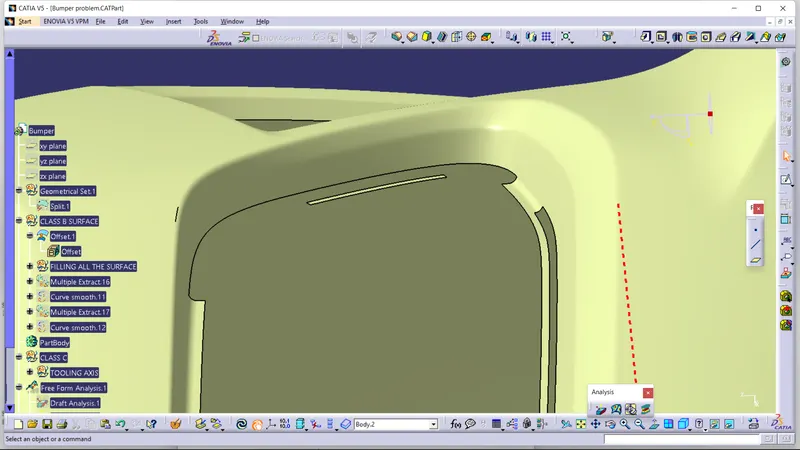
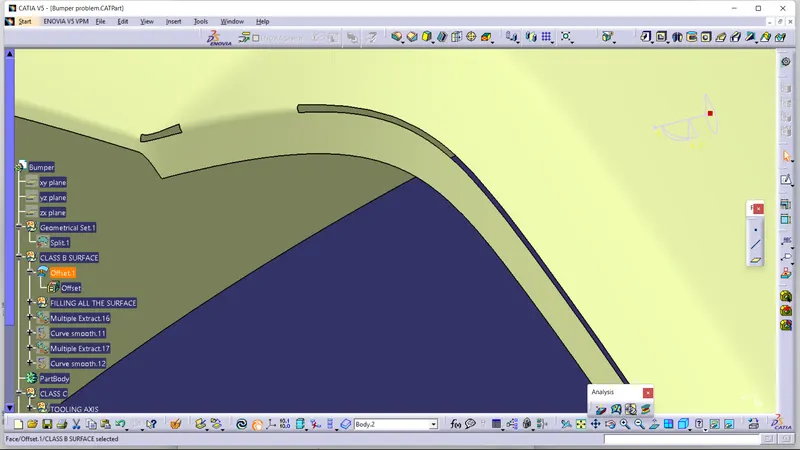
WE HAVE FILLED ALL THE GAPS BY USING MULTI SECTION.....
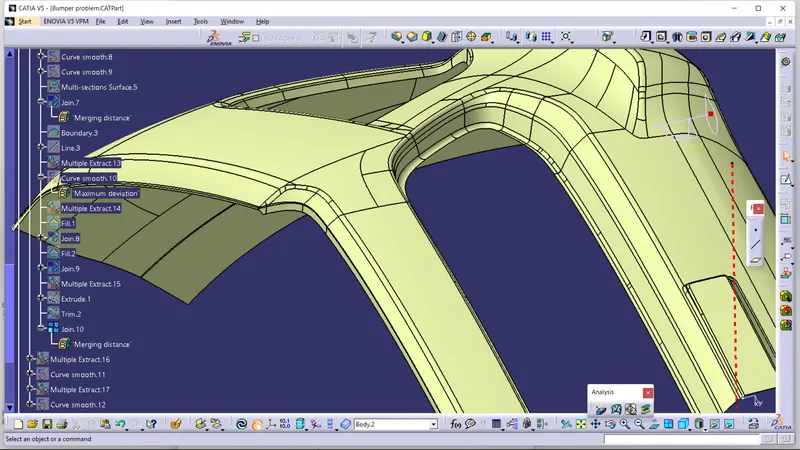
HOW TO CREATE CLASS C SURFACE…..
You can not allow to give direct sweep option by 90 degree in this case…
Because in this case there are more curved surfaces are available you can not direct extrapolate that surfaces.
So you have to take individually extrapolate that curved surfaces and flat surfaces by giving 90 degree + some draft angle.
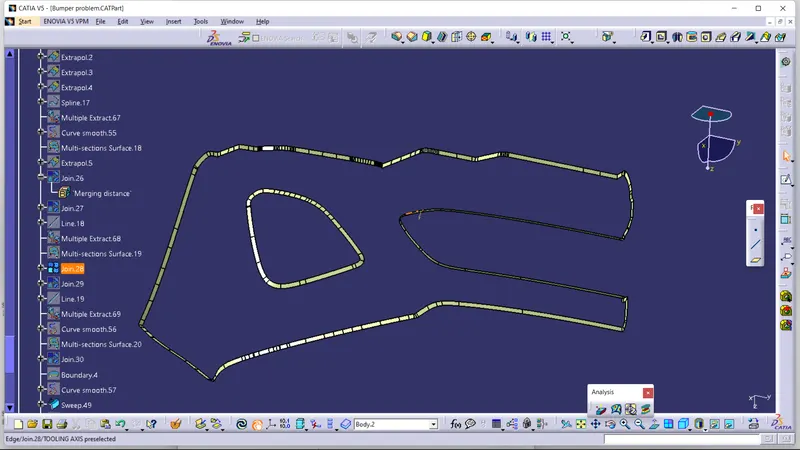
HOW TO CREATE A CLOSED SURFACE
Join these Class C and Class A surface.
Now you can trim that joined surface and class B surface….
Now you have a close body of the BUMPER.
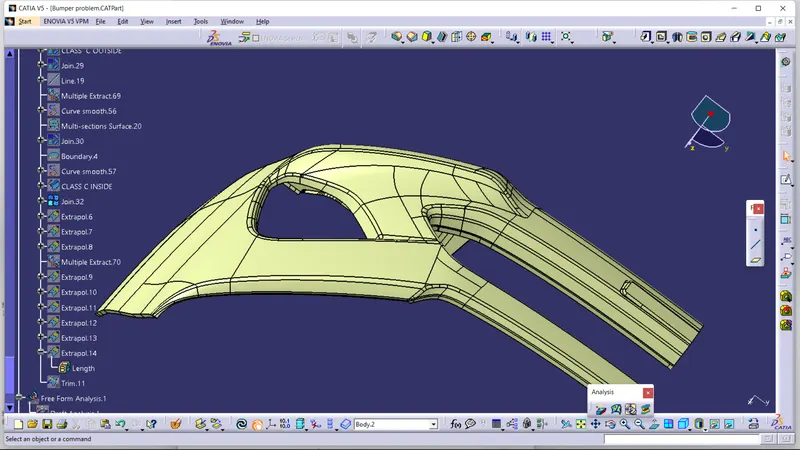
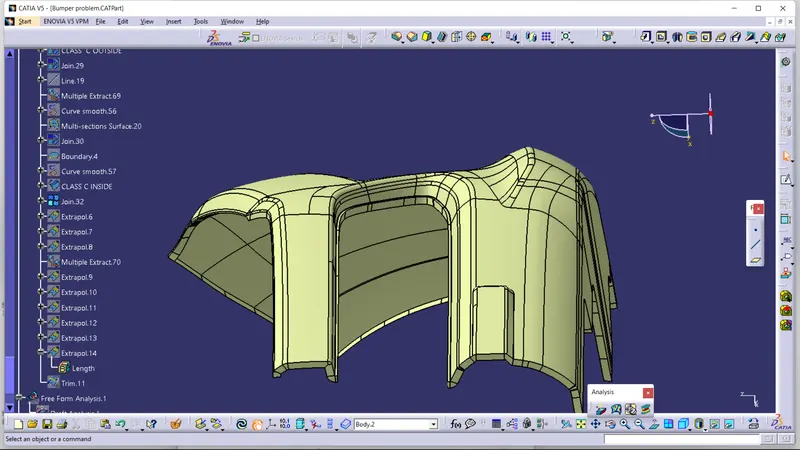
HOW TO CREATE A SOLID BODY….
You can make a solid body of the bumper by using that closed body….
Go through the part design> closed surface> select the closed body.
Now you have closed body of the bumper…
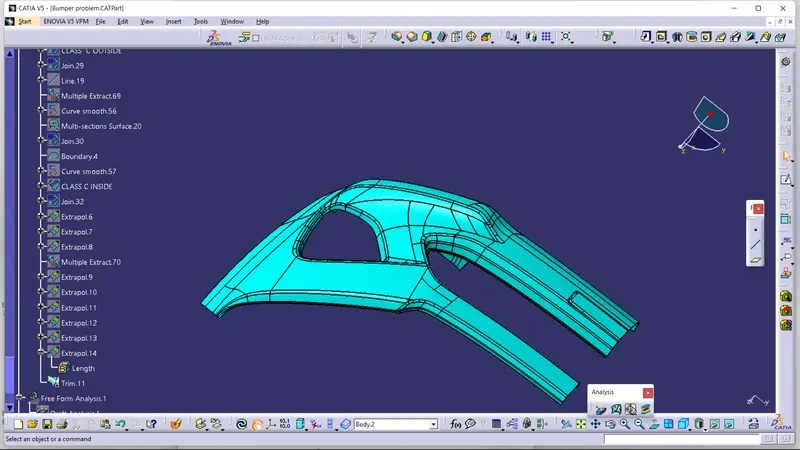
How TO APLLY DRAFT ANALYSIS…..
-Procedure of creating draft analysis
-Go to insert menu and select the analysis option
-Select feature and draft analysis
-Select the material option and select the surface
-Drag the compass and place on tooling axis
make sure that the top surface is in green colour as draft angles should not exeed 3 degree.
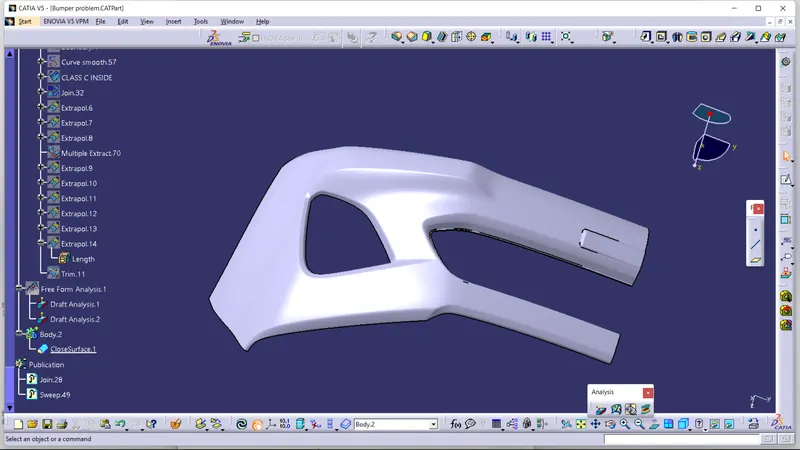
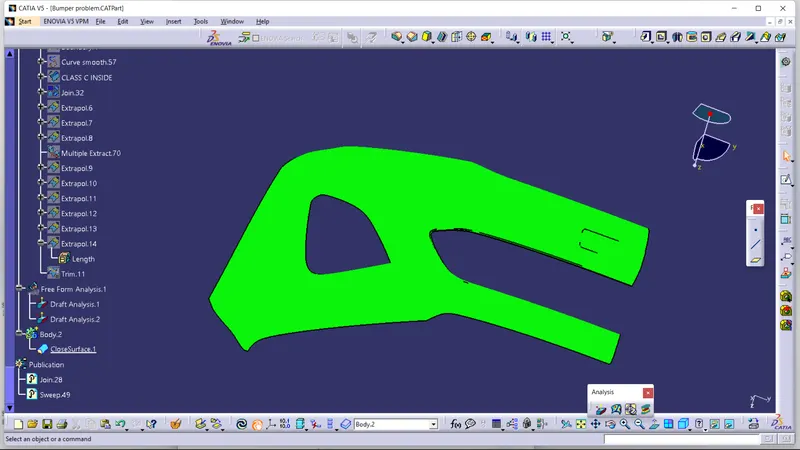
TREE OF THE MODEL......
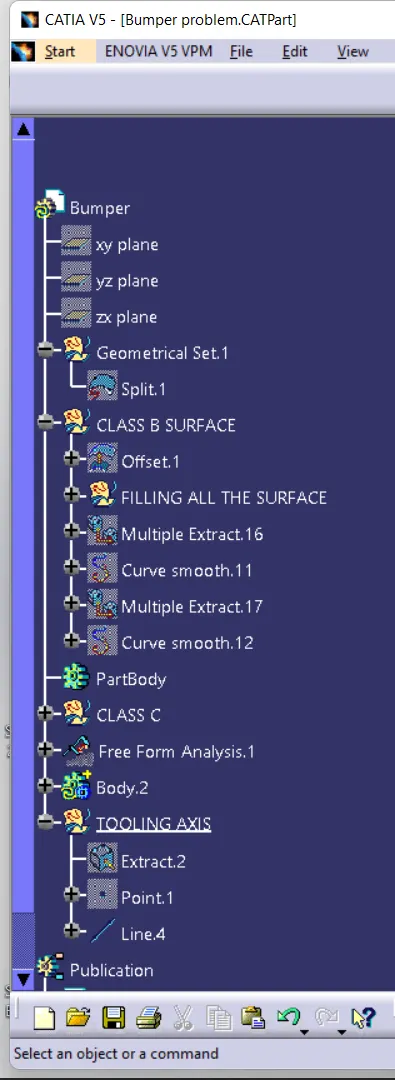
THANKYOU......