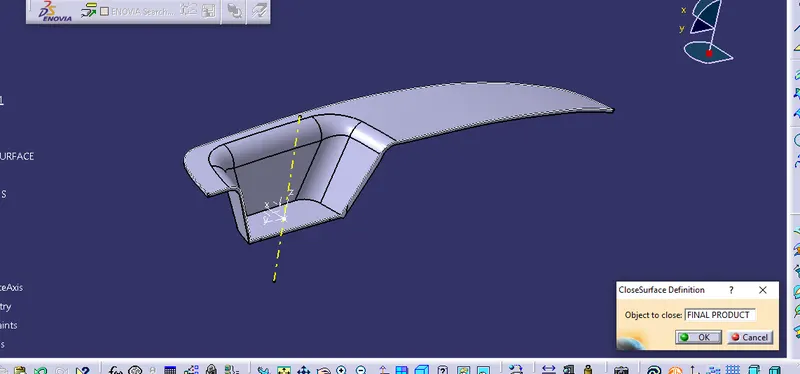
Week 8 - Challenge 3 - Switch Bezel Design
To find the draft analysis and thicken the given switch bezel A surface into 2.5mm
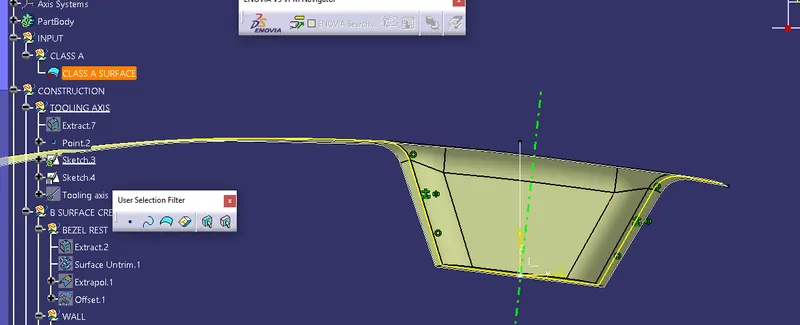
Tooling Axis
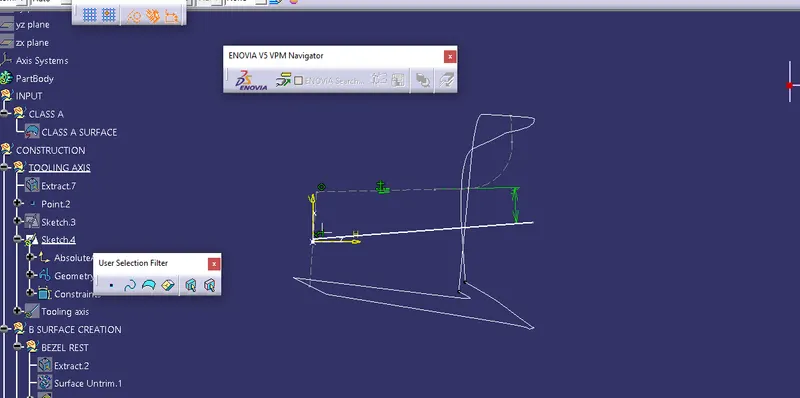
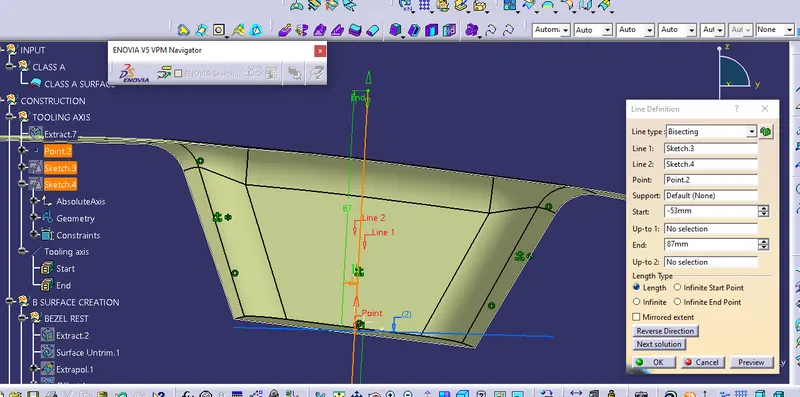
To create the tooling axis we need create intersection on X and Y direction go to sketch position and create intersection by 3d projection intersection and draw two lines over the intersection make the unwanted lines as construction lines create dummy axis on X and Y direction. Bisecting this two line and create the tooling axis.
Draft Analysis
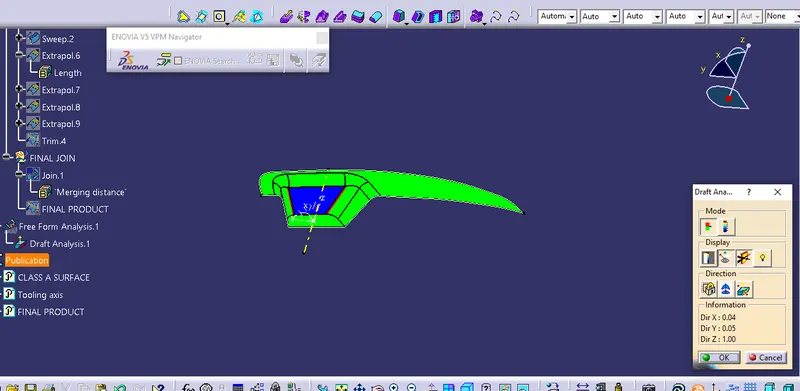
Analysis draft by using feature draft analysis placing the compass over the tooling axis find the draft on area by using running point give the value 3 deg
B surface creation
Create geometric sets and name it as like top surface base side wall
Define top surface and extract the rop surface of the A surface then untrim it after that extrapolite with point continuity make sure its in curvature.Offset it for 2.5 mm down to the A surface.
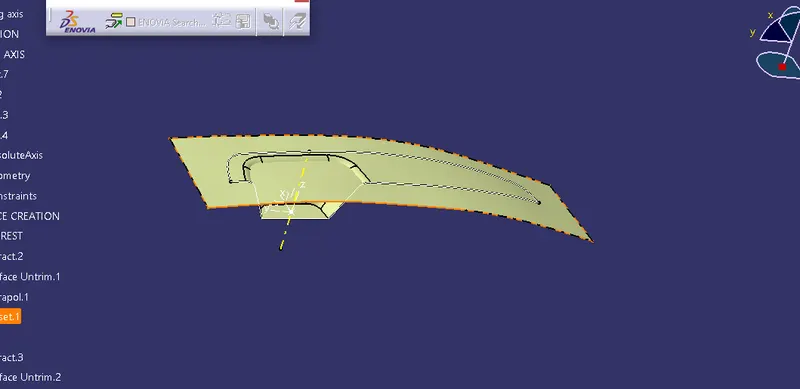
Extract the base and side walls similarly like top surface
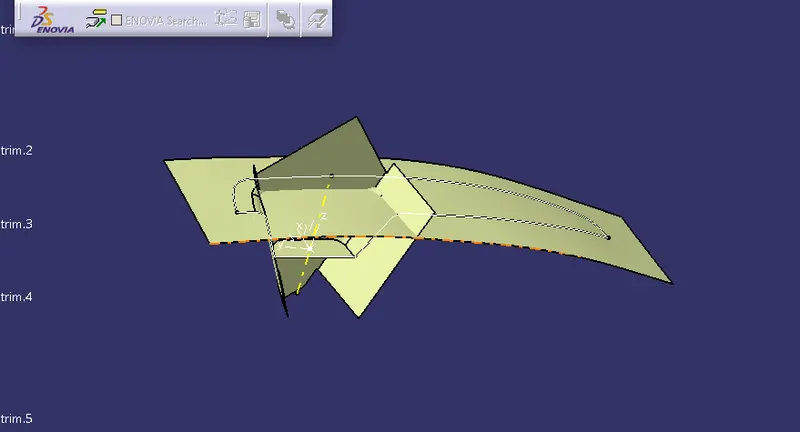
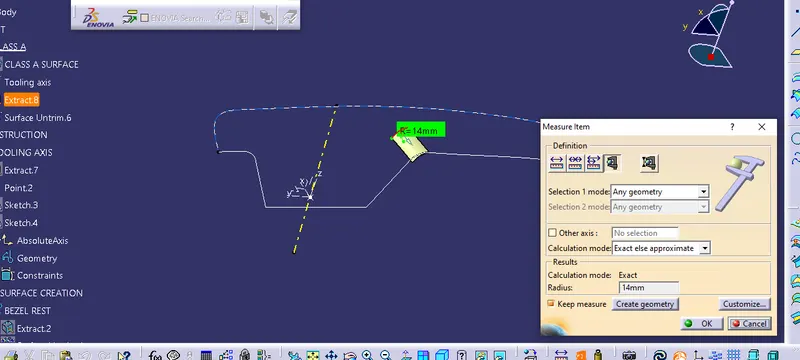
Trim it as per the A surface measure the fillet value from A surface and add the thickness value 2.5 with fillet value.
C surface creation
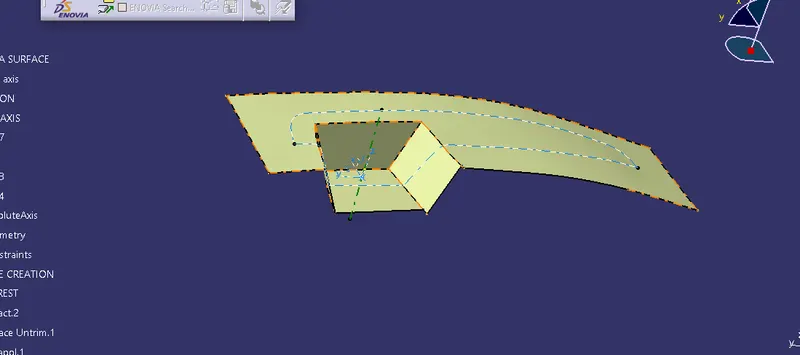
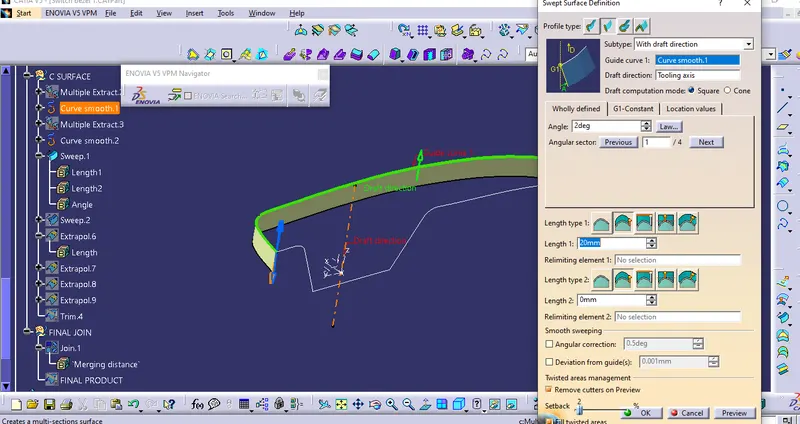
Create a boundary over the A surface sweep this boudary by using draft direction with an angle 3 deg
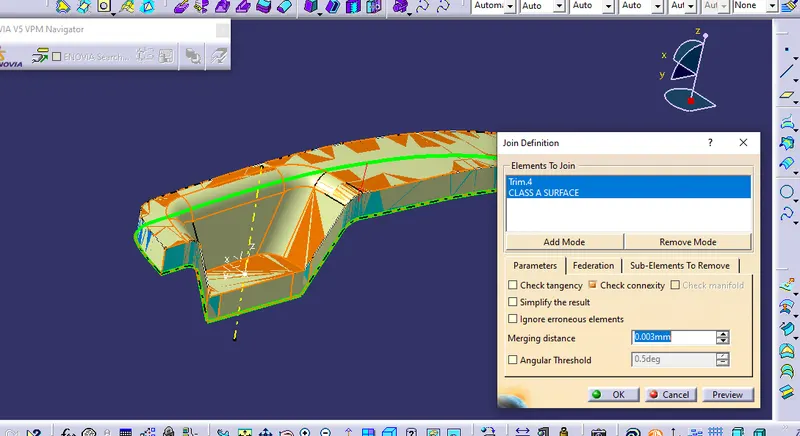
Join this sweep with A surface then unhide the B surface trim it with the join we got our A B and C surface
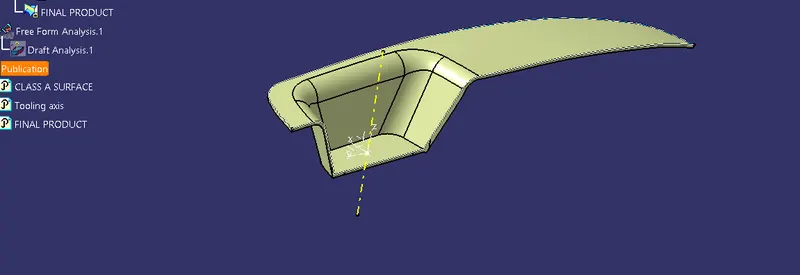
Close this surface in part design workbench