Week 8 - Challenge 3 - Switch Bezel Design
AIM:
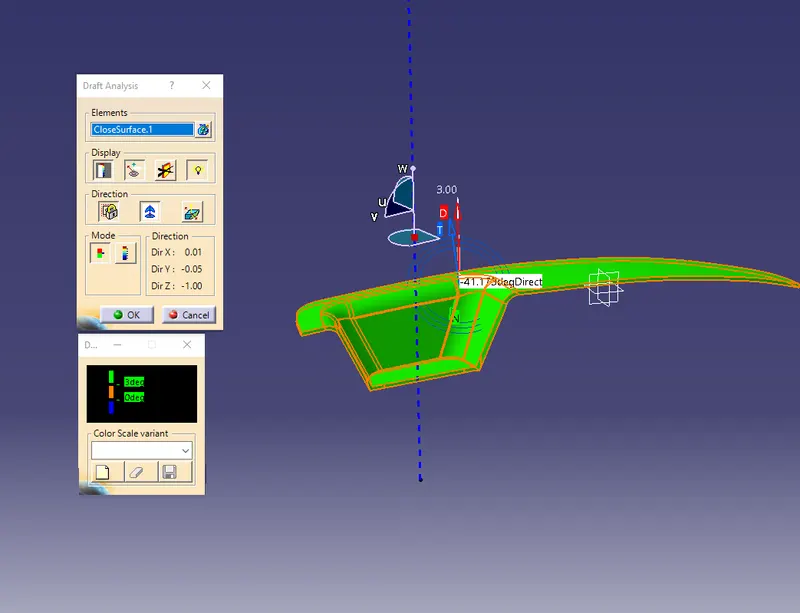
To create a tooling axis and extract B-surface and C surface from the given Class-A surface. To perform draft analysis on solid body created by the Class-A surface.
PROCEDURE:
Firstly, open the model using open command.
Create a point and insert a local axis system on it.
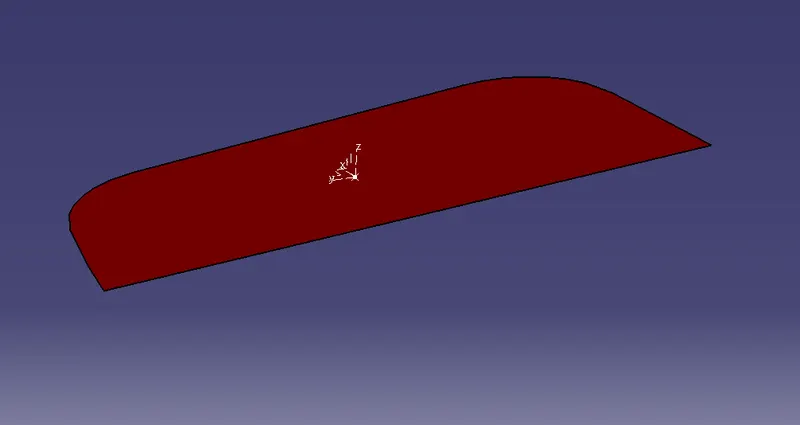
Create a line on the YZ surface by projecting the class-A surface on the sketch.
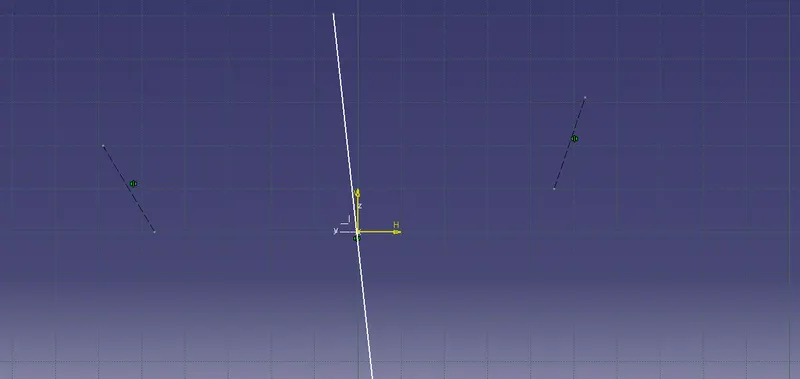
Similarly, create a line on the ZX surface by projecting the intersected class-A surface.
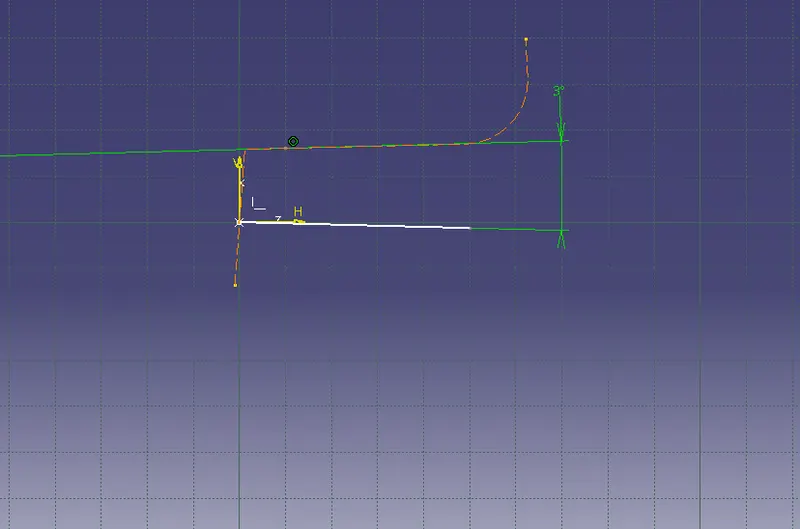
Now, create a bisect the line using YZ and ZX lines rename it as Tooling axis.
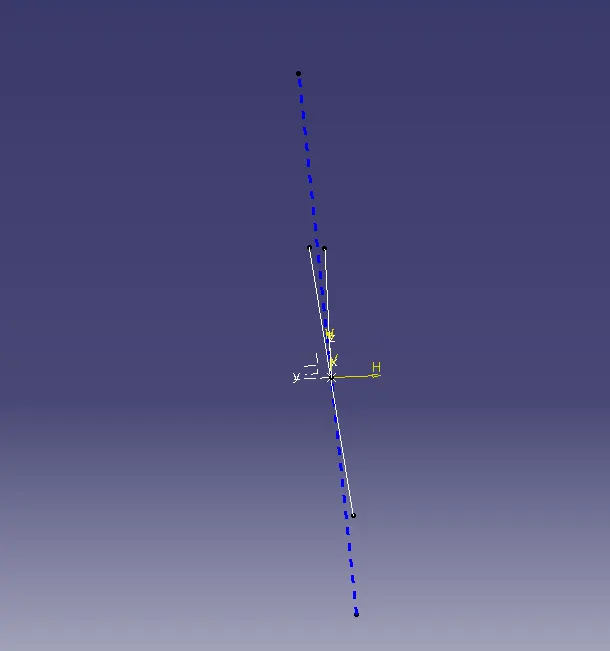
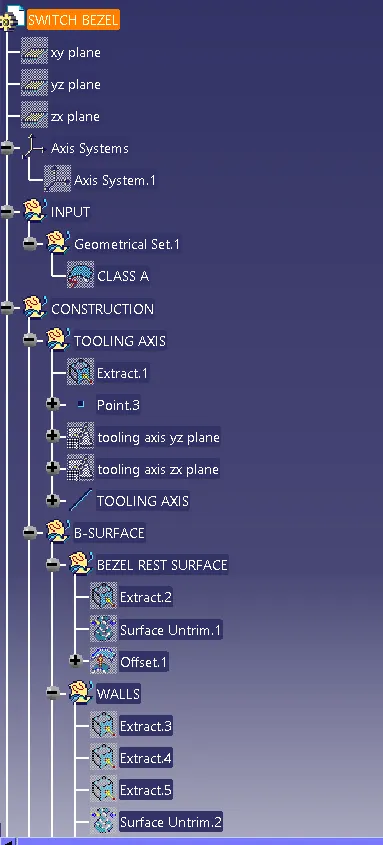
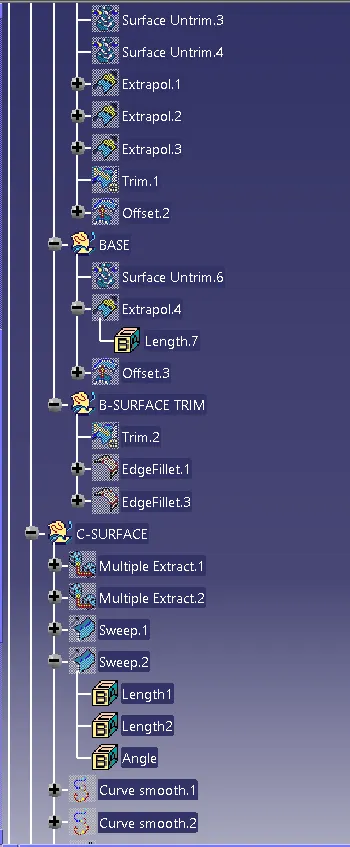
To create B surface, extract the class-A surfaces, untrim and extrapolate it.
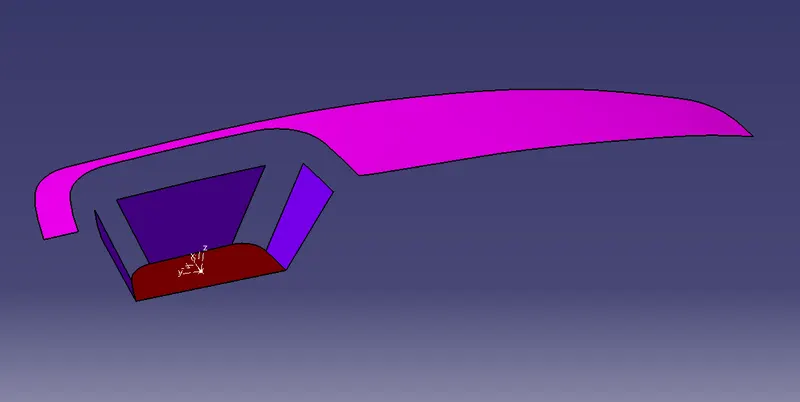
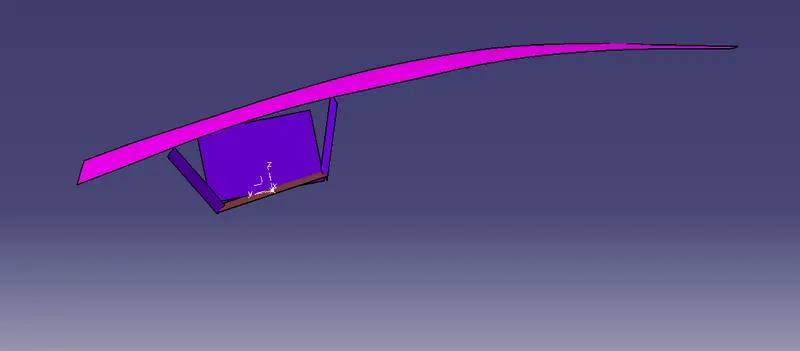
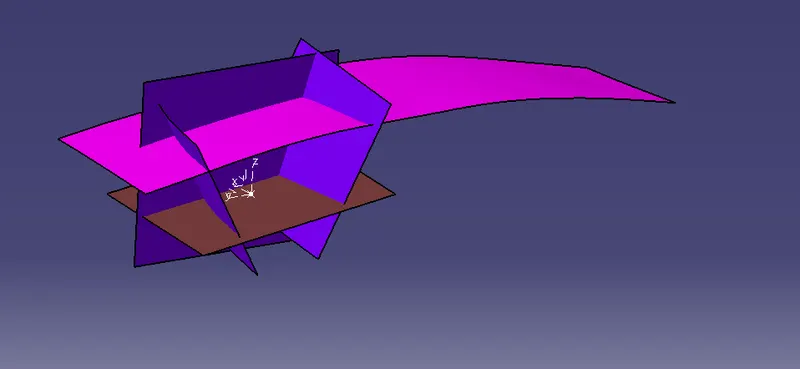
After extrapolating, trim the wall attached surfaces.
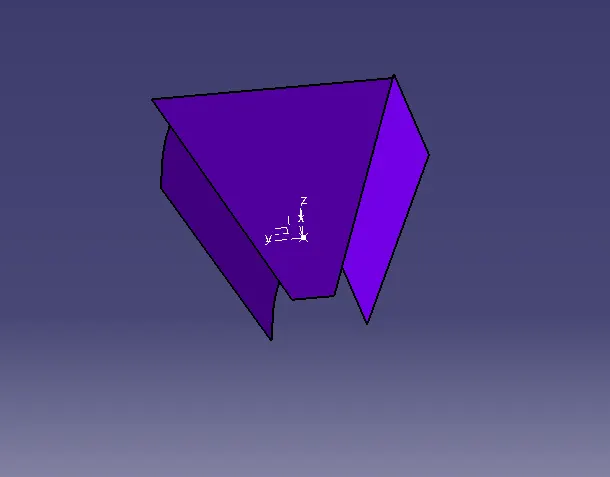
Now, offset the surfaces at a value of 2.5mm below.
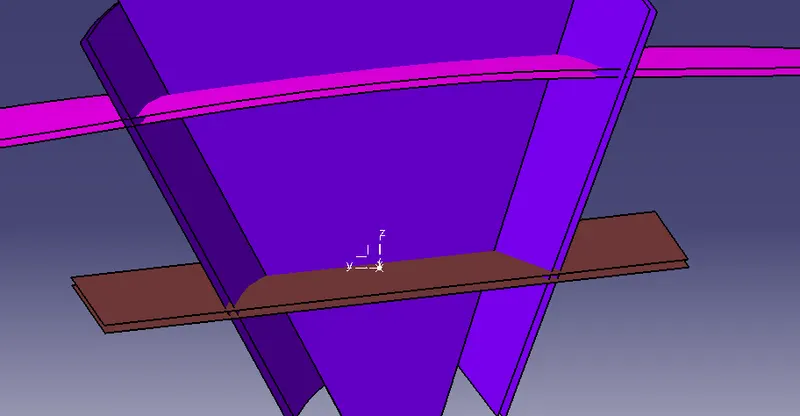
After offsetting the surface trim the B-surface.
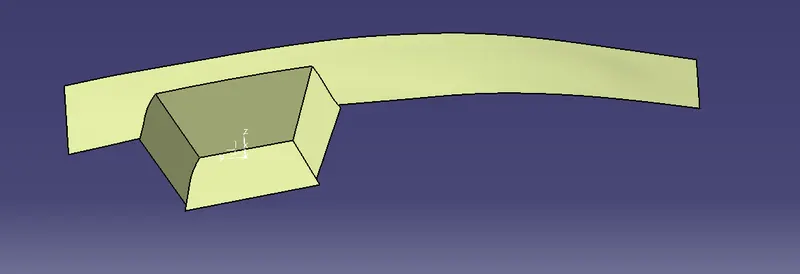
Then give the edge fillet to it.
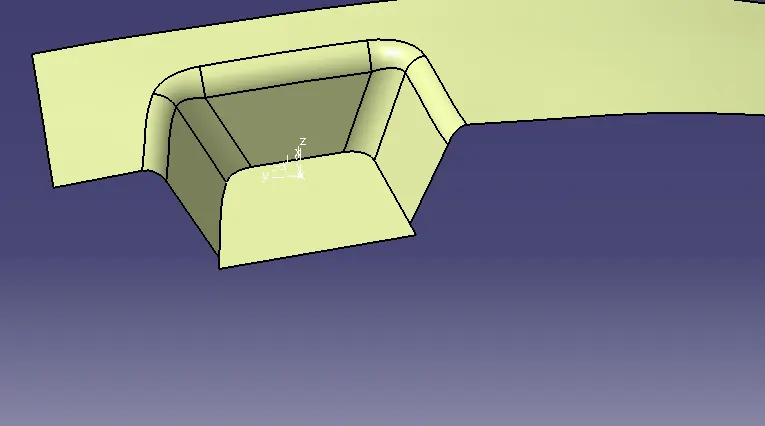
Now Class-B surface is created.
To create Class-C surface, use multiextract command and extract the boundarys.
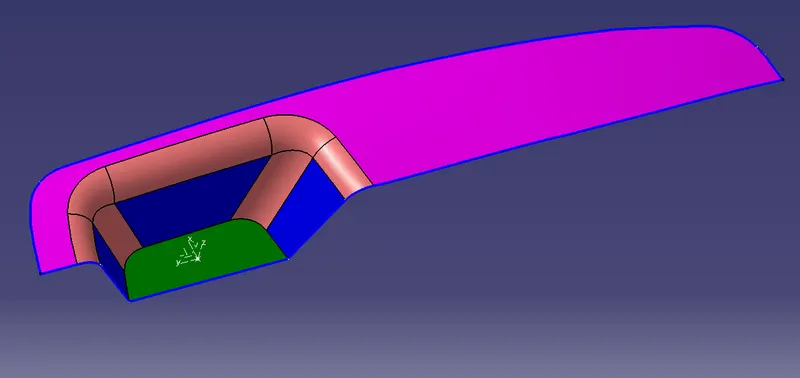
Then use sweep command to create a surface and trim it.
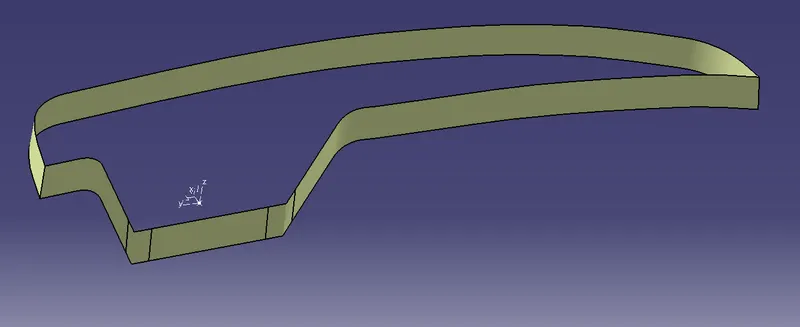
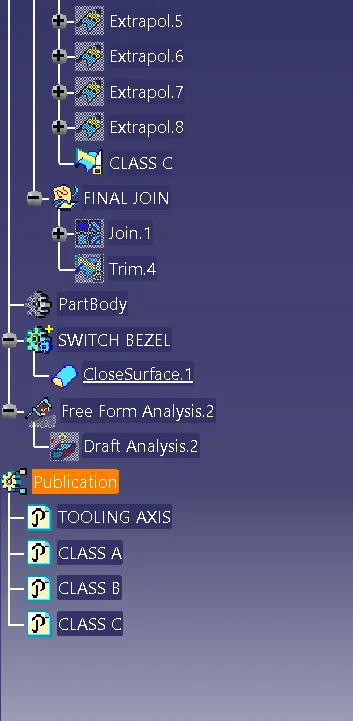
After all the surfaces are created join the Class-A and Class-C surfaces
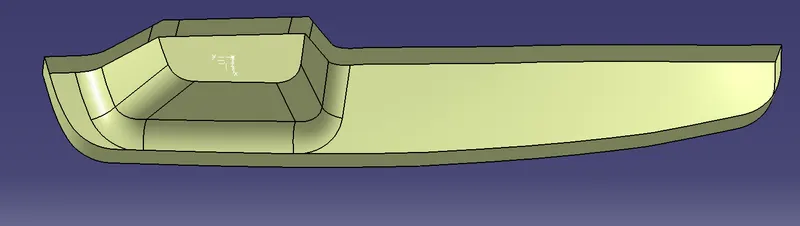
Now, trim it with Class-B surface
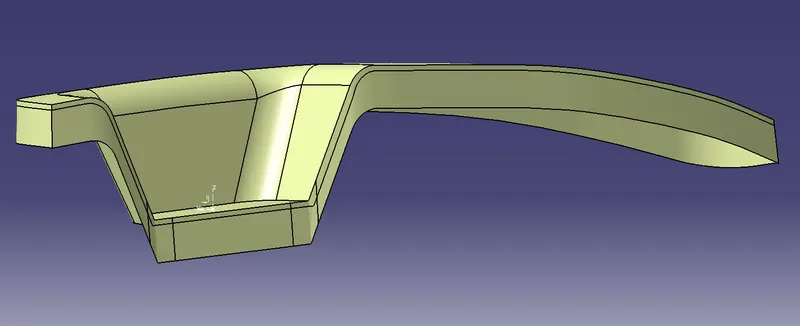
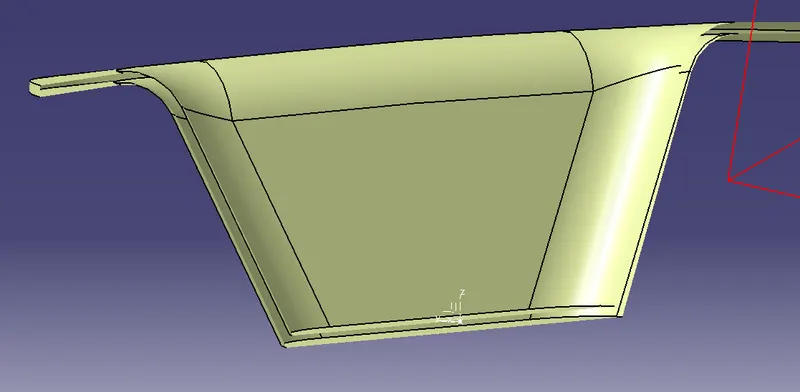
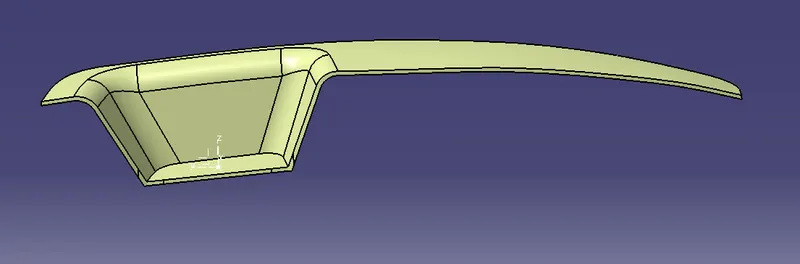
Now, create a part body and select closed solid.
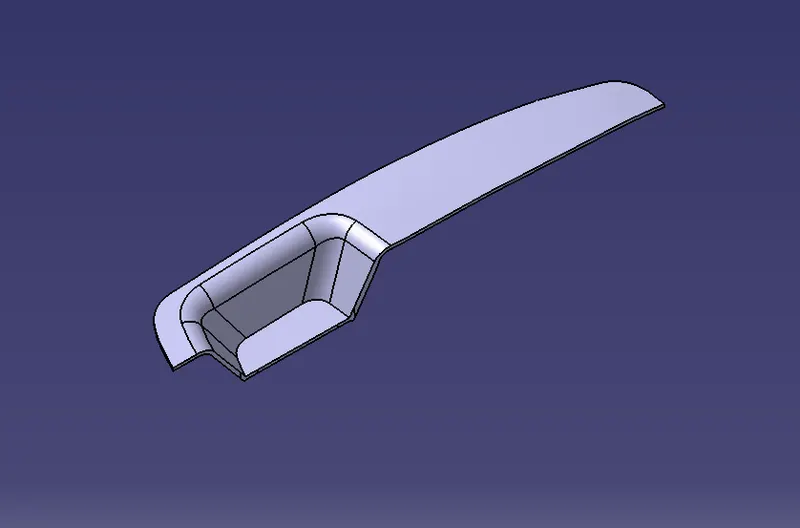
Draft Analysis is done on the solid body.
RESULT:
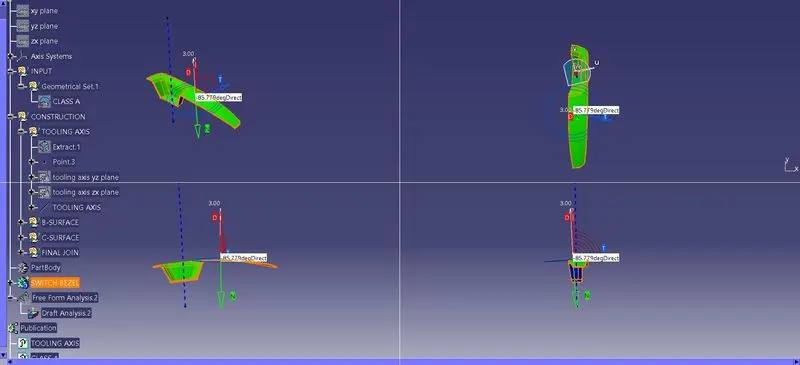
The Class B & C surfaces has been created using tooling axis and drafting analysis is done on the solid body created by A, B and C surfaces.
TREE STRUCTURE: