Week 9-Challenge
Aim:
To create connectors and attach the various parts of the given model.
Software:
Hyperworks 2020
Procedure:
First import the CAD geometry in the Hyperworks.
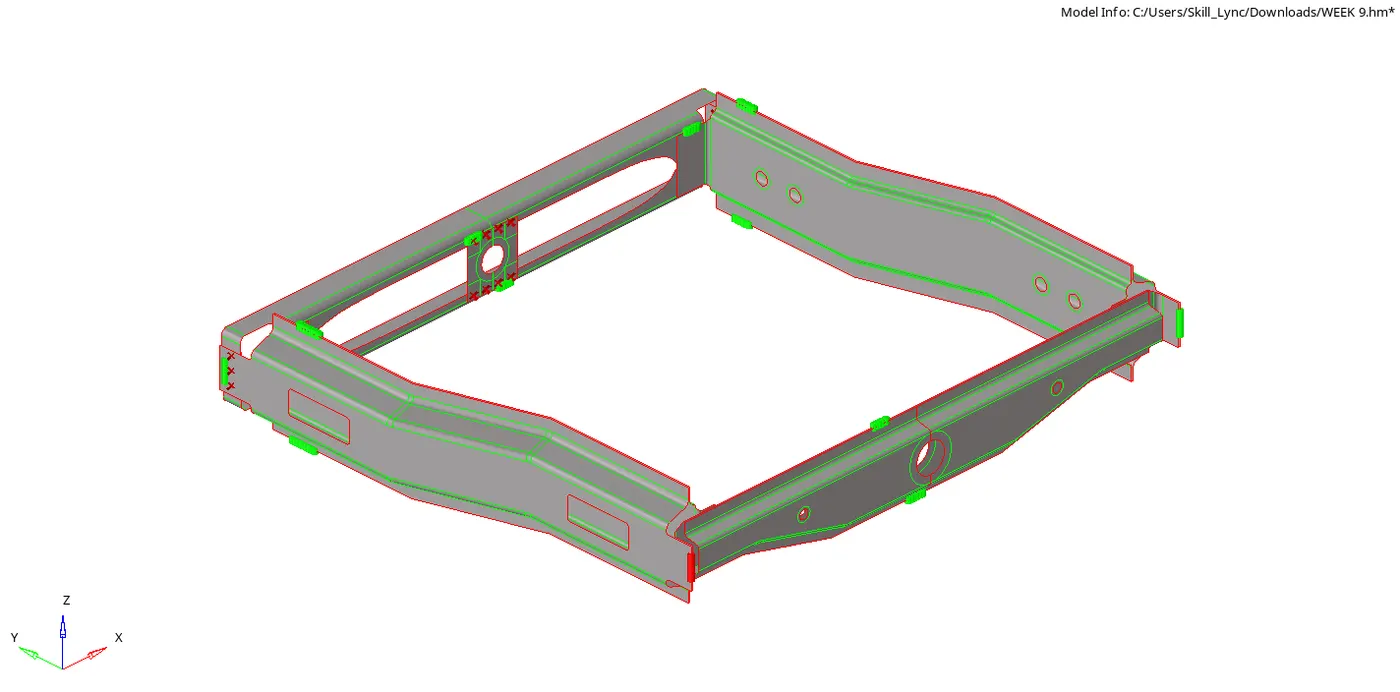
After importing the model, mesh all the surfaces individually with a target element size of 5mm.
Connector 1:
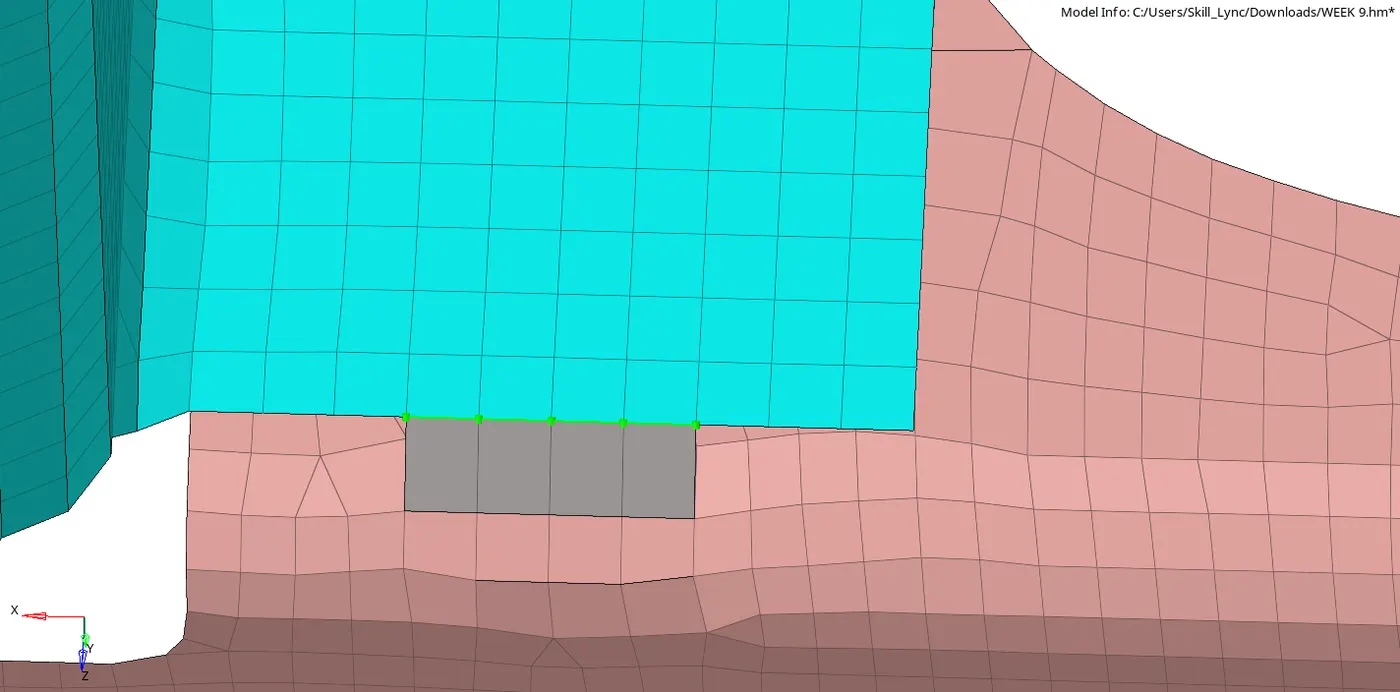
Now first attach Right_Rail_2 & Front_truss_1 with a Seam-Quad(angled+capped+L). In order to attach the surfaces , go to 2D > Connectors > Seam.
Select element type as Quad(angled+capped+L) and connect the surfaces as shown in below figure.
Connector 2:
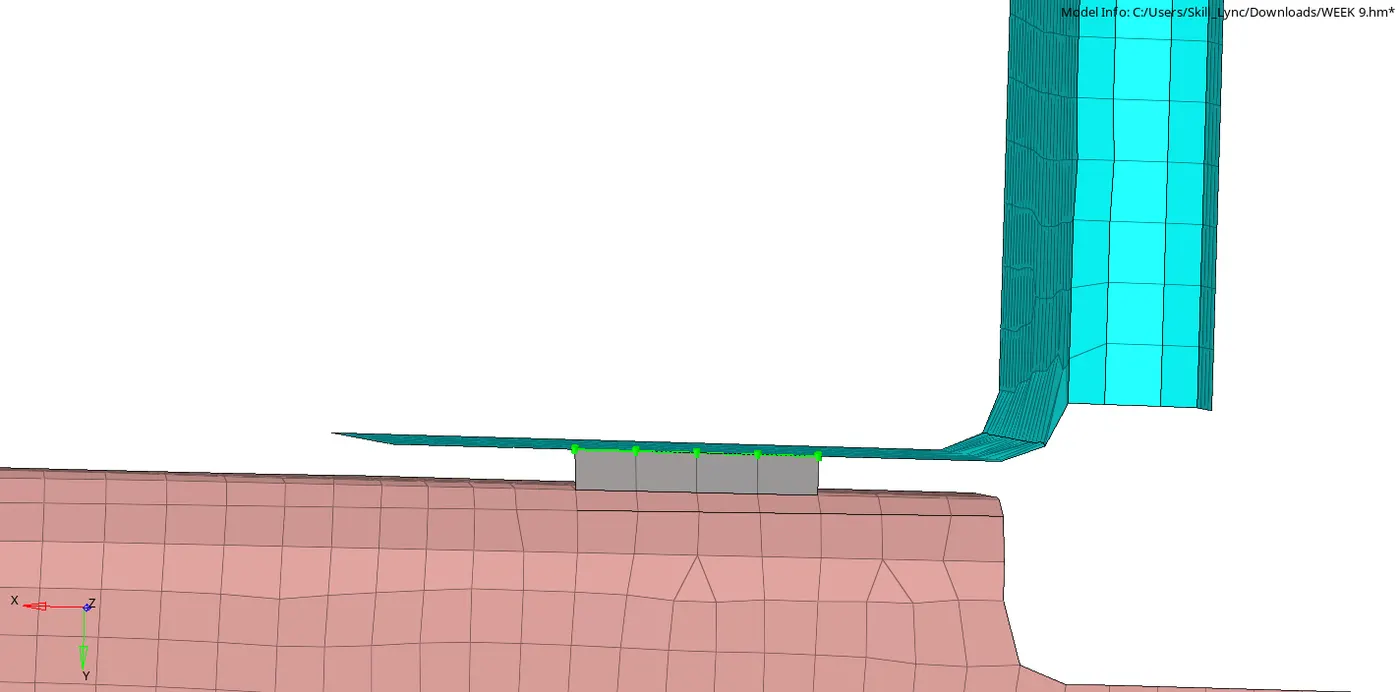
Similarly now attach Left_Rail_2 & Front_truss_1 with Quad elements. This operation is also done in 2D > Connectors > Seam but here we need to select element type as quads.
Connector 3:
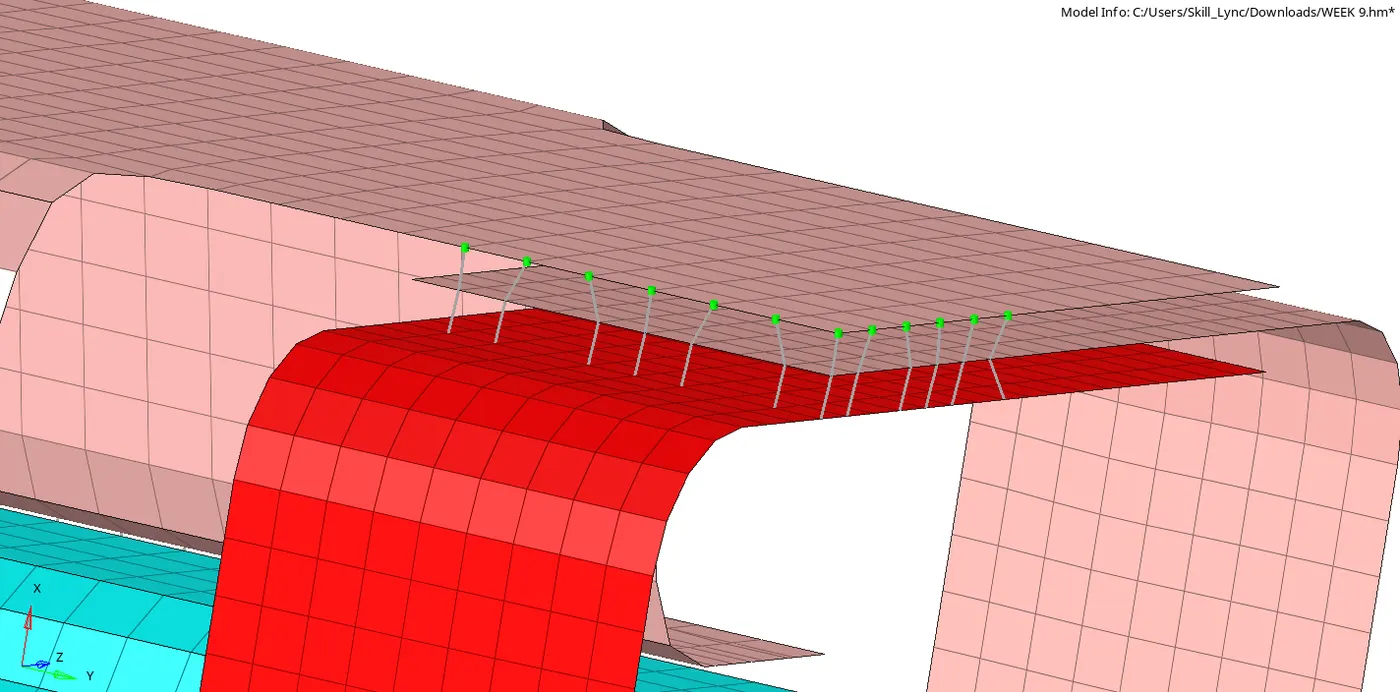
In this operation we need to Spot weld Front_truss_2, Front_truss_1 & Right_Rail_1 with 3 Layers and 5 mm Diameter. In order to do spot weld go to 2D > Connectors > Spot and select type as weld.
We have weld the 3 components with a BAR element.
Connector 4:
Now attach Front_truss_2, Front_truss_1 & Left_Rail_1 with Hexa (Adhesive). To perform this operation go to 2D > Connectors > Seam and selecr element type as Hexa (Adhesive). Here give a width of 1mm or 2mm and also set a tolerance of 5mm between each surface.
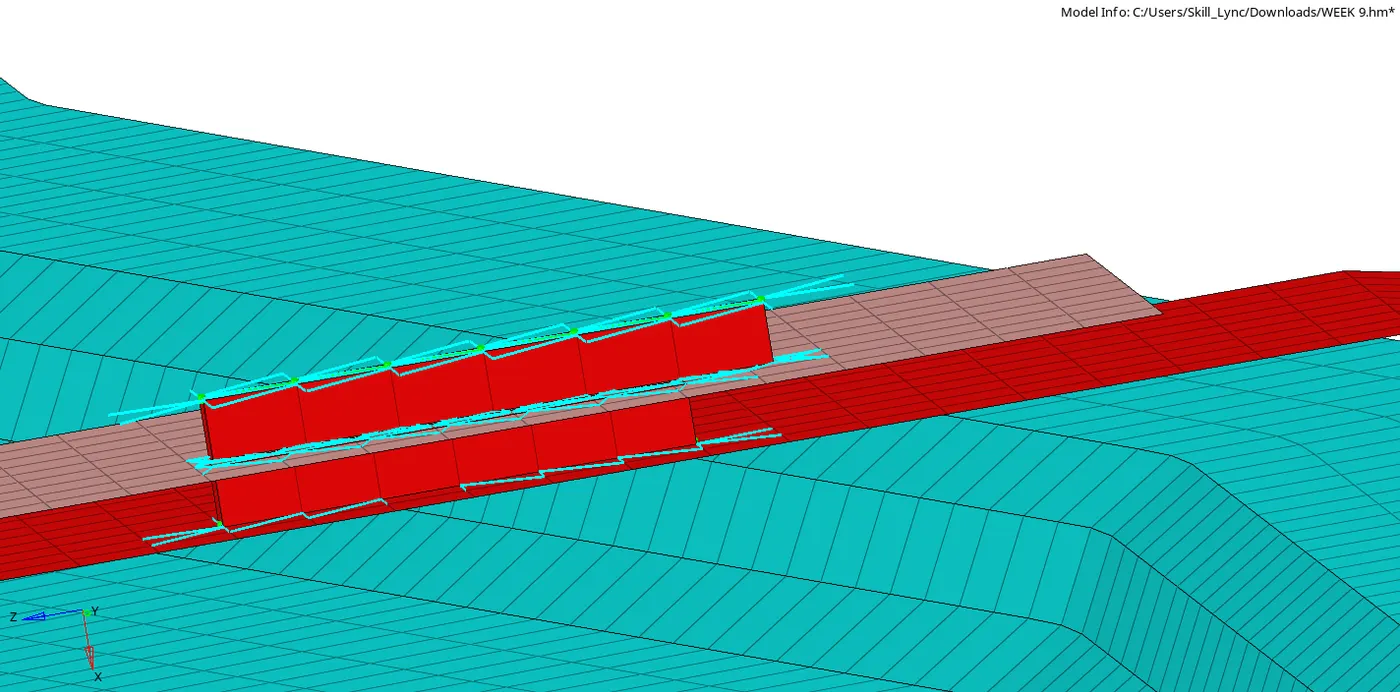
Connector 5:
Attach Rear_truss_2 & Right_Rail_2 with a Bolt Connector. To give a Bolt connector, go to 2D > Connectors > bolt and select type as bolt(general) and also set the option of "create hole if none" to create a hole for bolt connector.
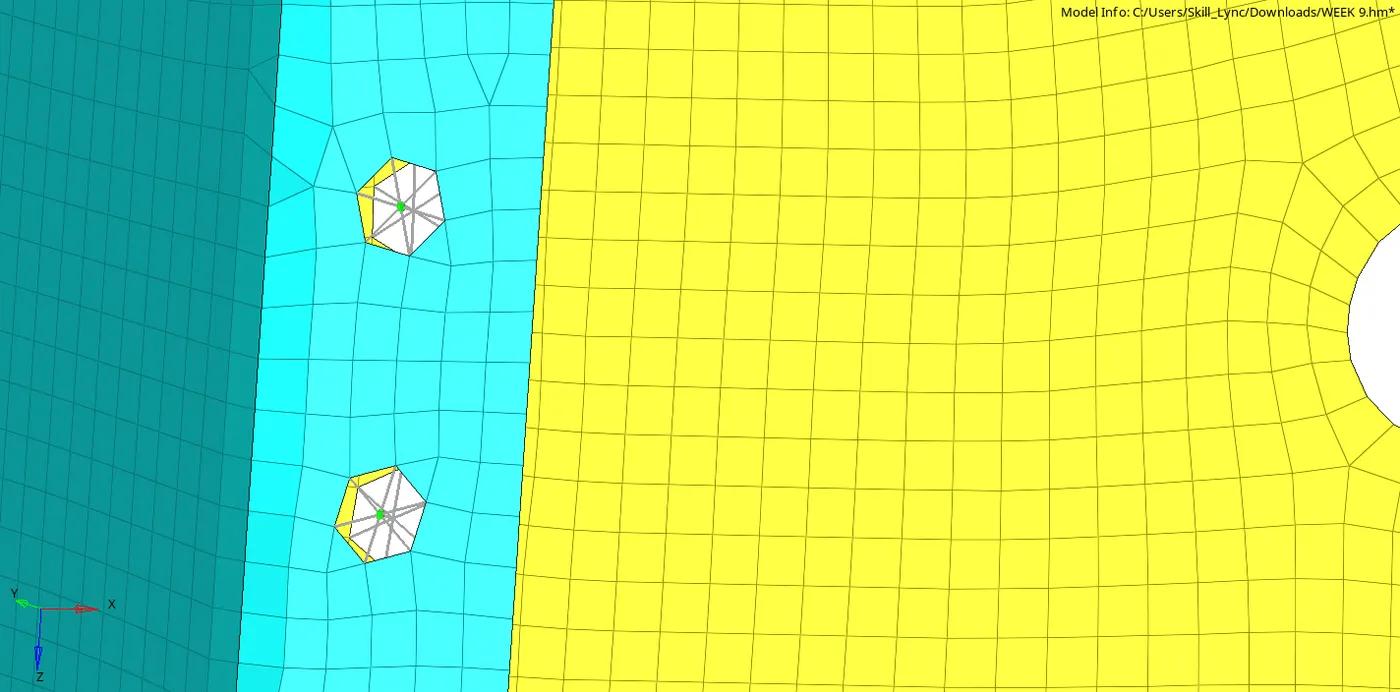
Connector 6:
Now attach Rear_truss_2 & Left_Rail_2 with a Bolt Connector. The procedure for this operation is similar to the 'connector 5" but here only the component is different..
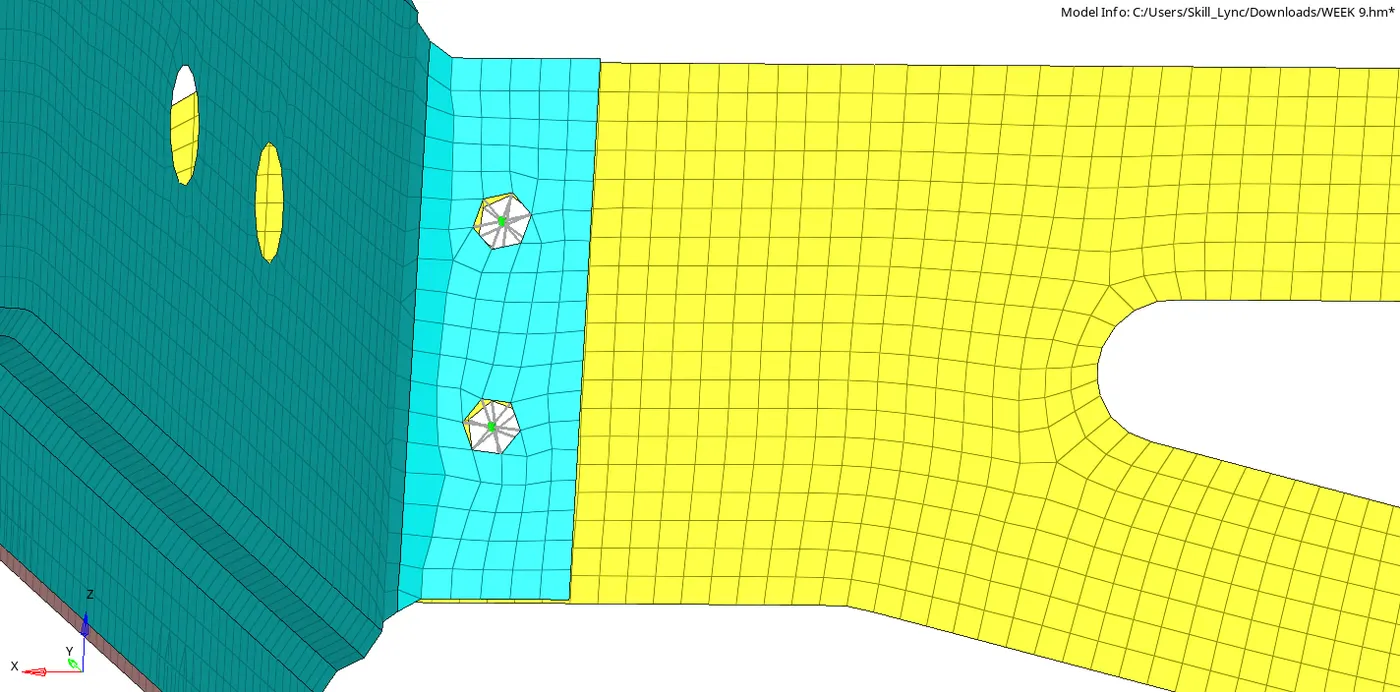
Connector 7:
Here we need to Spot-weld Right_Rail_1 & Right_Rail_2 with Rigid Elements. To do this go to 2D > Connectors > Spot and select element type as rigid.
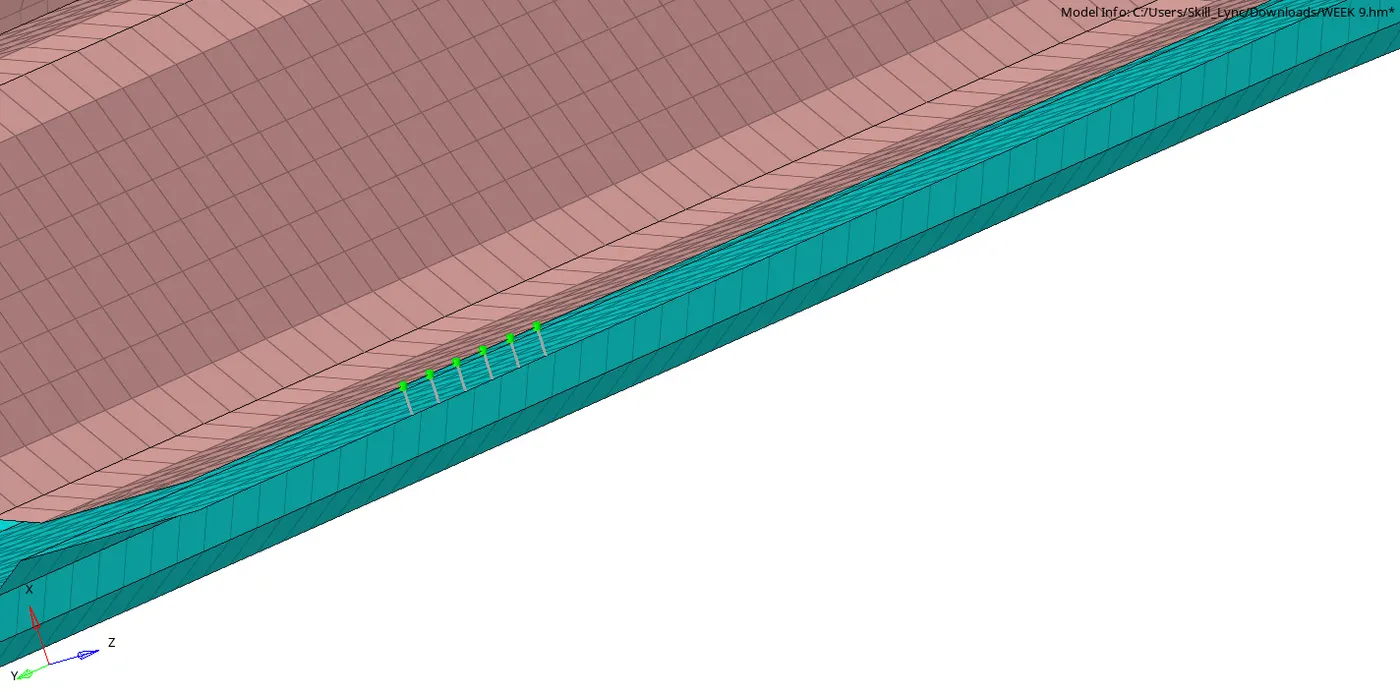
Connector 8:
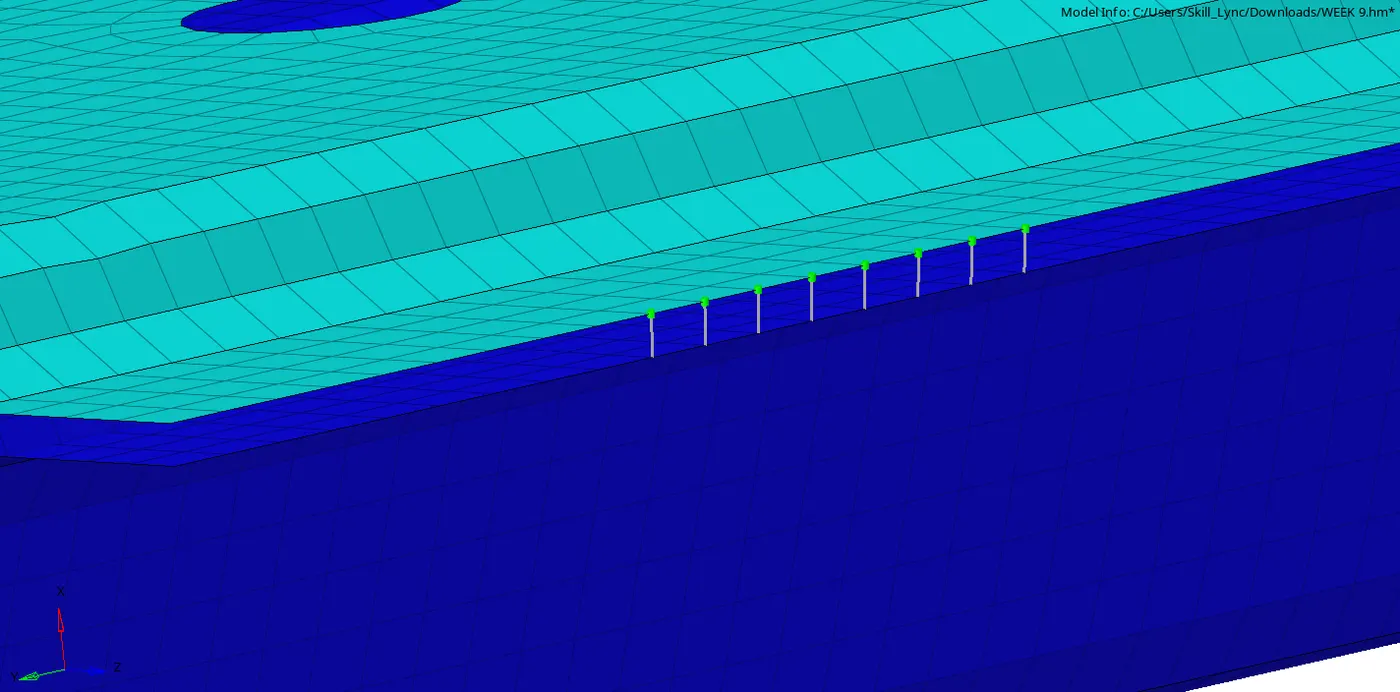
Similar to the connector 7 operation we need to attach Left_Rail_1 & Left_Rail_2 but here with Spring Elements. To do this go to 2D > Connectors > Spot and select element type as spring.
Connector 9:
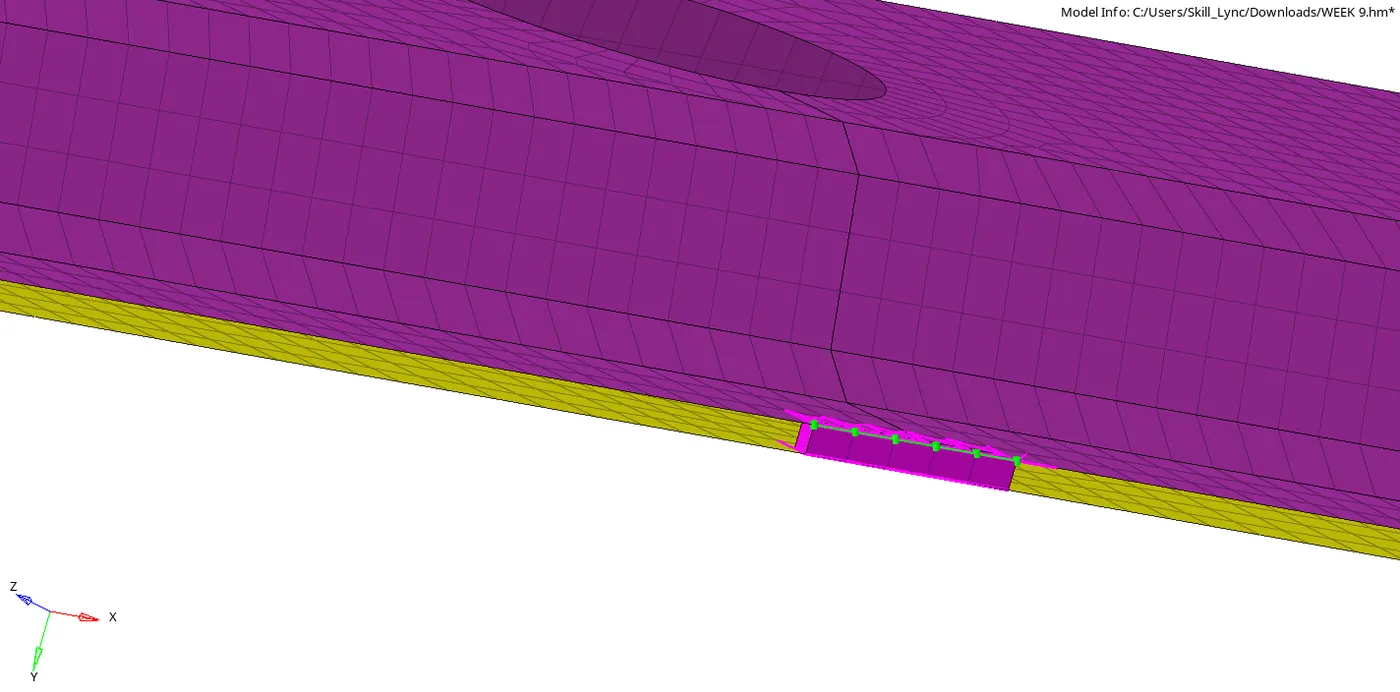
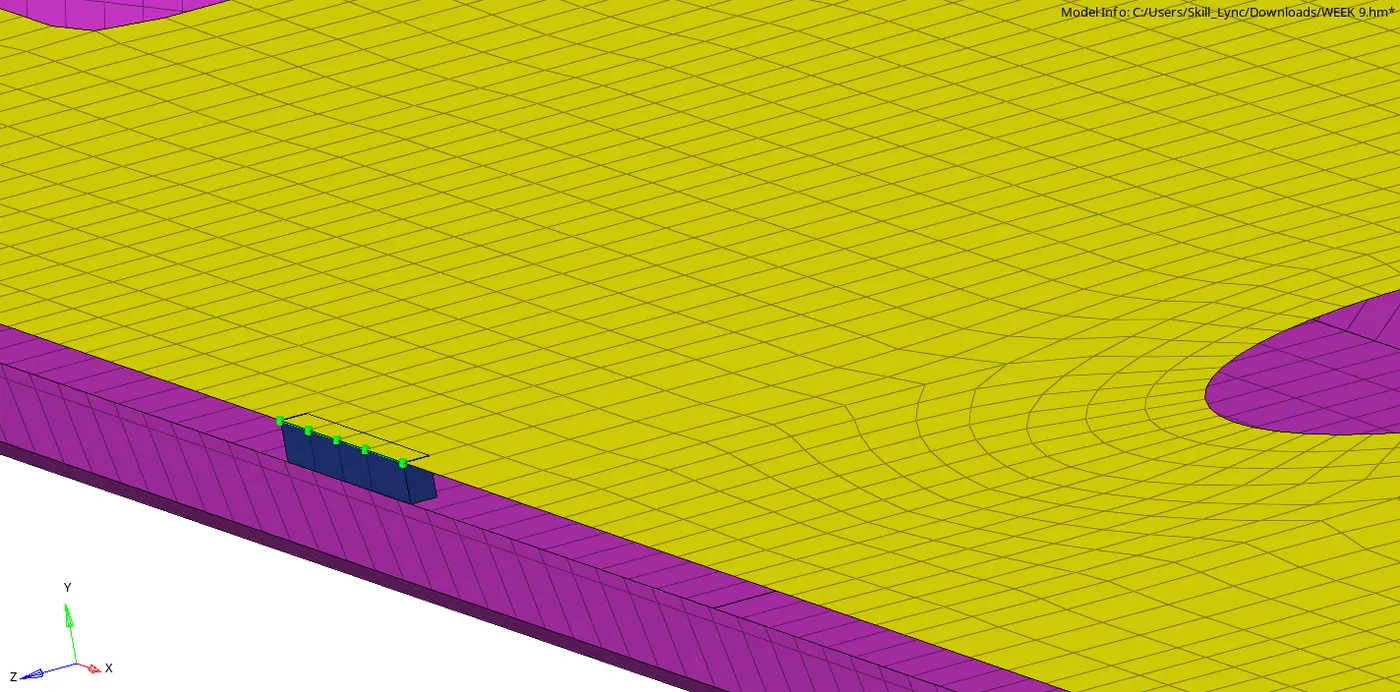
In this operation we are attaching the components which were not attached in the above steps. Here we have attached Rear_truss_1 and Rear_truss_2 with 2 different elements i.e , Seam hexa (rbe2-rbe3) and hexa quad (adhesive).
Connector 10:
In this the right rail 1 and rear truss 2 are connected using C-WELD (GENERAL).
Connector 11:
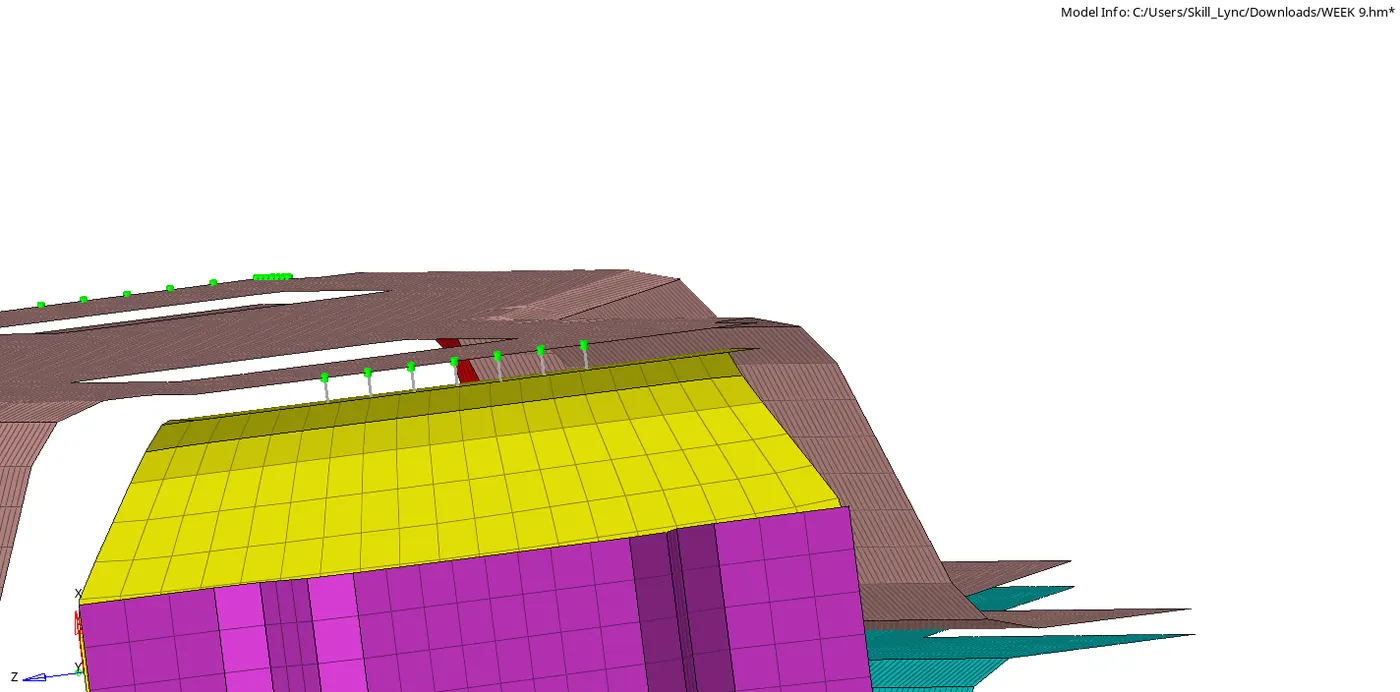
In this we have connected left rail 1 and rear truss 2 with SEAM QUAD (ANGLED).
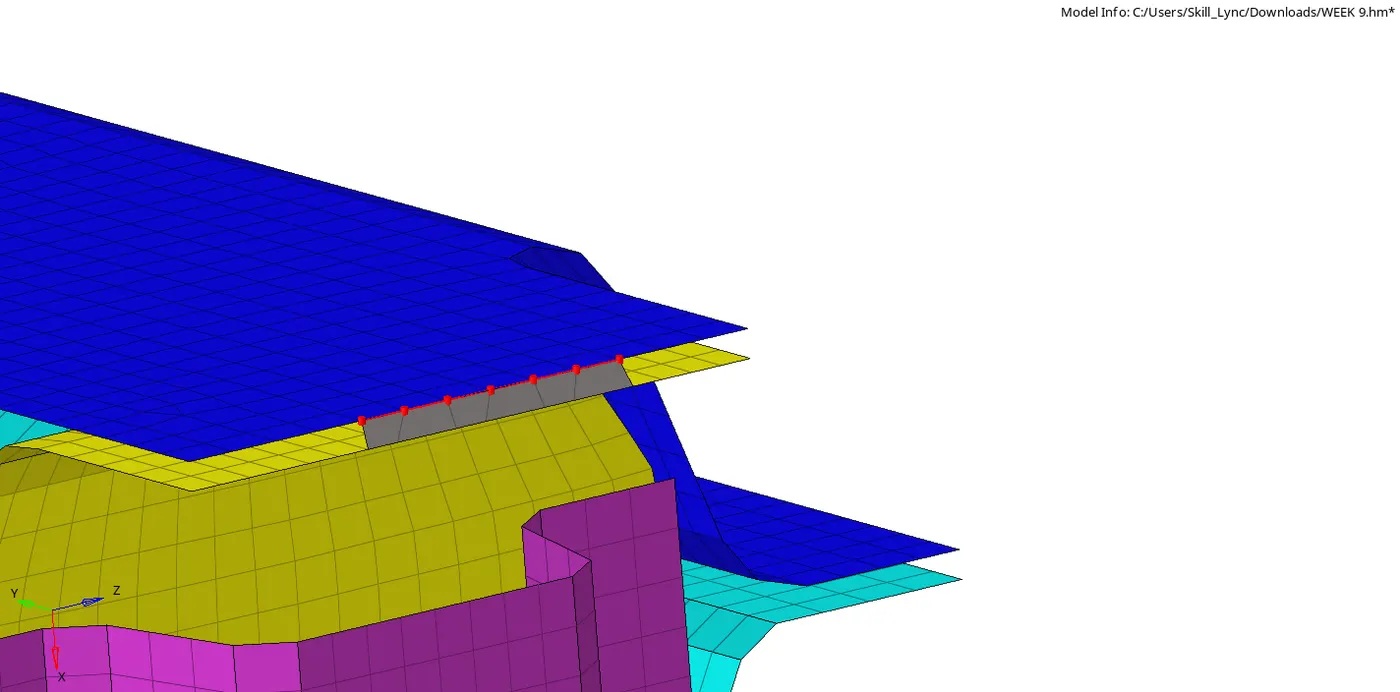
Connector 12:
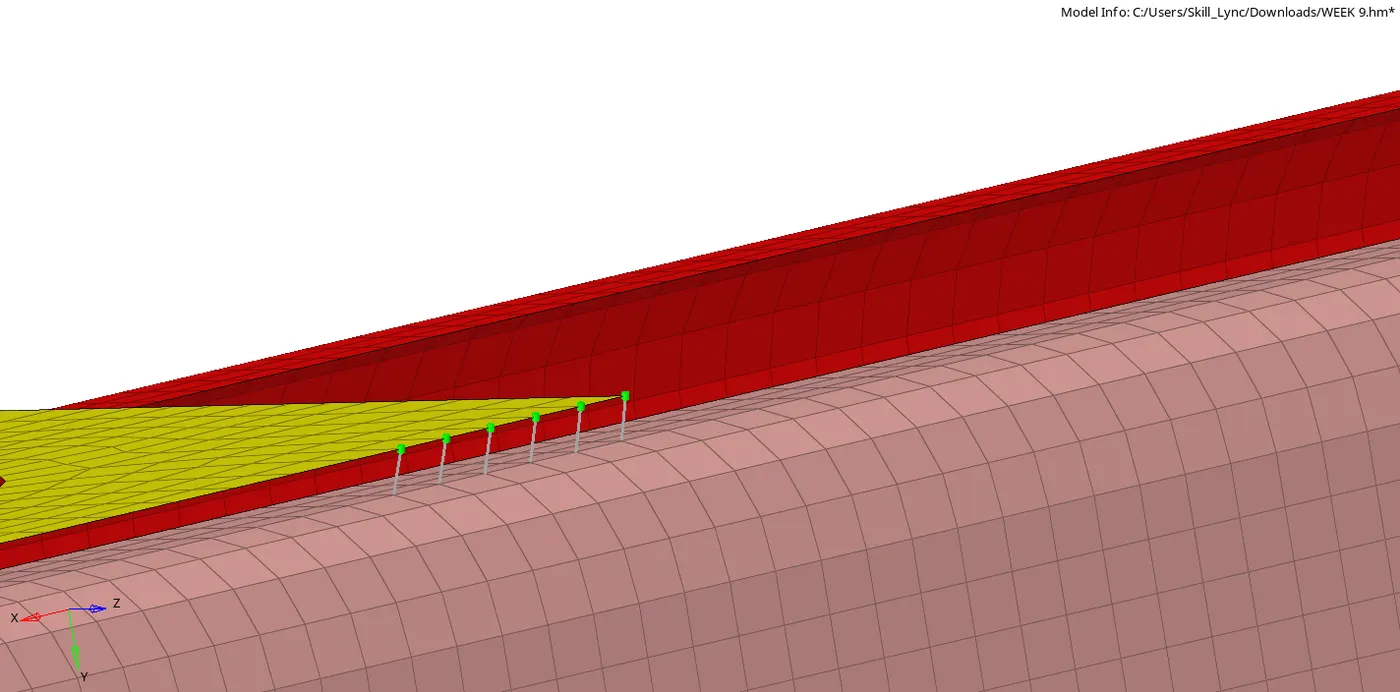
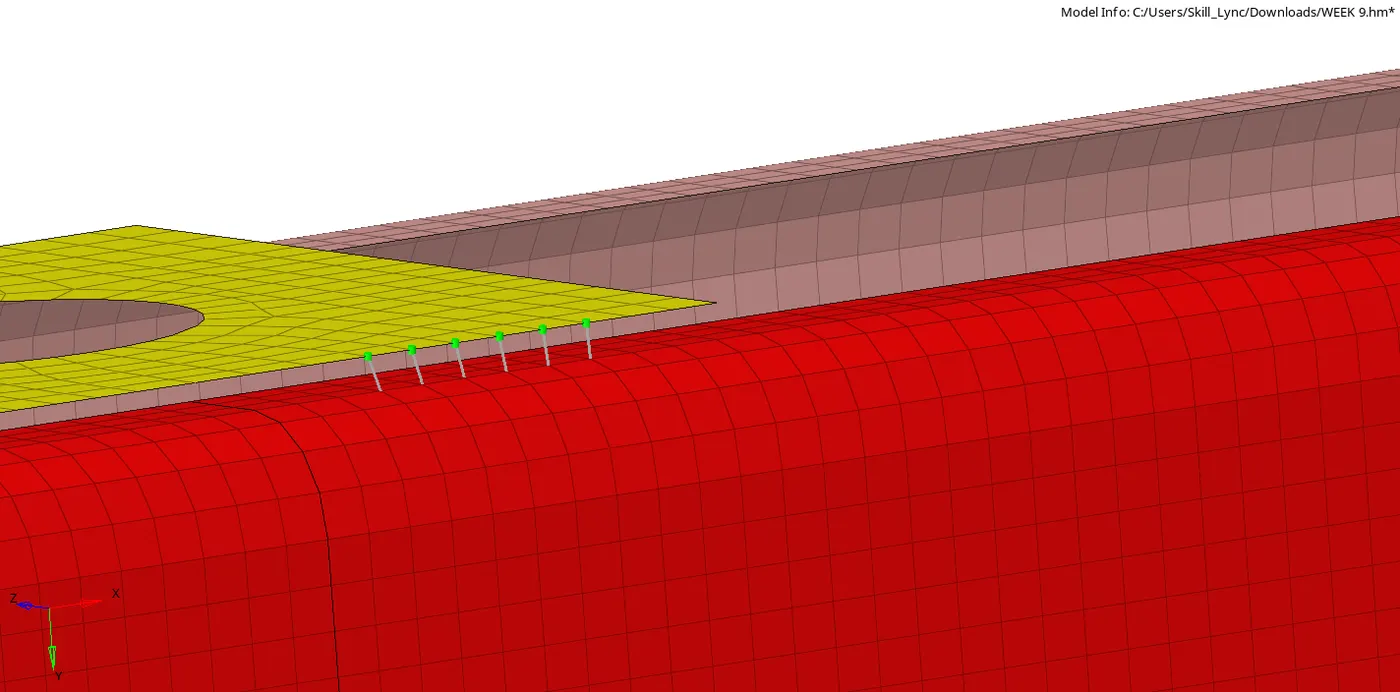
In this we have connected reinforcement plate to front truss 1&2 with two types of connectors which are C-WELD AND C-BEAM.
Result:
All the components were successfully attached as per the given connection details.
Link:
https://drive.google.com/file/d/1xlCpBTdeeQcf4lEhrJzC8k4yisj6DRMg/view?usp=sharing