Week 8-Challenge
MODEL 1
Aim:
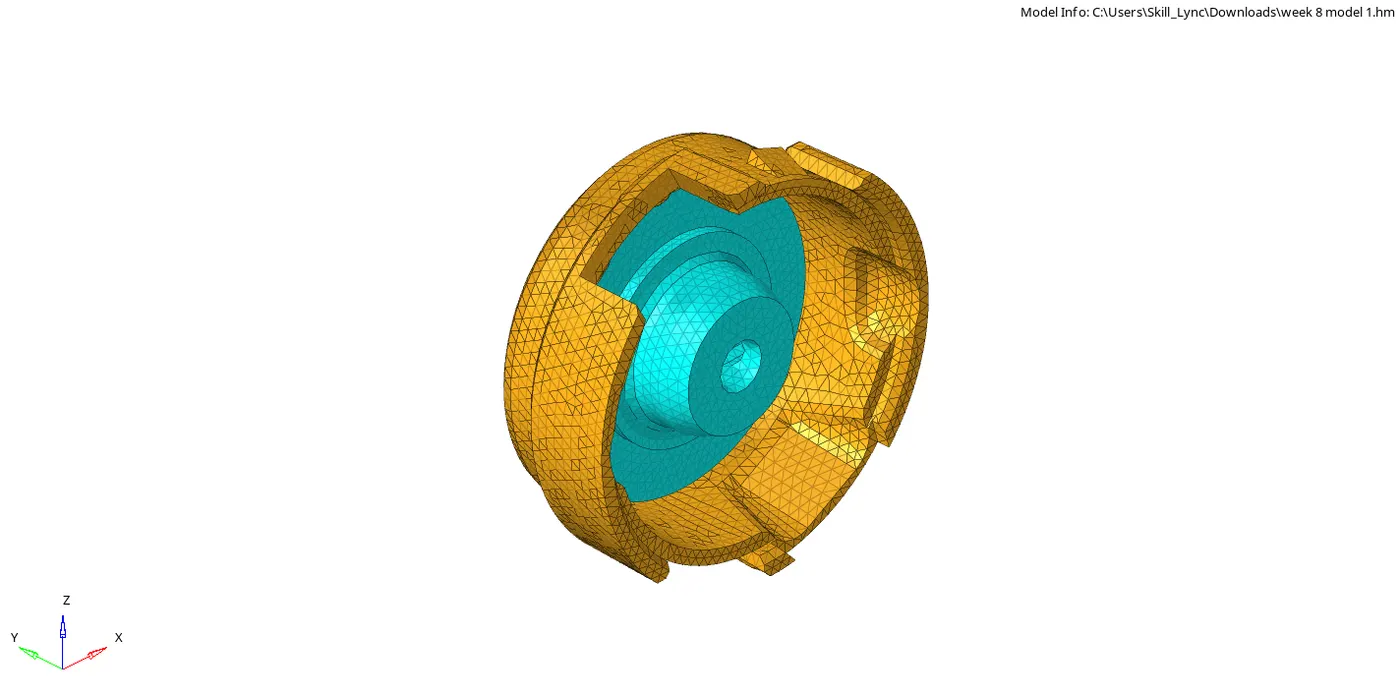
To create 3D tetramesh element of given CAD model with the given Elements sizes: Min- 2mm, Target- 5mm, Max- 7mm, Tet collapse: 0.15.
Software:
Hyperworks
Procedure:
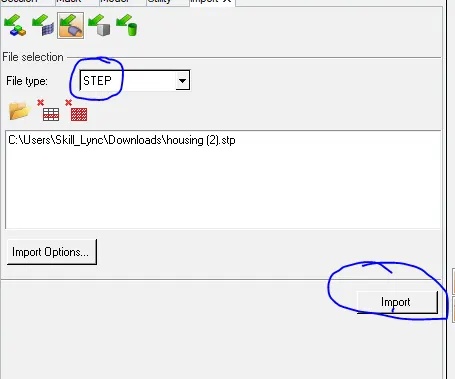
Firstly, import the model from the geometry .stp file to the graphical screen.
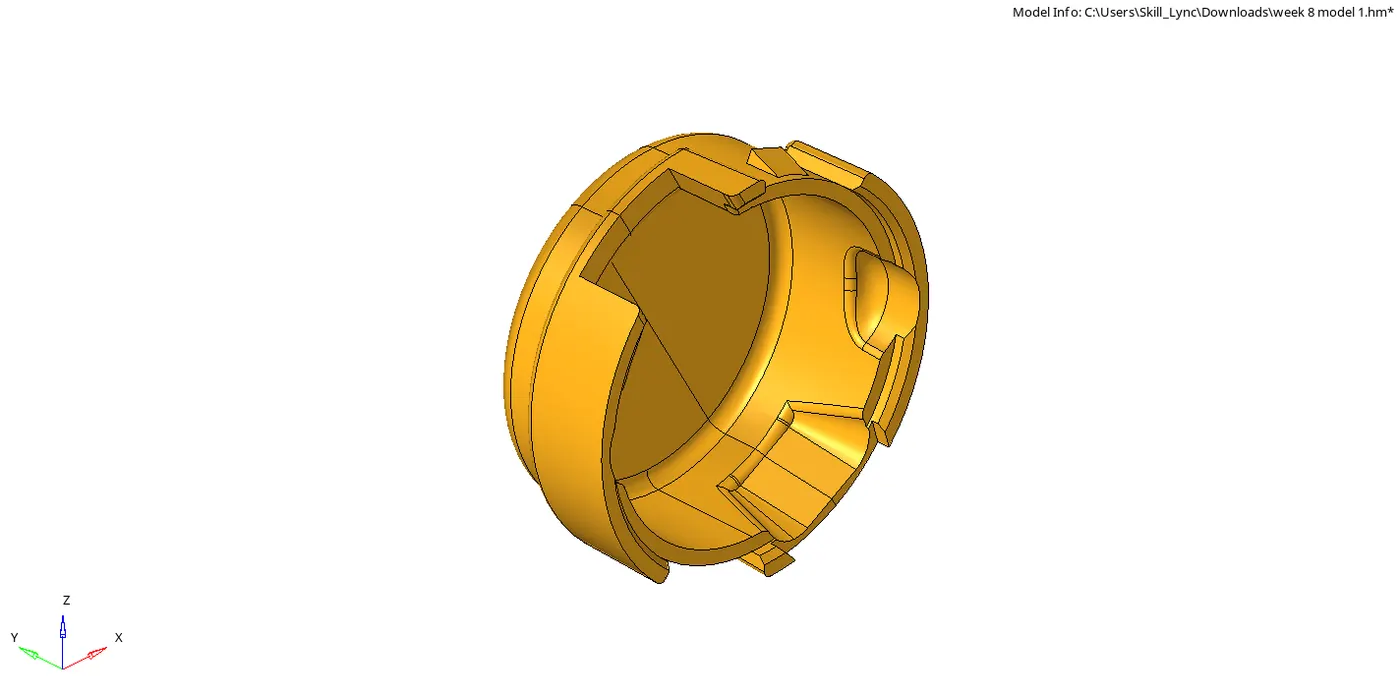
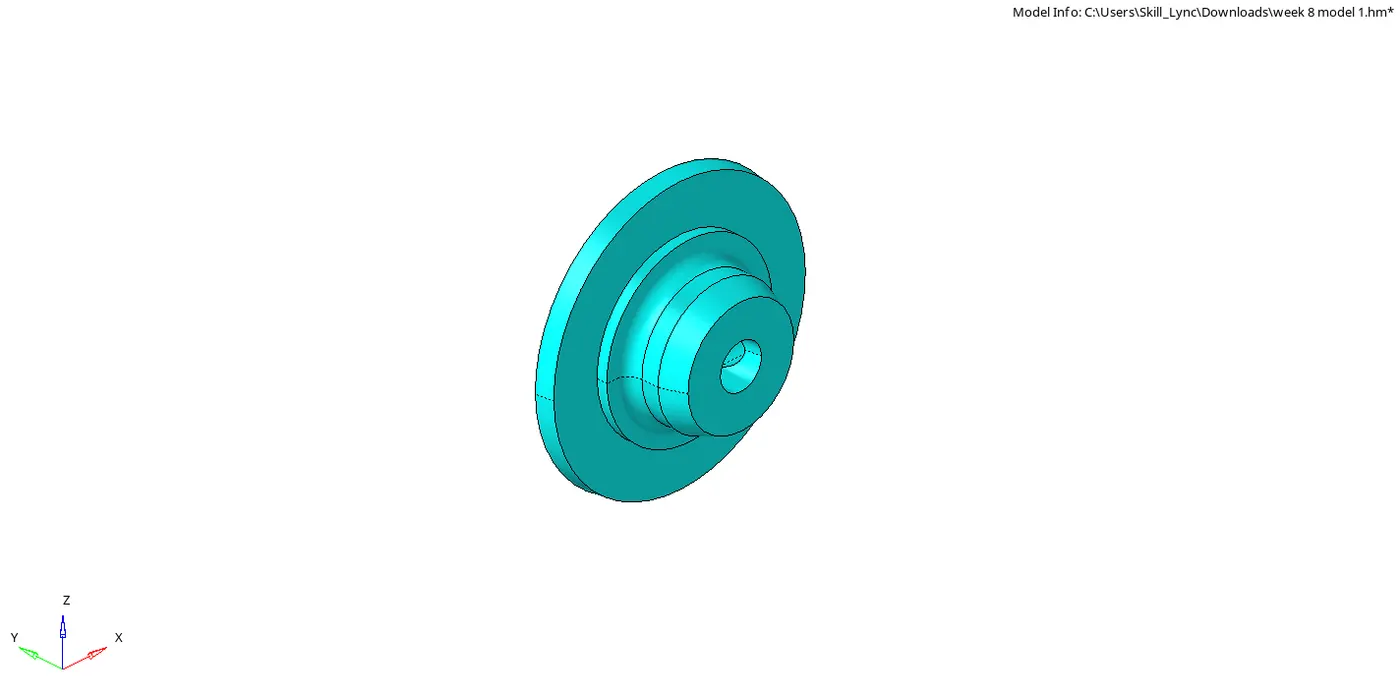
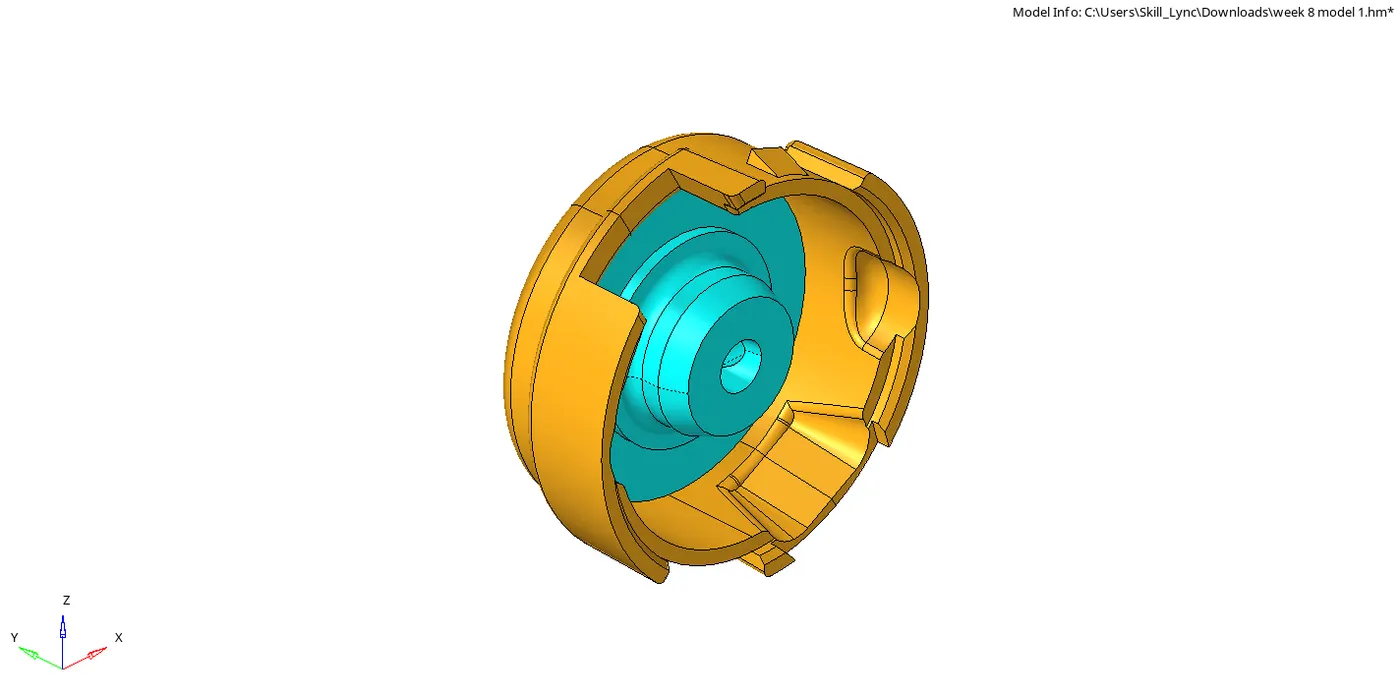
Now manually clean the model by removing the surface fillets by using defeature.

And toggle the lines by quickedit panel.

After the cleanup, goto 2D, select the automesh, set to tria only and element size to 5mm.

After 2D automesh, goto 3D tetra mesh.

Select the tetramesh parameters, set the value of max and min value mesh the elements.

Check the tet collapse by pressing F11 or by selecting tools> check elements> 3D

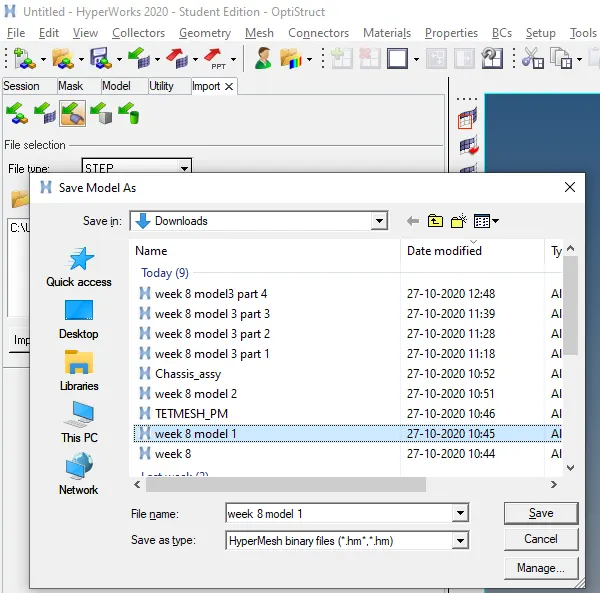
After checking the model save it to the .hm file.
Result:
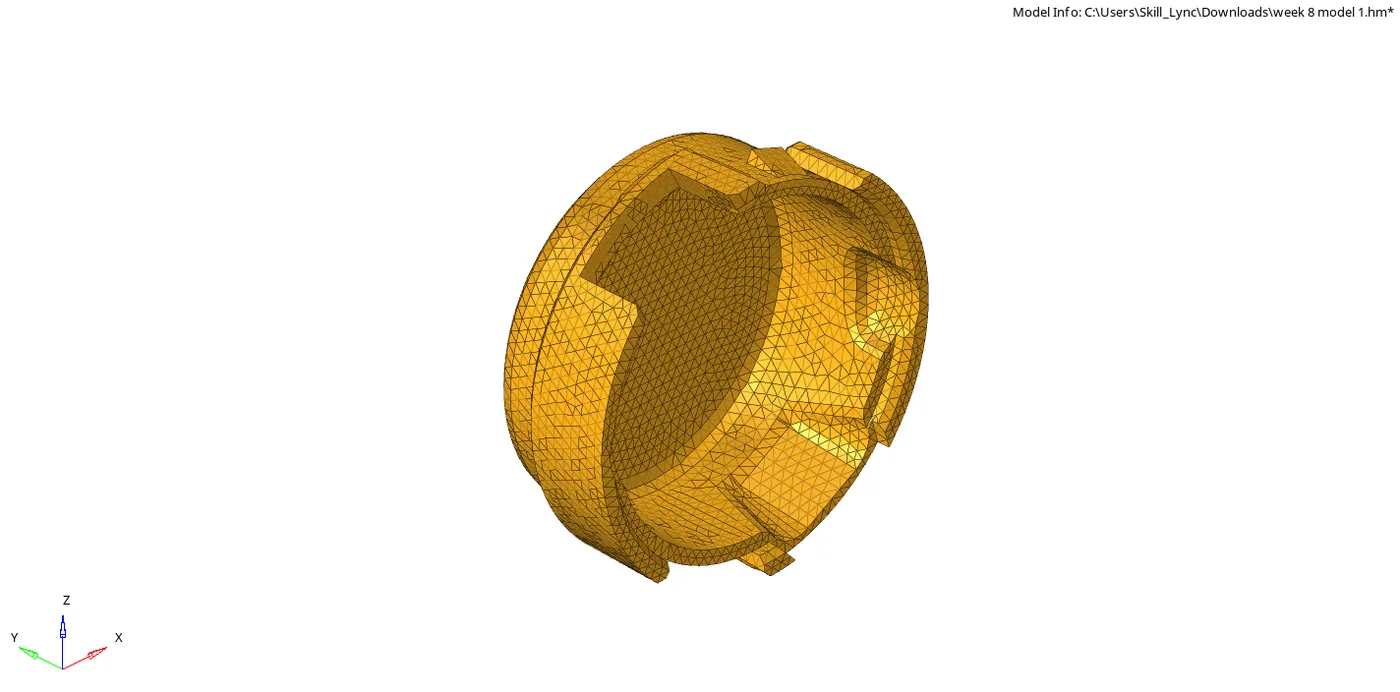
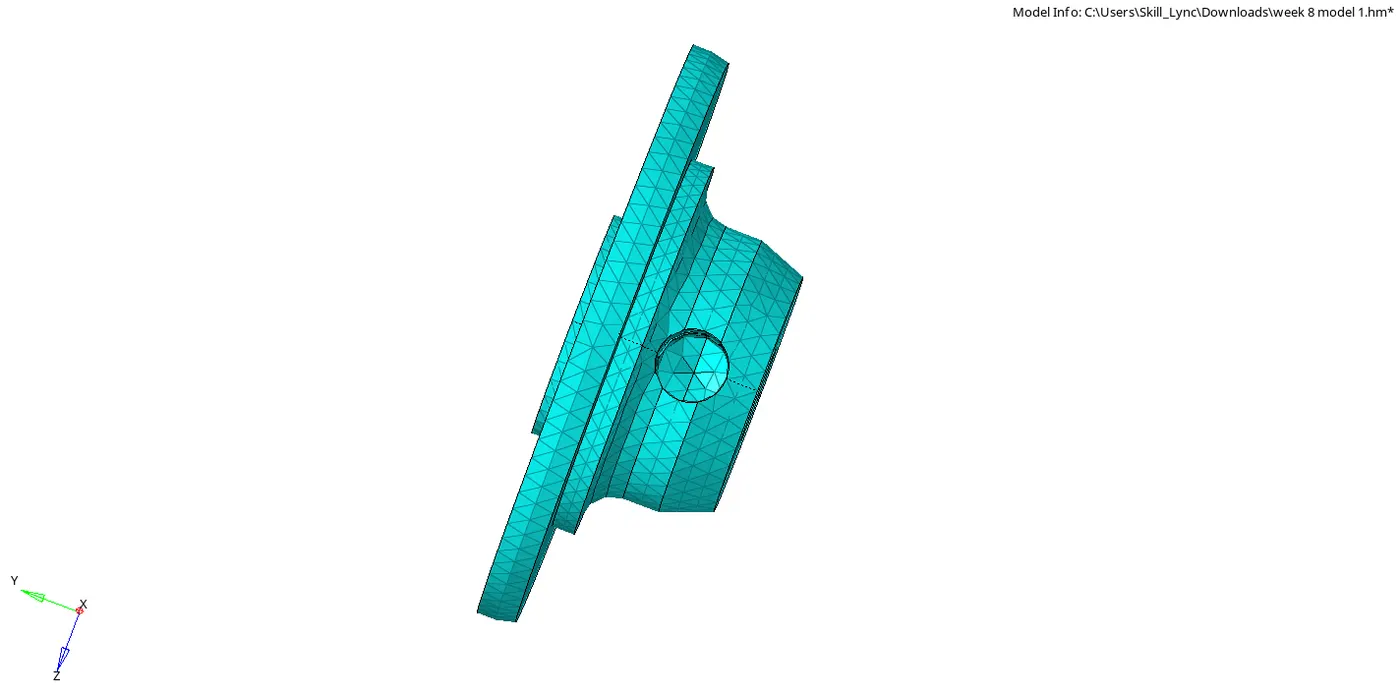
The given CAD model is mesh with the given parameters.
Link:
https://drive.google.com/file/d/1LL3EO-8RRzHiLzT7DpsIm2DU5WCqcShu/view?usp=sharing
Model 2
Aim:
To create 3D tetramesh element of given CAD model.
Software:
Hyperworks
Procedure:
Firstly open the .hm model.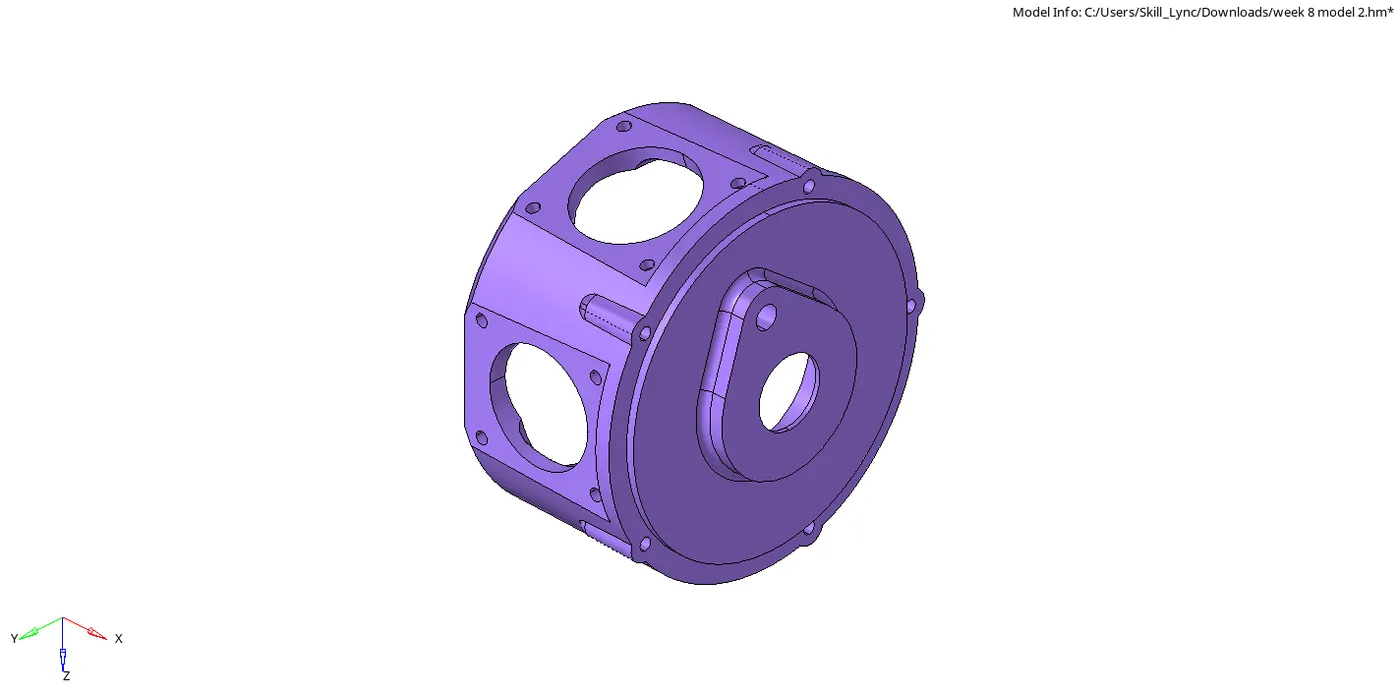
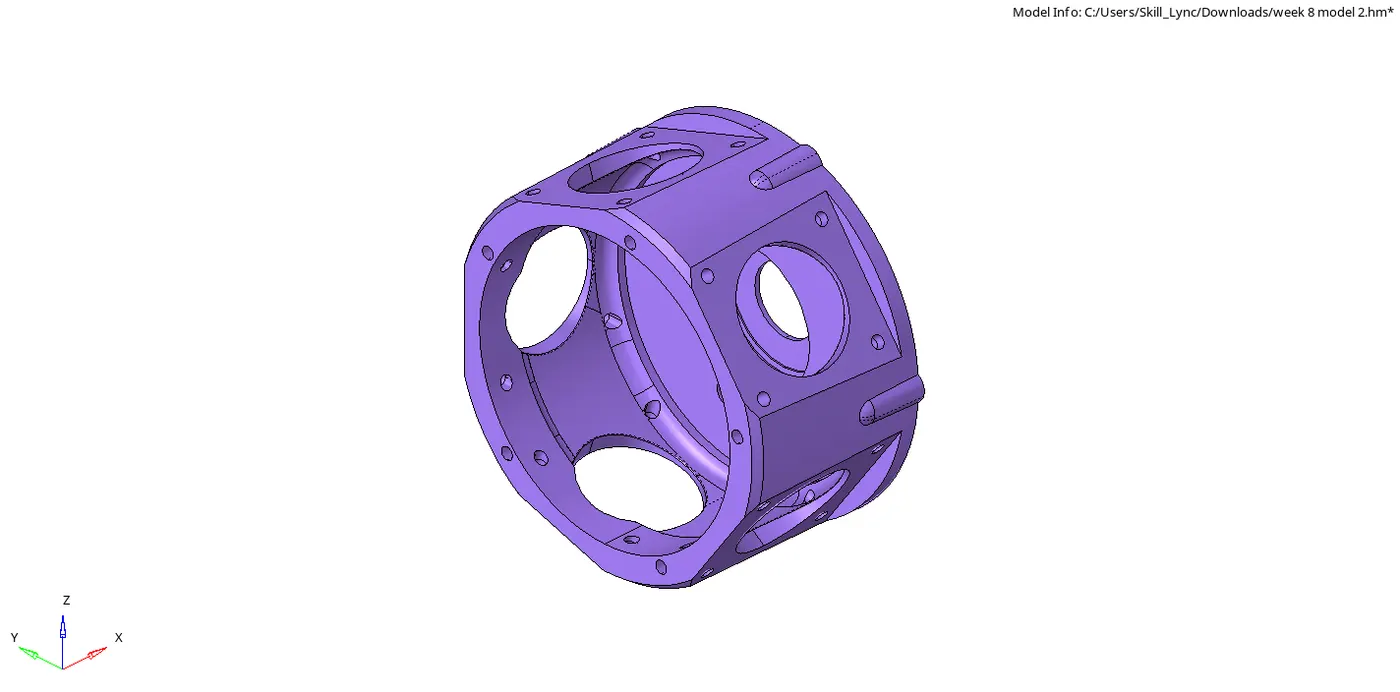
Now goto view> browser> hyperworks> select utility.
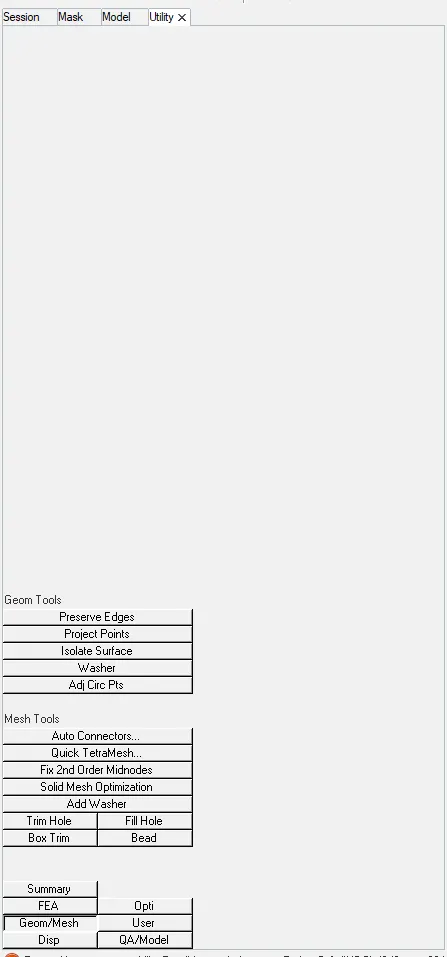
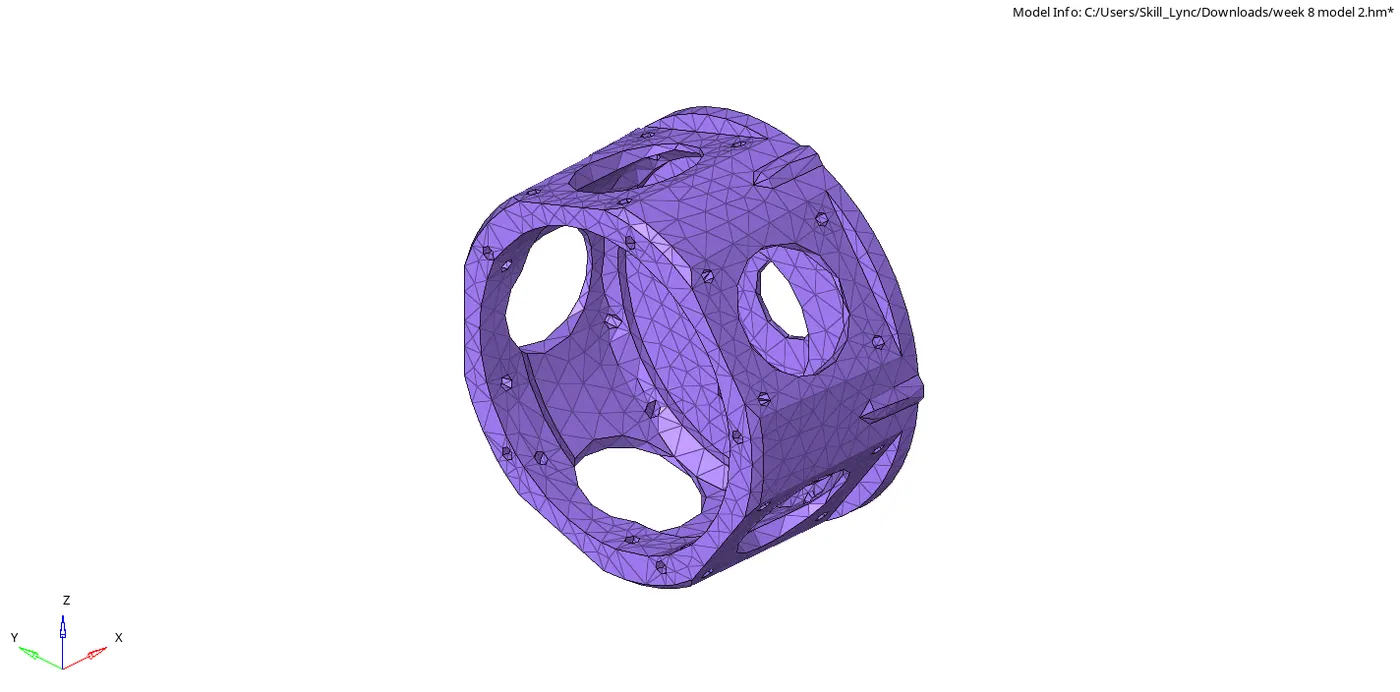
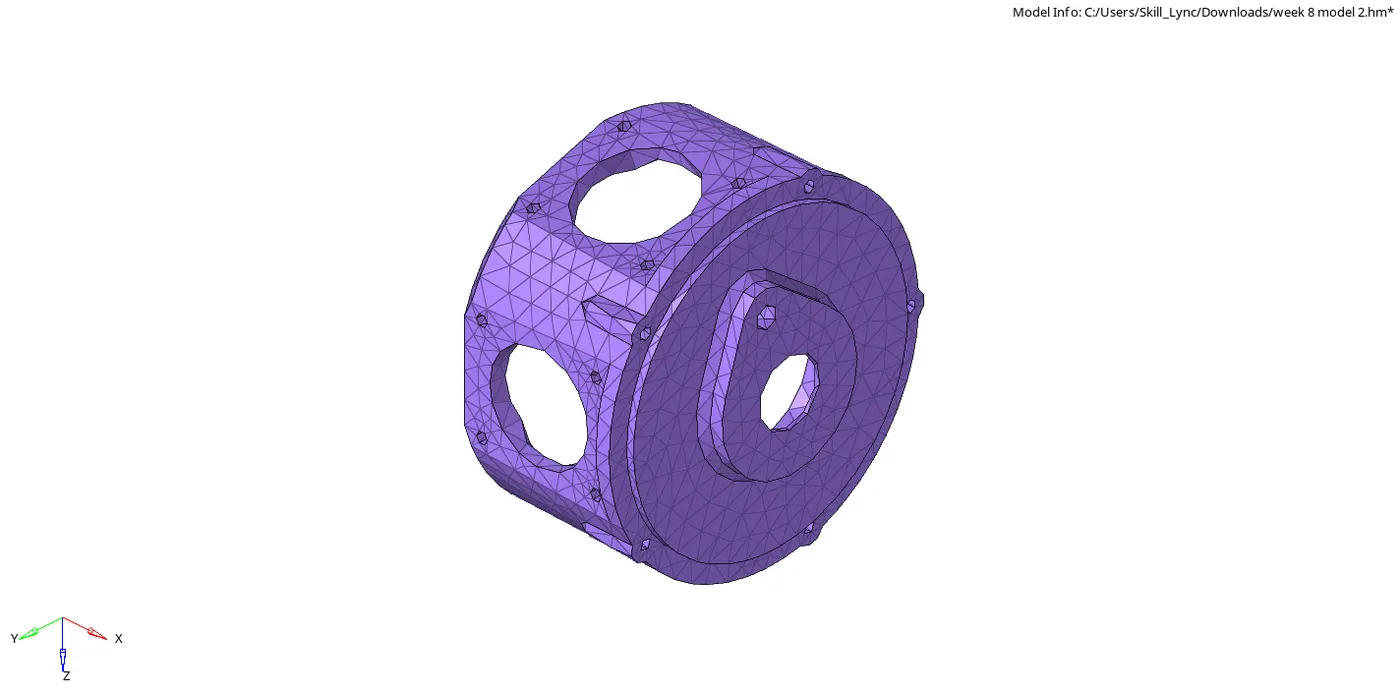
Select geom/mesh> quick tetramesh, select tria only and set the value of element as 6mm.
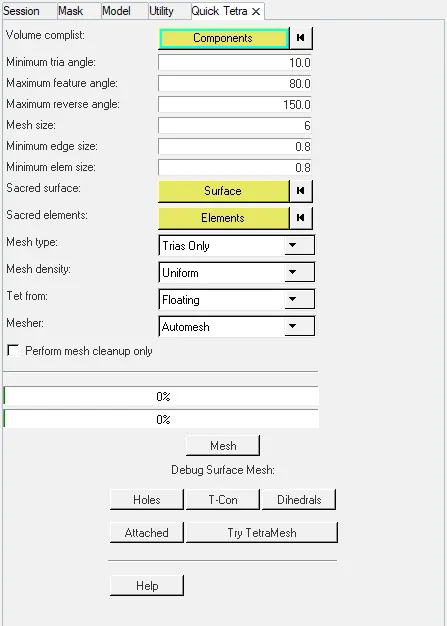
Then select the component.

Click on mesh and check for tet collapse.
After checking the components save it as .hm file.
Result:
The given CAD model is mesh with the given parameters.
Link:
https://drive.google.com/file/d/1YTUmd6g50dIcVmxBetZcLEPW2v_71n2W/view?usp=sharing
Aim:
To create 3D tetramesh element of given CAD model.
Software:
Hyperworks
Procedure:
Firstly, open the model from file.
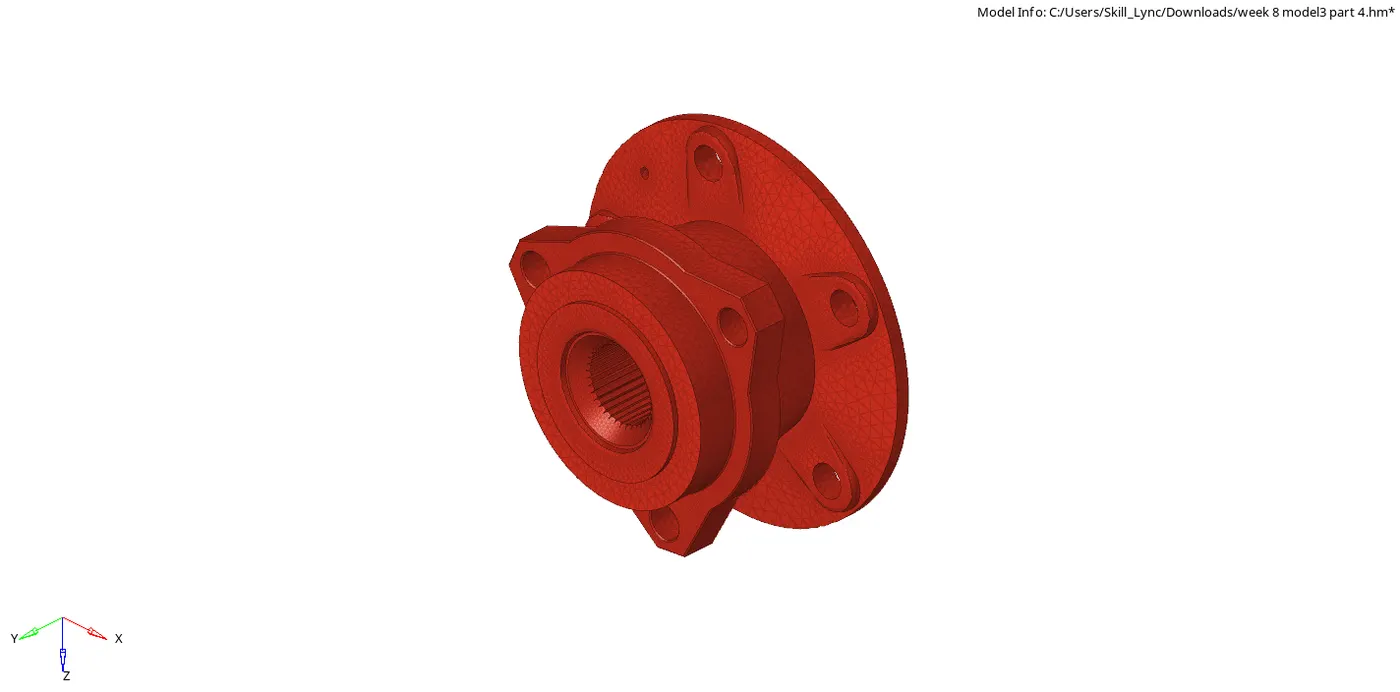
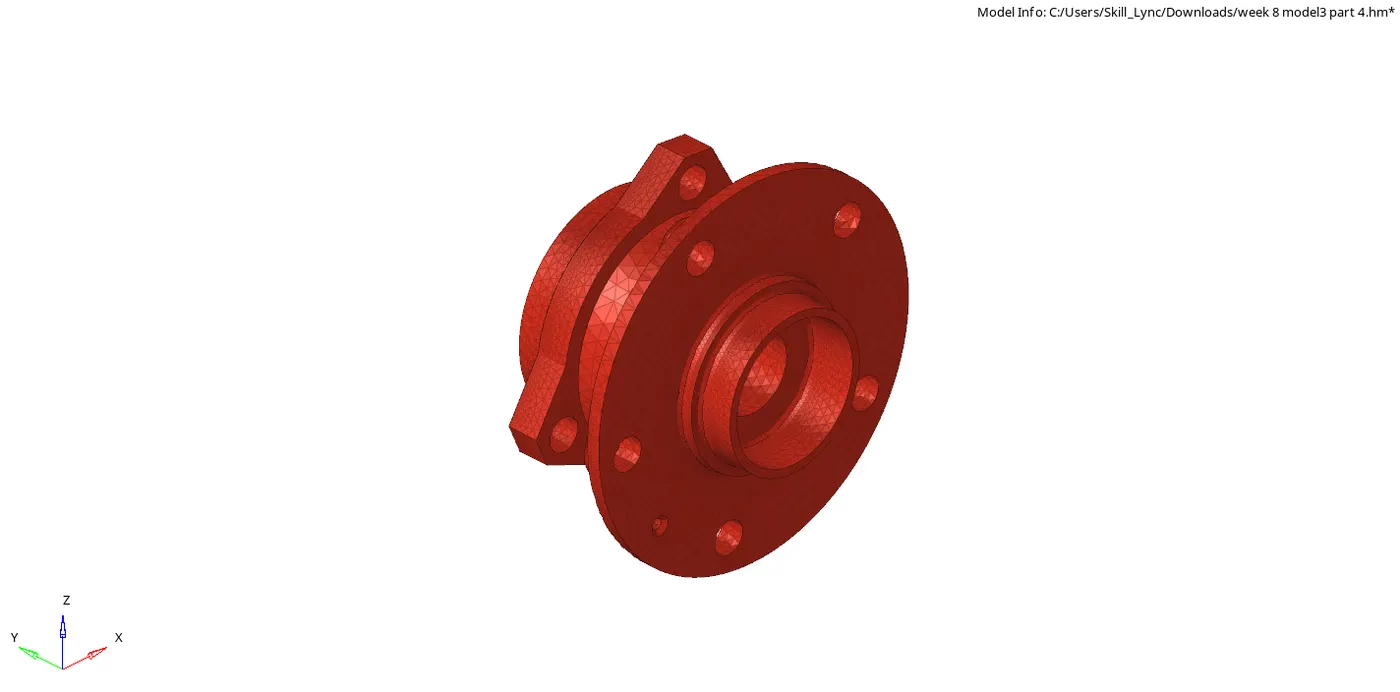
Divide the components into different files as the whole model nodes exceeds more than 1 lakh nodes.
PART-1
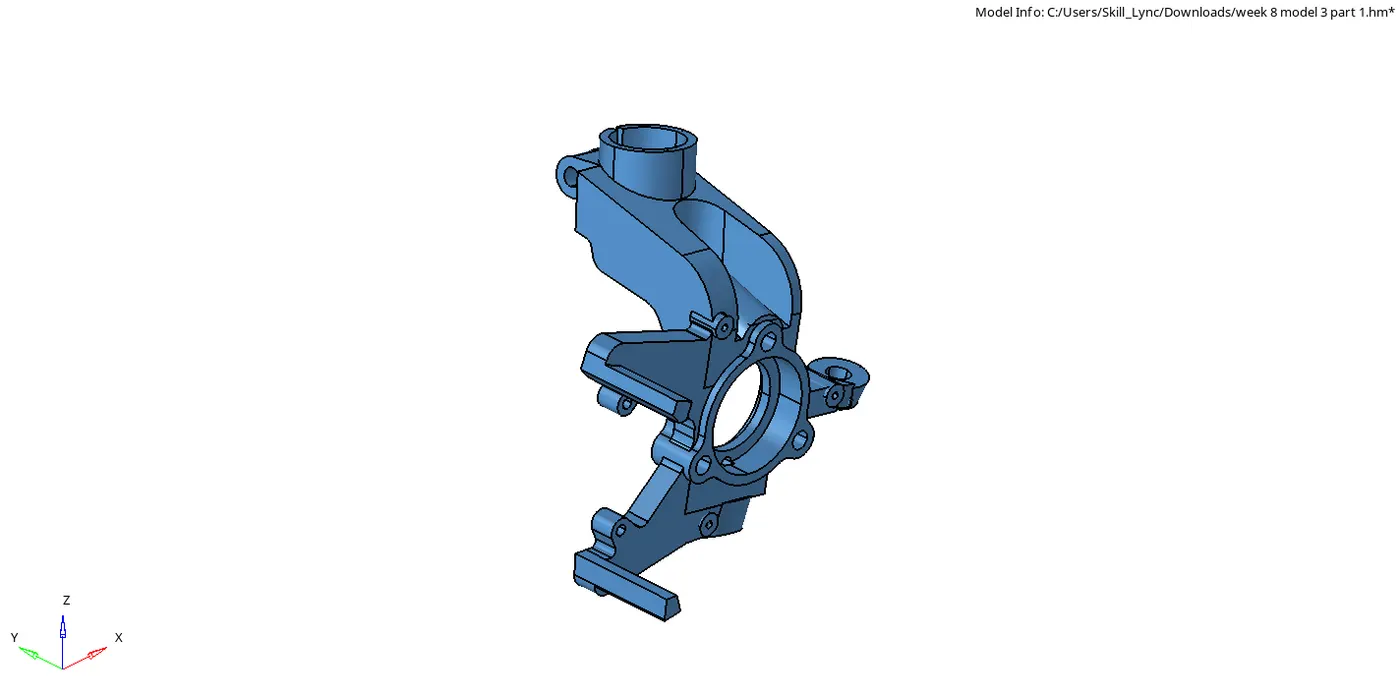
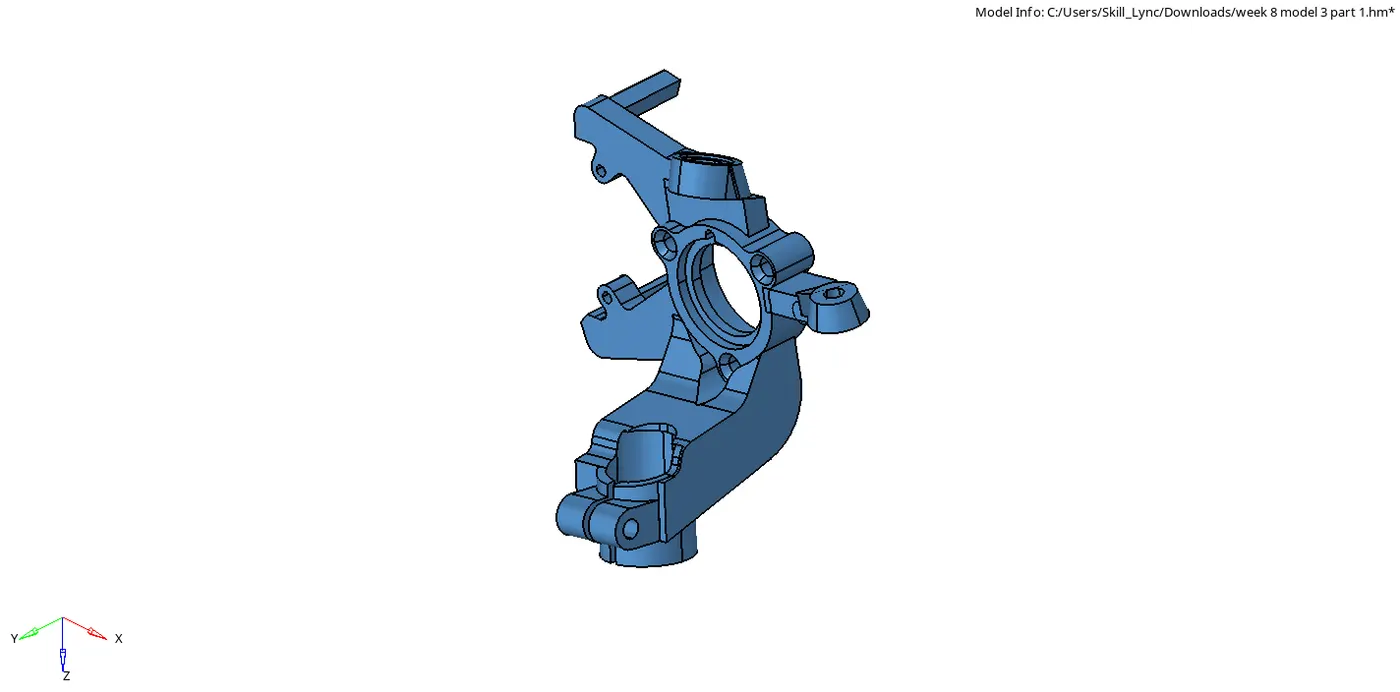
Open the CAD model component in different file.
Now goto 3D set the tetramesh parameters.

Goto volume tetra, set the value of element size as 6mm.

Mesh the solid and then check for tet collapse.
After checking save the file.
Similarly for Parts 2,3 & 4 repeat the same process.
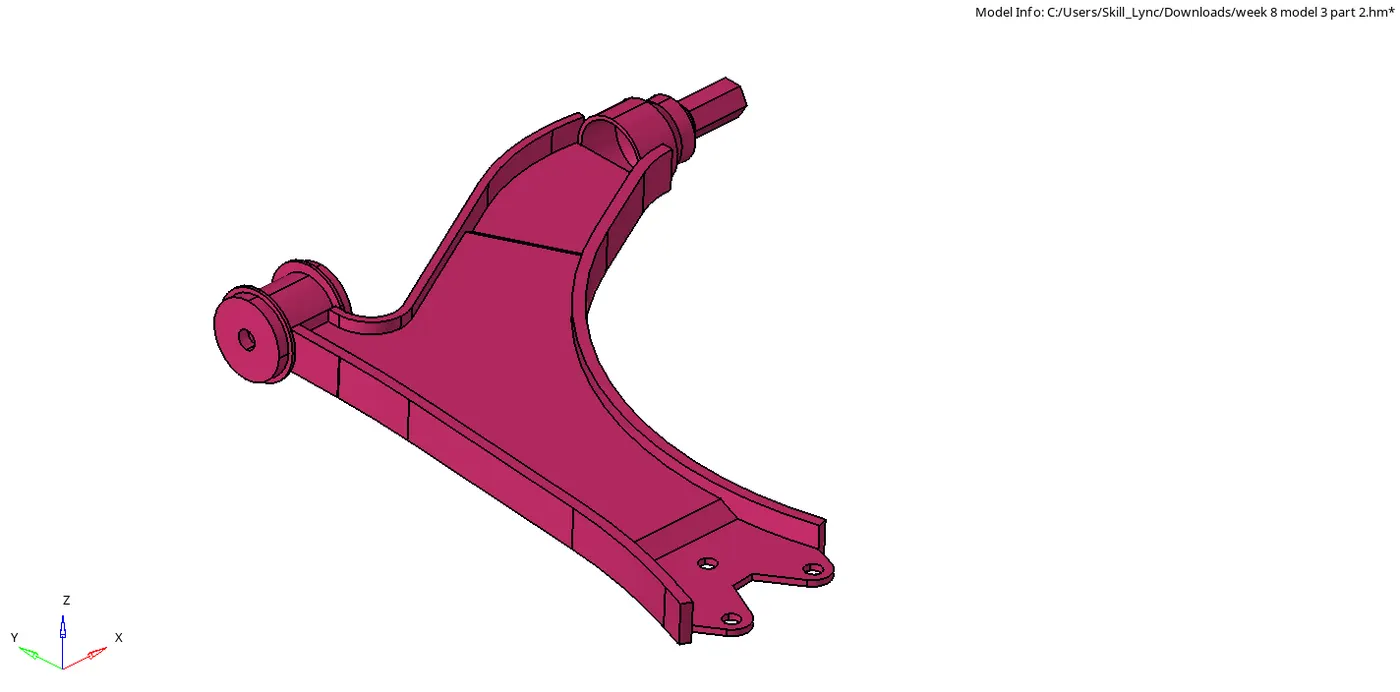
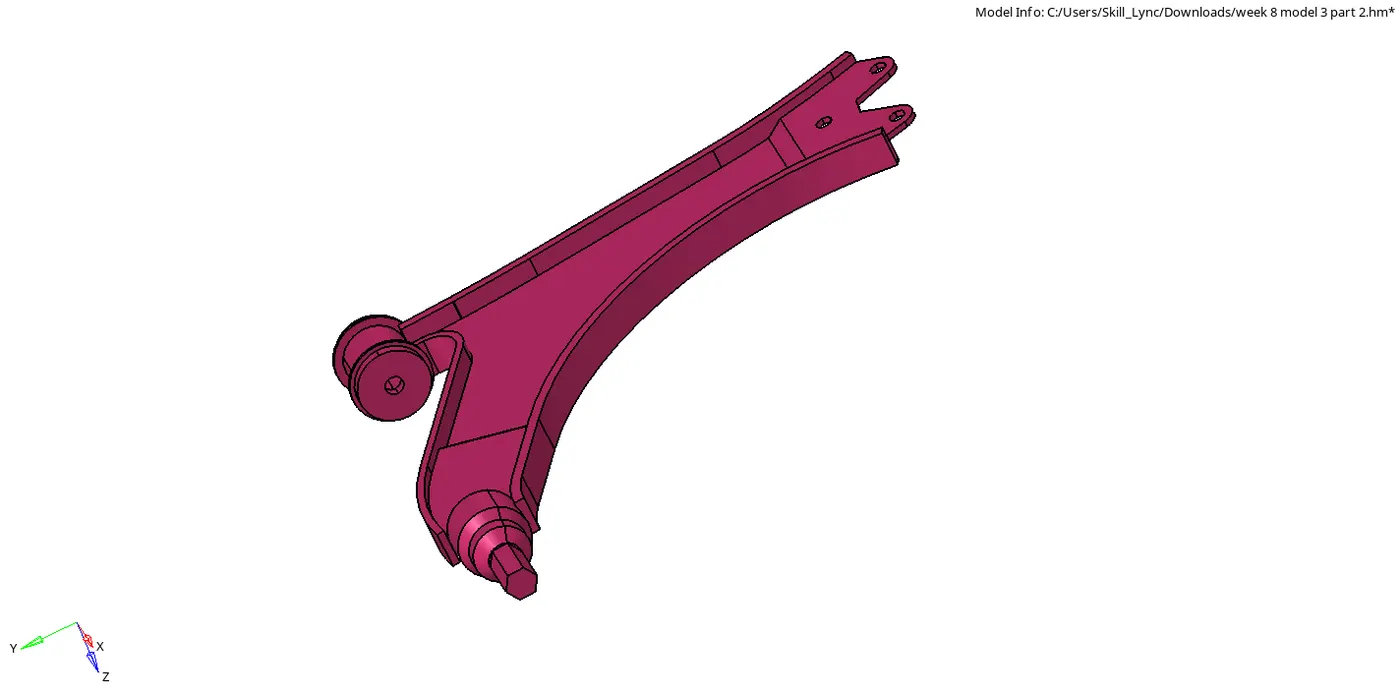
Open the different CAD models.
PART-2
PART-3
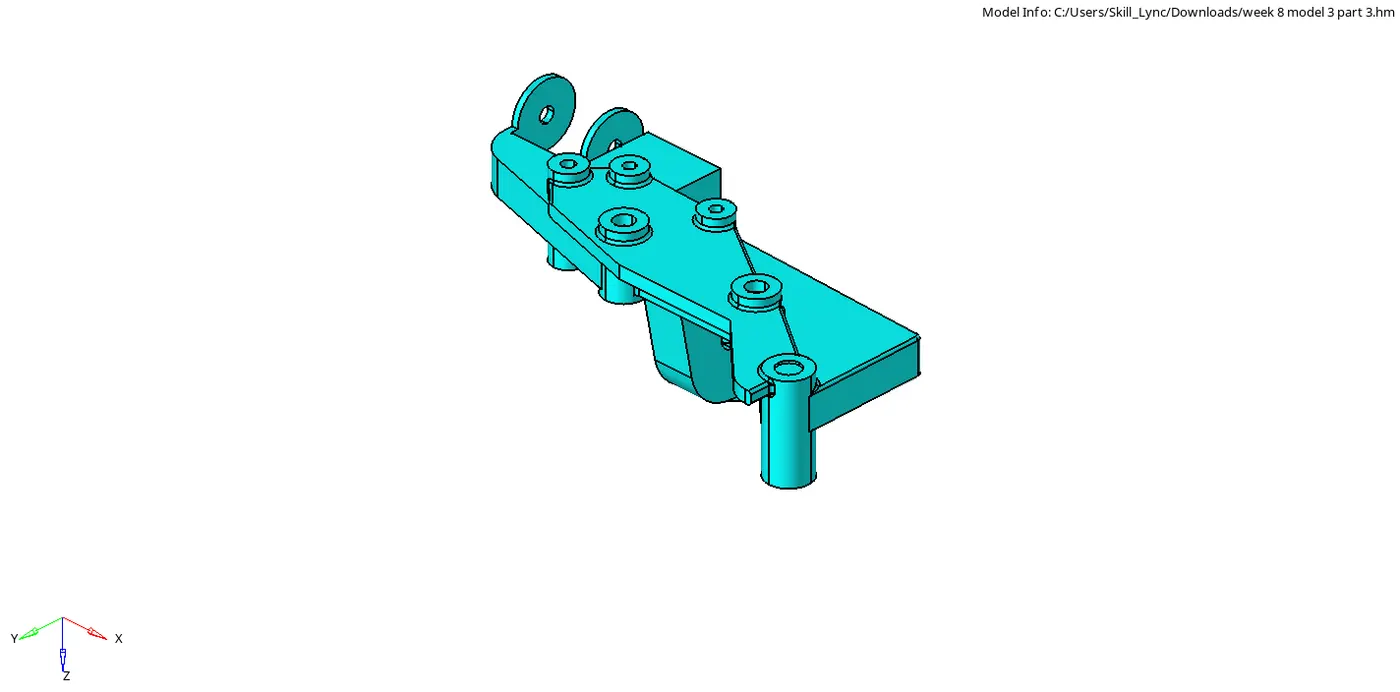
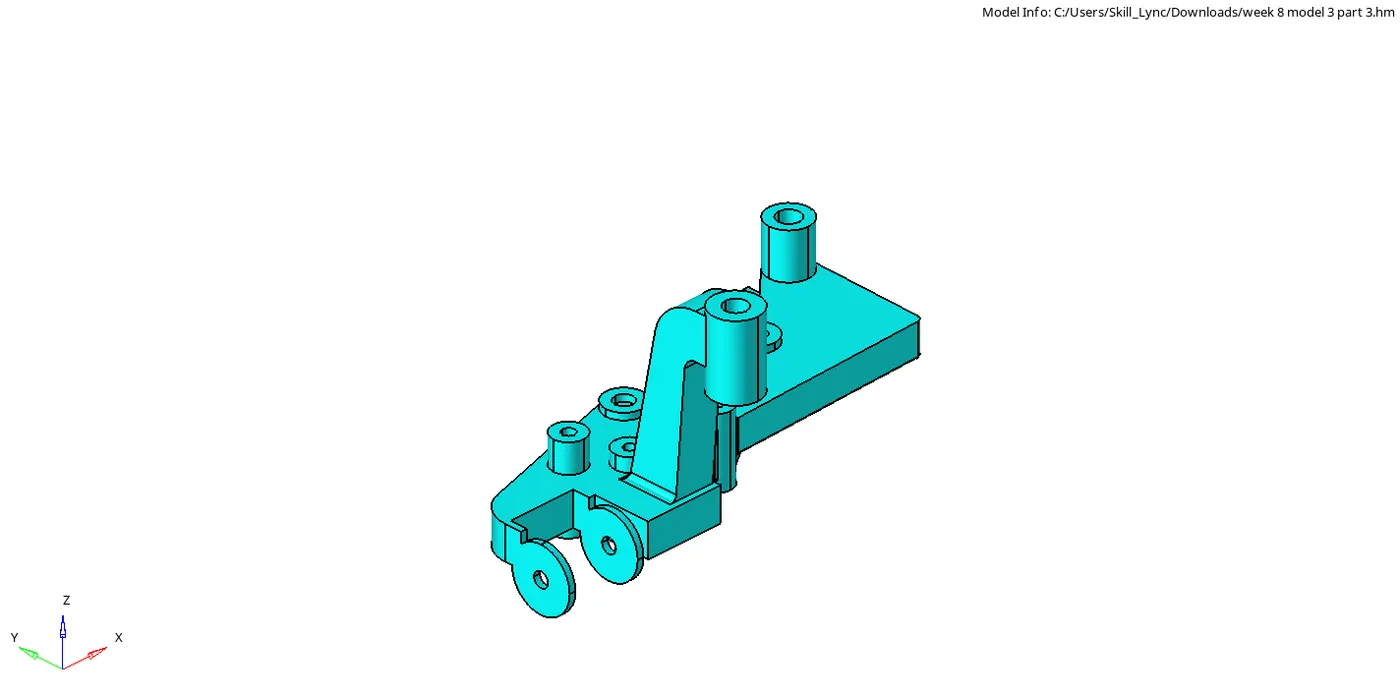
PART-4
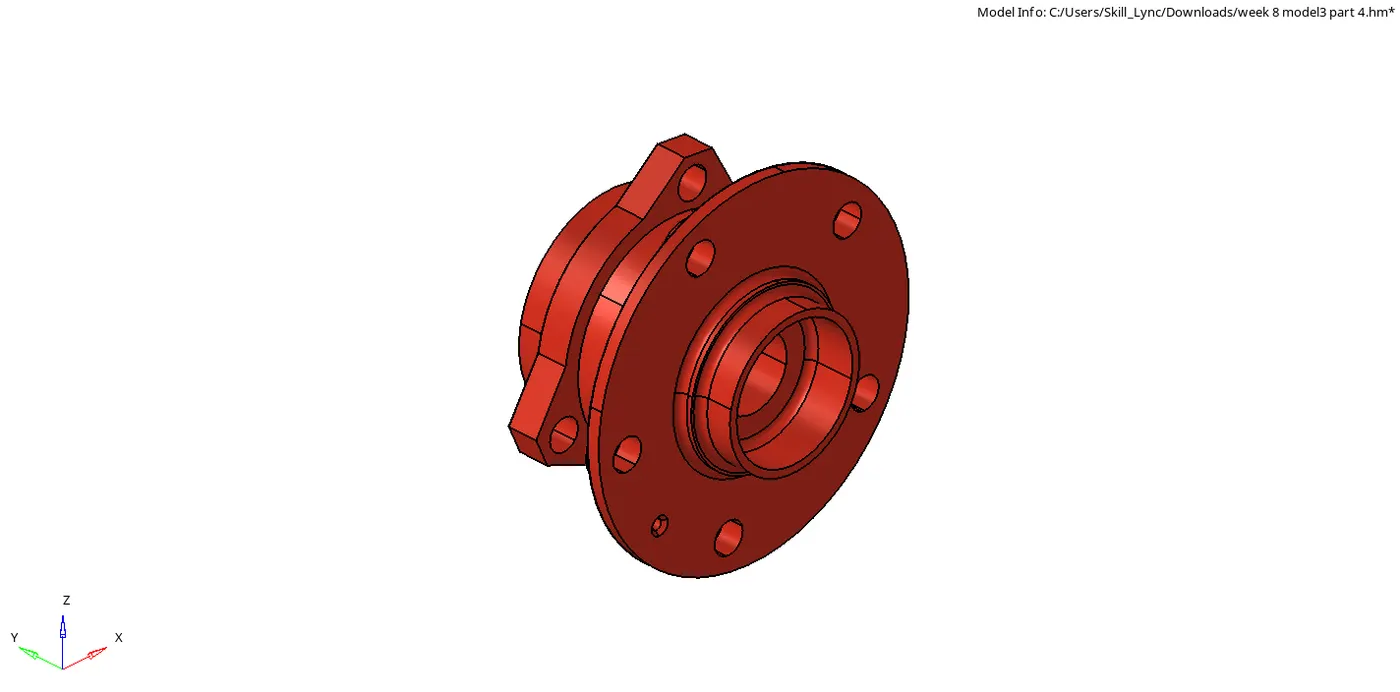
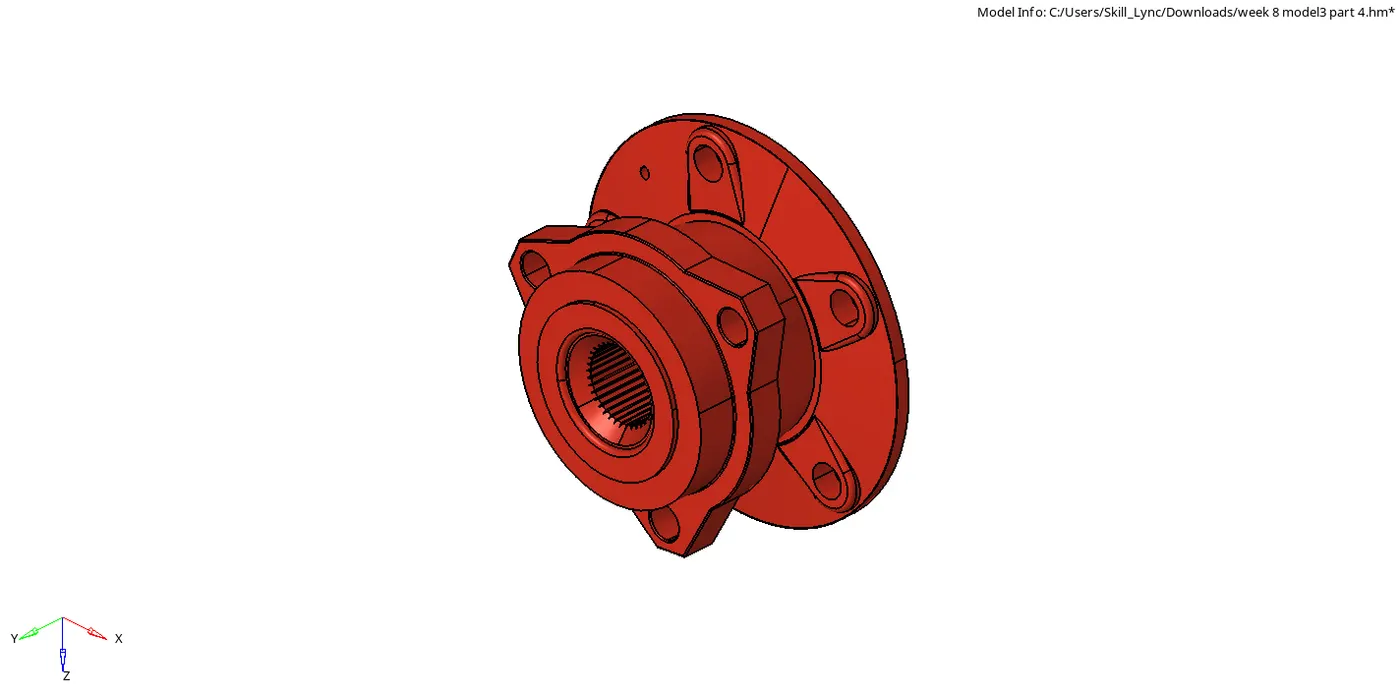
Result:
The given CAD model is mesh with the given parametes.
PART-1
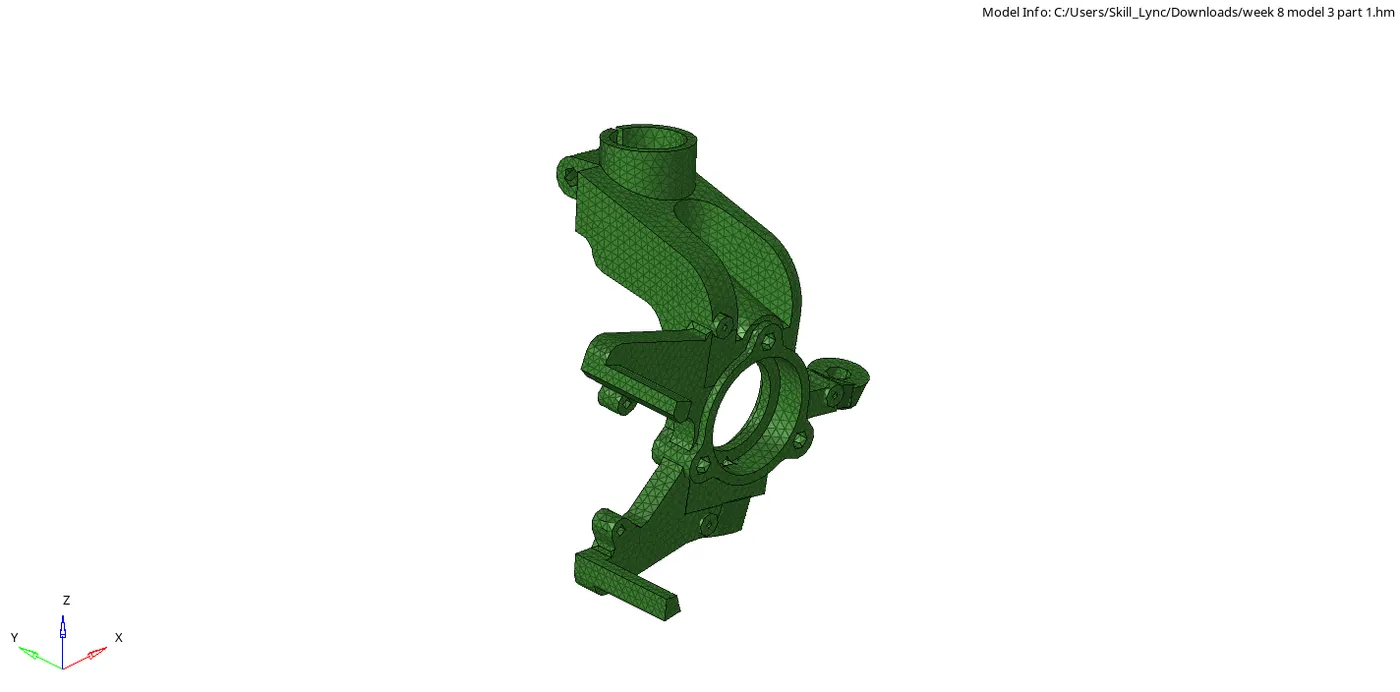
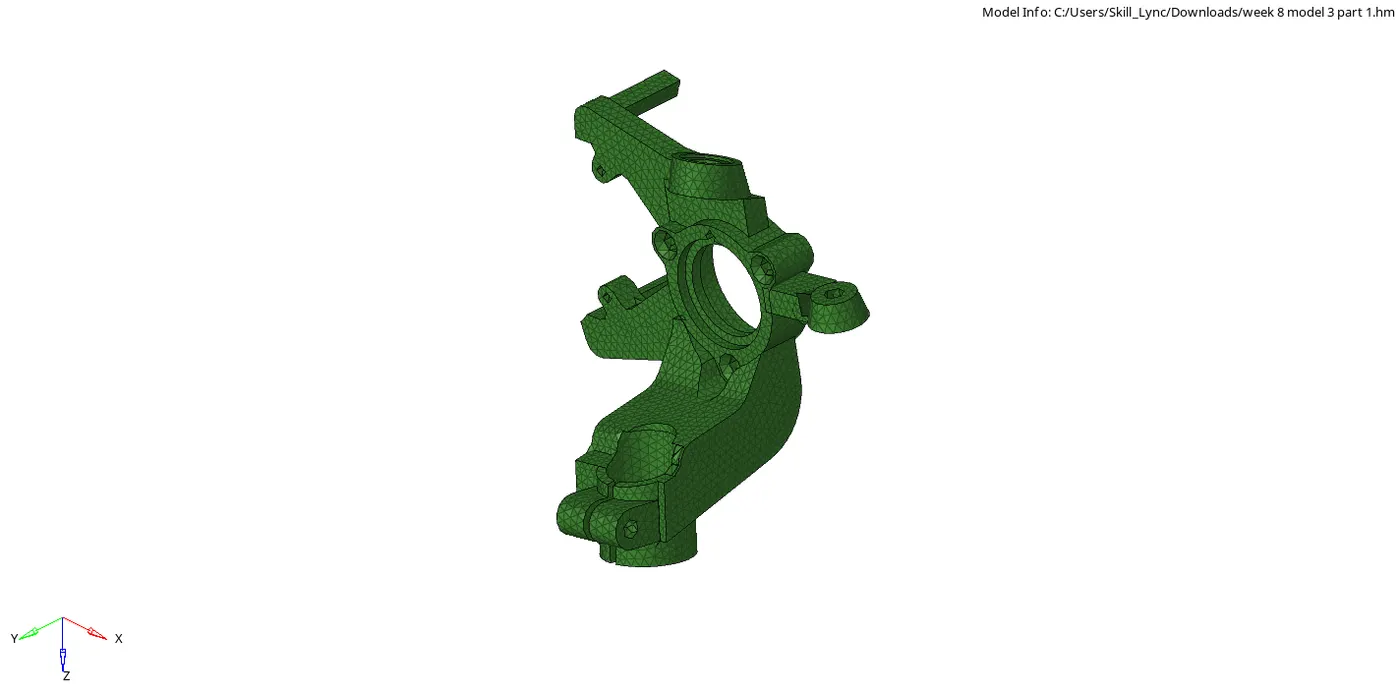
PART-2
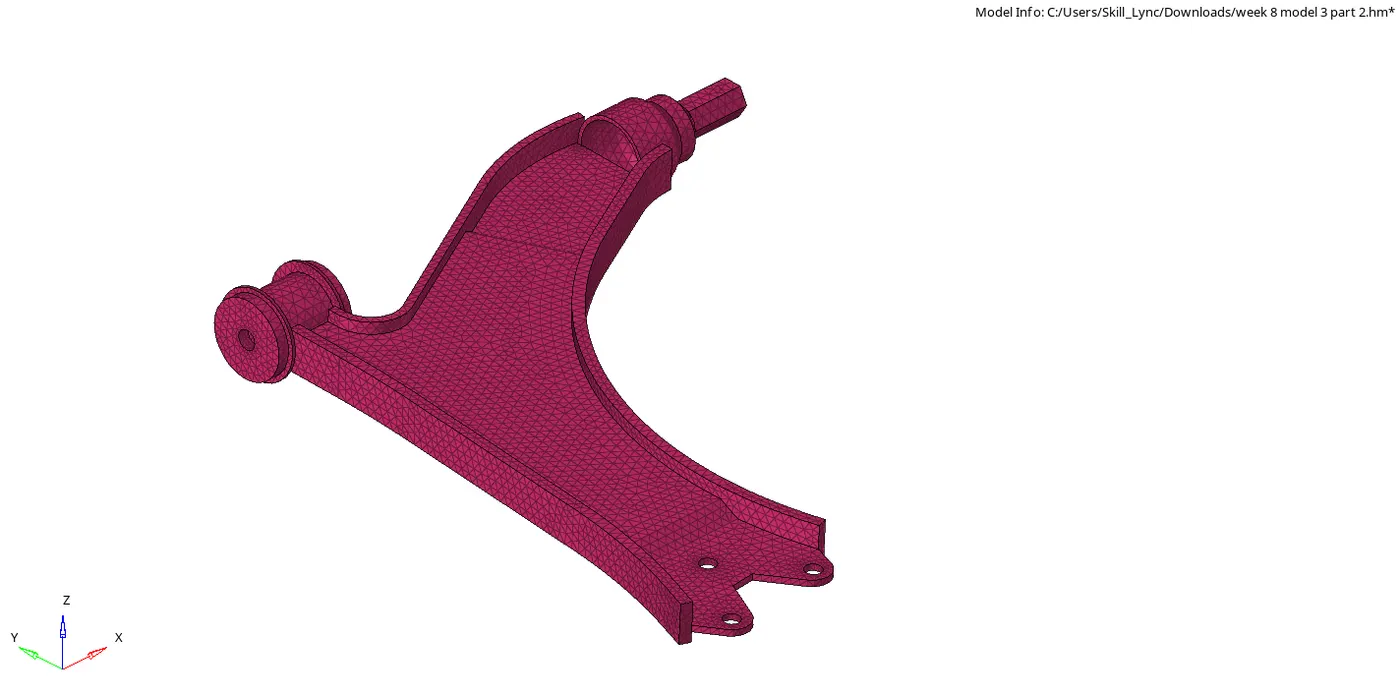
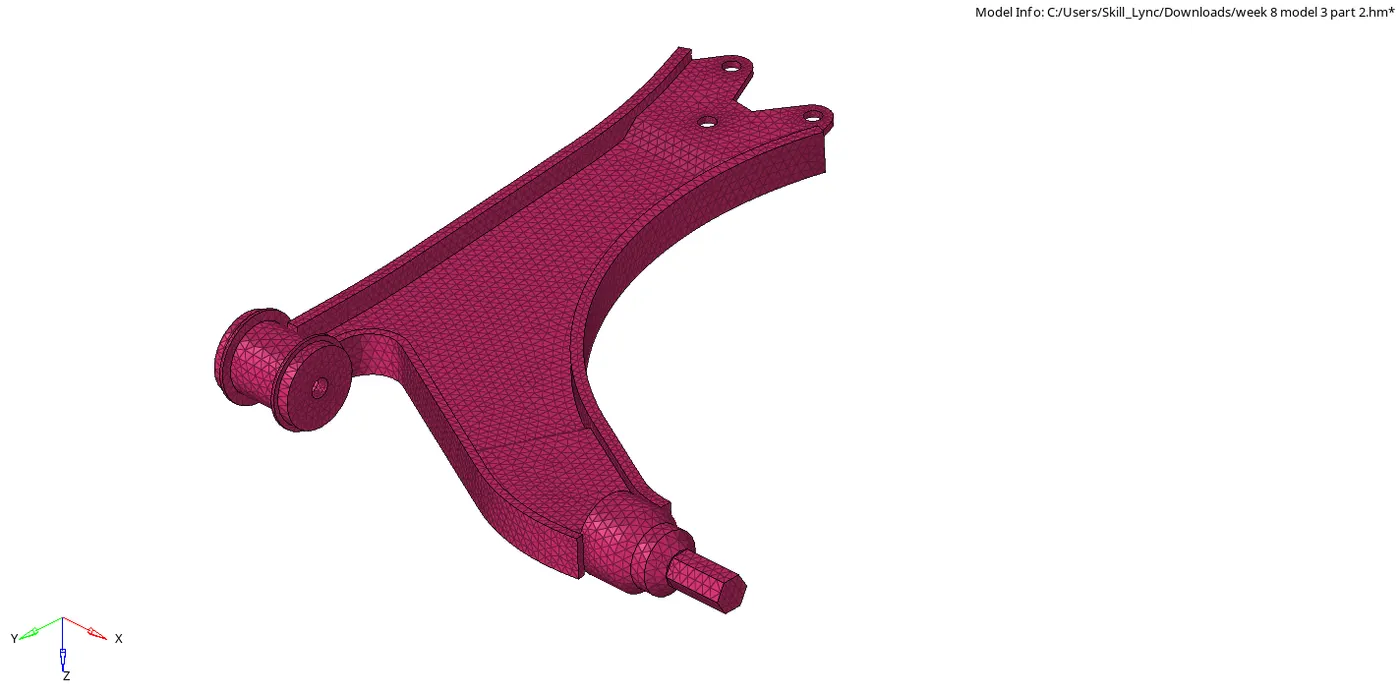
PART-3
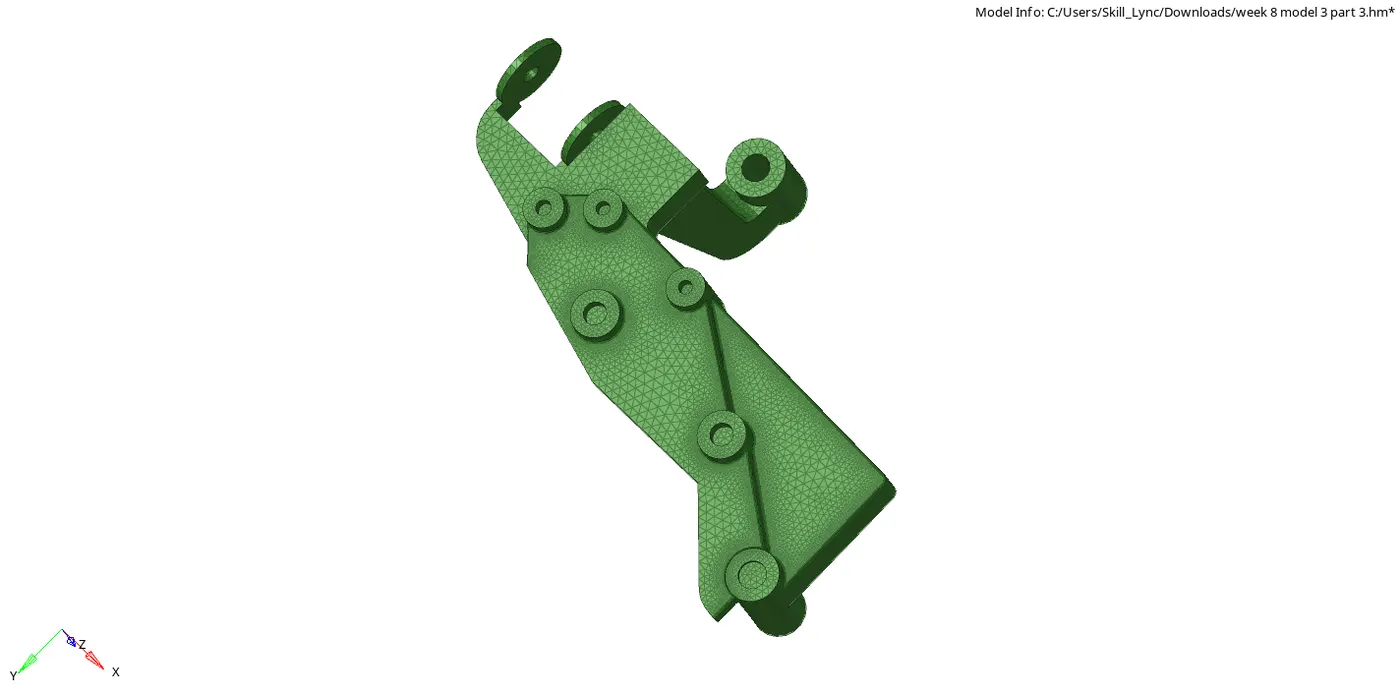
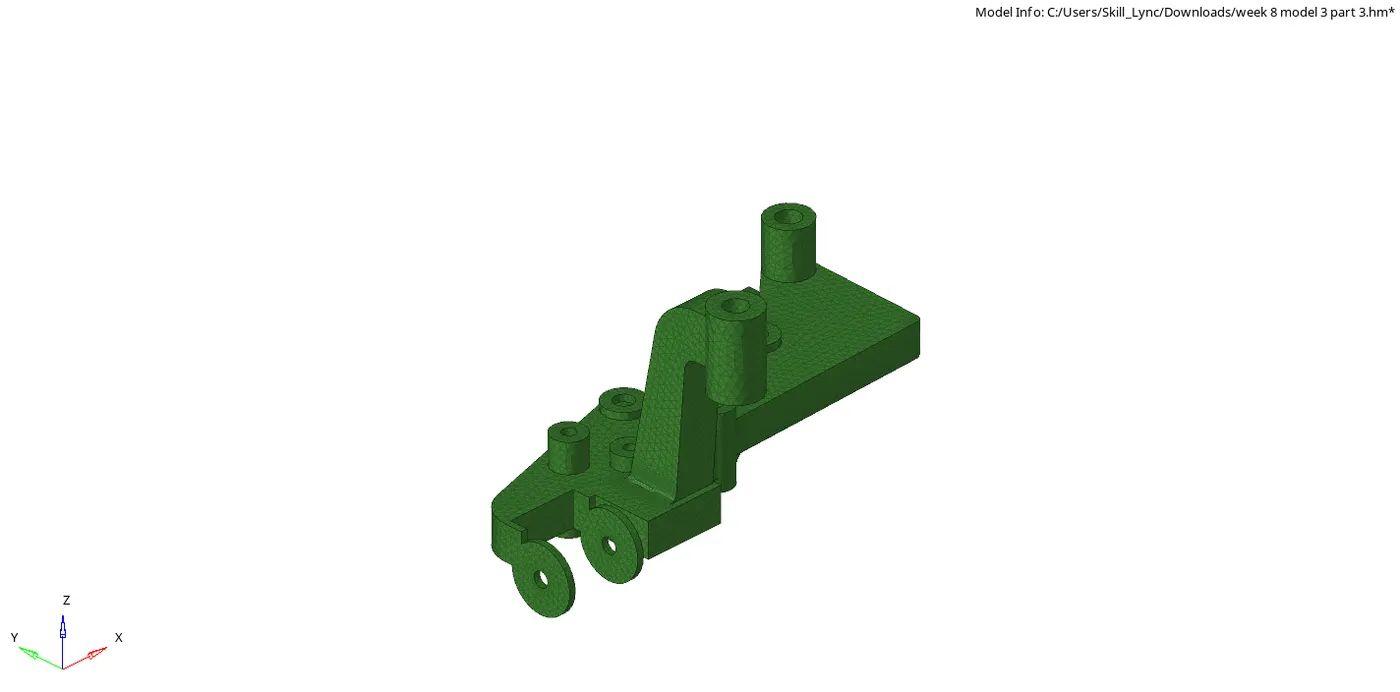
PART-4
Link:
https://drive.google.com/file/d/115CbZkQmKgfkOuAXCnMhIFnCV8h3N05f/view?usp=sharing
https://drive.google.com/file/d/1lrUTrq72kL1nTFW6VFlPgn5KVMRk5jUQ/view?usp=sharing
https://drive.google.com/file/d/1dJ7su0NEyKlO1NMwv7IoRH8BSv8wIXuZ/view?usp=sharing
https://drive.google.com/file/d/1z5TMItXnXG3gl8oleQMzh7mXAg5Ic4Zt/view?usp=sharing