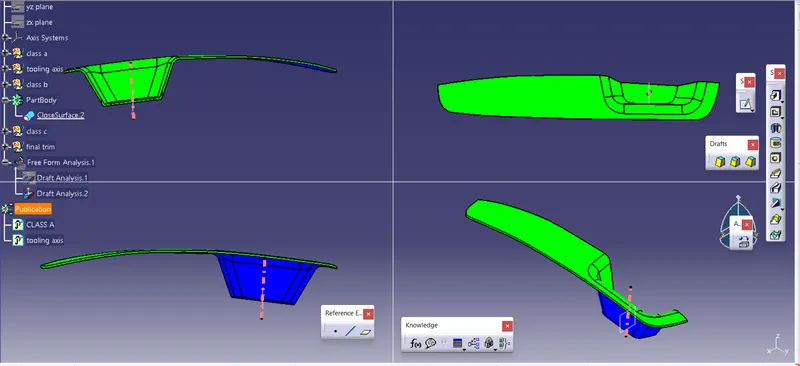
Week 8 - Challenge 3 - Switch Bezel Design
CREATION OF TOOLING AXIS CLASS B CLASS C AND CLOSED BODY AND DRAFYT ANALYSIS OF THE SWITCH BEZEL
1.TOOLING AXIS
the tooling axis is created along the z axis and the class a is intersected along x and y axis
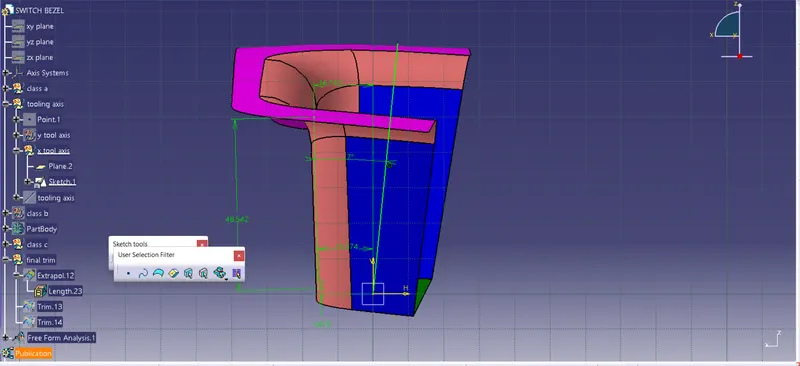
X TOOL AXIS
- here in x axis only single phase is there and so a sketch is created by giving the angle to the x line from the intersection parallel line
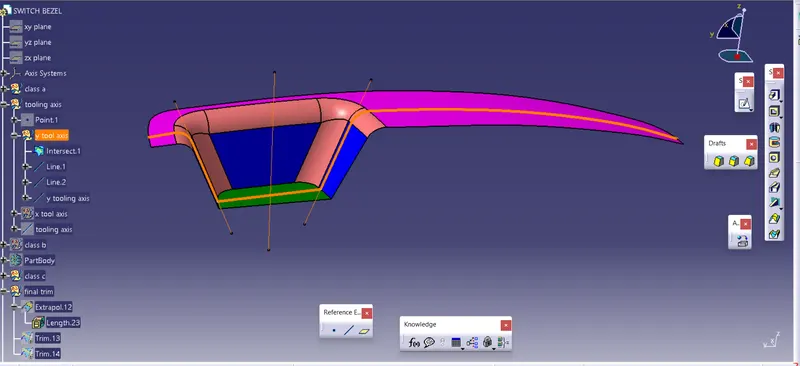
Y TOOL AXIS
- here first the intersection is created and it has two parallel phases w.r.t the tool axis direction
- the two lines are created from the parallel lines and then they are bisected to create the y tool axis
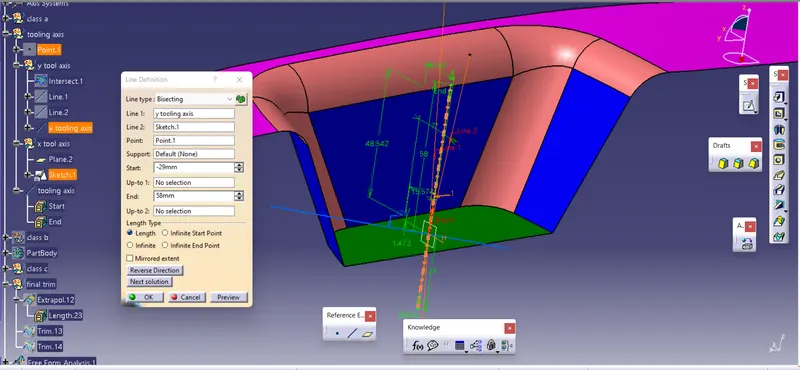
MAIN TOOL AXIS
- now the main tool axis is created by bisecting the x ans y tool axis and the referace point
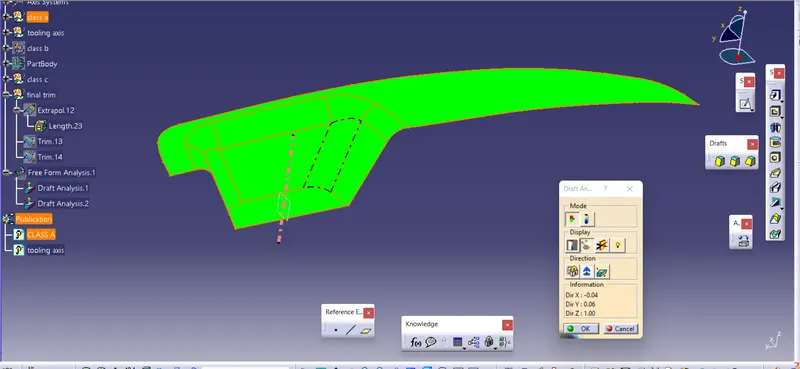
2.CLASS A DRAFT
- then draft analysis of the class a w.r.t the main tool axis is done to ensure the properness of the tool axis
3.CLASS B
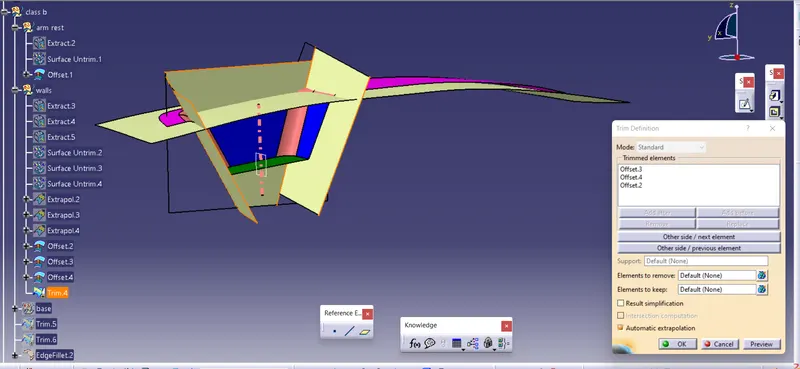
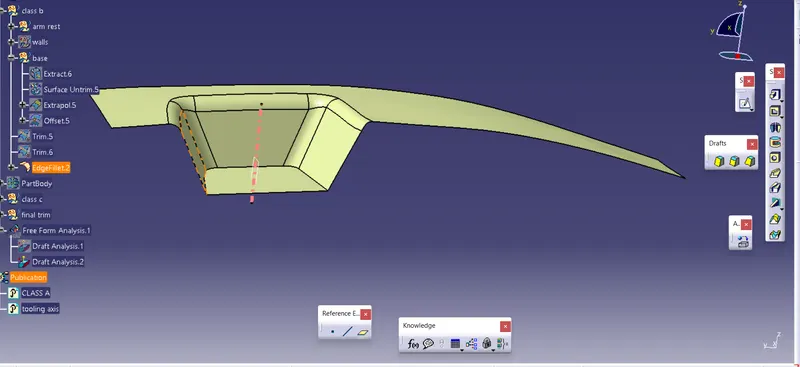
- first the arm rest phase is extracted and untrimmed and offseted
- then walls of the switch bezel are extracted offseted and trimmed
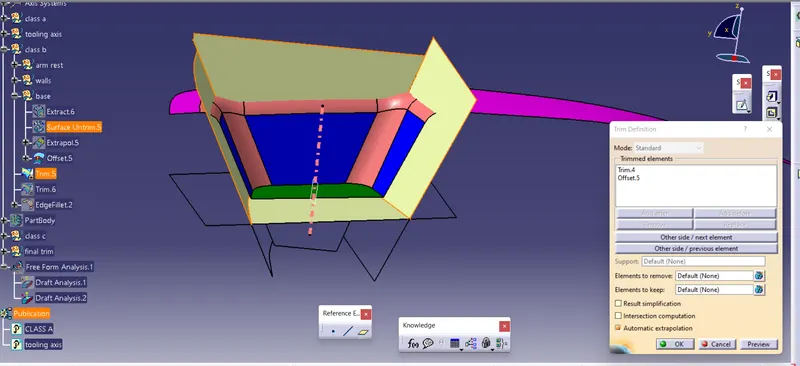
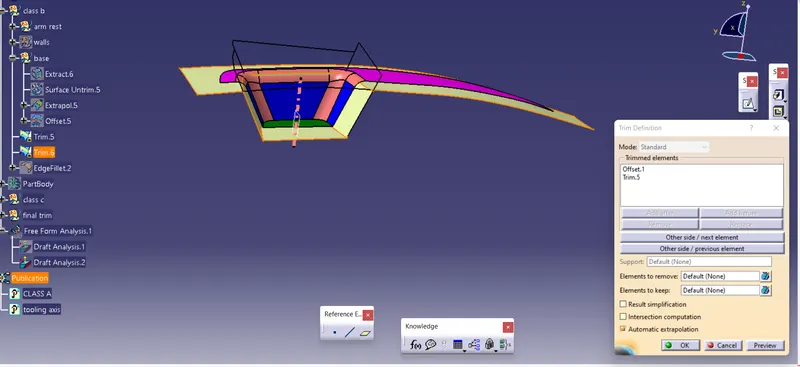
- then the base is extracted and offseted and finally trimmed
- now the fillet is given as the main fillet value minus 2.5mm
4.CLASS C
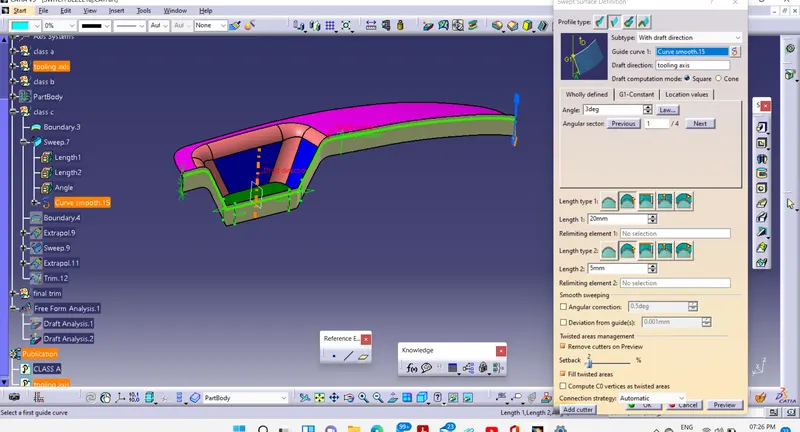
- first the boundry is created for the class a
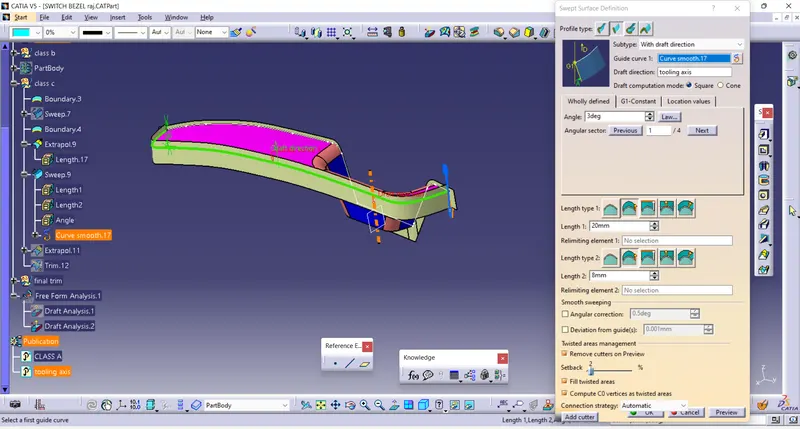
- it is seperated into two halves
- the first half is sweeped and draft of 3deg is given
- the second half is created in same way
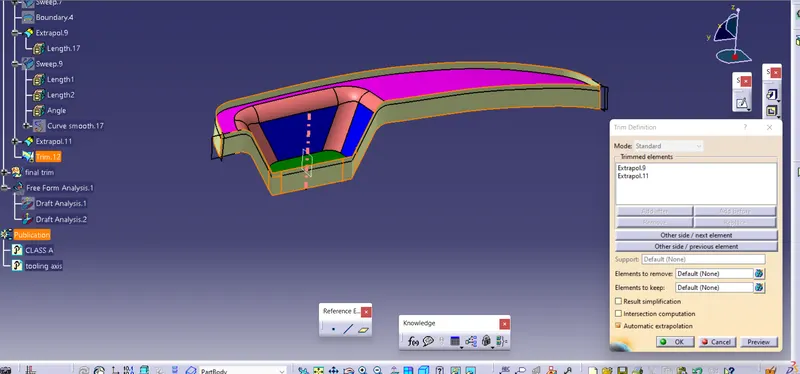
- finally the both are extrapolated and trimmed
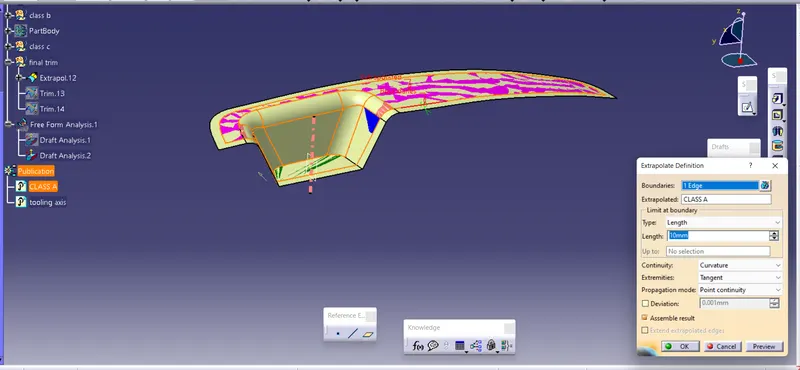
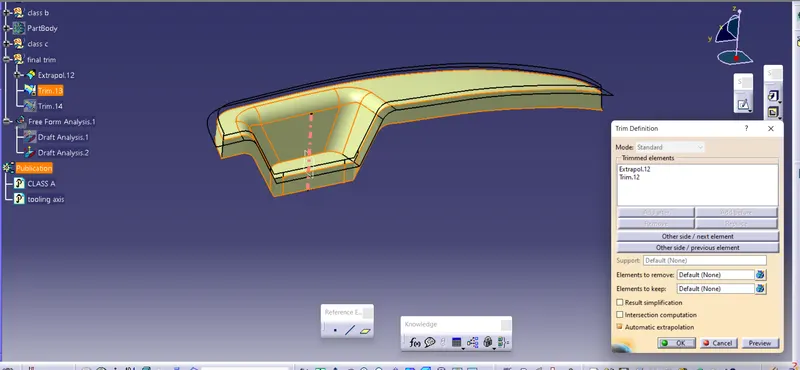
5.FINAL TRIMS
- the class c is then trimmed with the class a by extapolating the class a
- then the created trim is then trimmed with the calss b to created the surface body
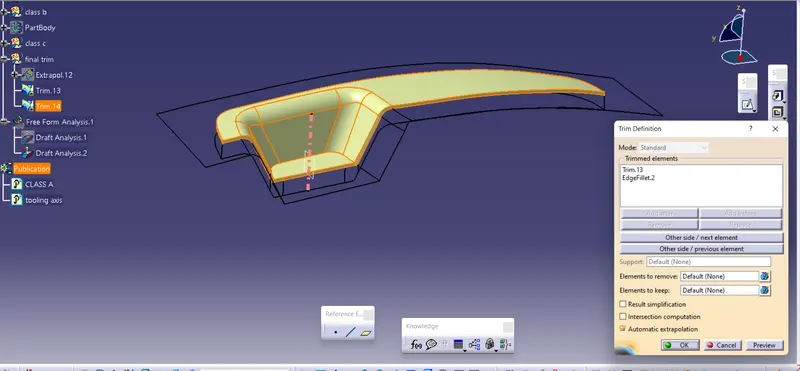
6.SOLID BODY
- then the closed surface is created into closed body
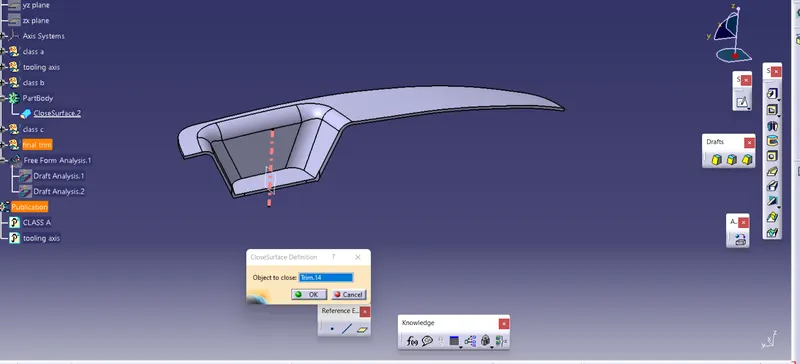
7.FINAL DRAFT
- then final draft is creatred with the solid body using the main tooling axis
- the green colour is ensured to ensure the clearing of the switch bezel using the core and cavity