Week 8 - Challenge 3 - Coin Holder Design
Week 8 - Challenge 3 - Coin Holder Design
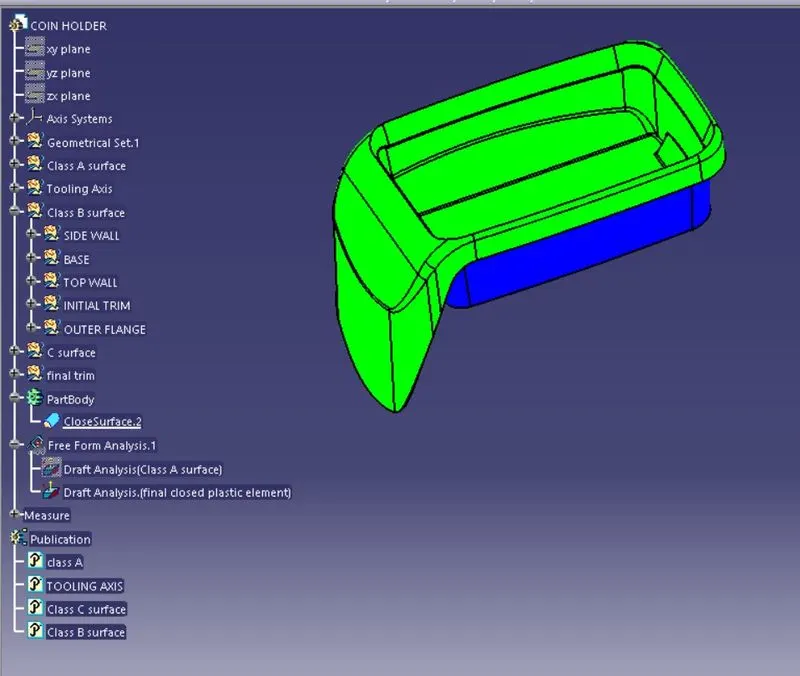
Aim:-Create the Coin Holder Plastic component through the given Class-A surface. To begin with, the tooling axis for the given Class-A Surface should be created meeting the requirements of the draft angle and at the end perform the Draft analysis on the model.
Take the Thickness of the component to be 2.5 mm
Class A surface:-
Tooling axis:-
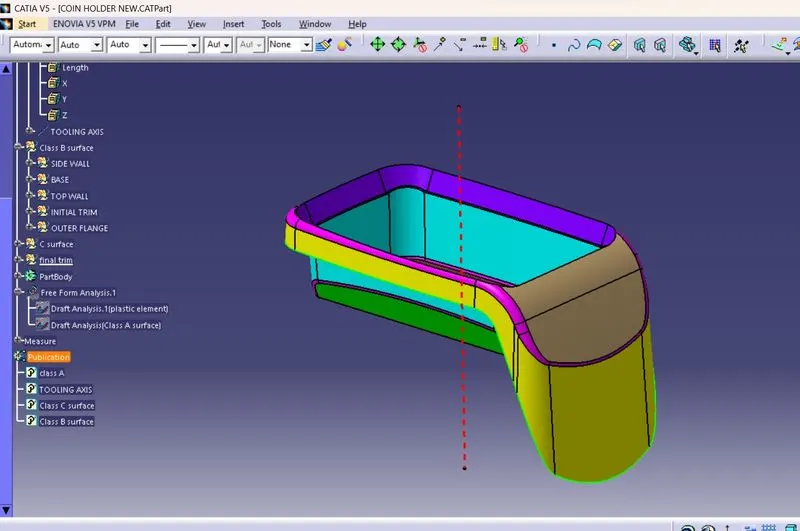
- To we create tooling axis for the Class A. First a create axis system for where we want, then we create intersect based on the axis system.
- Extract the bottom surface and insert point on a surface then create line based on a point.
Class B surface
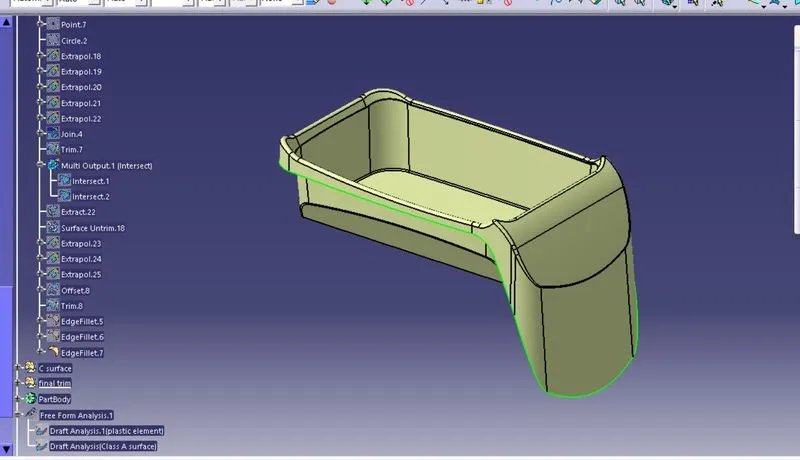
- The traingular inside portion will be created seperatly
Creation of class B surface
Side Wall
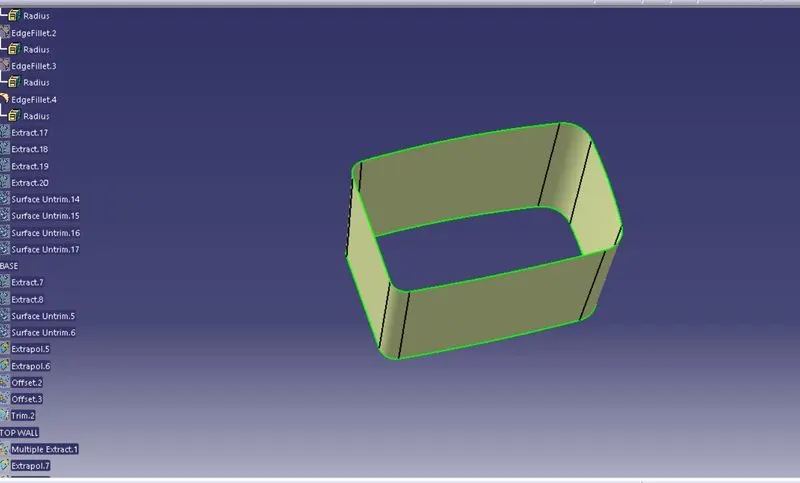
- Use extract command and extract a base from class A. Then use untrim tool get full body of a base. Next use extrapolate tool extended a base , then offset of 2.5 mm.
Base
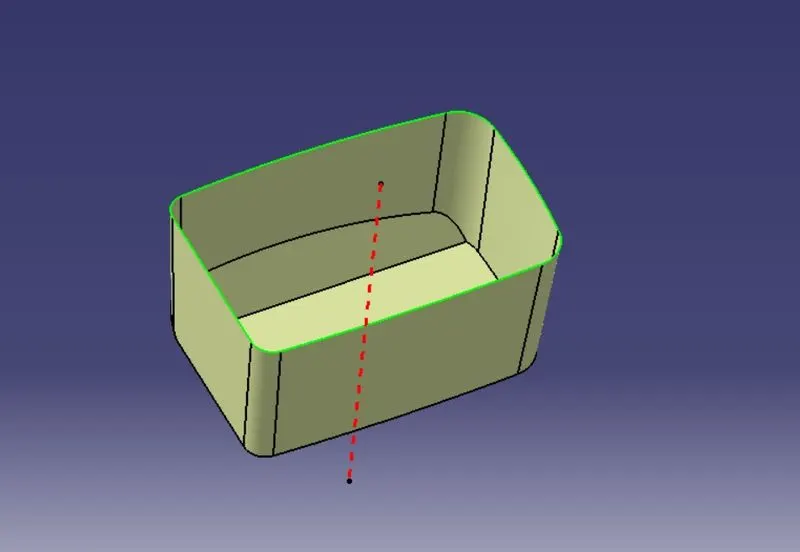
- use extract tool, extract from classA surface base untrim the surface
- offset them and then trim them
Top wall
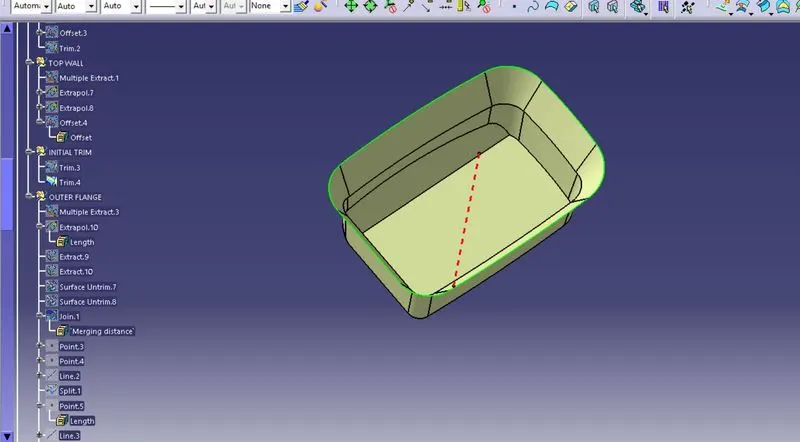
Now extract a top wall from class A, then use extropolte the extract body. Then trim the body
And the inside traingular part will be created in the end
OUTSIDE FLANGE
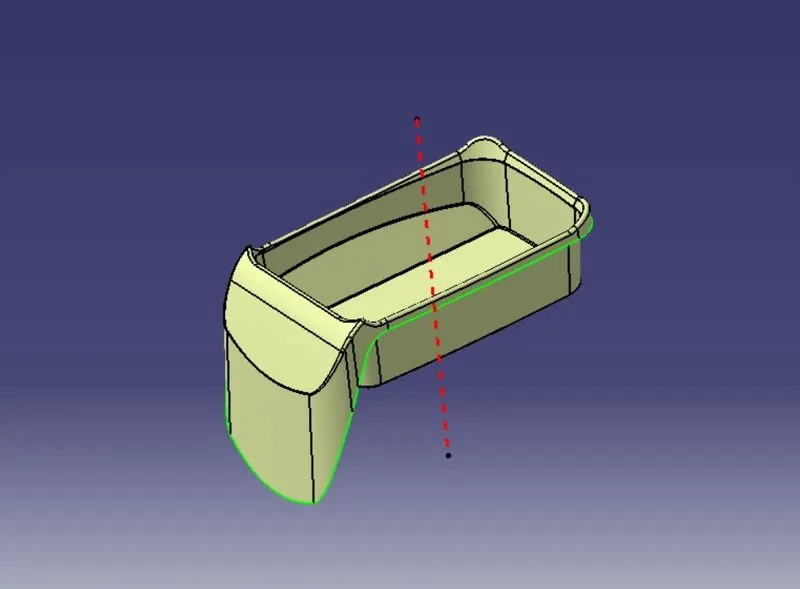
- Extract a required part from class A, then undrim a extract part. Next extrpolte some distance. Then trim a part, then offset. Now trim with base then get final part of a inside, join with remain parts.
- Unhide bottom surface and trim the one by one with base then get the proper class B.
- Then use fillet command, fillet tha corner edges then we get a final Class B surface .
Class C surface
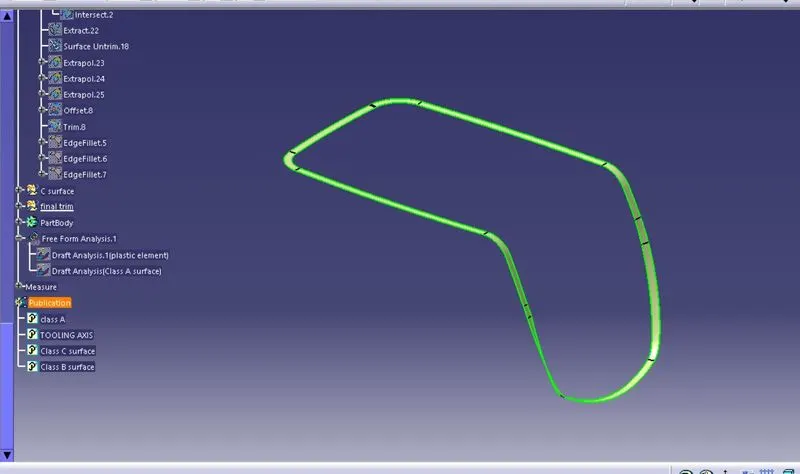
- It is created by taking boundary smooth curve and then sweeping it
TRIM OF SURFACE BC
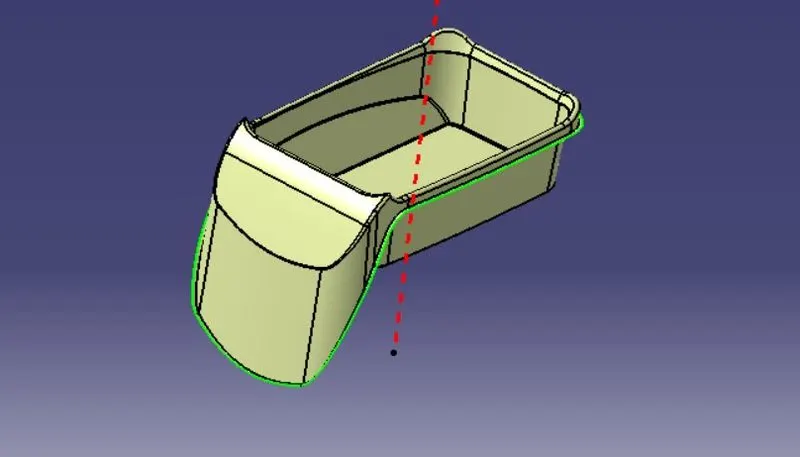
join of surface bc and A surface
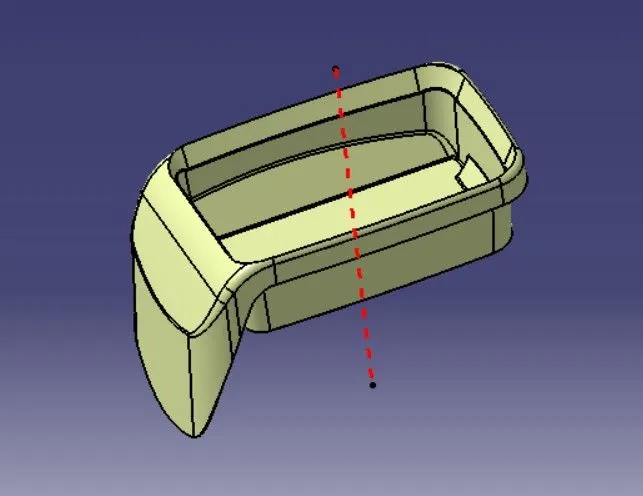
Triangular portion creation
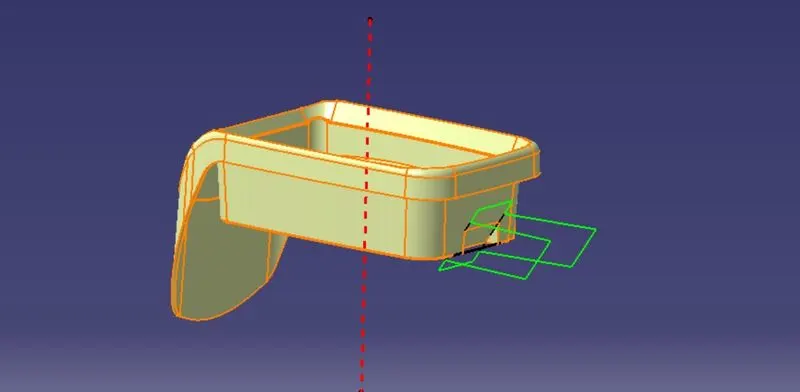
- The traingular portion was created by extracting the triangular portion wall from b surface and then untrimmed and offset it and trim from the partcular trim and then fillet it
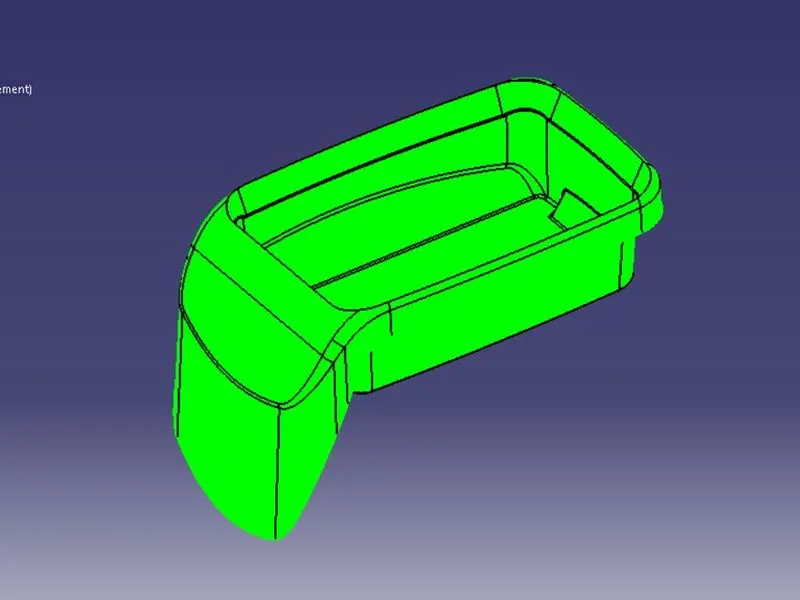
Final plastic element surface
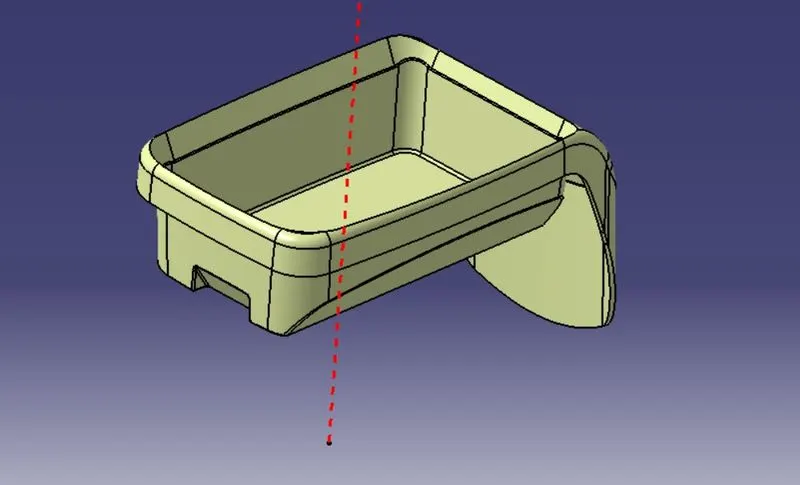
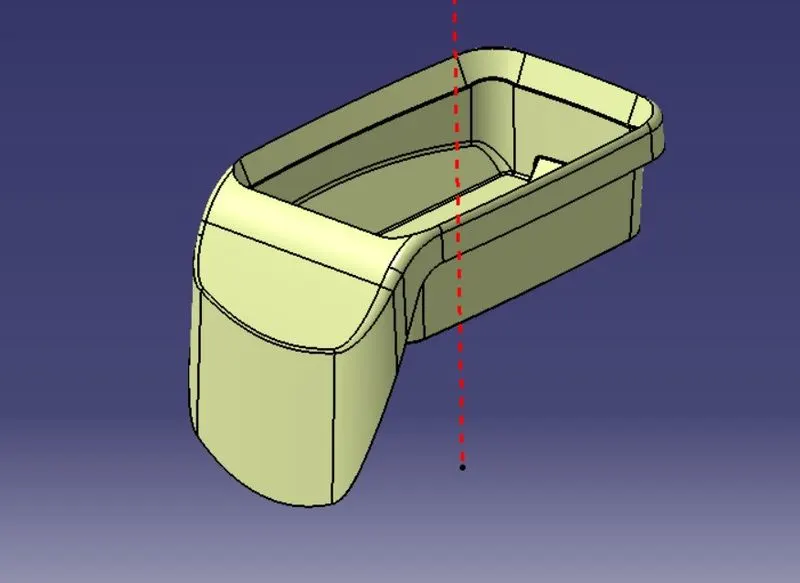
Final closed plastic element
- The final surafce is then closed using closed surface command
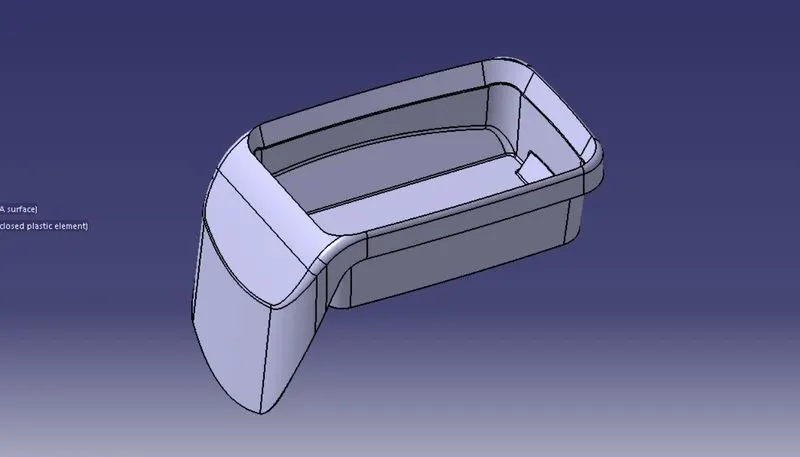
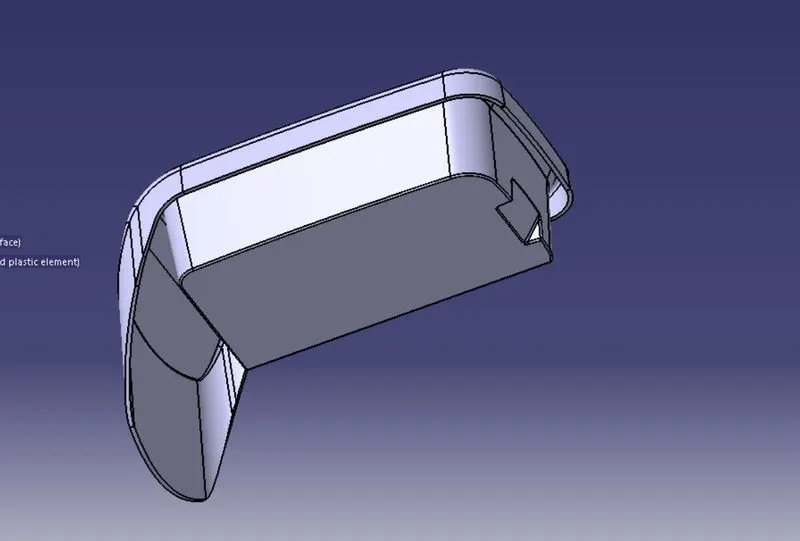
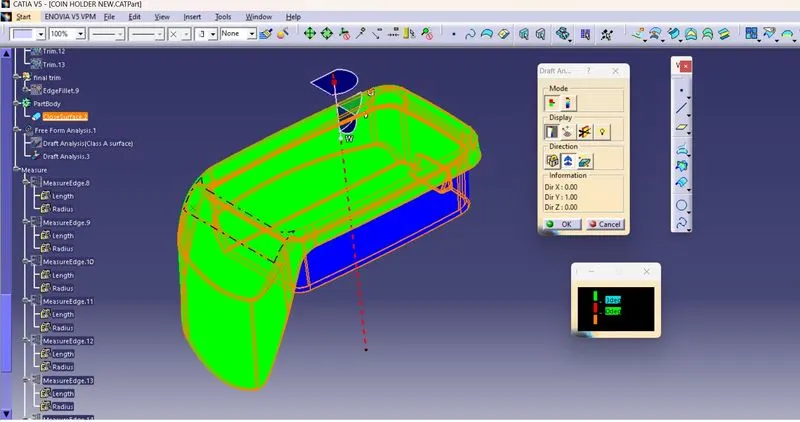
Draft analysis
Draft analysis of class A surface (draft angle 3 degree)
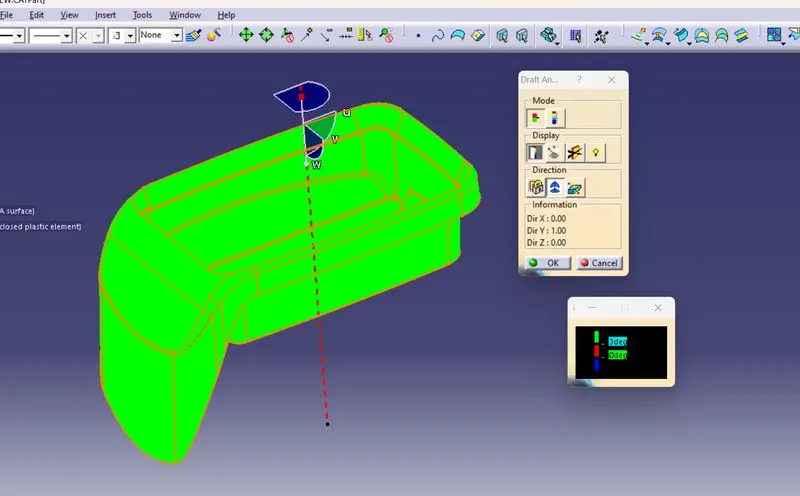
Draft analysis of closed plastic element (draft angle 3 degree)
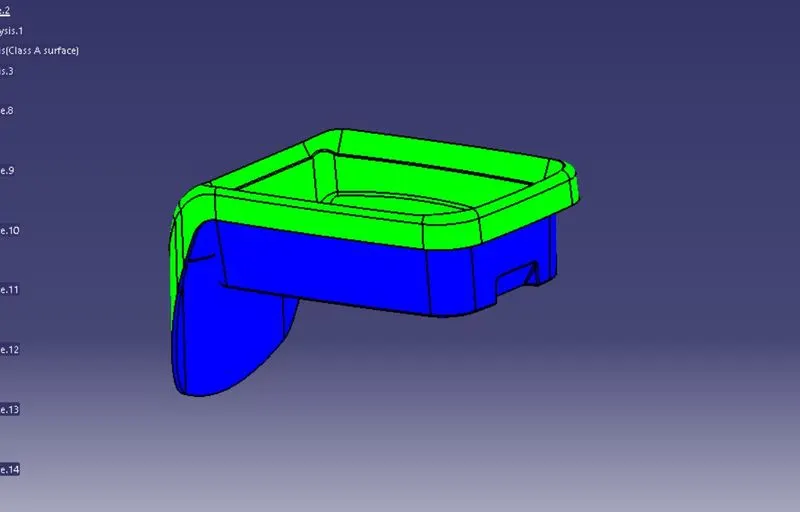
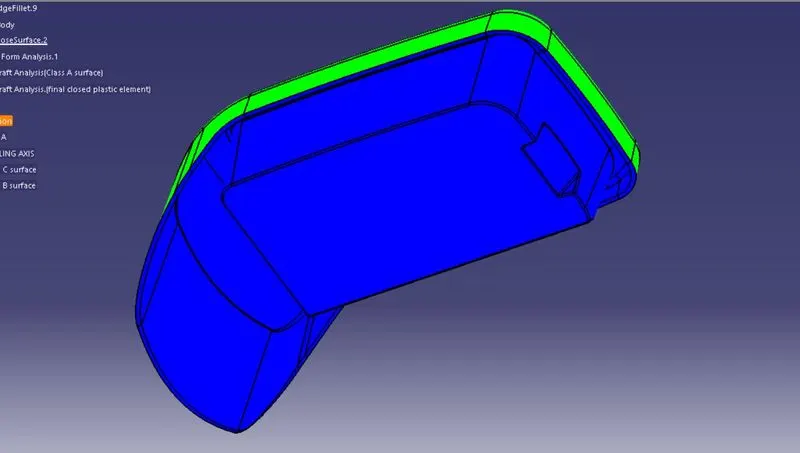
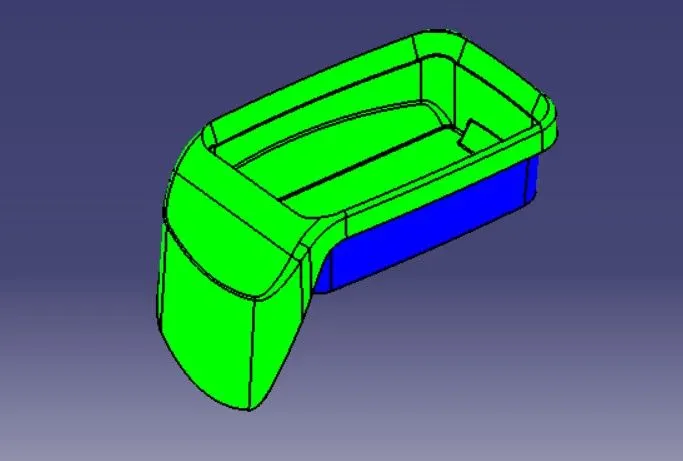
Views
iso view
Front view
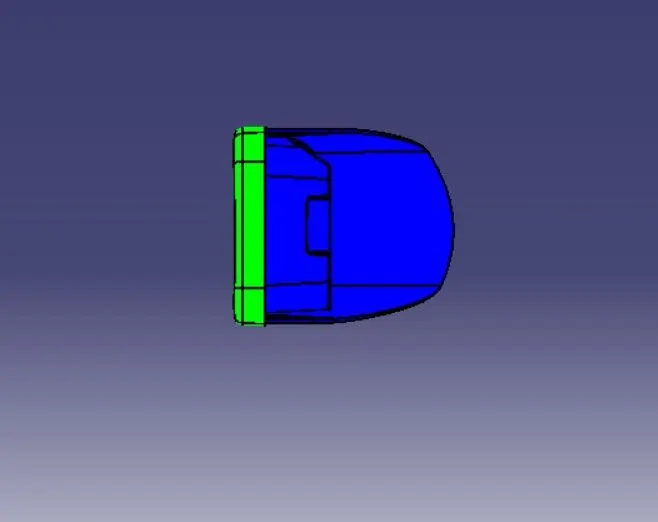
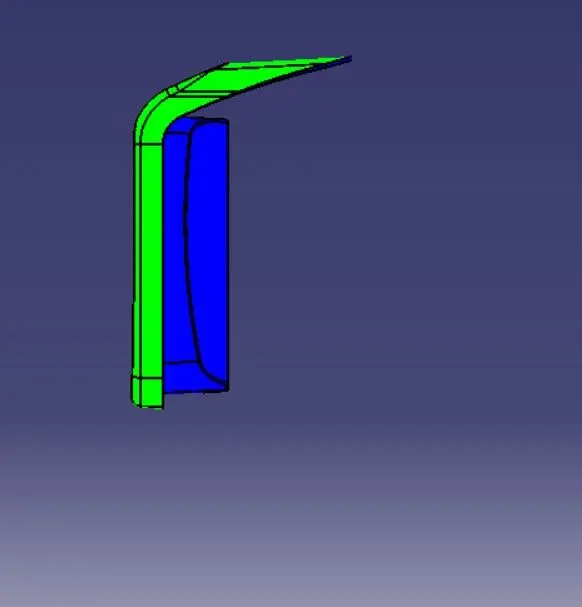
side view
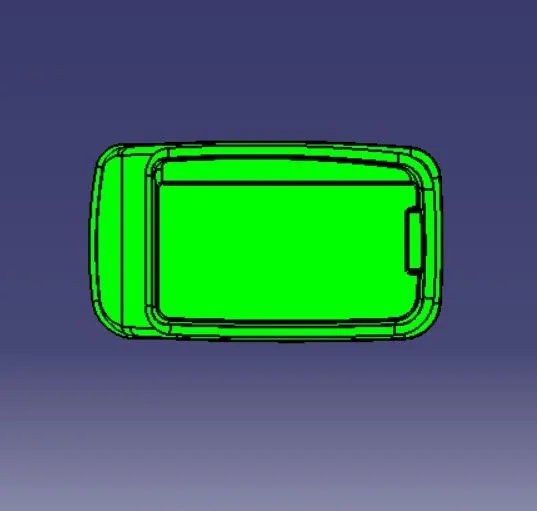
Top view
Tree Structure