Week 8 - Challenge 2 - Switch Bezel Design
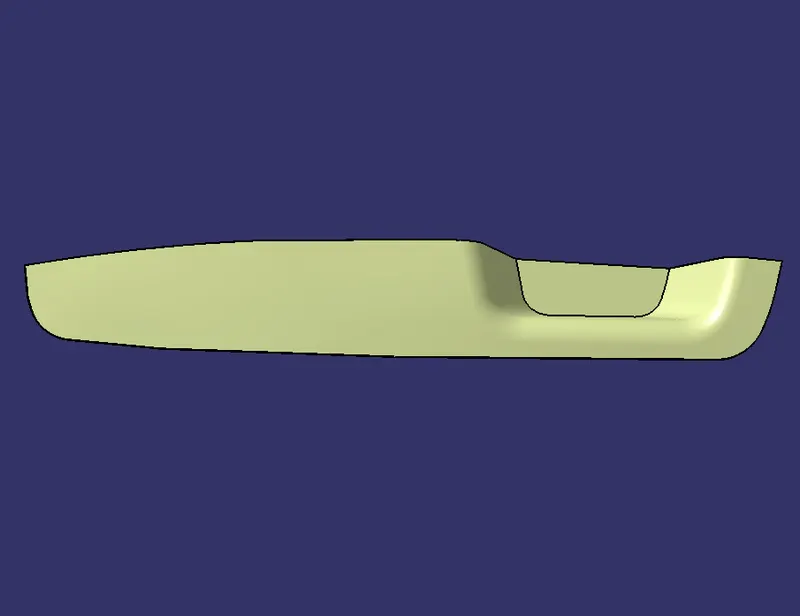
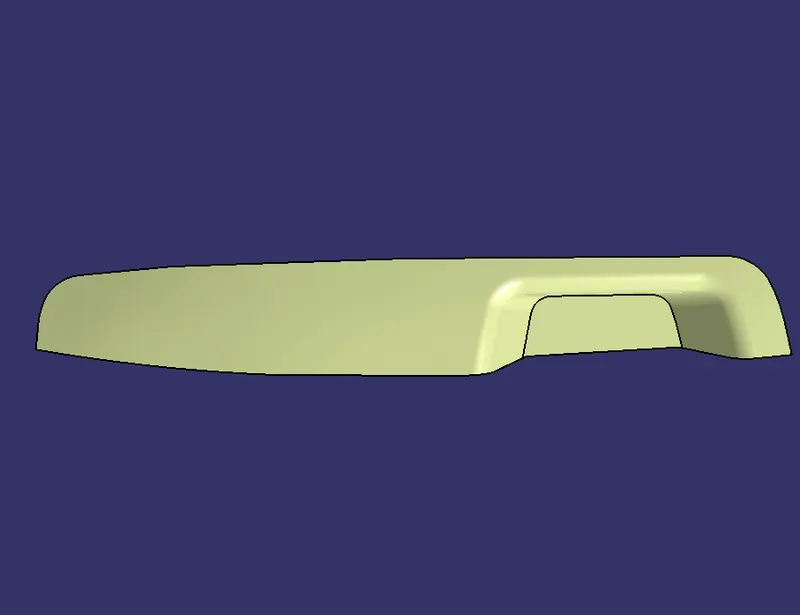
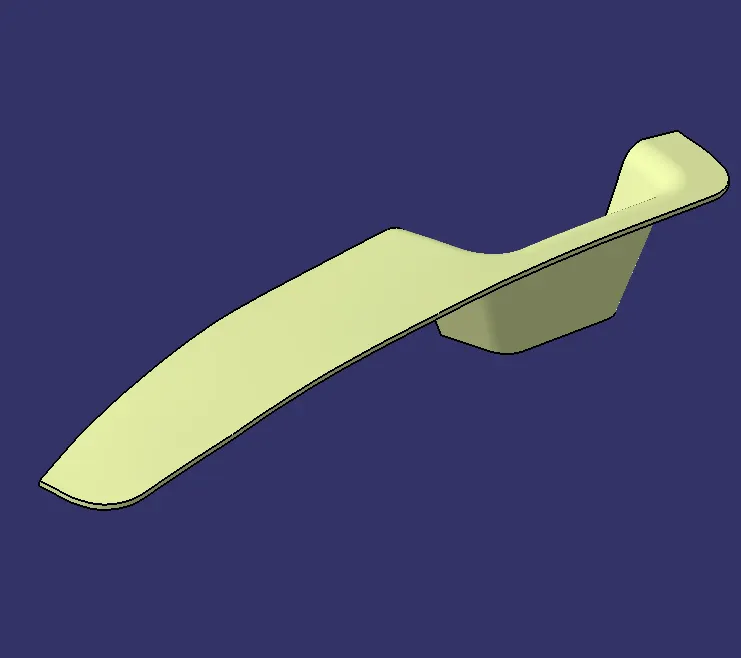
1. Class A Draft Analysis
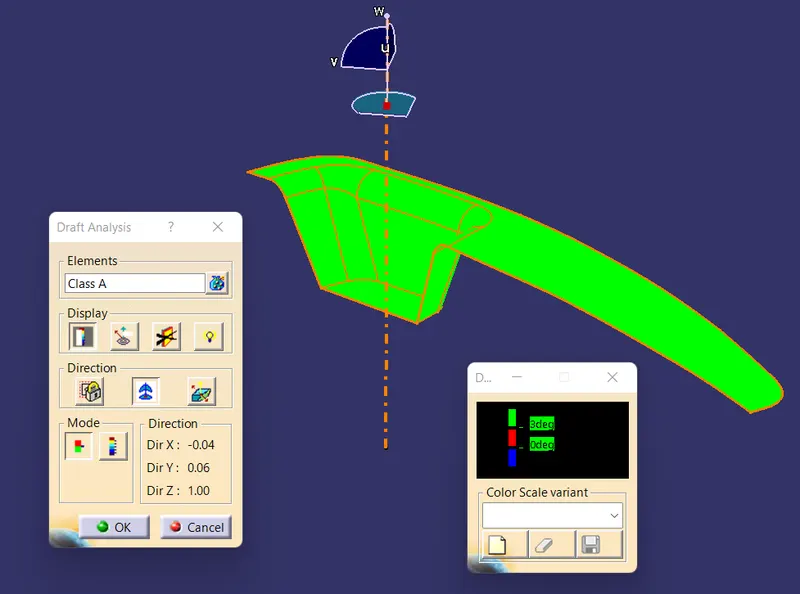
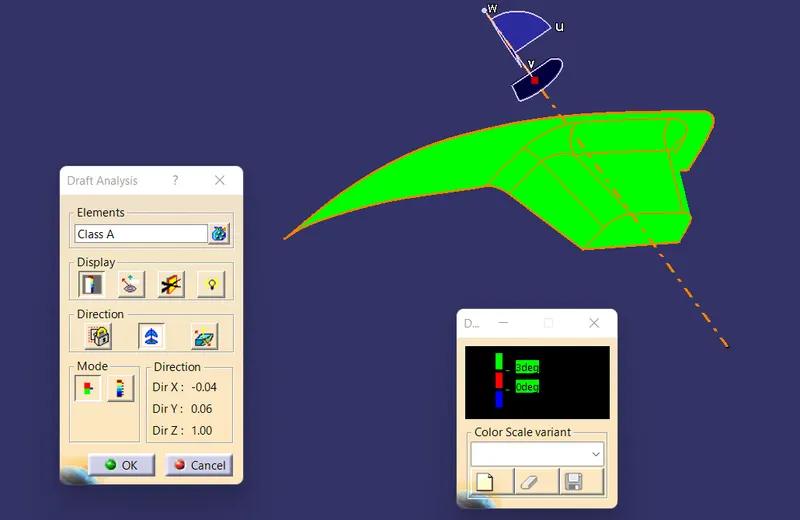
2. Solid Body Draft Analysis
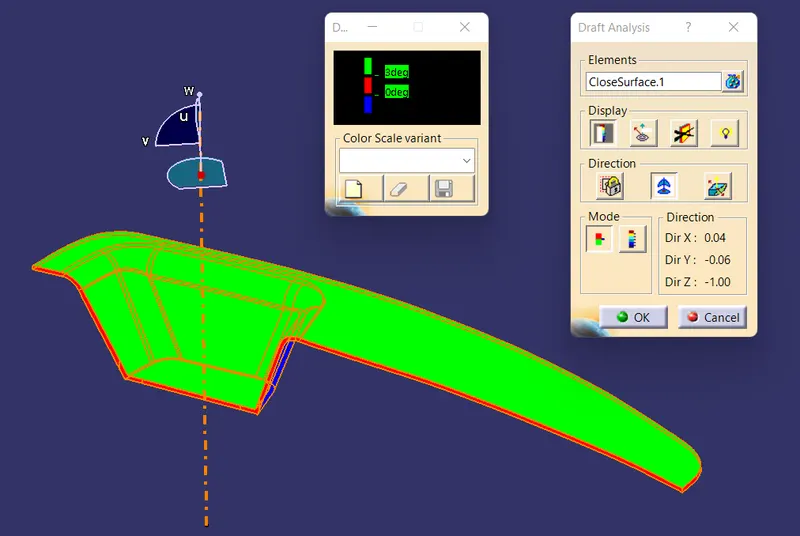
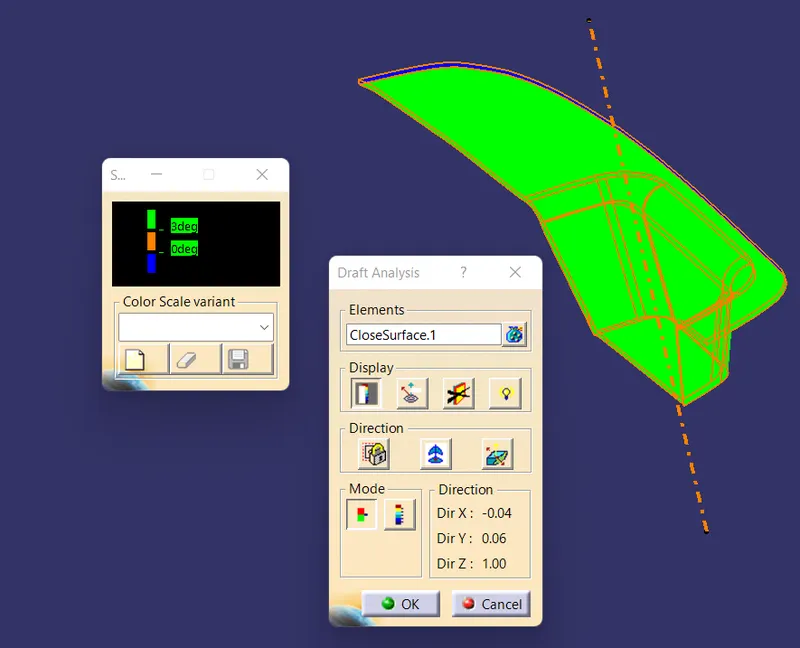
3. Final Body
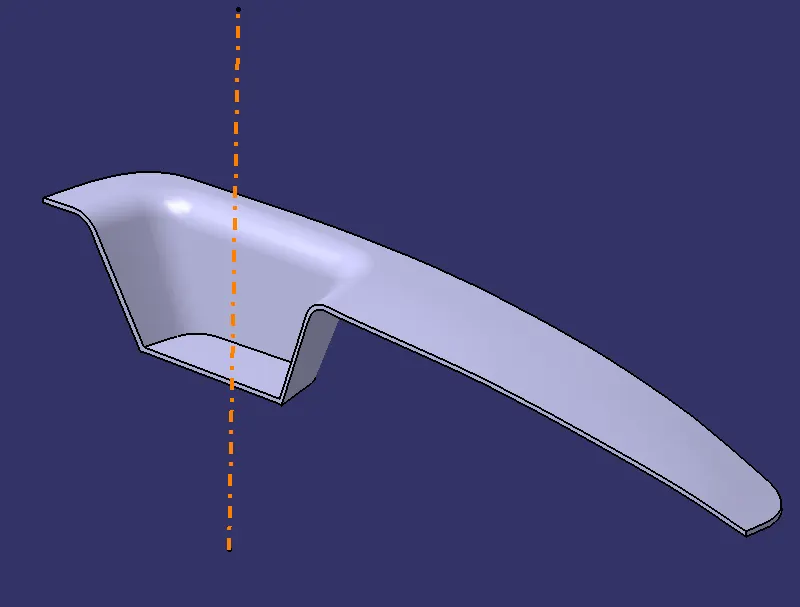
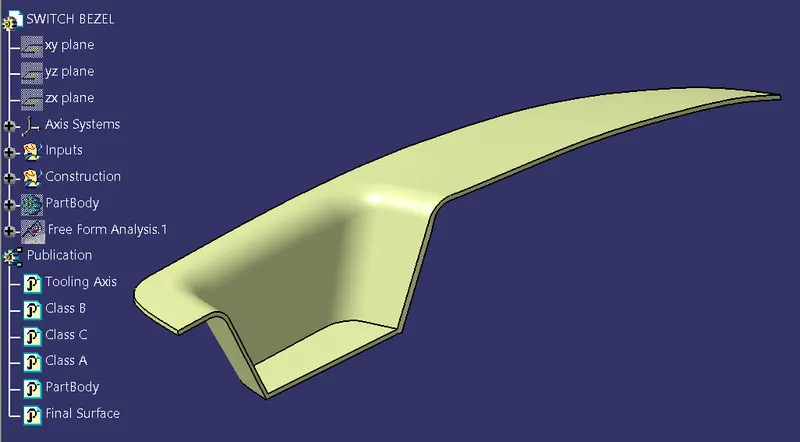
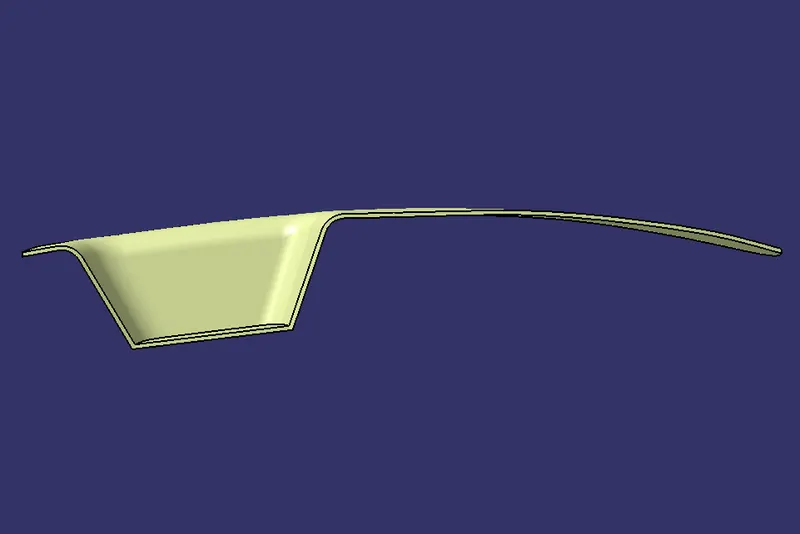
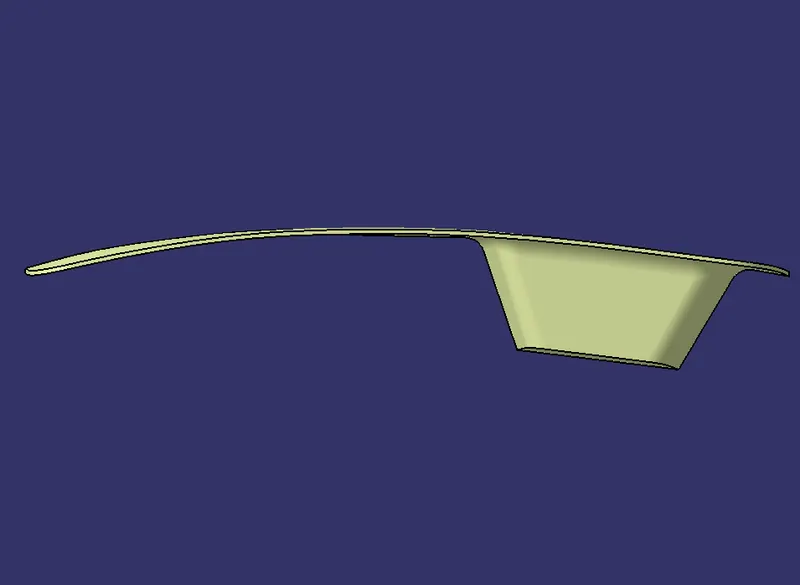
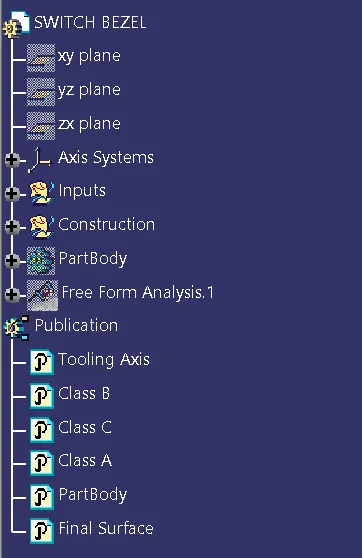
4. Tree structure
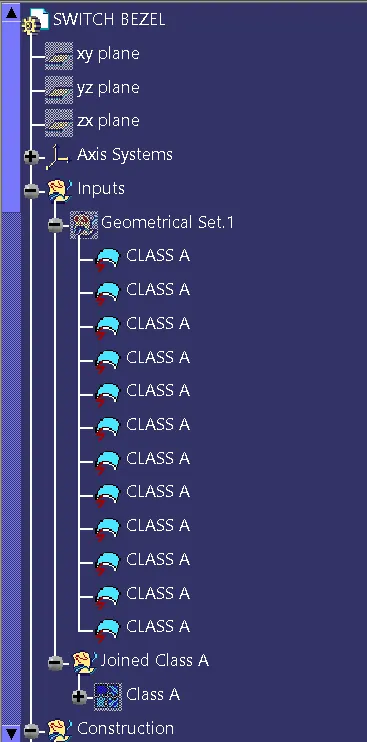
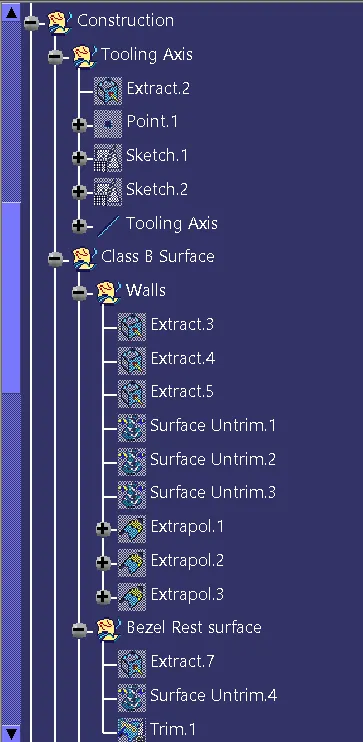
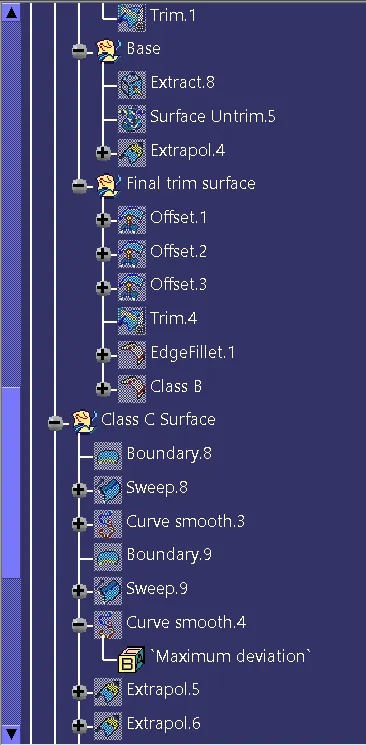
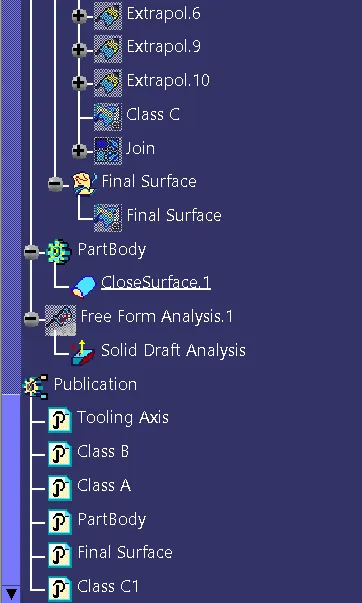
5. Class A surface
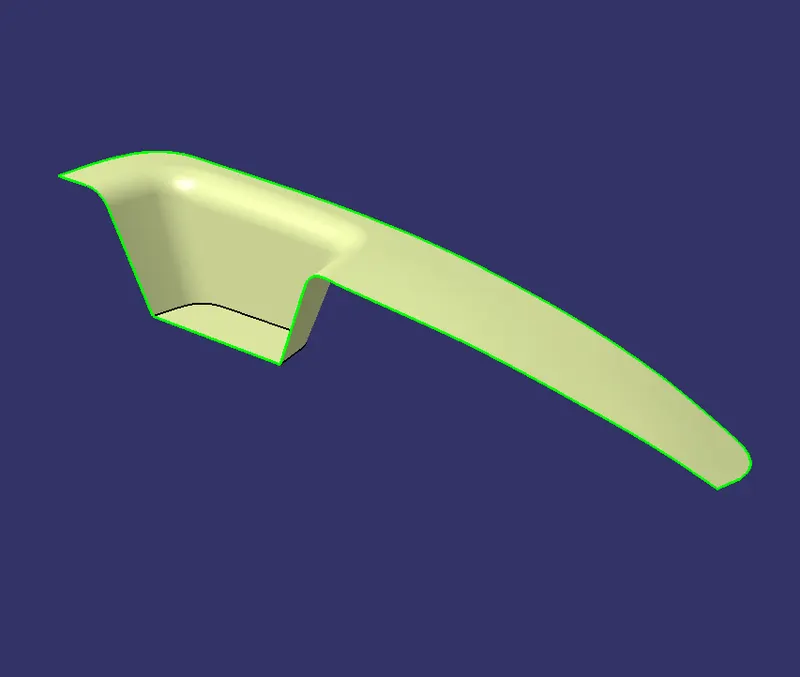
6. Class B surface
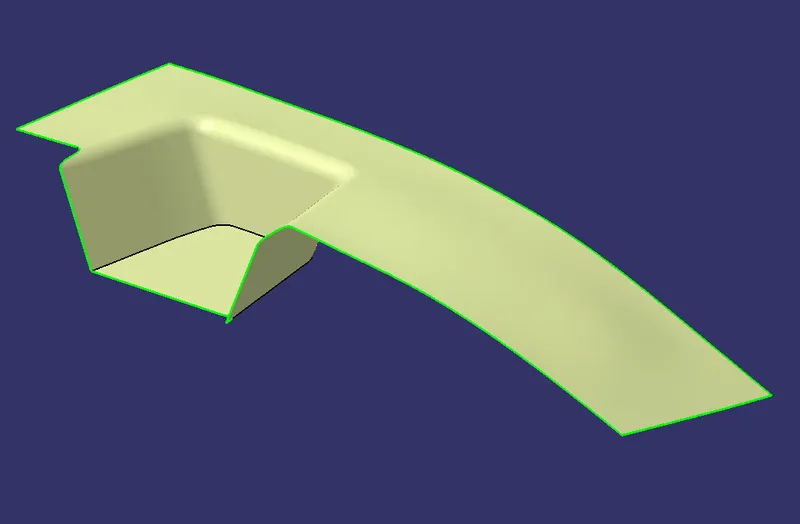
7. Class C surface
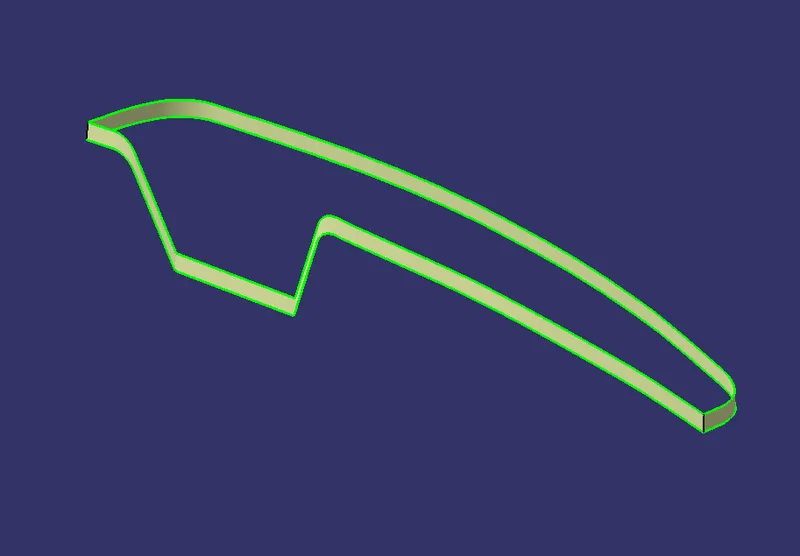
8. Tooling Axis
9. Report on Draft Analysis and Tooling axis creation
i. Tooling axis creation
Step1: Acquire the cross-section outline of the component from the x-direction using the intersection command. Select the component and the appropriate plane and click 'OK' in the command. Extend the line which is closest to the tooling axis at being parallel to it and a point at the centre of the cross-section. Create a Dummy tooling axis through the point for reference while creating the actual tooling axis.
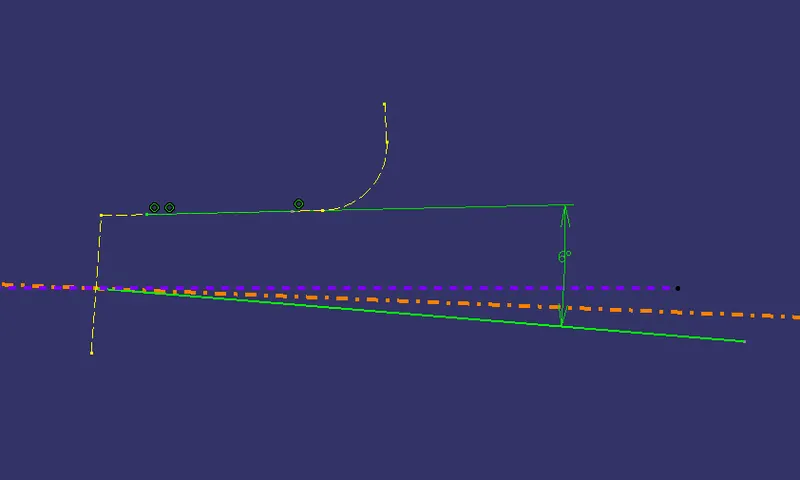
Step2: Similarly repeat the steps for the cross section in the y-direction.
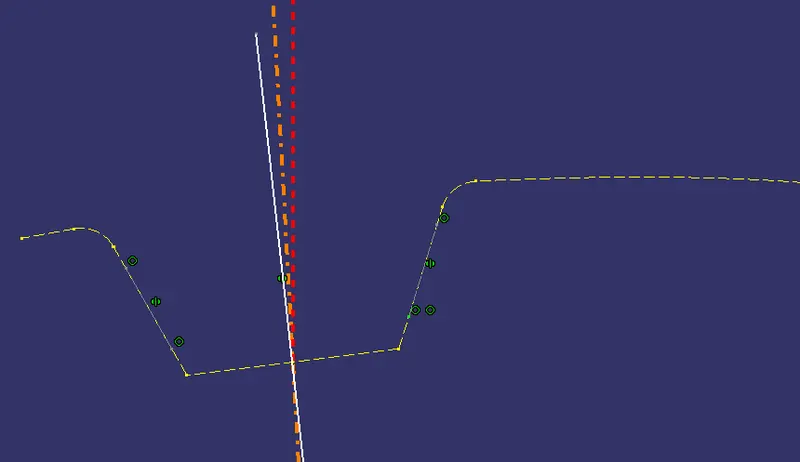
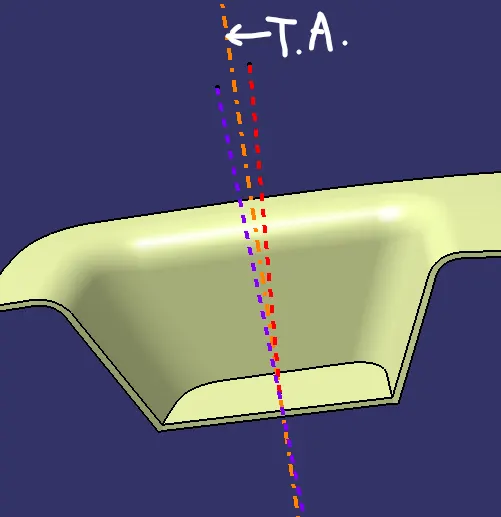
Step3: Create a line bisecting the two above lines to obtain the actual Tooling axis
ii. Draft Analysis
The Draft Analysis command enables you to detect if the part you drafted will be easily removed. This type of analysis is performed based on color ranges identifying zones on the analyzed element where the deviation from the draft direction at any point, corresponds to specified values.
For the color ranges there are 3 colors presented in a simpler legend called the quick analysis mode. Beginning with Green, Red and Blue colors corresponds to the draft angle range of above 3 degrees, 0 to 3 degrees and below 0 degrees respectively.
The ideal value of the draft angle is set at 3 degrees and accordingly the component should be representing the green colour all over the surface which indicates the appropriate value.
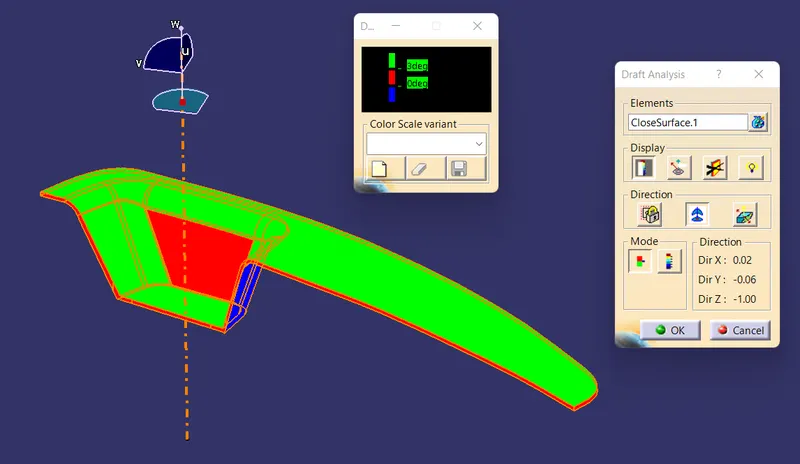
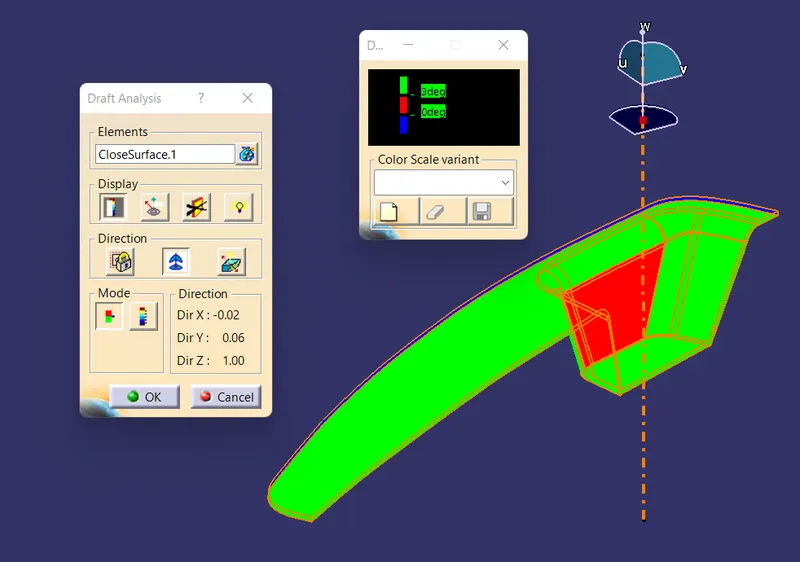
From the above images we can see that one of the walls of the bezel surface has a draft angle of 0 to 3 degrees. We must ensure the draft angle to be above 3 degrees
As a remedy we can change the angular value of the Tooling axis. Since we have one of the dummy tooling axis set at an angle we can increase that value until we achieve the appropriate draft analysis results.
END