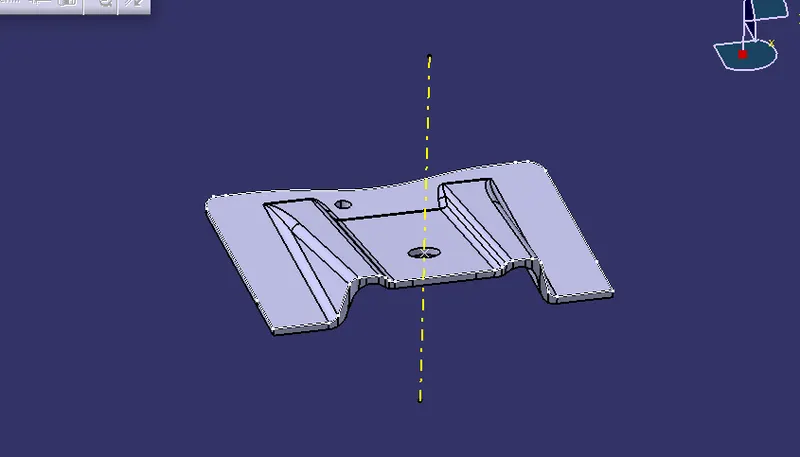
Week 8 - Challenge 2 - Base Bracket Design
Find the draft analysis and make B and C surface from the given bracket
Tooling Axis
Study the A surface and find the probablity for right tooling axis. For that we need create intersection using intersection command.
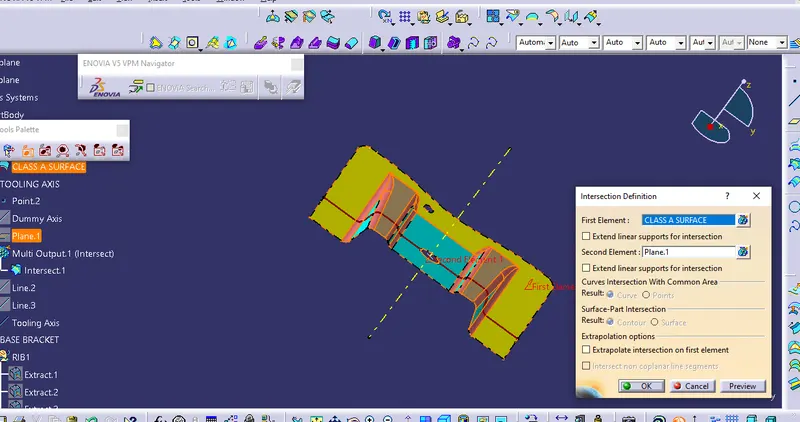
Draw two lines over the intersection and bisecting them and create the Tooling Axis.
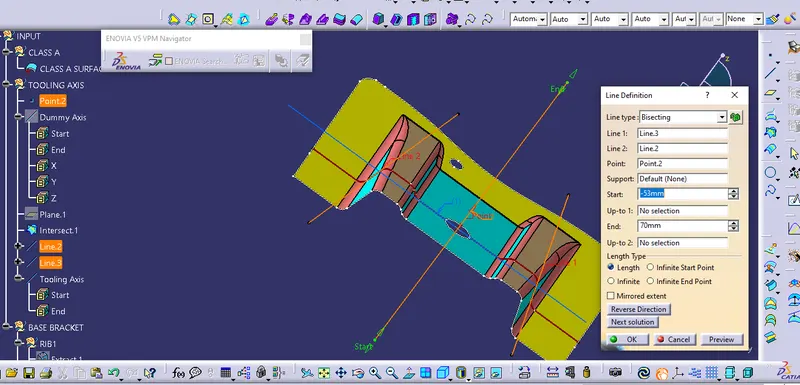
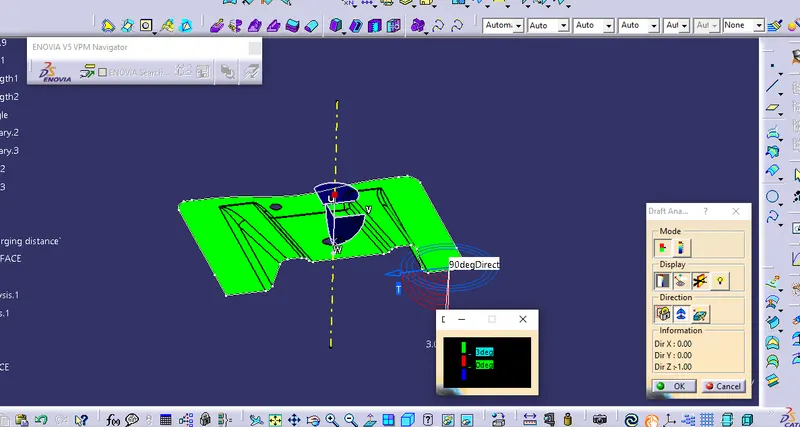
Draft Analysis
We need to analysis the draft by using feature draft analysis while clicking this analysis one dialog box appear their one compass sysmbol in that box by clicking it and drag the compass towards to the tooling axis and the color. Make the value as 3 deg and by using runing point we can see the draft.
B-Surface creation
We need extract the Rib 1 surface untrim it then extrapolite the untrim surface the offset at a distance 2.5mm then trim unwanted portion and make it look like A surface.similarly for rib 2.
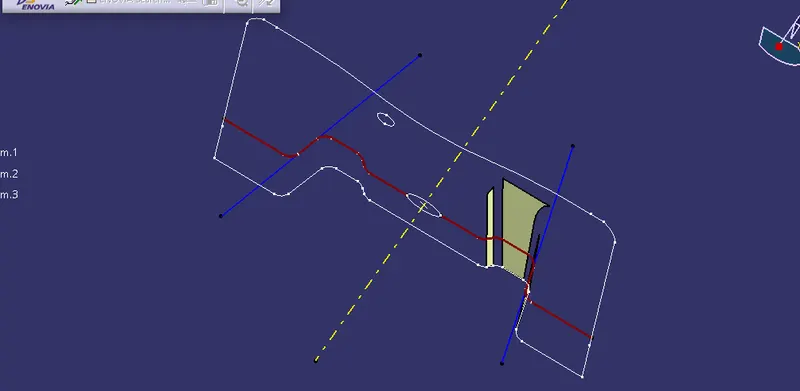
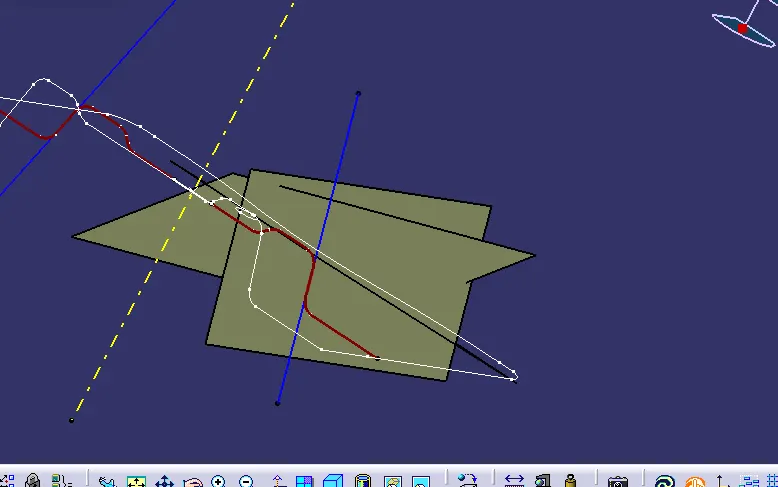
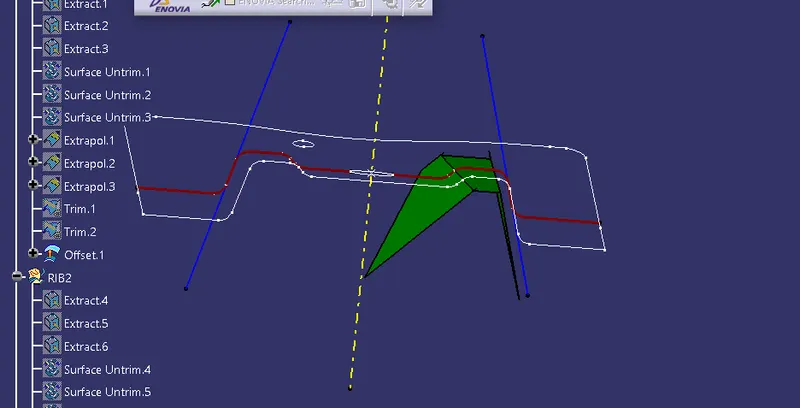
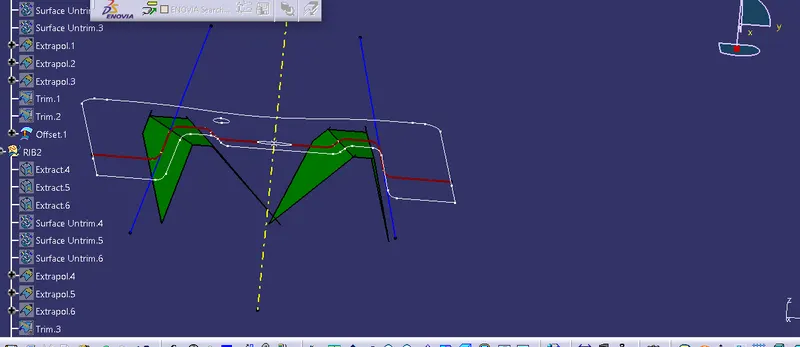
For base also extract the base surface untrim extrapolite then offset it for 2.5mm then trim rib 1 and 2 with base .
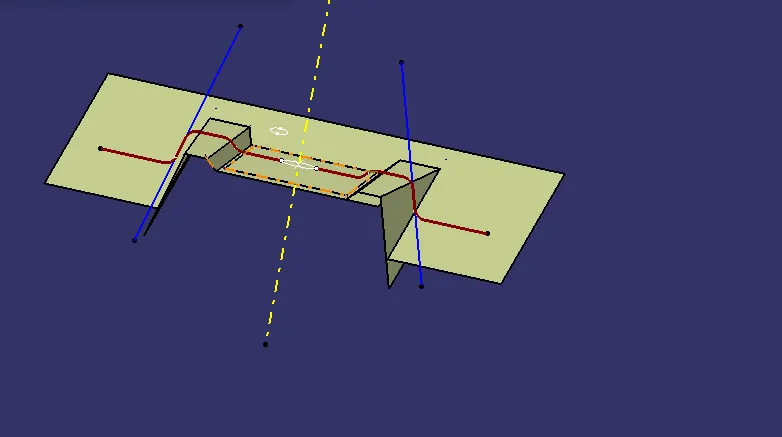
Give the fillet value
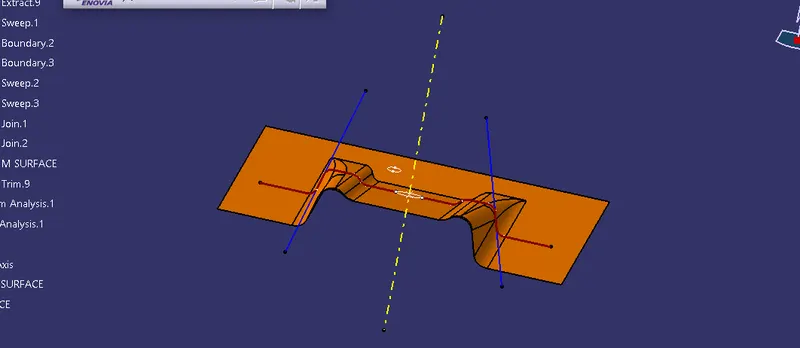
C-Surface
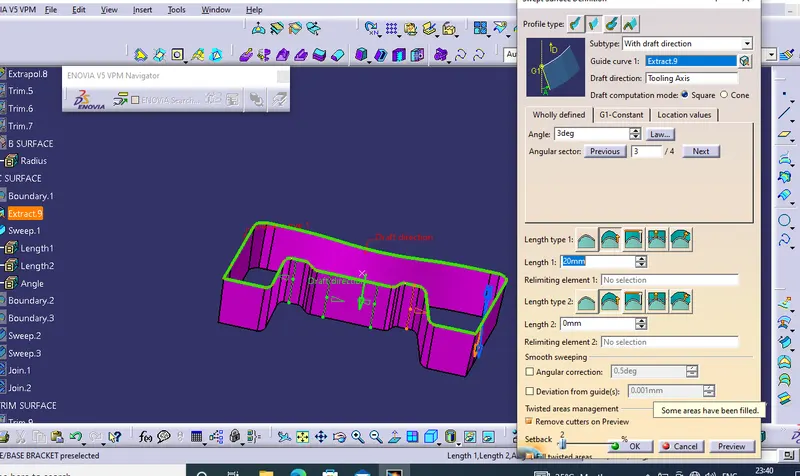
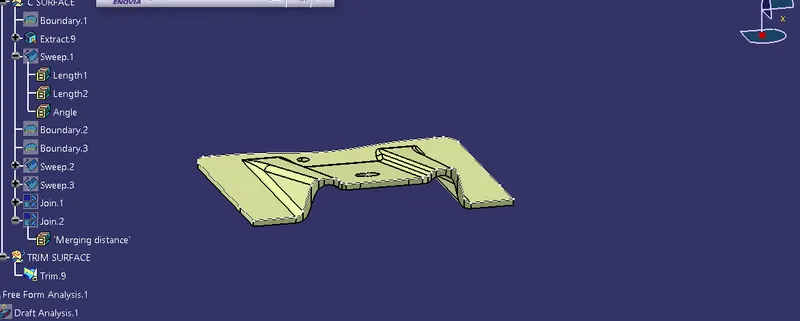
For C surface creation we need to create a boundary over A surface then go to sweep option draft with direction click on the boundary then click on the tooling axis give the angle as 3 deg so we got 3 deg draft of C surface
Join this C surface with A surface then trim this with B surface so our A B and C surface we got.
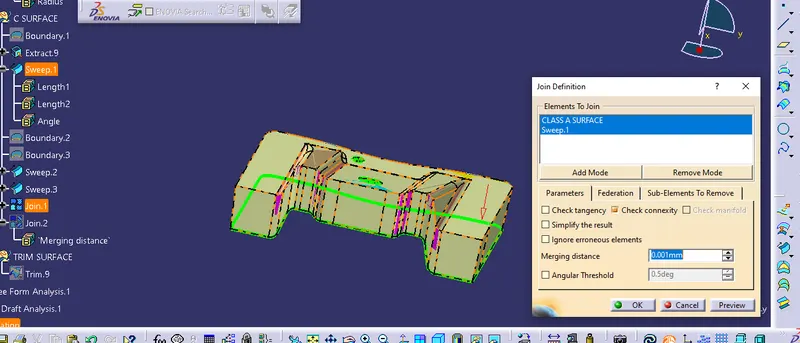
Close the surface in part modeling work bench and make it as solid component