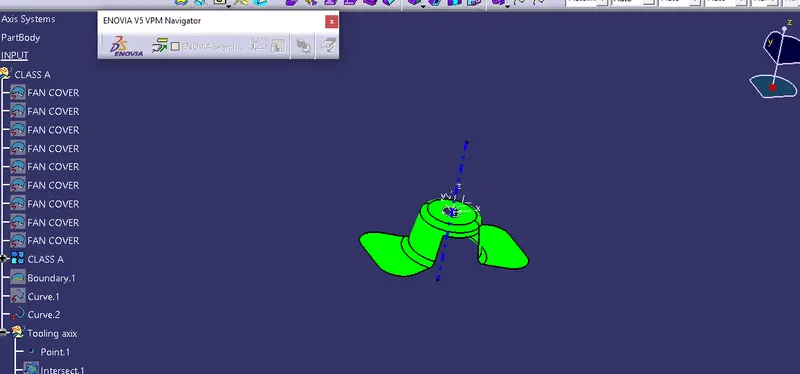
Week 8 - Challenge 1 - Draft Analysis on a Fan Cover
Find the Draft analysis of fan cover
first we need to check the product is close or not by clicking the boundary command
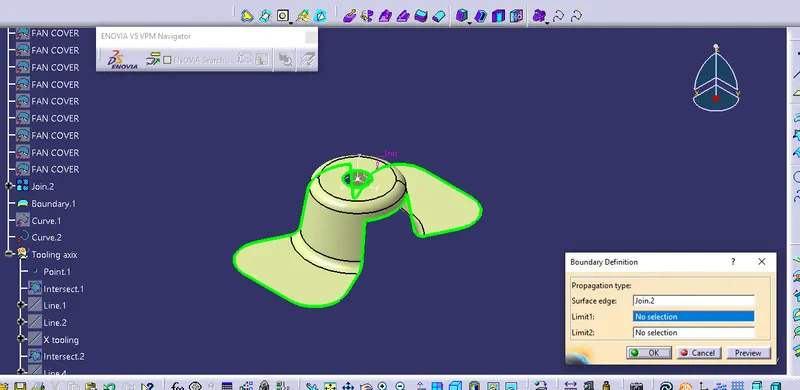
Create a geometric set for tooling axis then create an intersection by using intersection command
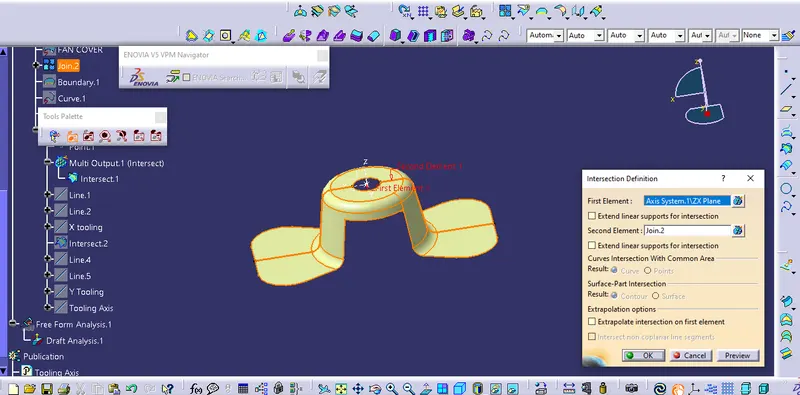
Draw a line over intersection and bisecting them to get Dummy axis for X and Y direction
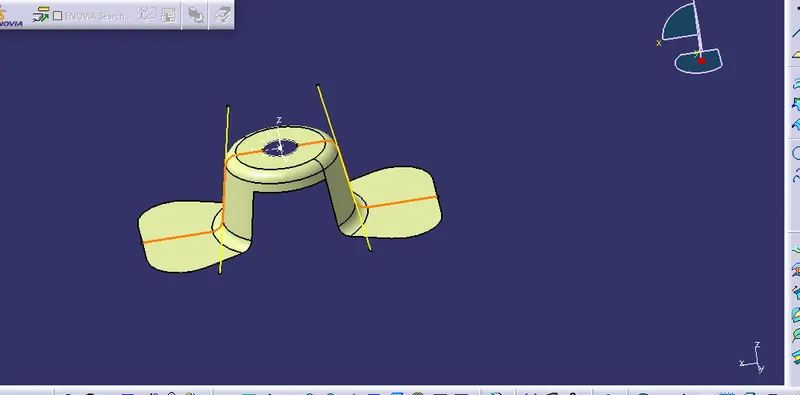
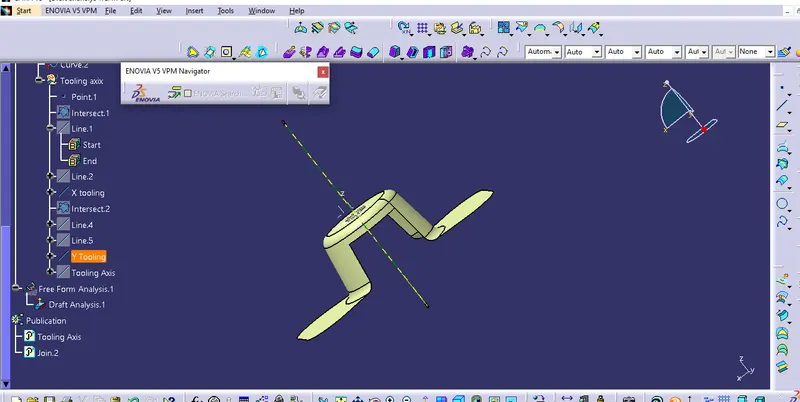
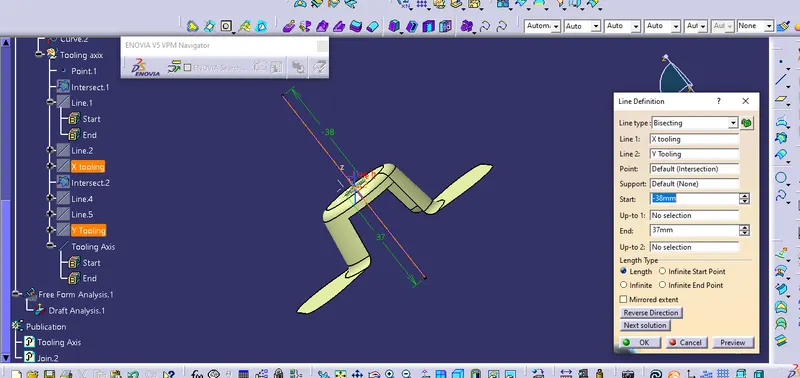
Bisecting the X tooling and Y tooling by using line command we got the Tooling axis
Now we need to find the draft analysis for that go to insert - Analysis- Feature Draft Analysis one dialog box appear their we need to click on the compass then place it over the tooling Axis then lock it. Then click on analysis under running point and check the draft angle of part
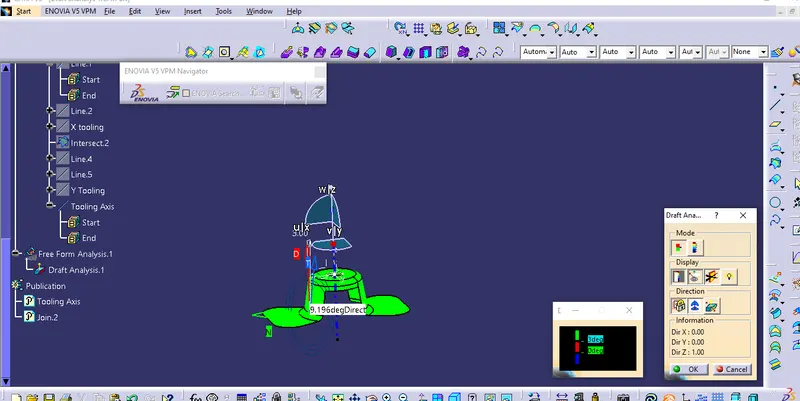
If the color shown us green then the dratf value positive negative means its blue and red means their is zero deg