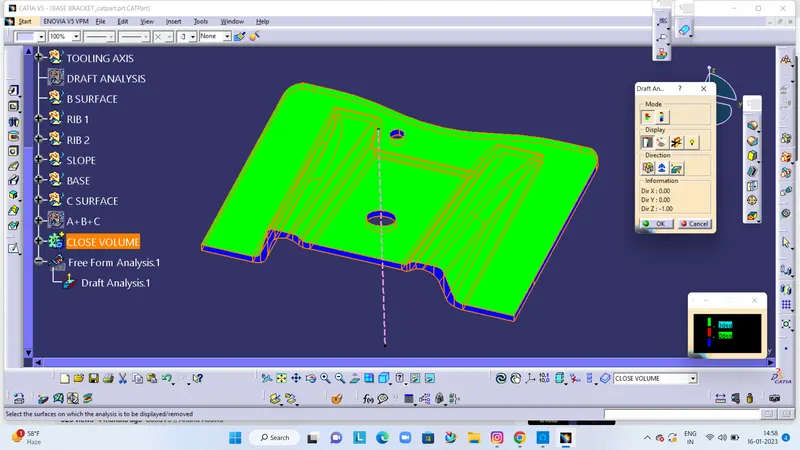
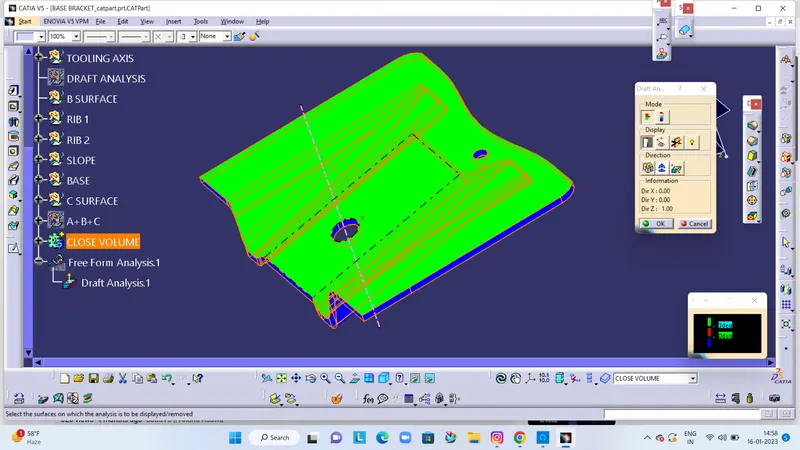
Week 8 - Challenge 1 - Base Bracket Design
AIM - Design Base Bracket Plastic component through the given Class- A SURFACE
Design Procedure :
- Creating tooling Axis In class- A
- To perform draft analysis
- To create B surface
- To create C surface
- To create solid part
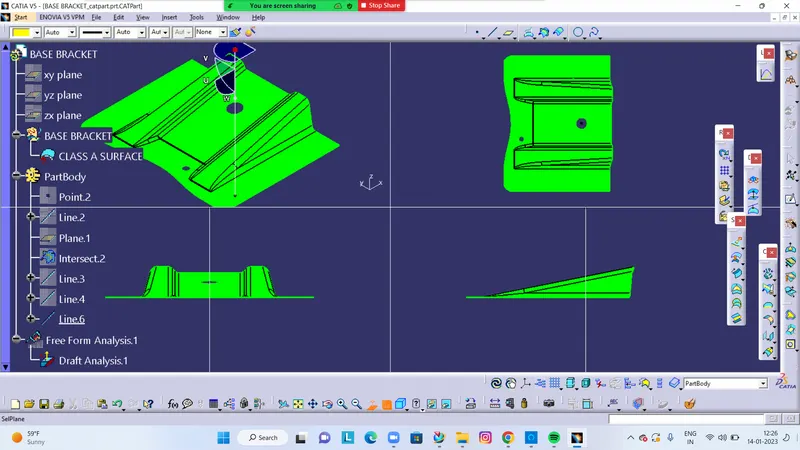
Creating a tooling axis in Class - A Surface
- The Direction in which the mould open and closes in the tolling axis.
- check the conectivity of surface and ensure there will be no gap between the surfaces and the define the tolling axis .
- while creating the tolling axis give the tooling axis on a flat length surface or the surface which have a hole on it.
- create a point on the surface where are going to create the dummy tooling axis and using line command create an axis .if there is a circle or flat length surface is recommended.
Draft Analysis :
- minimum draft ngle is considered as 3 degree.
- enter part in catia.
- go to material mode.
- go to draft analysis
- drag axis bar to the tooling axis
- chech the draft and make parting lineas per analysis.
OUTPUT :
TOOLING AXIS:
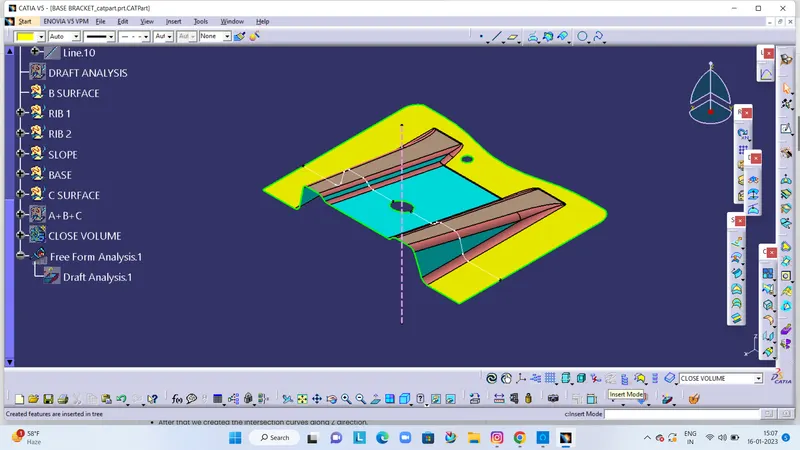
DRAFT ANALYSIS CLASSA A SURFACE
B- SURFACE CREATION
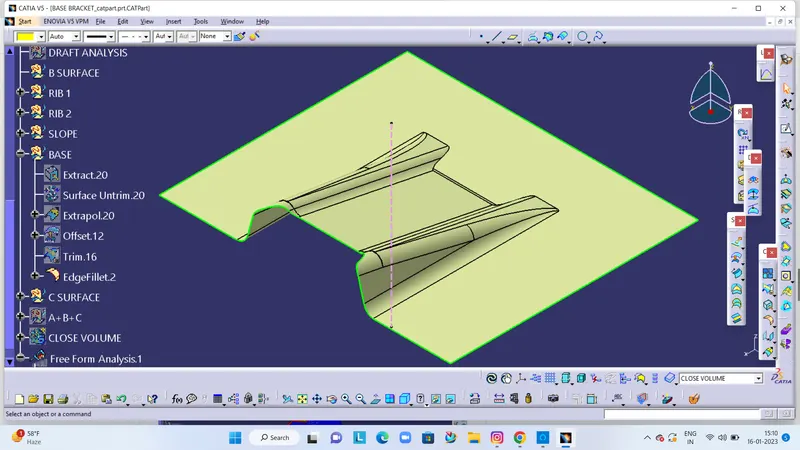
C - SURFACE CREATION
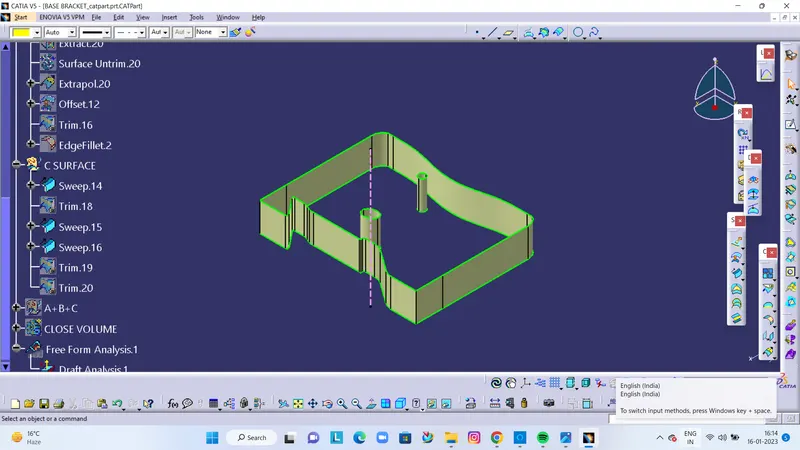
A+B+C SURFACE
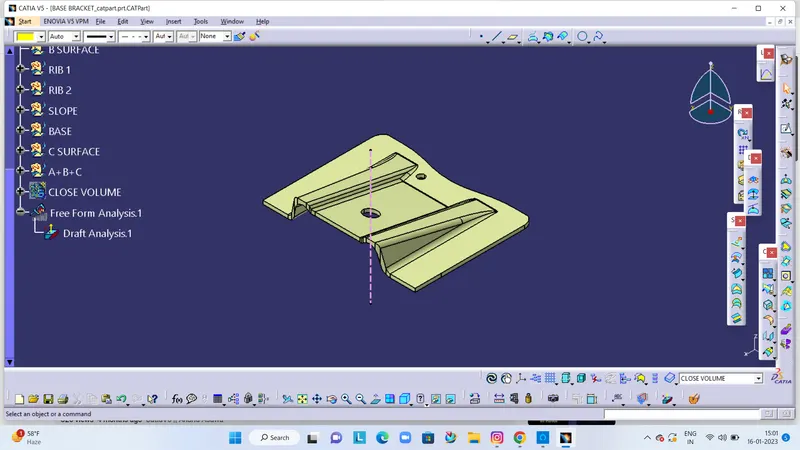
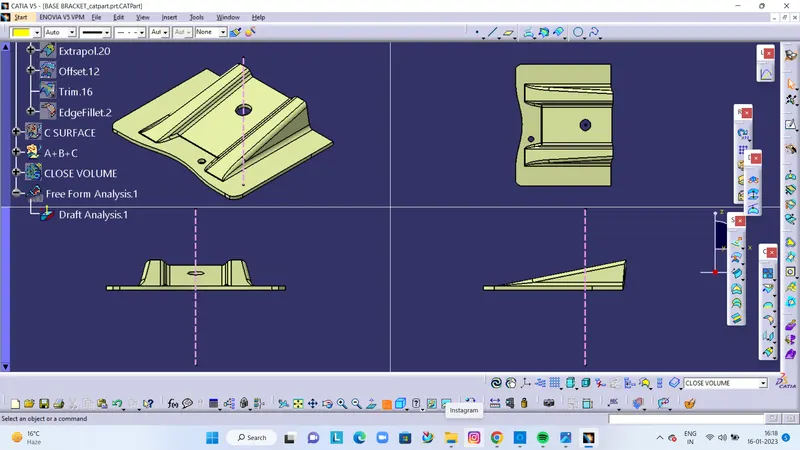
PART MODEL CREATION
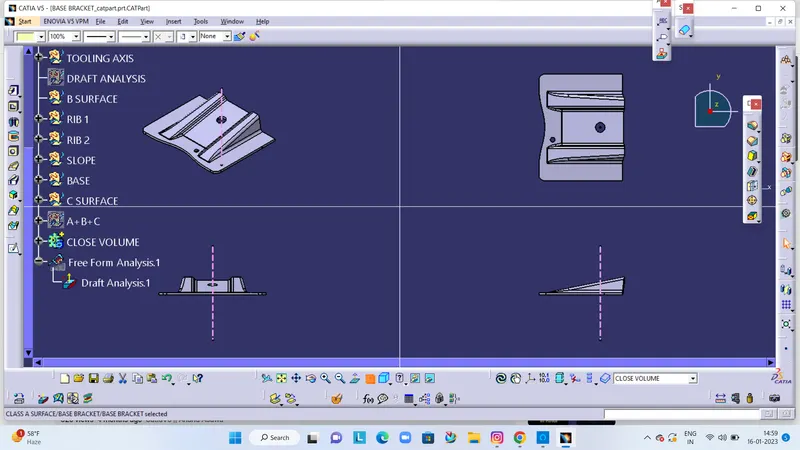
DRAFT ANALYSIS ON PART