Week 12:Project 2-Meshing of Rear Wheel Holder challenge
Aim :- Follow the below-mentioned quality criteria, mesh the component given below and assign thickness:
Target Element Length = 5 Units
| S.N | Quality Criteria | Value |
| 1 | Aspect Ratio | 5 |
| 2 | Skewness | 45 |
| 3 | Warping | 15 |
| 4 | Taper | 0.5 |
| 5 | Min. Length | 2 Units |
| 6 | Max. Length | 8 Units |
| 7 | Min angle Quad | 45 |
| 8 | Max angle Quad | 135 |
| 9 | Min angle Tria | 20 |
| 10 | Max angle Tria | 120 |
| 10 | Tria % | 10 |
Procedure :-
Step 1 :- Import the model
Import solver deck - import solver deck - IGES file - select the file - import.
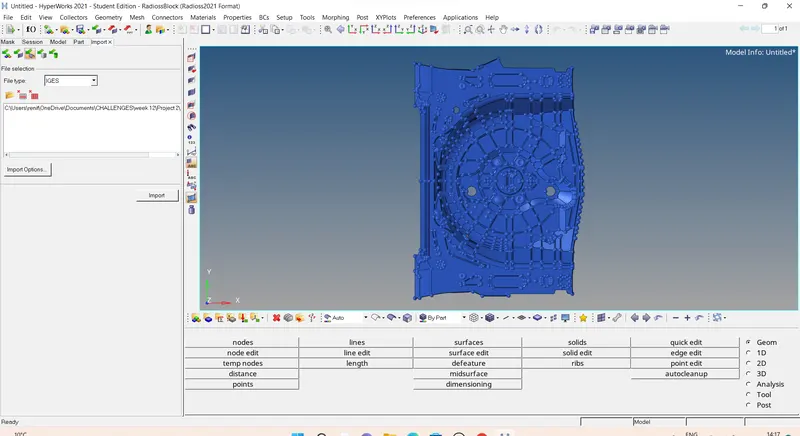
Geometry color mode :- By topo
Step 2 :- deleting unwanted surfaces.
Delet - select the surface - by face - delet.
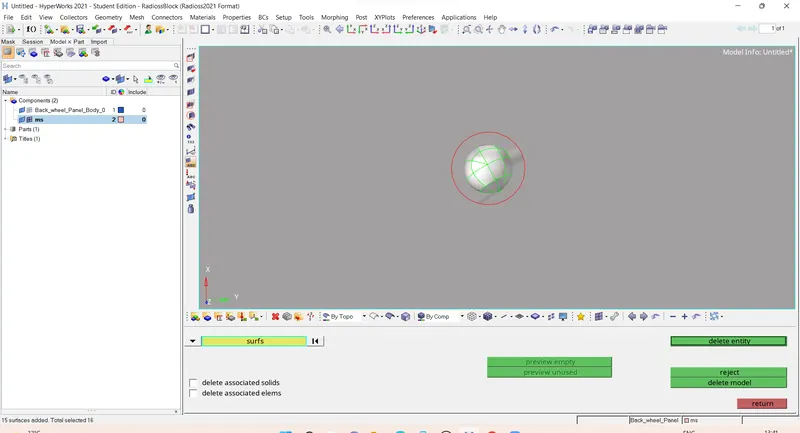
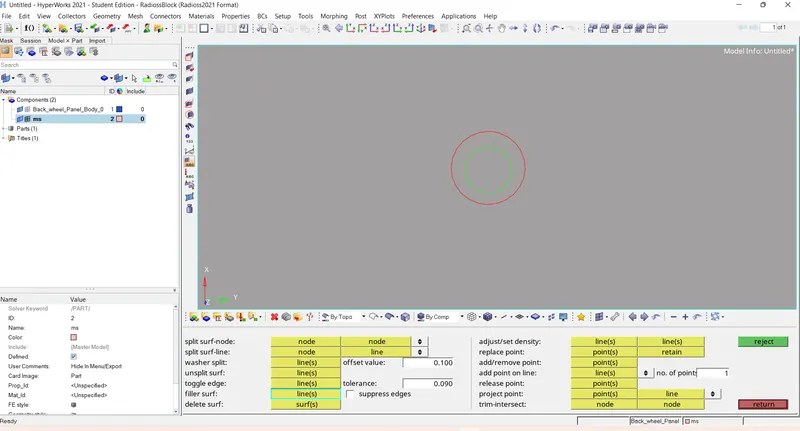
Step 3:- Filling the surface
geomertry - quick edit - filler surface -select the free edge - fill the surface.
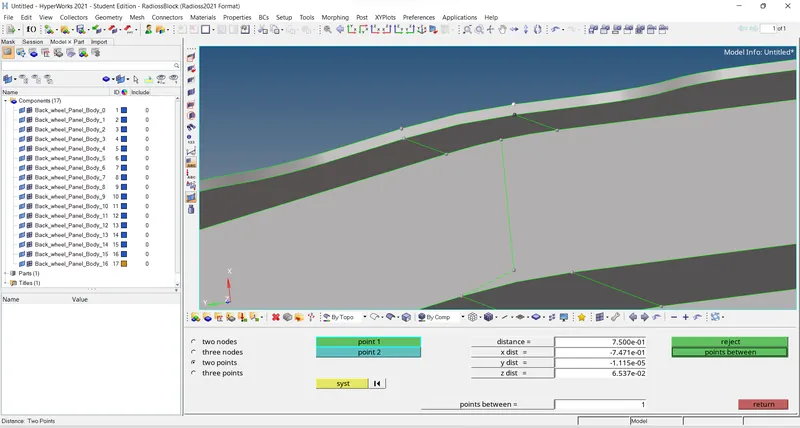
Step 4 :- Measuring the distance
Geomerty - distance - two points - measure two points.
Step 5 :- Generating mid surface .
create a new component
geometry - surface edit - offset -
select the surface by face - duplicate to current component - give offset value 0.375 - offset.
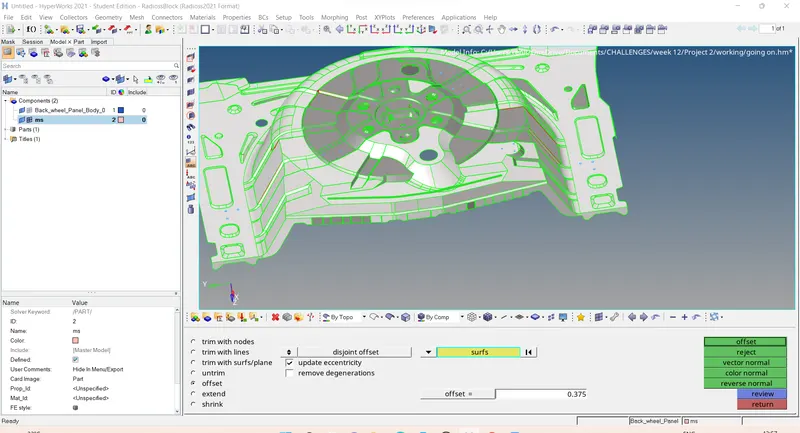
Generated mid surface .
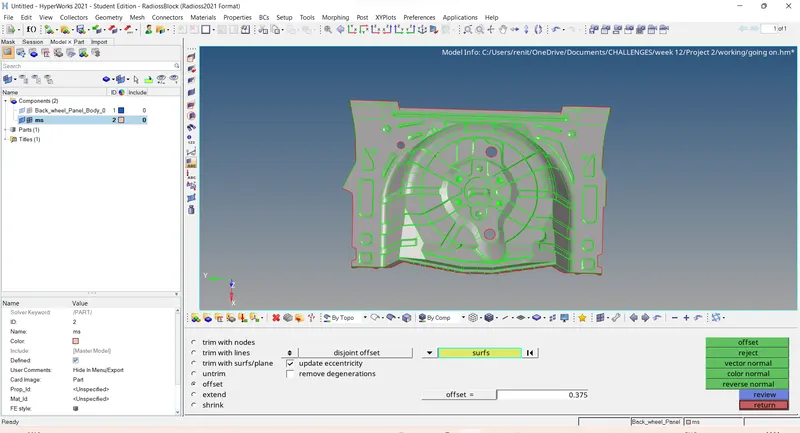
Step 6 :- Geomertrical clean up .
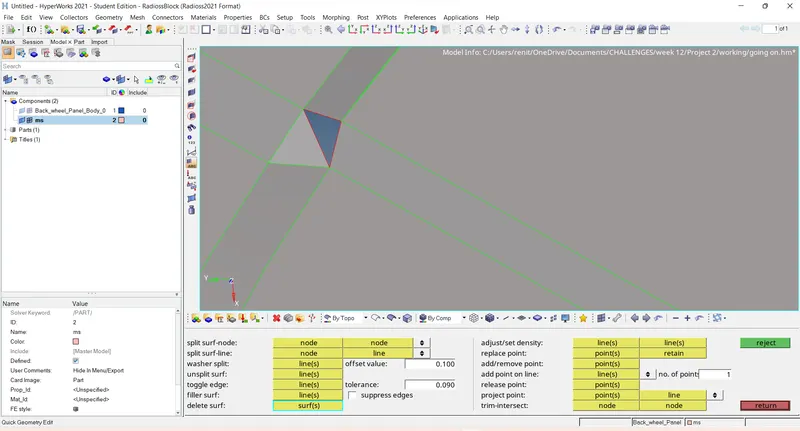
Filling the surfaces :-
geomertry - quick edit - filler surface - fill the surface.
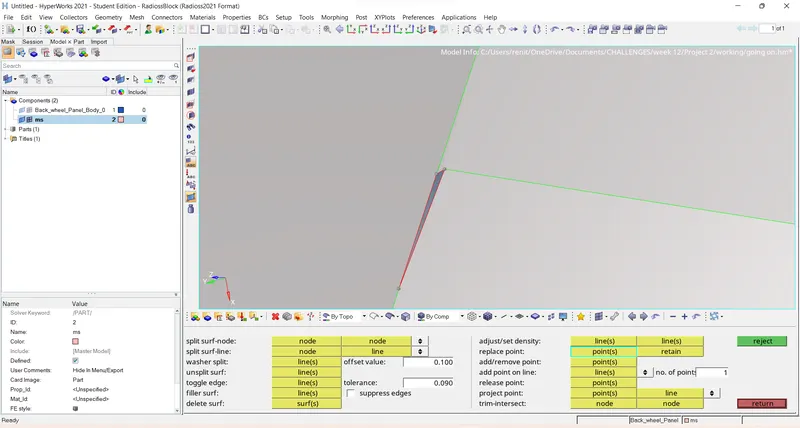
Replacing points :-
geomertry - quick edit - replace points - select the points - retain
Toggle :-
geomertry - quick edit - toggle edges - selelct the line need to toggle.
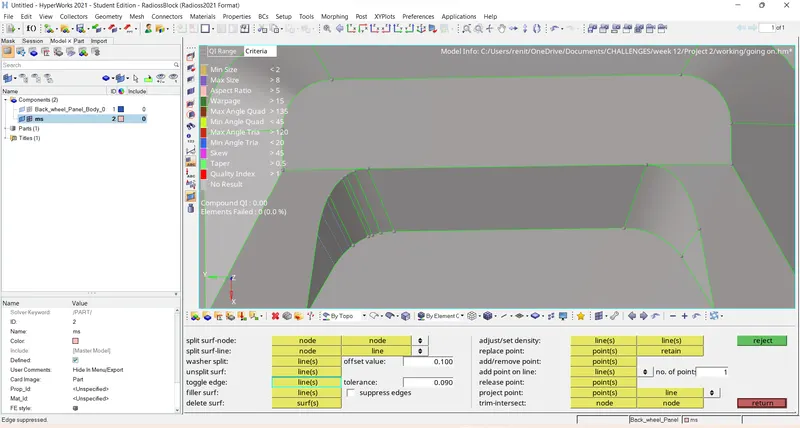
Removing small gaps by toggle the line.
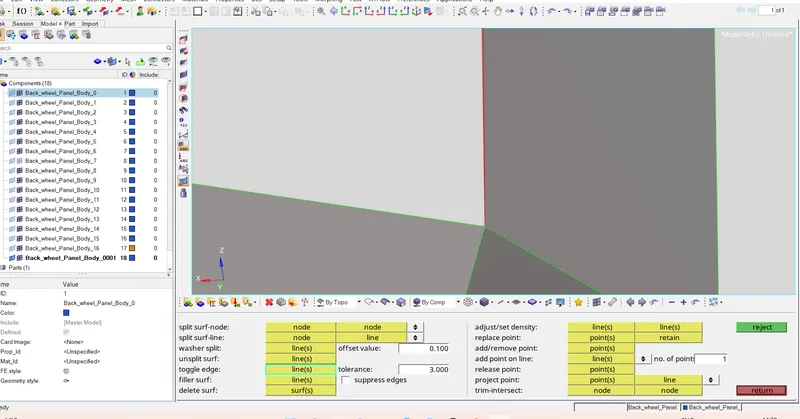
Creating surfaces .
Geometry - surfaces - reules -select the line - create
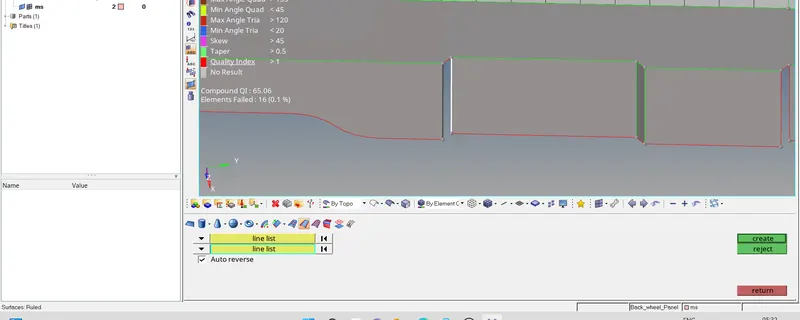
After cleaning up the geometry .
Step 7 :- Giving quality criteria.
Preferences - criteria file settings - give the quality measures -apply - ok.
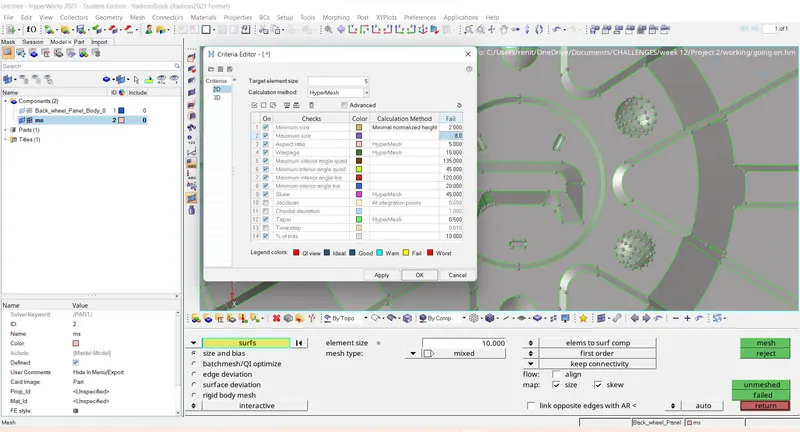
Step 8 :- Generate mesh
Geometry color mode :- BY TOPO
Element color mode :- BY ELEMENT QUALITY
2D - Automesh - select the surface - element size 5mm - element type - mixed - mesh.
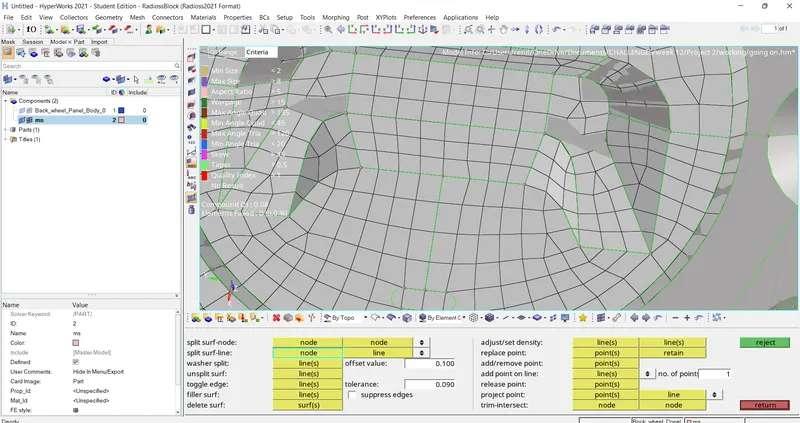
Step 9:- Clearing the quality criteria
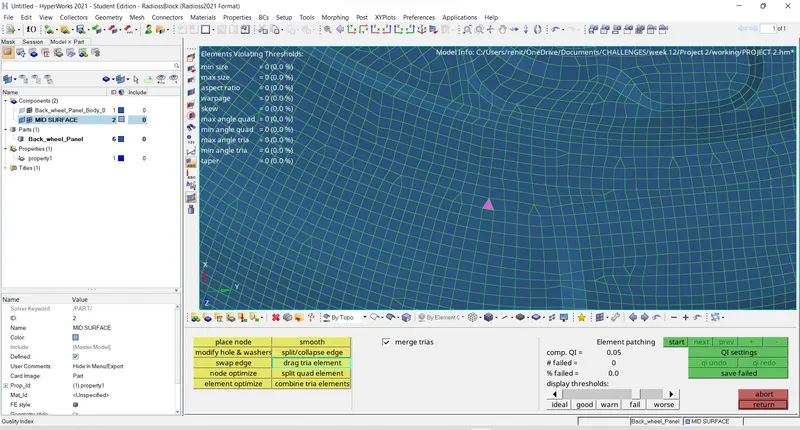
Dragging tria :-
2D - Quality index - drag tra elenent - drag the tria.
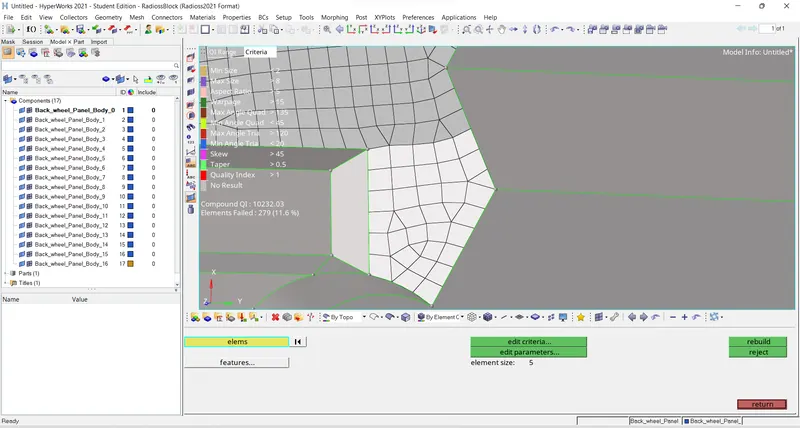
Rebuild mesh :-
2D - Rebuild mesh - select the elements - rebuild
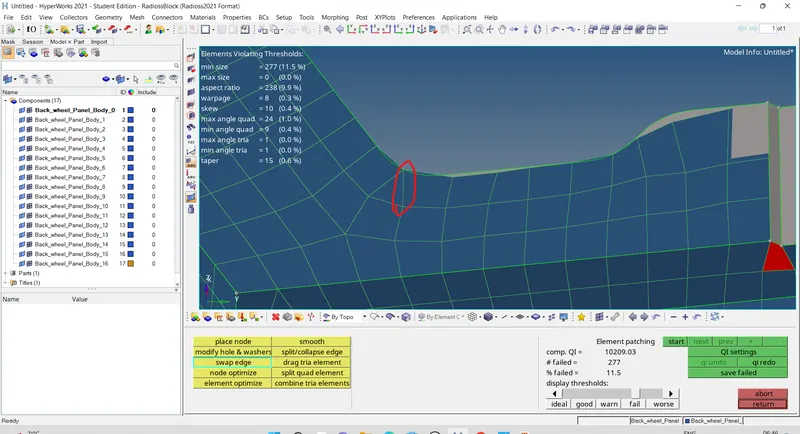
Swapng the line :-
2D - Quality index - swape edge - select the line swap.
Cleaning quality failure by element optimization .
2D - Quality index - element optimize - select the element to optimize.
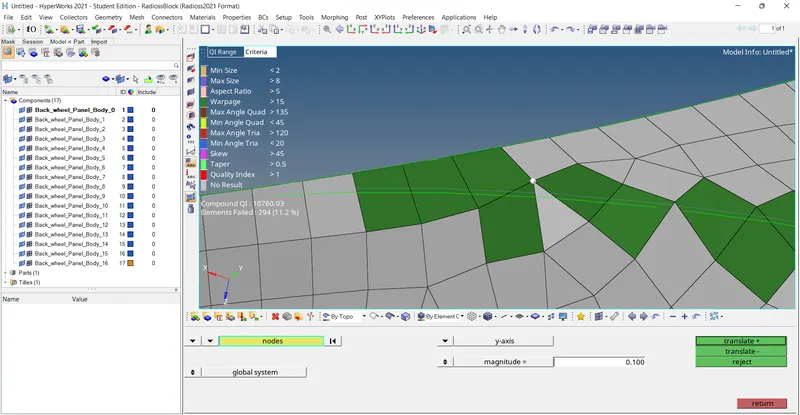
Removing warpages by Translation :-
Tool - translate - select the node - give direction - magnitude - translate.
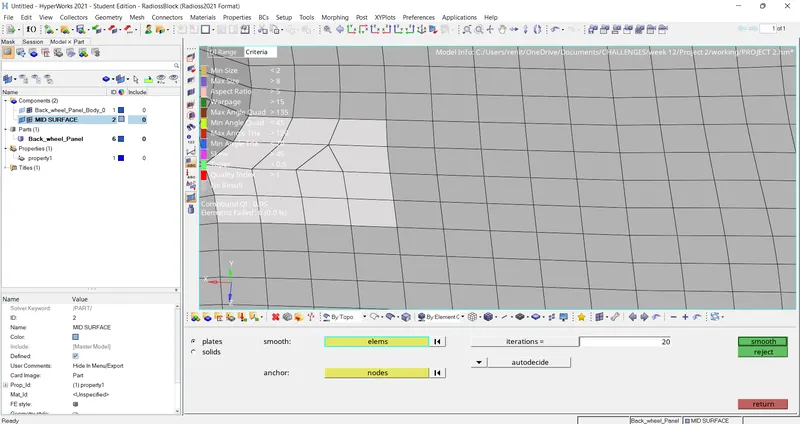
Smoothing :-
2D - Smooth - select the elements - give iterations - smooth .
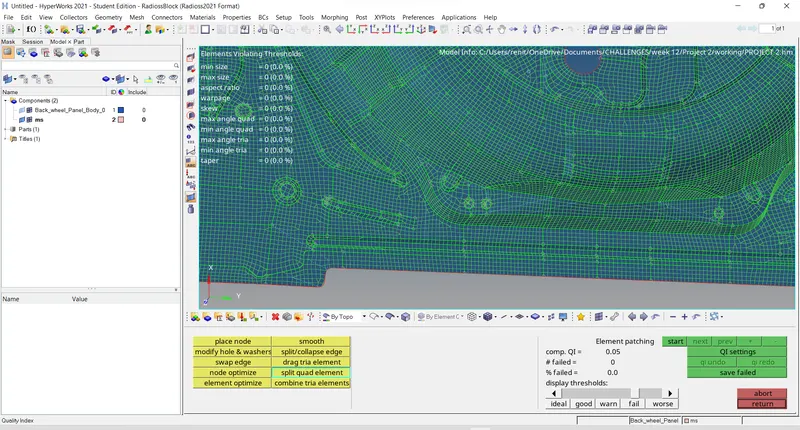
After clearing all quality criteria .
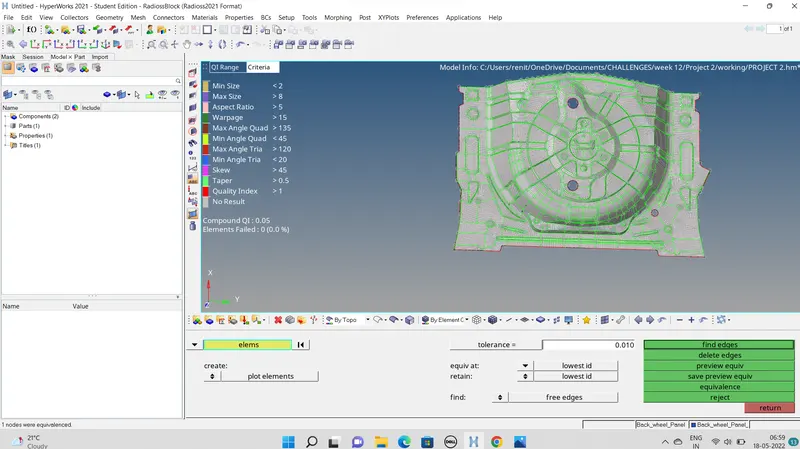
Step 10 :- Equvalance .
Tool - edges - elements - displayed - priview equvalance - equvalane.
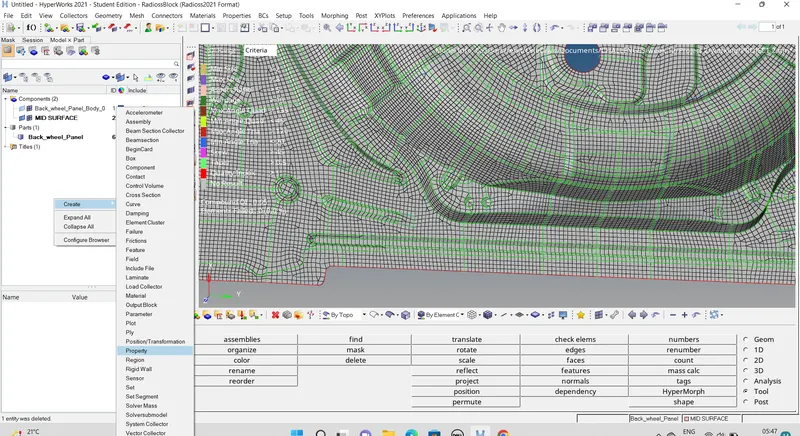
Step 11 :- Creating property
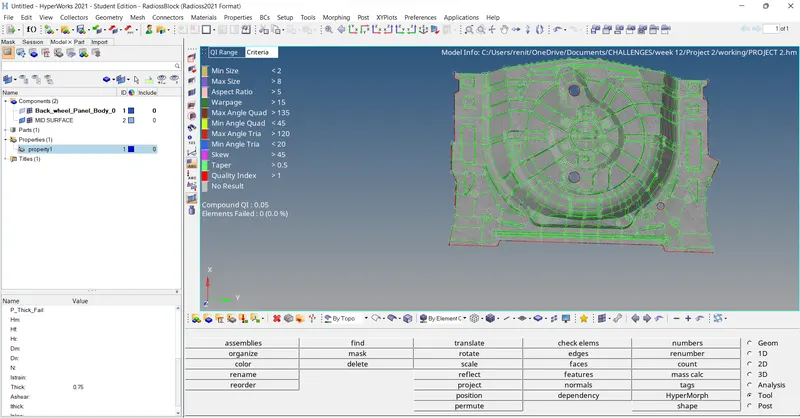
Step 12 :- Assigning thickness
Step 13 :- Created Material to the component.
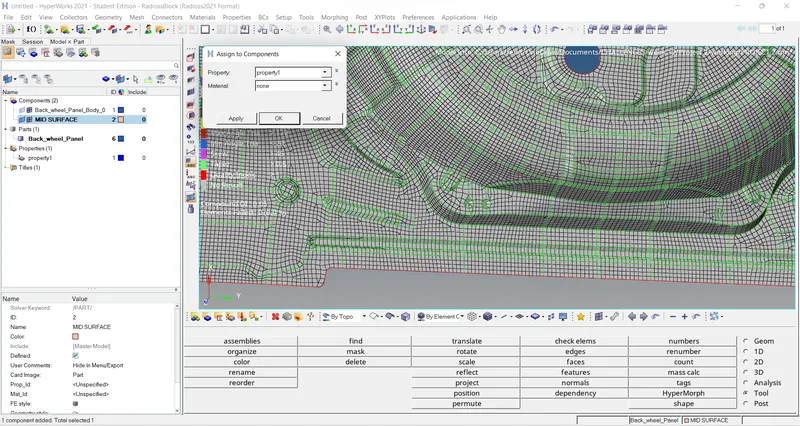
Step 14 :- Assigning property to the component.
Final Model :-
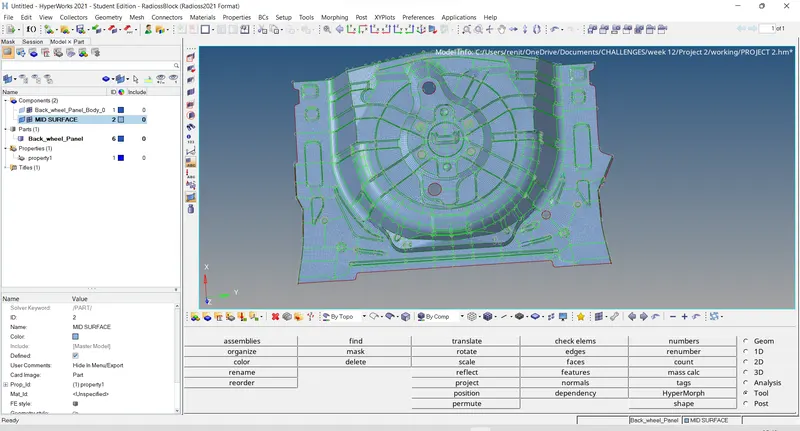
Result :- Given component is meshed with mentioned quality criteria and assigned thickness.
Learning outcomes :-
- Leaned about meshing
- Learned about removal all quality errors .
- Learned assignning thickness to the components.
Thanks
Renith Balachandran M.