Week - 4 - 2D meshing for Plastic components
The aim of this challenge is To check for the geometrical errors and take the mid surface by suitable mid surfacing techniques. PID and Thickness assignment has to be done for all the mid surfaces. Mesh the same with given element Quality criteria.
DO THE BELOW STEPS FOR ALL THE COMPONENTS
Step 1. Import the model (File > open > select the file > open)
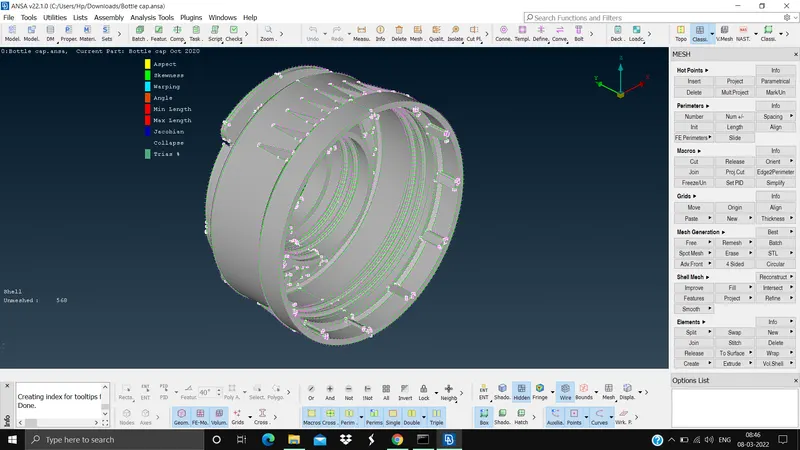
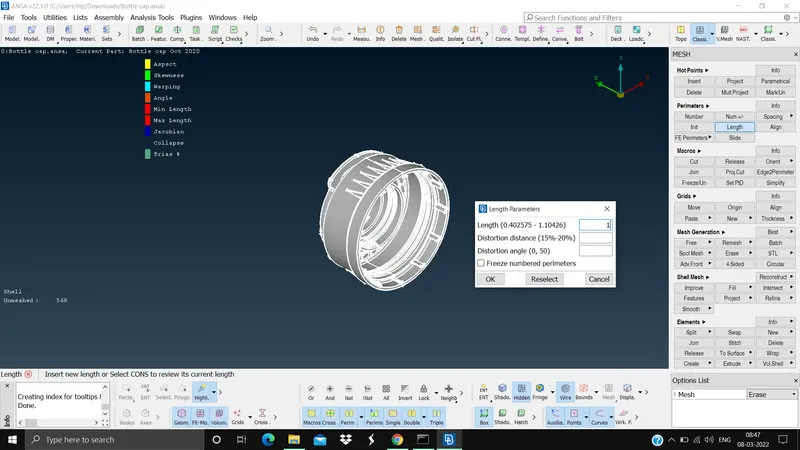
Step 2. Set the length of the model according to the target element size. (Mesh module > perimeters > length > select the model > mid mouse click > set the value 1 > ok). This is done to smooth the edges so that wer can see the features correctly. The is done for cons resolution.
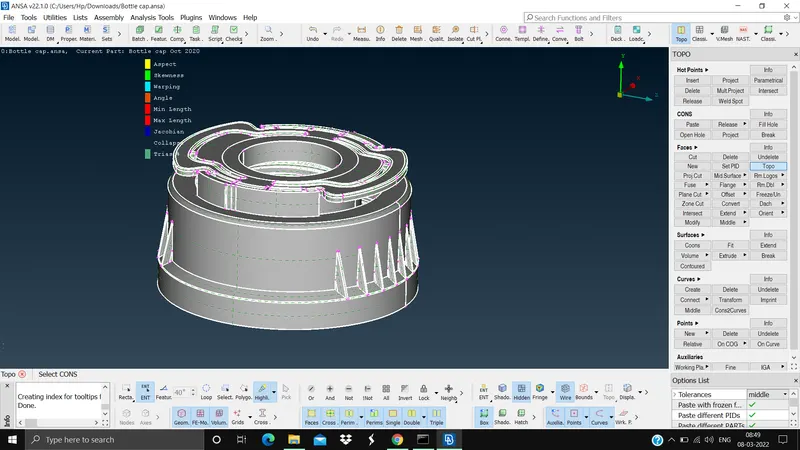
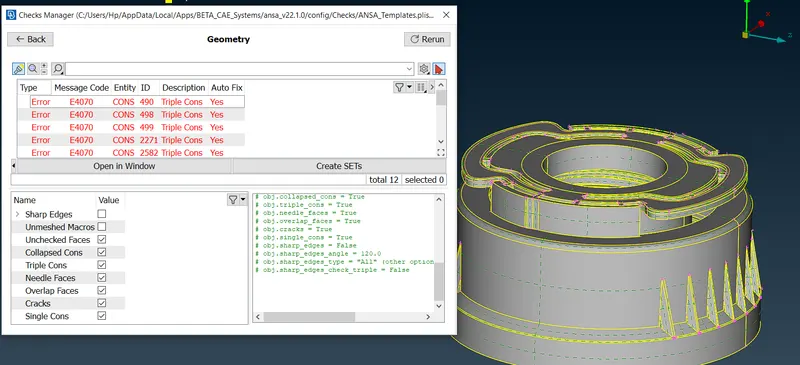
Step 3. Check the geometry for any errors and do the topology cleanup to avoid element failures. (Topo module > Faces > Select the geometry > ok) this step is done so that we can eliminate single cons at the beginning to some extent. Now do the geometry check (Tools tab > Checks > geometry > select the necessary checks > execute).
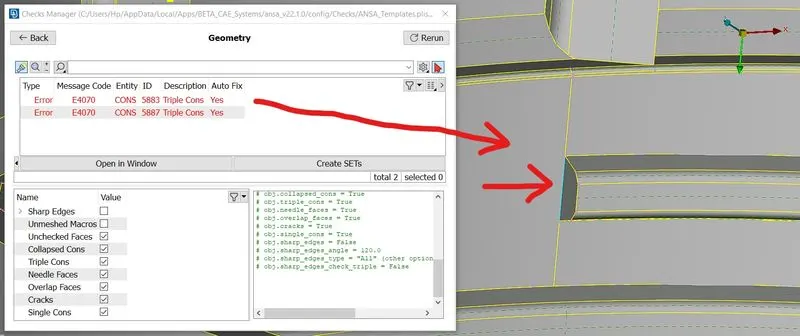
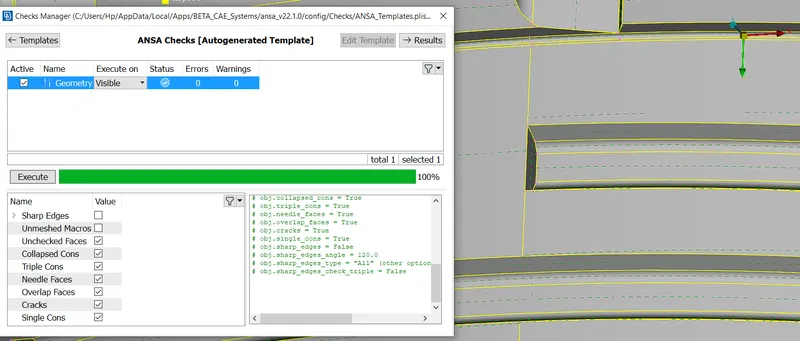
Step 4. Extract the mid surface of the model by offset method for uniform thickness (Topo module > Faces > offset > select the model > give the distance to offset), middle multi for variable thickness (Topo module > Faces > middle > multi > select the faces > ok), middle curve along with New face for threads (Topo module > curves > middle > select the cons > ok). Since there are similar patterns along the circumference of the circle we will be using the rotate command inside the transform in utilities tab, for this we need to create on COG (Topo module > points > on COG)
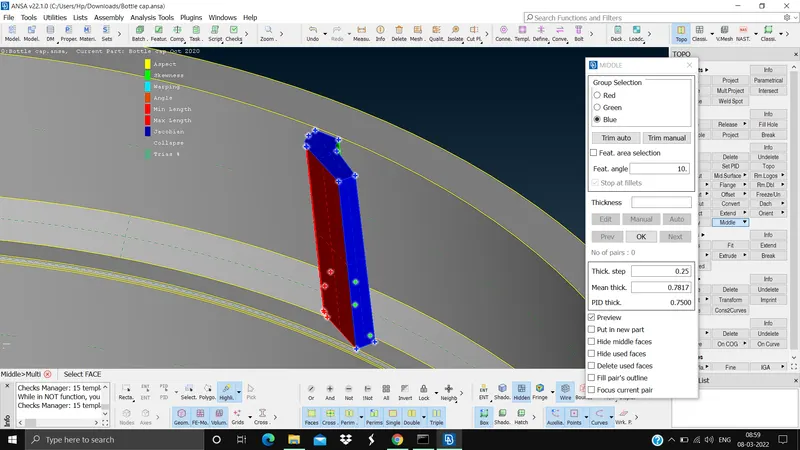
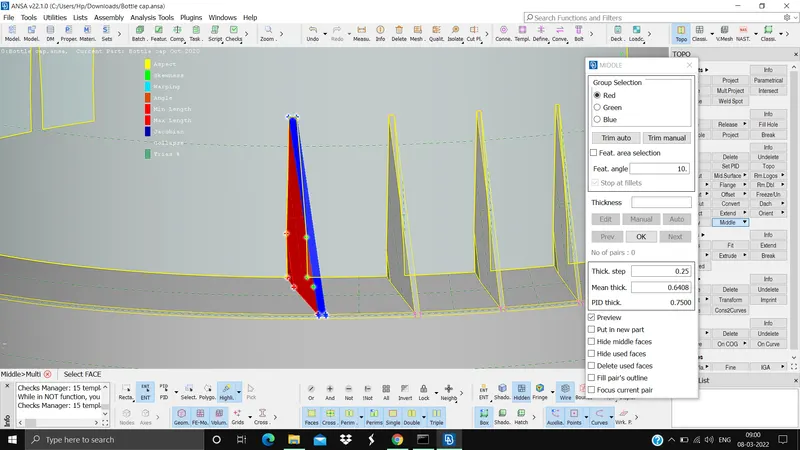
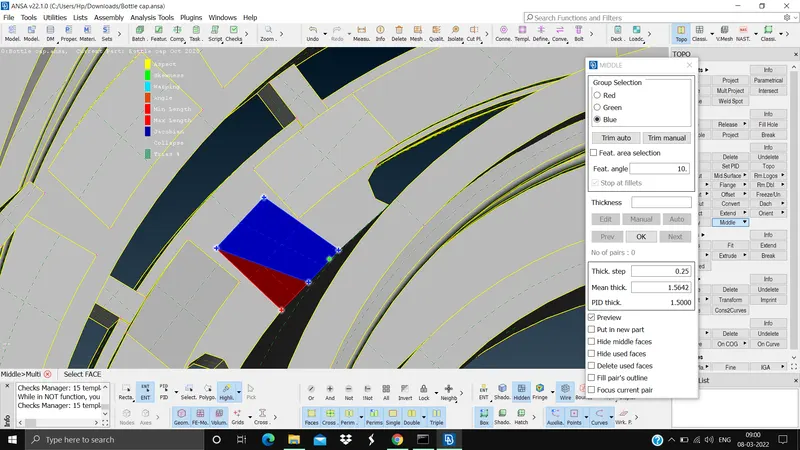
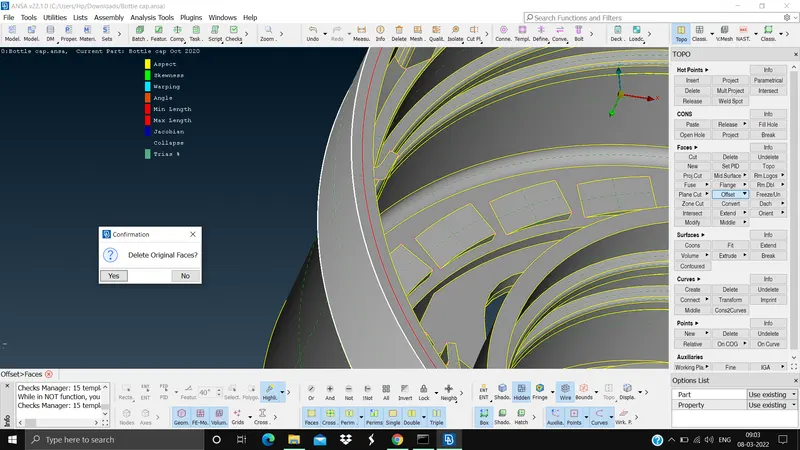
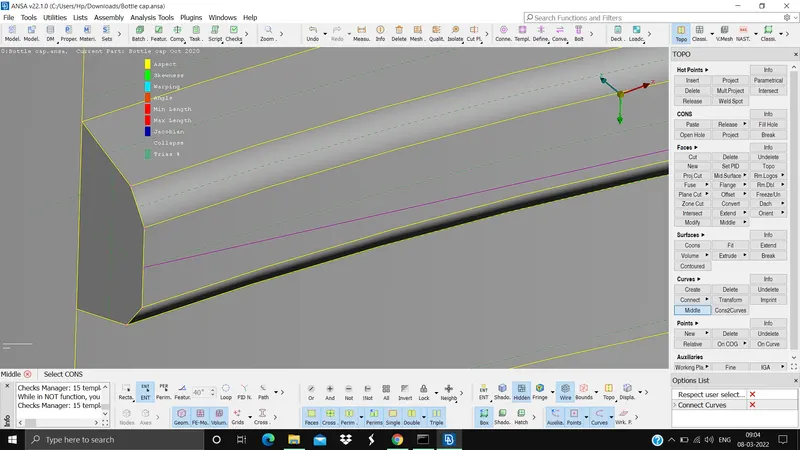
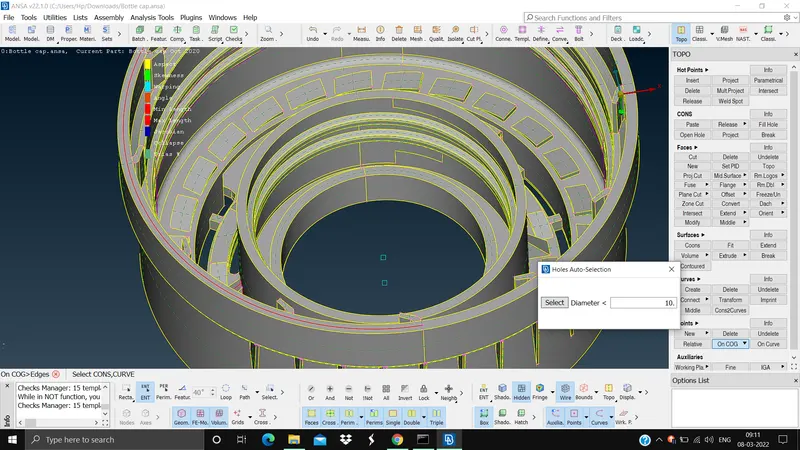
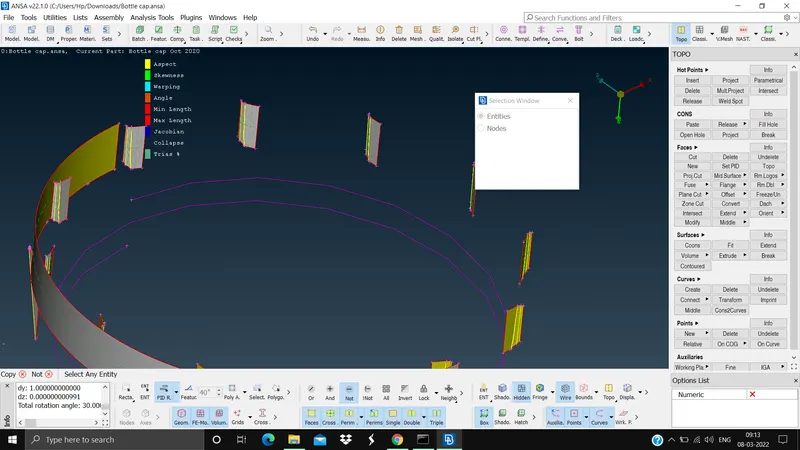
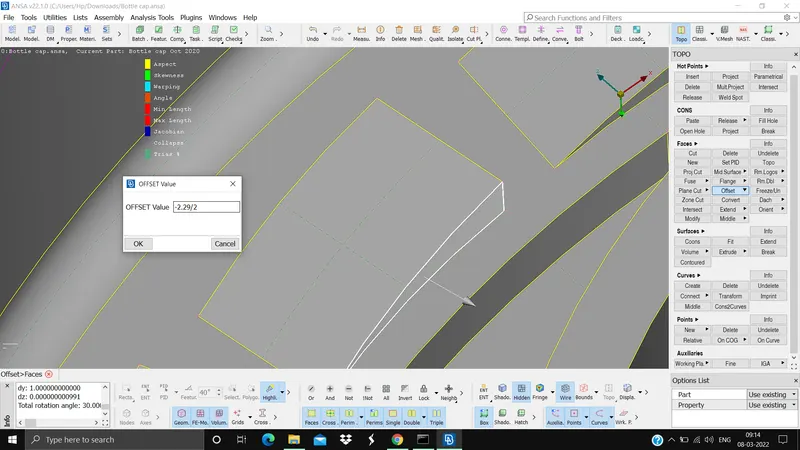
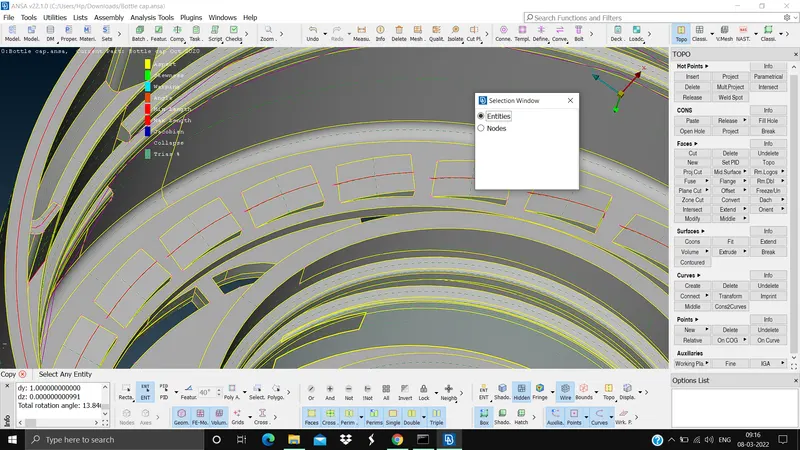
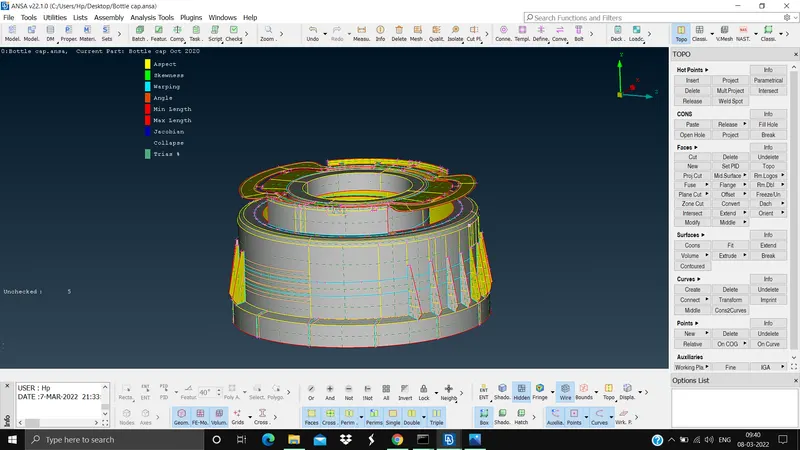
Step 5. Mesh the extracted surface with reference to the quality criteria, and check for the element failures (Mesh module > mesh generation > best > select the surface), to modify the elements usthe reconstruct and smooth commands (Mesh module > shell mesh > Reconstruct and smooth). To assign the quality criteria (Utilities tab > Mesh parameters and quality criteria)
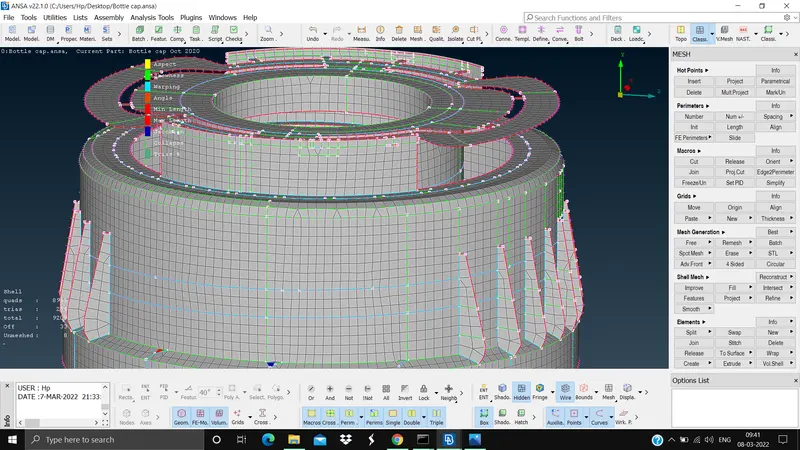
Step 6. Give thickness to the meshed surface. The thickness will be already be in PID during the mid surface. To activate the thickness we need to check DRAW SHELL AS SOLID (Utility tab > quality criteria > presentation parameters > Draw shell as solid)
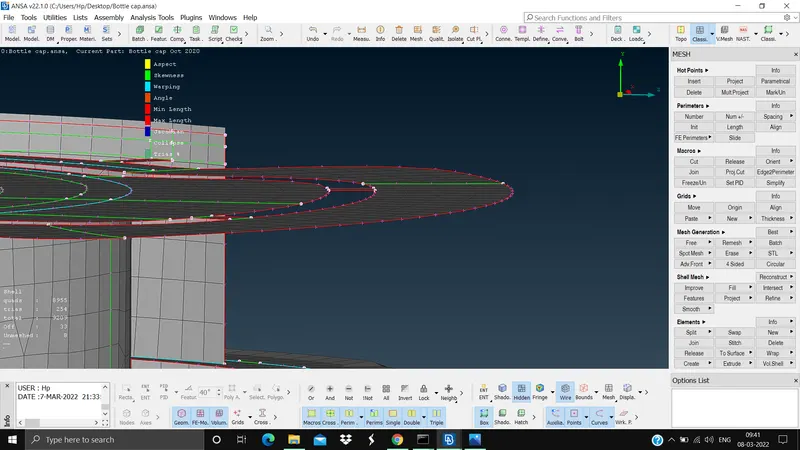
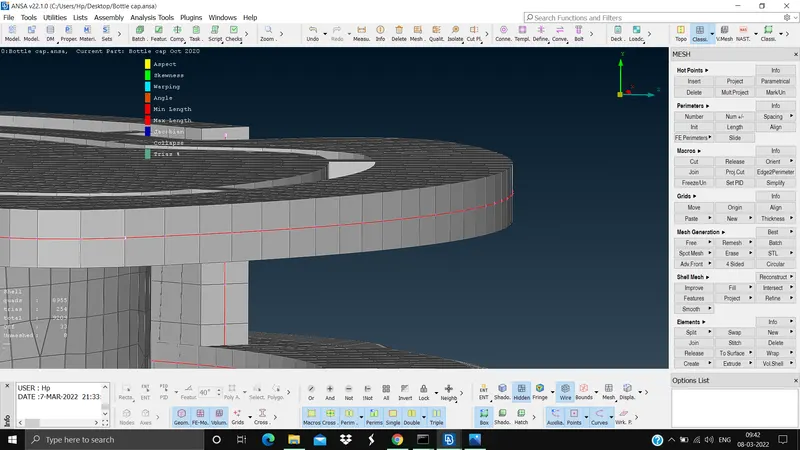
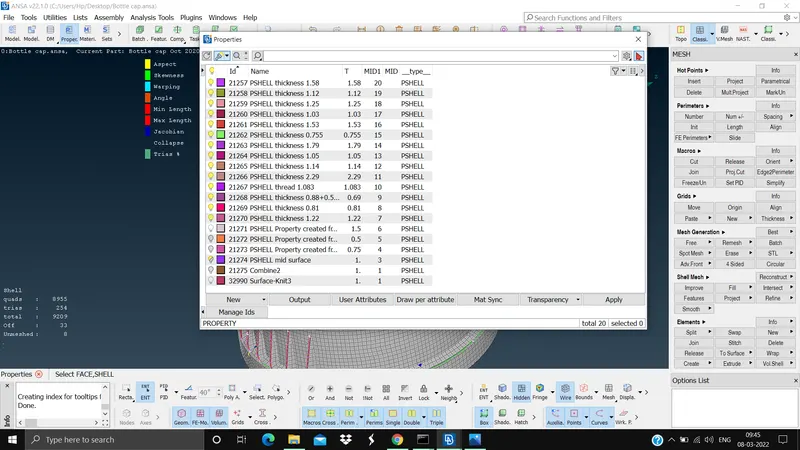
The outcome and conclusion of this challenge is that we learnt how to do topology cleanup, how to extract mid surface by offset method, middle multi, middle curve along with new face, how to assign quality and thickness to the model, how to mesh, and how to do element optimise etc using ansa.