ANSA Week 8 Challenge
AIM
To morph the component by the video shown in week 8 videos.
OBJECTIVE
The practice component is given to morph the component at a particular size as similarly shown in the week 8 videos.
PROCEDURE
Before we proceed to morph on the component we need to understand the concept of the morphing. so what is morphing?
Morphing
It is a tool to change the shape of geometry or FE model to an extent, and then it can proceed for analysis.
First, the geometry has been clear with the geometry doing a topology and then checking the geometry check and fixing the errors with an Auto fix option.
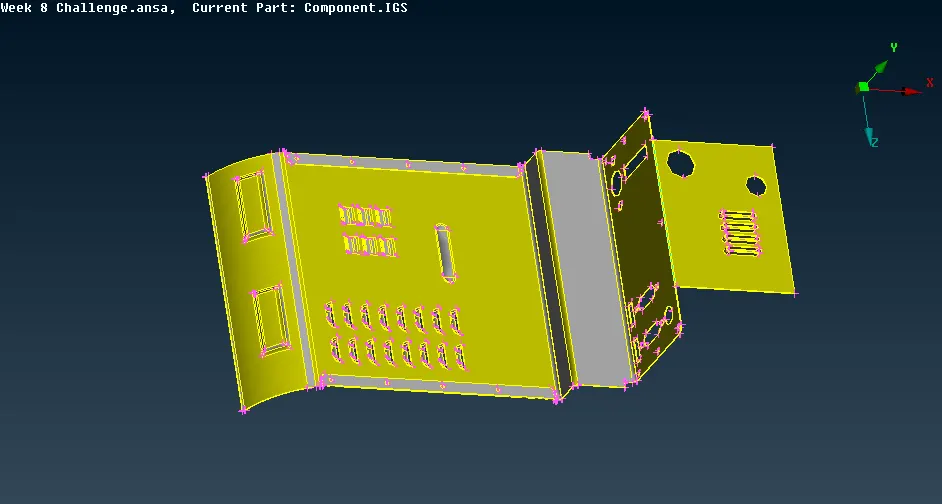
Fig 1: Component for morphing
To morph the height of the top face with cylinder shape to change the height the box is created with the NEW option, selecting the ortho option in that we have a geometry that needs to change the by shape.
So selecting the geometry and box type ortho and then selecting the morph box.
Selecting the points of the box that change the shape before changing the shape for the cylinder, first clicking the right click for the coordinates. changing the y-direction because to change the height, moving by coordinates the height will be increased.
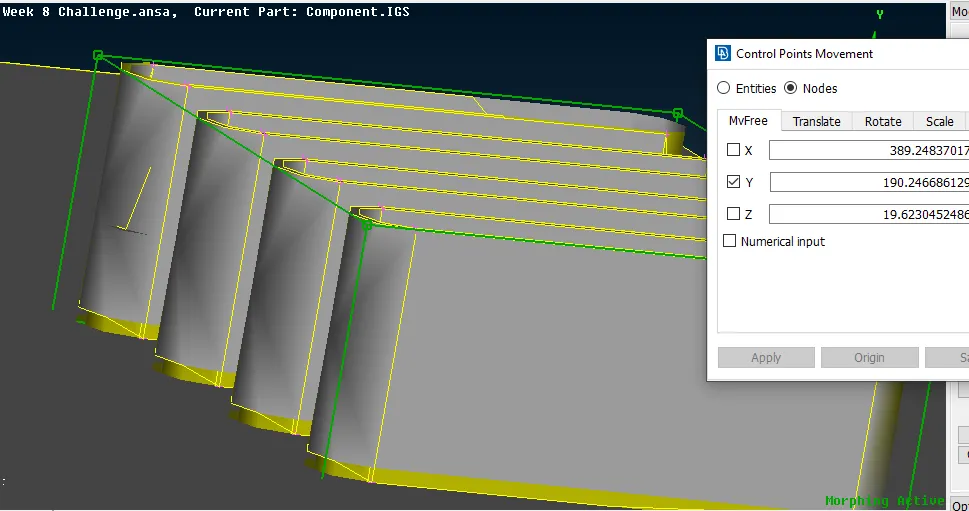
Fig 2: Morph by height
Because of the increase in height in the geometry has some deform to check the geometry perfectly, the length of geometry changes with 1mm in perimeters and macros.
For other geometry changes, the same process is applied but with the for moving coordinates the x and y direction is selected and also with z-direction.
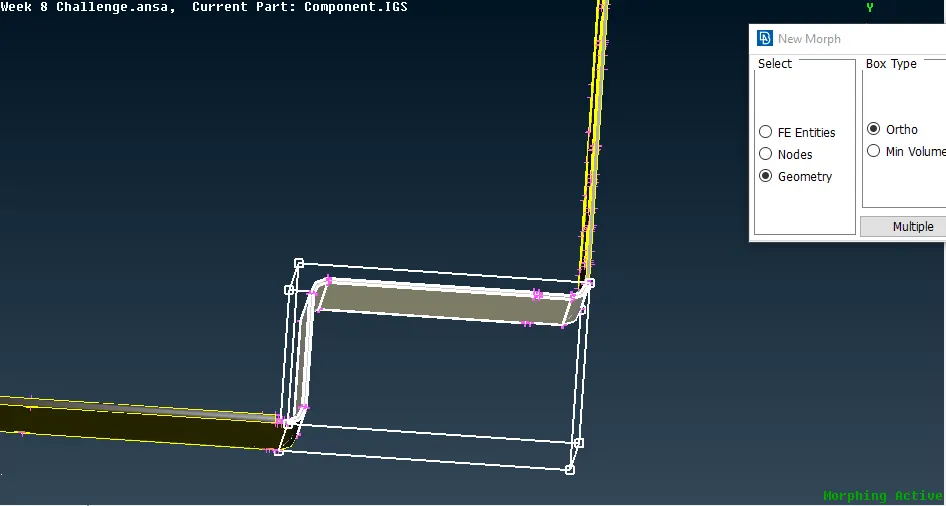
Fig 3: morphing other surfaces
The whole geometry is also morphed (shape change) is also done
After morphing the component the box can be deleted by deleting.
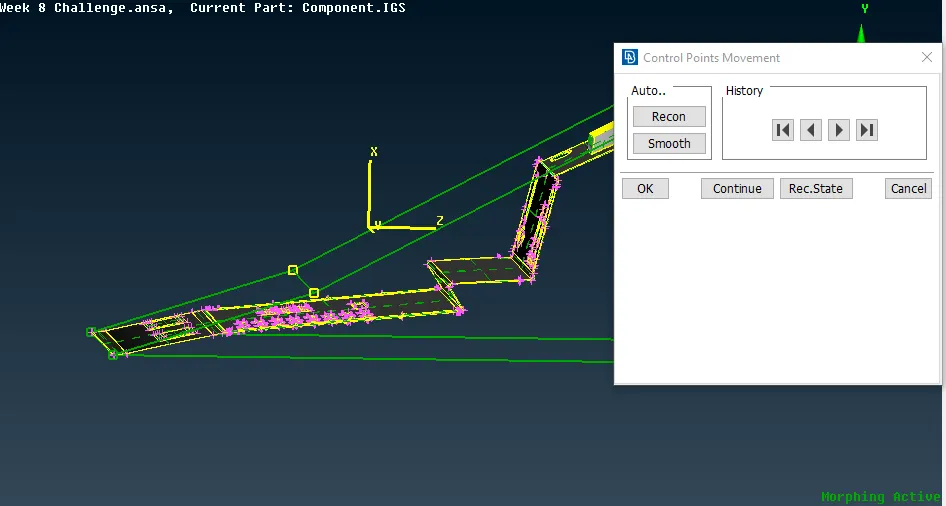
Fig 4: Morphing complete geometry
RESULT AND CONCLUSION
The whole geometry shape is changed and learned that the geometry of FE entities changes is changed by shape as per requirement s by the industries.
Difference between original geometry and change geometry shown in the figure.
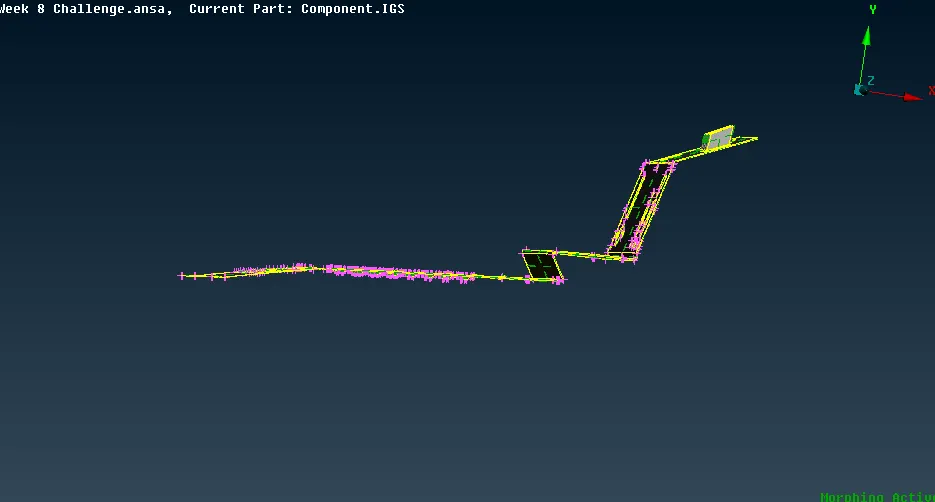
Fig 5: Geometry changes