Week 7: Shock tube simulation project
AIM:- SHOCK TUBE SIMULATION
Objective :-
. To set up a transient shock tube simulation
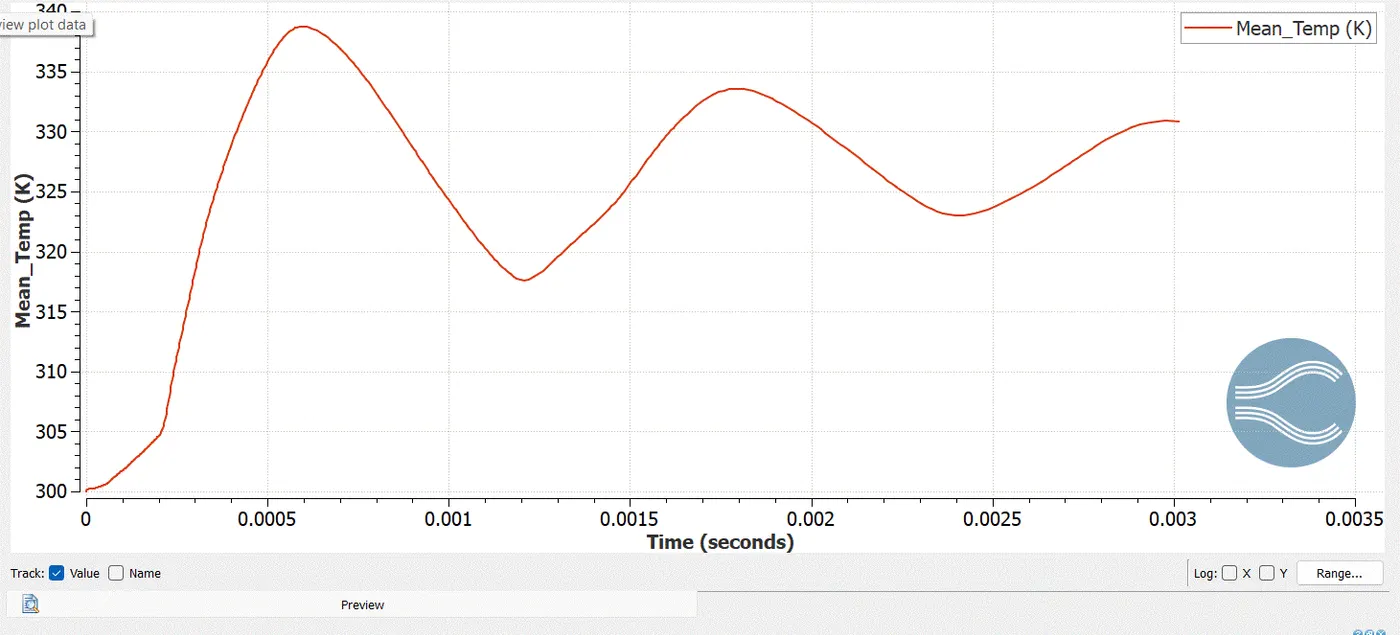
. To plot the pressure and temperature history in the entire domain
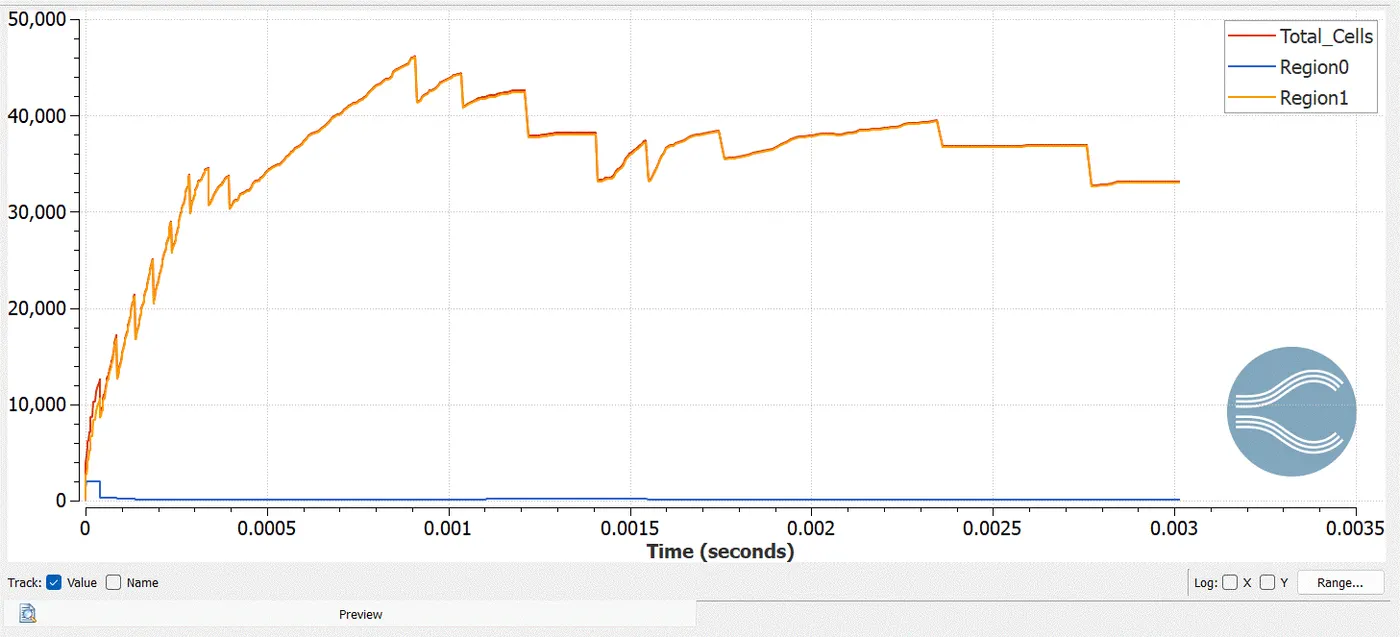
. To plot the cell count as a function of time
. To show the mesh generation using PARAVIEW
SHOCK TUBE:-
Shock tubes are devices for studying the flow of high temperature and high velocity compressible gas a high temperature supersonic gas flow is initiated in a shock tube as a result of rupture of a diaphrams separating two gases in high pressure and low pressure chambers.
Introduction&Geometry:-
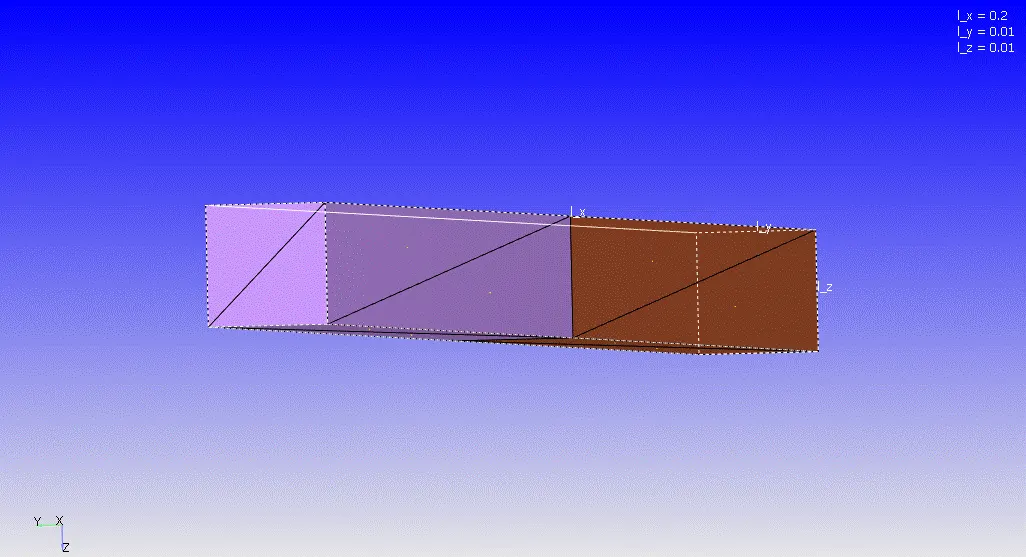
To set-up a shock tube problem consider a rectangular tube having a diaphram at the middle of the path of the tube seperating the tube into two equal volumes
As we cannot simulate the problem with a face seperating the two volume the disconnection face is not taken into account in the geometry
As the disconnecting face is present in the given geometry let us delete the faces connecting the two volumes of the shock tube
As we hide the side faces of the tube we can see the disconnecting faces between the two volumes
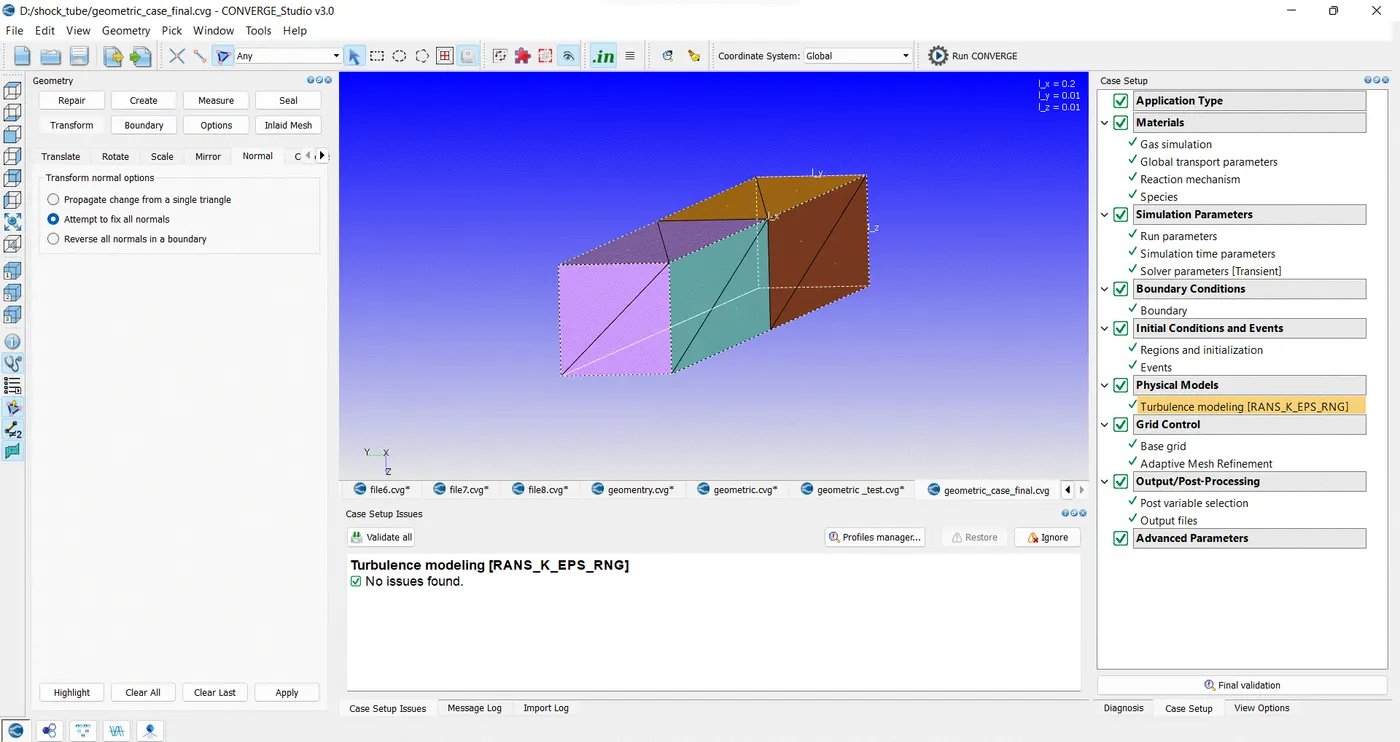
To move forward with the simulation we can delete the faces using the delete repair tool the normals of the triangle are facing in the outside direcion which cannot be simulated thus the normals are transgromed in the inside direction where flow will be taking places
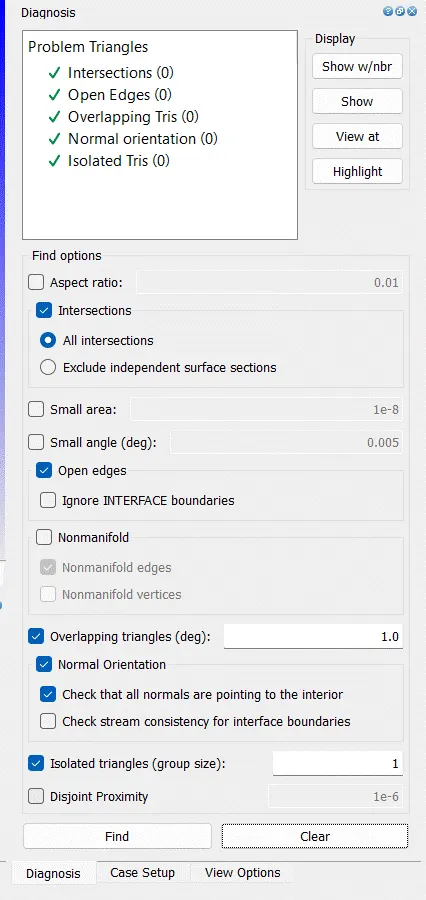
Diagnosis:-
Case Setup:-
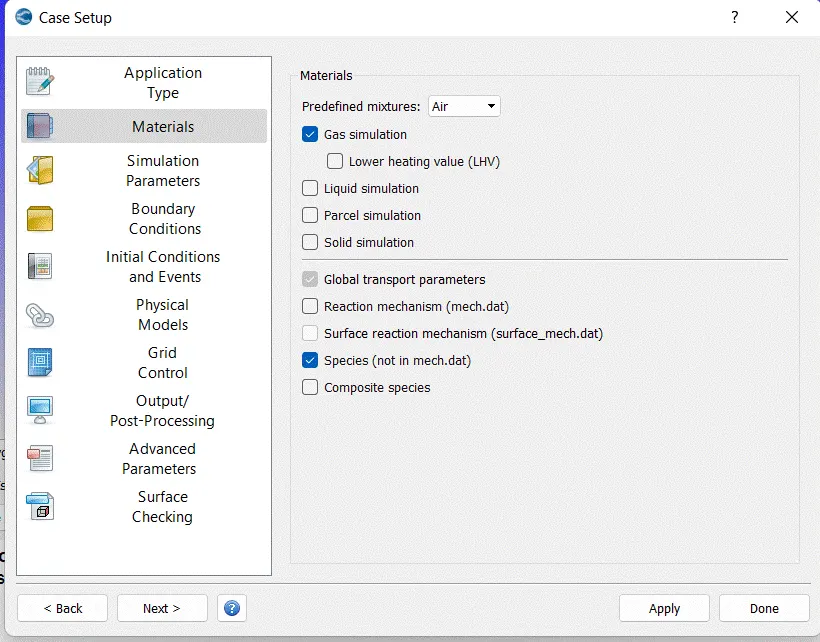
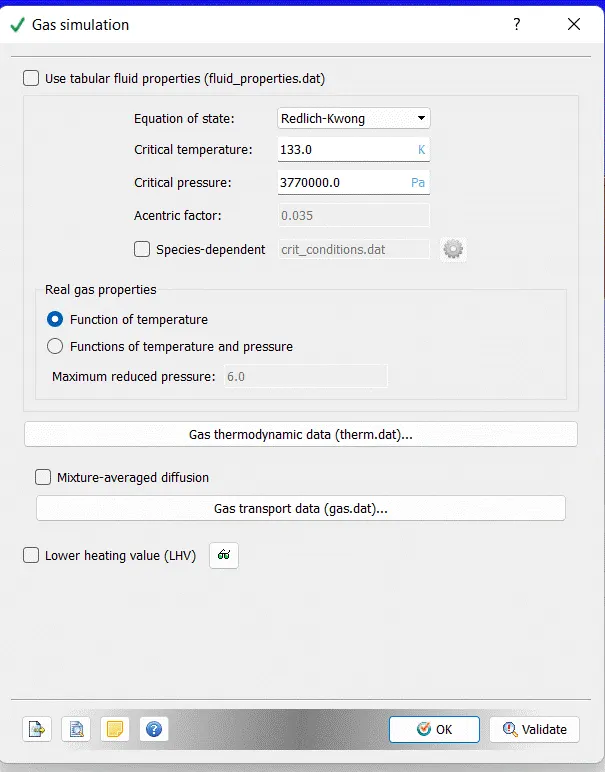
Gas Simulation:-
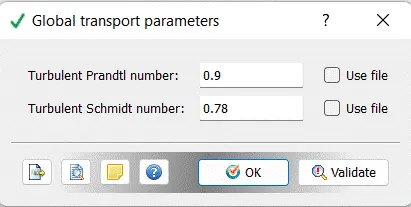
Global Transport Parameter:-
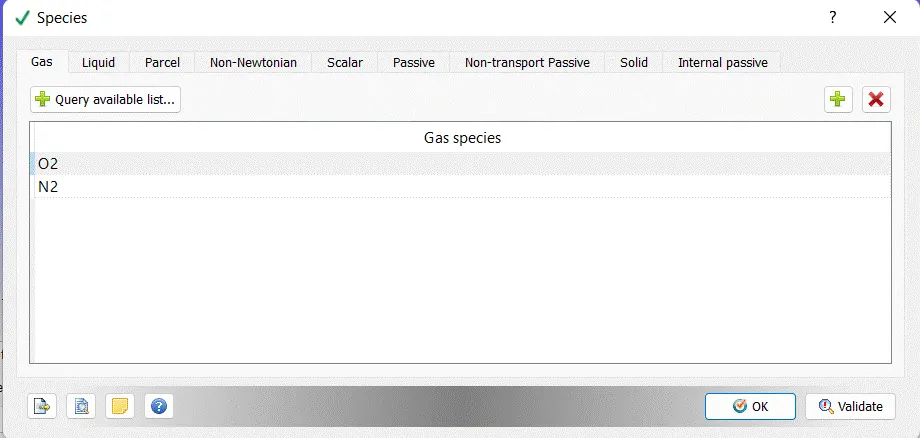
Species:-
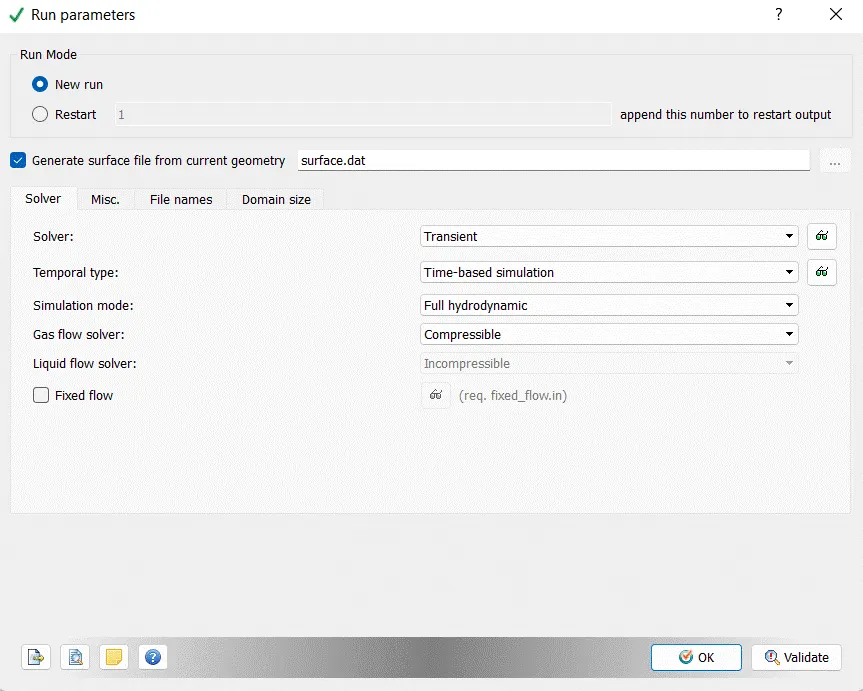
Run Parameters:-
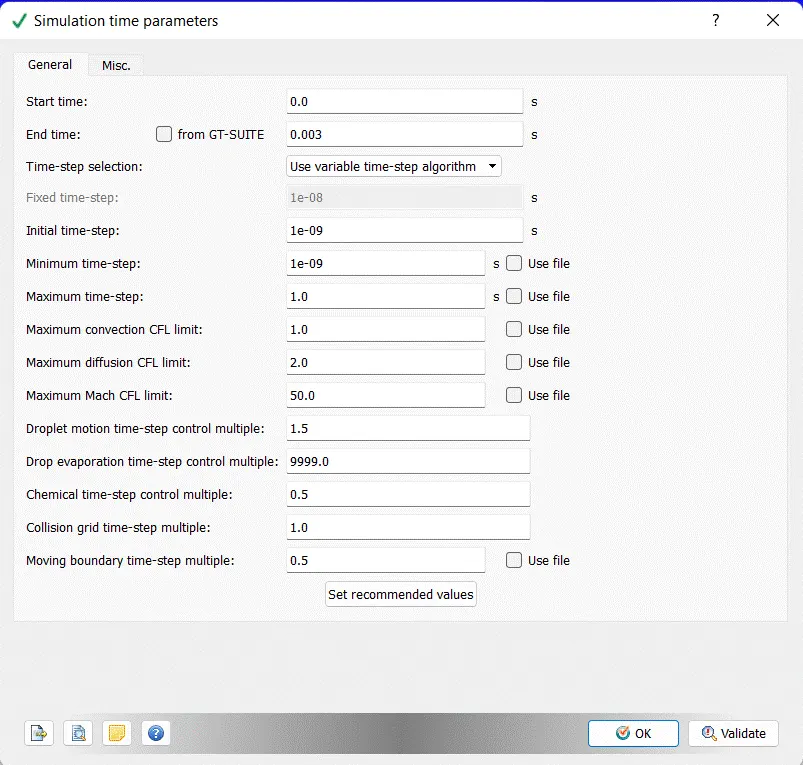
Simulation Time Parameter:-
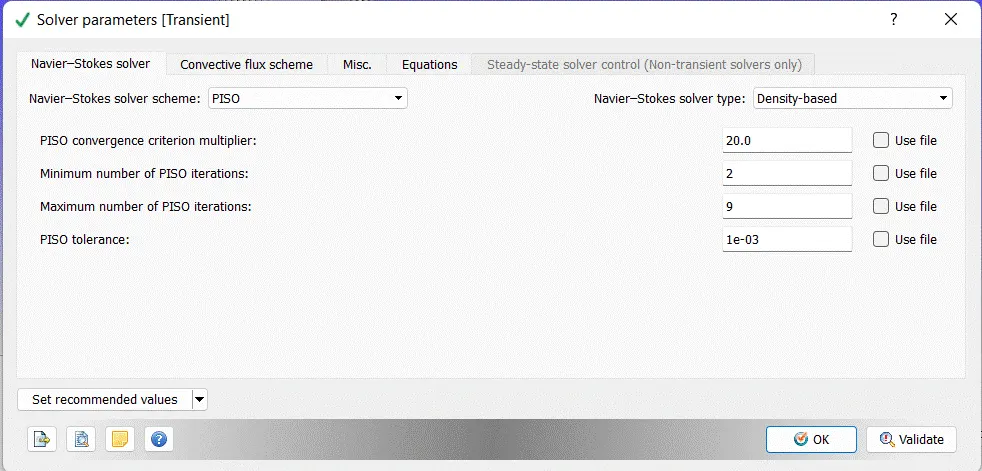
Solver Parameters[Transient]:-
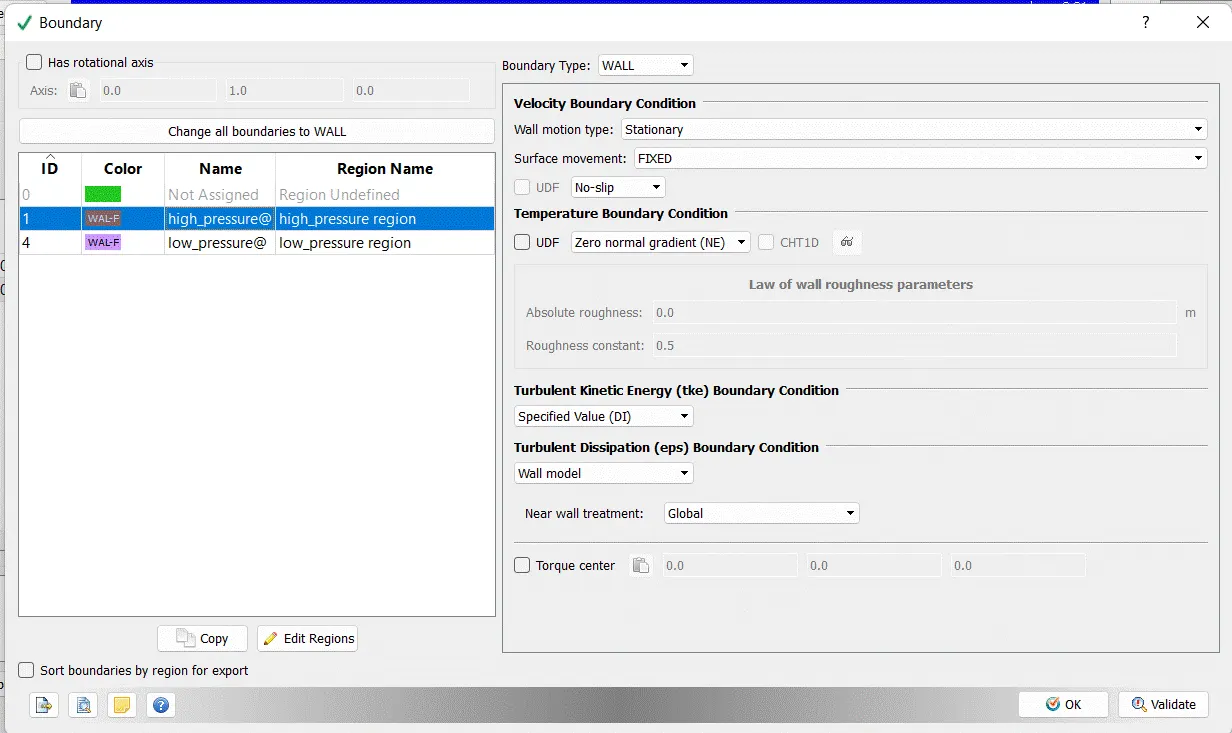
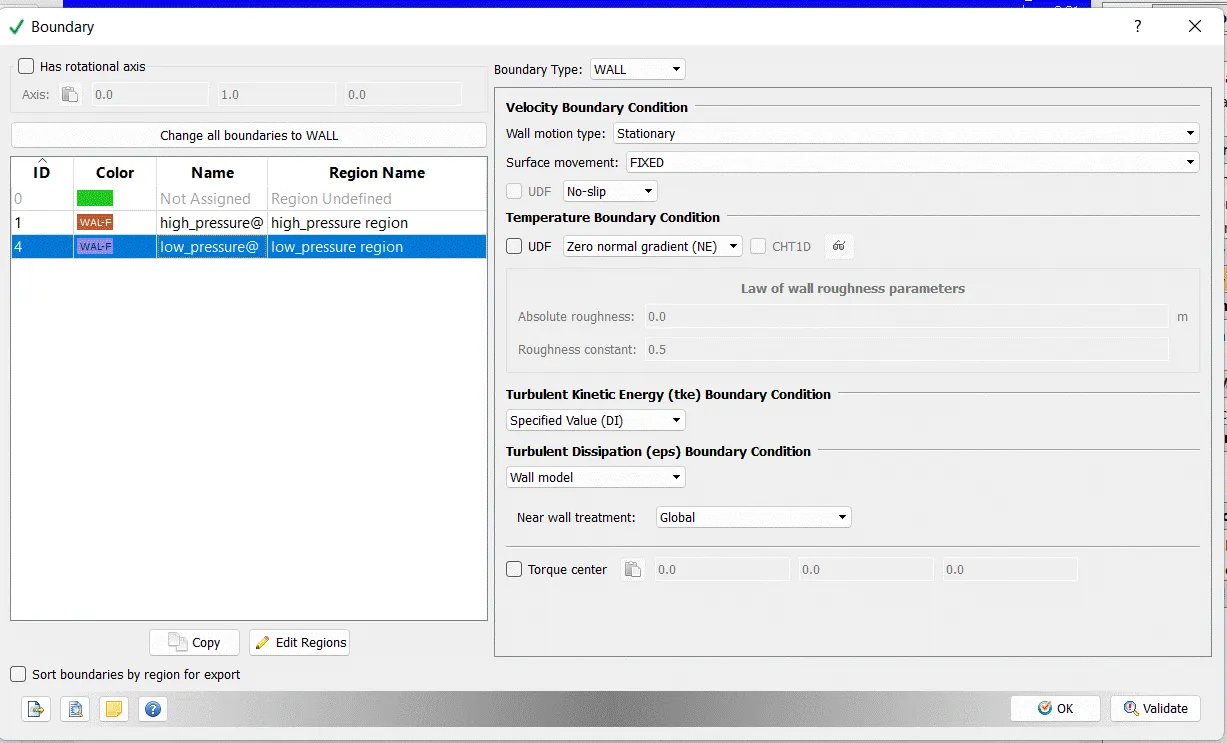
Boundary:-
Region Name:- high_Pressure Region
low_Pressure Region
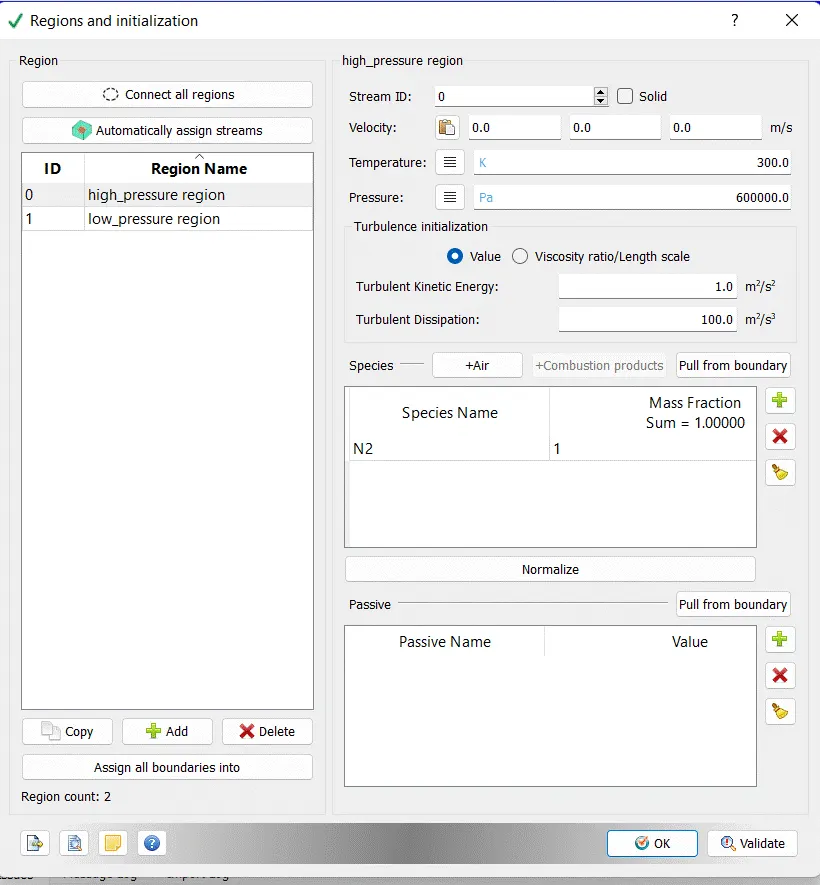
Region and Initialization:-
Events :-
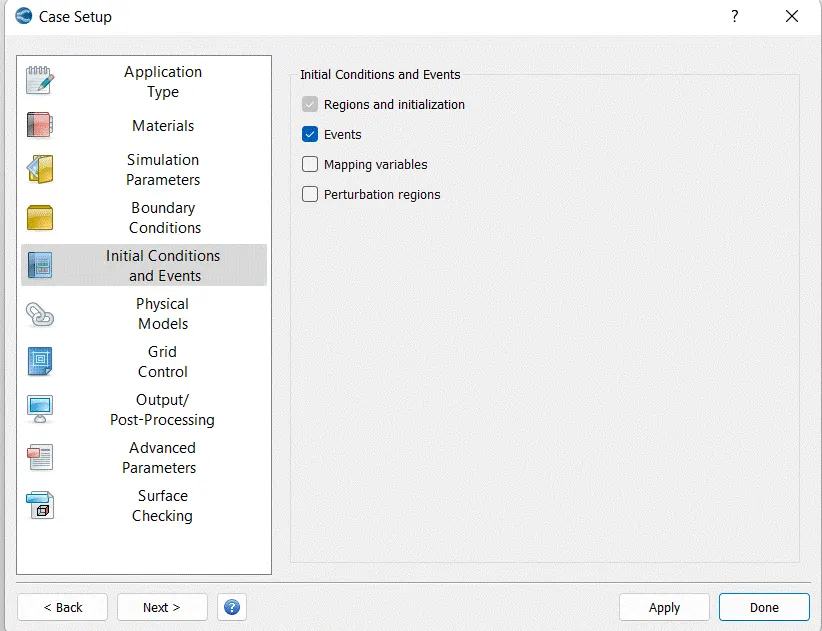
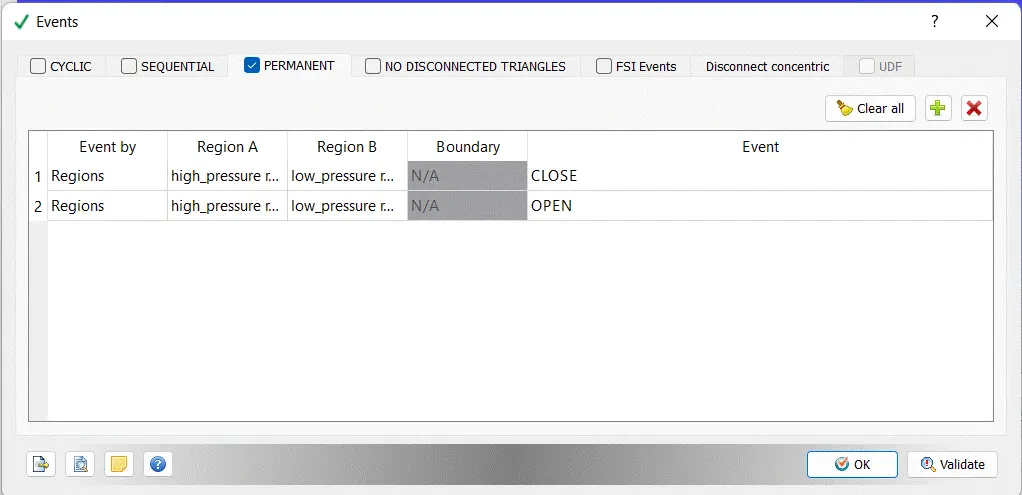
Use the Events dialog box to create custom events in certain boundaries or between two or more regions at defined intervals. Because CONVERGE cannot properly execute a simulation if surface triangles from two boundaries intersect, using the Events section is the only way to discontinue (or allow) flow between two regions.
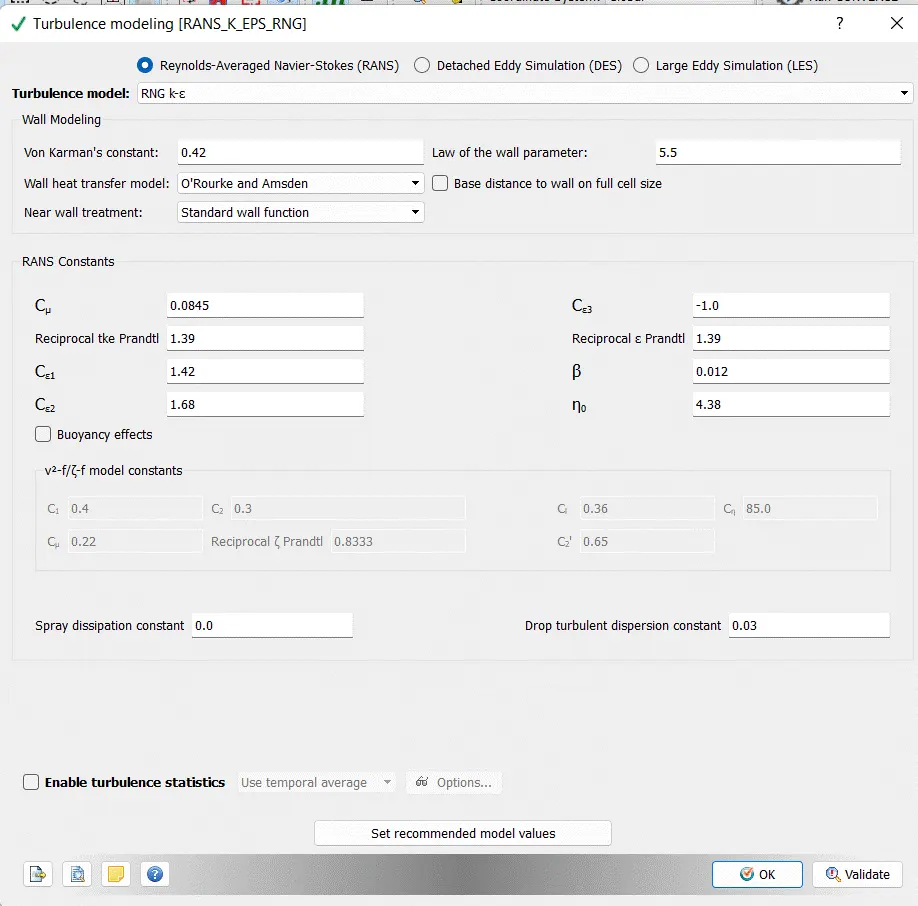
Turbulence Modeling:-
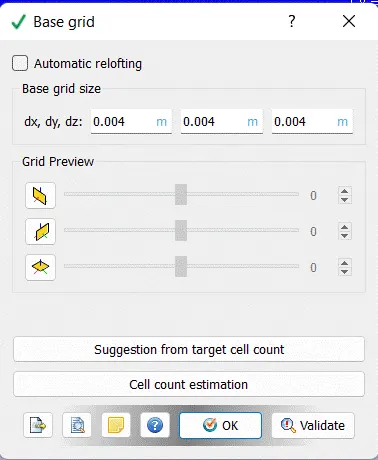
Base Grid:-
dx = 0.004 dy = 0.004 dz = 0.004
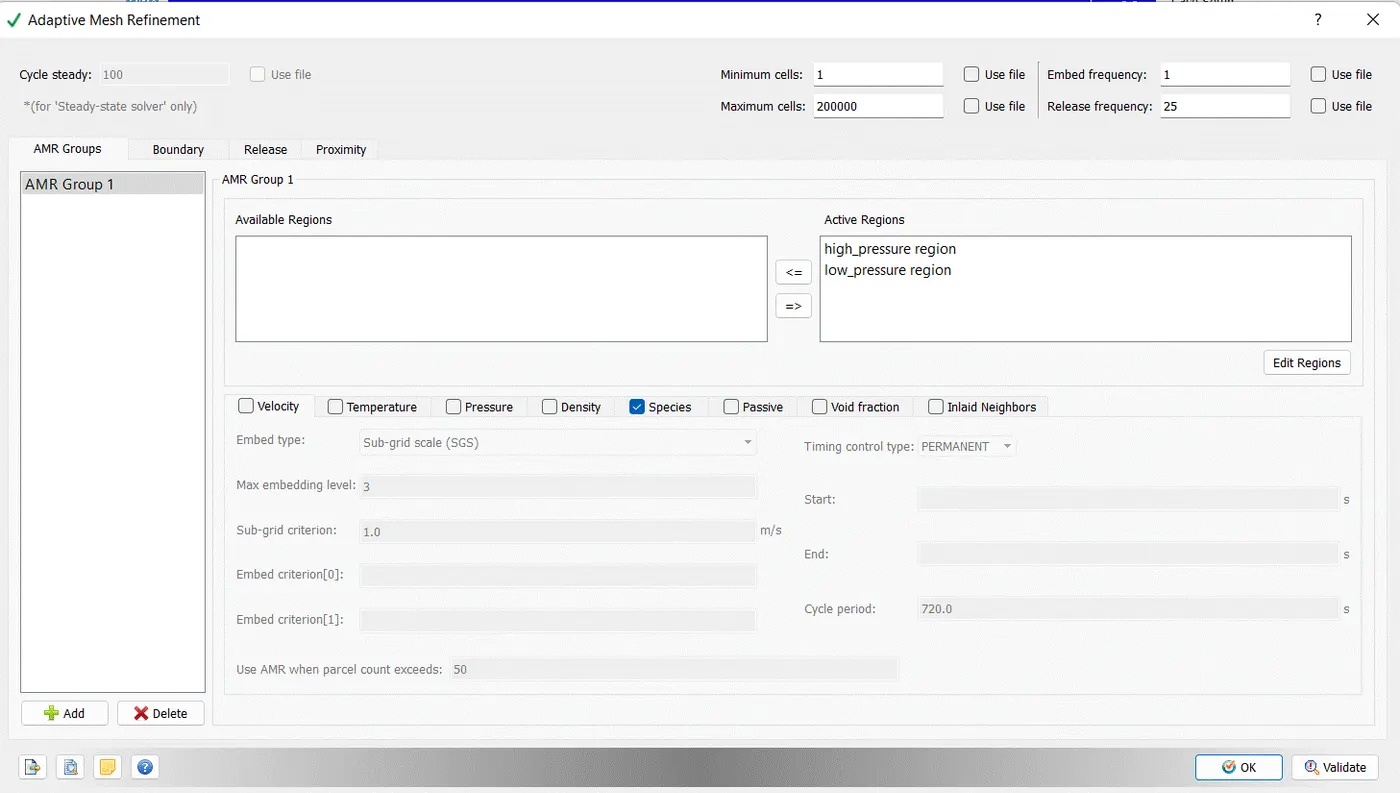
Adaptive Mesh Refinement:-
Minimum Cells:- 1
Maximum Cells:- 200000
Embed Frequency:- 1
Release Frequency:- 25
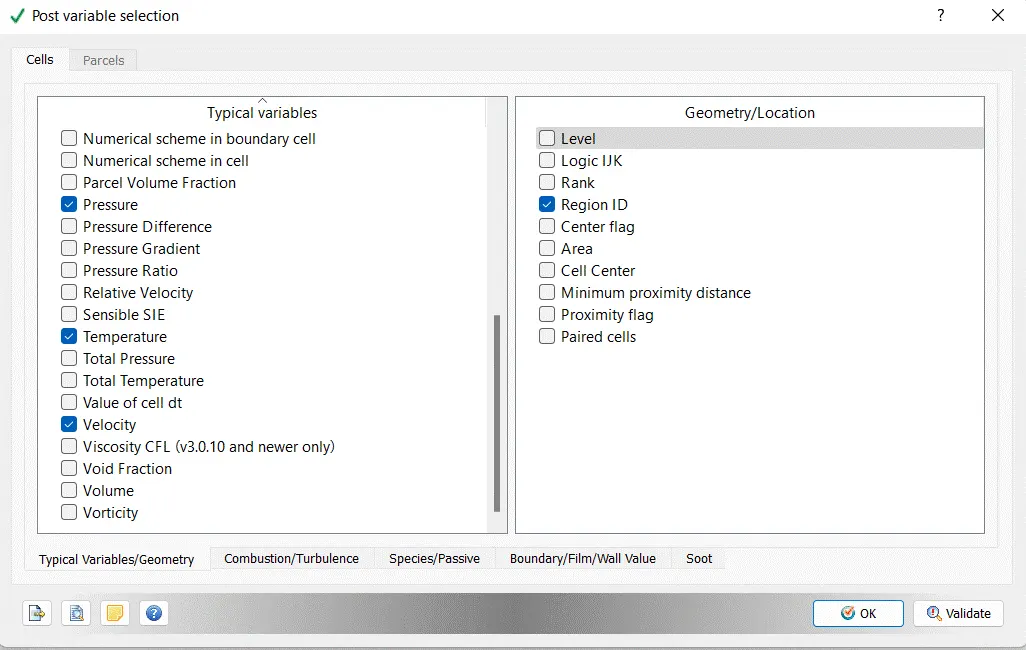
Post Variable Selection:-
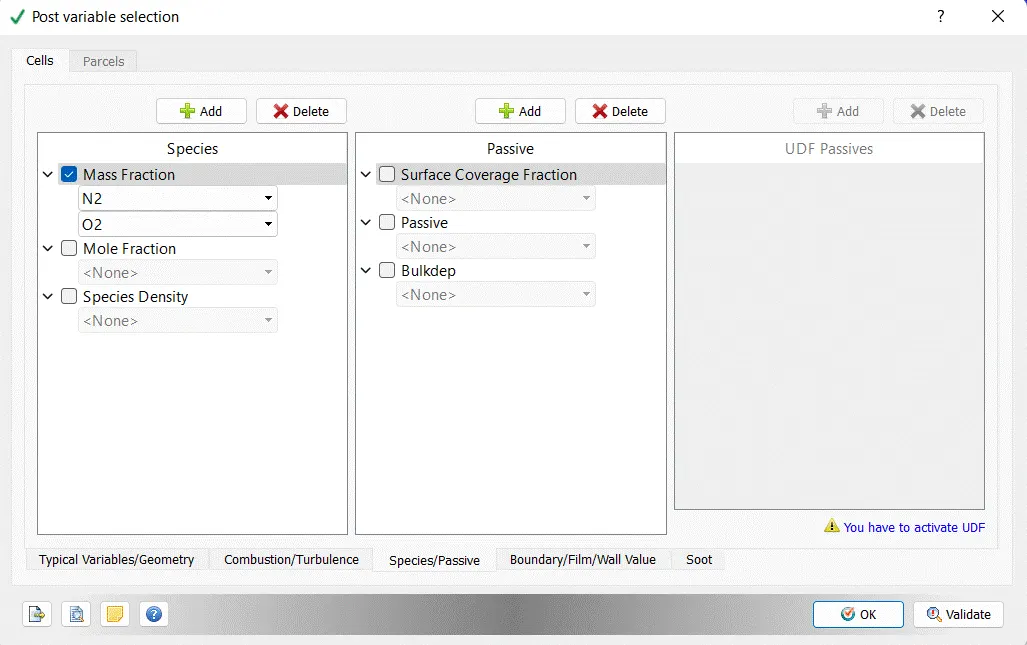
Mass Fraction:-
N2
O2
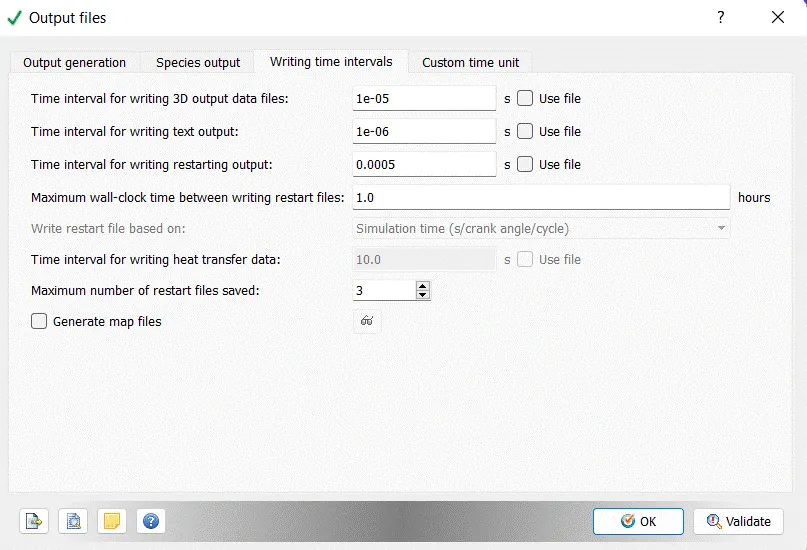
Output Files:-
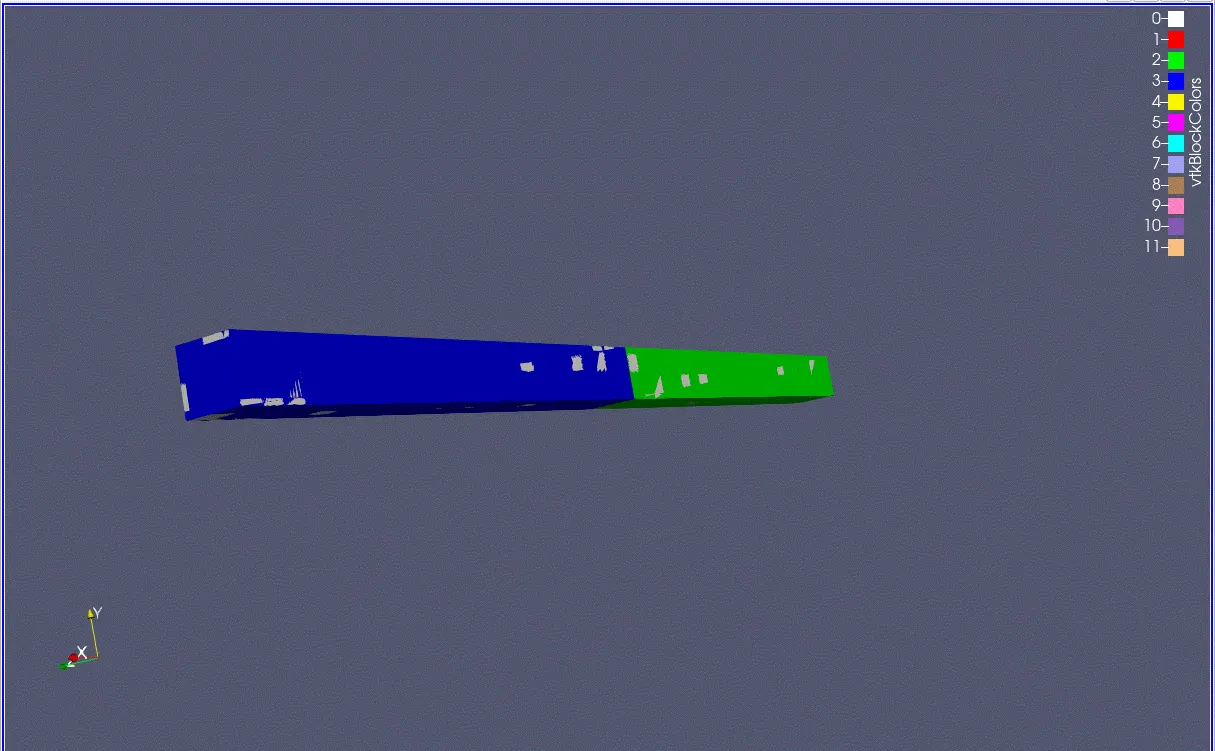
Results:
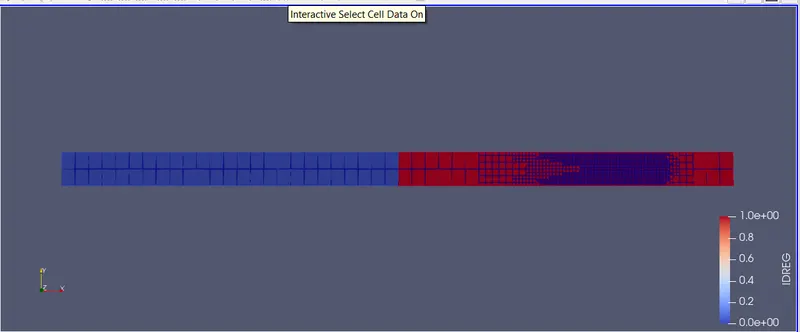
1. Meshing:
a) Base Mesh:-
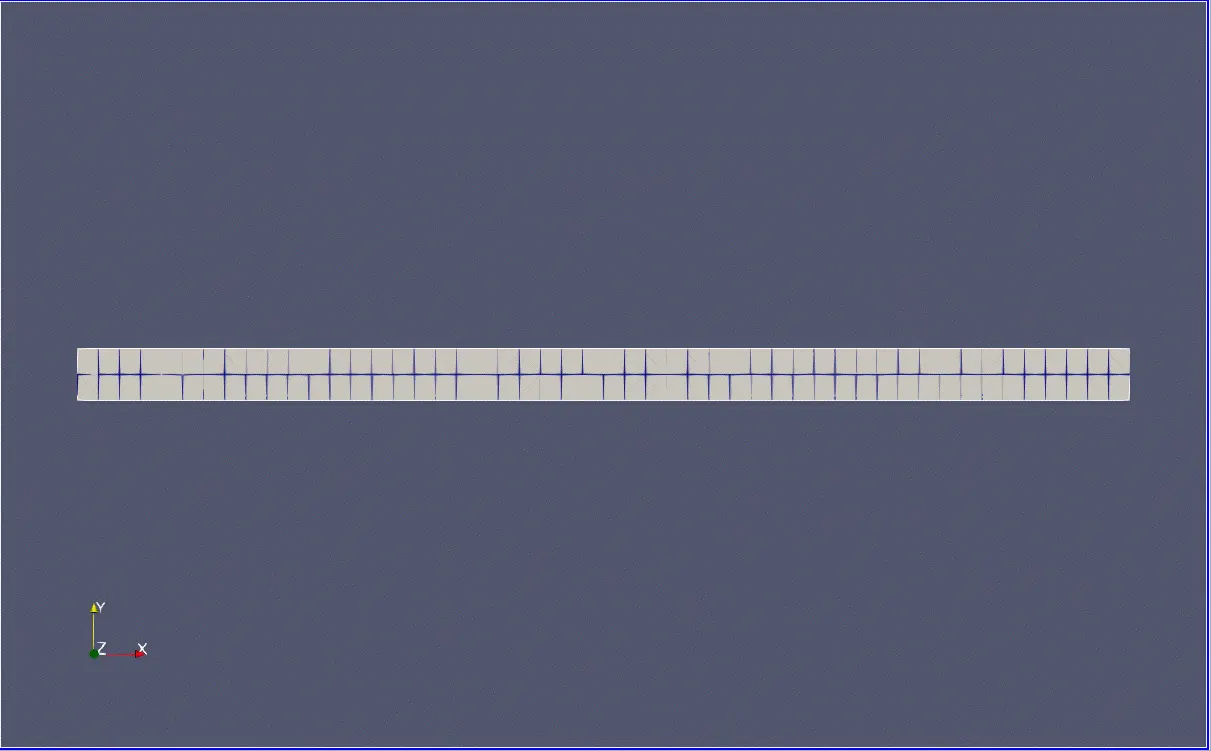
Pressure Contour :-
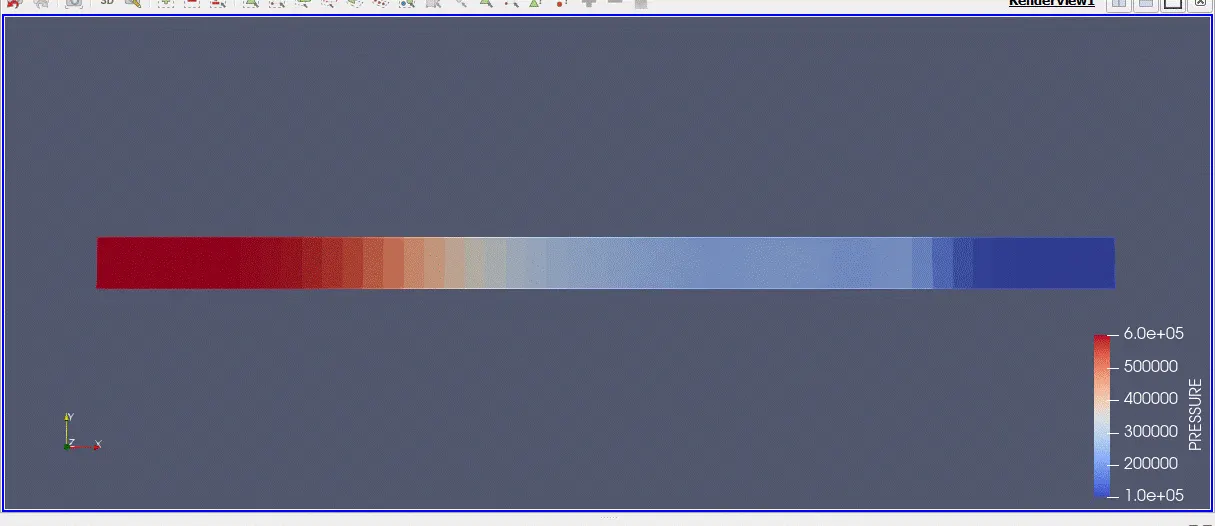
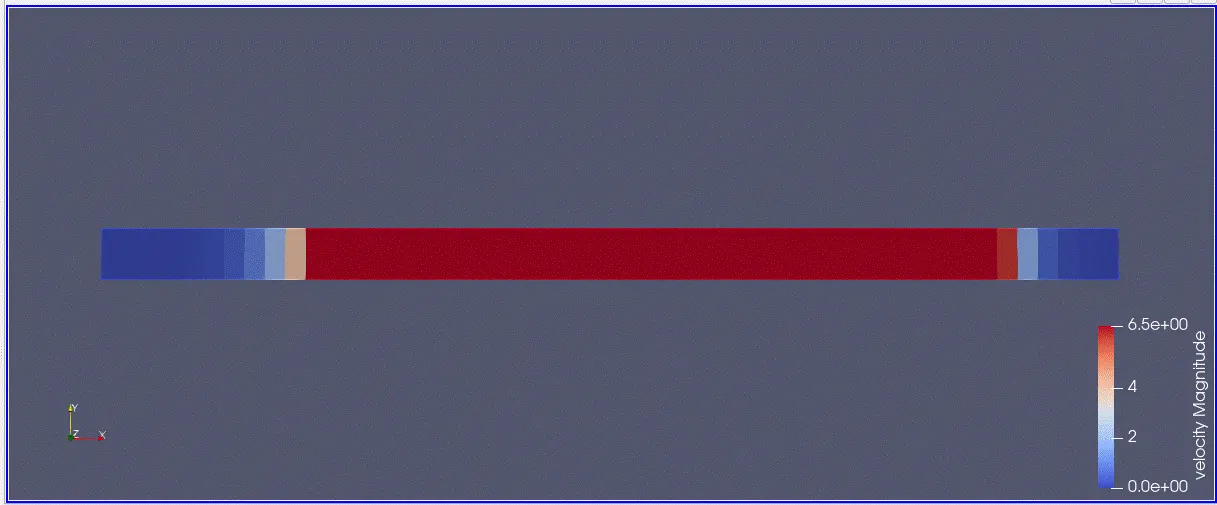
Velocity Contour :-
IDREG:-
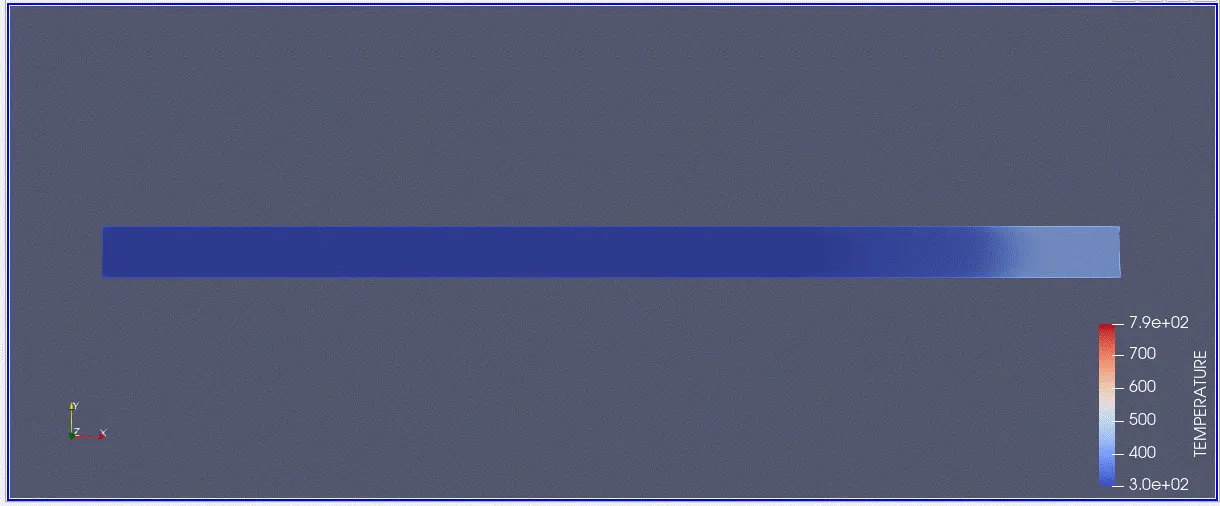
Mean_Temp plotting:-
Cell Count :-
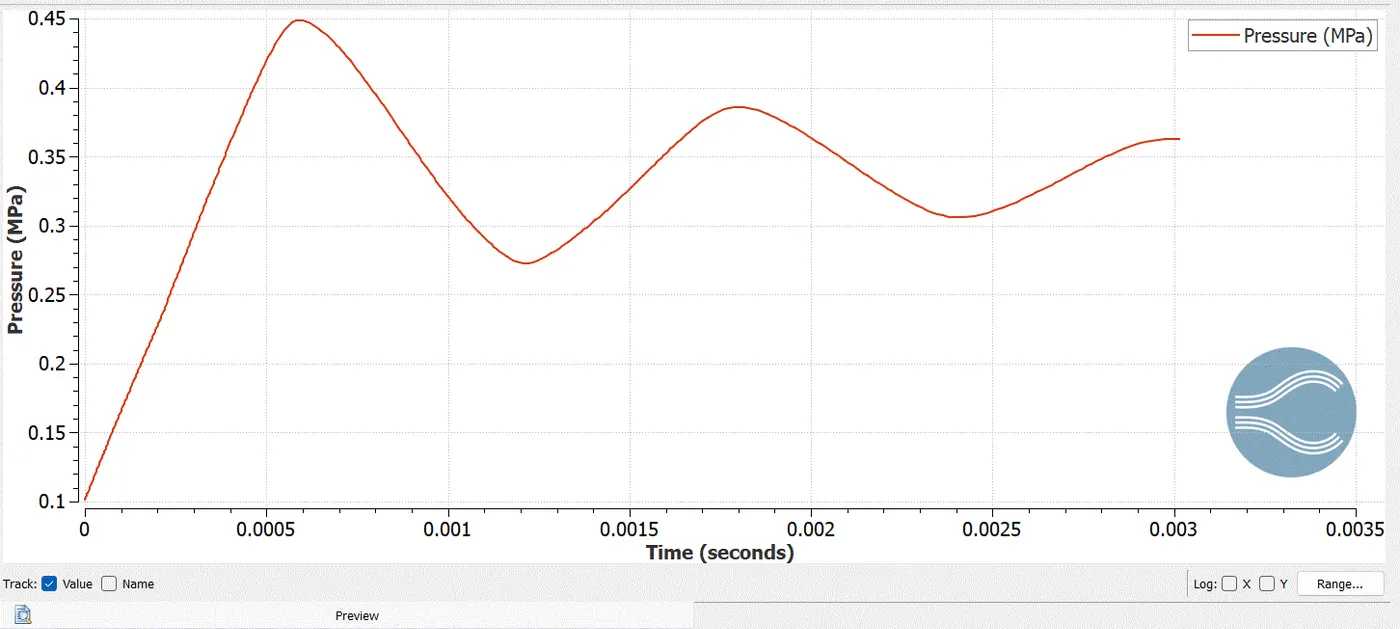
Pressure(MPa) Plotting:-
Velocity profile :-
Pressure profile :-
Mass Fraction :-
Mass Fraction :-