Week 7 Challenge
1.
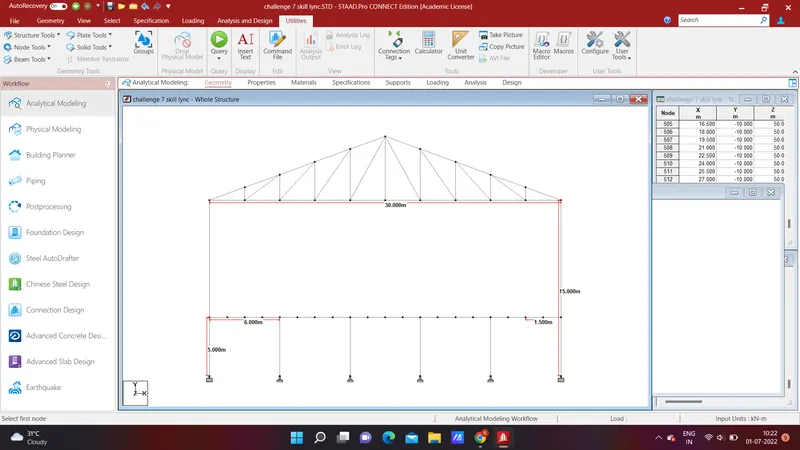
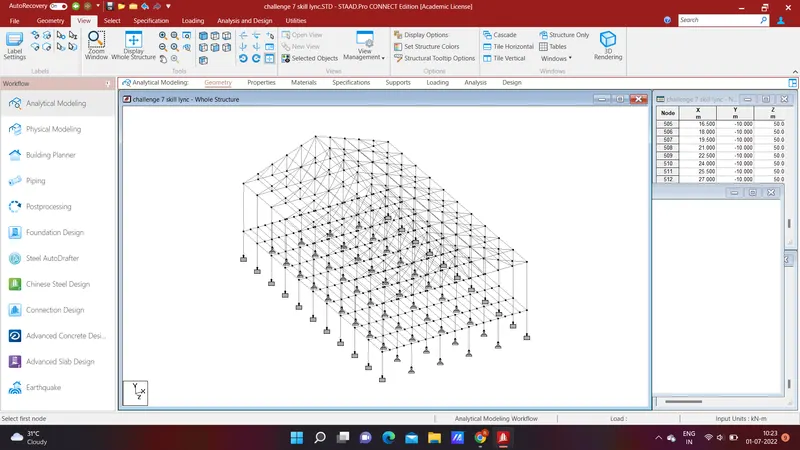
AIM : Modelling of a structure with the given requirements.
PROCEDURE:
- Open the staadpro.
- select required units and select analytical model and then create the new file.
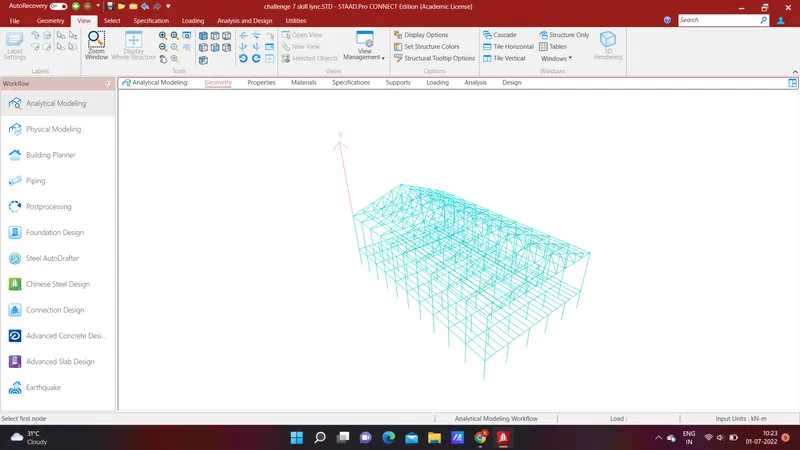
- then create the required truss from structure wizard and export it to the staadpro and add required nodes and beams to the truss.
- And create all the nodes as per the requirement and using the option called add beam ,join all the required nodes to form the beams
- Under the Geometry tab ,select translational repeat option and select the required axis and spacing of truss and required numbers of trusses and join all the connections and keep the base open.
- Here you will get the required structure with the given specifications.
RESULT :
2.
AIM : To apply specification and material property for the structure with the given specifications.
PROCEDURE :
- Open the file which is already created previously.
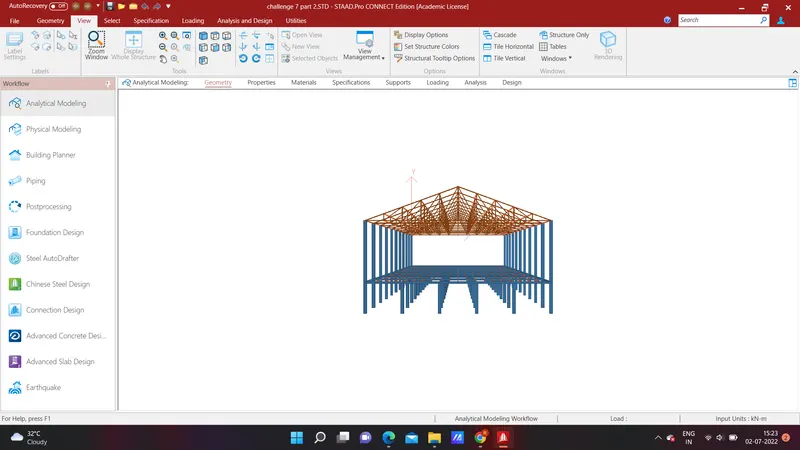
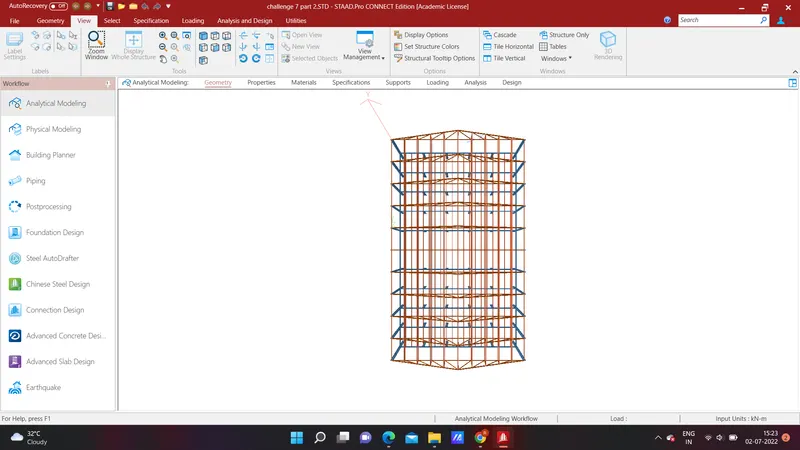
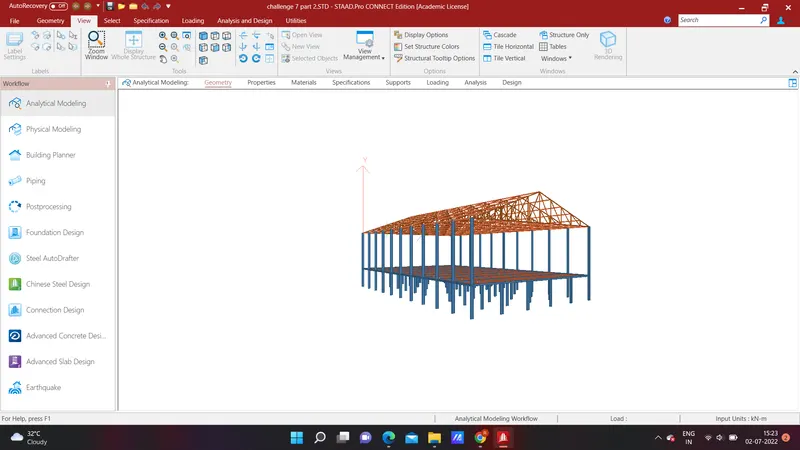
- Now click on the specification bar and then select the section database option and then select the indian section and then rolled steel and then select the required secttions for columns and beams , purlins and etc..
- for beta angle choose beta angle option and then create beta angle and select the selection to apply it.
RESULT :
3.
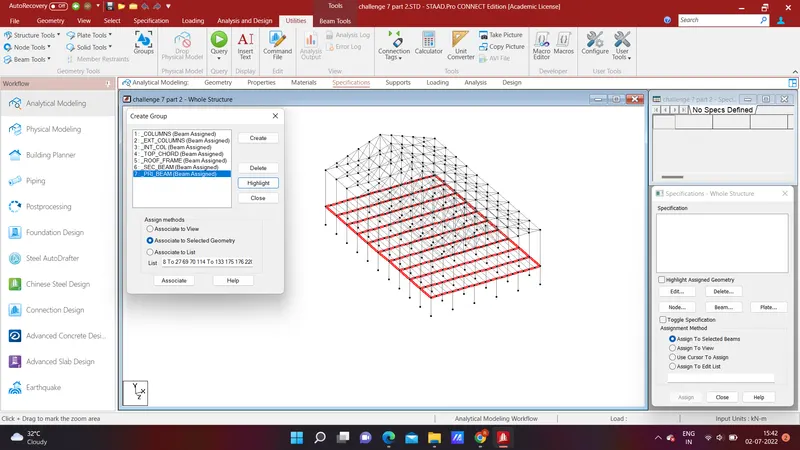
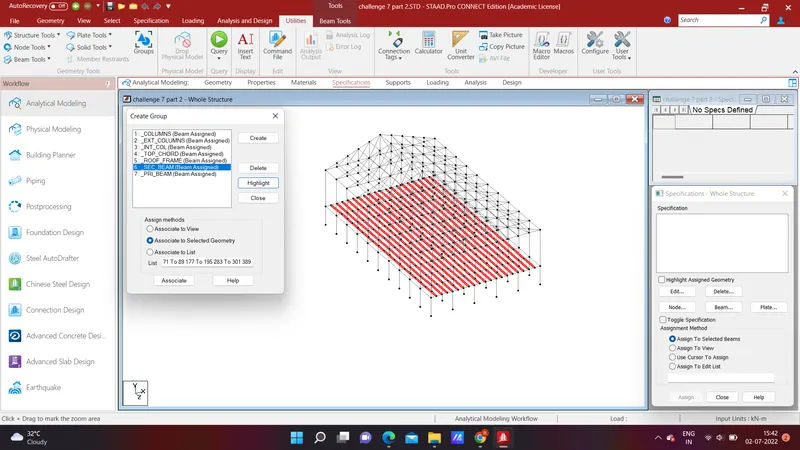
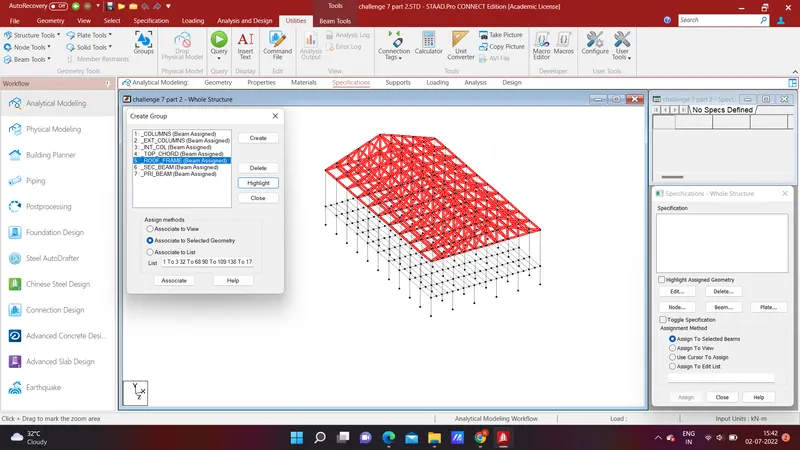
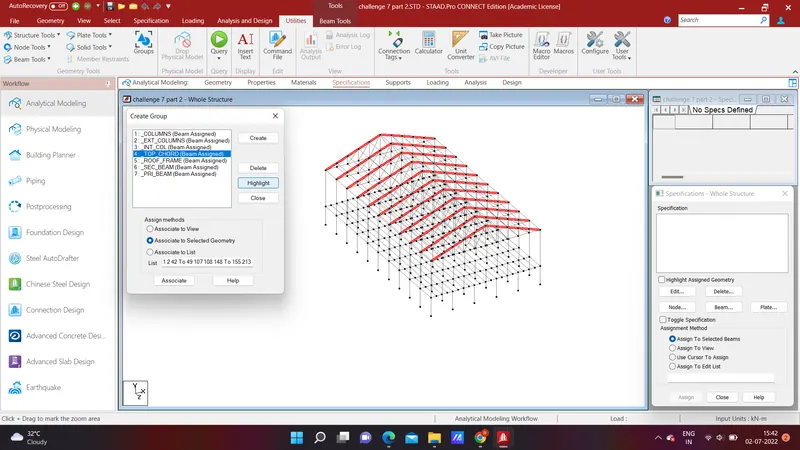
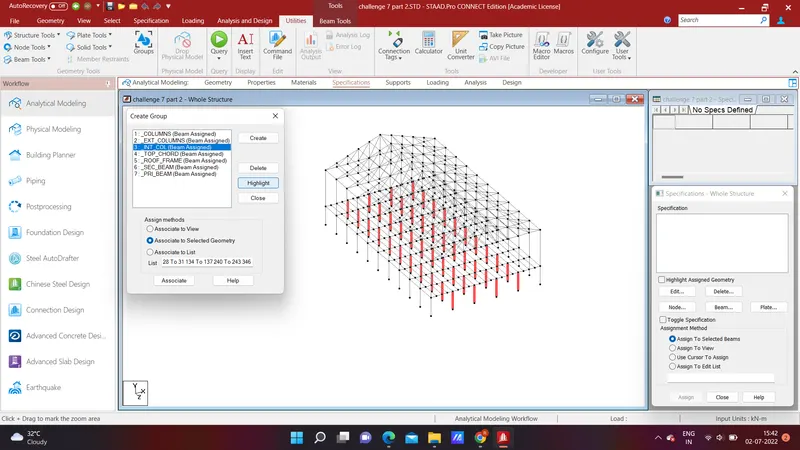
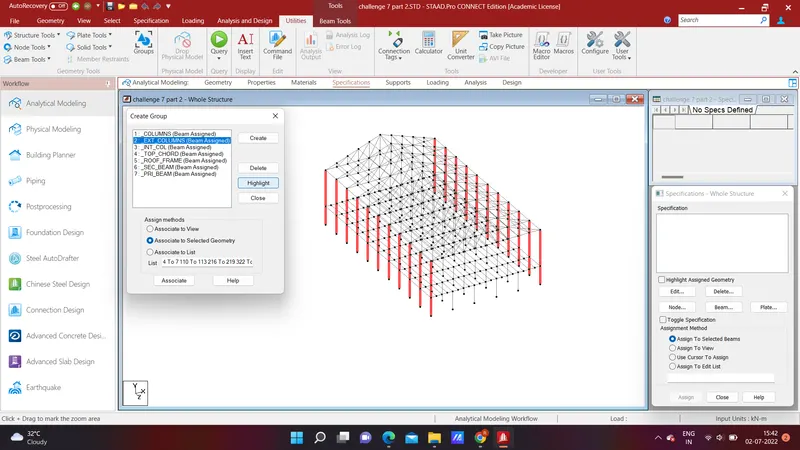
AIM : Grouping of the members.
PROCEDURE :
- Open the already created structural model
- go to geometry create groups
- give the names of various groups , as mentioned in the question.
- After creation of group associate group to member,check group by highlight option given.
RESULT :