Week 6-Meshing of Hood Challenge
AIM: TO CREATE A MESH AND CLEAR ALL QUALITY ERROR'S FOR THE GIVEN MODEL
PROCEDURE:
- Import file to HyperWorks
- Delete solid surfaces
- Geometry cleanup
- Midsurface extraction
- Delete symmetry surface
- Defeaturing
- Assign quality criteria
- Meshing
- Quality error's cleanup
Import the STEP file to hyper work
Import the STEP file to hyper work
Go to>> File Import>> Select geometry >> Change to STEP >>Open the model>> Click the model>>Import.
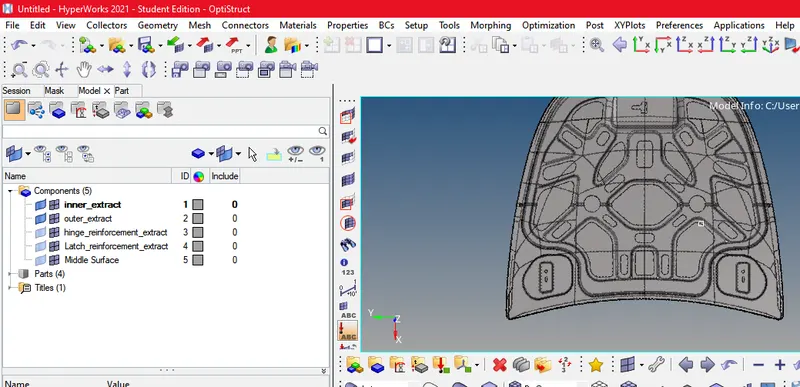
DELETING SOLID FACES
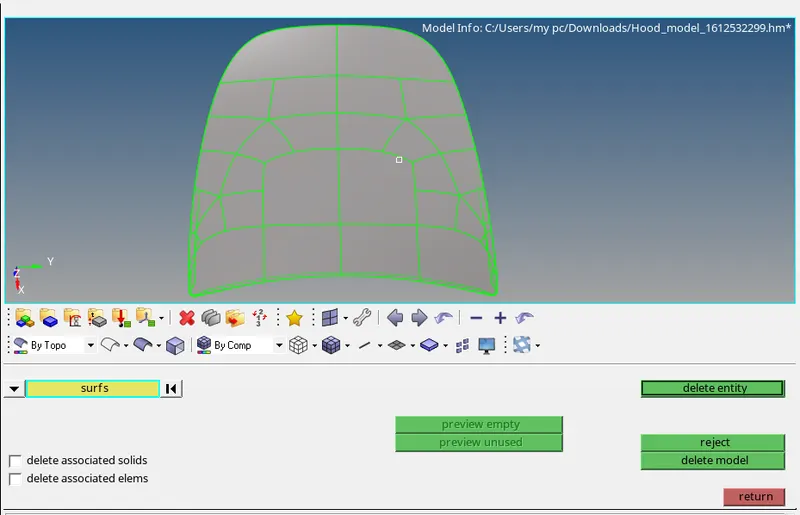
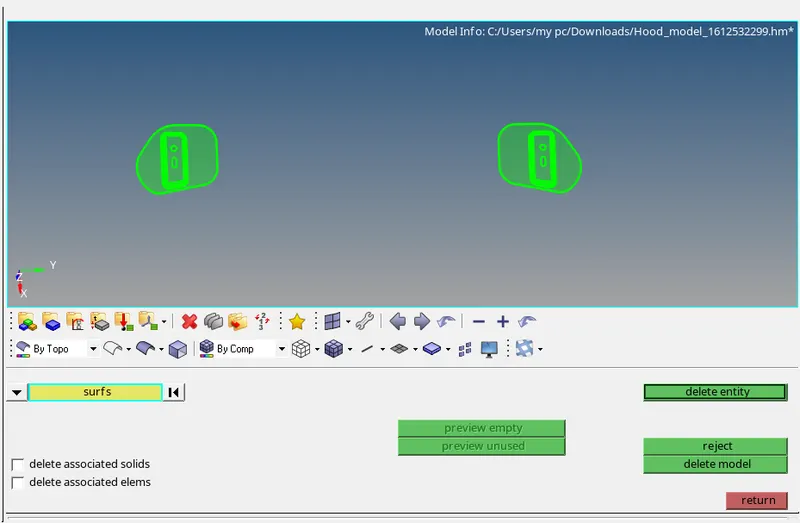
Delete all solid faces for the given component
For deleting the faces
Goto delete >> Select surface>> Select solid>> under the surf >>delete
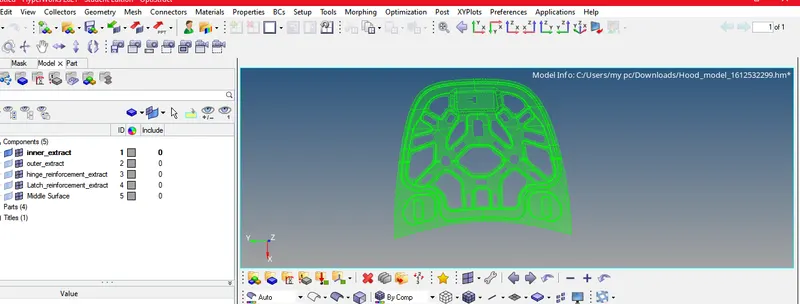
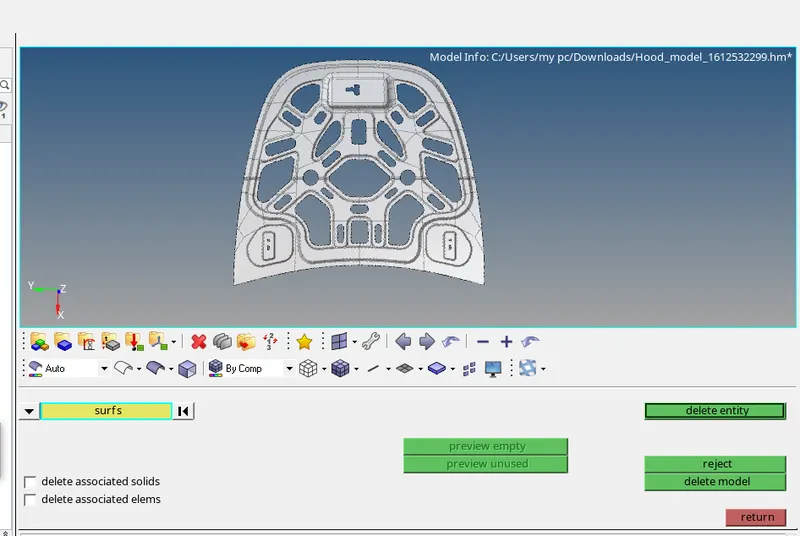
DELETED SOLID SURFACE OF INNER PANEL:
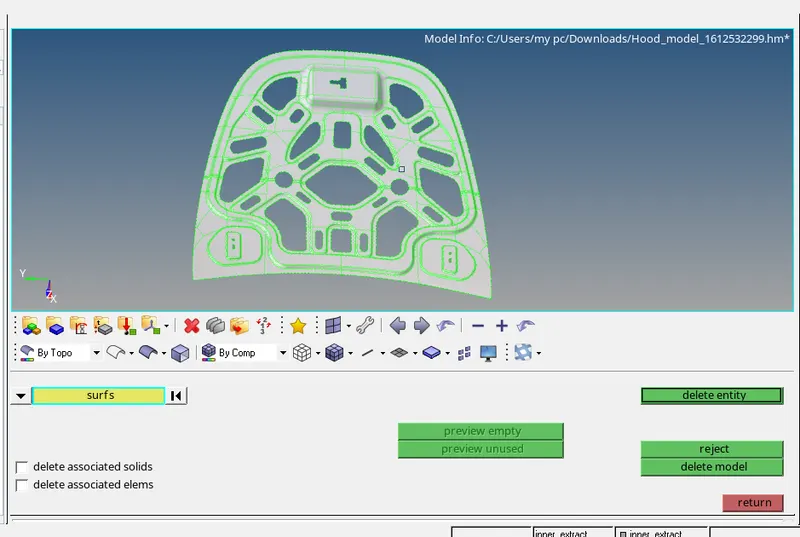
OuTER PANEL :
HINGE REIENFORCEMENTS:
GEOMETRY CLEANUP
Once the model is imported move to geometry cleanup just to check whether there any extra surface or free edges or missing surface will present or not
To check errors First step for any Geometrical error checkup is to perform a visual inspection of the model, In order to check the geometrical errors
Goto visualizes panel >> Disable shared edges and all except free edges.
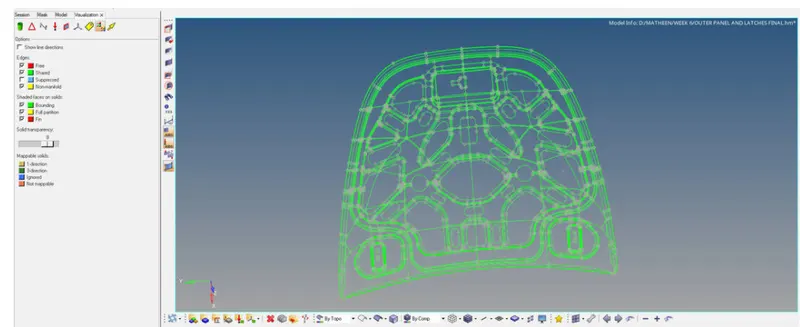
Here no geometric error will found
CREATE A MID SURFACE
Once the model is geometric error-free then move to the mid surface
Now create a mid surface for a given components
Goto geometry page>> Select geometry >>Select midsurface >> Select extraction option as SKIN OFFSET
Now go back to auto mid extraction command
Auto extraction>> Select surface >> Select displayed under surface >>extract
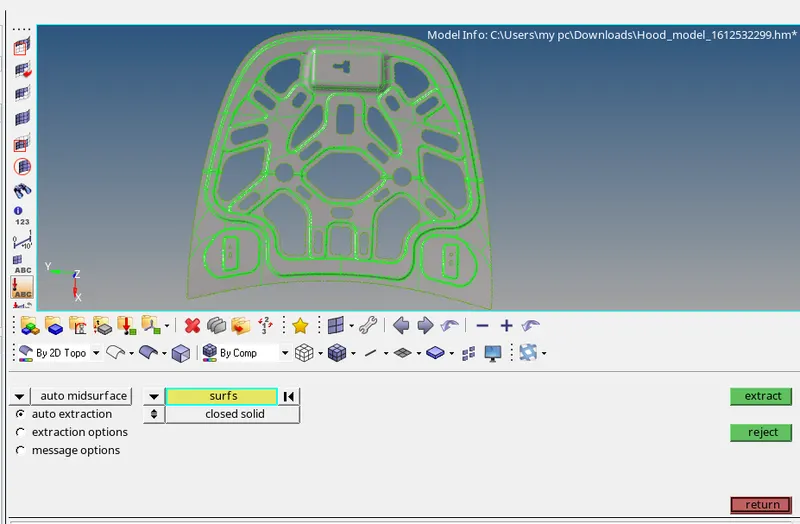
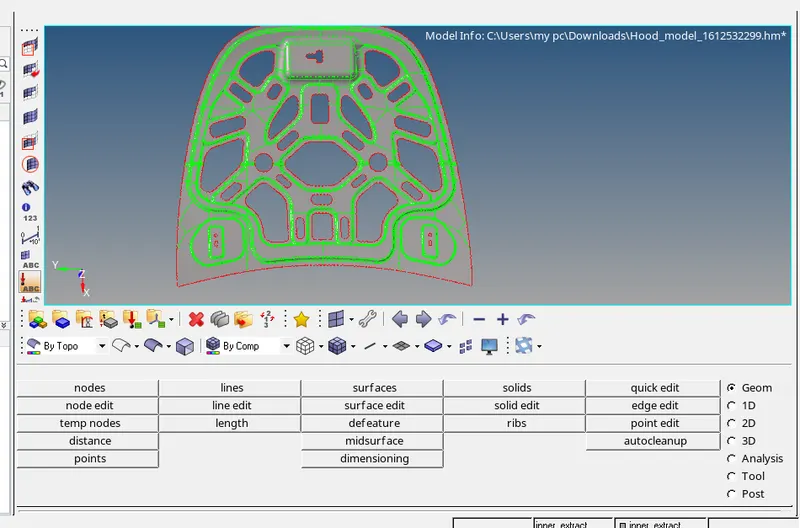
MID SURFACE OF THE INNER PANEL
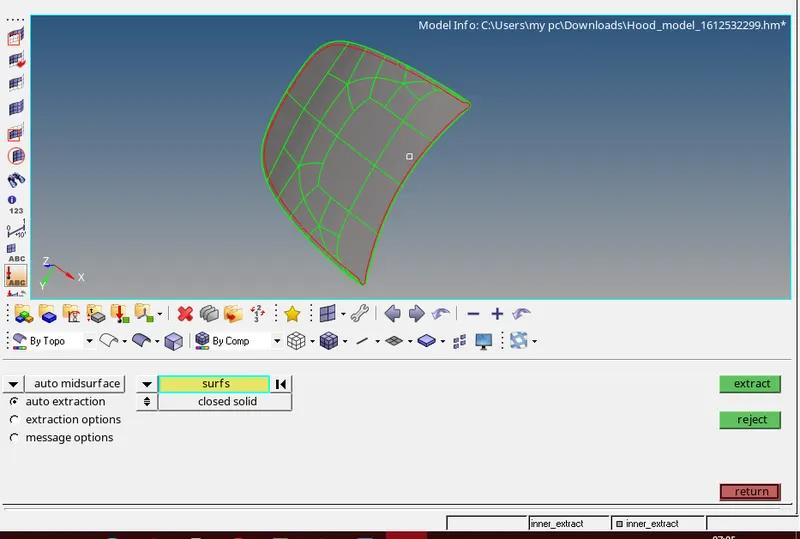
MID SURFACE OF OUTER PANEL
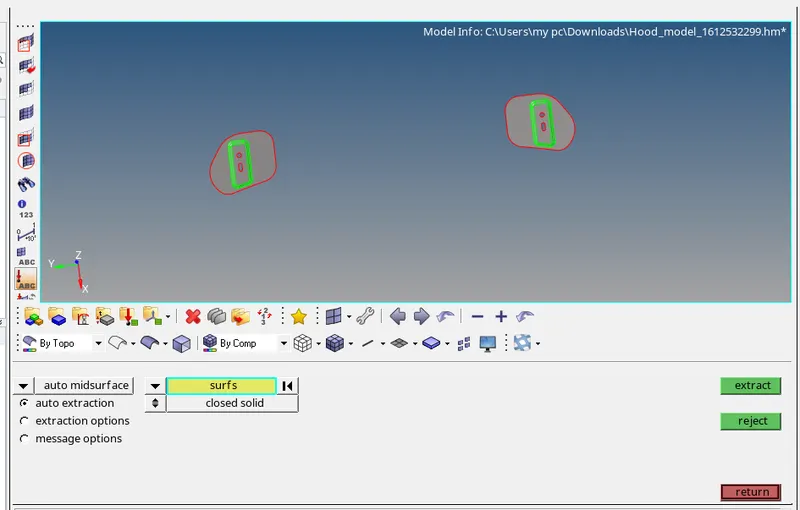
MID SURFACE
OF HINGE REINFORCEMENT
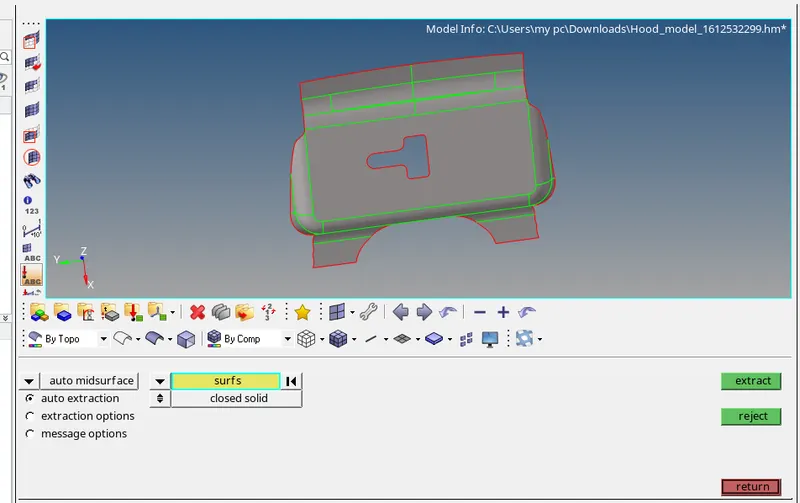
MID SURFACE OF THE LATCH REINFORCEMENT
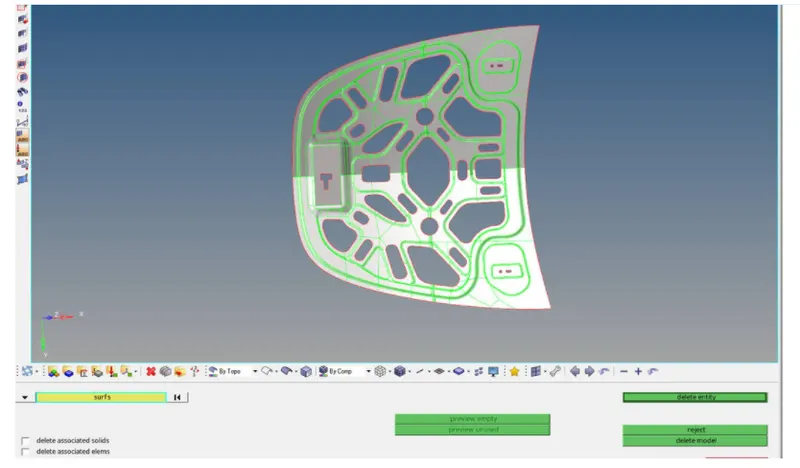
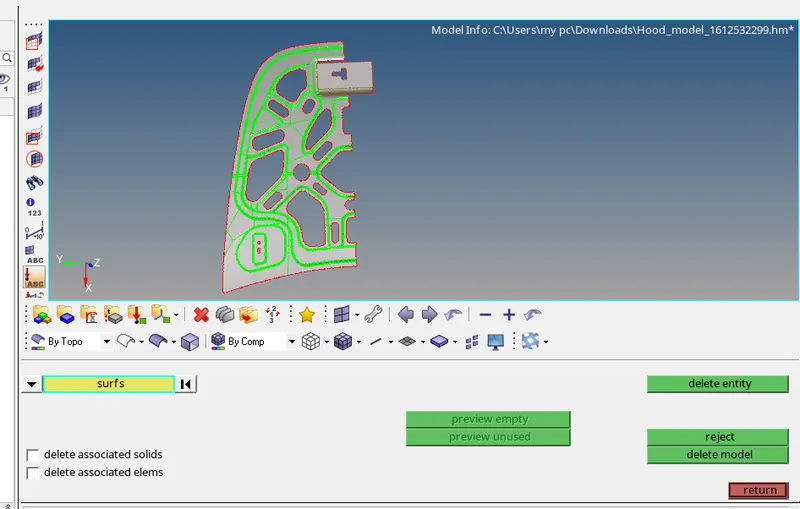
DELETE SYMMETRY MID SURFACES
Both inner and outer panel have symmetry surfaces so here we can save time while deleting symmetry surfaces and after mesh and quality cleanup we can reflect that symmetry portion
To delete the surface
Goto delete >>Select surfaces >> Delete.
DEFEATURING
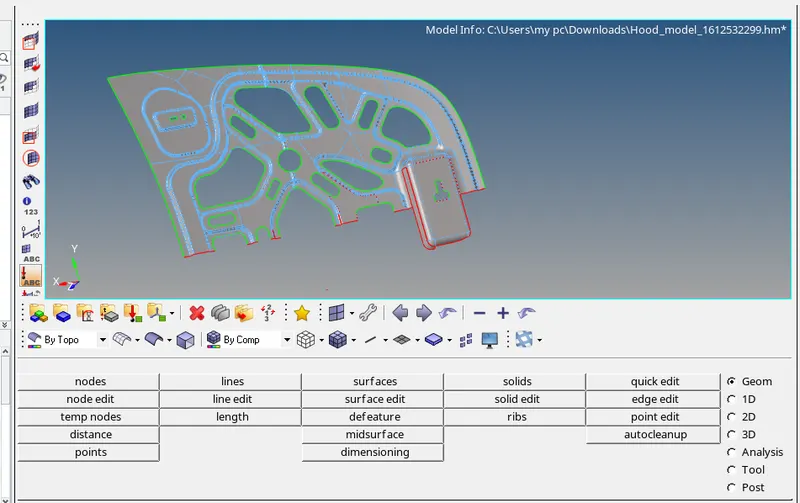
In hypermesh, after you mesh a product for any kind of analysis, the end product is a meshed product. Most of the time it so happens that, some small holes or some small fillets or some small radii are left out which are not functional and unnecessary. We need to remove these unwanted features in order to obtain a final correct analysis. The process of removing these unnecessary, nonfunctional features is called de-featuring.
defeature all unwanted lines which is less than the given minimum length
For defeature
Goto quick edit >>Toggle all unwanted line
MESHING
FEA stands for finite element analysis which means that elements are analyzed and integrated over a region to derive the final result. so in a continuous member, which in reality are everything starting from a pin to automotive parts. there are infinite nodes and it's not possible to solve an infinite equation. so meshing is carried out so that we can discretion that continuous member into a number of finite nodes. and hence go for solving the equations. after that interpolate the results for the entire domain.
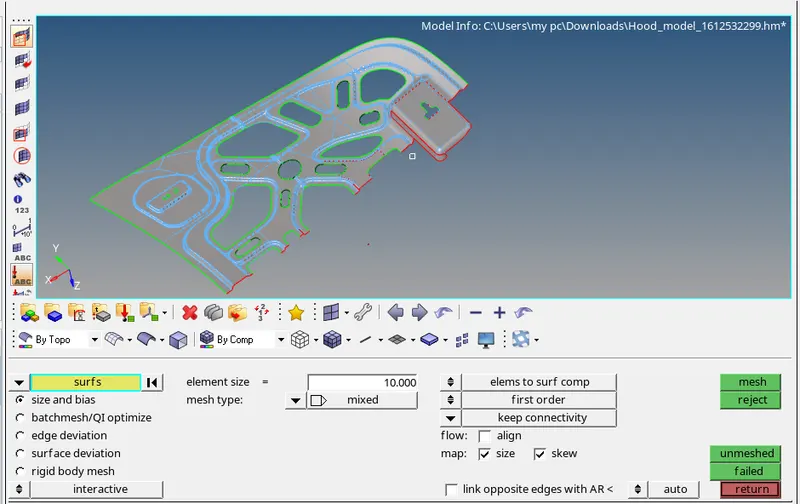
Mesh the given components with a given quality criteria
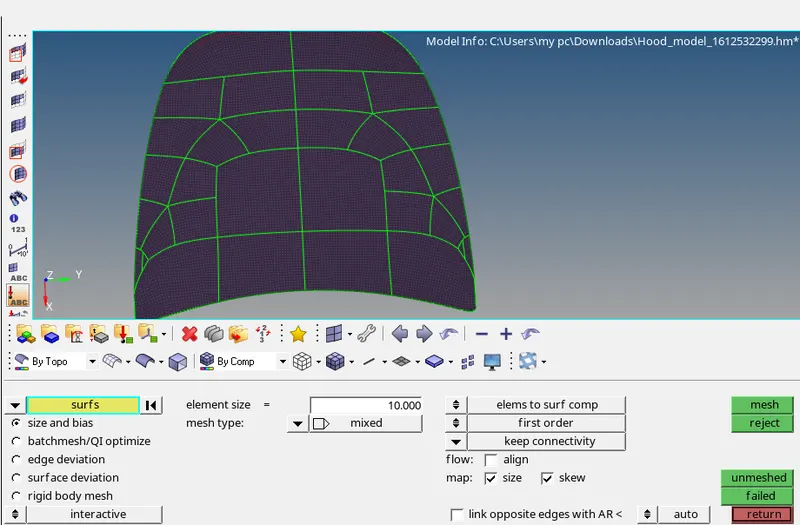
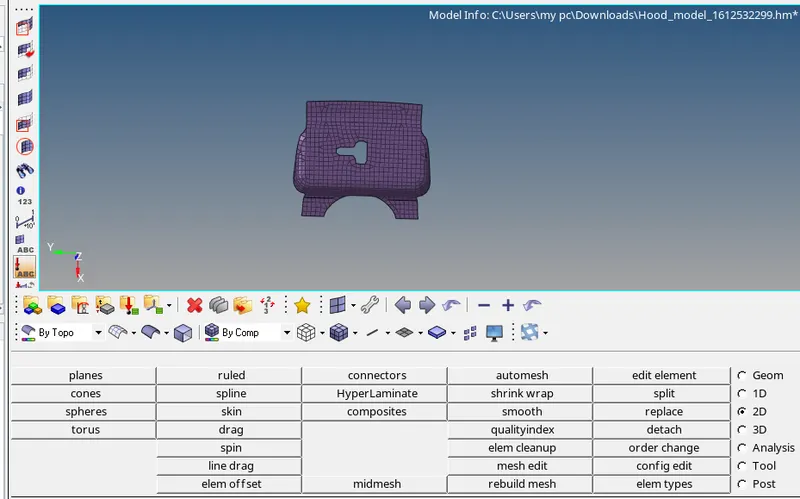
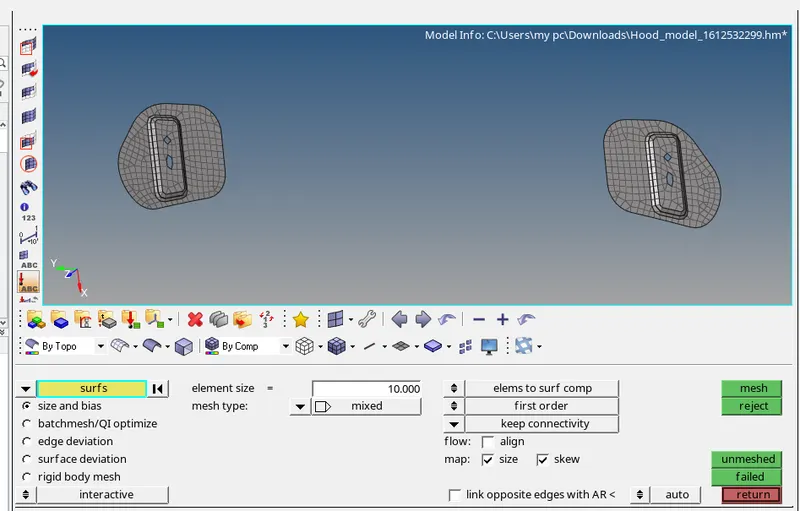
Goto geometry page >> Select 2D >> Select automesh >> Select surface >> Create.
MESHING OF THE OUTER SURFACE
LATCH REINFORCEMENT
HINGE REINFORCEMENT
MESHING OF INNER SURFACE
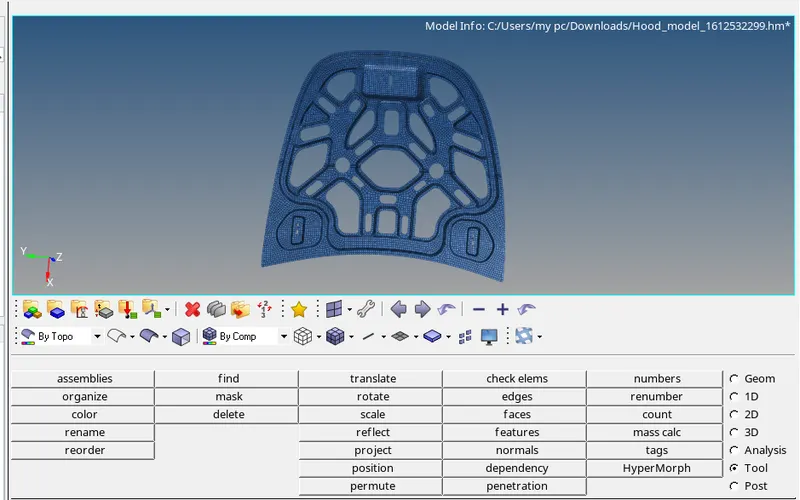
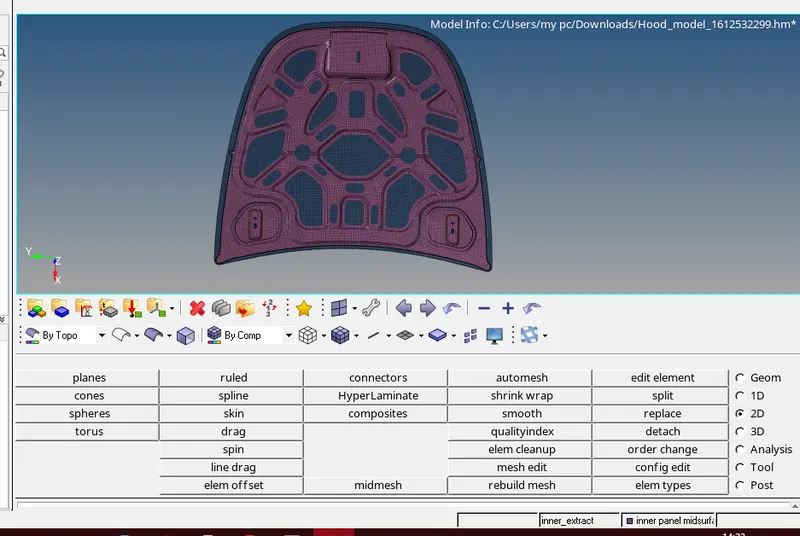
RESULT:Hence we created a mesh for the given component as per the given quality criteria using HYPER MESH.