Week 8 - Challenge 2 - Base Bracket Design
BASE BRACKET
CLOSED SURFACE
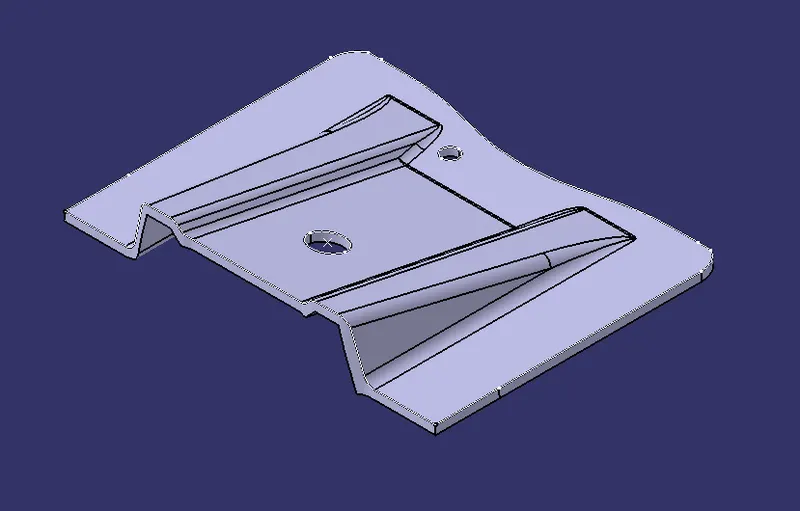
Types of orientations
CLASS A
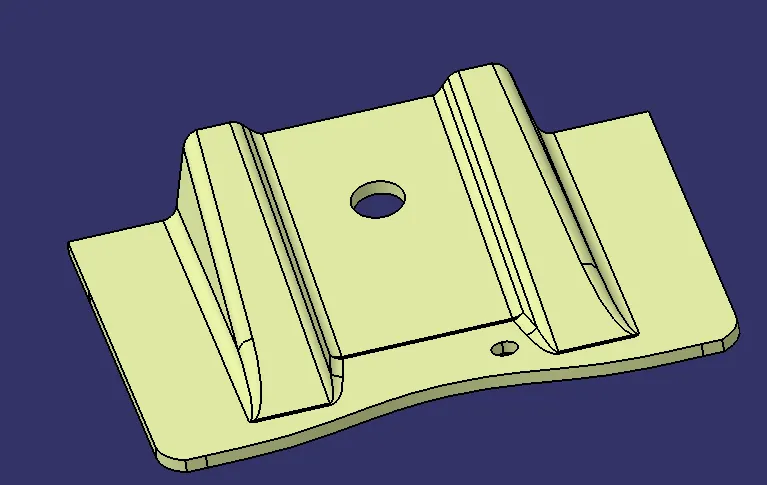
CLASS B
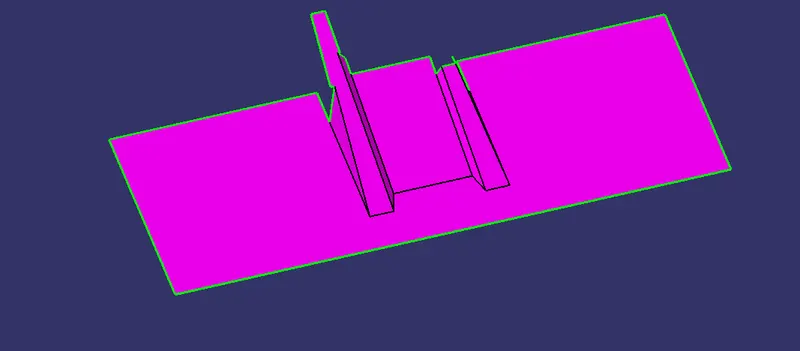
CLASS C
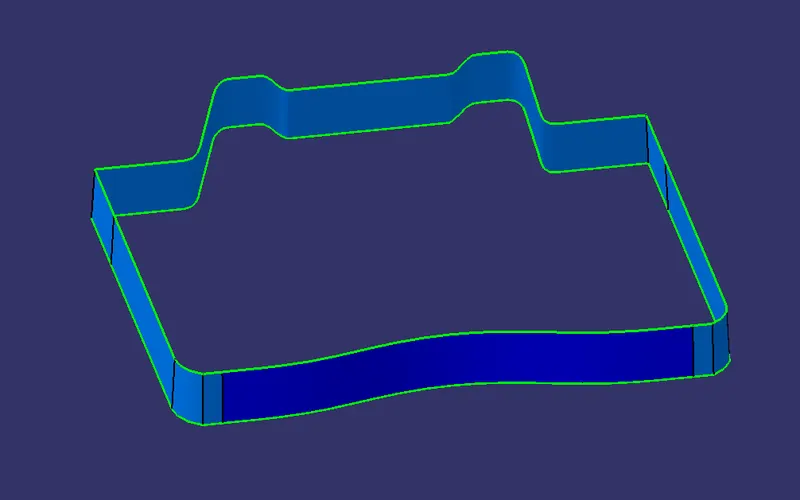
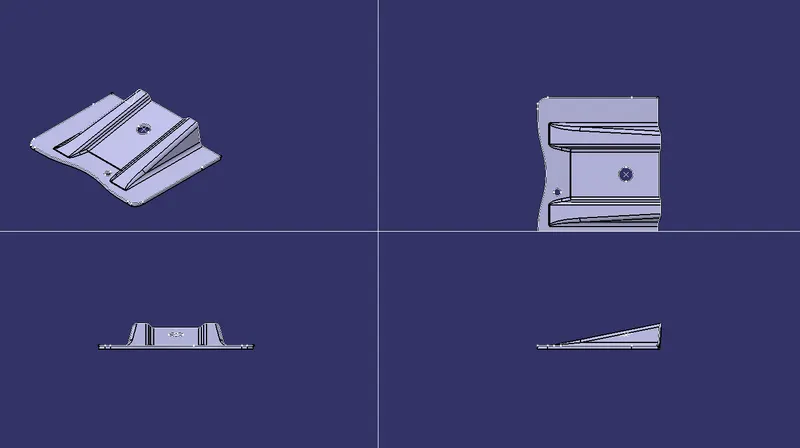
Publication of tooling axis
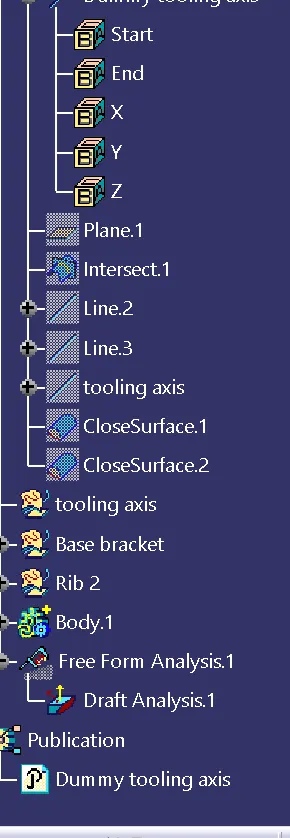
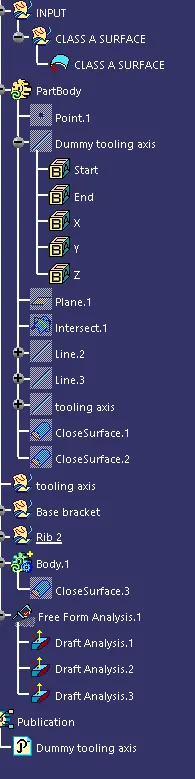
Tree structure
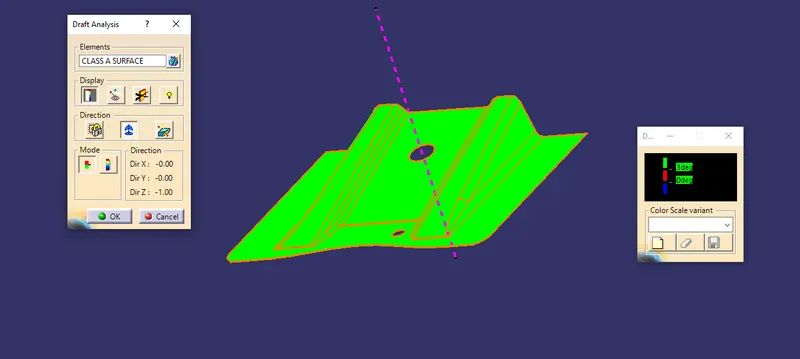
DRAFT ANALYSIS OF CLASS A SURFACE
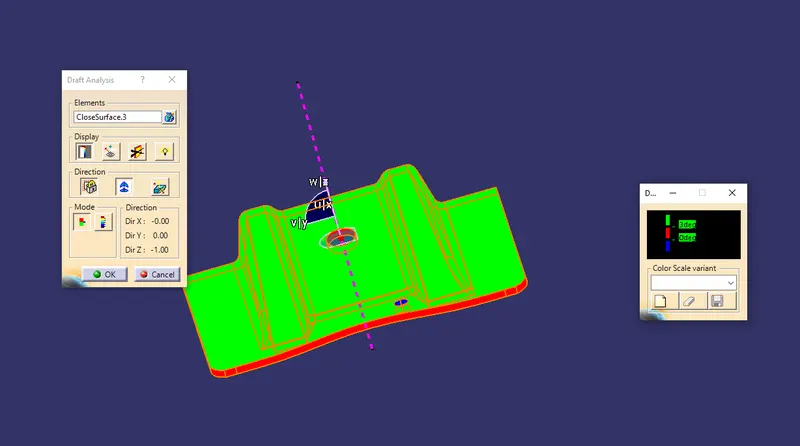
DRAFT ANALYSIS OF CLOSED SURFACE
REPORT
The following catpart part is created using Class A surface as an input .Then a point is created on Class A surface based on the axis we select using the coordinates .
Now insert a plane selecting the point now create an intersection along the selected axis now using line command and selecting point to point draw two lines from the intersection now bisect the both lines to the point to create "TOOLING AXIS" now a tooling axis is created.
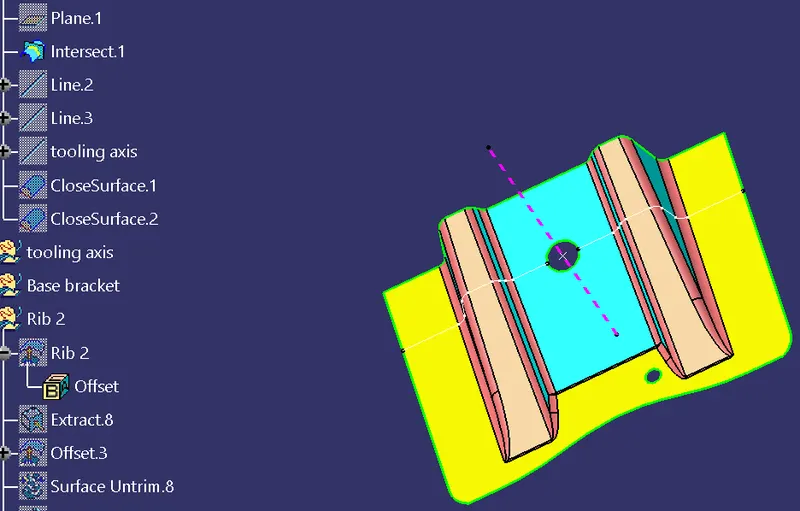
Now after creating the tooling axis we select extract command and select the part we need for extrapol command after selecting the parts and applying the extrapol command we untrim the parts and trim the required shape to be formed then we create two ribs from the class A surface and offset them by 2.5 mm then we extract the center block and extrapolate the center block and offset it by 2.5 mm and trim the center block with the two ribs we get a class B surface
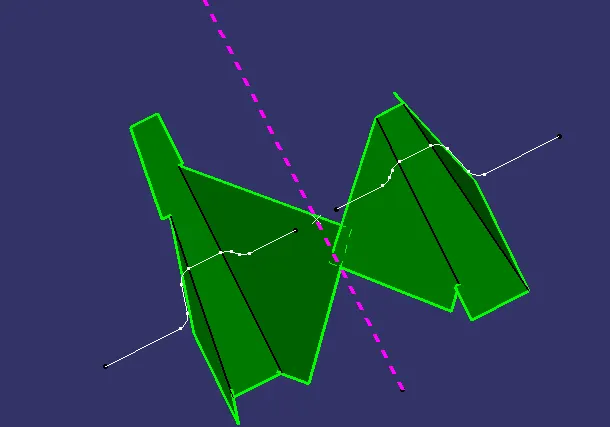
Now we create the ourt block by using extrude command and using extrapolate command and trim it with the ribs and offset it with 2.5mm we get the class B surface
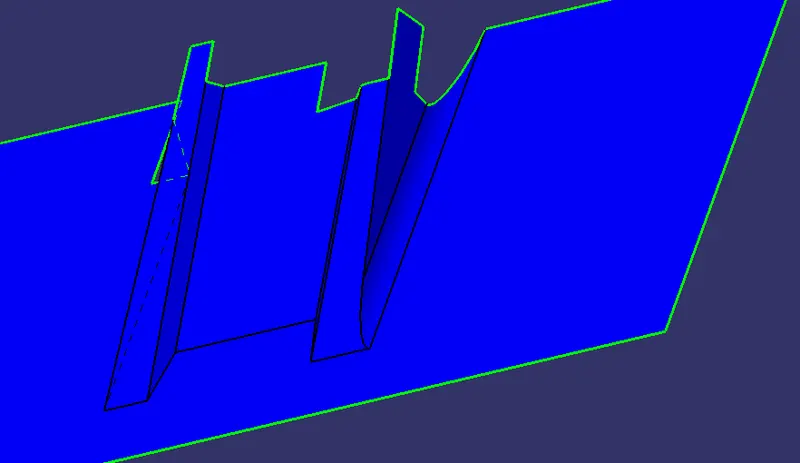
Now for the creation of holes we use boundary command and sweep along the direction to get the holes
now from class B surface and using sweep command and a degree of 3 we create a shape to the class B surface which is class C surface
Now join Class A and Class B to get the surface
for Drafting analysis the feature draft analysis option and is used and directin option is used to the axis into the tooling direction and now by selection quick analysis mode we select the component and using draft analysis under the component by placing the tool on the comopent we can give the required angle under draft angle is measured .