Week 8 - Challenge 4 - Coin Holder Design
DRAWING 1
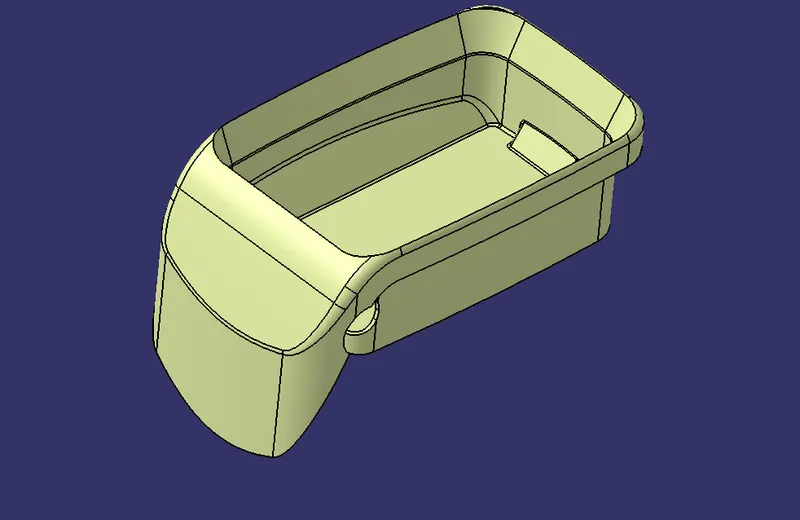
CLOSED SURFACE
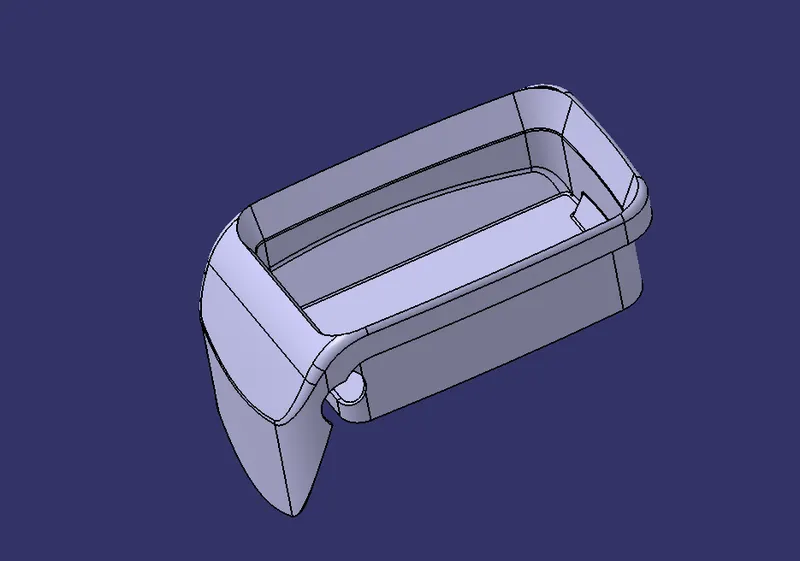
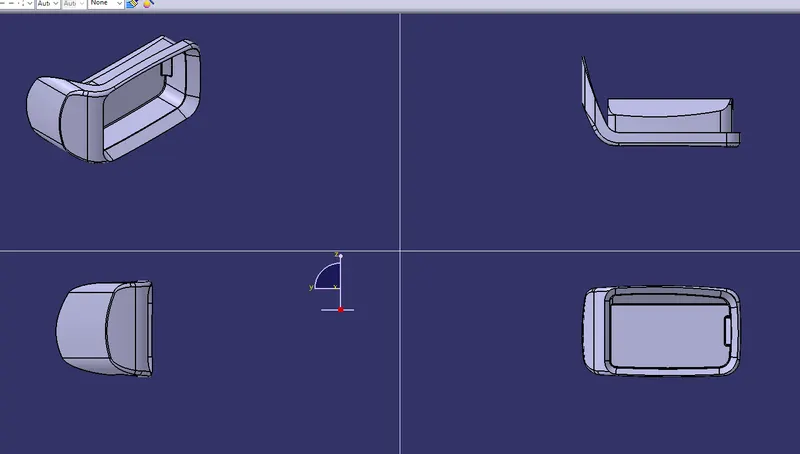
TYPES OF OIENTATION
CLASS A
CLASS B
CLASS C
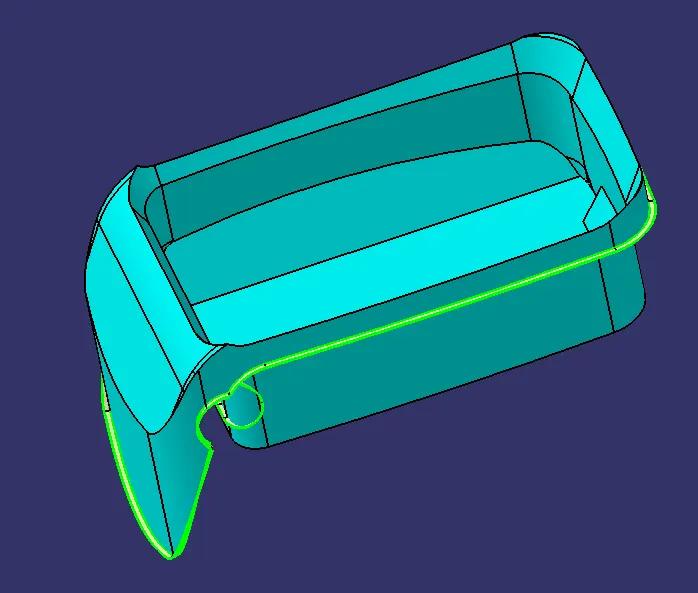
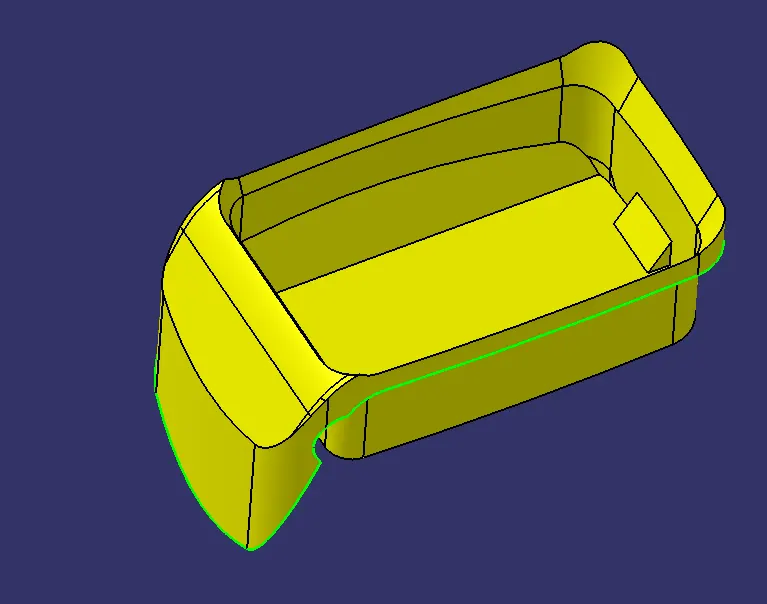
FINAL TRIM OF THE PLASTIC
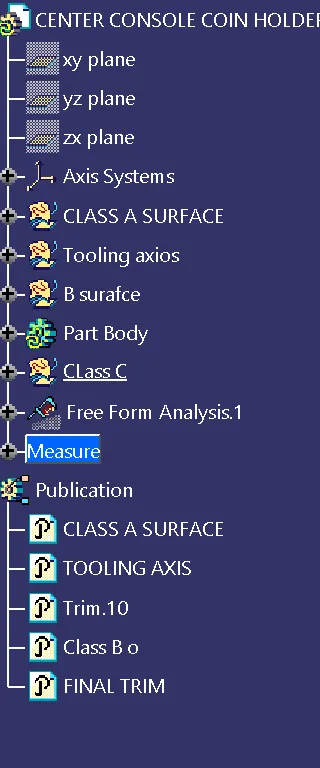
TREE STRUCTURE
REPORT:
First to create a tooling axis we should select the required surface and mark a point at the center of the surface then we should insert an axis system and select the intersection option to get a curve then draw two lines by selecting curve then selecting the bisecting line select both the lines and bisect each other to create a line then by selecting another intersect draw a line now bisect the intersect line and intersect two to get a final line which is called "TOOLING AXIS".
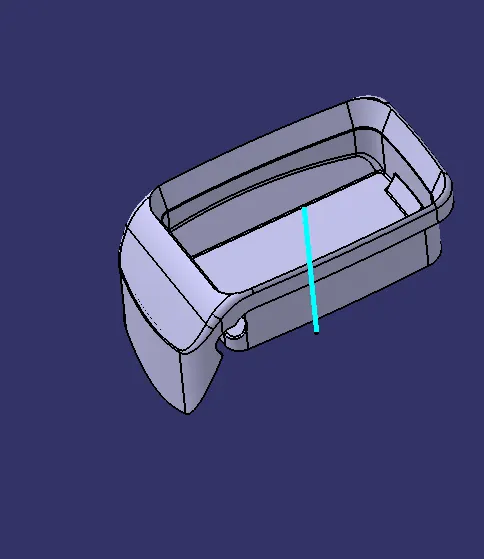
DRAFT ANALYSIS
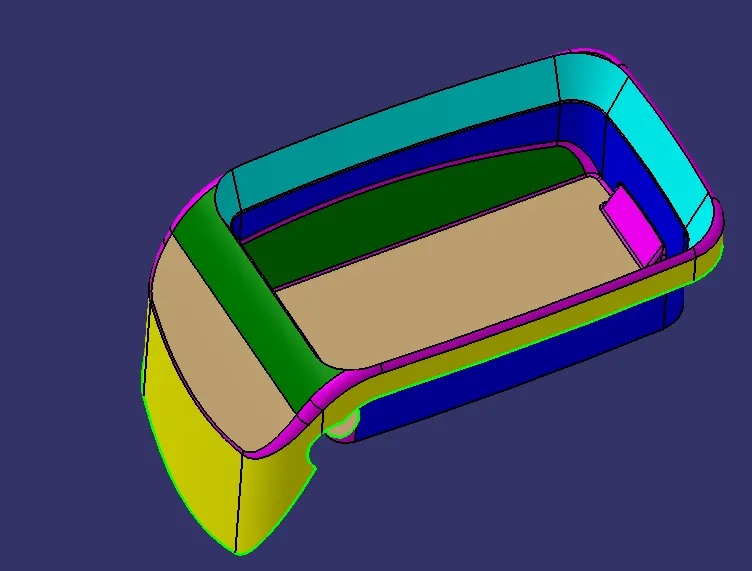
For draft analysis select the closed surface and select the draft analysis command and then select the direction command and then insert the axis into the tooling direction then lock the direction of orientation then select the closed surface to see the draft angle along the component and then with draft along the point option we can select the part of the component to run analysis required
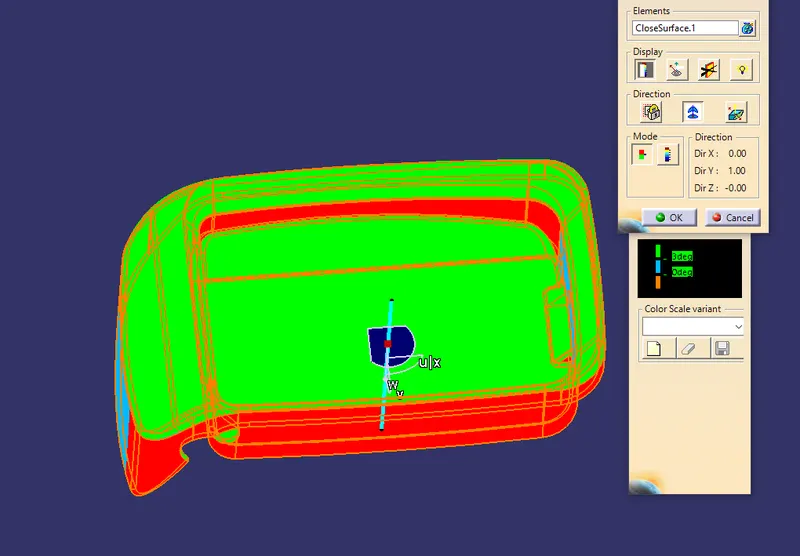
In the above image we can clearly see that the draft angle is not supported as the tooling axis is in 90 degrees the walls of the surface cannot be drafted as the required as the tooling direction is not as required hence the above plastic componenet cannot be drafted as required.