Door Arm Rest Week 8 Challenge
DRAWING 1
CLOSED SURFACE
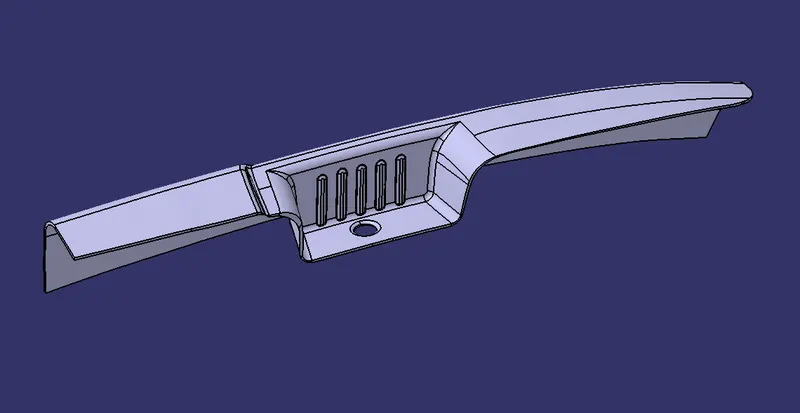
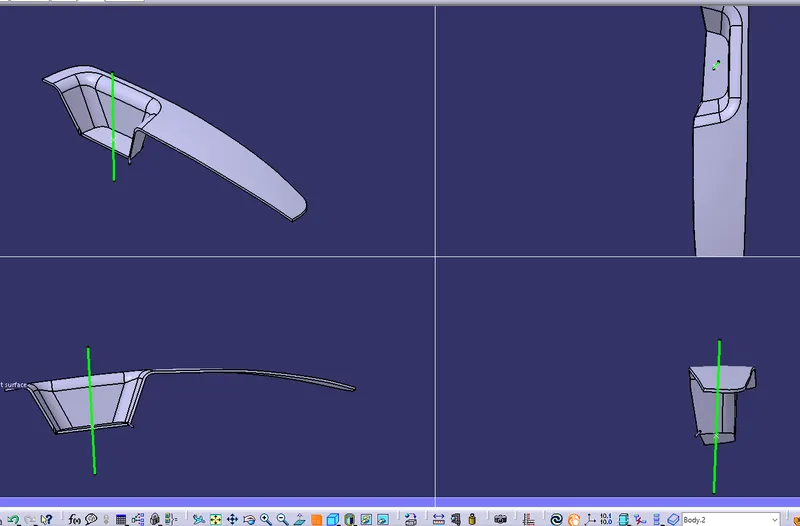
TYPES OF ORIENTATION
CLASS A
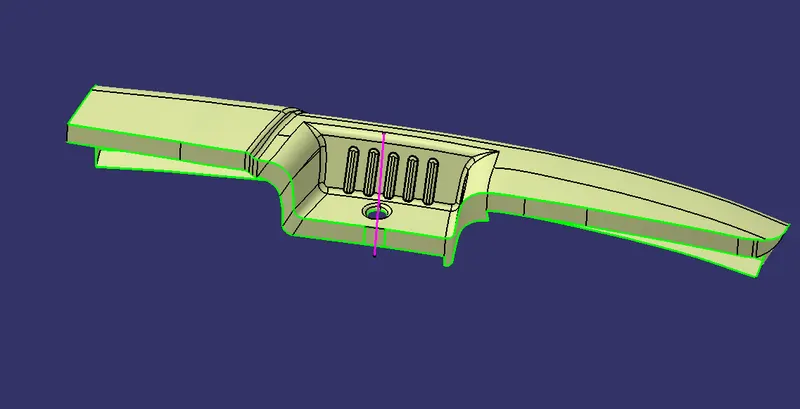
CLASS B
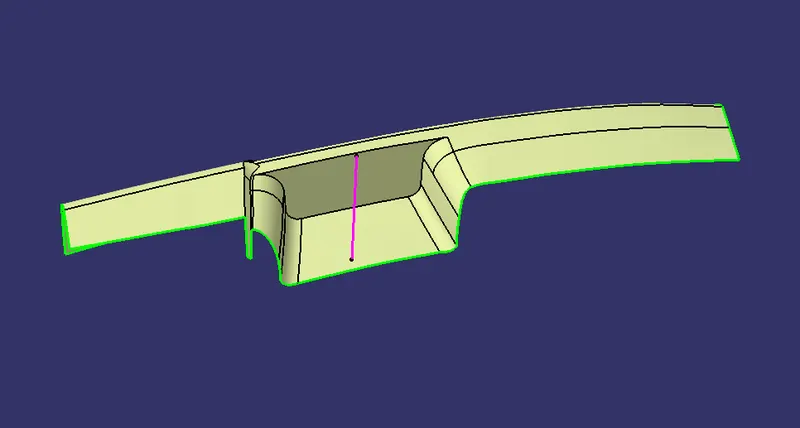
CLASS C
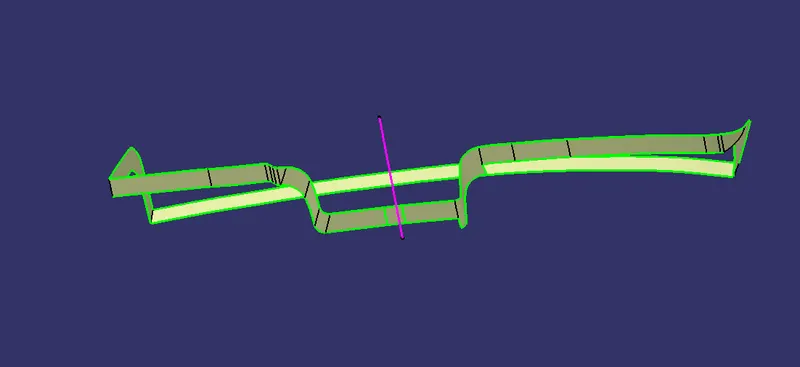
DRAFT ANALYSIS
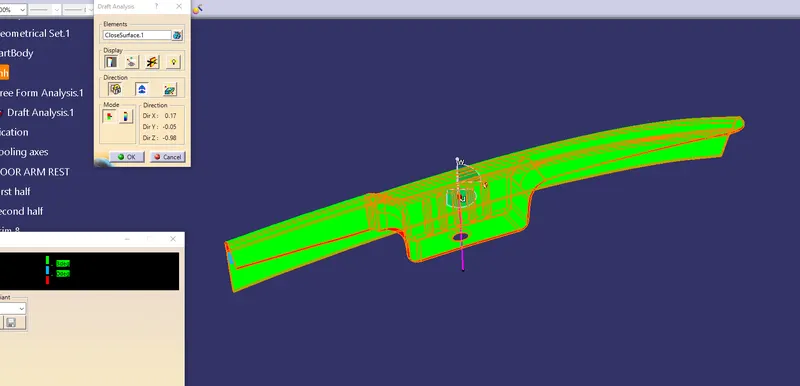
VERTICAL DRAFT ANALYSIS
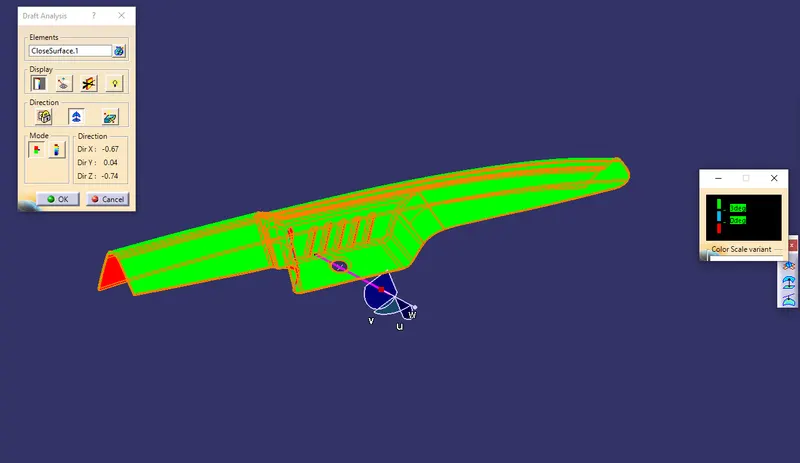
REPORT
TOOLING AXIS :The tooling axis is created by using bisecting method .First insert a geometrical set in the model and then select the Boundary option then select the line command and create a line using point to point command then select the two lines and select a bitangent line and create a point on the center of the cirular hole and a bitangent line is formed in the circular hole this is our" TOOLING AXIS "and it should be published.
*Then select the extract command to extact the required parts in the model to untrim and then trim them with each other and using offset option offset the selected parts to a distance of 2.5 mm in the reverse direction to form CLASS B surface.
*Then select class a surface and then using mulitiple extract command extact the edges of the class a surface and then using the smooth curve command select the curve and then using sweep command select the curve and then class c surface is formed .
*After getting class C suface join class C surface with the Class A surface then trim it with class B surface then we a get a trimmed suface then by using the close surface command apply it to the trimmed surface we get a closed body.
* For draft analysis use the Drafting analysis tool and then select the direction and insert the axis system into the tooling axis and then select the lock direction of orientation command select the draft analysis under the point and then select the angle under the point and give the draft angle as 3 degrees .And the Draft analysis is performed