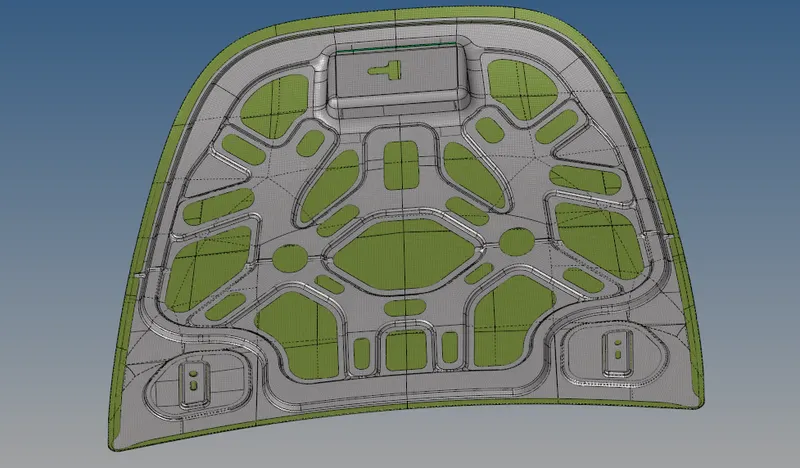
Week 6-Meshing of Hood Challenge
#6 Week Challenge-Hypermesh for FEA plastic and Plastic Applications
Aim: To Mesh the given component and assigning the thickness to the component by giving the target Element Length as "5 units" by using the quality criteria as below:
Quality Criteria Value :
1.Aspect Ratio= 5
2.Skewness= 45
3.Warpage=15
4.Taper =0.5
5.Min. Length= 2 Units
6.Max. Length =8 Units
7.Min angle Quad =45
8.Max angle Quad= 135
9.Min angle Tria =20
10.Max angle Tria= 120
11.Trias % =10
Import the geometry;
- Click on the import icon on the main menu bar.
- Select the import geometry and choose the file, click on import.
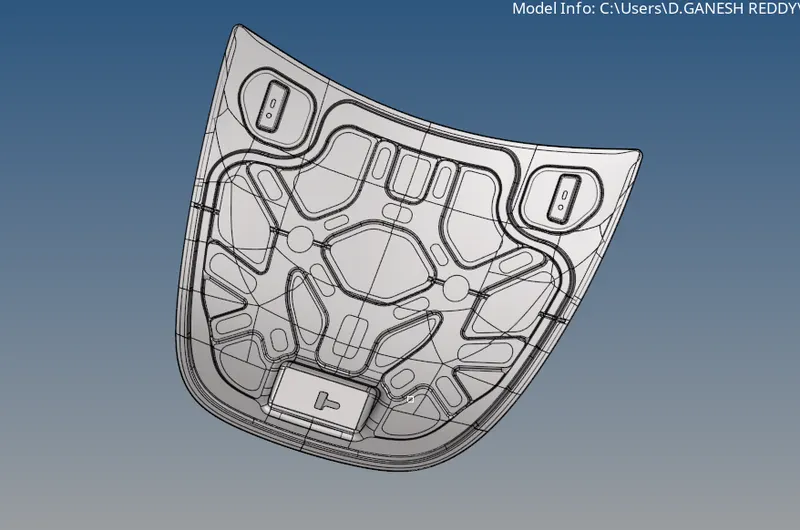
- Then the file will be imported and will be shown in the graphical area as below,
Delete the Solids:
- Hide the surfaces of the other components, except the outer extract.
- Click on the delete symbol on the tool bar over the menu bar.
- Select the solids from the dropdown menu and select displayed.
- Now the solids have been selected and click on the delete entity to delete the solids.
- Now the solids have been successfully deleted.
Extract the Mid-Surface:
- Click on the mid-surface from the geometry menu bar.
- Select the surfaces and click on extract.
- The mid-surface of the component will be extracted.
- Hide the original component and rename the middle surface that is extracted.
- Thus, the mid-surface can be extracted and seen on the graphical interface.
Performing Auto-Cleanup:
- Use the auto-cleanup tool to clean the component surface.
- Click on the auto-cleanup from the geometry menu bar.
- Select the surfaces and click on cleanup.
Dividing the surface:
- Click on the quick edit from the geometry menu bar.
- Click on the toggle edge and select the lines to be toggled.
- Toggle the unwanted lines on the outer mid-surface.
- Click on the split surf node in the same menu.
- Select the nodes to create lines to divide the surface for convenient meshing.
- Click on the bar over the menu and set them to “By Topo & By Element quality”.

Meshing:
- Ensure the criteria file is applied and the values are properly applied.
- Click on Auto-mesh from the 2D menu in the menu bar.
- Set the element size to 5, select the element type as mixed(quads & tria’s) and select the surface to be meshed and click on mesh.
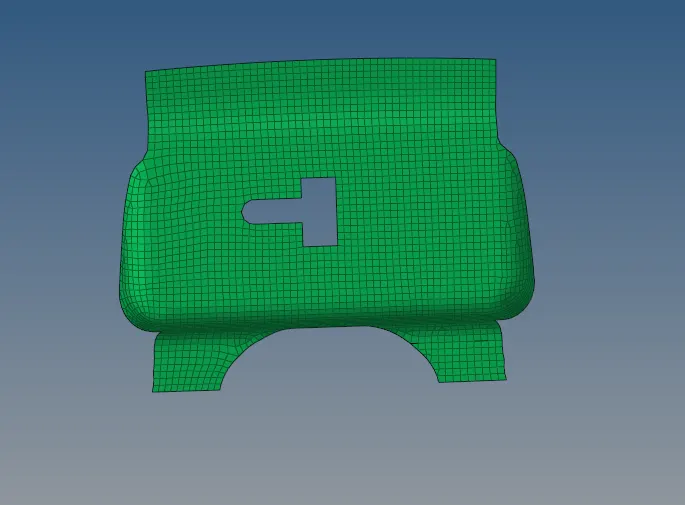
- Mesh will be created on target surface.
- Adjust the number of nodes on the either of sides, so that make sure rotational quads are not formed on the surface.
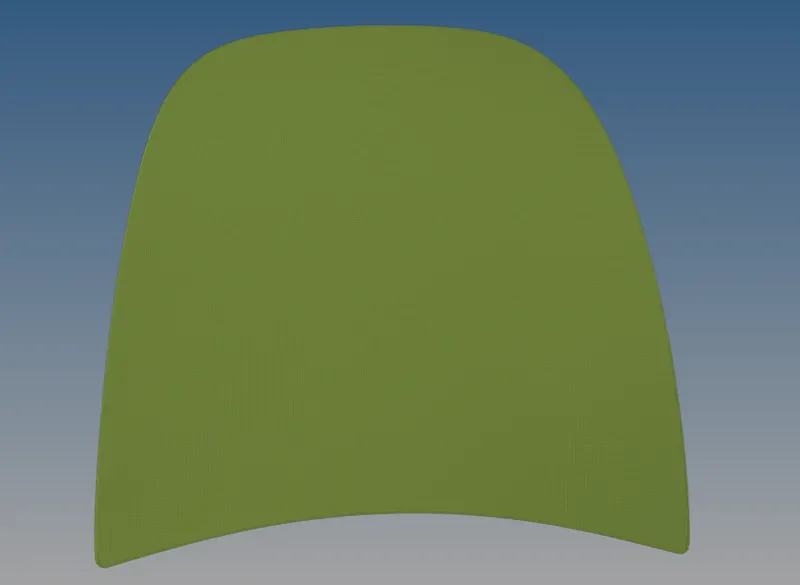
Meshed Surfaces: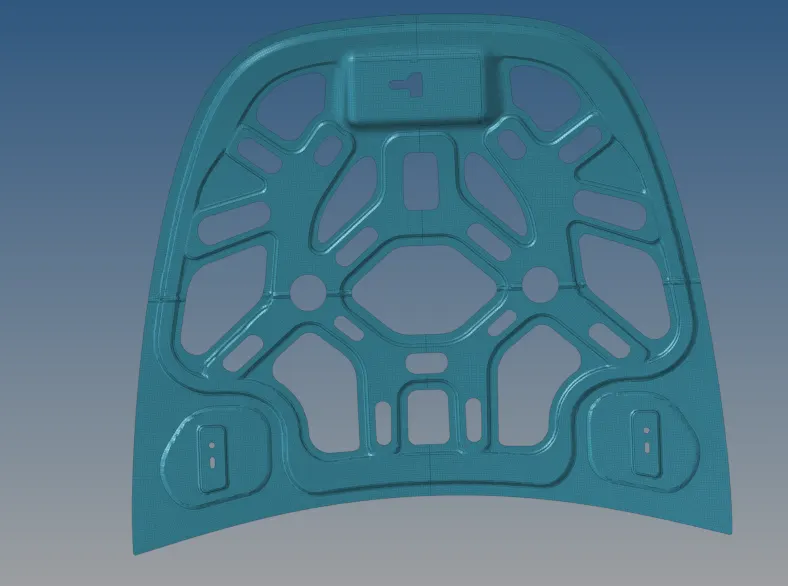
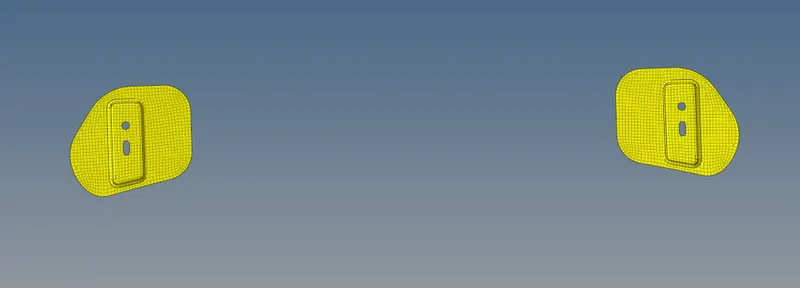
The Output: