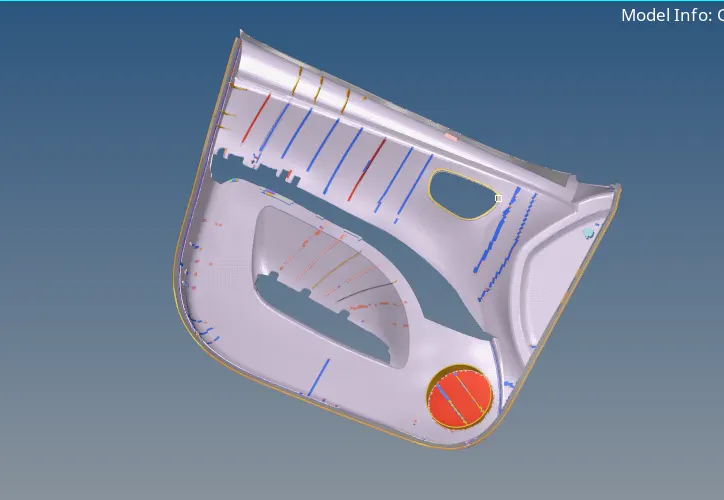
Week 12:Project-1-Meshing of Door Inner Panel Challenge
#12 Week Project-1 Challenge-Hyper mesh for FEA Plastic and Sheet Applications
Aim: To extract the mid-surface of the given component and assign the thickness for the side door panel.
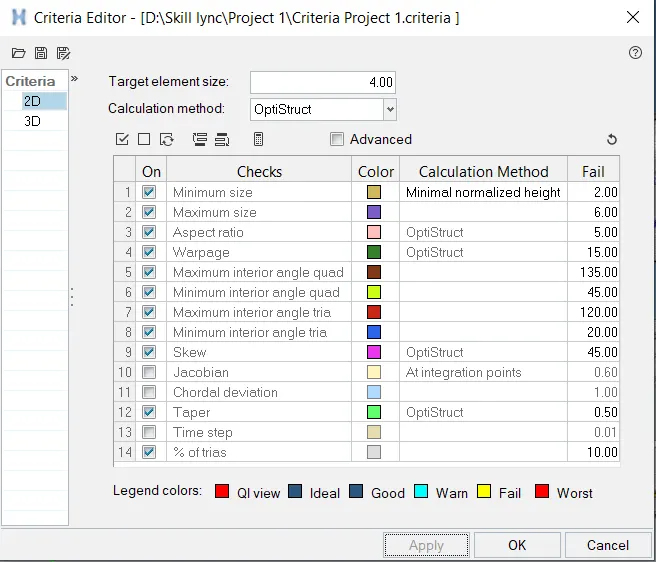
Element Quality Criteria:
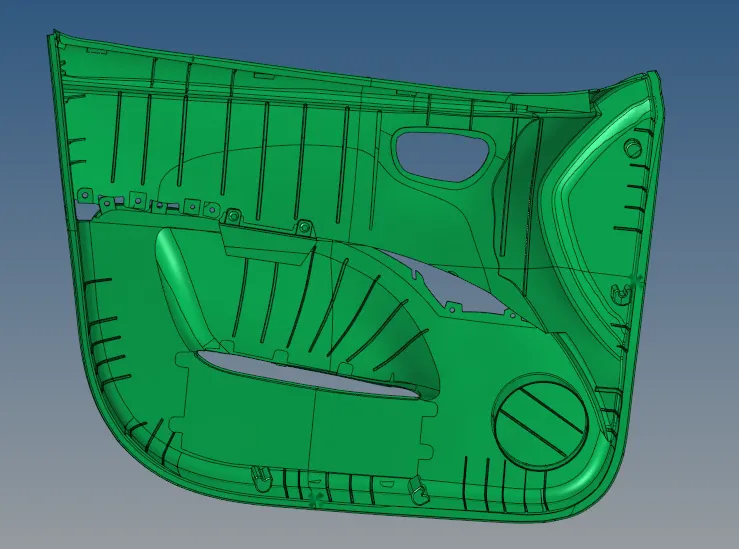
Import the geometry;
- Click on the import icon on the main menu bar.
- Select the import geometry and choose the file, click on import.
- Then the file will be imported and will be shown in the graphical area as below,
Surface Clean-up:
- Check the surface for geometrical errors.
- Check surfaces use the quick edit panel for correction of surface.
- Use defeature to remove the surface fillets with less than 5mm radius to obtain elements without failing for minimum element size.

Mid-Surface:
- Create mid surface of the geometry using offset.
- Click on surface edit and go to offset select the surfaces individually and offset it with by making duplicate of the original surface.
- Offset the duplicate to middle of the surface.
- Create & Organize all the mid surfaces into the new collector.

Meshing:
- Ensure the criteria file is applied and the values are properly applied.
- Click on Auto-mesh from the 2D menu in the menu bar.
- Set the element size to 4, select the element type as mixed (quads & tria’s) and select the surface to be meshed and click on mesh.
- Mesh will be created on target surface.
- Adjust the number of nodes on the either of sides, so that make sure rotational quads are not formed on the surface.
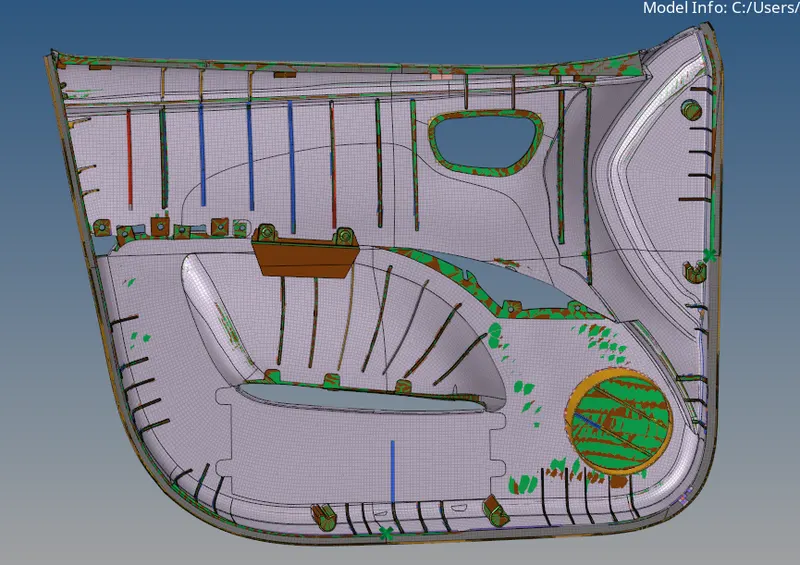
Assign thickness:
- Separate the mid-surfaces into new collectors based on the thickness of parent geometry.
- Create different properties and assign different thicknesses as per the parent geometry.
- Assign the properties to different collectors.
- By 2D Transitional view we can see the elements with assigned thickness.
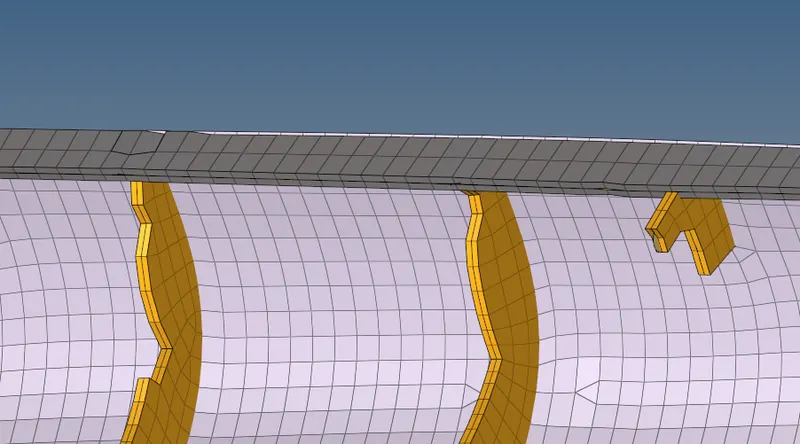
The Output: