Week 6-Meshing of Hood Challenge
Week 6-Meshing of Hood Challenge
Objective: To perform the following on the given CAD model.
- Generating Mid-surface and geometry clean up on the given component.
- Generating mesh on the given component with low tria concentration and proper mesh flow.
- Pass for the given quality parameters.
Procedure:
GEOMETRY
- Import the geometry.
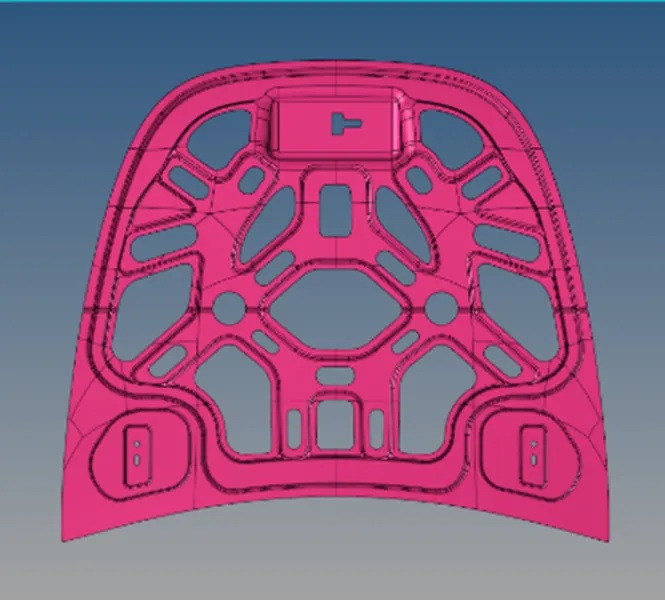
- Since the geometry is symmetrical, geometry cleanup, midsurfacing, and quality checks can be done on the half portion then it can be reflected back to get the entire model. Therefore, initially we can delete half the portion (Whole body is symmetrical except the latch reinforcement part. This can be kept and move forward with the process.)
- Extract the midsurface with skin offset.
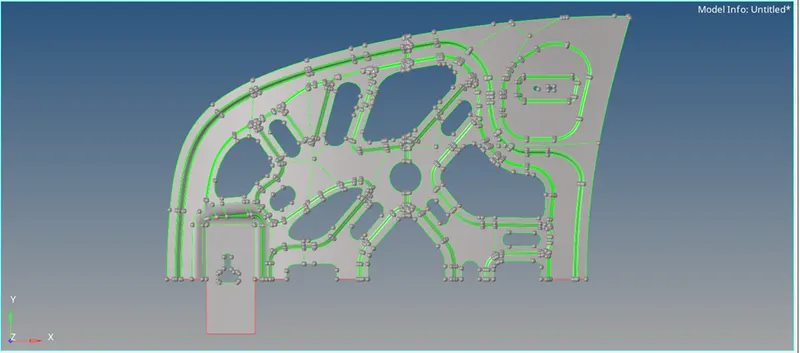
4. Perform a geometry cleanup. Provide the quality criteria as given in the objective.
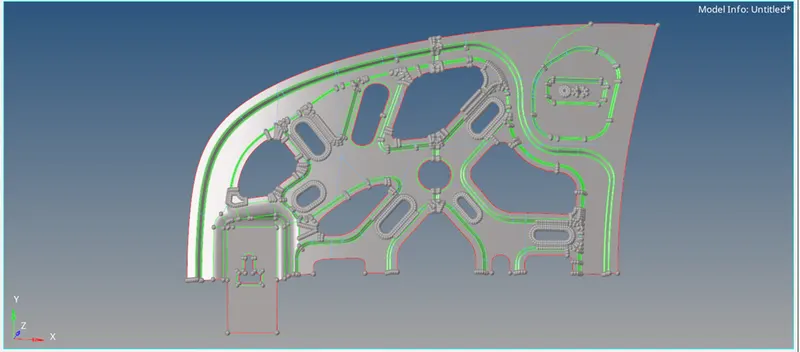
MESHING
- Press F12 to open the mesh tab.
- Since Meshing was irregular at some places, it was easier to mesh the mid-surface by first dividing them into smaller pieces and work on them individually. Then Organize it back together with the organize tool from tools tab.
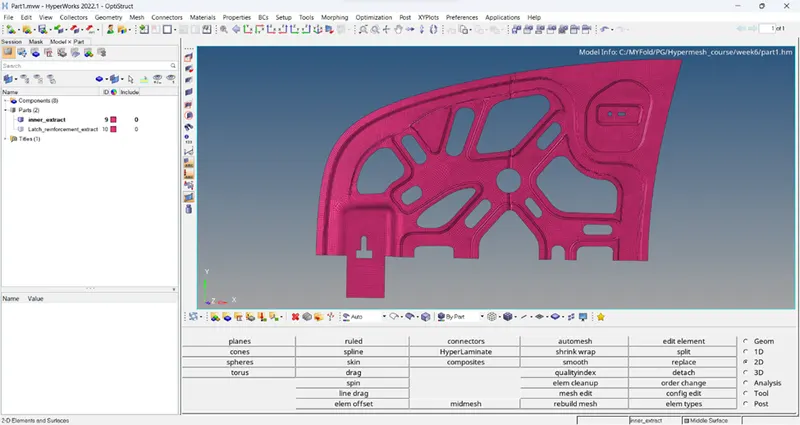
QUALITY CHECKS
- Next part is to check the quality criteria and remove errors wherever quality failed.
- This can be done in Qualityindex tab. Optimizing tool and place nodes can be very helpful to remove errors significantly.
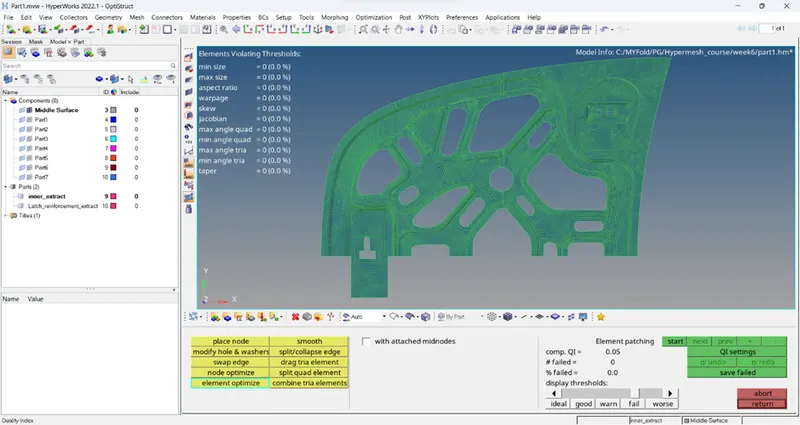
- Make sure to remove rotating quads by rebuilding mesh wherever required.
- Finally, after checking the mesh pattern and its quality the half portion can now be reflected back to form the original model.
- Ensure to stich the surface by toggling lines and equivalence tool to join the element of the mesh.
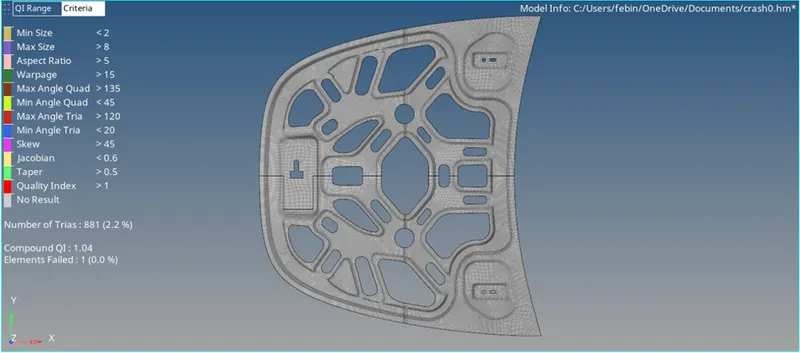
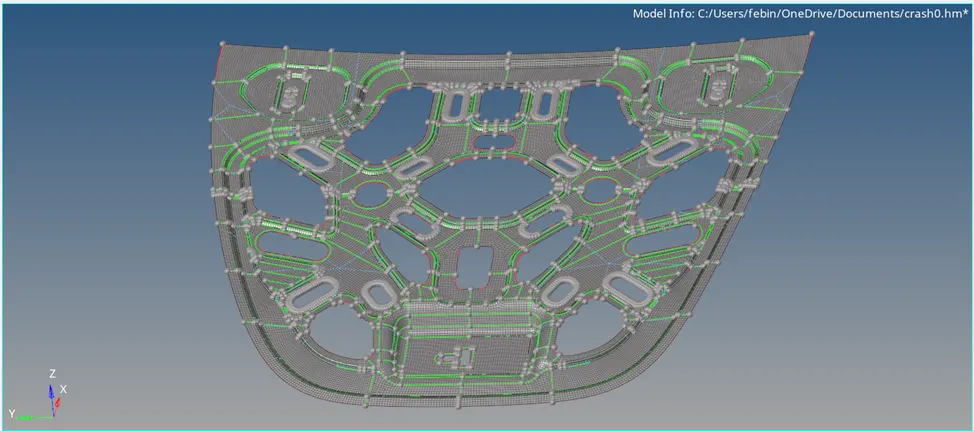
Conclusion : Geometry cleanup , mesh generation and check for quality was done for the given model.