Week_8_Plastic Model_1
Week_8_Plastic Model_1
Aim: Mesh the Plastic model in Hypermesh.
Objective: As per the given Quality criteria mesh the Below model.
Procedure:
- Import the geometry.
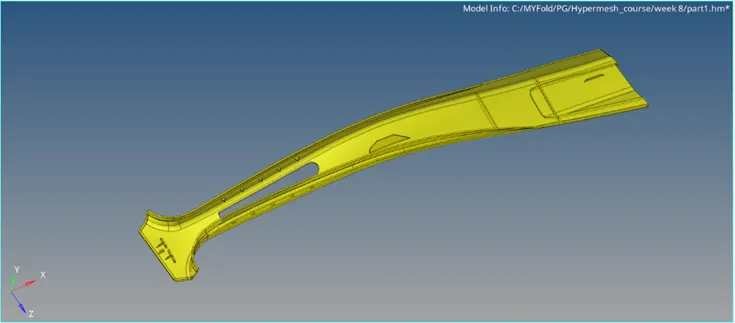
- Examine the model and delete the solids as we are performing a 2D meshing and don’t require solids.
- Next is to extract the midsurface. Select offset midsurfacing and perform the midsurfacing.
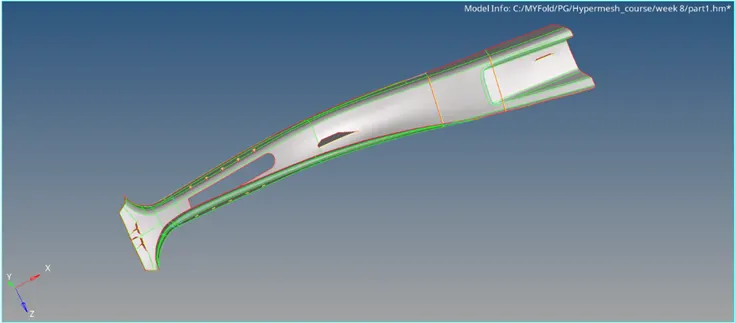
- Using a reference line, we can trim lines to divide the whole model into sections. This enables better mesh patterns as well.
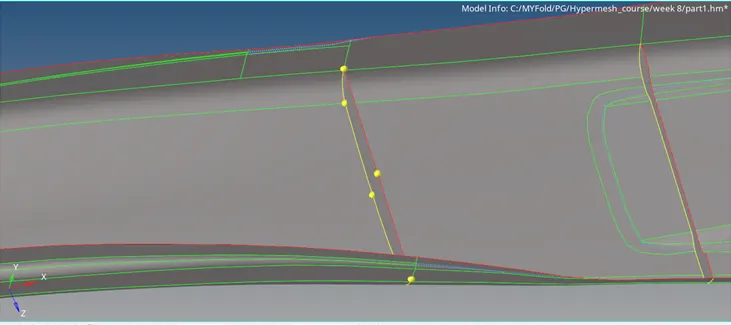
- After this, do the geometry cleanup to clear any errors in quality.
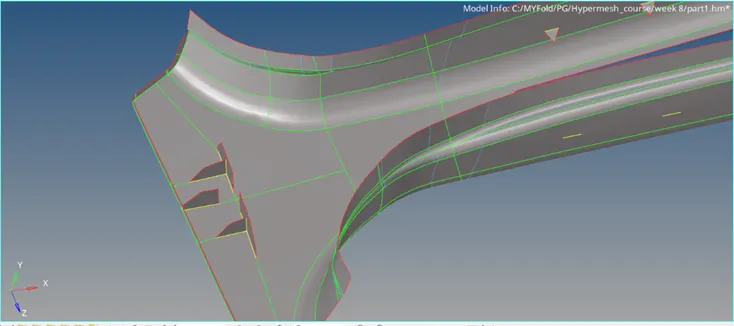
- Now the mesh can be generated, using automesh option.
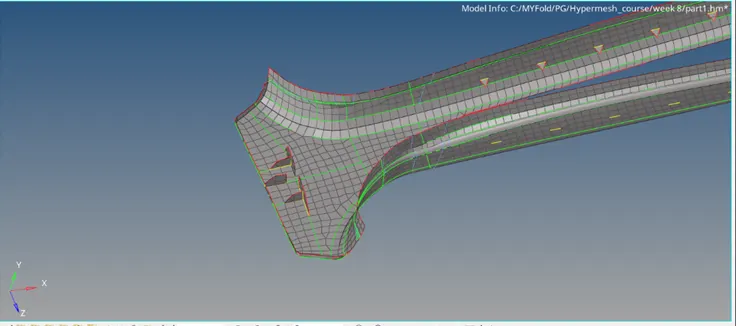
- Use various tools to improve the quality of the mesh throughout the model. Remeshing certain areas, rebuilding mesh can be used to do the same.
- For quality check, first upload the quality criteria. Then go to quality index and looks for elements failing.
- Use optimizing tools and remove errors that fail the elements for quality.
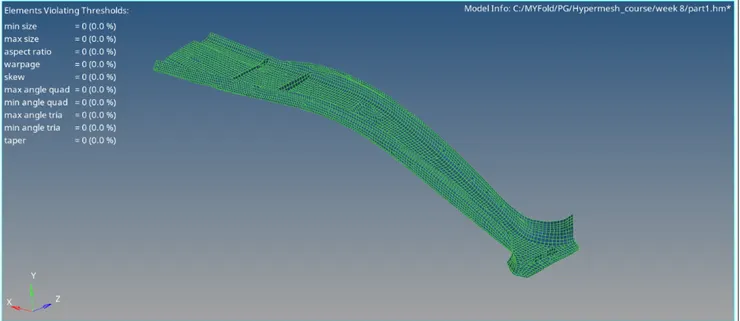
- Finally the model is passing for the quality, meshing and midsurfacing has been done.
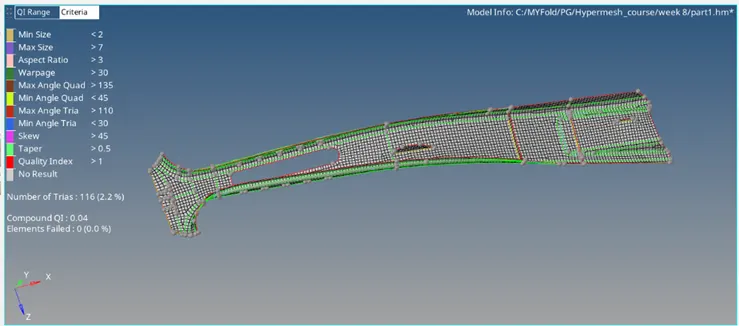
Conclusion: Midsurface extraction, 2D meshing for the given plastic model has been done.