Week 7- Meshing of Backdoor Challenge
Week 7- Meshing of Backdoor Challenge
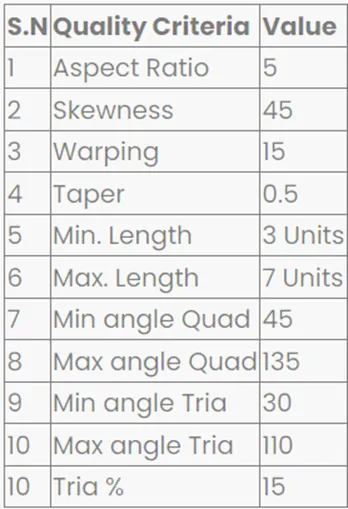
Objective: Week 7- Meshing of Backdoor Challenge. Provided below are the quality parameters that you have to follow.
Target Element size - 5 Units
Procedure:
- Import the geometry from the saved location.
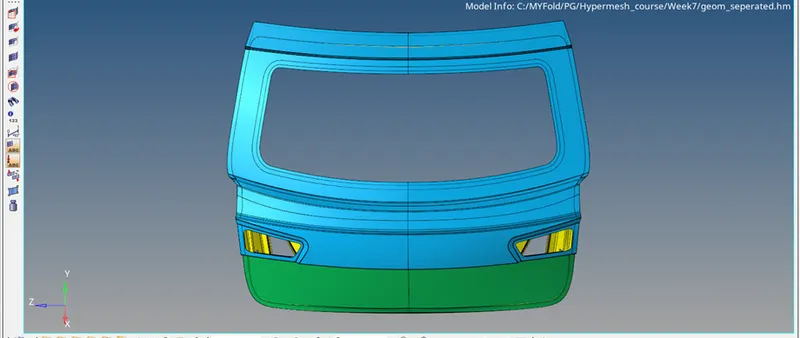
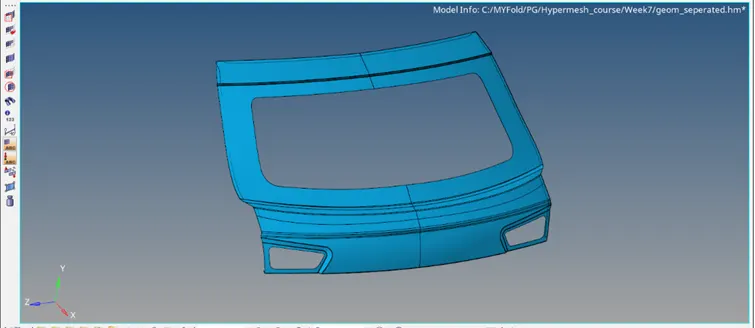
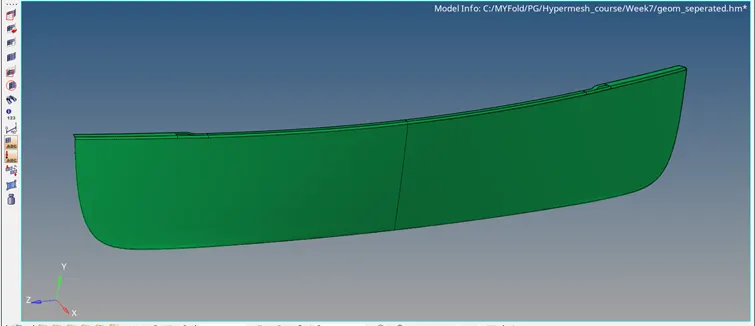
- Examine the model. On reviewing the model can be separated into three different parts, namely: Upper panel, Lower panel and the Inner panel.
Upper Panel:
Lower Panel:
Inner Panel:
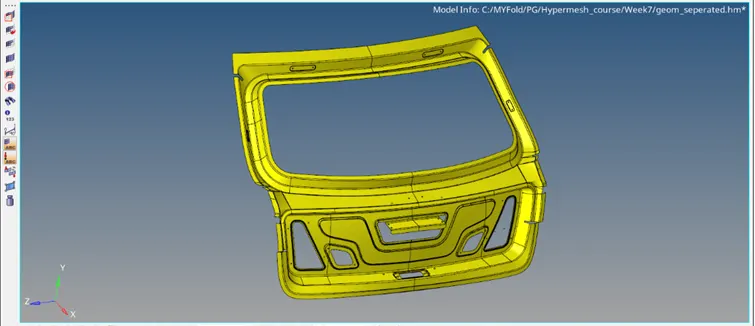
- These parts can be worked on separately so as to save time and also to get a uniform mesh quality.
- To make the process more simplified, all three parts are symmetrical, therefore the model can be cut in half and we can work with the half portion itself.
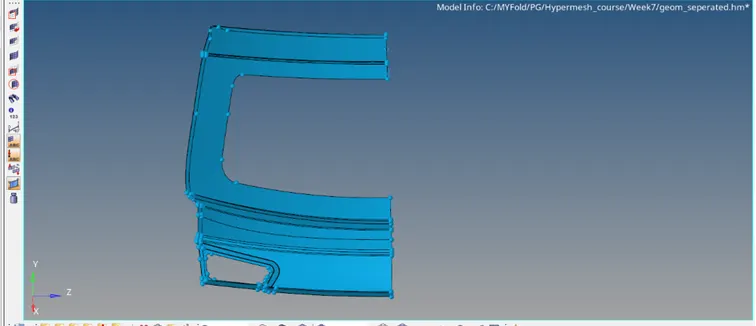
- Perform the geometry checks for any unwanted free edges, duplicate surfaces or any uneven surfaces that can be simplified for better meshing process.
- Extract the mid surface and again perform some geometry checks and edit the reference lines properly so that the meshing pattern can be smooth all-round.
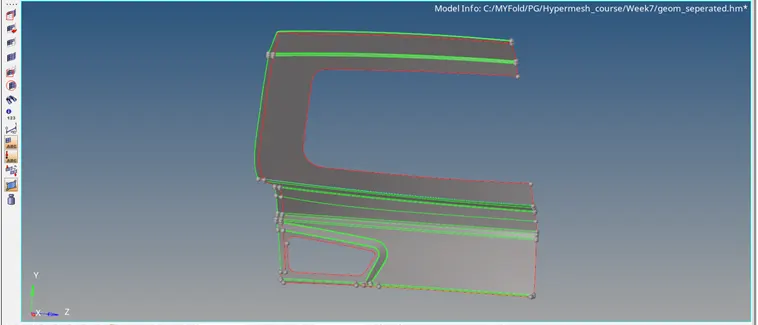
- Perform automesh with skin offset preset with target element size as 5 units.
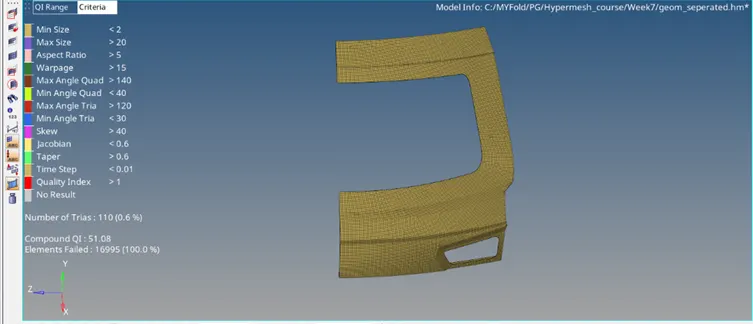
- Rebuild the mesh wherever necessary and reduce the trias on the surface.
- Perform a quality index check. Before that, apply the quality criteria given for the model.
- Optimize the element wherever required and remove the errors where the element is failing. Also minimize the number of trias.
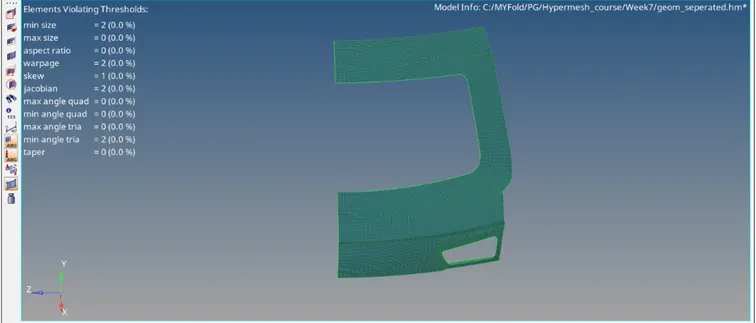
- Perform the same methods for the other parts.
- Finally, using reflect option bring back the original symmetrical part to obtain the full model.
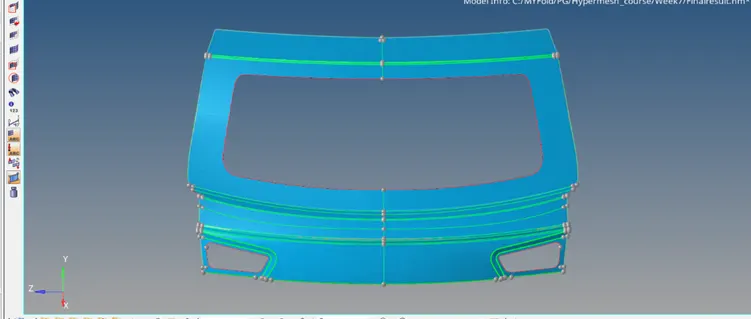
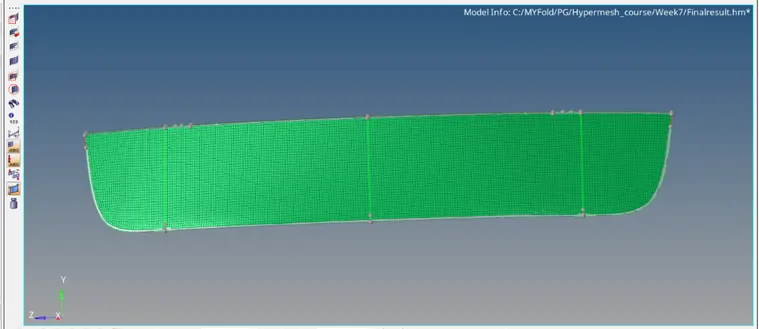
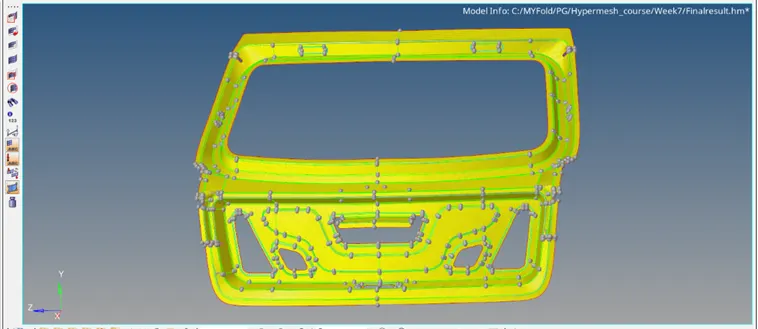
- Perform equivalence in the elements to join the adjacent elements to avoid errors while simulation.
Conclusion: Meshing of the backdoor was done successfully.