Week 6-Meshing of Hood Challenge
Components of the hood to mesh:
- Inner extract
- Hinge
- Latch
- Outer extract
1. Inner extract
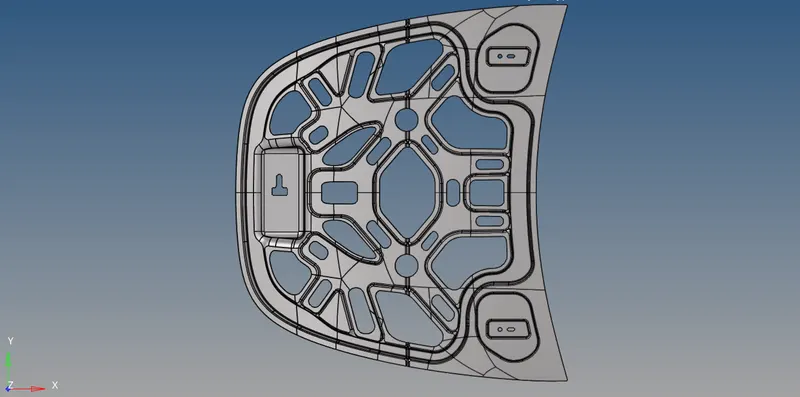
Initially, the outer extract geometry was checked for duplicates (Geom – defeatures- duplicates). But there were no duplicates.
Next, I went ahead to check for missing surfaces and if there were any missing surfaces it will be filled. But there were no free surfaces in these geometries.
Delete the solid parts from the surface if any.
Creating mid surface:
Geom-mid surface-Auto mid surface
There are 4 extraction options
1) offset + Planes + sweeps
2) offset + Planes
3) offset
4) Skin offset
After trying each of these options I found out that the offset extraction option gave the best mid surface.
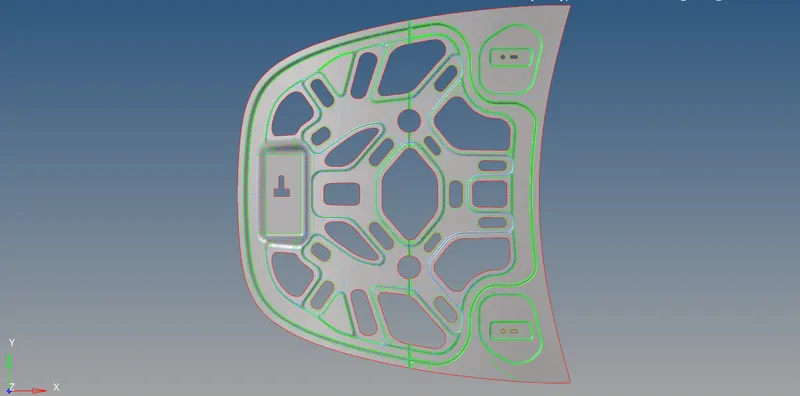
Once the mid surface is extracted, Geometry cleanup has to be performed.
If there are still missing surfaces they will be filled. Deformed surfaces will be corrected by toggling the feature line in those regions and using surface edit to trim or un trim surfaces.
Unnecessary points are deleted.
Geom-quick edit- add/remove points.
Few surfaces are trimmed to make square/rectangle surfaces in order to help create a better mesh. It was kept in mind that the feature line which gets created while trimming should be having endpoints connected to endpoints of other feature lines, this will reduce the number of points in the mid surface. Some of the feature lines which don’t contribute to creating square/rectangle surfaces or in the particular good mesh are suppressed.
In the region of fillet, there are two feature lines that are very close to each other. If we try to mesh these regions, we will get a minimum length error. In order to tackle this error, a midline between these feature lines is created and the feature lines are suppressed. Now we will have a single fillet surface that needs to be trimmed into two surfaces along the midline that we created.
Geom – surface edit – trim with lines – with lines.
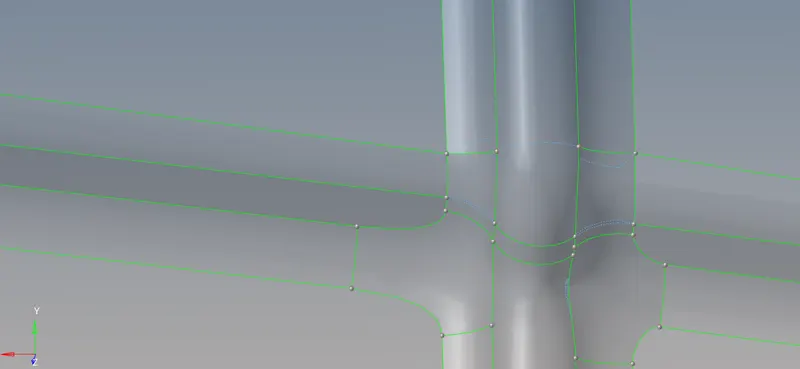
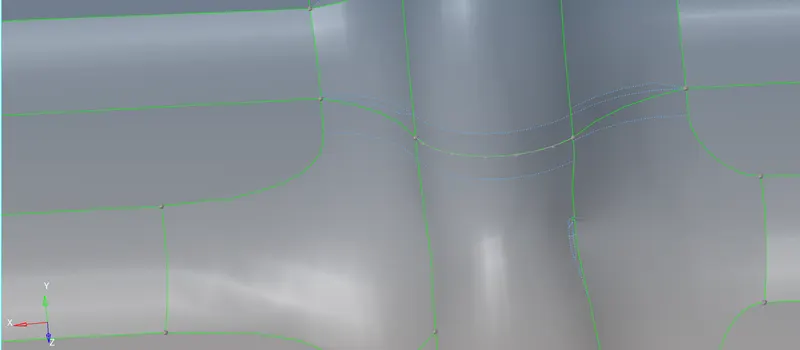
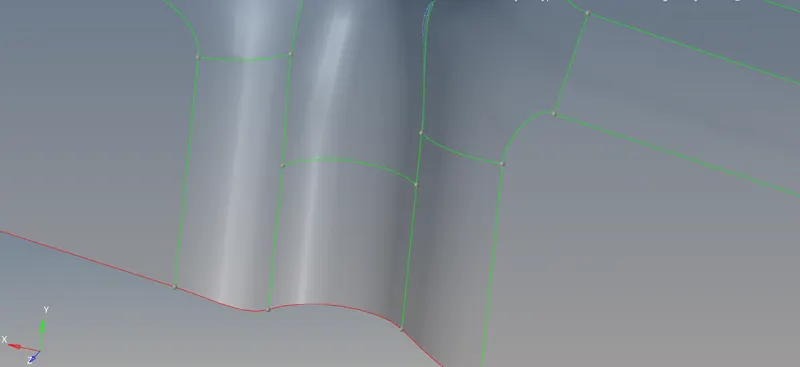
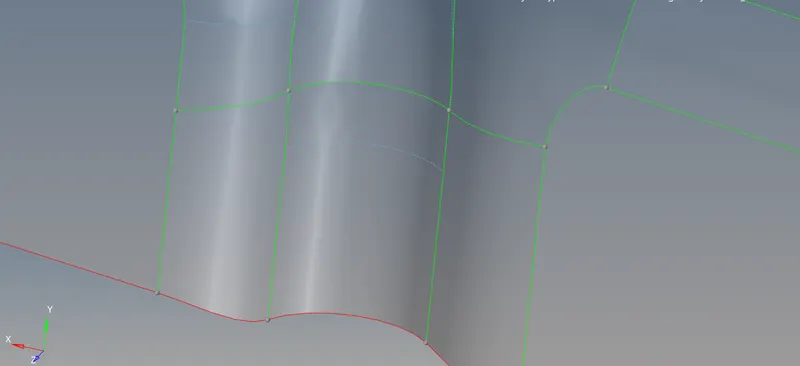
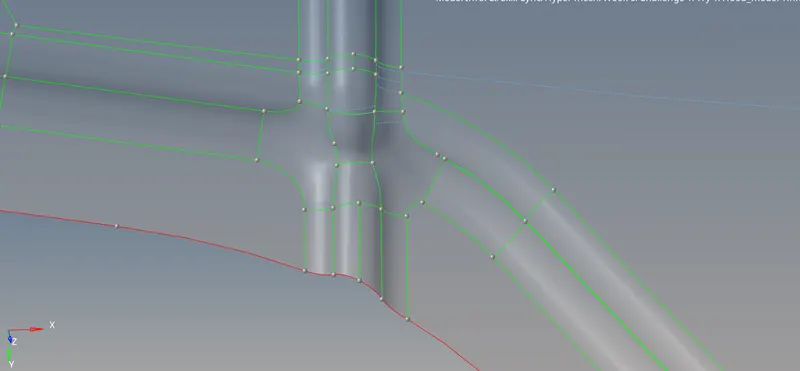
Few other geometries clean up images:
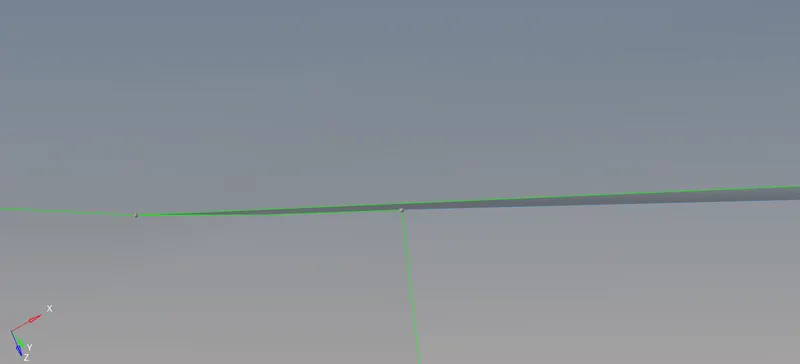
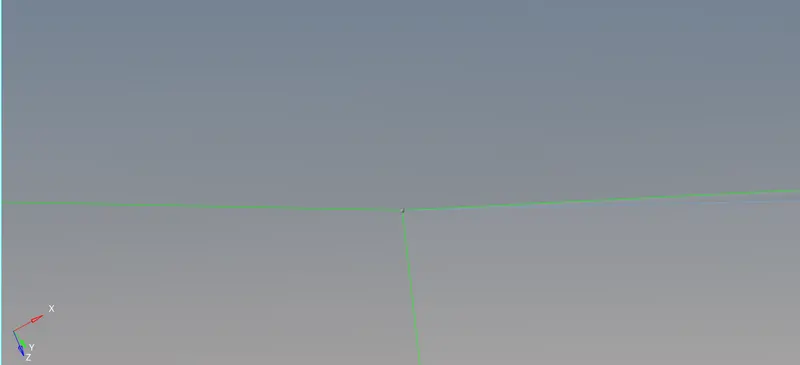
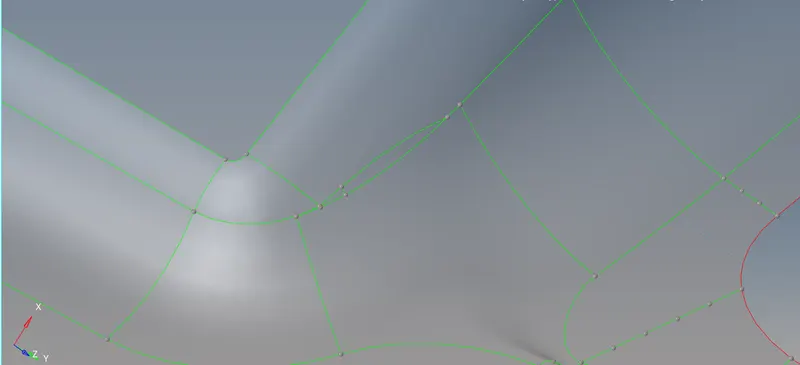
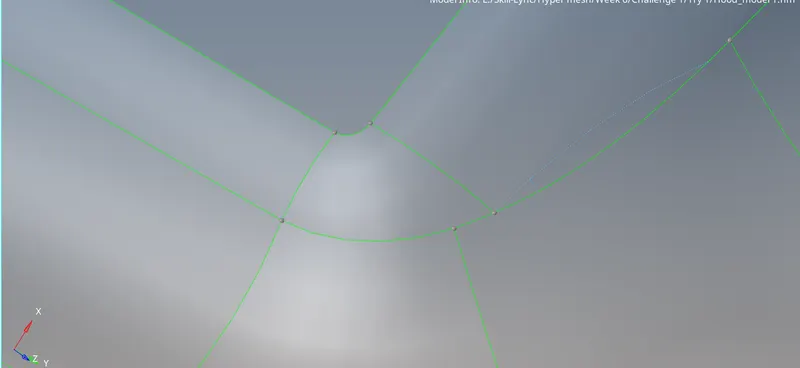
By looking at the above picture, we can say we even have the option to go ahead and replace the points thereby reducing the number of points by one.
Geom-quick edit-replace point.
Additionally, we can also add properties and material to these geometries.
Symmetry
Since the geometry is symmetrical, the half surface is deleted and meshing is done for the remaining half surface which will be later reflected.
Geom – surface edit – trim with nodes – multiple nodes.
The planar region of the hatch region is not deleted while deleting the remaining surface.
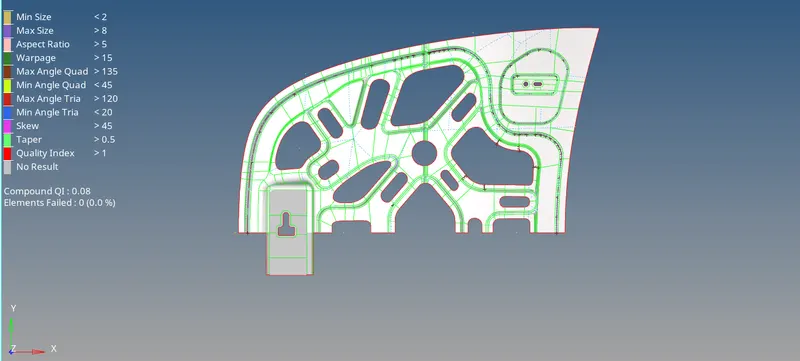
Meshing:
The method for proper meshing of any geometry is to start from the complex region.
Washer splits are created near some of the holes but not every hole is because of less availability of the surface near holes.
The feature lines inside the washer split are deleted.
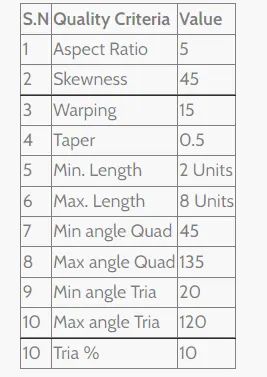
Quality criteria and their values are as follows:
Element size is set to 5 and mesh type to mixed.
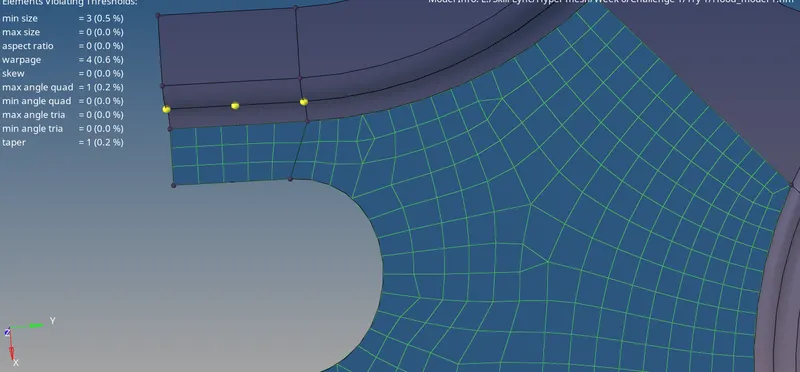
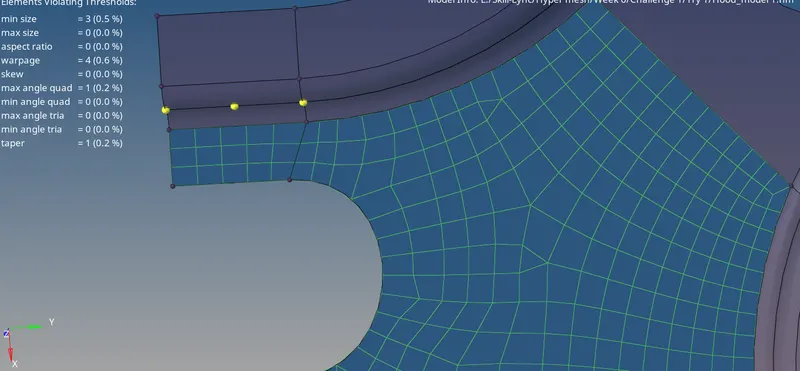
Tria elements that are opposite to each other are dragged and combined to form a quad element.
In order to say created mesh is a good mesh we need to eliminate the rotating quads,
Contact between tria elements and rotating quads is not accepted.
Tria elements in contact with free lines should be avoided.
Back-to-back trias should be avoided.
Trias near the fillet and hemming region should be avoided.
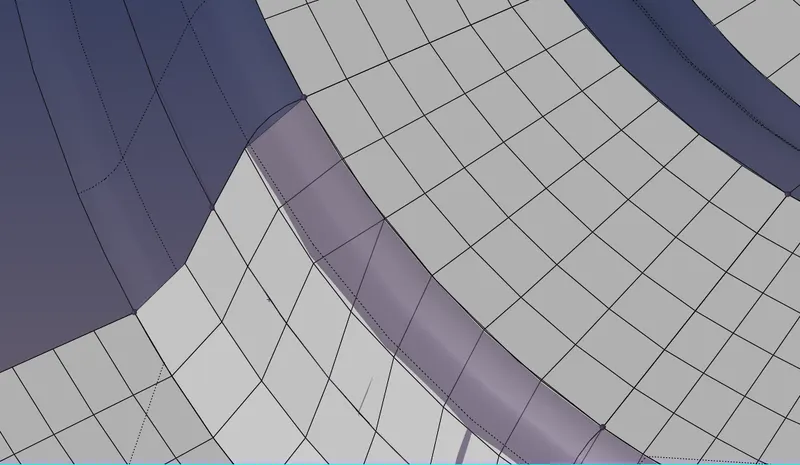
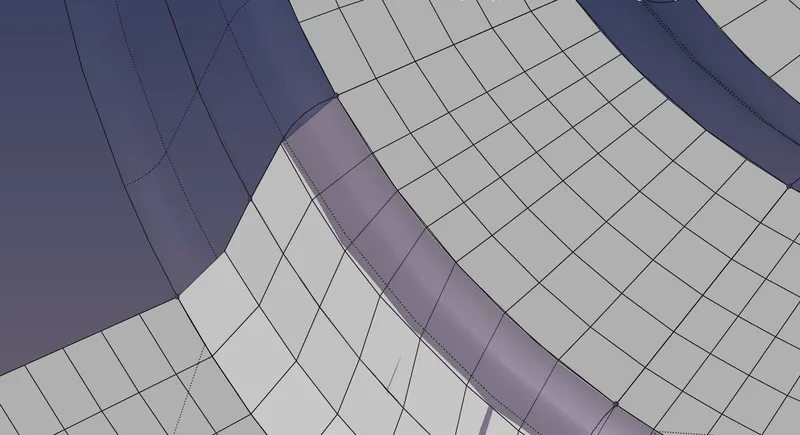
Once the whole surface has meshed, the next job is to check for errors.
Tool - check elements.

The errors are checked by clicking on these quality criteria. If there are any errors then the number of elements failing these qualities will be shown in the status bar.
We can find the failed elements by just looking for them on the surface or we can use a mask tool to mask elements except for failed elements and then work on the failed elements.
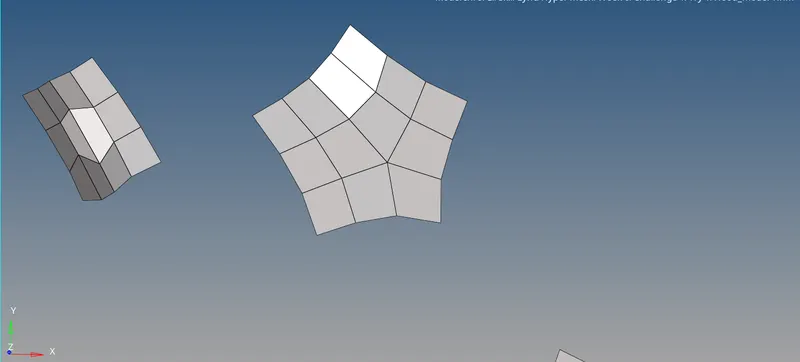
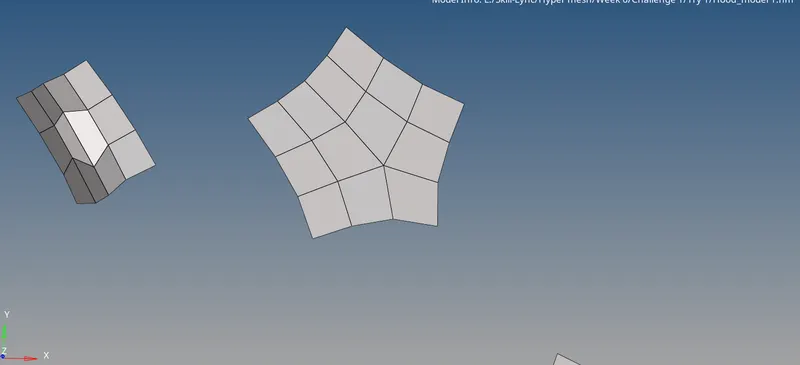
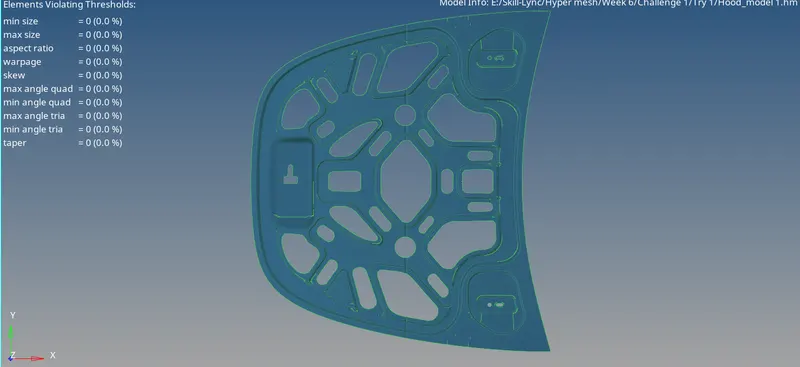
Final meshed inner extract surface:
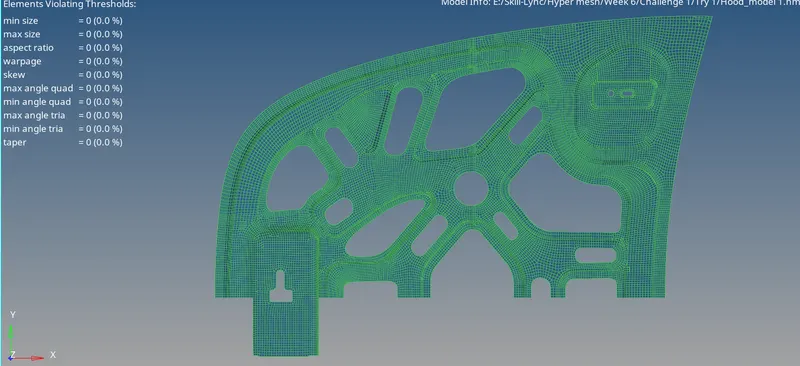
Next, we need to reflect this mesh to the other half.
Tools – reflect- elems (select all the elements except the elements in the latch region which we don’t want to reflect and duplicate it to the current component i.e. inner extract surface) - Nodes (select 4 nodes among which one is base node along the line of symmetry) – reflect.
2. Hinge
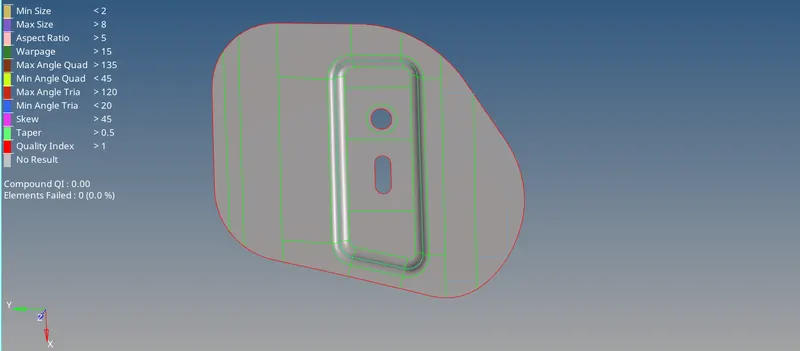
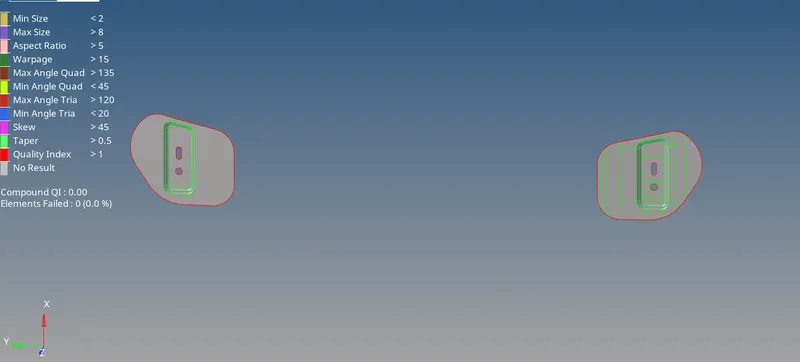
The mid surface is extracted using the offset + planes + sweep option.
Geometry cleanup is carried out.
Unnecessary points are removed.
Surface splitting is done to achieve a good mesh.
A washer split is created near the circle.
Meshing:
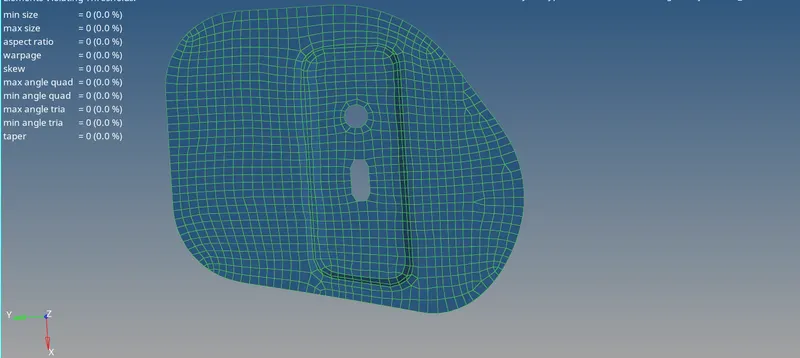
The method for proper meshing of any geometry is to start from the complex region. So the region near the holes has initially meshed.
Only one hinge component has meshed and it will later be reflected into another hinge geometry as well.
Meshed Hinge geometry:
Reflecting mesh:
A node is created between nodes of both the hinge surface. This node will be the base node for the reflection of the mesh.
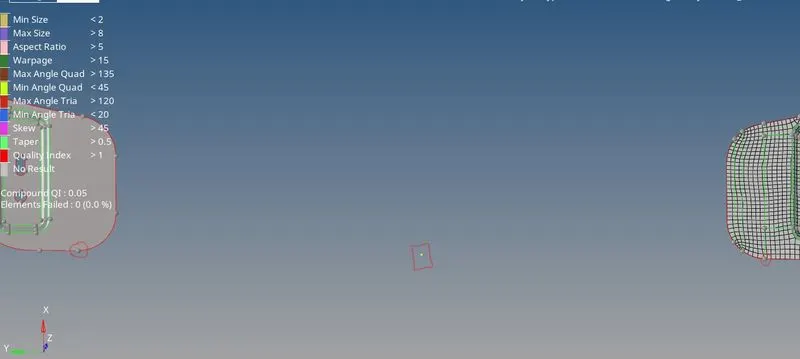
Tools - reflect – elems (select all the elements of one surface and duplicate it to the current component i.e., Hinge surface) – Nodes ( Select two nodes, one from 1st component and another from 2nd component and also mid node as a base node) – reflect.
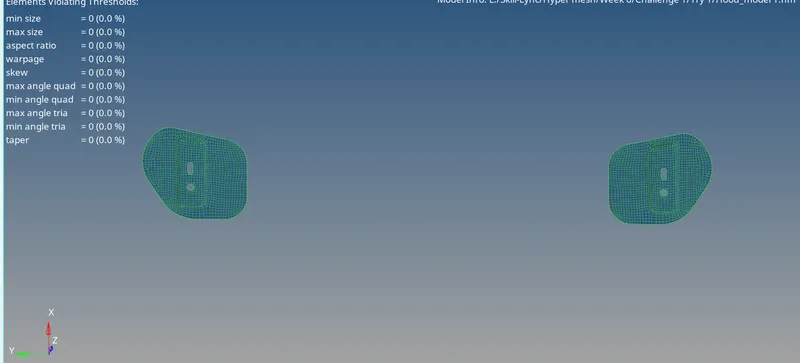
3. Latch:
The mid surface is extracted using the offset + Planes + sweeps option.
Geometry cleanup is carried out.
Unnecessary points are removed.
Surface splitting is done to achieve a good mesh.
A washer split is created near the hole.
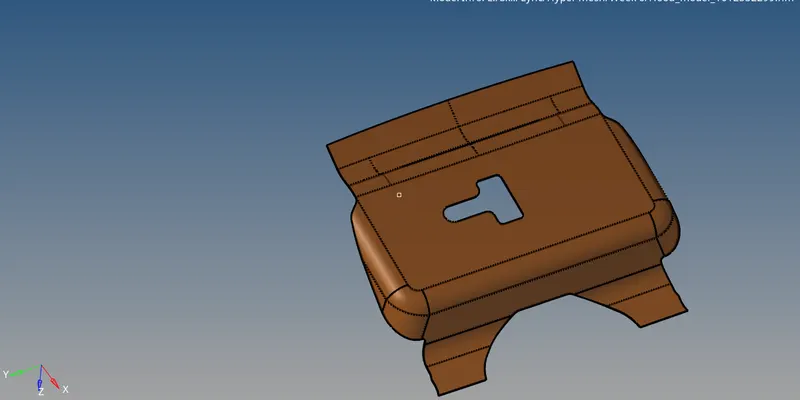
Washer splits are created near the hole.
The feature lines inside the washer split are deleted.
Surfaces are trimmed with nodes.
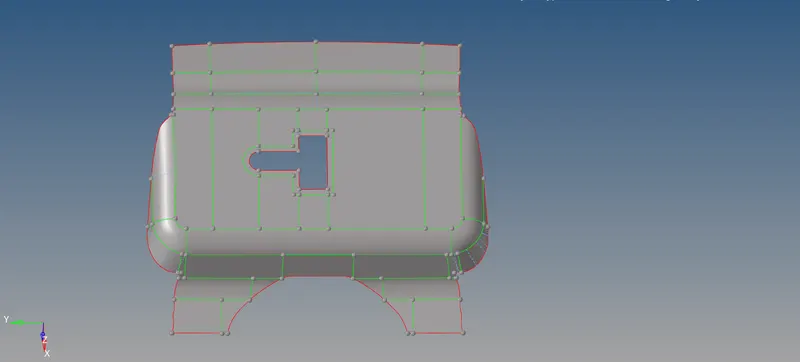
Meshing:
Element size = 5units
The method for proper meshing of any geometry is to start from the complex region.
Opposite trias are dragged and combined.
The rotating quad region is re meshed to eliminate those rotating quads.
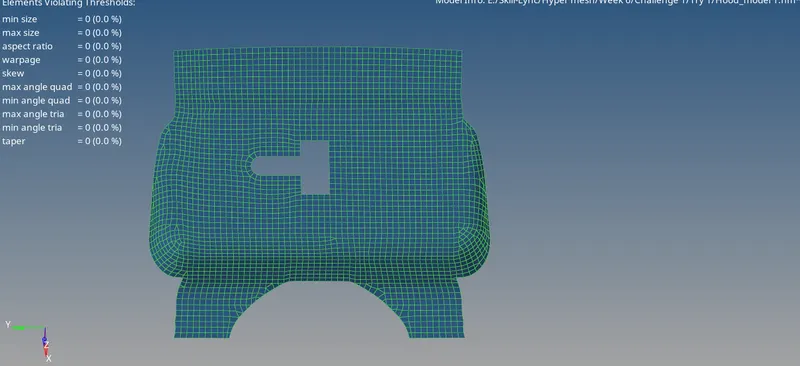
4. Outer extraction:
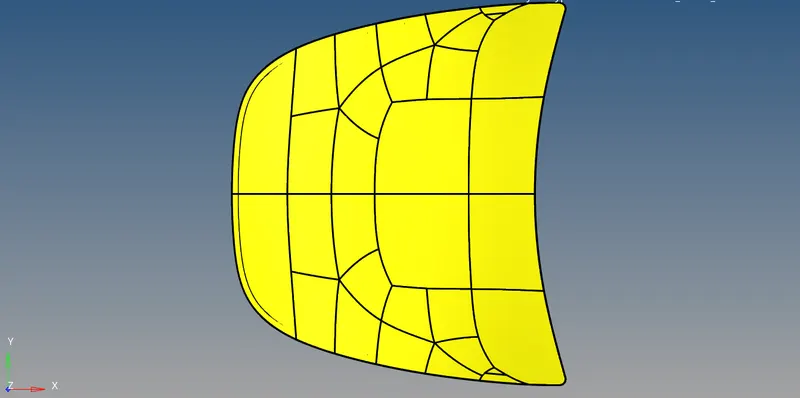
The mid surface is extracted using the offset + planes + sweep option.
Since the surface is symmetrical, one half of the surface is deleted.
Geometry cleanup is carried out.
Surface splitting is done to achieve a good mesh.
Unnecessary points are removed.
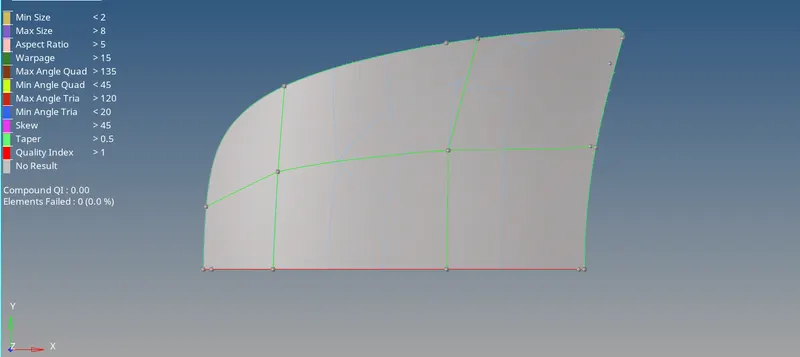
In order to avoid the minimum length error near the hemming region, the top and bottom feature lines are suppressed and the between these two feature lines which are in the hemming surface is left unsuppressed.
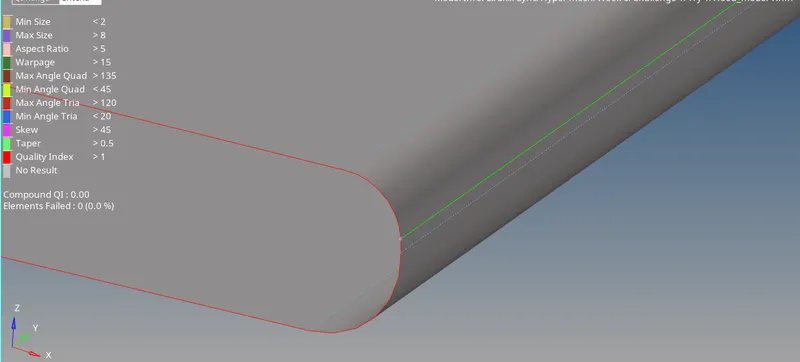
Meshing:
Element size = 5units
Opposite trias are dragged and combined.
The rotating quad region is re meshed to eliminate those rotating quads.
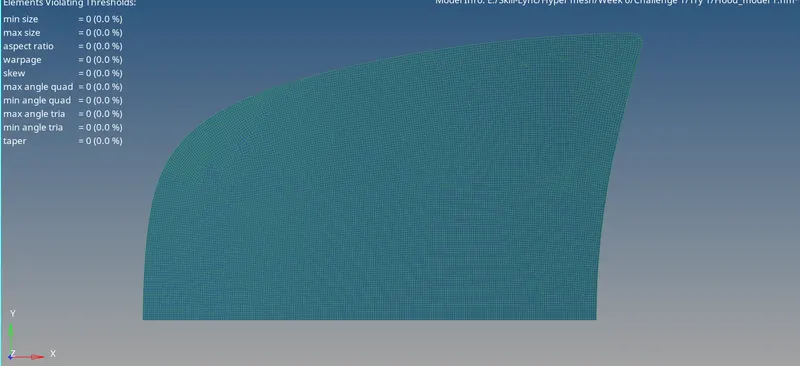
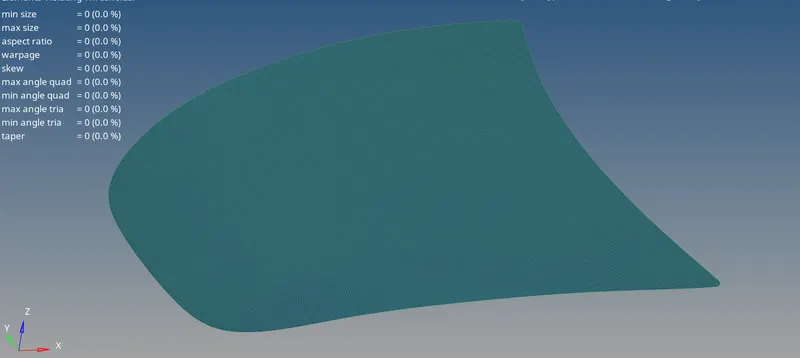
Once the meshing of half part of the surface is done. It is then reflected about the line of symmetry using reflect tool.
-----------------------------------------------------------------------------------------------------------------------------------------------------------------------------------------------------------------------------------------------------------------------