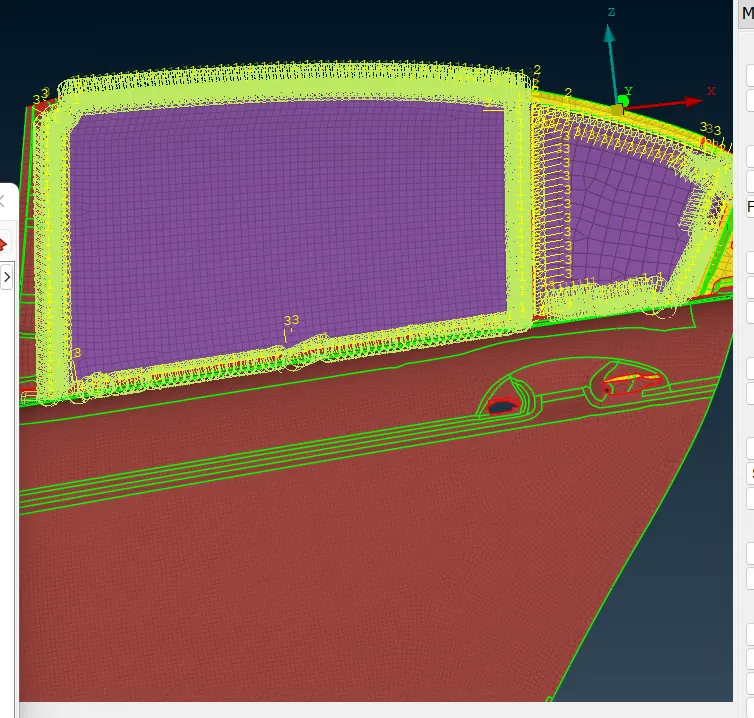
Week 6 - Creating connection for Rear door
obijective: for the given Rear door FE model, Create and Apply different PIDs for different components and perform the suitable connections.
First we will discuss about the some 1d connection
what is connection?
Elements that transfer forces between the bolts and the assemblies are called connections. some exapmple is given below fig.
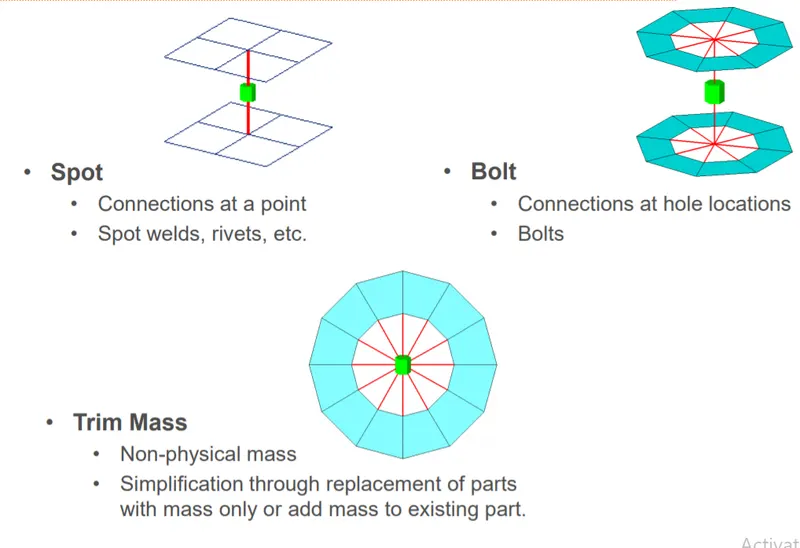
procedure :
step 1 : import the model
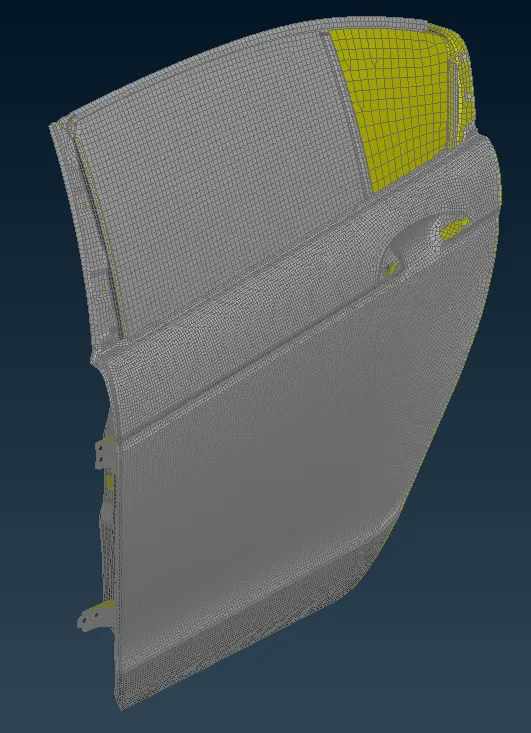
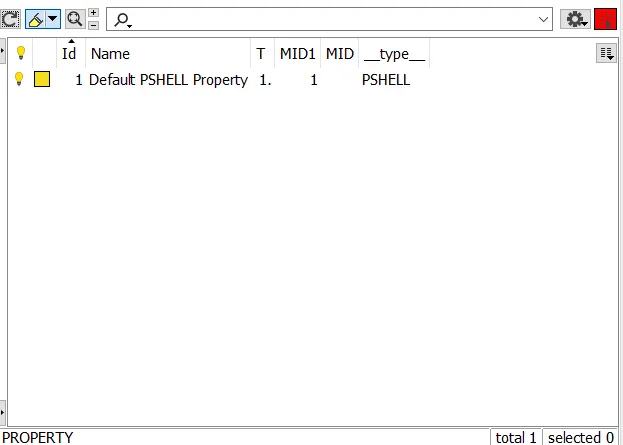
above figs shown is all the surfaces are defined in a single part.
step 2 : We will separate this and make different part ids as shown below
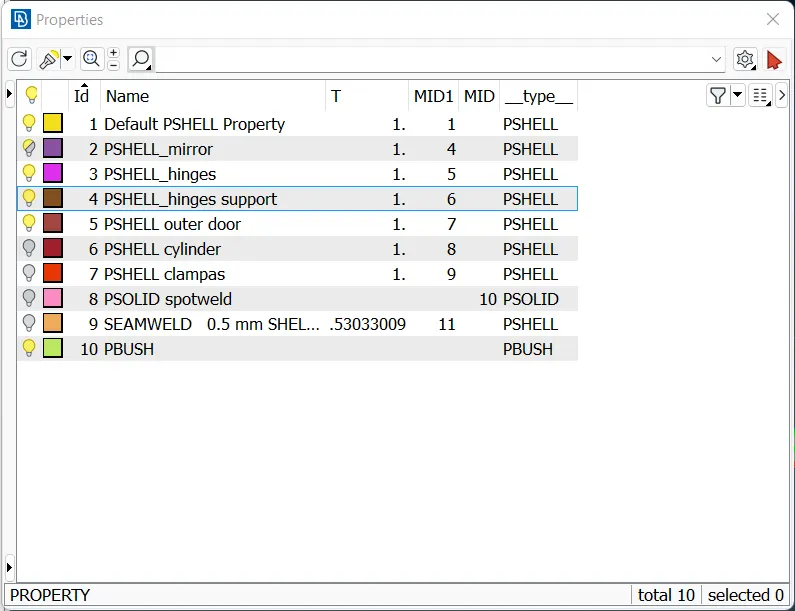
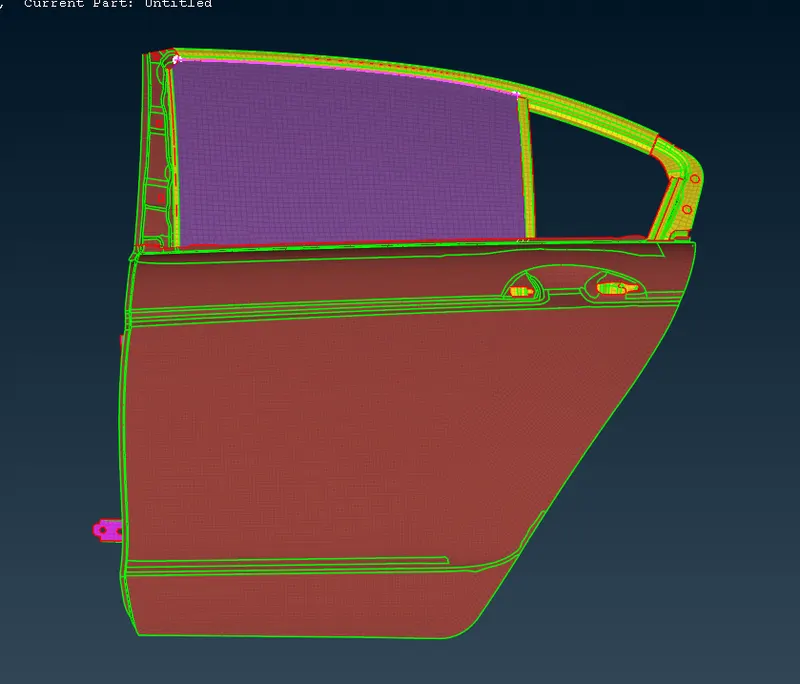
step 3: Now we will create connections with suitable connetion
- We will create bolts connectors at the hinge of the side door shown in below fig.
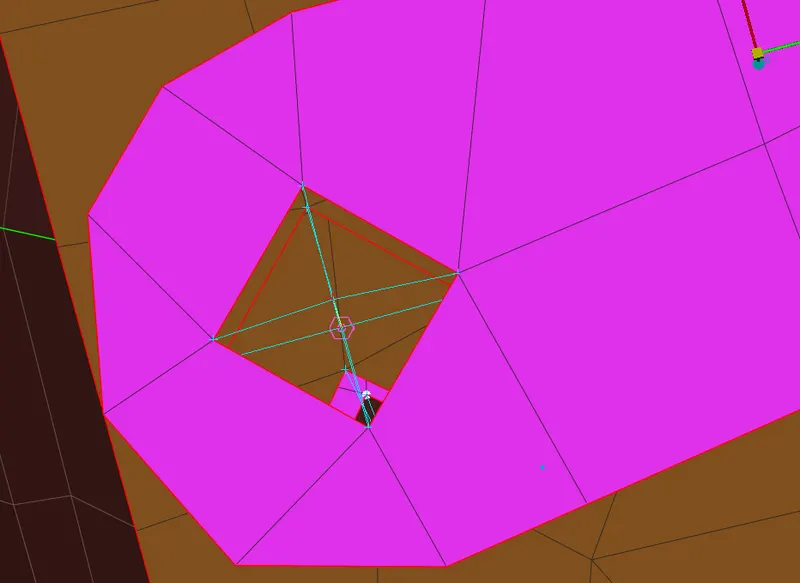
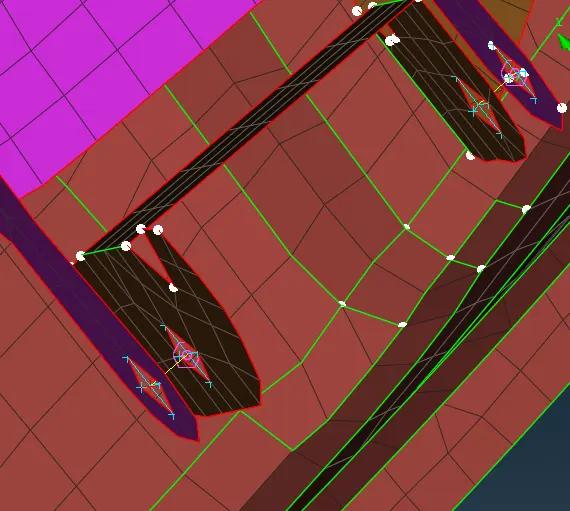
bolt connection procedure:
- We will create 3d points at the bolting holes using cog command and later convert them into bolt points (connection manger)
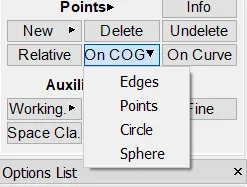
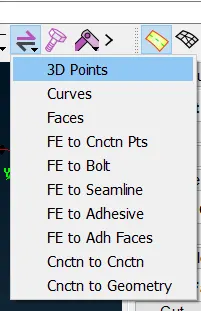
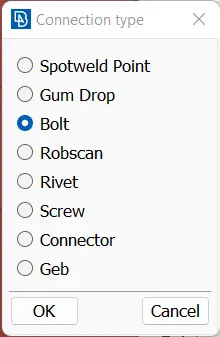
- now select the bolt point and then define the p 1 and p2 ( F1 key) and define fe type .then apply and realize.
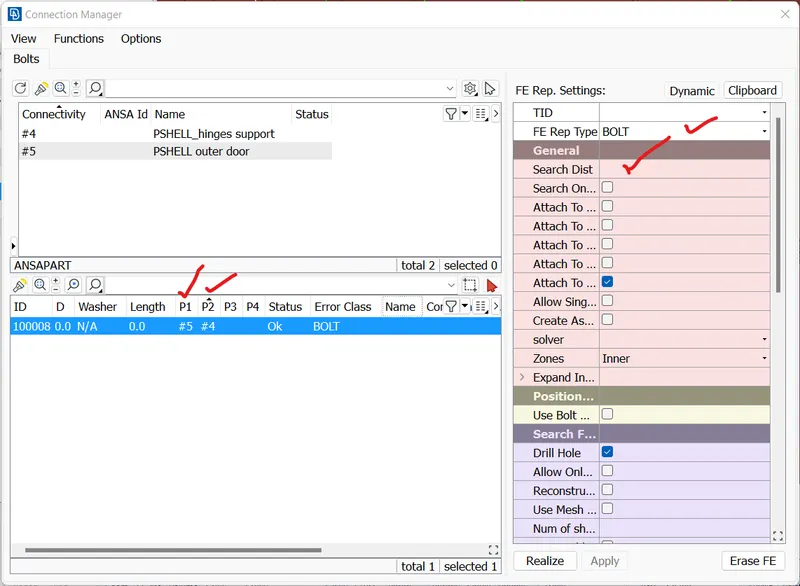
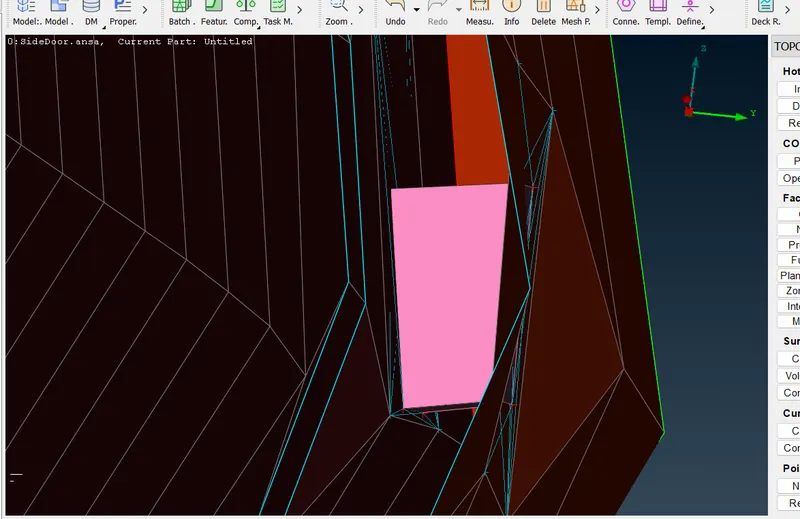
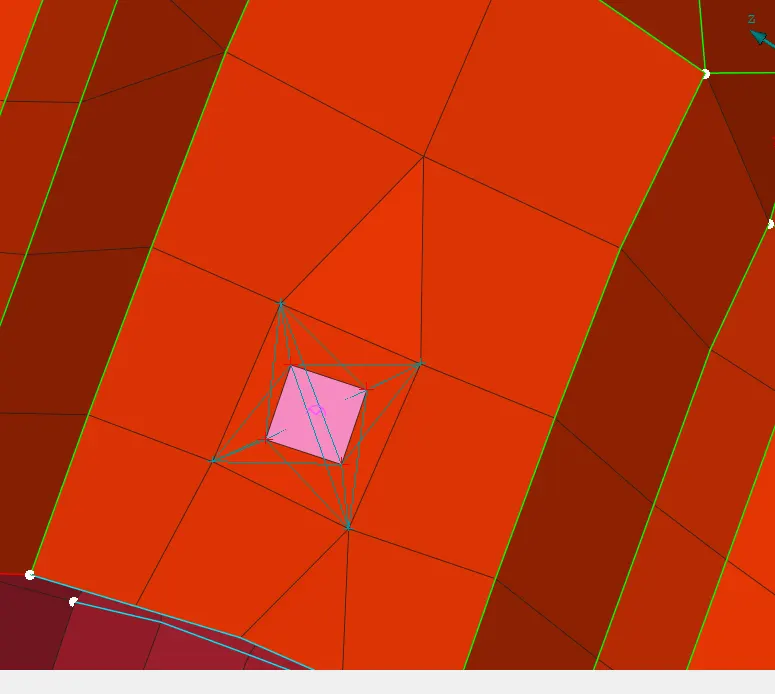
spot weld :
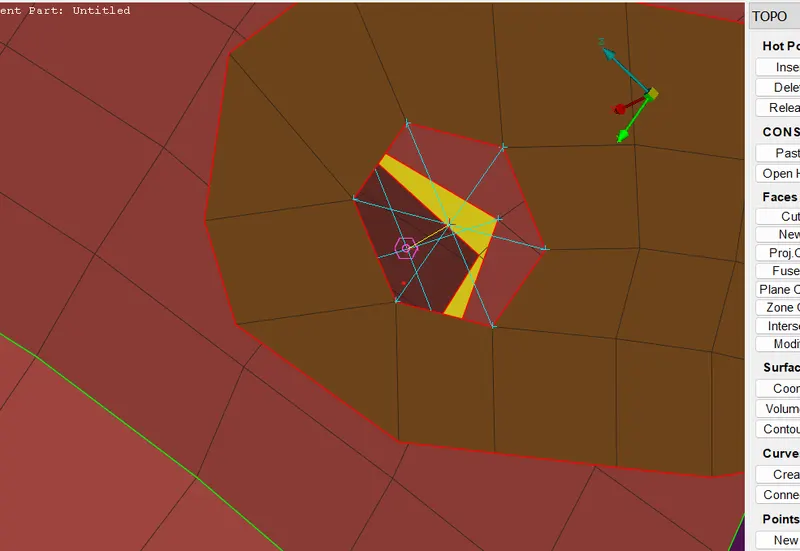
- create the 3d point on the element by using cog option and later convert them into spot weld points
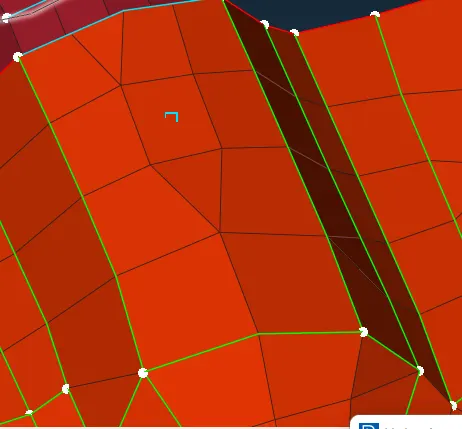
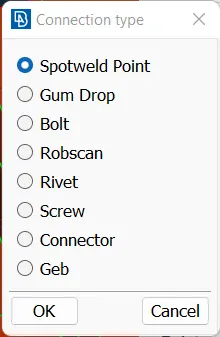
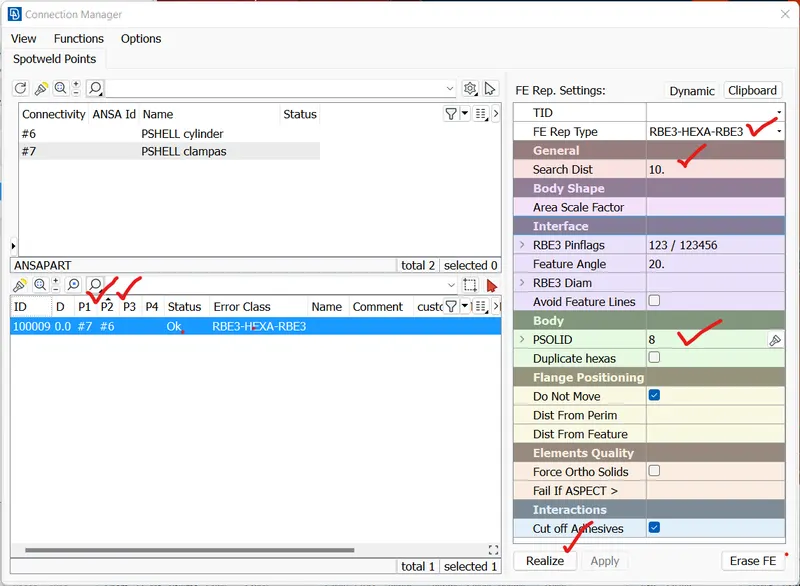
- now select the spot point and then define the p 1 and p2 ( F1 key) and define fe type as rbe 3 hexa and define body .then apply and realize.
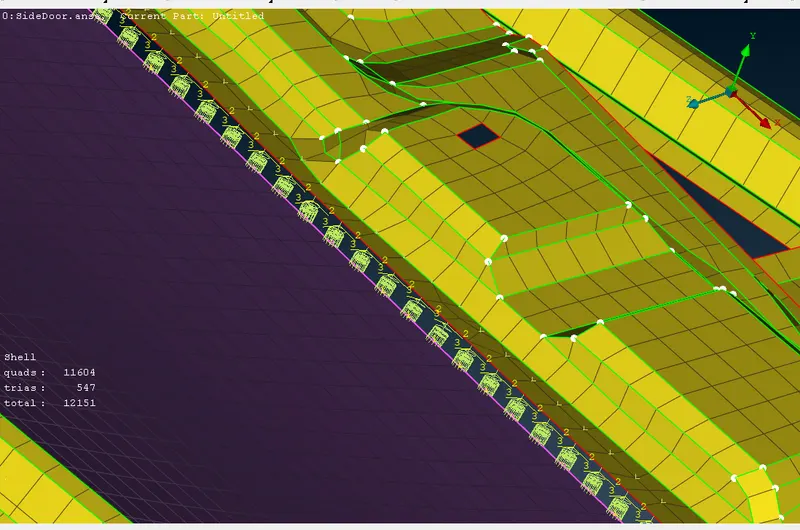
seam weld:
- first we have to create the curve on the spot weld region. by usig feature to curve option in mesh module.
- then convert the curve into seam line by convert option.
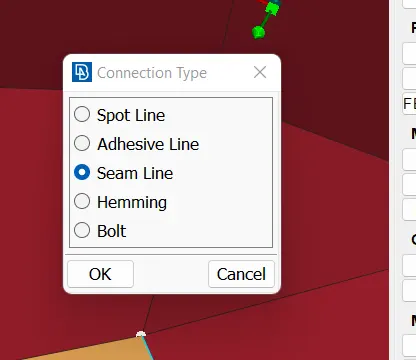
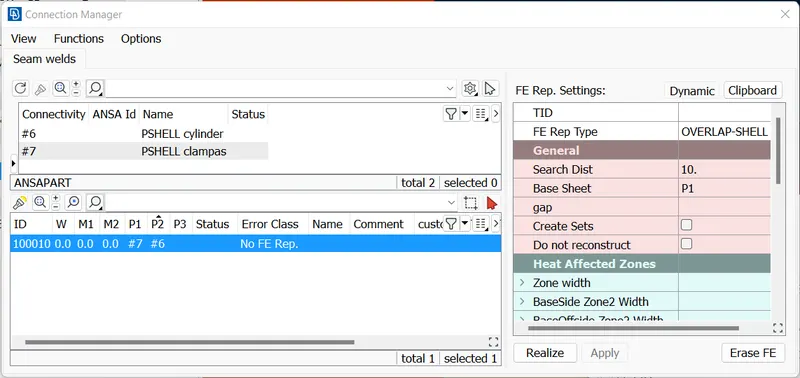
- now select the seam line and then define the p 1 and p2 ( F1 key) and define fe type as overlap shell and define body as shell and width is according to the element size .then apply and realize
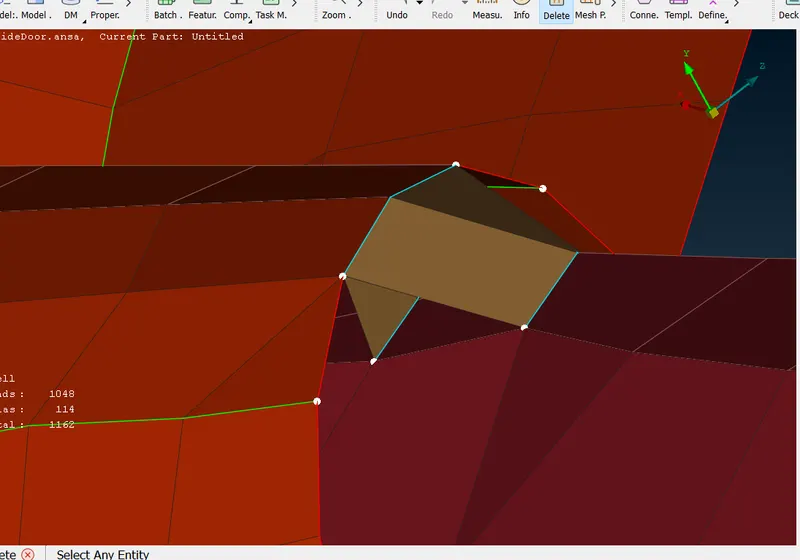
Cbush :
-
We have created curves for taking reference .We have converted them into spot lines
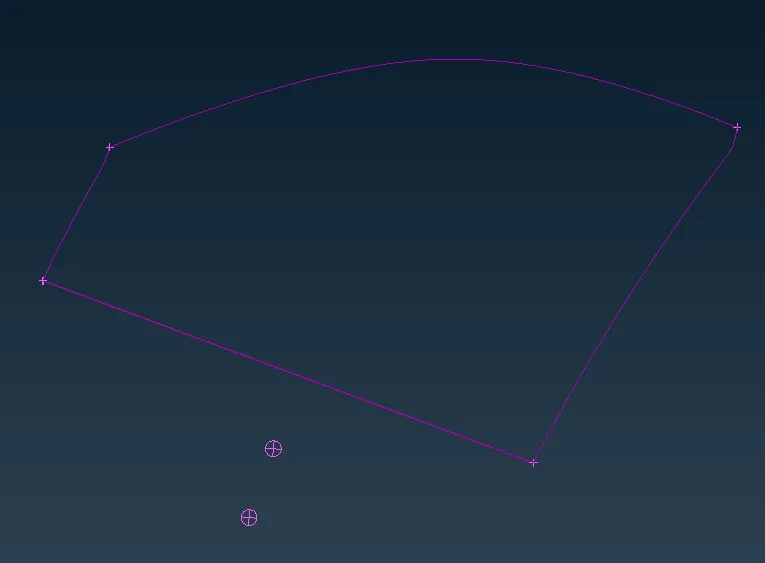
-
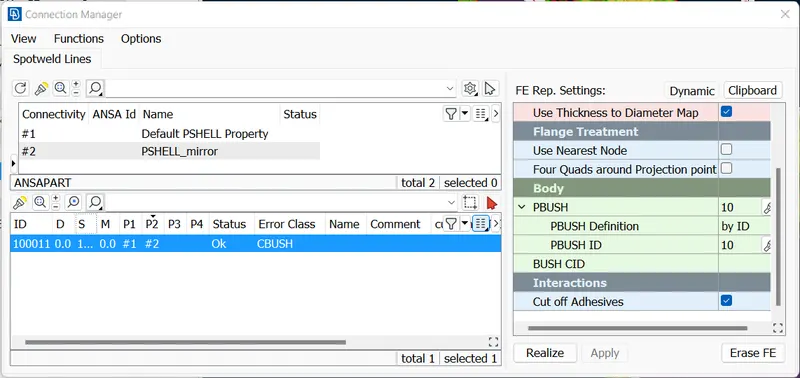
now select the spot line and then define the p 1 and p2 ( F1 key) spacing is given as 10 and define fe type as cbush and define body as cbush give stiffiness values and then apply and realize.
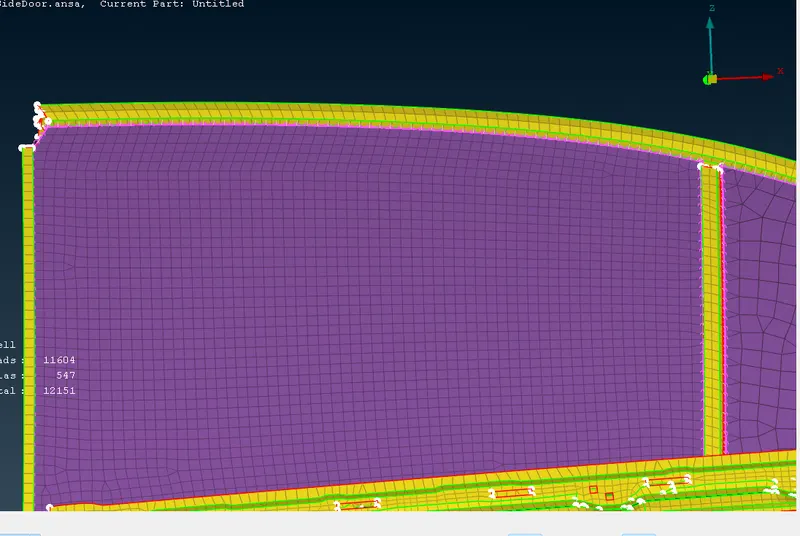
conclusion: given Rear door FE model performed the suitable connections.