Week 8-3D Tetra Meshing Challenge
WEEK 8 CHALLENGE REPORT
OBJECTIVE:Create 3d tetra mesh of the given component with given parameters.
procedure:
there are two methods to create 3d tetra mesh
1. convertion of 2d shell element to 3d element.
2. second one is directly from 3d panel >tetramesh
2d to 3d converstion explained below:
the given component is housing for this we have to mesh with tetra mesh by 2d to 3d .
- import the geometry of the given component.
- then select solids and delete the solid.
- then clean the geometry for the 2d mesh.
- mesh the component with 2d mesh .
- check for the mini and max length element and clear it.
here some pictures of the models
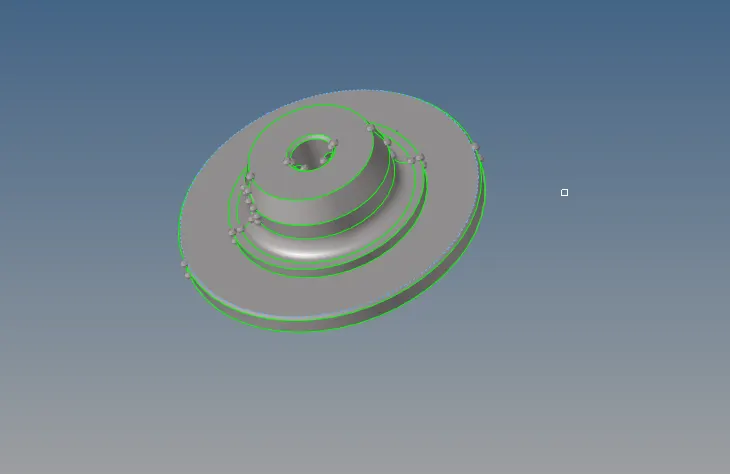
geometry clean up has done through quick edit panel shown in above fig.
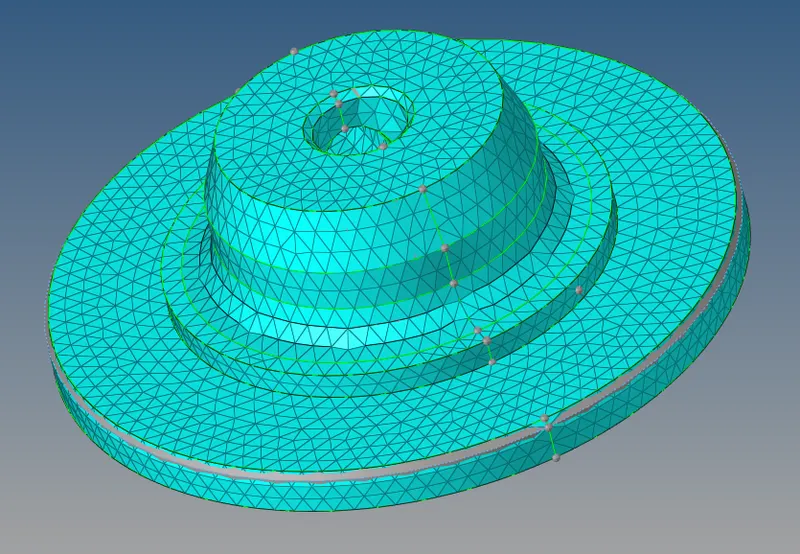
above fig shown is completed 2d mesh and it is done through automesh >surf>tria element>mesh.

above shown fig is minimum and maximum length failed element can be fixed by smoothing or rebuliding mesh or optimizing those failed element
for smoothing tool 2D>smooth>select element>iteration 10>smooth>ruturn.
for rebuliding mesh tool 2D>rebulid mesh>element>rebuild>return.
for optimizing tool 2d>quality index>optimize element>return.
completing all 2d operation then convert to 3D tetramesh here are the 3d operation are shown in below.
3D operation
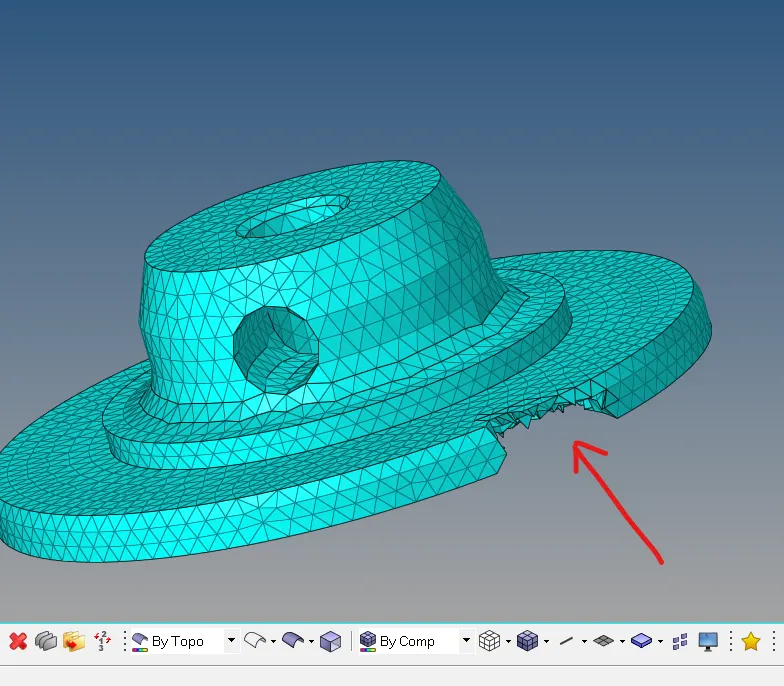
above figure as shown is tetramesh done through 3D panel.
TOOl: 3D>tetramesh>selcect 2D element>mesh>return.
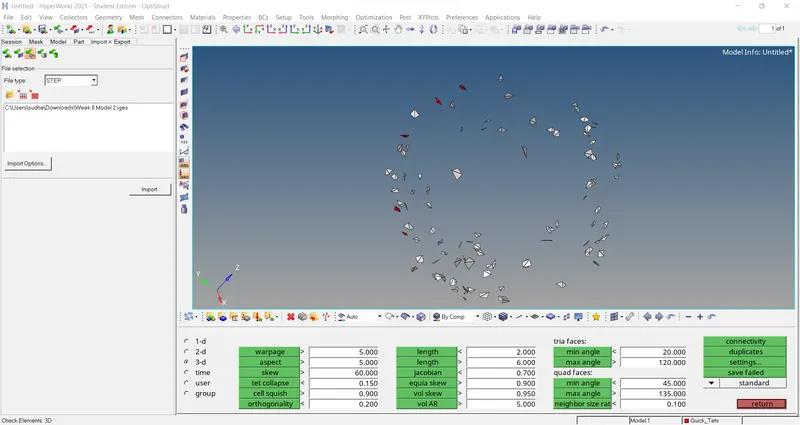
above fig tetra collapse is fixed by some methods
- remesh the failed element and the tool for remeshing is 3d>tetramesh>tetra remesh>element>remesh>return.
- second method is to be by incresing hight of element by transalating the node at some magnitude as shown below fig.and tool for this Tool>trasnalate node>direction>translate.
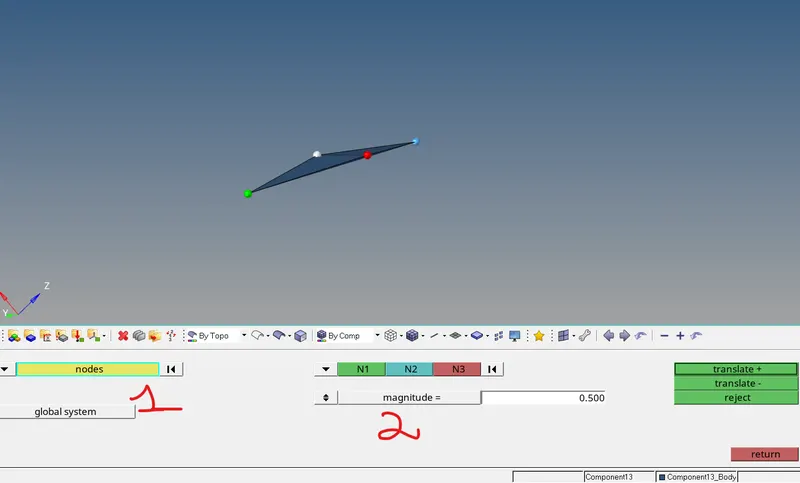
3. another method to fix tet collapse is by replace node with another element node.
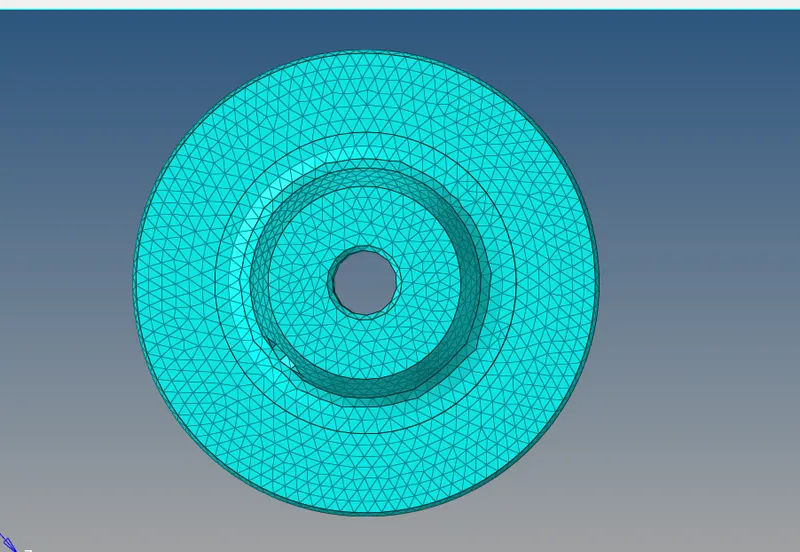
this complete procedure of convertion 2d element into 3d tetramesh element.and all operation done with given parameter for the hub. and shown in below.
similaraly done for housing camponent also
the given component is housing for this we have to mesh with tetra mesh by 2d to 3d .
- import the geometry of the given component.
- then select solids and delete the solid.
- then clean the geometry for the 2d mesh.
- mesh the component with 2d mesh .
- check for the mini and max length element and clear it.
here some pictures of the models
geomtry clean up
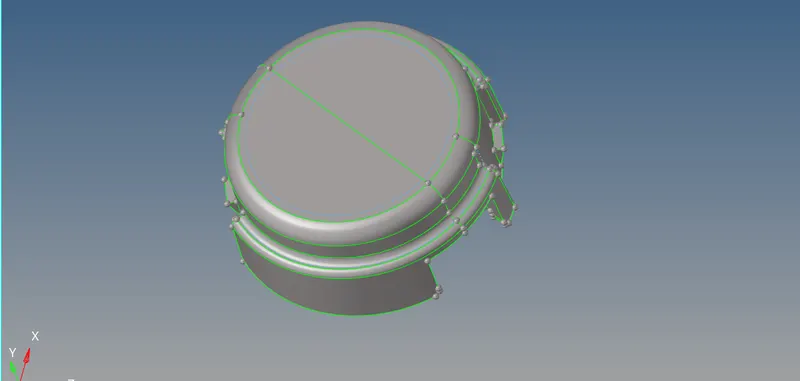
2D mesh
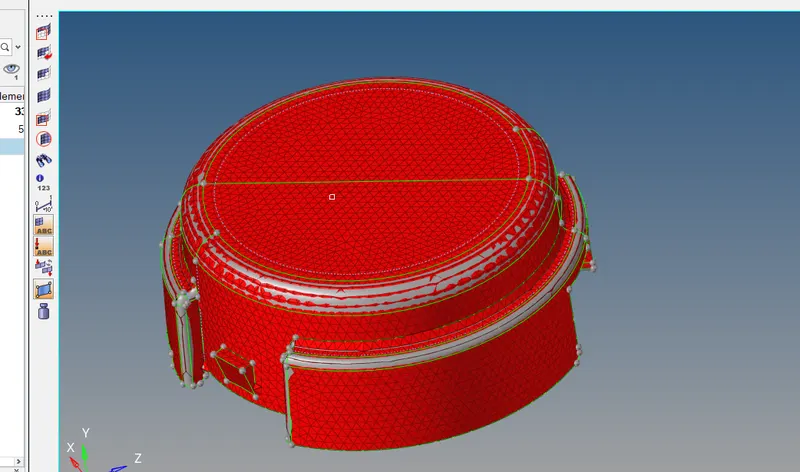
3D tetra mesh
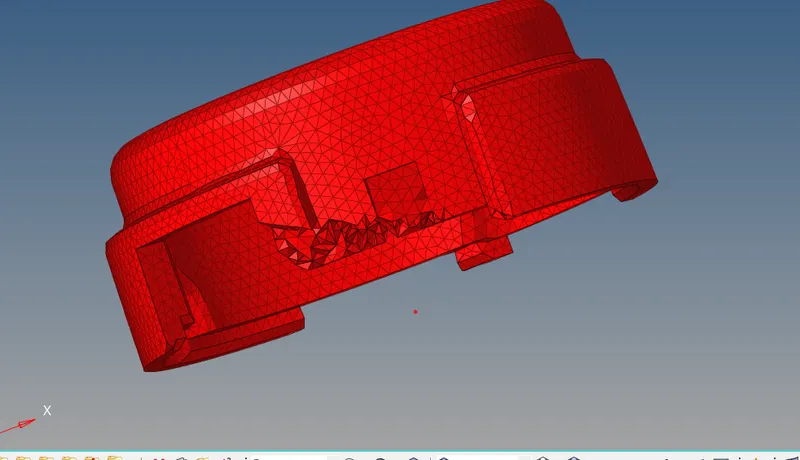
2. Tetra mesh from direct 3d menu option
- import the geometry of the given component.
- then select solids and delete the solids
- then clean geometry if neccesary.
- then select the component for tetra mesh.
- check for tetra collapse and fix it.
Tool for direct tetra mesh :3D>tetra mesh>comp>mesh>return.

another method for tetra mesh that is quick tetra mesh.(surf is not enclosed)
tool for this: view >browser>hypermesh>utility>geom/mesh> quick tetra mesh>comps>procced>mesh.
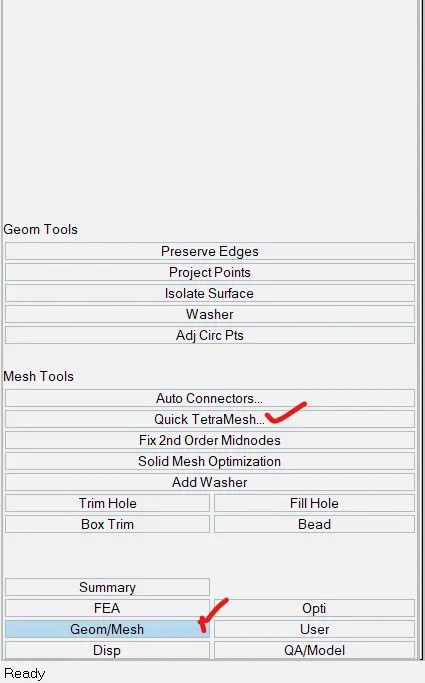
here component the component meshed through quick tetramesh are shown in below picture.
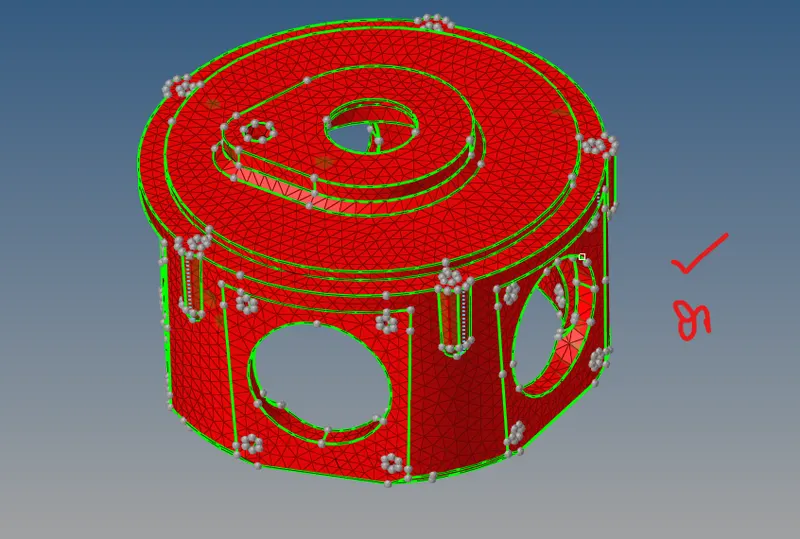
anther method is volume tetramesh
- import the geometry of the given component.
- clean geometry if neccesary. delete the solids and recreate the solids after cleaning the geometry.
- then select the solids/surf for tetra mesh.
- check for tetra collapse and fix it.
tool for this :3d>tetramesh>volume tetramesh>solids/surf>mesh>return.

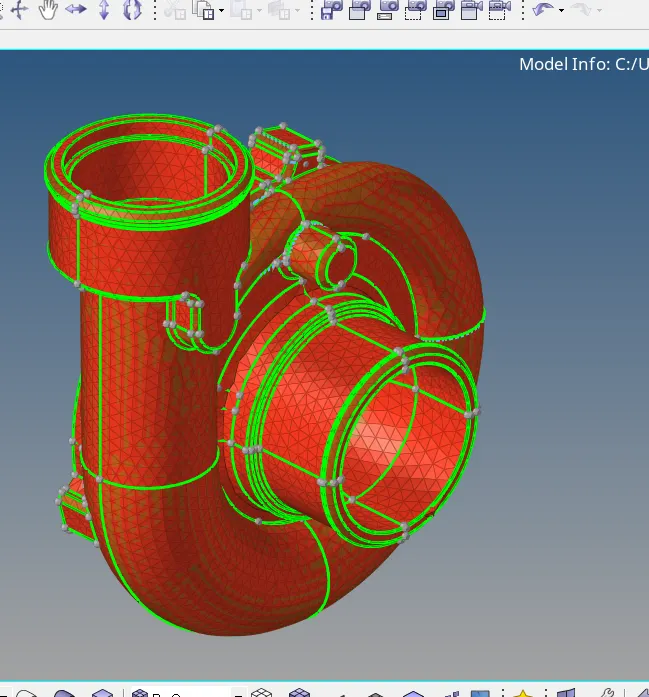
here are some pictures are shown below are done through volume teramesh.
EX: turbocharger parts
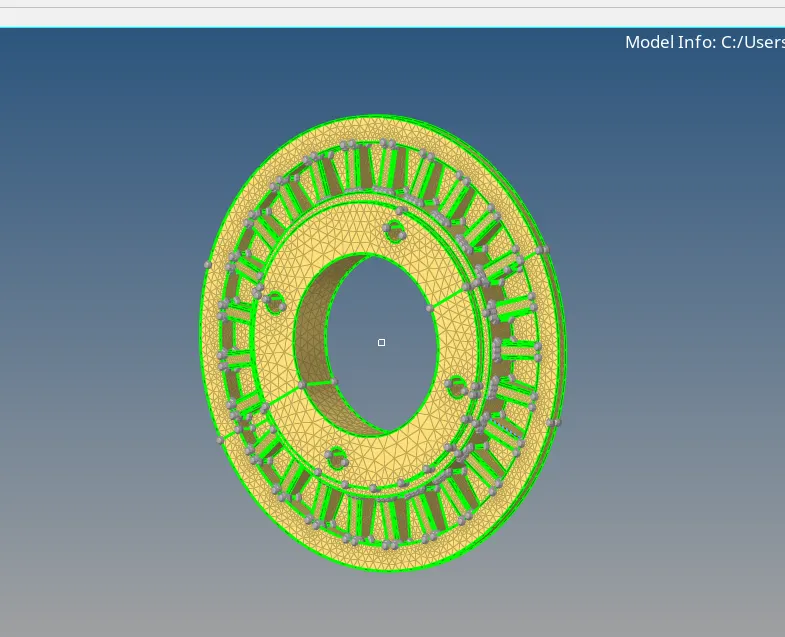
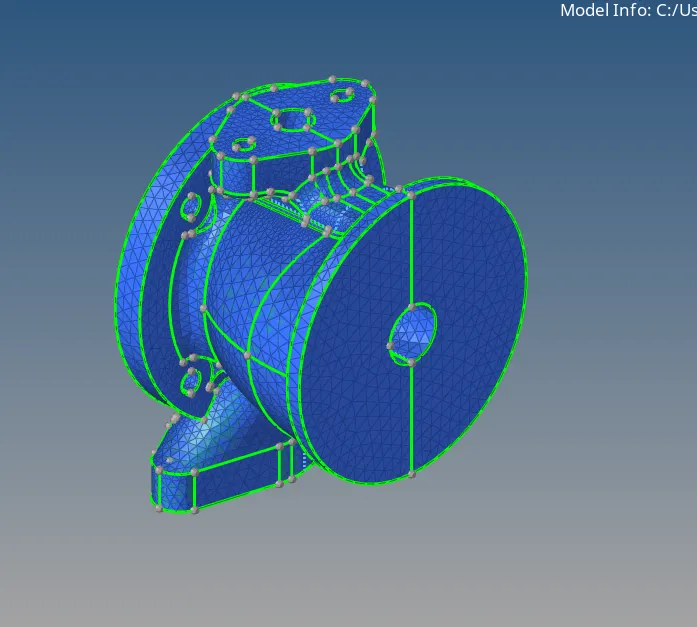
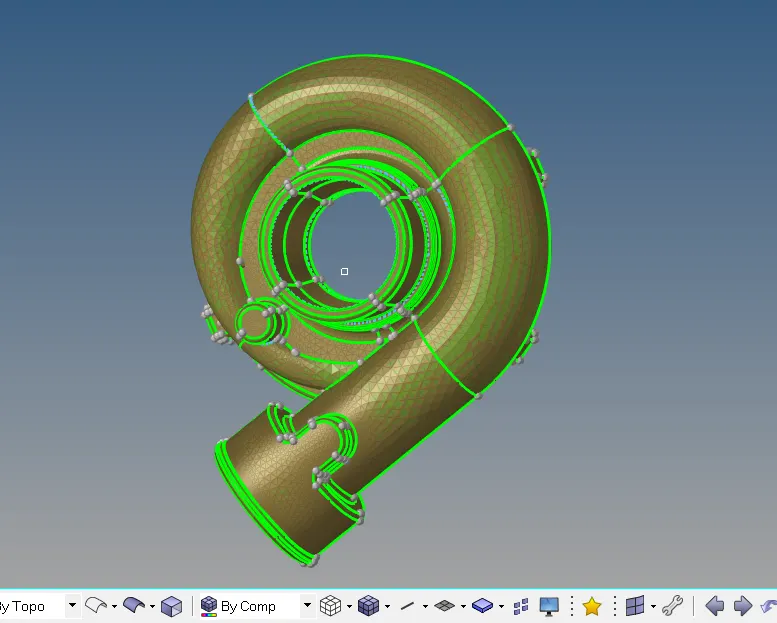
learning outcomes: learned tetra mesh and its different methods of doing tetra mesh.
conclusion: the given 3 model meshed with given element size and tet collapse.