Week 6 - Creating connection for Rear door
The aim of this challenge is to give connections for the front door by using different 1D elements, Create and Apply different PIDs for different components.
Step 1. Import the model (File > open > select the file > open)
Here no need to do cons resolution, provide topo, or do geometry ckeck, so directly start to give connections
Different types of connections provided
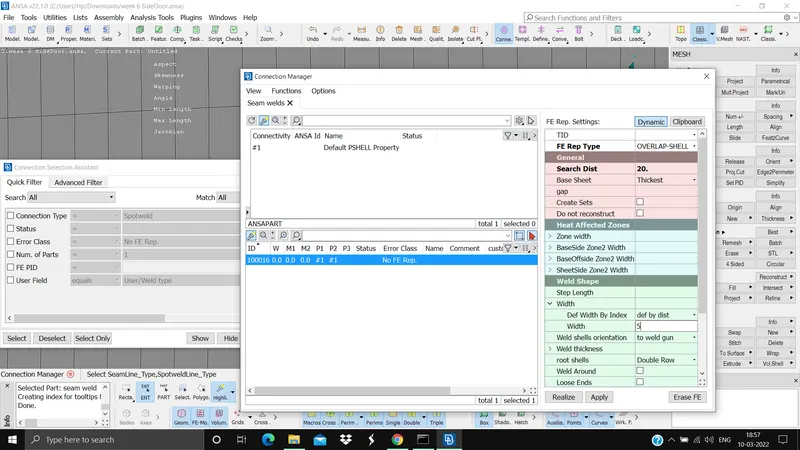
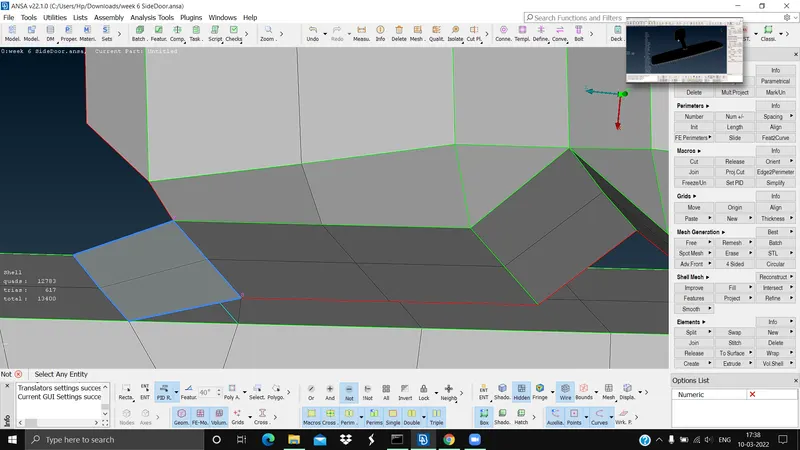
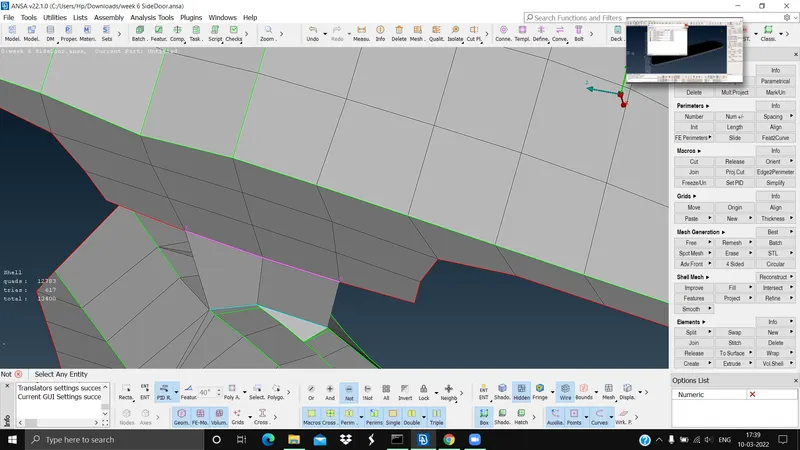
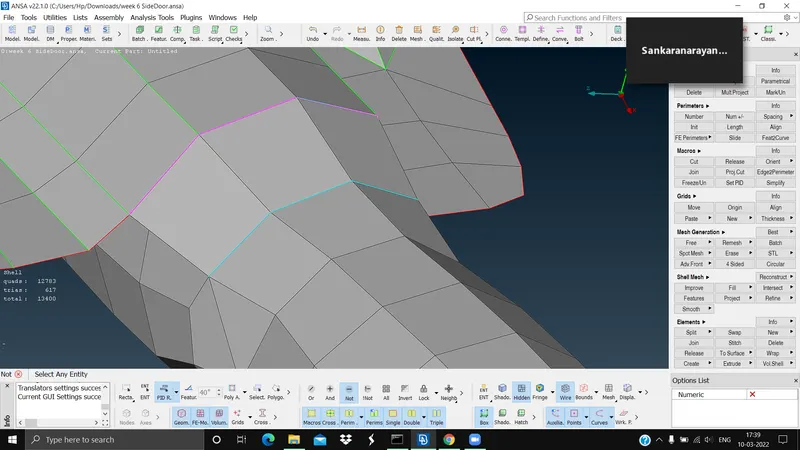
1. Seam weld (Mesh module > perimeters > feat to curve > select the necessary line and convert to curve), now we need to convert the curve to seam line (Assembli tab > convert > curves > select the curves > to seam line > ok), now we need to give connection using connection manager (Assembly tab > connection manager > select the curve > mid mouse click > select the PIDs > Enter the FE type as overlap shell > give the search distance > base sheet as thickest > give the width > apply > realise)
2. Spot weld (if applicable)
3. CBUSH connections for mirror
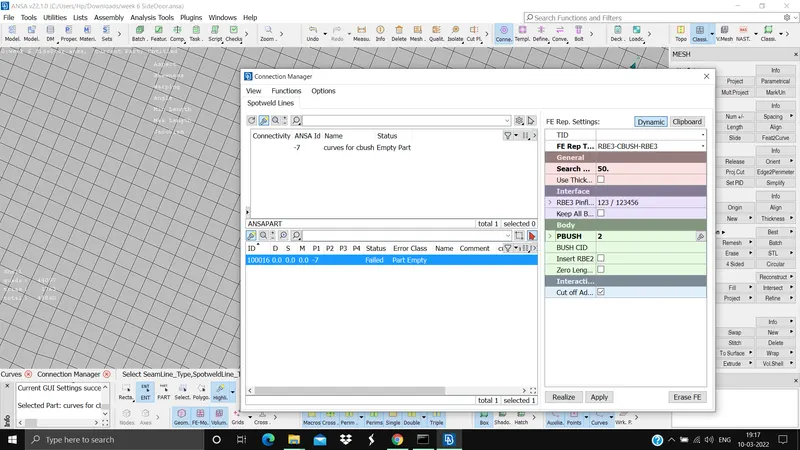
(Mesh module > perimeters > feat to curve > select the necessary line and convert to curve), now we need to convert the curve to spot line (Assembli tab > convert > curves > select the curves > to spot line > ok), now we need to give connection using connection manager (Assembly tab > connection manager > select the curve > mid mouse click > select the PIDs > Enter the FE type as RBE3-CBUSH-RBE3 > give the distance and search distance give the pbush ID > apply > realise)
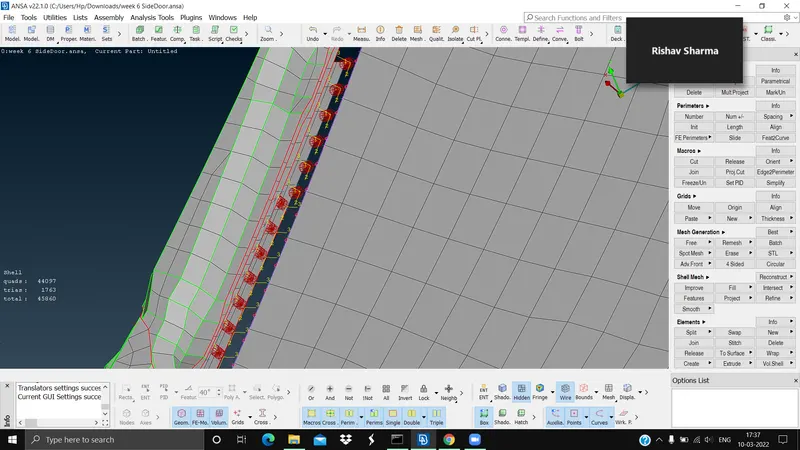
4. Bolt connection using multi nodes and two nodes and apply ther mass (Nastran deck > Elements > RBE2 > many nodes > select the nodes > next > CM=123456 > Finish > Create a new Id > double click), now give two node connection (Nastran deck > Elements > RBE2 > Two nodes > select the master node > mid mouse click > CM =12345 > give the name), now apply the mass (Nastran deck > Elements > CONMi > CONM1 > select the point > give the mass > ok)
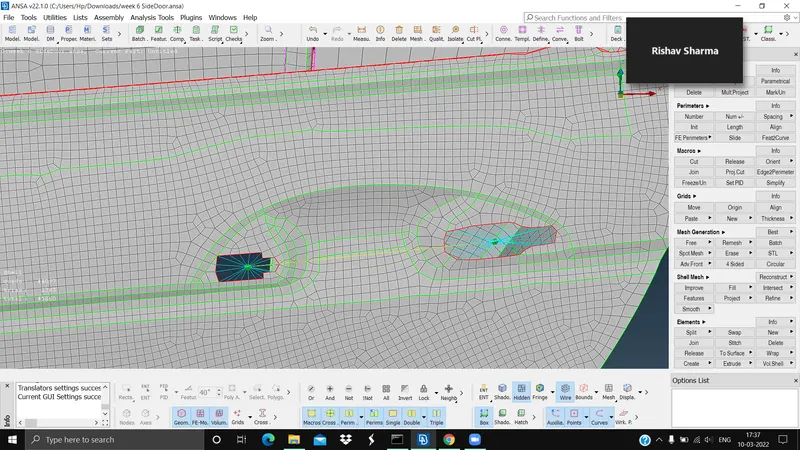
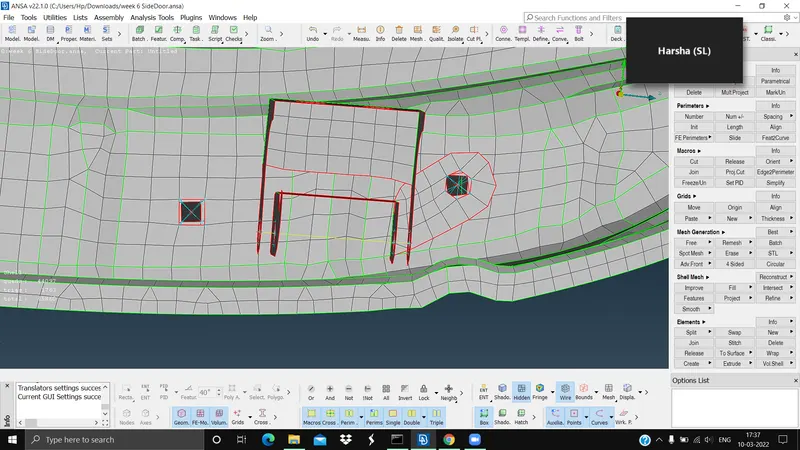
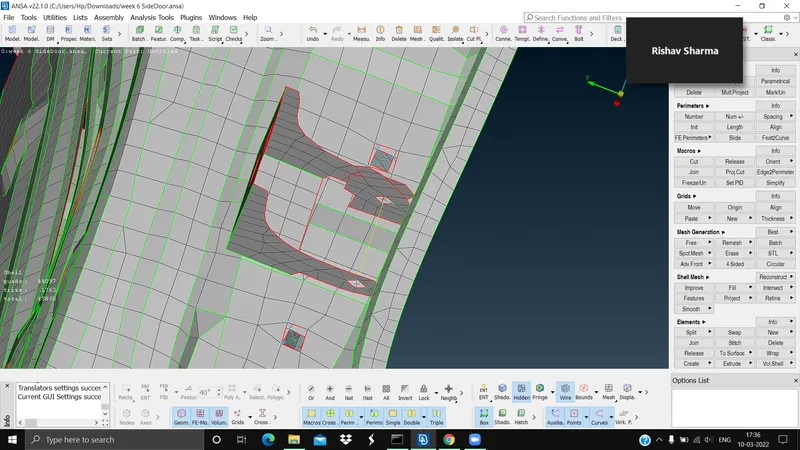
Results: All the connections were successfully provided whereever necessary.
The outcomes and conclusion of the challenge is that we have learned how to provide suitable connection at different places of different types and also learned how to provide mass where it is necessary and also gained knowledge of Nastran desk.