Week 5 Sphere pressing on a plate
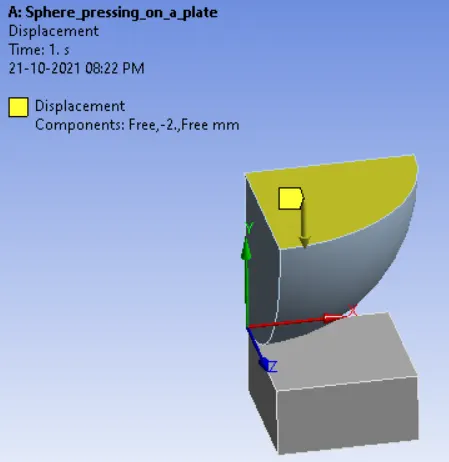
Aim: To perform the analysis to simulate a sphere pressing 4mm downwards on a plate and capture the plastic deformation.
Software:
Ansys Workbench 2020 R2
Procedure:
- Select the 'Static structural' into the interface and input the 'Structural steel NL' in the Engineering Data.
- Then Import the CAD model into the Geometry and edit in the space claim as per requirement.
- Then open the mechanical model to set up the solution and simulation.
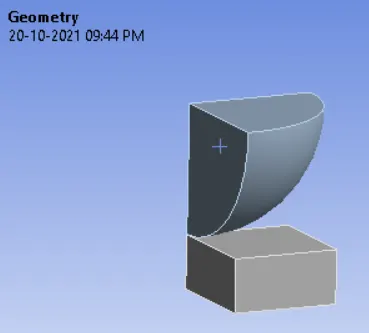
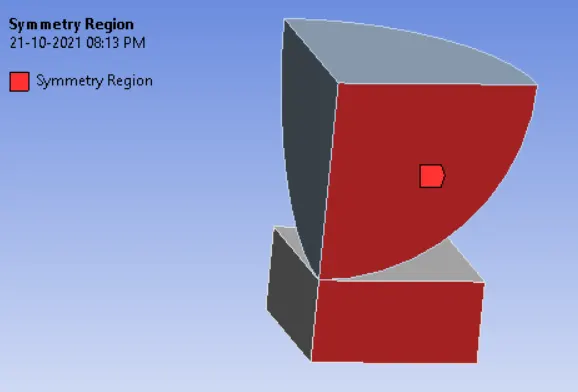
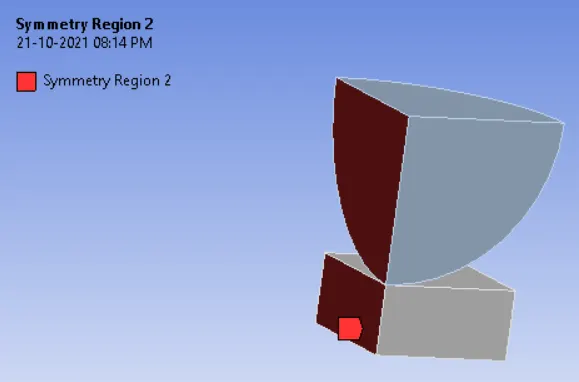
- Then create the symmetry on both sides of the plate and sphere to ensure it into complete sphere and plate.
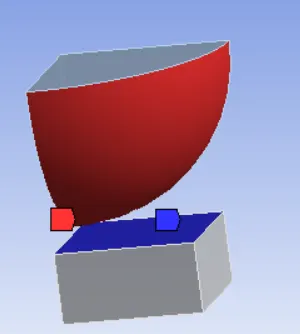
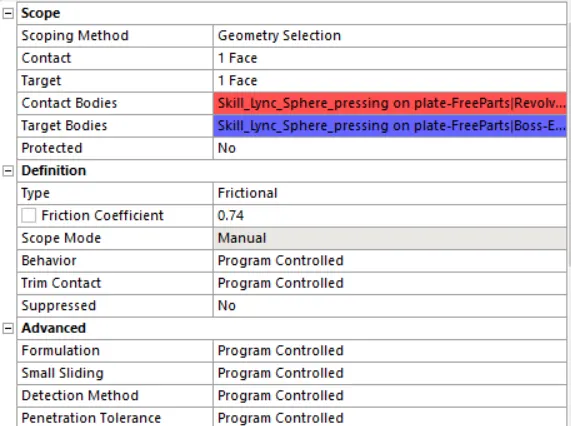
- Then create the frictional contact between plate and sphere with the coefficient of friction as 0.74.
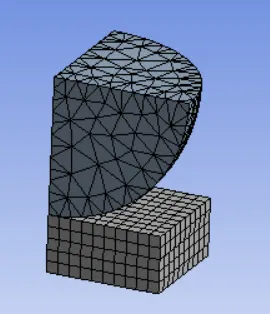
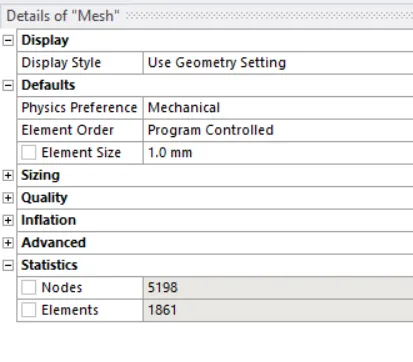
- After defining the contacts generate the mesh.
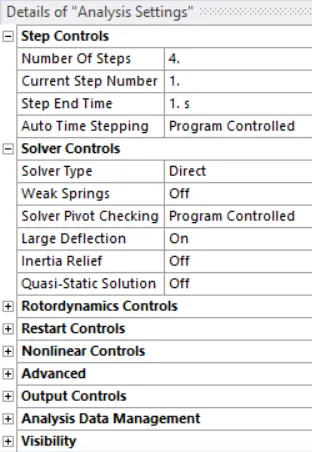
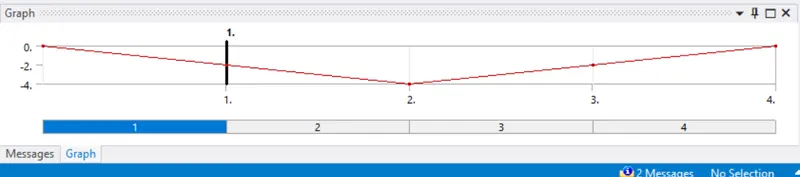
- Then set up the solution in the analysis settings to run the simulation in 4 steps and solver type as 'Direct'.
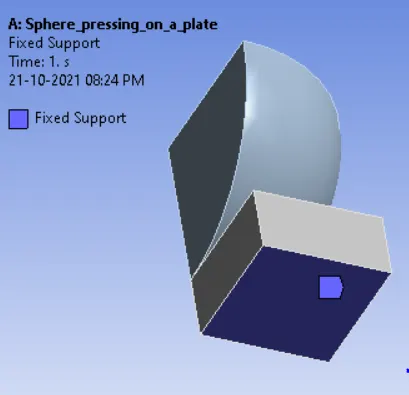
- Then apply 'Fixed support' at the bottom of the plate and apply the displacement in the sphere in 4 steps.
- Then run the simulation.
Results:
- Equivalent stress
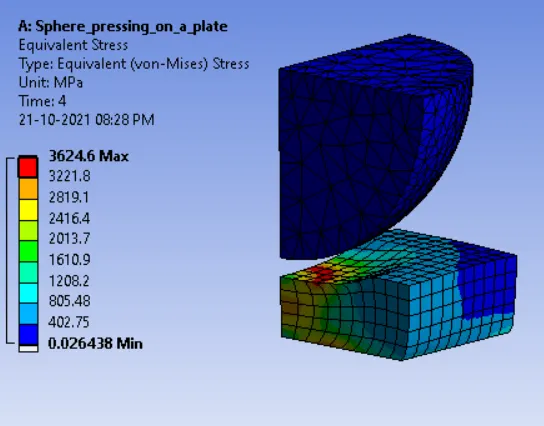
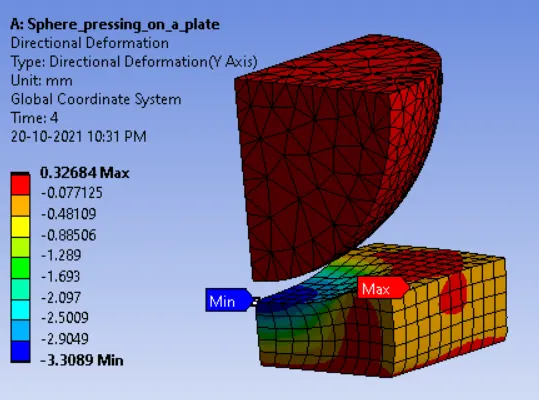
- Directional deformation of a plate.
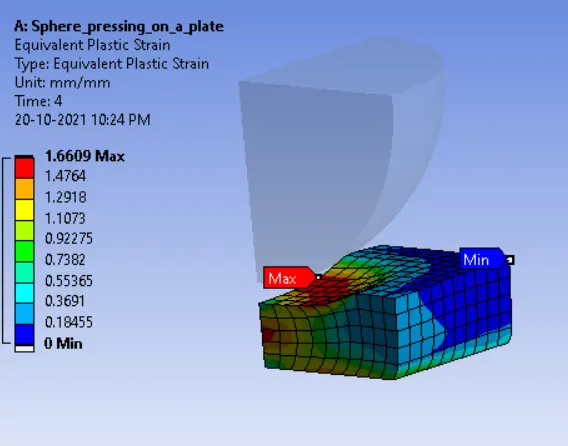
- Plastic Deformation of plate:
Conclusion:
- Hence, plastic deformation is captured by displacing a 4 mm with the sphere.