Week- 5 - Solid meshing
Solid Meshing:
Aim:
For the given rear view component we need to check for geometrical errors and mesh them with 2d element quality criteria and after that we need to use tetra elements to mesh the volumes defined for the model with the mentioned quality criteria.
Objective:
For the given Rear view mirror component, check for the geometrical errors and mesh the Surfaces with the given 2D element Quality criterias given below.
|
S.No |
Quality Criteria |
Value |
|
1 |
Target/Average length |
1 |
|
2 |
Minimum Length |
0.5 |
|
3 |
Maximum Length |
2 |
Use tetra elements to mesh the Volumes defined in the model and check for the below quality after Volume meshing.
|
S.No |
Quality Criteria |
Value |
|
1 |
Tet collapse |
0.2 |
Surface Quality after Volume mesh should be good. (i.e. There should not and kinks and dips on the surface of the component.)
(Refer “Model Requirements” in “Grading Policy” to know what to be done in the model)
Write a detailed report on your approach for this model. ( Refer “Report Requirements” in “Grading Policy” to know what to be added in the report)
Note:
- For 2D Elements, Only check for Min length and Max length errors.
- For 3D Elements, Only check Tet Collapse errors.
Procedure:
- Firstly import the model into ANSA from the system files.
- For Importing the model Goto>File>open>Select file>Ok.
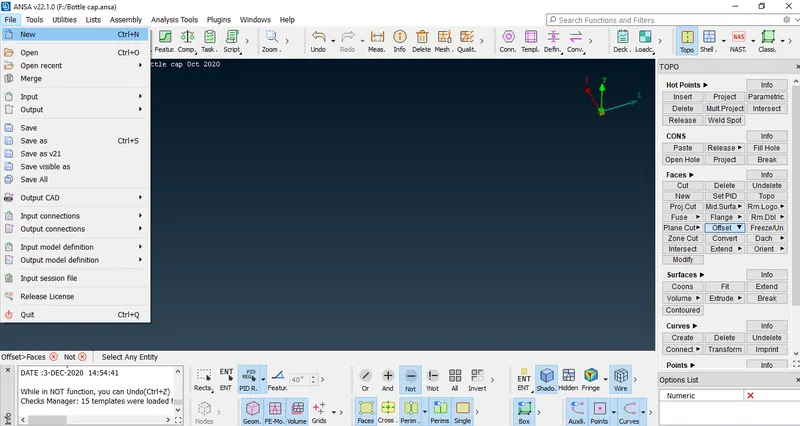
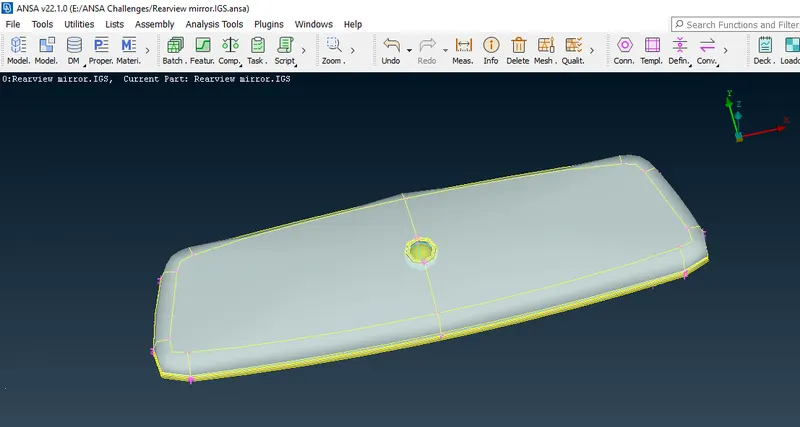
- After Importing the image will be as follows
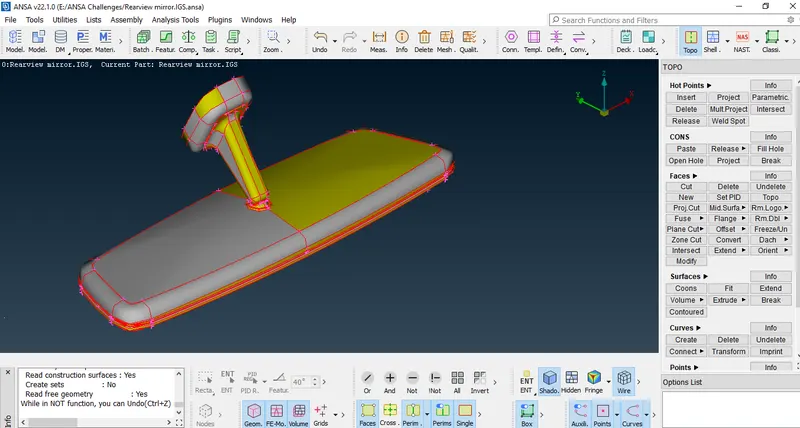
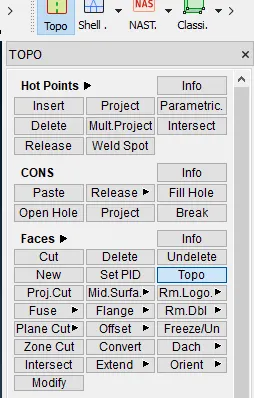
- For making the model into uniform shape we need to use 'Topo' option in faces.
- Goto>Faces>Topo.
- After performing topo the image is as follows.
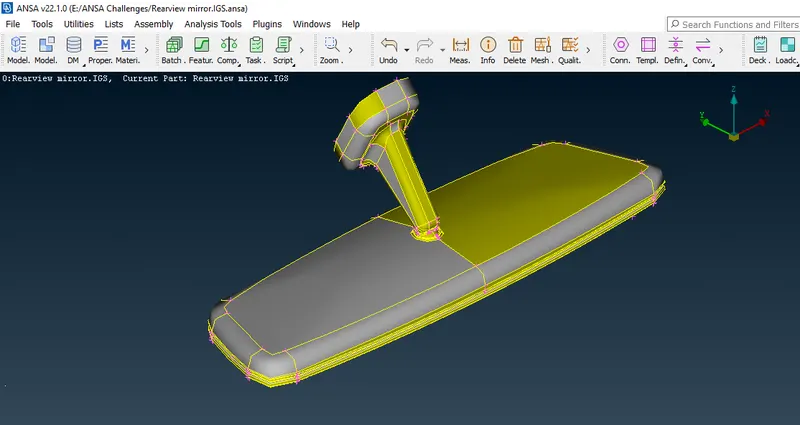
- Then we have to check for the model for geometrical errors as follows.
- Goto>Tools>Checks>Checks Manager>Geometry.
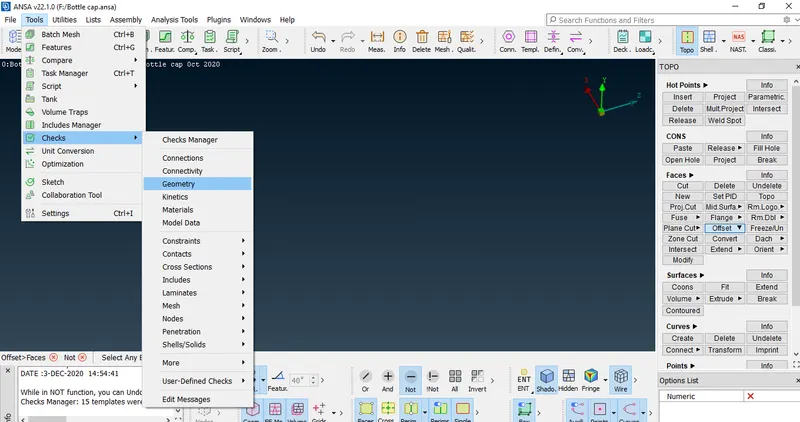
- After checking will find some errors in the model which we need to fix them.
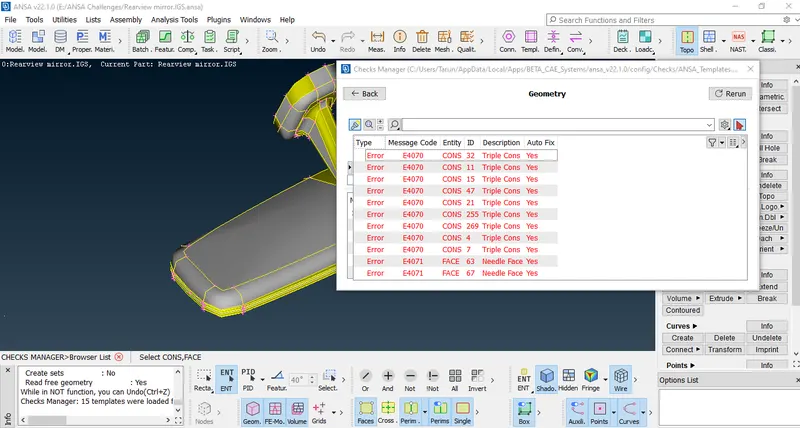
- Select the errors to be fixed and make a right click and fix them.
- As we need to perform solid meshing for the model we should not extract any mid surface,as it is a complex model we cannot able to extract mid surface.
- We need to start meshing for the model with mentioned criteria.
- In this we use only tria and ortho trias for meshing as it is a solid mesh.
- For Meshing we need to assign quality criteria
- Goto>Utilities>Quality criteria (OR) Press F11.
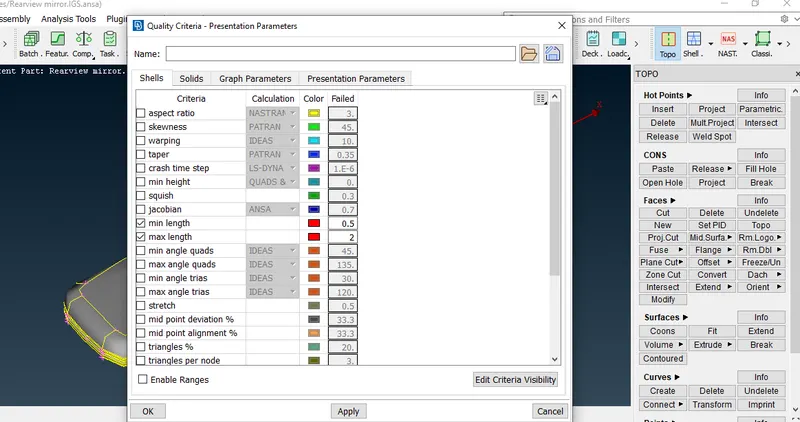
- After that assign mesh parameters Goto>Utilities>Mesh parameters.
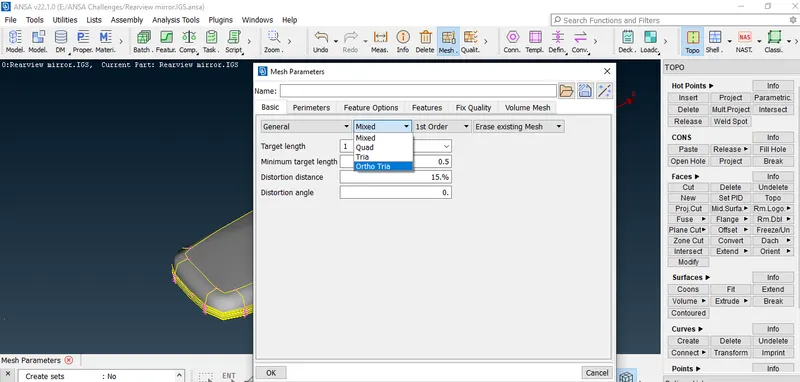
- Select the mesh as 'Ortho Tria'.
- We need perform meshing but at plane faces we use trias to mesh and but at complex surfaces we use 'Ortho Trias' to mesh for good mesh flow and quality.
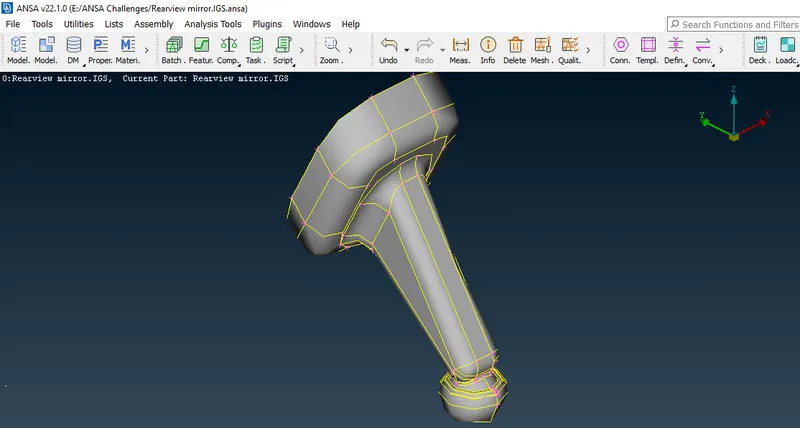
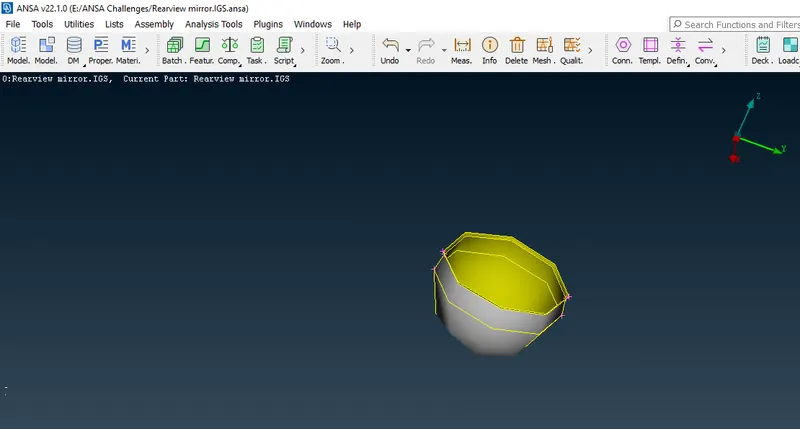
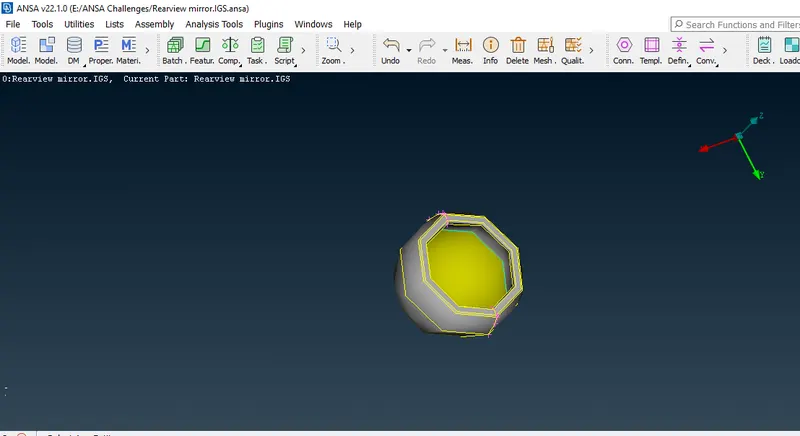
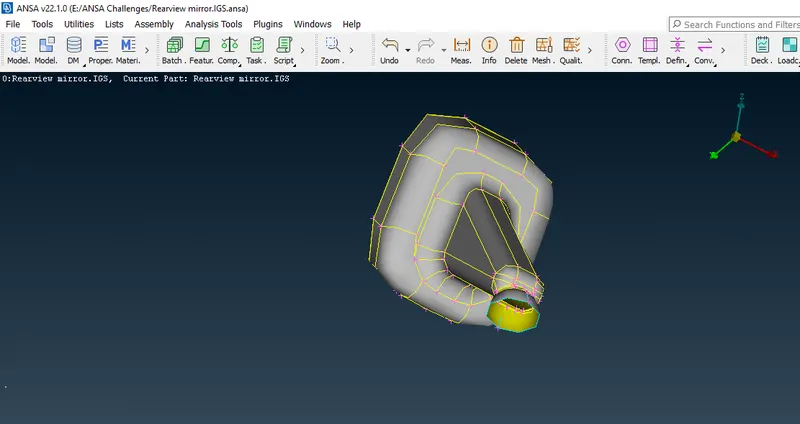
- In this model we have some interior surfaces or faces that are to be observed carefully and perform meshing.
- The images are as follows
- After 2D meshing the model based on the surface (or) Face complexity they are as follows.
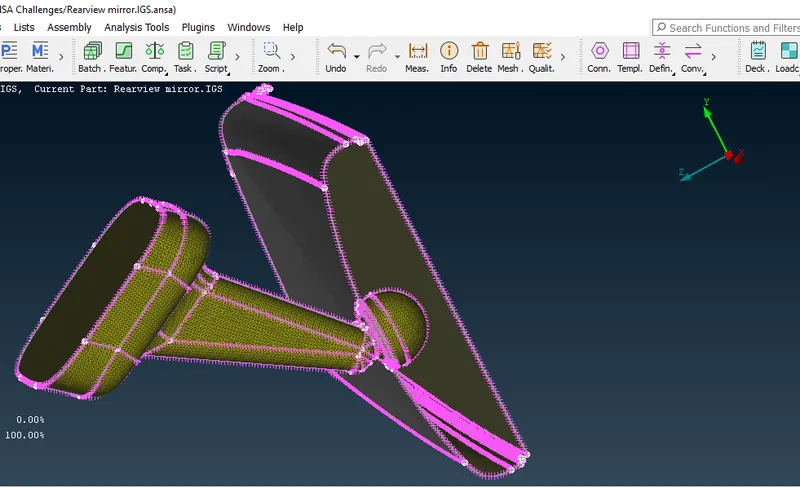
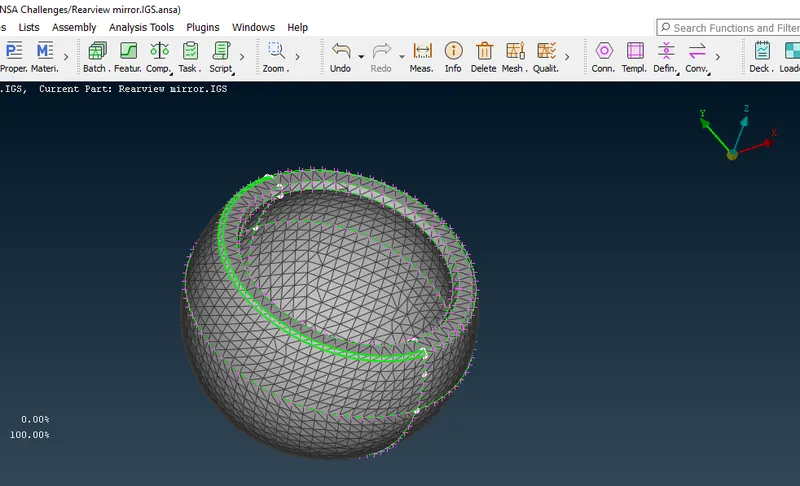
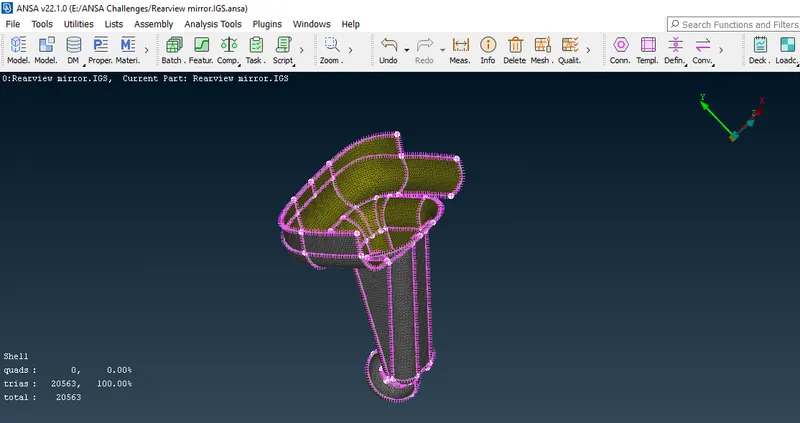
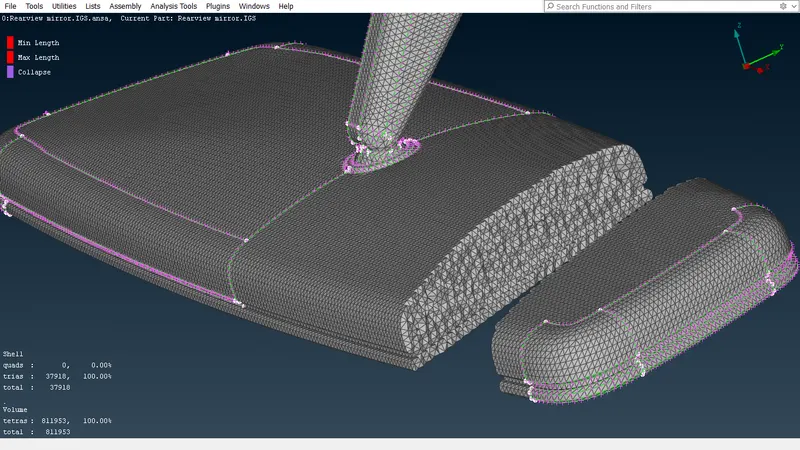
- The meshing components which are shown are hollow inside it but after doing tetra mesh (or) volume mesh will find some mesh inside the component.
- After meshing we need to make sure that no off elements should be present in the model.
- Mesh improvement can also be done by using 're-construction' option in shell mesh.
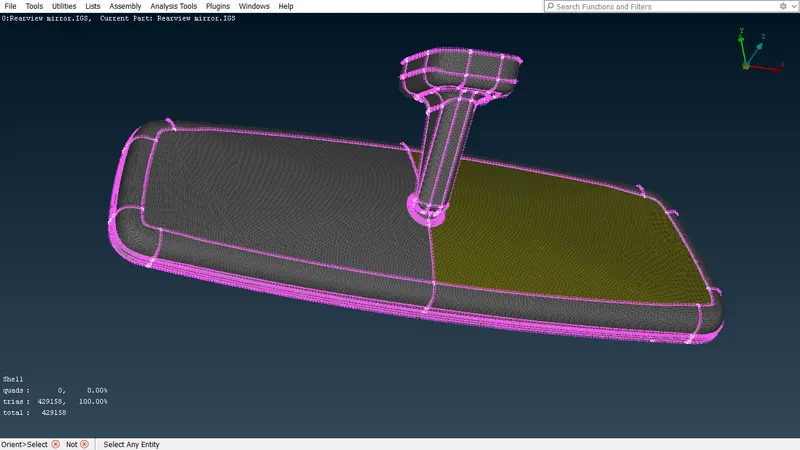
- After completion of 2D meshing on the component will go for tetra mesh (or) volume mesh as follows.
- We need to generate volume mesh on the model.
- it recognizes only the geometry as a closed volume, so we need to update manually into a closed volume.
- To convert the model into closed volume we must define the volume as follows
- Goto>Volume Mesh Tab and then in volumes define the model as Detect on db.
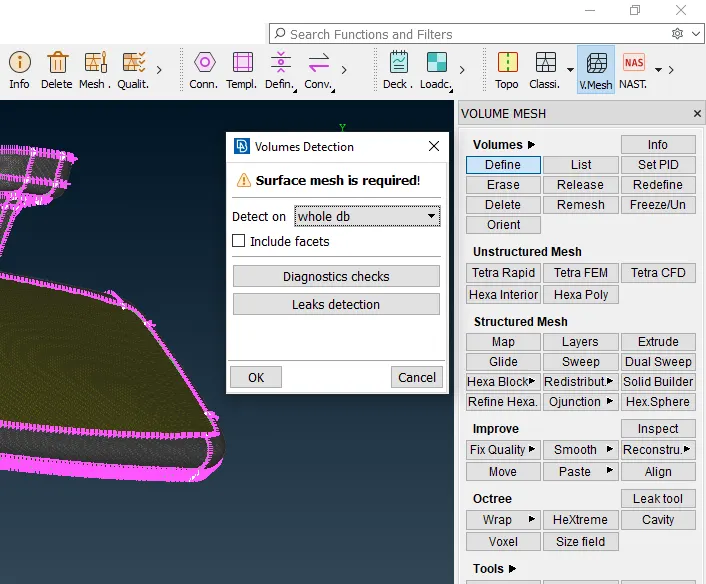
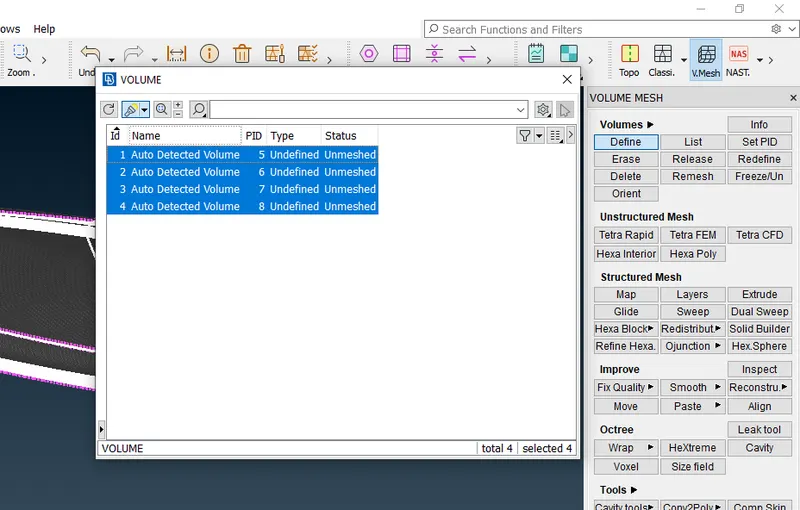
- And after that assign the quality criteria for the tetra mesh which is Tet-collapse.
- The volume tab after the mesh is as follows.
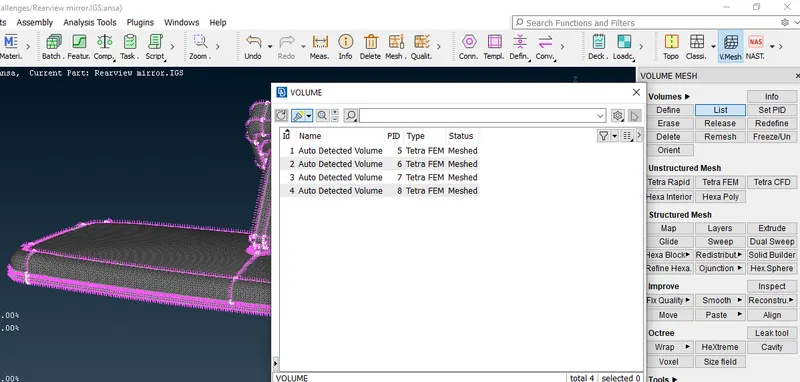
- After completion of volume mesh we need to check for tet-collapse elements in the model.
- Make sure that no tet-collapse elements should present.
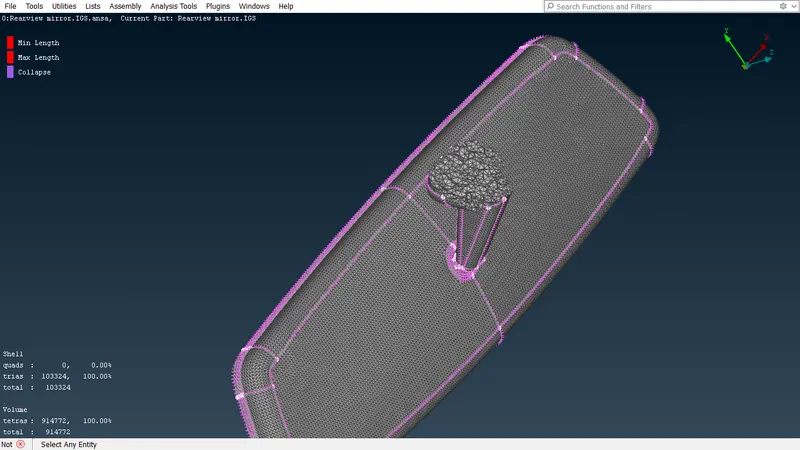
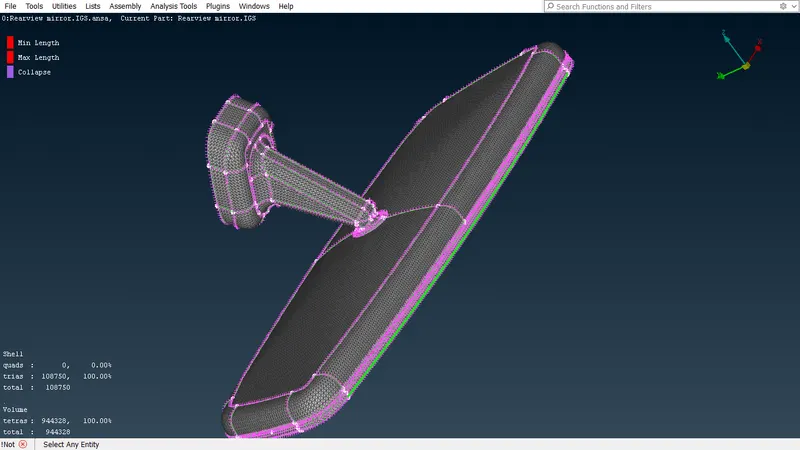
- After that the volume mesh generated will be as follows.
Learning Outcomes:
- Got to know shell meshing using trias and ortho tria elements.
- Learned about unstructered meshing.
- Got to know about volume meshing or tetra meshing.
- Learned about types of tetra meshing as Tetra Rapid or Tetra FEM.
- Clearing the quality errors in solid mesh such as Tet-collapse.
Conclusion:
The given model is meshed as per given quality criteria.